





Collaborative whiteboard tools have become essential for modern teams, transforming how we brainstorm, manage projects, and run meetings. In today's landscape of remote and remote work, these platforms unlock new levels of efficiency and creativity.
To help you find the perfect fit for your team, this guide reviews six of the best free online whiteboard tools of 2026, comparing their key strengths to boost your team's workflow.
Boardmix
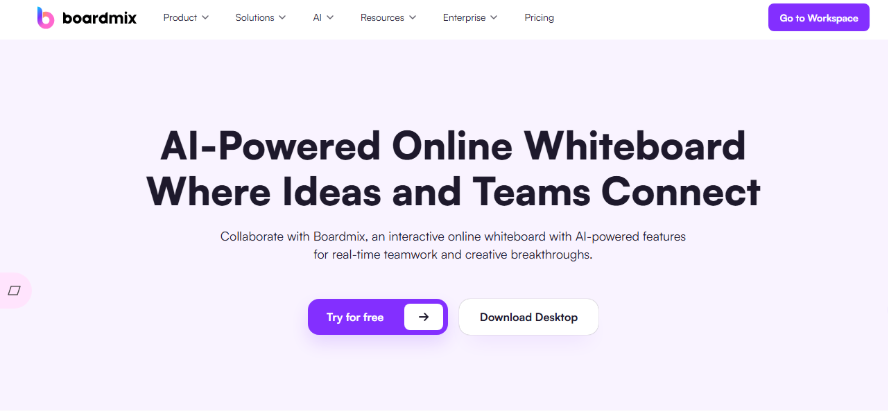
Boardmix is a versatile and free online whiteboard tool, highly recommended for tasks such as proposal discussions, presentation planning, and instructional demonstrations.
Key Highlights
● Professional Diagramming Tools: Includes built-in templates for fishbone diagrams, logic trees, mind maps, and more to help users break down problems from multiple perspectives.
● AI-Powered Assistance: Generates complete mind maps, logical frameworks, and even presentation outlines based on keywords or brief prompts, significantly reducing manual effort.
● Rich Template Library: Offers a wide range of templates for project management, teaching materials, brainstorming, strategic planning, and more, enabling users to start quickly.
● Community Resources: An open community space where users can browse, download, and share high-quality templates, fostering interaction and collaboration.
● Real-Time Cross-Platform Collaboration: Supports seamless editing across PC, tablet, and mobile devices. Multiple users can collaborate simultaneously with live comments, reducing delays and improving communication efficiency.
User Experience
The interface is clean and intuitive, allowing even beginners without prior design or mind-mapping experience to get started within minutes. It supports both basic needs and advanced applications, offering flexibility and room for deeper exploration.
Free Plan Details
Boardmix offers a free basic plan suitable for individual study, daily office work, and light team collaboration. Paid plans—which provide more AI credits, expanded templates, greater storage, and enterprise-level collaboration features—are competitively priced compared to similar AI-powered productivity tools. Register a account of Boardmix.
Miro
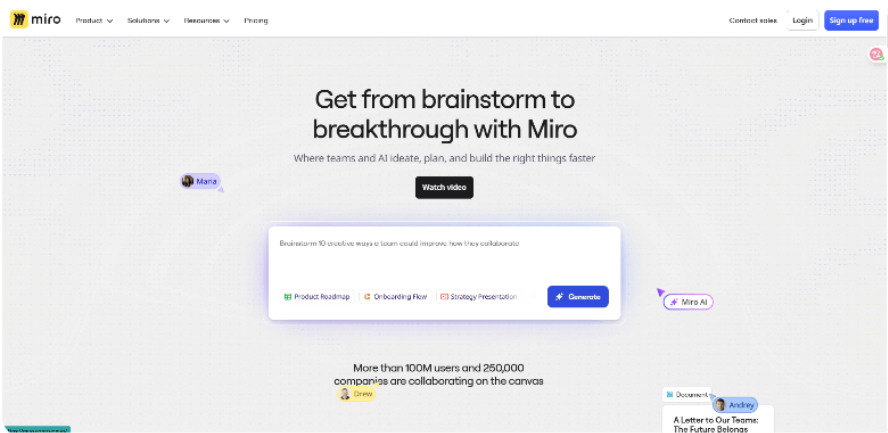
Miro is a powerful and internationally recognized free online whiteboard, ideal for team collaboration, remote work, and cross-border projects.
Key Highlights
● Infinite Canvas: Enables large-scale information visualization, allowing users to work on flowcharts, brainstorming maps, product roadmaps, and more within a single unrestricted space.
● Vast Template Library: Over a thousand professional templates covering agile development, OKR management, strategic planning, UX research, and other scenarios help teams start quickly without building from scratch.
● Strong Collaboration Capabilities: Supports real-time multi-user editing, annotation, and voting. Integrates seamlessly with tools like Slack and Zoom, enhancing the remote meeting experience.
● AI Features: Miro’s AI can automatically generate mind maps, summarize meeting notes, categorize information, and intelligently organize complex content to help teams align faster.
● Developer Ecosystem: Offers open APIs and a plugin marketplace, allowing technical teams to extend functionality and integrate with internal systems.
User Experience
Miro delivers a smooth interactive experience, especially for large teams collaborating in real time. Beyond a typical whiteboard, it focuses on ecosystem and workflow integration, though new users may find the interface and feature set somewhat complex initially.
Free Plan Details
A free basic plan is available for individuals and small teams. Advanced collaboration features—such as unlimited boards, project management plugins, and AI tools—require a paid subscription. Pricing is relatively high, making it more suitable for business teams.
Microsoft Whiteboard
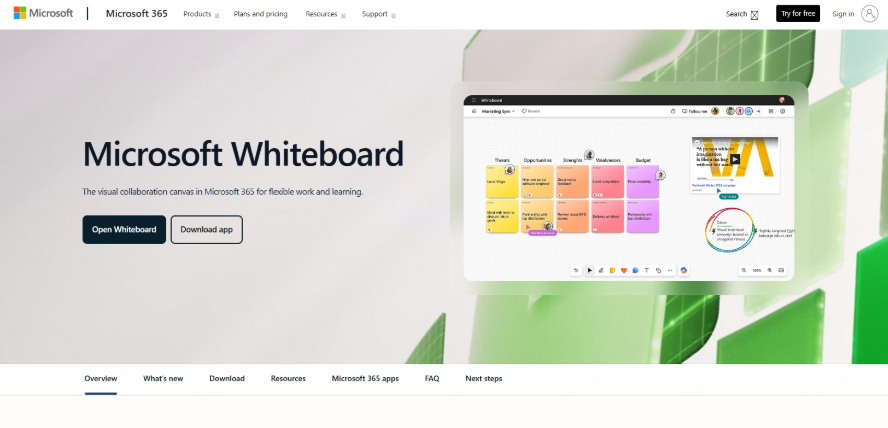
As part of the Microsoft ecosystem, Microsoft Whiteboard offers a straightforward and free digital whiteboard solution, particularly suitable for users already within the Office 365 or Teams environment.
Key Highlights
● Seamless Office Integration: Deeply integrated with Teams, Outlook, OneNote, PowerPoint, and other Microsoft tools, allowing users to launch the whiteboard directly during meetings for more efficient communication.
● AI Assistance: Recognizes handwriting and converts it into standard shapes, maintains clean layouts, and provides basic content suggestions.
● Simple Collaboration: Enables real-time co-editing, ideal for remote work scenarios when used with Teams.
User Experience
Microsoft Whiteboard is lightweight and user-friendly. While not as feature-rich as Miro or Boardmix, its simplicity and seamless integration with the Microsoft suite reduce the learning curve for existing users. However, it may lack advanced tools for structured diagramming or complex logic mapping.
Free Plan Details
Effectively free for Office 365 users with a Microsoft account. Advanced features are generally included with enterprise-level Office 365 licenses.
Jamboard
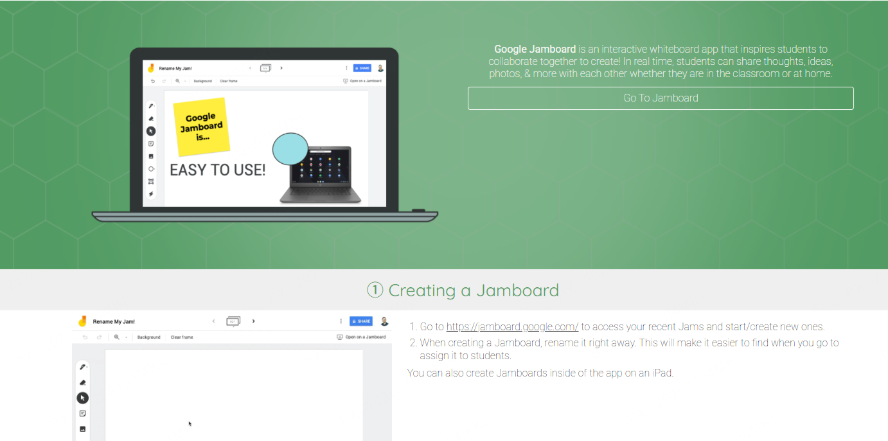
Jamboard is Google’s free digital whiteboard tool, originally designed to complement its interactive display hardware but now available as a cloud-based collaboration platform.
Key Highlights
● Google Ecosystem Integration: Works seamlessly within Google Meet, Google Classroom, and other Google Workspace apps, enabling instant whiteboarding during video calls or lessons.
● Multi-Device Sync: Accessible via web, iOS, and Android with real-time collaboration, well-suited for remote meetings or online classrooms.
● Intuitive Interaction: A simple interface lets users quickly add sticky notes, draw shapes, insert images, and capture ideas.
● Education-Focused: Widely used in Google Classroom, allowing teachers to facilitate interactive lessons and students to collaborate on tasks in real time.
● Hardware Support: Offers an enhanced experience when paired with Google’s 55-inch touchscreen Jamboard (though the hardware involves additional cost).
User Experience
Jamboard is lightweight and easy to use, with almost no learning curve. It excels at quick note-taking and informal collaboration but lacks advanced features such as AI support, structured diagrams, or extensive templates. Compared to Miro or Boardmix, it functions more as a simplified sketching tool for light use cases.
Free Plan Details
The software is free for Google Workspace users. The dedicated Jamboard hardware requires a separate purchase. For software-only use, it offers high value for education and basic remote collaboration.
Excalidraw
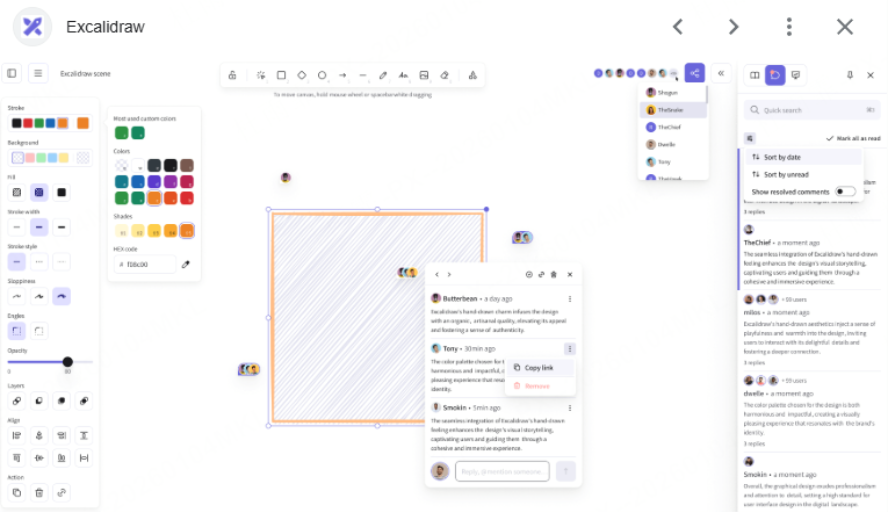
Excalidraw is an open-source, free digital whiteboard known for its hand-drawn aesthetic and minimalist design. It serves as a lightweight sketching and brainstorming tool, ideal for individual creativity and small team sessions.
Key Highlights
● Hand-Drawn Style: All elements (shapes, text, arrows)have a sketched, informal look that encourages creativity and reduces the pressure for perfection.
● Open Source & Free: Completely open source; users can self-host for greater data control.
● Minimalist Operation: A clean interface focused on quickly visualizing ideas without complex features.
● Plugins & Extensions: Supports community-built plugins and integrates with tools like Notion and Obsidian for knowledge management.
User Experience
Excalidraw offers a “less is more” experience because there are no built-in AI or elaborate templates, just a freeform canvas. Its hand-drawn style is great for brainstorming but may feel limited for users who need structured diagrams like logic trees or fishbone charts.
Free Plan Details
Fully free and open source. Some third-party services offer cloud storage or enhanced team features. Excalidraw stands out for its cost-effectiveness compared to premium whiteboard tools.
Conceptboard
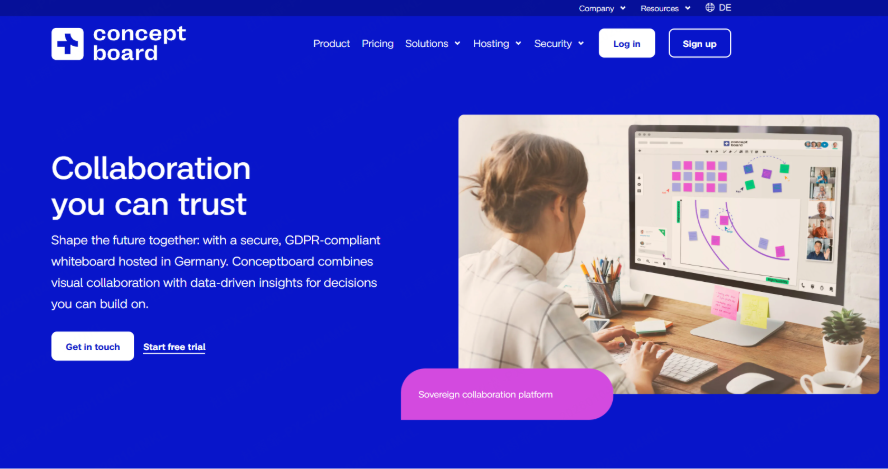
Conceptboard is a free digital whiteboard focused on visual collaboration, popular among European businesses and distributed teams.
Key Highlights
● Visual Collaboration: Supports flowcharts, mind maps, brainstorming, design reviews, and other visually oriented workflows.
● Strong File Support: Embed PDFs, images, videos, and other files directly onto the board for real-time annotation and feedback, facilitating project review and iteration.
● Team Collaboration Features: Includes task assignment, comments, version history, and voting—functioning as a hybrid whiteboard and lightweight project management tool.
● Privacy & Compliance: Adheres to GDPR and other international data security standards, offering peace of mind for organizations with strict compliance requirements.
User Experience
Conceptboard leans toward professional collaboration, integrating project discussions, file reviews, and process management into a single canvas. While its template library and ecosystem are smaller than Miro’s, it excels in compliance and data privacy. There is a moderate learning curve, but once adopted, it can significantly boost team efficiency.
Free Plan Details
A free basic plan is available with some limitations, suitable for individuals and small teams. Paid enterprise plans offer more collaboration features, storage, and compliance guarantees, with pricing in the mid-to-high range for international whiteboard tools.
Conclusion
The above six electronic whiteboard software programs are free and easy to use. If you are looking for a free whiteboard software that is fully featured and easy to operate, Boardmix is undoubtedly a great choice. It not only supports real-time collaboration for multiple users and offers a variety of drawing and layout tools, but also easily integrates mind maps, sticky notes, PPT imports, and other functions, meeting the diverse needs of teams in creativity, meetings, and project management. There are also plenty of AI assistants available; click the card below to experience it for free immediately!





