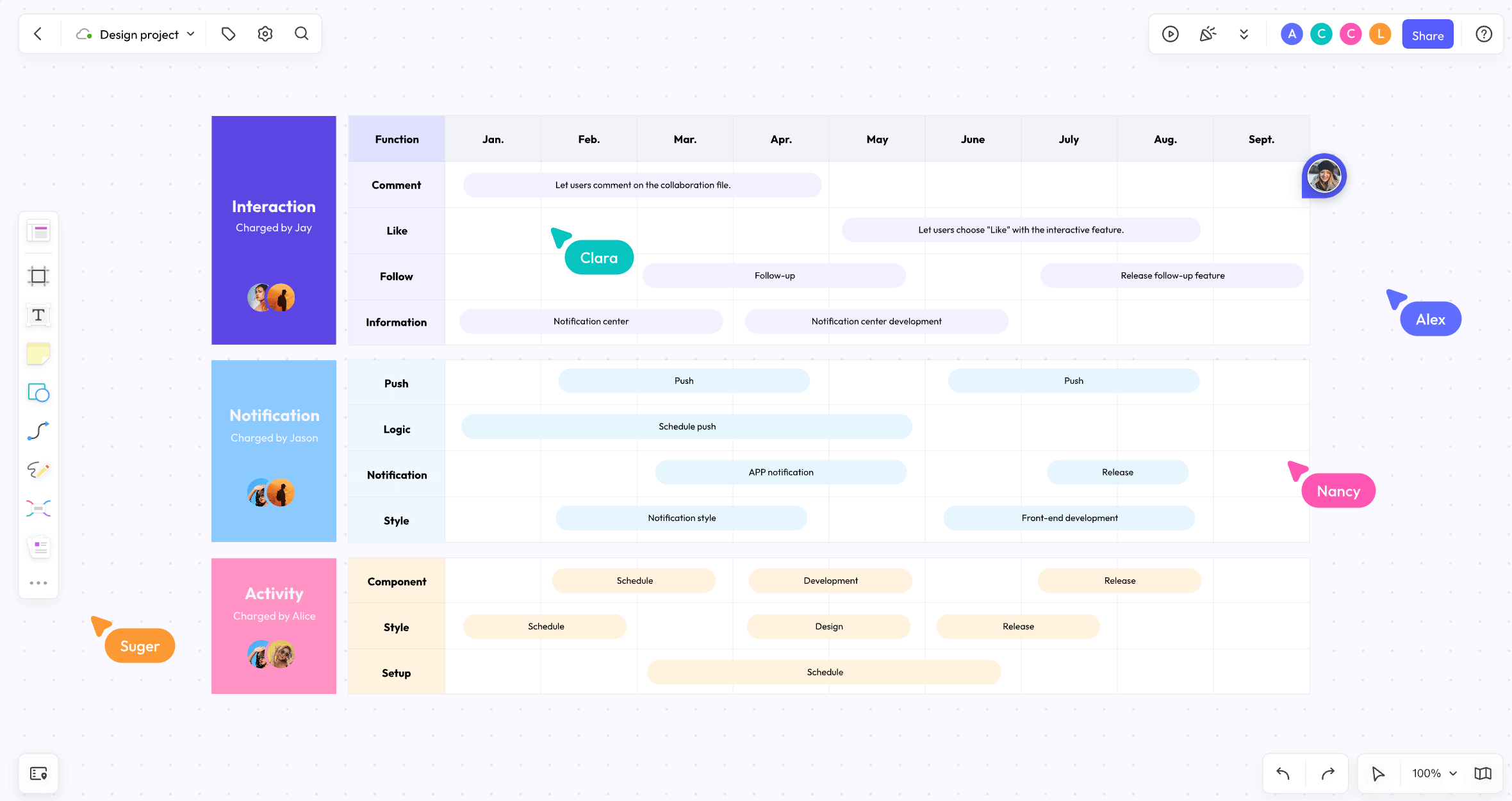
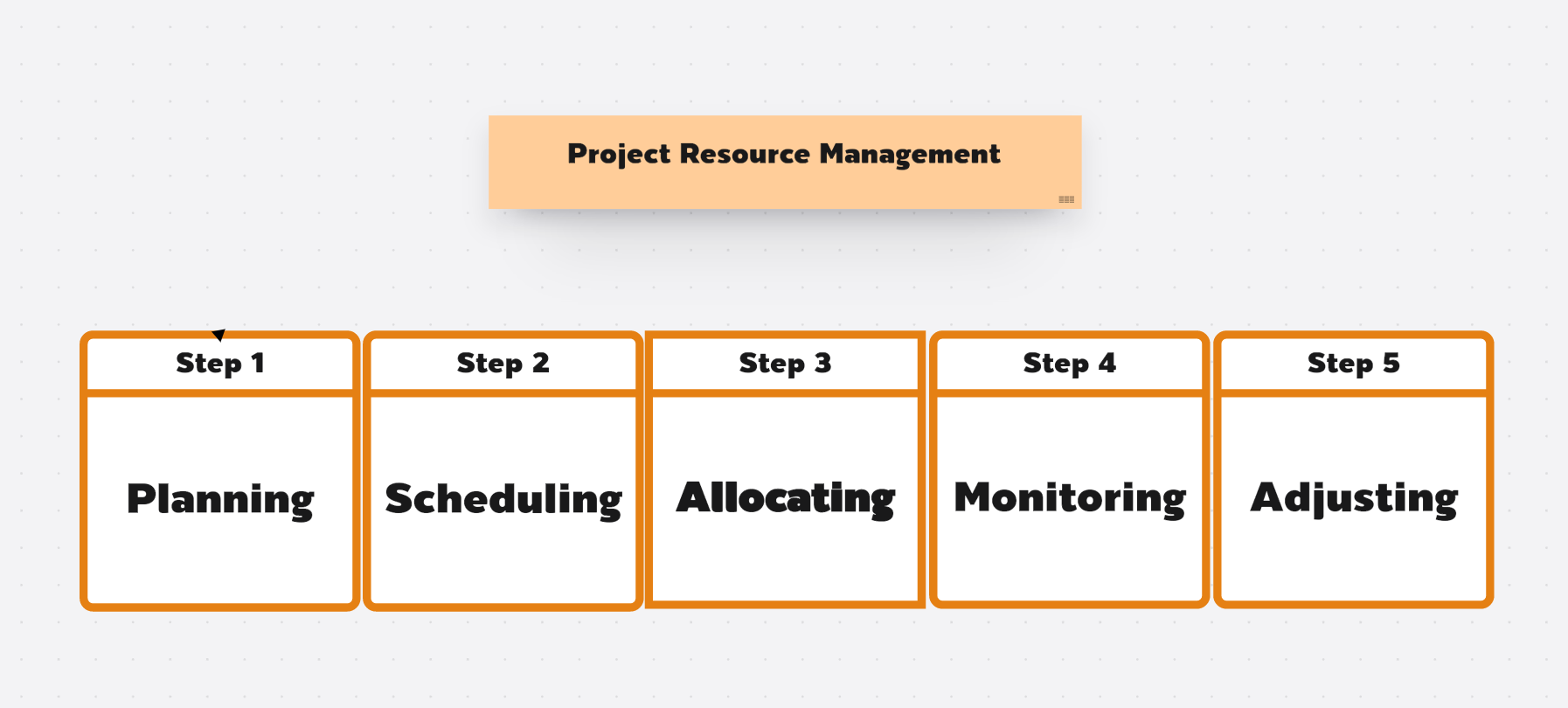
To create a Gantt chart, define the project scope, list the tasks, map their dependencies, estimate durations, place each task on a timeline, and add owners, milestones, and progress. Build the schedule logic before drawing the bars; a polished chart cannot fix missing work or impossible dates.
This guide walks through that process step by step. It also explains how a shared Boardmix whiteboard can help a team arrange tasks, review dependencies, and keep a visual schedule understandable without presenting the whiteboard as a replacement for a dedicated scheduling engine.
What to Prepare Before Creating a Gantt Chart
A useful Gantt chart starts with a defined project, not an empty timeline. Write down the outcome, the work included, the work excluded, the target date, and any calendar constraints. Then break each deliverable into tasks that are specific enough to estimate and assign.
- Project scope: the outcome and boundaries the schedule represents.
- Task list: the work required to produce each deliverable.
- Dependencies: which tasks must finish or start before another task can move.
- Durations and calendar: realistic working time, weekends, holidays, and fixed dates.
- Owners and reviewers: the person accountable for each task and the people who approve milestones.
If you need a refresher on the format before planning, start with these Gantt chart basics. A Gantt chart is a scheduling view that uses horizontal bars to show task timing; progress, owners, and dependencies are useful additions rather than automatic properties of every chart.
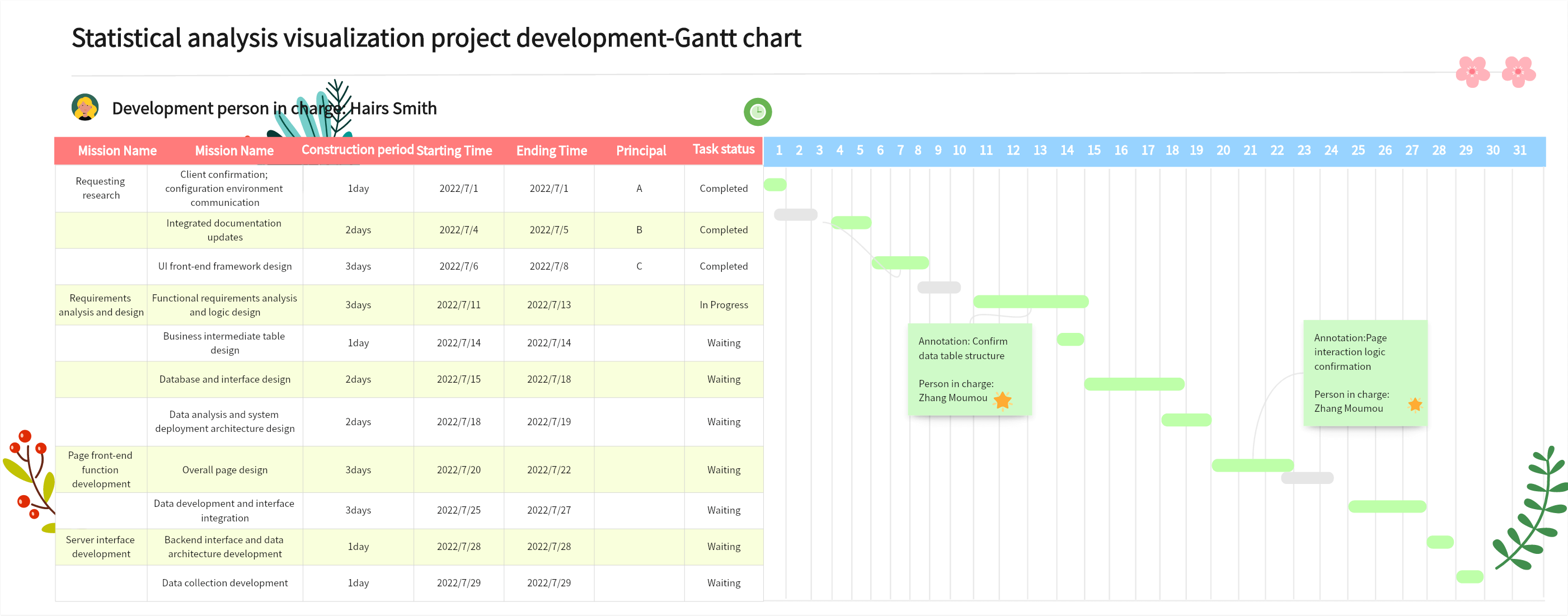

How to Create a Gantt Chart in 6 Steps
1. Define the project scope and finish line
State what the project will deliver and what “done” means. A website launch, for example, needs a clearer finish line than “improve the website.” Define the launch assets, approval requirements, launch date, and work that belongs outside this schedule.
2. List and sequence the tasks
Break the work into tasks that produce observable outputs. Put them in a rough order, but do not assume every task is sequential. Design and content drafting may proceed in parallel, while final quality assurance may depend on both being complete.
3. Map the dependencies
For each task, ask what must be available before it can start. Draw only dependencies that represent real constraints. Too few dependencies make the plan unrealistic; too many make it brittle and hard to update.
4. Estimate durations and set dates
Estimate working duration with the people doing the work. Convert those estimates into dates using the actual team calendar, fixed commitments, review time, and reasonable contingency. Do not compress a task merely to make the final bar fit the requested date.
5. Draw task bars and add milestones and owners
Create one row per task and place a horizontal bar from its planned start to planned finish. Add milestones for zero-duration decision points such as approval or release. Label an owner for every task and keep status colors limited and consistently defined.
6. Review, baseline, and update the chart
Walk every dependency path with the team. Confirm that the dates, handoffs, and owners are feasible, then save the agreed schedule as a baseline. Update progress and forecast dates at a regular cadence, recording the reason for material changes instead of silently moving bars.
Microsoft's Gantt Chart documentation is a useful reference for the common task-list and timeline layout used in project software.
How to Build a Gantt Chart in Boardmix
Boardmix is an online whiteboard, so its practical role is collaborative schedule planning and visual communication. Use it when the team needs to arrange tasks together, discuss dependencies, or present a lightweight timeline. If you need automated resource leveling, critical-path calculation, or portfolio reporting, confirm those requirements in dedicated project-management software.
Step 1: Open a shared workspace
Create a board and invite the people who own or review the work. Put the project outcome, date assumptions, and status legend near the chart so reviewers see the rules behind the visual.

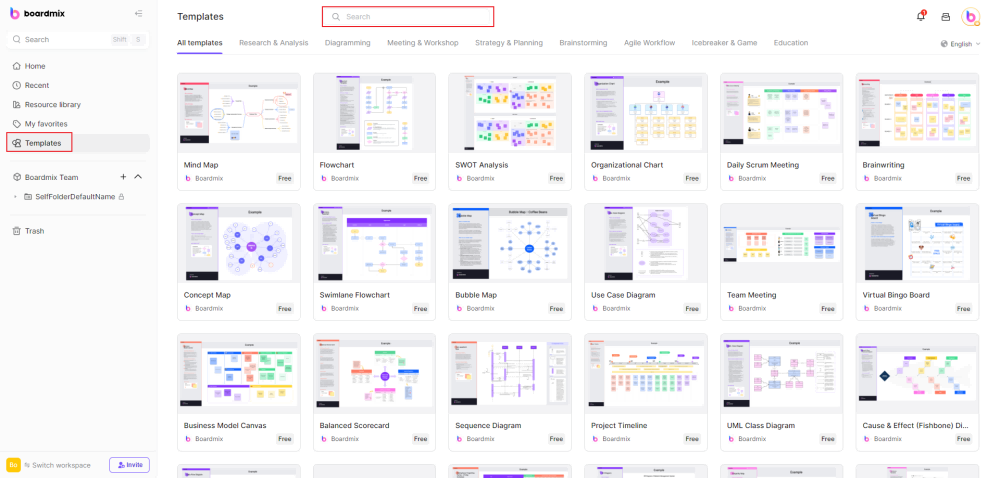
Step 2: Start with a template or a blank timeline
Choose a relevant layout from the free Gantt chart templates or build task rows and date columns on a blank canvas. The template should speed up formatting, not determine the schedule logic for you.
Step 3: Add tasks, bars, dependencies, and review notes
Put tasks in execution order, draw each duration across the timeline, and use connectors for the dependencies that matter. Add owners, milestones, and a small status legend. Invite reviewers to comment on missing work, unrealistic dates, and unclear handoffs before the schedule is accepted.
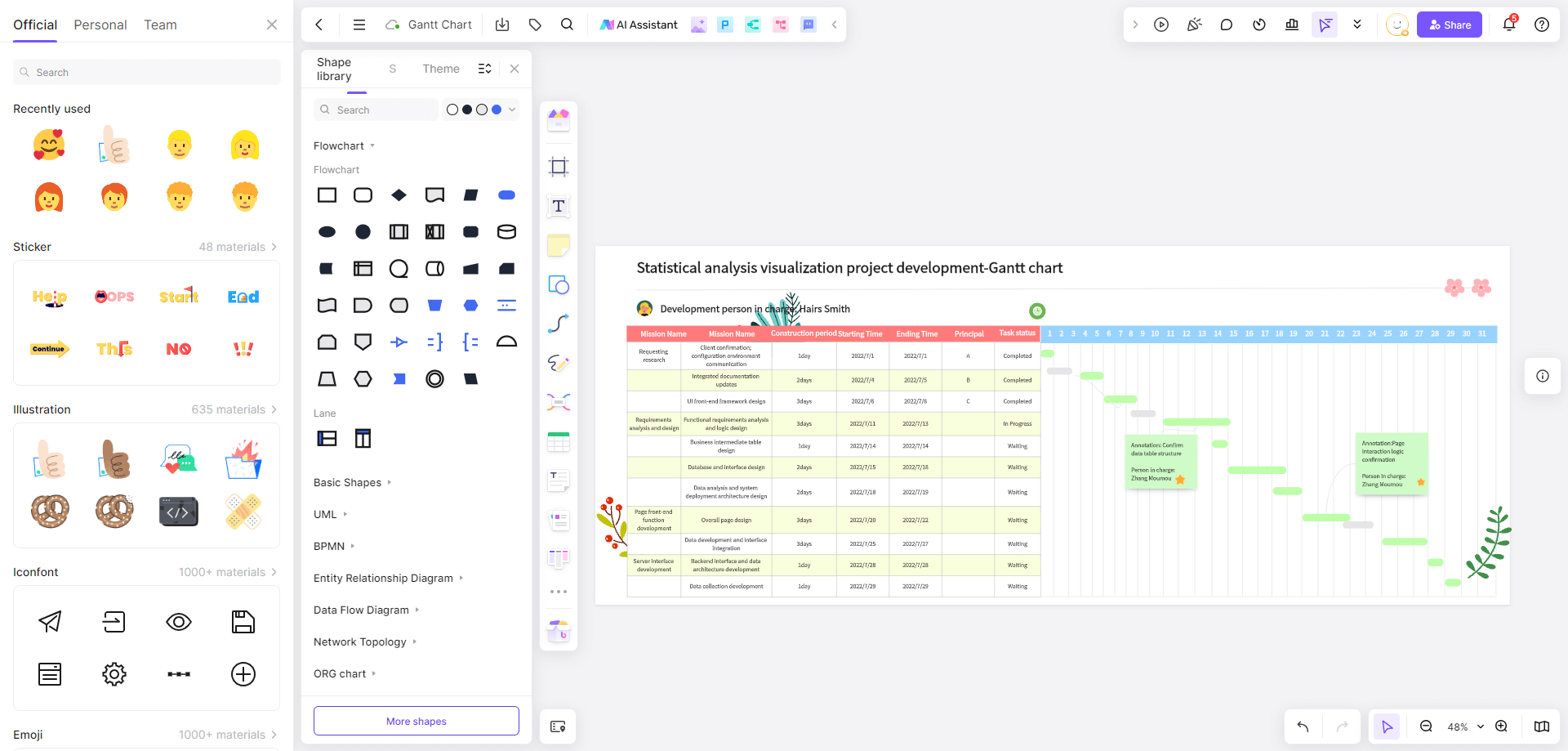
The Boardmix Gantt chart workspace can then be shared with stakeholders or exported for a report. Keep the editable board as the review surface and record schedule decisions where the team can find them.
Worked Example: A Website Launch Gantt Chart
Suppose a team is planning a small website launch. The chart could include discovery, information architecture, design, copywriting, development, quality assurance, approval, and launch. Discovery must finish before the main design direction is approved, but copywriting and detailed design can overlap. Development begins when the required designs and content are ready, and quality assurance depends on a testable build.
- Milestones: scope approved, design approved, content locked, release approved, and site launched.
- Parallel work: content drafting can run alongside detailed design after the site structure is agreed.
- Dependency: release approval depends on quality assurance and stakeholder review.
- Update rule: owners report completed work, remaining duration, and forecast changes each week.
This example shows why dependencies matter more than decorative bars. Moving the launch date without changing an upstream dependency does not resolve the underlying schedule conflict.
Common Gantt Chart Mistakes
- Drawing before planning: build the task and dependency logic before formatting the timeline.
- Using tasks that are too broad: “build product” cannot be estimated, assigned, or reviewed reliably.
- Ignoring calendars and review time: working duration is not the same as elapsed calendar time.
- Leaving tasks without owners: a task shared by everyone is often owned by no one.
- Using color without a legend: labels and a small legend make status accessible and unambiguous.
- Never updating the plan: a Gantt chart becomes misleading when actual progress and revised forecasts are not recorded.
Gantt Chart FAQ
What should a Gantt chart include?
At minimum, include task names, planned start and finish dates, durations, and a readable time scale. Add dependencies, owners, milestones, and progress when they help the audience make a decision.
What is the difference between a Gantt chart and a timeline?
A timeline summarizes events or milestones in date order. A Gantt chart usually shows task durations in rows and may also show dependencies, owners, and progress, making it more suitable for schedule planning.
How often should a Gantt chart be updated?
Update it at the team's planning cadence and whenever a material dependency, duration, or milestone changes. Weekly may suit a short delivery project, while a fast-moving launch may need more frequent review.
Can an online whiteboard replace project scheduling software?
An online whiteboard works well for collaborative planning, workshops, and a lightweight shared view. Use dedicated scheduling software when the project requires automated resource calculations, complex baselines, or portfolio controls.