





A Knowledge Tree is a powerful visual method for organizing subject matter and mapping the entire scope of a knowledge system using a tree-like structure. Unlike traditional linear note-taking that often leaves information scattered and disconnected, a Knowledge Tree creates a cohesive framework that mirrors how the human brain naturally processes and retains information. It helps clarify learning pathways, identify gaps in understanding, and quickly locate key points for review or teaching—turning overwhelming amounts of information into a navigable, logical system that grows alongside your learning journey. This guide will explain what a Knowledge Tree is, its core benefits for learners and educators alike, the best tools available for creating one, and a practical, step-by-step method to efficiently build your own visual knowledge system using a collaborative online whiteboard.
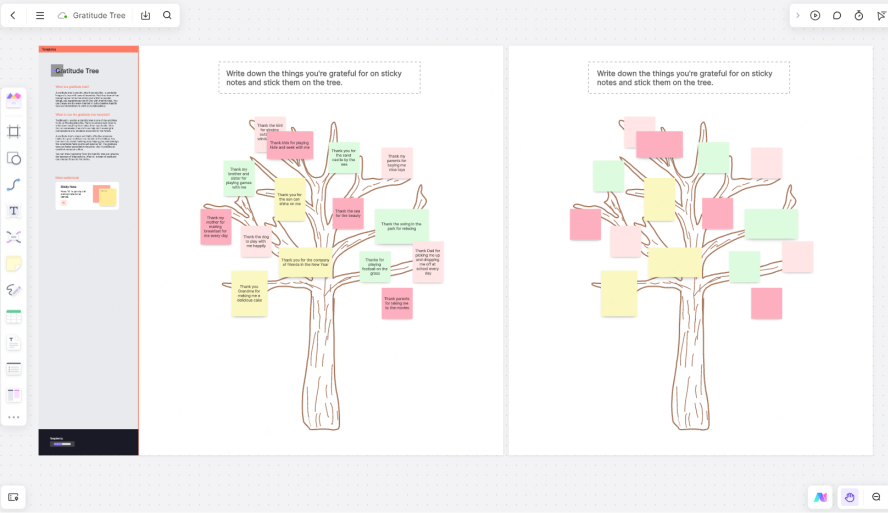
What is a Knowledge Tree?
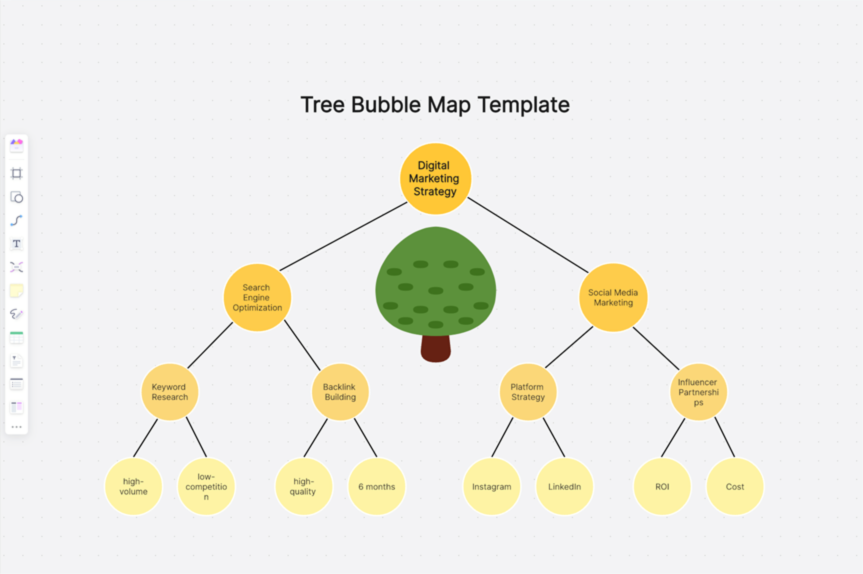
Think of it as a visual map of your knowledge system that transforms isolated facts into interconnected branches, creating a layered, progressive structure that turns scattered information into a panoramic overview. At a glance, you can see the entire subject landscape—from foundational core concepts to the most granular details—without losing sight of how each piece connects to the whole. Its structure typically has three distinct parts that mirror the anatomy of a real tree, making it intuitive to understand and build:
Trunk: The core topic or subject that anchors the entire structure (e.g., Algebra, World History, English Grammar). This is the foundation upon which all other knowledge branches grow, and it should be specific enough to keep the tree focused but broad enough to cover the key areas you need to master.
Main Branches: Primary knowledge modules or major categories that stem directly from the trunk. These represent the largest divisions of the subject, such as "Linear Equations" within Algebra or "Medieval History" within World History. Each main branch should be mutually exclusive (no overlap) and collectively exhaustive (covering all key areas of the trunk topic).
Sub-Branches: Secondary and tertiary topics broken down to the finest detail, such as "Slope-Intercept Form" under Linear Equations or "Feudalism" under Medieval History. These sub-branches can continue to expand as needed, allowing you to dive deeper into specific areas without cluttering the overall structure.
Knowledge Tree vs. Mind Map:
A common misconception is that Knowledge Trees and Mind Maps are interchangeable, but they serve distinct purposes. A Knowledge Tree is vertical and rooted, emphasizing systematic, hierarchical organization that aligns with structured learning and long-term knowledge retention. It is ideal for long-term review and structured organization of established information—such as textbook content, exam curricula, or training materials. A Mind Map, by contrast, is more radial and associative, radiating outward from a central idea to capture spontaneous thoughts, brainstorming sessions, or creative connections. Simply put: mind maps help you think and generate ideas, while knowledge trees help you organize and solidify what you have learned or need to learn.
The Benefits of Using a Knowledge Tree
Low learning efficiency often stems not from an inability to learn, but from not knowing what to learn, where you are in the learning process, and what gaps exist in your understanding. This "learning blind spot" is one of the biggest barriers to progress, as learners waste time revisiting material they already master or skipping critical foundational concepts. A Knowledge Tree solves this by structuring information into a clear, logical hierarchy that eliminates guesswork and provides a roadmap for growth. Here are its most impactful benefits:
Systematizes Knowledge:
It organizes fragmented content into hierarchical categories, building a structured system from scattered notes, textbook chapters, or training materials. For students, this means turning a pile of disconnected flashcards or highlighted textbook pages into a coherent framework where every piece of information has a clear place. For professionals, it transforms disjointed work notes into a reference system that can be easily shared with colleagues or used to onboard new team members. Unlike unstructured notes that require hours to sift through, a Knowledge Tree lets you see the big picture and drill down into details in seconds.
Enables Efficient Review & Gap Analysis:
One of the greatest strengths of a Knowledge Tree is its ability to provide an instant overview of what you know and what you don’t. When preparing for exams, for example, you can quickly identify weak areas (e.g., "I struggle with Quadratic Functions" or "My understanding of Tenses is incomplete") and prioritize your study time accordingly. This targeted approach reduces wasted effort and ensures that every study session addresses specific gaps, rather than mindlessly reviewing material you already command. Educators can also use this feature to assess student progress, identifying common gaps in the class’s understanding and adjusting lesson plans to address them.
Enhances Teaching & Lesson Planning:
For educators, a Knowledge Tree is an invaluable tool for presenting a coherent system to students. It serves as the perfect visual aid to logically showcase chapter flow, core concepts, and connections between topics—helping students see how individual lessons fit into the larger subject framework. Lesson planning becomes more efficient, as teachers can map out the entire curriculum as a Knowledge Tree, ensuring that each lesson builds on previous ones and that no key topics are overlooked. It also makes it easier to adapt lessons for different learning styles, as visual learners benefit from the tree’s structure while sequential learners can follow the hierarchical branches step-by-step.
Facilitates Learning Path Planning:
A Knowledge Tree guides learners steadily from foundational to advanced concepts, which is crucial for self-learners, students transitioning between school levels (e.g., middle school to high school), or those learning new professional fields. For someone learning a new language, for example, the tree might start with basic vocabulary (trunk), branch into grammar rules (main branches), then sub-branch into verb conjugations and sentence structure (sub-branches)—ensuring that foundational skills are mastered before moving to advanced topics. This structured path prevents overwhelm and builds confidence as learners see tangible progress toward their goals.
Tools for Creating Knowledge Trees
Choosing the right tool is key to creating a clear and visually effective Knowledge Tree, as the tool you use will impact how easy it is to build, edit, share, and maintain your tree over time. The best tool depends on your needs—whether you prefer analog methods, dedicated software, or collaborative online tools. Common options include:
Pen & Paper:
The simplest and most accessible option, pen and paper requires no technology and lets you draw freely without constraints.
Pros: Accessible anywhere (no device or internet needed), tactile and engaging for those who learn better through handwriting, and no learning curve for basic use.
Cons: Hard to edit (requires erasing or rewriting), difficult to reorganize branches once drawn, not easy to share with others (unless scanned or photographed), and prone to loss or damage if not stored carefully.
Best for: Quick brainstorming sessions, learners who prefer handwriting and sketching, or those who want to avoid screen time while studying.
Dedicated Mind Mapping Software (e.g., XMind, MindManager):
These software tools are designed specifically for creating visual maps and diagrams, with features tailored to structured thinking.
Pros: Offers clear, customizable structures, stable and reliable features, multiple export options (PDF, image, text), and offline functionality. Many include pre-built templates for common subjects or use cases.
Cons: Often optimized for radial brainstorming (Mind Map-style) rather than strict vertical hierarchies, making them less intuitive for building true Knowledge Trees. Some premium features require paid subscriptions, and collaboration is often limited to sharing files rather than real-time editing.
Best for: Project planning, simple subject organization, or users who prefer desktop software over online tools.
Online Whiteboard Tools (like Boardmix):
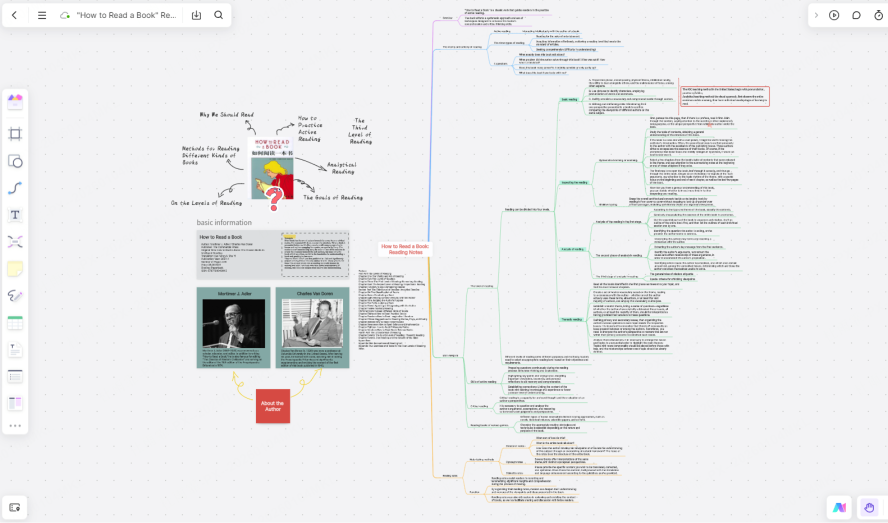
Modern online whiteboards have emerged as the gold standard for creating structured diagrams like Knowledge Trees, combining the flexibility of pen and paper with the power of digital collaboration. Unlike traditional mind mapping software, Boardmix is designed for hierarchical, visual organization and offers greater flexibility, collaboration, and expandability than traditional tools.
Key Features: Intuitive user interface that requires minimal training, a rich template library with pre-built Knowledge Tree frameworks for common subjects, real-time multiplayer collaboration (so students or colleagues can edit the tree together), an extensive asset library (icons, shapes, colors, and fonts), cross-platform access (works on desktop, tablet, and mobile), and one-click export to PDF, PNG, or other formats. Boardmix also automatically saves all changes to the cloud, so you never lose your work.
Best for: Educational planning, comprehensive knowledge organization, team-based learning or training, and anyone who needs to share or collaborate on their Knowledge Tree with others.
How to Create a Knowledge Tree: A Step-by-Step Guide with Boardmix?
Follow this complete workflow from scratch to a polished diagram, using Boardmix to create a structured and visually appealing Knowledge Tree that is both functional and easy to maintain.
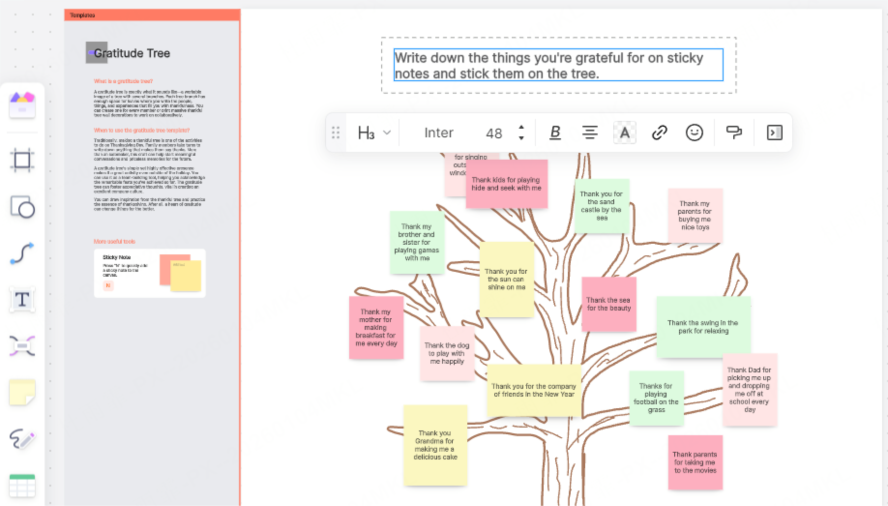
Step 1: Define Your Topic and Scope
Before you start building, take time to clearly define your topic and scope to avoid creating an unwieldy tree that is too broad to manage. Decide if your tree will cover an entire subject (e.g., Biology), a grade level (e.g., 10th Grade Biology), or a specific unit (e.g., Cell Biology). Overly broad topics (e.g., "Science") will quickly become cluttered, so narrow it down to a manageable focus.
Example Topics:
Mathematics → "Complete High School Algebra Framework" (instead of just "Math")
Language Arts → "Core English Grammar & Composition" (instead of just "English")
Science → "Biology 101: Core Concepts" (instead of just "Science")
Step 2: Establish the Main Structure (Trunk & Primary Branches)
Focus on logic first, aesthetics later—your tree’s structure should prioritize clarity over design. In Boardmix, start by creating a new blank board, then place a central node (e.g., a rounded rectangle) as your trunk (the core topic). From there, add your main primary branches, ensuring each branch represents a major category of the trunk topic with no overlap.
Example Primary Branches:
Algebra: Equations & Functions, Polynomials, Systems of Equations
Grammar: Parts of Speech, Sentence Structure, Tenses & Agreement
Biology: Cell Biology, Genetics, Ecology
Step 3: Add Secondary and Tertiary Branches
Expand from each primary branch to add secondary and tertiary sub-branches, breaking down each category into smaller, more specific topics. Use keywords (not long sentences) to keep nodes concise, and limit the number of nodes per level (aim for 3-5) to prevent clutter. Boardmix’s color coding feature is ideal for visual grouping—assign a unique color to each primary branch and its sub-branches to make connections instantly recognizable.
Example Sub-branches & Color Coding:
Equations & Functions (Cool Blue): Linear Equations, Quadratic Functions, Graphing
Parts of Speech (Warm Orange): Nouns, Verbs, Adjectives, Adverbs
Cell Biology (Green): Cell Structure, Organelles, Cell Division
Step 4: Add Detailed Content
Keep the main structure clean and uncluttered by adding detailed content (key formulas, examples, definitions, or common mistakes) within node notes, comments, or attached cards in Boardmix. This way, the tree itself remains a high-level overview, while all granular details are easily accessible with a click.
Math: Attach formula cards or screenshots of tricky problems to the "Quadratic Functions" node
Grammar: Add example sentences or usage rules to the "Tenses & Agreement" node
Science: Link to diagrams or key term definitions to the "Organelles" node
Step 5: Visual Polish and Layout
Once the content is complete, use Boardmix’s styling tools to enhance clarity and visual appeal—this step makes the tree easier to read and more engaging to use.
Change node shapes (rounded rectangles for core topics, tags for key terms, bubbles for examples) to differentiate node types
Add relevant icons (e.g., calculator for math, book for literature, globe for languages) to make branches instantly recognizable
Adjust colors and fonts to create a clean, readable hierarchy (use bold fonts for the trunk and main branches, regular fonts for sub-branches)
Step 6: Update and Optimize Regularly
A Knowledge Tree is not a static document—it should grow and evolve with your understanding. As you learn new information, identify gaps, or master concepts, update your tree in Boardmix to reflect these changes. Boardmix’s easy online editing features let you add new branches, revise existing content, or reorganize structure in minutes, ensuring your tree remains relevant to your current learning phase.
Step 7: Save, Share, and Export
One of the biggest advantages of using Boardmix is its flexibility in saving, sharing, and exporting your Knowledge Tree:
Cloud Save: All changes are automatically saved to the cloud, so your tree is accessible from any device with an internet connection—no need to worry about losing files or carrying physical copies.
Export Formats: Export your tree as a PDF (ideal for printing handouts or study guides) or high-resolution PNG (perfect for presentations, sharing with study groups, or embedding in lesson plans). You can also share a direct link to the Boardmix board, allowing others to view or edit the tree collaboratively.
Conclusion
A Knowledge Tree is more than a map of what you’ve learned—it’s a navigational tool for your intellectual growth that brings order to complexity, making review, lesson prep, and explanation more efficient and effective. Whether you are a student preparing for exams, an educator designing curricula, or a professional mastering a new skill, a Knowledge Tree transforms disjointed information into a cohesive system that aligns with how your brain learns and retains knowledge. Choose a subject you’re currently mastering, and use Boardmix Whiteboard to plant and grow your own Knowledge Tree—you’ll be amazed at how clarity transforms the learning process, turning overwhelm into confidence and confusion into mastery.
Ready to organize your knowledge visually? Try creating your first Knowledge Tree in Boardmix today—it's free to get started. Leverage its pre-built templates, real-time collaboration features, and intuitive interface to make learning clearer, more structured, and more productive. With Boardmix, building a Knowledge Tree is not just about organizing information—it’s about building a lifelong tool for learning and growth.





