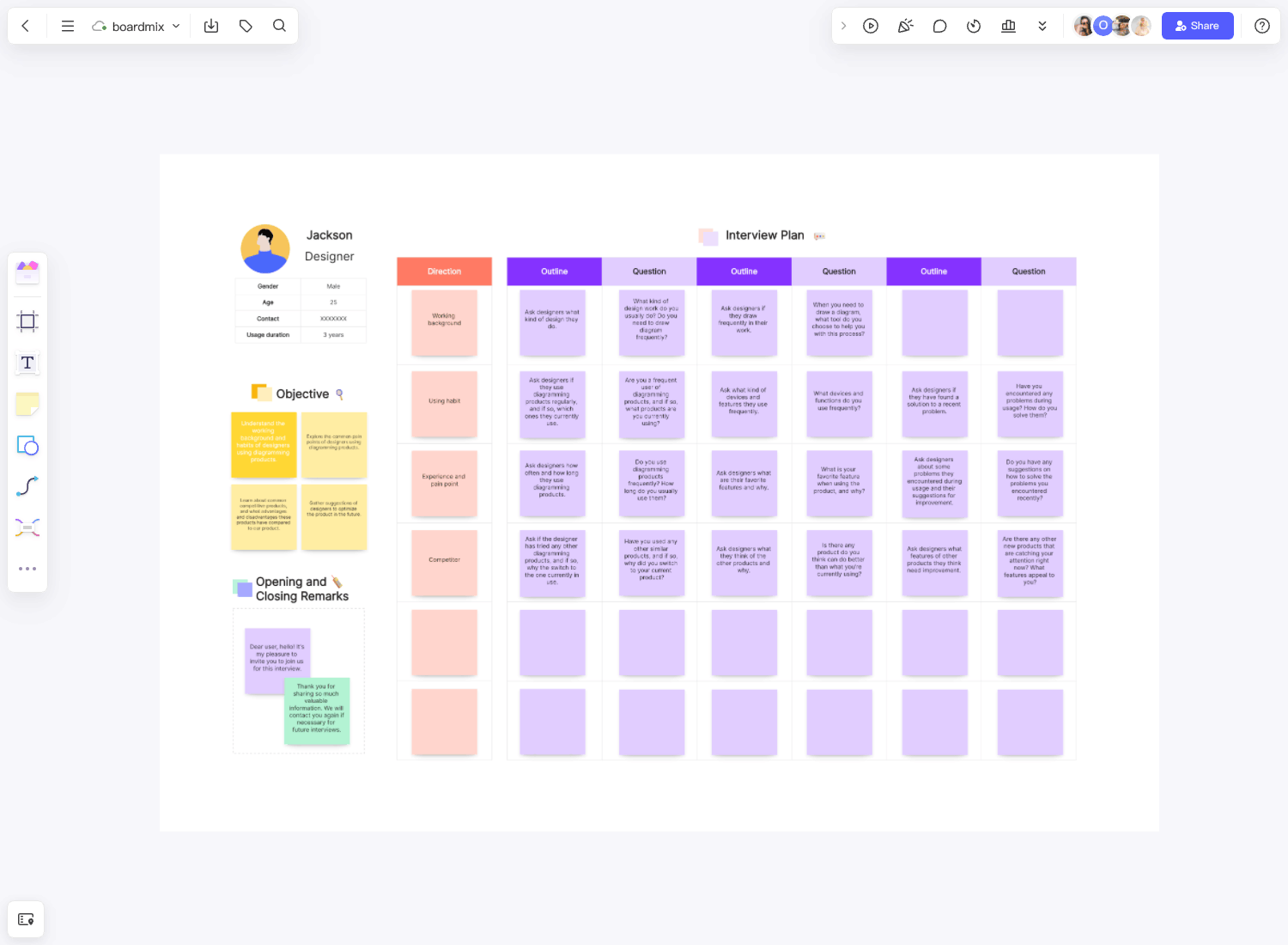
A remote usability-testing board helps a moderator keep the session focused while a team records observations separately from interpretations. The board can show the task, the participant’s context, the evidence captured and the question to test next.
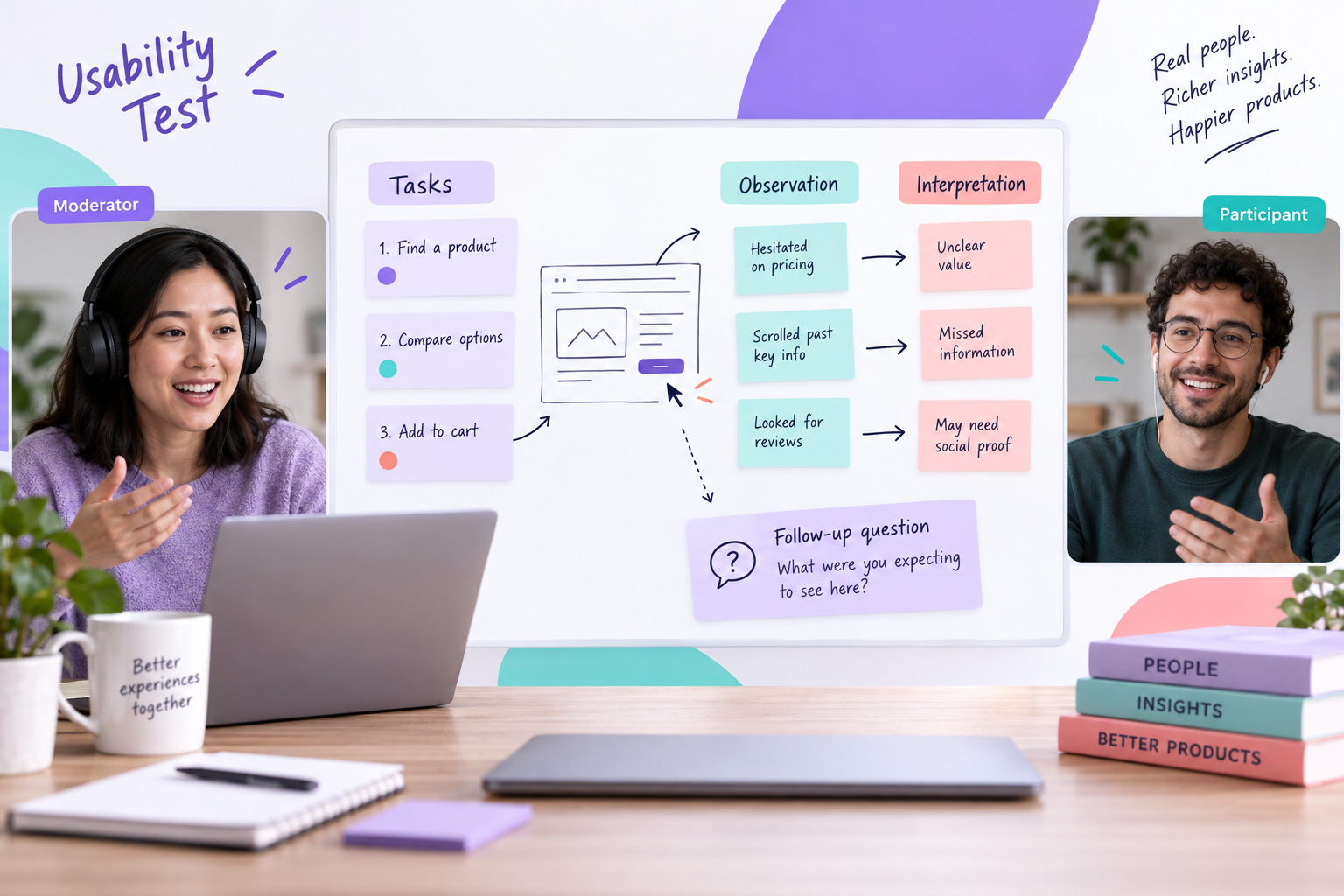
Use the Boardmix user interview template as a starting layout, replacing interview questions with task prompts, observations and follow-up questions. A usability test asks someone to attempt a task; an interview alone does not show how they use a product. Keep participant materials separate from the research team’s notes.
Define one session question
Write the decision or learning question before the call: “Can a first-time user give a teammate the intended access without help?” A focused question tells the moderator what to observe. It also prevents the team from turning every comment into a finding.
Add the task boundary, participant context and what is out of scope. Avoid asking a participant to reveal sensitive information that the study does not need.
Prepare task cards
Give each task a neutral prompt, a starting state and a visible stopping point. Do not put the expected path in the participant-facing prompt. Keep a private moderator note for follow-up questions and the conditions that would make the task incomplete.
| Field | Example |
|---|---|
| Task | Alex needs to review your plan and leave feedback without changing it. Show what you would do. |
| Starting context | A study account with a new project, one board and no collaborators; use the supplied test address for Alex. |
| Observe | Where the participant looks, pauses or asks for help, and which access setting they choose. |
| Follow-up | What do you expect Alex to be able to do now? |
| Stop condition | The participant says they have finished or chooses to stop. The moderator separately records whether the chosen access meets the task. |
Give the participant only the task prompt and starting materials. Put expected paths, success criteria and observer comments on a separate board or record that they cannot access. Check its sharing settings before the call; two areas on the same shared canvas are not a privacy boundary. Share only the participant window if the session uses screen sharing.
Separate observation from interpretation
Keep raw observations close to the task card: “looked at the top-right menu twice” is an observation. “The navigation is confusing” is an interpretation. Record both, but do not combine them in one note. Add context such as task step and timestamp so another reviewer can understand the evidence.
Mark incomplete sessions, contradictory observations and facilitator prompts. A missing step is information about the session, not proof of a product problem.
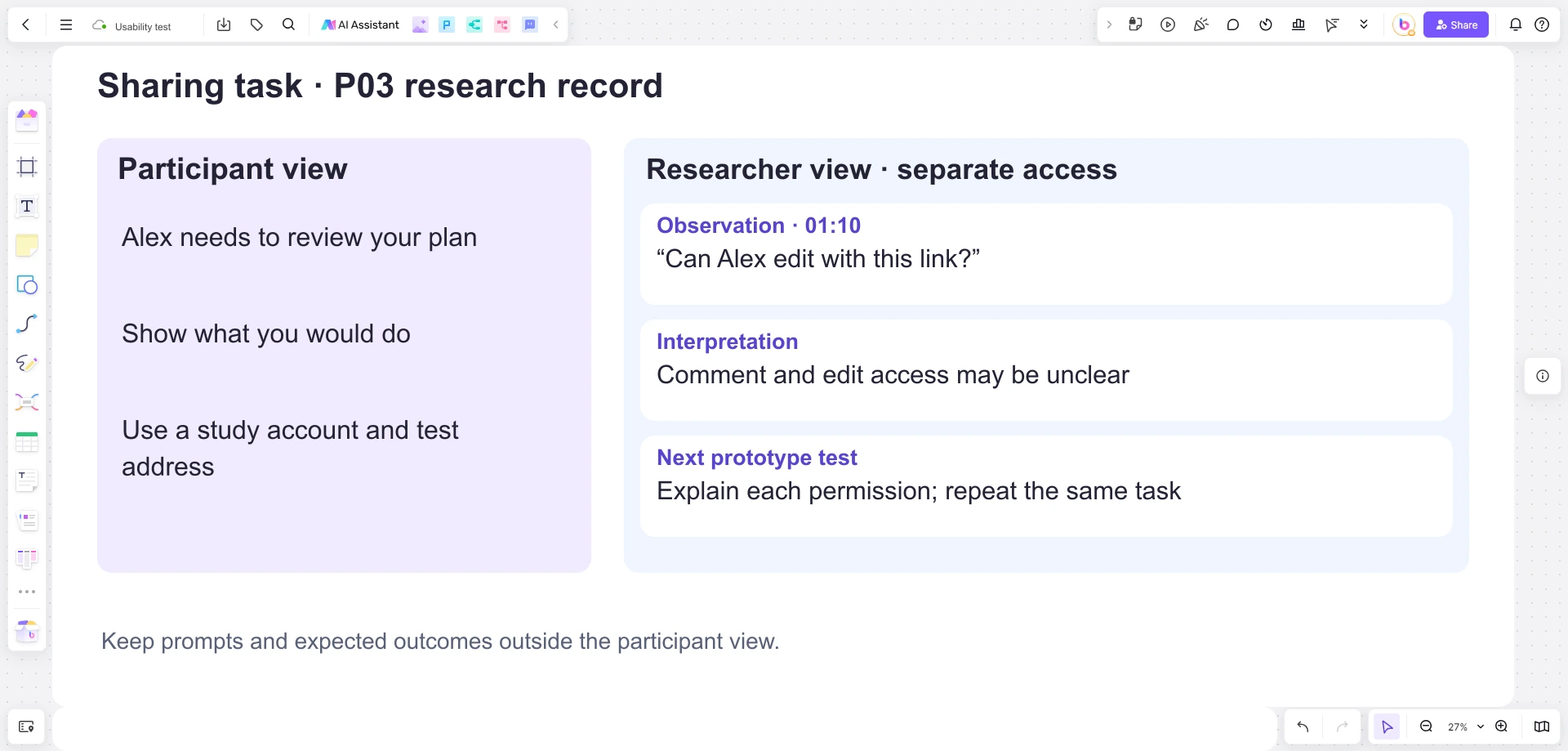
In this example, participant P03 reaches the sharing step and asks at 01:10, “Can Alex edit with this link?” Record the quote and the setting visible at that moment. The question is evidence of uncertainty about access; it is not yet evidence that P03 selected the wrong permission.
A tentative interpretation is that the distinction between commenting and editing is unclear. Check it against the selected setting and the participant’s explanation. If the moderator explained the permissions, record that intervention too: completing the task after help is different from completing it independently.
Run the session with a light touch
- Explain the session, recording choice and privacy boundaries.
- Read the neutral task prompt and let the participant act.
- Note behavior before asking a follow-up question.
- Use the same prompt style across participants where possible.
- Mark interruptions or technical problems in the session record.
- Close by asking what felt unclear and what the participant expected.
Use comments for observer questions and notes for the live record. Boardmix’s shared canvas and comments support the collaboration structure, but the study team must follow its approved handling process for recordings and personal information.
Turn evidence into the next test
After the session, group observations by task step and label the context. Write a tentative finding only when the evidence supports it; keep outliers visible. End with one next-test question, such as whether a clearer label or a different starting state changes the behavior.
For P03’s access question, prepare a prototype that explains each permission beside the choice. Repeat the same task with other suitable participants, keeping the starting state consistent. Observe whether they select the intended access and can explain what Alex can do without prompting. One session identifies a question to investigate, not the proportion of all users who have the problem.
Open a Boardmix board for the research record and copy the task-card fields above. Keep P03’s quote, the permission selected, any moderator help and the proposed wording change together. The next session can then test that specific change instead of starting from a general claim that “sharing is confusing.”