





Scrum example mapping is a collaborative document template used in agile development to clarify requirements. It transforms vague requirements into clear and executable tasks in four dimensions: user stories, rules, examples, and questions. With Boardmix's scrum example mapping template, teams can generate a structured canvas without starting from scratch. By reading this article, you’ll learn what scrum example mapping is and how to quickly create it using a free template. Let's get started!
What is the Scrum Example Mapping?
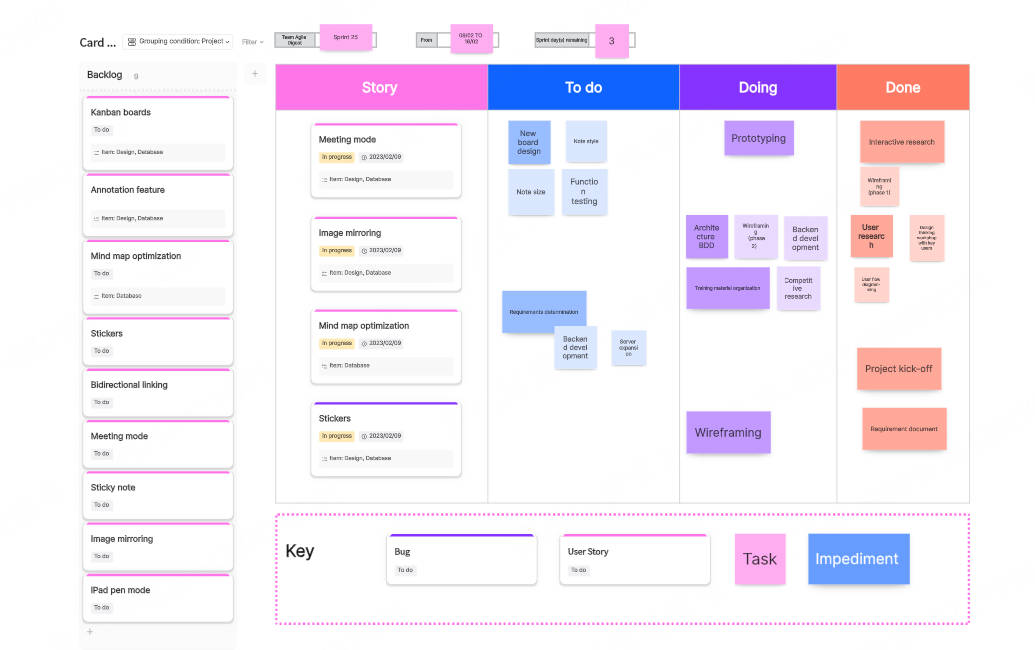

Scrum is an agile project management framework used primarily in software development but also applicable to various industries, and the scrum example mapping is a collaborative technique used in agile teams to clarify user stories and acceptance criteria before development. It helps teams align on business rules, examples, and questions about a feature, ensuring everyone understands what needs to be built.
The Structure of Scrum Example Mapping:
- User Story (Yellow Card): The feature or requirement.
- Rules (Blue Cards): Business rules that define how the feature should work.
- Examples (Green Cards): Concrete scenarios that illustrate the rules in action.
- Questions (Red Cards): Unresolved doubts or clarifications needed from stakeholders.
The scrum example mapping reduces misunderstandings, speeds up backlog refinement, and ensures testable acceptance criteria before development begins.
How to Write Scrum Example Mapping?
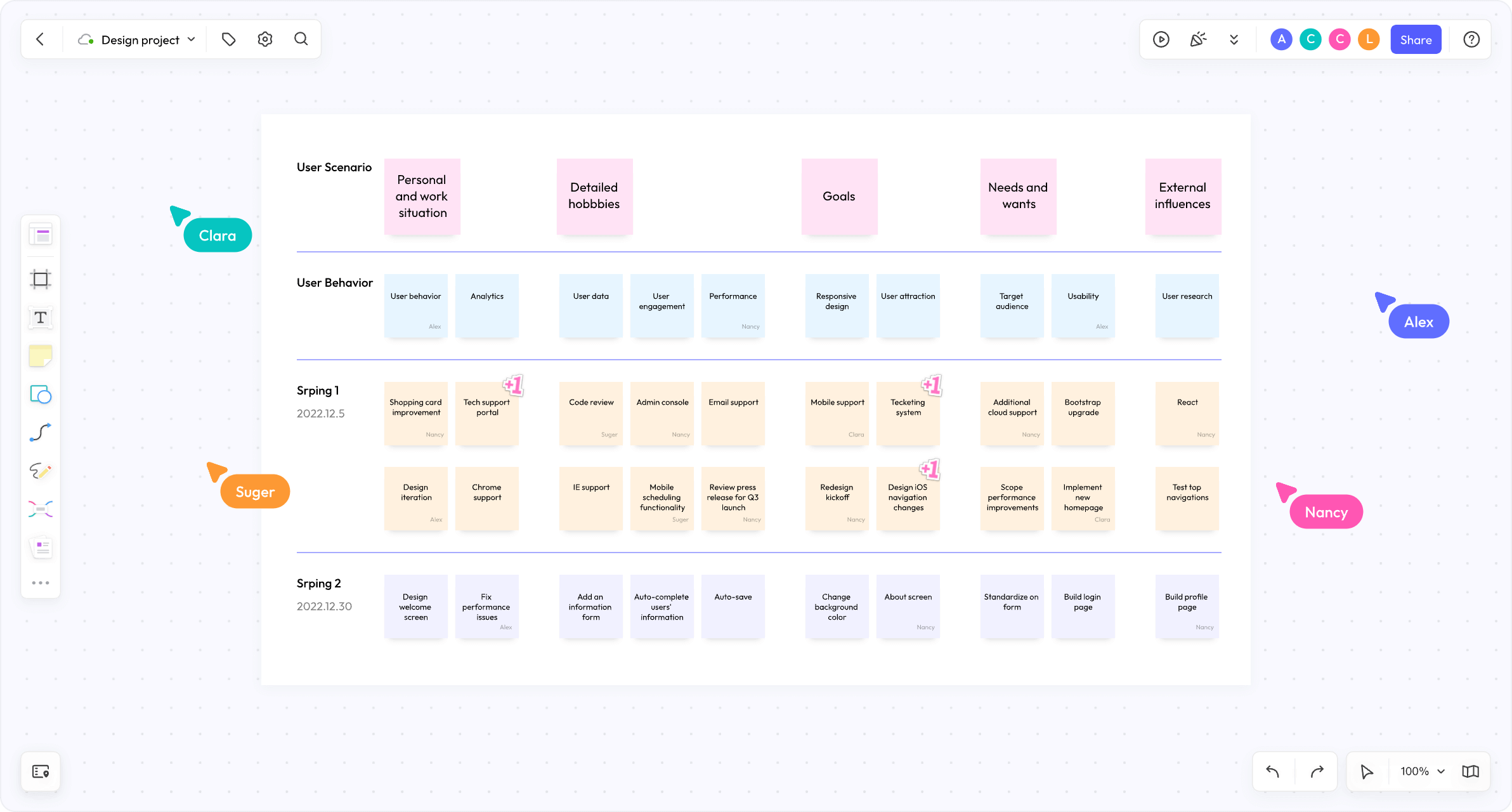
Software development teams often use scrum example mapping to sort out requirements, further helping the team to clarify requirements through user stories, rules, examples, and questions. In this part, we will demonstrate how to write a scrum example mapping through the development case of the online shopping cart function.
First, let's take a look at the steps to write a scrum example mapping:
- Identify the user story: That is, select a user story from the product backlog.
- Identify the rules: Then list the business rules related to the story.
- Write examples: Now provide specific examples for each rule.
- Ask questions: Finally, remember to record questions that are unclear or need further discussion.
Scrum Example Mapping Case: Online Shopping Cart Function
1. User Story
As a developer, it is easy to identify such a user story: As a user, I want to be able to add items to the shopping cart for subsequent purchases.
2. Identify rules
We think that the online shopping cart function needs to follow these rules to take effect:
Users must be logged in to add items.
The shopping cart should display the product name, price, and quantity.
Users can modify the quantity of products or remove products.
Users cannot add products when the inventory is insufficient.
3. Write examples
Start writing mapping examples to enable developers to quickly identify the functional requirements of online shopping carts.
Rule 1: Users must log in to add products.
Example 1: A logged-in user adds a product and the product is successfully added to the shopping cart.
Example 2: A non-logged-in user tries to add a product and is prompted "Please log in first".
Rule 2: The shopping cart should display the product name, price, and quantity.
Example 1: A user adds a T-shirt, and the shopping cart displays "T-shirt $20 Quantity: 1".
Example 2: A user adds two pairs of socks, and the shopping cart displays "Socks $10 Quantity: 2".
Rule 3: Users can modify the quantity of products or remove products.
Example 1: The user changes the quantity of T-shirts from 1 to 2, and the shopping cart is updated to "T-shirts $20 Quantity: 2".
Example 2: The user removes socks, and the shopping cart no longer displays socks.
Rule 4: When the product is out of stock, the user cannot add it.
Example 1: The user tries to add 5 T-shirts, but there are only 3 in stock, and the message "Insufficient stock" is displayed.
Example 2: The user adds 3 T-shirts, and the stock is sufficient, and the product is successfully added to the shopping cart.
4. Ask questions
Finally, think about the problems that the online shopping cart function may encounter in different situations.
If the stock decreases after the user adds the product, how can other users see the real-time inventory?
Can the product be temporarily saved in a temporary shopping cart when the user is not logged in?
When the price of the product changes, is the price in the shopping cart updated?
Scrum example mapping helps the team clarify requirements and reduce misunderstandings through user stories, rules, examples and questions. In this case, the team used example mapping to clarify details of the shopping cart functionality and identify issues that required further discussion.
Explore Scrum Example Mapping in Boardmix
Boardmix is an online whiteboard tool focused on team collaboration, especially suitable for agile development teams to implement scrum example mapping. In Boardmix, agile teams can collaborate visually and efficiently. Your team no longer needs lengthy documents, but can save 80% of initialization time through graphical example mapping and free template libraries. Now let’s see how to complete the example mapping through Boardmix and expand its other collaboration functions.
How to Create a Scrum Example Mapping in Boardmix
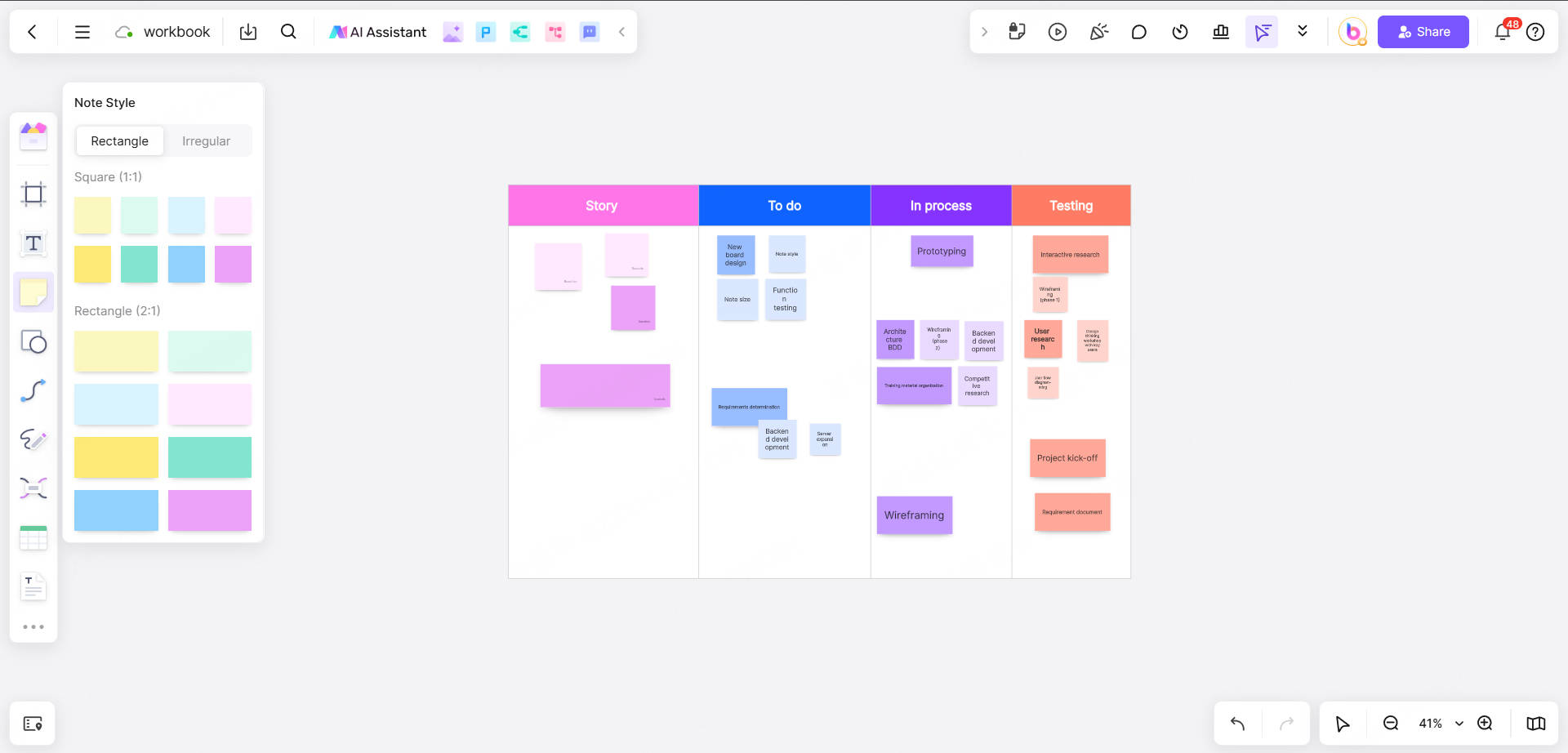
- Select a template: Search for "Scrum Example Mapping Template" in Boardmix and create a structured canvas (including user stories, rules, examples, and problem partitions) with one click.
- Fill in the user story: Enter in the "User Story" area: As a user, I want to be able to add products to the shopping cart for subsequent purchases.
- Define rules and examples: Use Note Cards to add rules and drag them to the corresponding area:
Rule 1: Users must be logged in to add products.
Example:
✅ Logged-in user adds product → successfully adds to shopping cart.
❌ Unlogged-in user adds → prompt "Please log in first".
Use color marking to distinguish between rules (blue), examples (green), and questions (red).
- Raise questions: Add questions that need to be discussed in the "Questions" area: When the user is not logged in, can the product be temporarily saved to a temporary shopping cart?
How Boardmix supports agile team collaboration
In addition to sample mapping, Boardmix also provides the following features to fully cover the software development process:
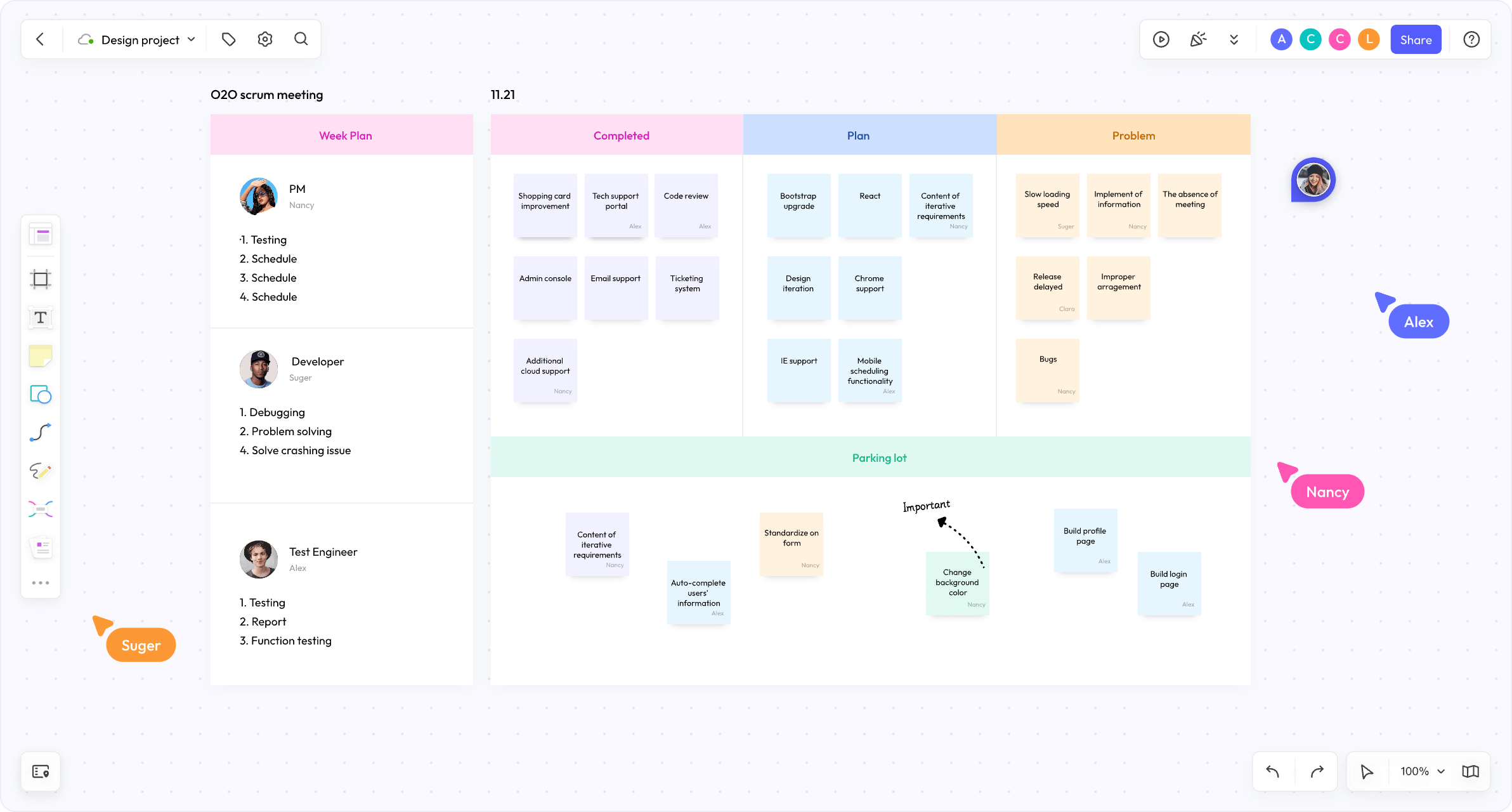
✨Kanban board and user story management
Directly link the sample mapping results to the Agile Kanban to generate corresponding user story cards (such as "Shopping cart function development").
Assign tasks, set priorities and deadlines, and track progress in real time.
✨Real-time collaboration and commenting
Team members can edit the whiteboard at the same time and view other people's operations through the real-time cursor.
Have questions about the rules or examples? Start a discussion directly on the card @members to reduce the cost of meeting communication.
✨Mind map and requirement decomposition
Decompose complex user stories into subtasks (such as "inventory verification logic development"), and use mind map to sort out dependencies.
✨Version history and backtracking
View the modification history of the whiteboard to quickly backtrack the process of requirement changes to avoid information loss.
With Boardmix, the team can not only efficiently complete the scrum example mapping, but also realize requirement management, task collaboration and document precipitation on a unified platform, truly becoming the "digital collaboration brain" of the software development team.
Conclusion
With a scrum example mapping, you can explain abstract requirements in a concrete way, allowing teammates to collaborate seamlessly. As an online team collaboration platform, Boardmix not only provides free sample mapping templates, but also supports real-time team collaboration. From requirement clarification of example mapping to task execution like Kanban management, Boardmix supports the entire all scrum process in one place. So why wait? Explore Boardmix for free and collaborate with your team effortlessly!





