





With the rise of remote work and digital collaboration, online whiteboard tools have become essential for teams to boost productivity and spark creativity. But what exactly are they, and which teams benefit the most? This comprehensive guide breaks down everything you need to know about visual collaboration platforms.
What is an Online Whiteboard Tool?
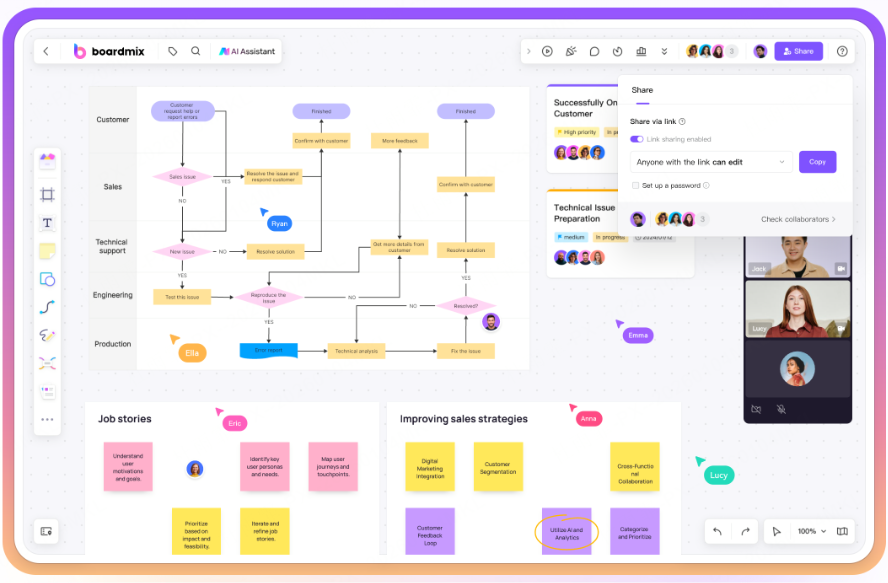
An online whiteboard tool is a web-based collaboration software that allows multiple users to work together in real-time on a shared virtual canvas. Users can express ideas using text, sticky notes, freehand drawing, flowcharts, diagrams, and more.
It recreates the freeform space of a physical whiteboard while adding powerful digital advantages. Teams can simultaneously brainstorm, plan projects, design processes, conduct workshops, and give presentations—all from anywhere.
Key Features of Online Whiteboards
These tools typically offer a rich set of features for visual collaboration:
Creation Tools: Shapes, pens, sticky notes, text boxes, mind maps, flowcharts, connectors, tables, and frameworks.
Real-time Collaboration: Multiple users can edit, comment, chat, and co-browse simultaneously. Changes sync instantly.
Seamless Integration: Often integrates with video conferencing (Zoom, Teams), messaging (Slack), cloud storage (Google Drive), and project management apps.
Infinite & Flexible Canvas: An unlimited workspace to zoom, pan, and organize content freely.
What Teams Should Use an Online Whiteboard?
The core strength of an online whiteboard is its high degree of freedom for visual collaboration, making it ideal for:
- Product & Design Teams: Perfect for user story mapping, customer journey mapping, wireframing, and gathering feedback on designs.
- Project Management & Operations Teams: Use for Gantt charts, Kanban boards, process mapping, risk assessments, and milestone tracking to visualize complex projects.
- Remote & Distributed Teams: Break down geographical barriers. Use for daily stand-ups, sprint planning, problem-solving sessions, and interactive workshops to boost remote team collaboration.
- Education & Training Teams: Instructors can create interactive lessons. Students can use them for group projects, concept mapping, and study sessions.
- Marketing & Creative Teams: Ideal for brainstorming campaigns, content calendars, creative briefs, and mood boards to spark creativity.
- Strategy & Leadership Teams: Develop company roadmaps, align on OKRs, facilitate strategic workshops, and manage cross-departmental initiatives.
Top 5 Online Whiteboard Tools: A Detailed Comparison
Here’s a look at five popular online whiteboard tools, comparing their features, best use cases, and pricing.
Boardmix
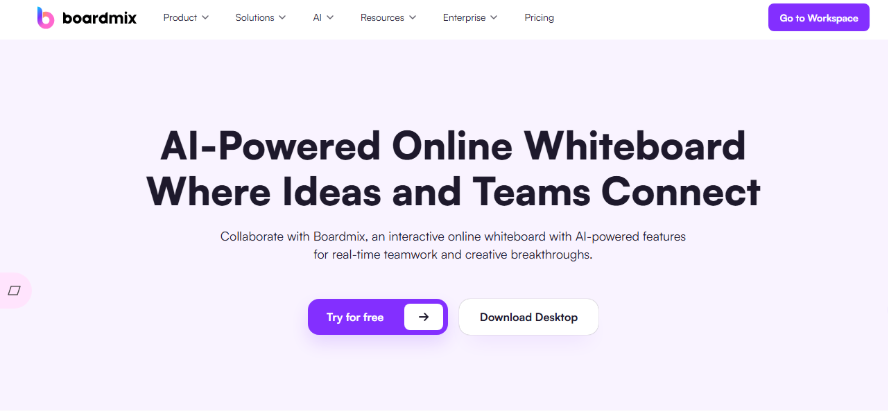
Boardmix is an AI-powered online whiteboard that integrates mind mapping, flowcharting, document editing, and presentation modes into a single collaborative space for modern teams.
Key Features:
- AI-Powered Creation: Generate mind maps, images, presentations, and text with built-in AI assistants.
- Real-Time Multi-User Collaboration: Supports hundreds of users editing, commenting, and presenting together smoothly.
- Rich Media Support: Embed images, video, audio, documents, and web links directly onto the canvas.
- Enterprise-Grade Security: Offers robust access controls, data encryption, and private cloud deployment options.
Best For:
Product development, project management, brainstorming, design sprints, strategy workshops, and personal knowledge management.
Pricing:
Offers a free plan with core features. Paid plans (Personal, Team, Enterprise) provide more advanced features, storage, and administrative controls.
Miro
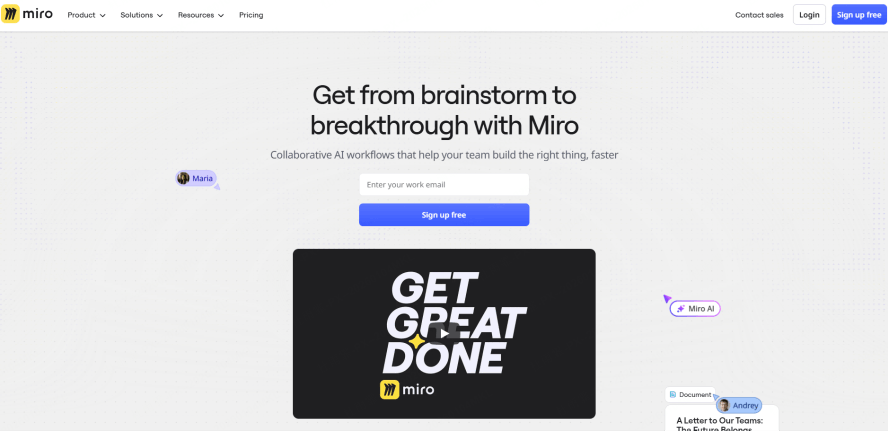
Miro is a versatile online collaboration whiteboard platform known for its extensive template library and strong integration ecosystem.
Key Features:
- Vast Template Library: Jumpstart projects with templates for user story maps, retrospectives, wireframes, and more.
- Strong Third-Party Integrations: Deeply integrates with Jira, Slack, Zoom, Google Workspace, and many other tools.
- Intuitive Interface: Easy to learn and use, fostering quick adoption across organizations.
Best For:
Cross-functional workshops, agile project management, UX design, and strategic planning.
Pricing:
Free plan available with limited boards. Paid plans (Starter, Business, Enterprise) offer unlimited boards, advanced features, and enhanced security.
Microsoft Whiteboard
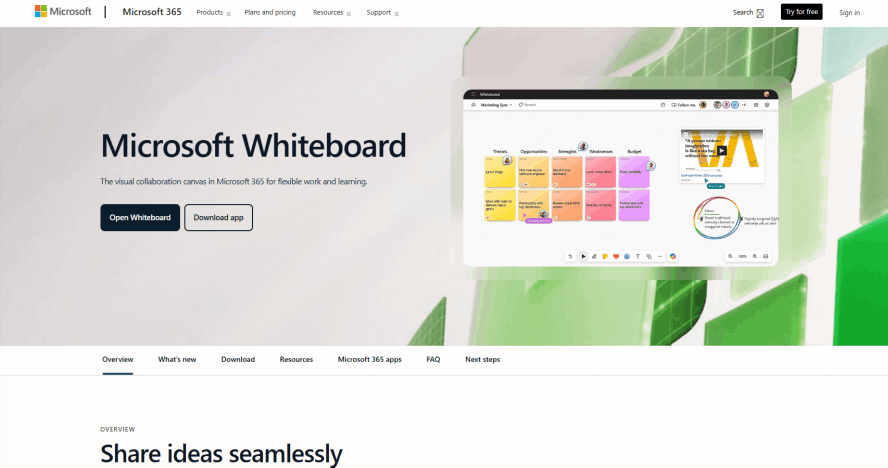
Microsoft Whiteboard is a natural choice for teams deeply invested in the Microsoft 365 ecosystem, offering seamless integration.
Key Features:
- Deep Microsoft 365 Integration: Works effortlessly within Teams meetings and syncs with OneNote and other Office apps.
- Natural Inking Experience: Excellent touch and pen support, ideal for tablet users and digital handwriting.
- Simple and Accessible: Included with Microsoft 365 subscriptions, making it readily available for enterprise users.
Best For:
Internal business meetings, educational settings, and teams already using Microsoft Teams for daily communication.
Pricing:
Included with free and paid Microsoft 365 accounts.
Google Jamboard
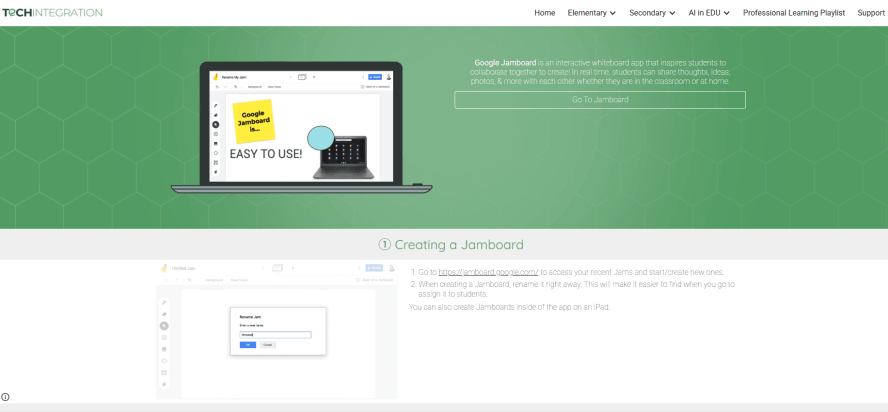
Google Jamboard is a straightforward, cloud-based whiteboard that integrates tightly with Google Workspace.
Key Features:
- Google Workspace Native: Easily insert files from Google Drive, Sheets, and Docs.
- Simplicity: Extremely easy to start a jam and invite collaborators via a link.
- Hardware Option: Available as a physical, interactive display for conference rooms.
Best For:
Quick brainstorming sessions, K-12 classrooms, and teams that rely primarily on Google Workspace.
Pricing:
The Jamboard app is free. The physical Jamboard hardware is sold separately.
Conceptboard
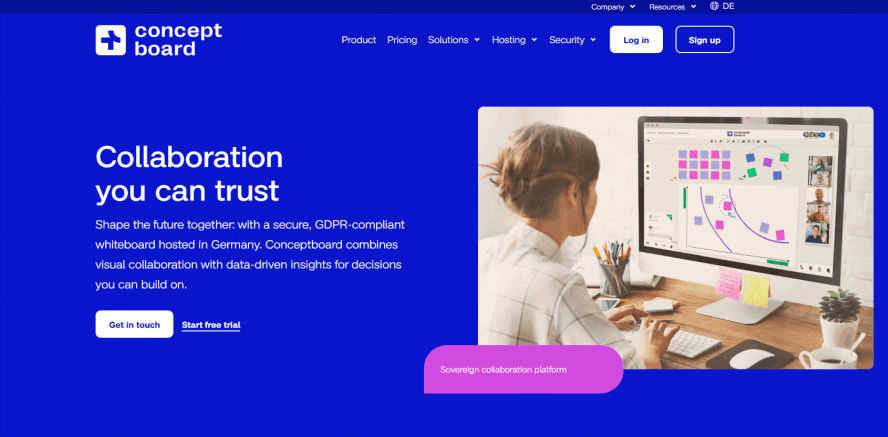
Conceptboard focuses on detailed visual feedback and review processes, particularly for creative and design assets.
Key Features:
- Precision Feedback Tools: Offers pinpoint commenting and annotation tools perfect for design reviews.
- Large Canvas for Detail: Handles large, complex canvases well for detailed diagrams and plans.
- Task Management: Allows users to create actionable tasks directly from comments on the board.
Best For:
Creative agencies, marketing teams, and any process requiring detailed visual feedback and approval workflows.
Pricing:
Free plan for individuals. Paid plans (Business, Enterprise) for teams with more storage and management features.
How to Choose the Right Online Whiteboard for Your Team?
Start by evaluating your team's specific needs. We recommend trying free versions or trials. Key factors to consider include:
- Core Collaboration: Does it support the real-time collaboration style you need (e.g., simultaneous editing, video/audio chat integration)?
- Templates & Functionality: Are there enough templates (e.g., for mind mapping, retrospectives)? Are the drawing and diagramming tools powerful enough?
- Platform & Access: Is it available on Web, iOS, Android, and desktop? Does it support the devices your team uses?
- Security & Deployment (Crucial for Enterprises): Does it offer private cloud deployment, SSO, granular permissions, and comply with your industry's data regulations?
Future Trends in Online Whiteboard Tools
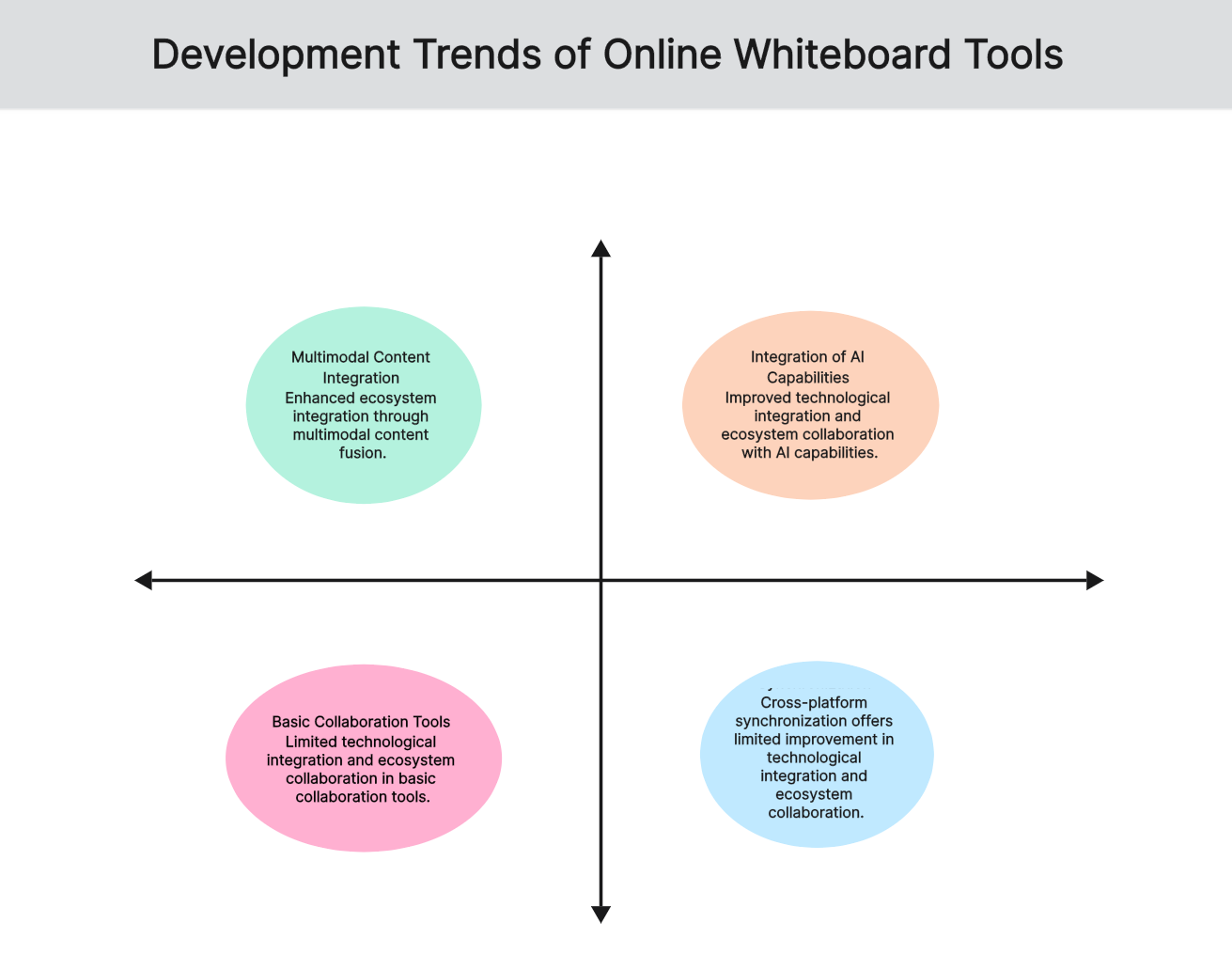
The online whiteboard space is rapidly evolving, driven by remote work and AI. Key trends include:
- AI Integration: Tools like Boardmix are leading with AI that can generate mind maps, summaries, images, and even reports directly on the canvas.
- Multi-Modal Content: Whiteboards are becoming hubs for mixed media—embedding live video, interactive prototypes, and audio notes alongside traditional elements.
- Platform & Ecosystem Growth: Whiteboards are evolving from standalone tools into central collaboration platforms with open APIs, plugin markets (e.g., integrating with Figma, Jira, Notion), and custom widget development.
- Enhanced Security & Enterprise Readiness: Increased demand for private deployment, data residency controls, and advanced compliance features (SOC2, HIPAA) from large organizations in finance, healthcare, and government.
Frequently Asked Questions (FAQ)
Q1: How is an online whiteboard different from traditional diagramming software?
A: Traditional tools like Visio are often for individual creation of polished diagrams. Online whiteboards are built for real-time, multi-user collaboration, offering interactive templates and a focus on the ideation process itself.
Q2: Do online whiteboards include AI features?
A: Yes, it's a major trend. Leading tools like Boardmix and Miro now incorporate AI to help generate ideas, create diagrams from text, summarize content, and automate tasks.
Conclusion
Online whiteboard tools are now central to modern visual collaboration, enabling teams to work together dynamically, regardless of location. They are indispensable for remote teams, creative brainstorming, project planning, and interactive training.
The best way to find your perfect fit is to try one. Many tools, like Boardmix, offer robust free plans. Sign up for a free account today and experience how a digital whiteboard can unlock your team's potential for innovation and efficiency.





