





More and more businesses are seeking to integrate Whiteboard SDKs into their own platforms to enable efficient visual collaboration and information sharing. This is especially critical in B2B scenarios—such as finance, government, enterprise, education, and product development—that require robust mind mapping, flowcharting, and the option for private deployment. A powerful, flexibly deployable whiteboard SDK is key.
This article provides a detailed review of 9 leading electronic whiteboard SDK products on the market. We evaluate them across multiple dimensions including feature integration, enterprise adaptability, private deployment capabilities, and technical architecture to help you choose the most suitable solution.
Boardmix SDK
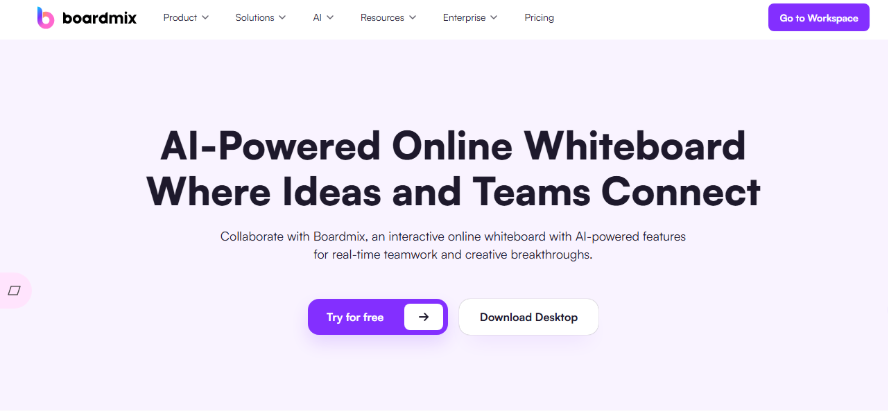
Boardmix offers a mature, stable, and highly integrable whiteboard SDK solution built for B2B enterprises. It supports embedding into web, app, and desktop applications. With comprehensive developer APIs and documentation, it allows for rapid integration with existing systems like OA, IM platforms, educational portals, and document management systems, enabling a seamless all-in-one collaborative work experience.
Core Features
- Supports infinite canvas, flowcharts, mind maps, Kanban boards, and various other drawing and structured expression tools.
- Real-time collaboration engine supports 500+ concurrent users with millisecond-level sync.
- One-click import/export for various document formats including Visio, Word, and PPT.
- Plugin-based extensibility and custom API development for easy secondary integration.
- Enterprise-grade permission controls (e.g., SSO, role-based access, audit logs).
Private Deployment Capability
Boardmix provides complete private/on-premise deployment options, including deployment documentation, technical support, and customization services. Ideal for sectors with strict data compliance needs like finance, government, and healthcare. Supports deployment in local data centers or private cloud environments.
Ideal Use Cases
Integration into project management systems, embedding within educational platforms, document visualization, collaborative product design flowcharts and mind maps, and plugin-based access for remote meeting whiteboards.
Drawnix SDK
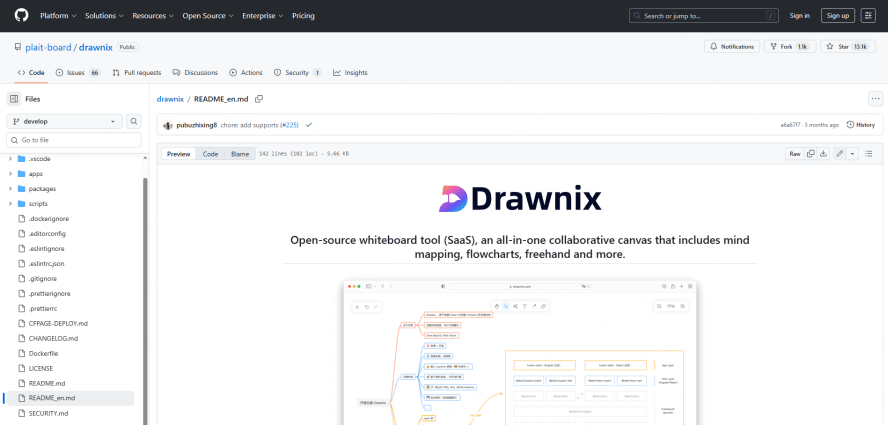
Drawnix is an open-source, lightweight whiteboard SDK offering clear, basic interface encapsulation. It's well-suited for SMBs or development teams needing to build custom features or embed whiteboard capabilities into their systems. It integrates easily into knowledge management platforms, OA systems, or lightweight collaboration tools for basic whiteboarding, flowcharting, and structured expression.
Core Features
- Supports mind maps, flowcharts, freehand drawing, and other graphic tools.
- Rich library of drawing components with support for custom node and connector styles.
- Export to PNG, SVG, and JSON formats.
- Plugin architecture for easy extension, allowing integration of modules like Markdown notes or task panels.
Private Deployment Capability
Enables quick local/on-premise deployment via Docker images. A great fit for SMBs with some DevOps capability, allowing strict management of data permissions and access controls.
Ideal Use Cases
Displaying technical solution flowcharts, embedded collaborative whiteboards in self-developed platforms, structured diagram collaboration within knowledge management systems, and team brainstorming/mind mapping sessions.
VisionOn Whiteboard SDK

VisionOn provides an easy-to-integrate online whiteboard SDK component, ideal for enterprise software products looking to quickly add whiteboard drawing capabilities. Its flowchart and mind mapping features are complete, accompanied by a rich graphics library, drag-and-drop interaction, and local data storage.
Core Features
- Lightweight whiteboard component supporting flowcharts, org charts, and mind maps.
- Pre-set graphic templates for one-click use, enabling business users to build diagrams rapidly.
- Offline caching and local storage enhance compatibility in private networks or closed systems.
- Well-encapsulated interfaces for quick integration with frontend frameworks like Vue and React.
Private Deployment Capability
While it doesn't offer a standard on-premise installation package, it supports local data caching and historical version storage, making it suitable for intranet deployments and scenarios requiring controlled data storage.
Ideal Use Cases
Business analysis flowcharts, integration of platform information architecture diagrams, embedded visualization modules, and whiteboard tools within design system admin panels.
MoreDraw SDK
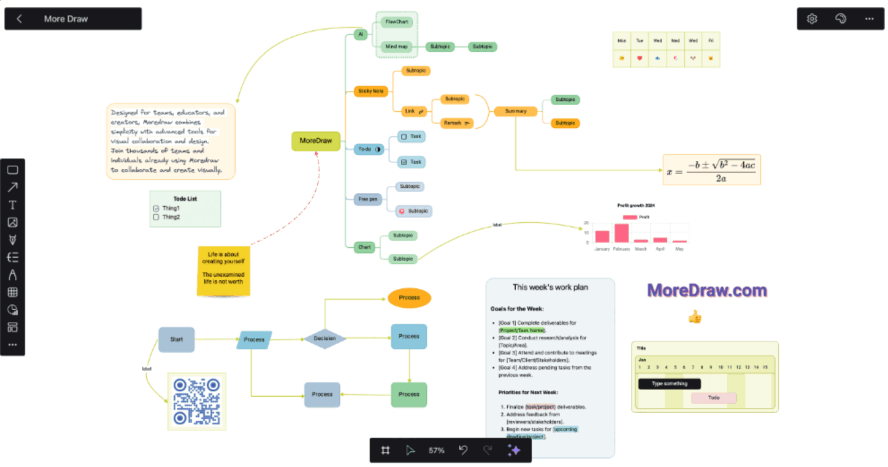
MoreDraw is an intelligent electronic whiteboard SDK that integrates AI capabilities, allowing users to quickly generate flowcharts, mind maps, and other visual content from natural language, lowering the barrier for non-designers. Its flexible API calls make it easy to embed as a visual interaction module into knowledge bases and smart office systems.
Core Features
- AI recognizes keywords to auto-generate flowcharts, mind maps, and project plan diagrams.
- Export content to PDF, PNG, and PPT for easy documentation and sharing.
- API supports on-demand calls to graphical services.
- Allows module-level embedding (page or component-level integration).
Private Deployment Capability
The official version doesn't provide a standard private deployment package, but the enterprise edition supports private cloud solutions or customized API services, suitable for companies with technical resources for integration.
Ideal Use Cases
Embedding visualization tools into content creation platforms, adding diagram components to knowledge management systems, and integrating flowchart templates into internal training platforms.
Miro SDK (Enterprise)
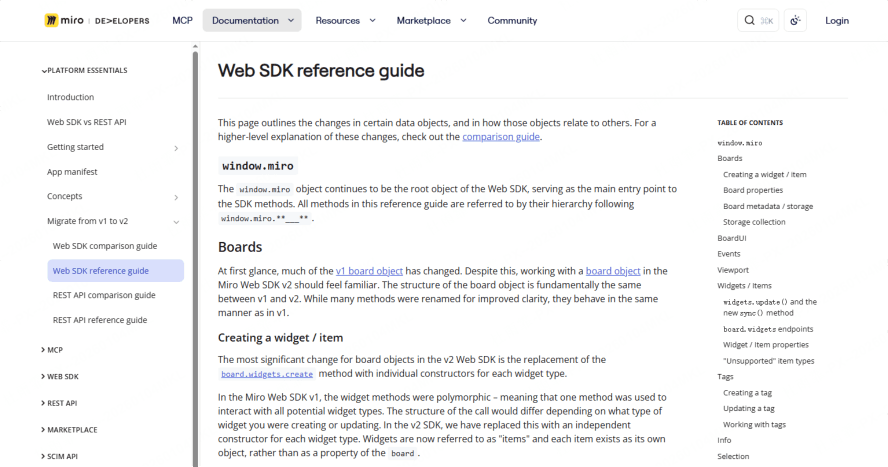
Miro offers a powerful whiteboard SDK integration solution covering scenarios from UI design collaboration and product flowcharts to enterprise-grade remote meeting collaboration. It's a widely deployed enterprise visual collaboration platform in the global market.
Core Features
- Comprehensive support for flowcharts, mind maps, agile tools, meeting boards, and more.
- Vast template and icon library for quickly building diagrams across business scenarios.
- APIs enable seamless integration with enterprise apps, covering authentication, data sync, and permission management.
- Mature frontend component library and developer documentation for customization and deep integration.
Private Deployment Capability
Miro Enterprise offers full private/on-premise deployment support on local servers or private clouds, with compliance guarantees (e.g., GDPR, ISO certifications).
Ideal Use Cases
Global team remote collaboration, product process visualization, embedding into design review systems, and plugin development for educational platform whiteboard modules.
Whimsical SDK
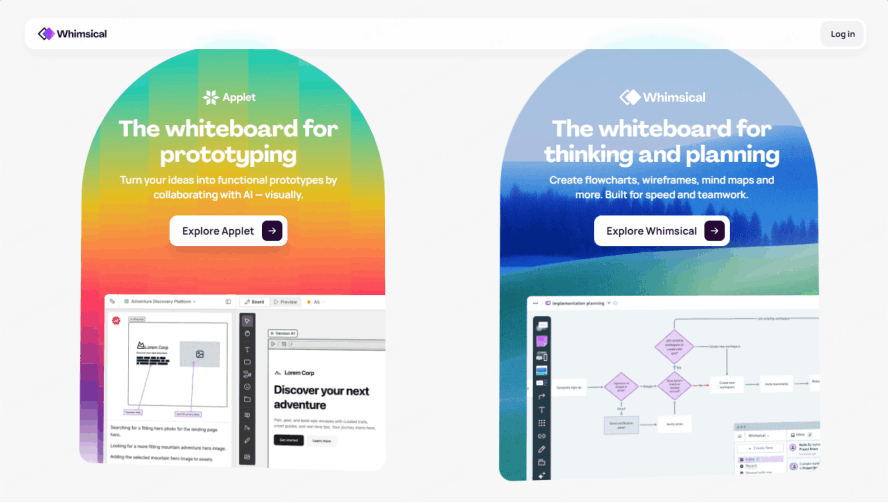
Whimsical SDK is renowned for its strong design sense and interactive experience. It provides whiteboard integration suitable for wireframing, information architecture diagrams, mind maps, and more, making it a great fit for SaaS products prioritizing high-quality visual expression.
Core Features
- Drag-and-drop node editing for flowcharts, wireframes, mind maps, and Kanban boards.
- Complete frontend component encapsulation compatible with Vue and React projects.
- Quick export to SVG/PNG for presentation platforms and reporting systems.
- Strong multi-user real-time collaboration with layer management and version history.
Private Deployment Capability
The enterprise edition supports deployment to a dedicated private cloud, ensuring core design data security with built-in auditing and permission systems.
Ideal Use Cases
Prototyping tool integration, project brainstorming module access, knowledge base diagram plugins, and collaborative user journey map development.
Lucidchart SDK
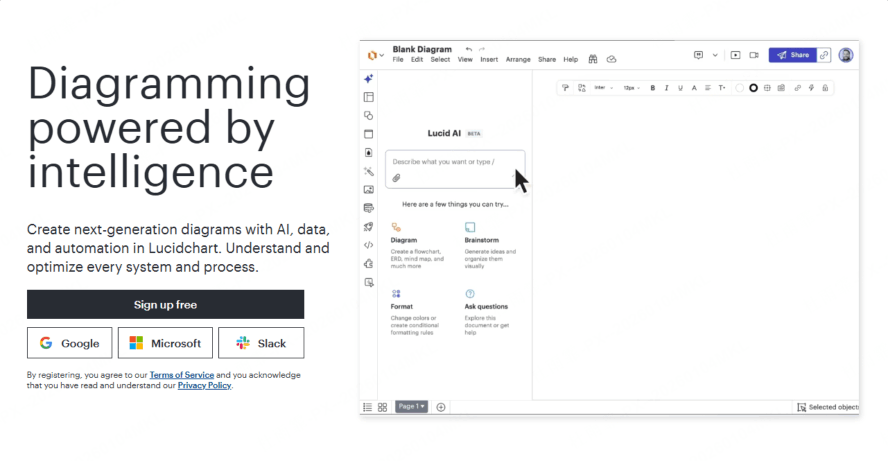
Lucidchart SDK provides enterprises with professional diagramming capabilities that can be integrated into business systems. It excels in advanced use cases like flowcharts, system architecture diagrams, and UML modeling, with excellent Visio compatibility.
Core Features
- Offers 100+ shape types, including flowcharts, ER diagrams, mind maps, and network diagrams.
- Highly open API for deep integration into enterprise IT systems, process engines, and BPM platforms.
- Features team shared spaces, access controls, and shape asset reuse.
Private Deployment Capability
Custom enterprise versions support deployment on company-owned servers or private clouds, meeting industry compliance needs (e.g., healthcare, insurance, finance).
Ideal Use Cases
Enterprise business process visualization, complex IT architecture display, embedding flowchart modules into operational platforms, and integrating design modules into BPM systems.
Draw.io SDK
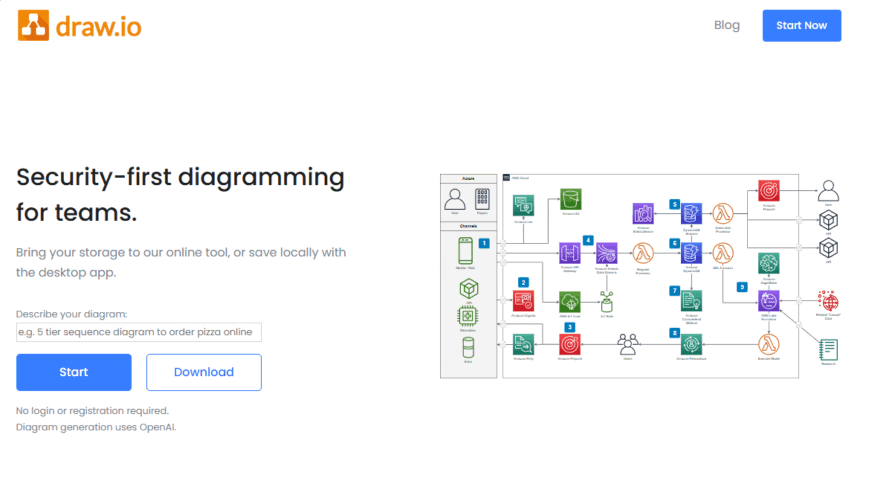
Draw.io is a feature-rich, open-source whiteboard SDK solution known for exceptional customizability and wide system integration, working well with platforms like Confluence, Jira, and Notion. It's ideal for deep embedding into self-developed enterprise platforms.
Core Features
- Supports UML, ER diagrams, flowcharts, mind maps, network diagrams, and more.
- Comprehensive SDK interfaces suitable for embedded development and plugin deployment.
- Can be embedded into frontend pages, rich text editors, and note-taking platforms.
- Offers offline editing and multi-OS compatibility.
Private Deployment Capability
Supports on-premise server deployment for highly secure environments, facilitating operation and maintenance behind corporate firewalls.
Ideal Use Cases
Whiteboard modules for self-developed platforms, visual embedding for IT solutions, SDK access for knowledge management platforms, and graphical system architecture documentation.
Excalidraw SDK
Excalidraw provides a simple, hand-drawn style whiteboard SDK component, perfect for embedding into business systems that prioritize lightweight design and visual freedom. Its React component is especially suitable for quick deployment and self-hosted integration in frontend projects.
Core Features
- Supports hand-drawn style flowcharts, mind maps, and freeform drawing.
- Easy export to PNG/SVG for content sharing.
- Open-source architecture supports custom extensions and plugin development.
- Basic multi-user real-time collaboration with mouse and cursor sync.
Private Deployment Capability
Excalidraw is fully open-source and can be 100% self-hosted on corporate servers, ensuring all data remains within the enterprise—ideal for organizations with extremely high information control requirements.
Ideal Use Cases
Low-code platform integration, embedded whiteboards in developer tools, remote discussion tool integration, and embedded drawing services for education or creative industries.
Conclusion: How B2B Enterprises Can Choose the Right Whiteboard SDK
When selecting a whiteboard SDK solution, businesses should first consider their specific use case and technical capabilities. Key evaluation criteria should include:
- Support for private/on-premise deployment.
- Robust real-time collaboration features.
- Core functionalities like mind mapping and flowcharting.
- Ease of embedding/integration into existing systems.
- Security, compliance, and ongoing customization support.
Choose the solution that best aligns with your team's collaboration needs and system integration environment. For medium to large enterprises needing deep system integration, solutions like Boardmix, Miro, and Lucidchart—with their powerful SDKs and private deployment support—are top contenders. For teams prioritizing flexibility and development freedom, open-source or self-hostable options like Drawnix, Draw.io, and Excalidraw offer great value.
Ready to Integrate? Most of these SDKs offer free trials or developer sandboxes. We recommend testing 2-3 shortlisted options with a proof-of-concept in your actual environment to evaluate fit, performance, and developer experience firsthand. We hope this in-depth review provides valuable, professional guidance for your system selection and whiteboard integration project.





