In learning, work, and project management, online mind mapping tools have become an indispensable asset. They help us quickly organize ideas, plan tasks, brainstorm, and even outline writing or document meetings. However, traditional software often involves complex installation and lacks convenience for team collaboration, leading more and more people to seek free online mind mapping tools. This article recommends five excellent online mind mapping tools that support exporting and real-time collaboration—ideal for students, teachers, professionals, and teams.
Boardmix
The representative master of online mapping tool
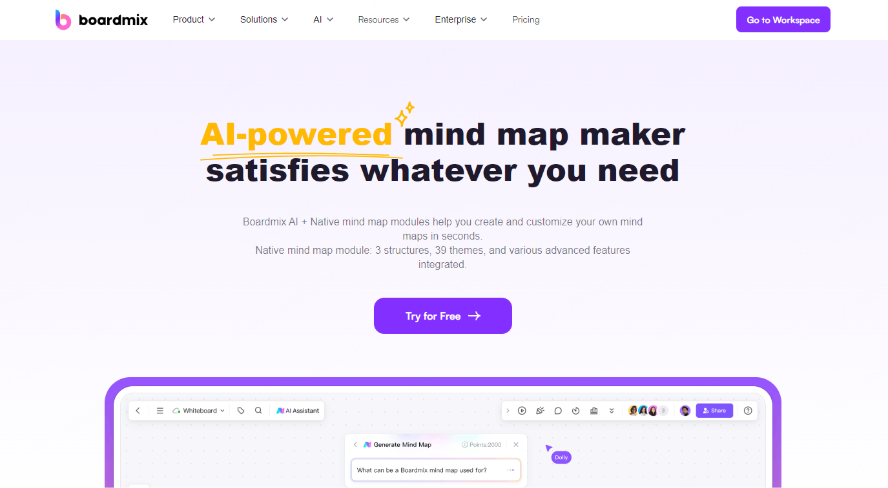
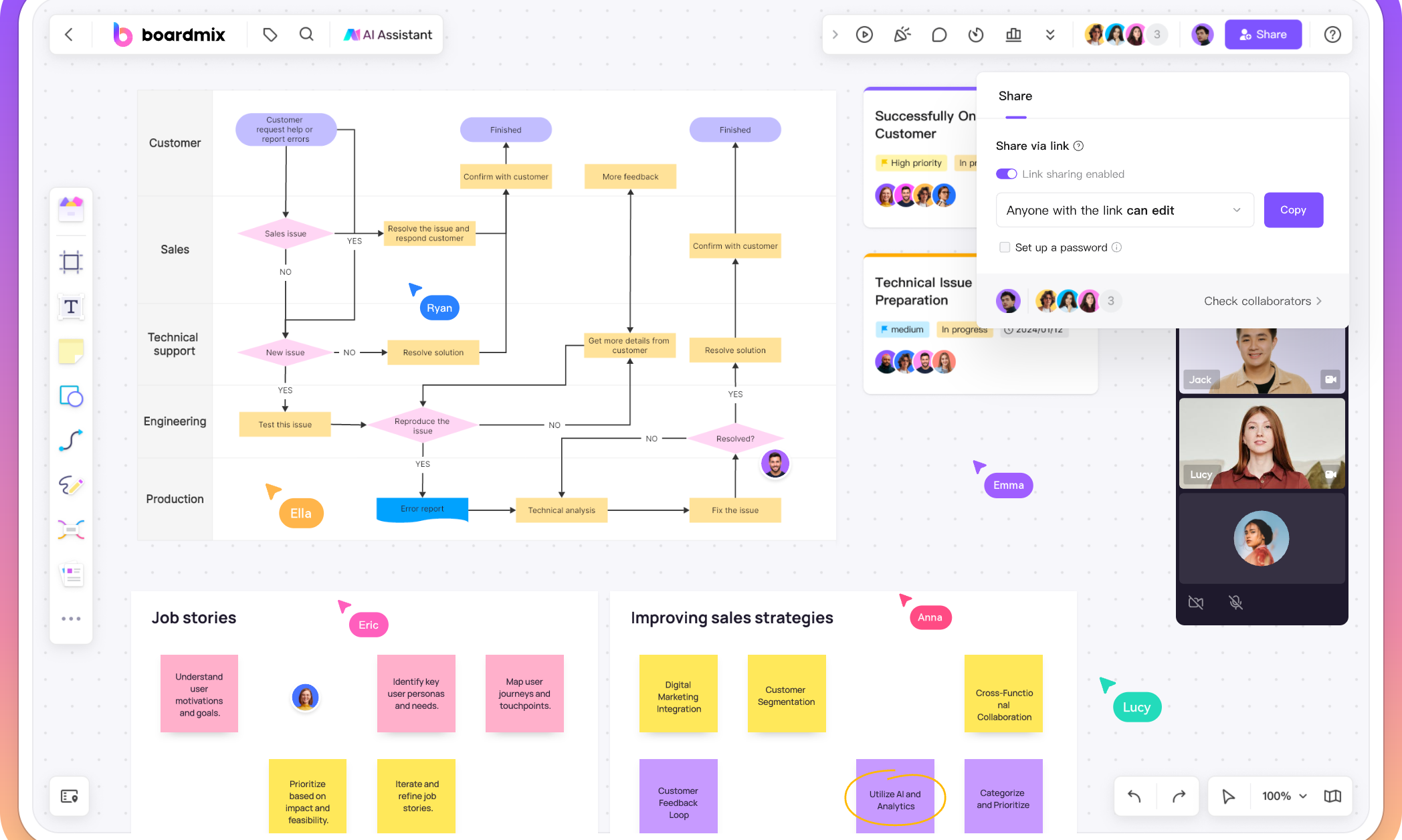
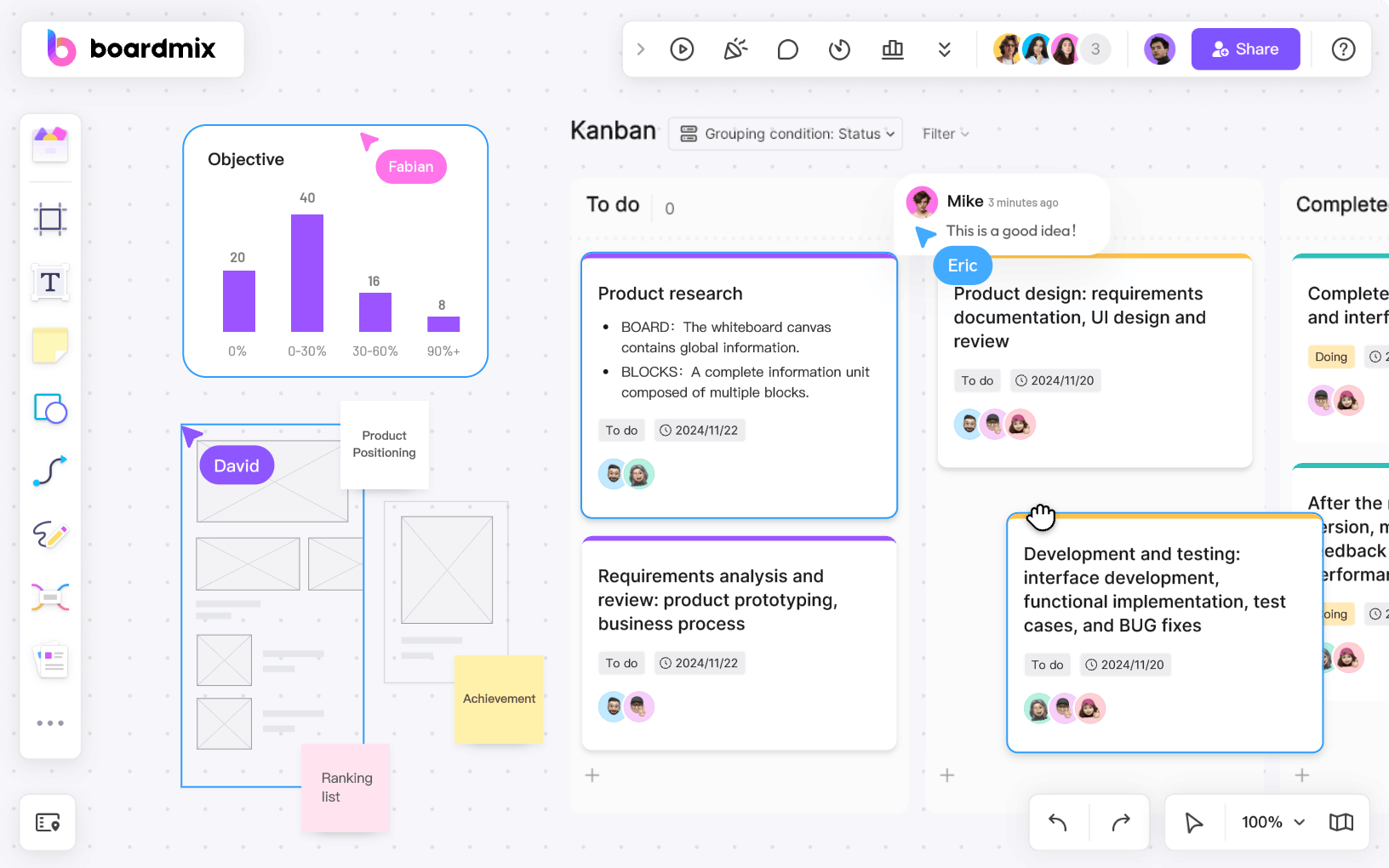
Boardmix is a comprehensive and user-friendly online mind mapping tool. It not only integrates powerful drawing features such as mind maps and flowcharts but also comes with a rich template library and AI-powered generation capabilities. Based on its distinctive "infinite canvas" design, Boardmix provides users with flexible and creative space, making it an ideal choice for online drawing and team collaboration. Try Boardmix for free!
Core Advantages
● Free Plan: Create and save maps within the plan limits. Check that important work has saved and retain an appropriate backup.
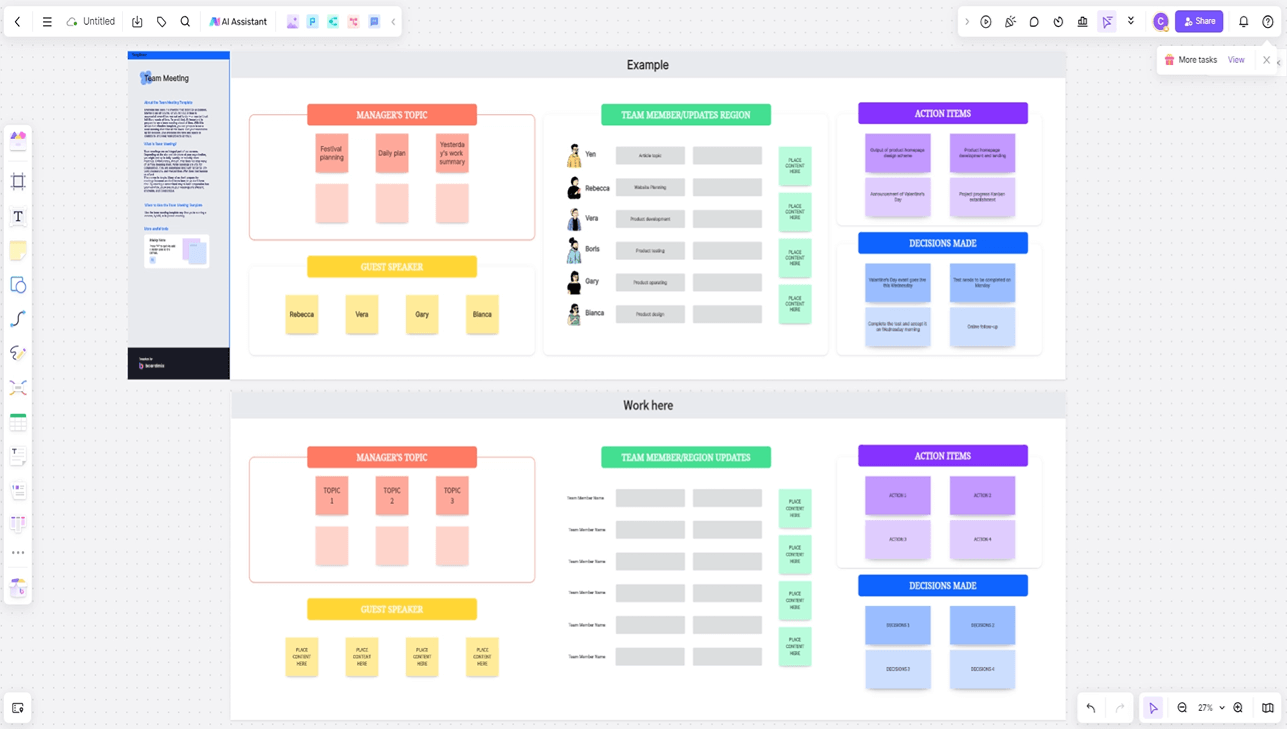
● Vast Template Library: Covers various scenarios such as project planning, thesis outlines, and reading notes, ready to use right away.
● AI One-Click Generation: Enter a topic to automatically generate a logically clear mind map, with the freedom to expand ideas on the whiteboard.
● Highly Personalized Editing: Supports custom colors and styles, with the ability to insert images, videos, symbols, attachments, and other elements.
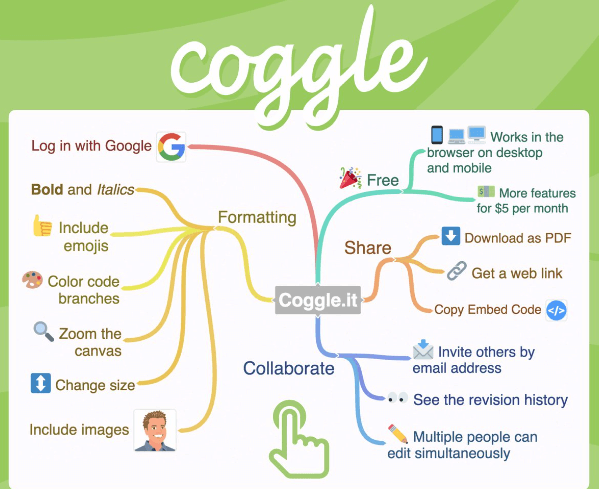
● Real-Time Multi-User Collaboration: Enables simultaneous online editing for teams, ideal for group meetings, brainstorming sessions, and online teaching.
● Flexible Export and Sharing: Supports export in multiple formats such as PNG and PDF, making it easy to archive, print, or share.
Ideal For
Professionals and students who frequently engage in work summaries, project breakdowns, or class note-taking.
Teachers, startup teams, and corporate departments with team collaboration needs.
XMind
The Lightweight Web Version of a Classic Brand
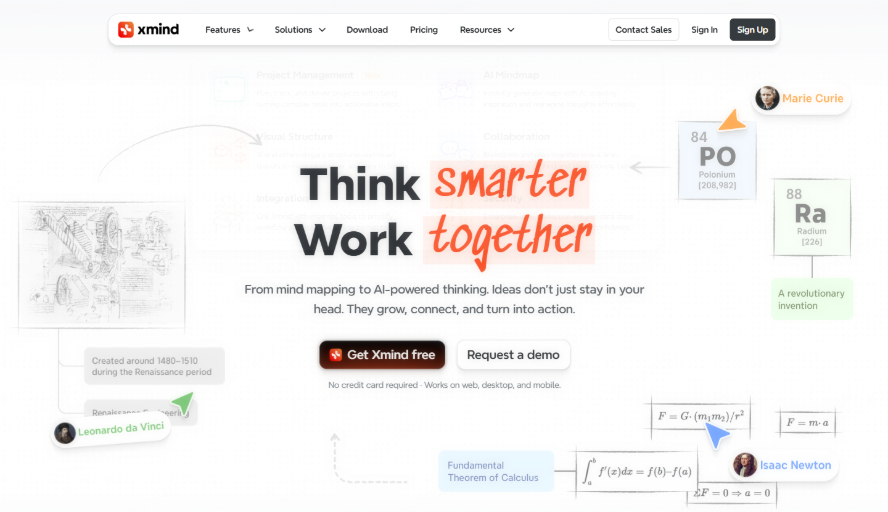
If you’re looking for an online tool that helps quickly capture ideas and easily export results, XMind Online is a reliable choice. As the web-based version of the classic desktop software XMind, it retains the brand’s signature simplicity and intuitive design, with a focus on core functionality—making it ideal for individual users who value efficiency.
Core Advantages
● Simple and Intuitive Operation: Supports both branch-based and outline views, offering clear logical structure to help you quickly build thought frameworks.
● Convenient Export Features: Check the selected Xmind plan for export formats and watermarks before relying on a free export workflow.
● Truly Ready-to-Use: No download or installation needed—start drawing anytime directly in your browser.
● Smooth and Stable Experience: Responsive operation and a seamless user flow. Note that its collaboration features are relatively basic, with a stronger emphasis on individual, focused use.
Ideal For
Ideal for students, researchers, and professionals who work independently on study notes, knowledge organization, and idea structuring
Miro
An Online Whiteboard and Mind Mapping Platform for Team Collaboration
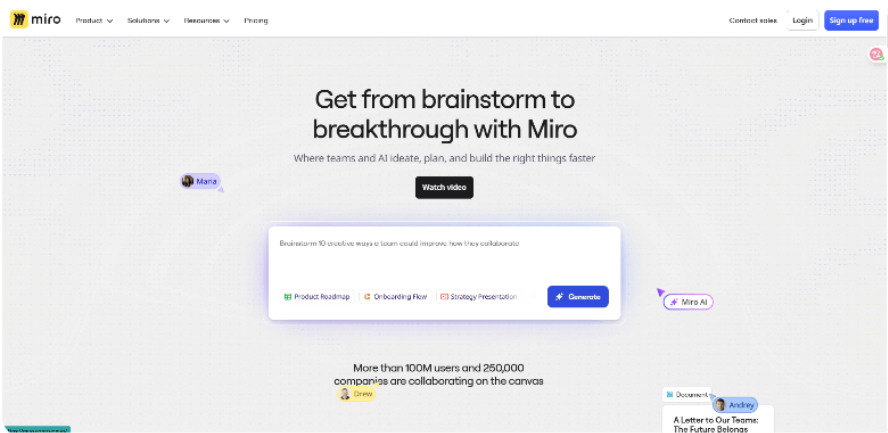
Miro is more than just an online mind mapping tool; it is a fully-featured real-time collaborative whiteboard. If your needs go beyond personal idea organization and lean more toward efficient team collaboration, diverse visual expression, and project management, Miro is an ideal choice.
Core Advantages
● Powerful Real-Time Collaboration: Supports multiple users in synchronous online editing with live cursor visibility, enabling seamless team communication and co-creation without delays.
● Extensive Professional Templates: Offers a rich library of templates covering various scenarios such as strategic planning, product design, agile management, and brainstorming, ready to use right away.
● Robust Ecosystem Integration: Seamlessly connects with mainstream tools like Jira, Slack, Notion, and Google Drive, making it easy to fit into your team's existing workflow.
● Seamless Cross-Platform Experience: Available as a web version, desktop client, and mobile app, allowing access and collaboration anytime, anywhere.
Ideal For
Product managers, designers, and development teams for creating user story maps, product prototypes, requirement reviews, and more.
Remote or cross-departmental teams engaged in online brainstorming, project planning, strategy workshops, and other scenarios that require deep collaboration.
MindMeister
Lightweight and Easy-to-Use Online Mind Mapping Tool
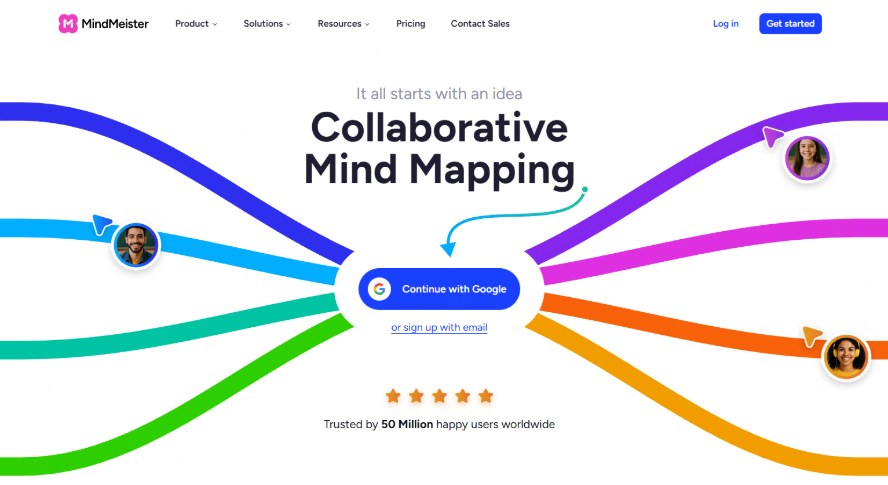
MindMeister focuses on delivering a clean and intuitive online experience. If you’re looking for a lightweight and user-friendly online mind mapping tool to quickly create and share diagrams, MindMeister is an excellent choice.
Core Advantages
● Simple and Intuitive Interface: Easy to navigate and master, even for beginners.
● Real-Time Collaboration: Supports multi-user live editing with practical features like comments and voting.
● Cross-Platform Compatibility: Seamless sync between web and mobile apps, allowing access to your mind maps anytime, anywhere.
● Free Version Limitations: Includes up to 3 mind maps; advanced export features require a paid subscription.
Ideal For
Students and educators for classroom discussions and assignment organization.
Individual users for tasks such as reading notes or planning small projects.
GitMind
An Online Mind Mapping Tool With Free and Paid Plans
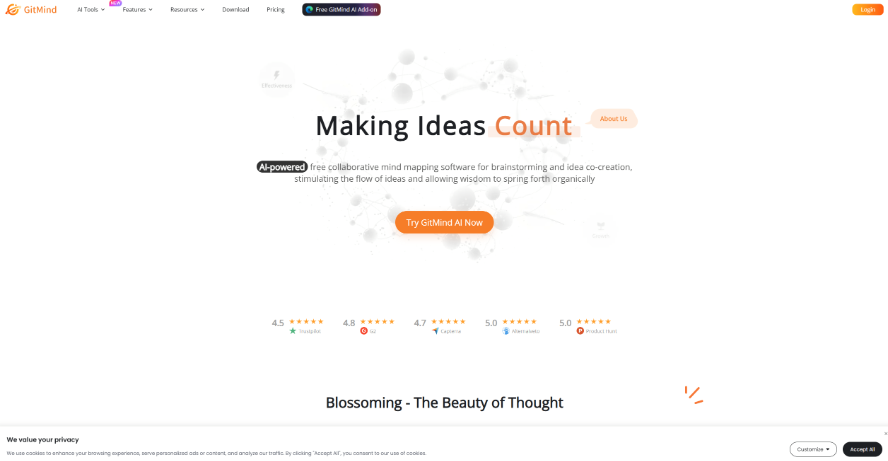
GitMind is an online mind mapping option. Check its current plans for map limits, AI usage, export options, and collaboration before choosing it for frequent use.
Core Advantages
● Plan Limits: Check current map, AI, export, and collaboration allowances; do not assume unlimited free use.
● Multi-Type Diagrams: In addition to mind maps, it supports flowcharts, concept maps, and organizational charts.
● Online Collaboration: Enables real-time co-editing for smoother communication and improved efficiency.
● File Export: Supports common export formats for easy sharing and storage.
Ideal For
Students and individual users on a budget.
Teams or professionals who frequently need to create various types of diagrams.
Conclusion
Each of the five online mind mapping tools introduced above has its own focus. If you only need one occasionally for tasks like reading notes, XMind Online or MindMeister will suffice. For remote team collaboration, Miro is better suited. And if you’re on a tight budget, GitMind will fully meet your needs.
However, if you're looking for an online mind mapping tool that truly combines smooth local experience, a rich template library, real-time collaboration, and export functionality, Boardmix is worth trying first. Not only can it generate mind maps with one click, but it also allows free expansion on a digital whiteboard—making it especially suitable for daily use by students, teachers, professionals, and teams.
Check Limits Before Moving Your Maps
Boardmix Free includes three editable boards, up to 100 objects per board, and 1 GB of storage. AI access and usage allowances vary by plan; see Boardmix pricing. Compare the Xmind plans and GitMind plans for your required export and collaboration workflow. Test reopening and exporting a sample map. Automatic saving can help, but it is not a guarantee against loss.