





Code-to-flowchart technology is reshaping how developers understand and collaborate on code. This guide systematically breaks down its five core principles and provides an in-depth comparison of leading flowchart generators like PlantUML and Code2Flow. Whether you need to diagram complex logic, improve technical communication, or even generate code from a flowchart to accelerate development, you'll master the standard three-step workflow: Input → Generate → Optimize. Unlock six high-value application scenarios to boost your team's efficiency.
Core Principles of Code-to-Flowchart Generation
The core idea is to use technology to automatically transform code logic into an intuitive flowchart. This process can be broken down into five key stages, enabling fully automated conversion from code to diagram:
- Source Code Parsing
- Abstract Syntax Tree (AST) Construction
- Logical Structure Extraction
- Graphical Element Mapping
- Layout Rendering
To simplify, here are the essential steps for visualizing code:
Parse Code Structure: Identify key components like functions, loops, conditional statements, and variable declarations from the code—laying the groundwork for the flowchart.
Map to Graphical Symbols: Convert code structures (e.g., "if-else" conditionals) into standard flowchart symbols (e.g., a diamond decision box).
Build Connections: Use arrows and connectors to link symbols according to the code's execution sequence, branches, and loops, representing the program's workflow.
Automate Layout: The tool automatically arranges the symbols to create a clean, readable, and understandable diagram.
For developers, Boardmix effectively implements these principles. Its AI-driven feature can generate a flowchart from code with one click, supporting real-time collaboration and layout optimization, making technical visualization smarter and more efficient.
Review of Top Code-to-Flowchart Generators
With many flowchart generators available, how do you choose? Focus on these key criteria: programming language support, output clarity, ease of use, additional features (like editing, converting flowcharts back to code, or team collaboration), and pricing. Let's evaluate the top tools.
(1) PlantUML
A Veteran Text-Based DSL Tool
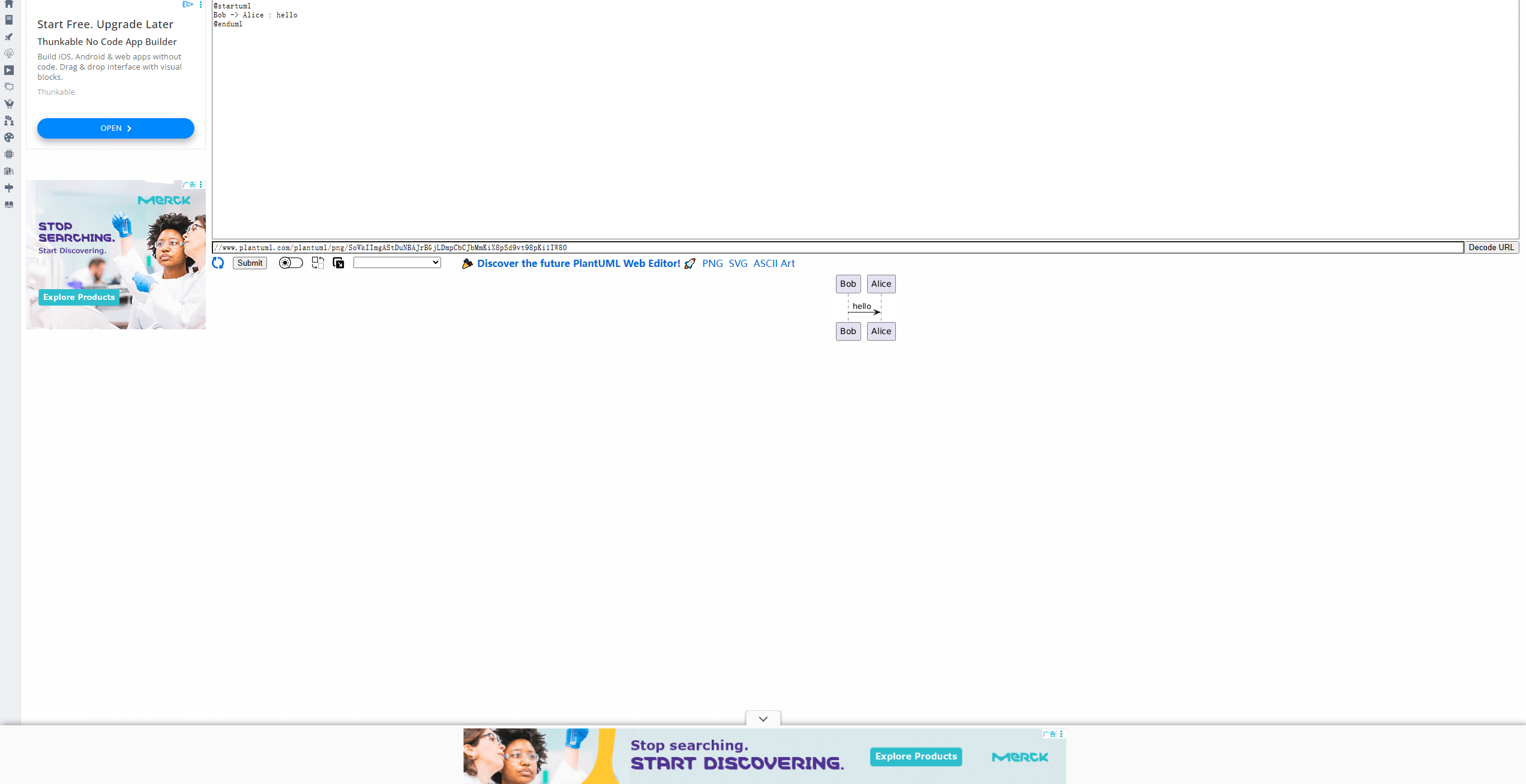
PlantUML is a well-established, open-source tool that uses a specific Domain-Specific Language (DSL) to generate standardized flowcharts and UML diagrams. It offers precise control and supports multiple languages.
Pros: Free, highly integrable (Markdown, Wikis, etc.), supports extensive diagram types. Ideal for developers seeking automation and embedding diagrams in documentation.
Cons: Requires learning its syntax; lacks built-in visual editing or real-time collaboration features.
(2) Code2Flow
An Intuitive Online Visualization Tool
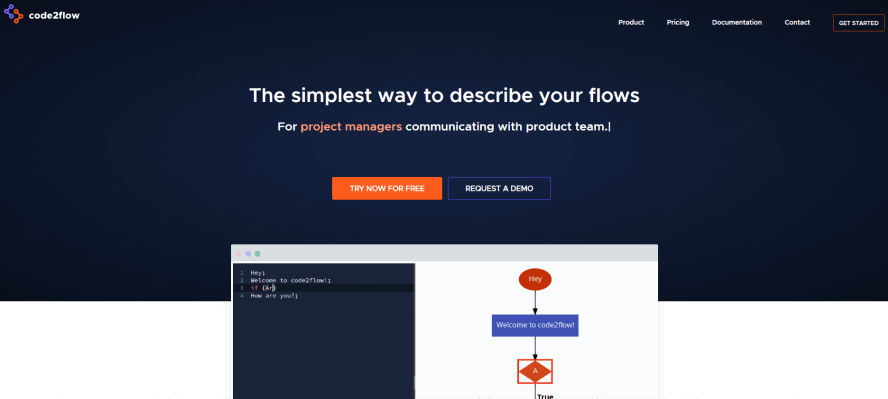
Code2Flow is a straightforward web app for instant code to flowchart conversion.
Pros: Fast visualization for Python, JavaScript, PHP, etc.; intuitive operation; free for basic use; simple online editing. Great for quick code reviews or teaching.
Cons: Relatively basic functionality; limited collaboration; large files require a paid plan.
(3) Mermaid
A Lightweight Markdown Charting Solution
Mermaid is a popular JavaScript library for creating diagrams and flowcharts with text in Markdown.
Pros: Free, text-based (easy to version control and maintain), seamlessly integrates with documentation platforms like GitLab and Notion. Perfect for flowcharts in tech docs and README files.
Cons: Styling and layout options are somewhat basic; editing depends on the host platform's capabilities.
(4) Boardmix
A Powerful Visual Collaboration Hub (with AI-Powered Code/Text to Flowchart)

Boardmix is more than just a code flowchart generator; it's a comprehensive collaborative whiteboard.
Its core strengths include:
AI-Powered Generation: Create initial flowcharts from code or text prompts using AI.
Full Editing & Styling: Extensive tools and templates to edit and beautify diagrams.
Real-Time Collaboration: Multiple users can edit, comment, and optimize diagrams simultaneously on an infinite canvas.
Project Integration: Combine flowcharts with wireframes, mind maps, and project docs in a single workspace.
Limitations:
While excellent for drafts and collaboration, its automated code parsing for highly complex logic may require more manual adjustment compared to specialized tools. A free plan is available with advanced features requiring a subscription.
Best For:
Teams that need to collaboratively design, optimize, present flowcharts, and integrate them into a broader project context. It's the ideal platform for post-generation editing, sharing, and real-time collaboration.
Getting Started: How to Generate a Flowchart from Code
The process is simple. Regardless of your chosen tool, the core workflow is consistent.
Step 1: Input Source Code
Paste your code snippet into the flowchart generator. The tool will automatically scan for key structures like loops and conditionals.
Step 2: Automatically Generate Flowchart
The system maps code structures to standard flowchart symbols (e.g., rectangle for process, diamond for decision). Its algorithm arranges the layout to produce a draft diagram.
Step 3: Manually Optimize & Adjust
Review the logic for accuracy and correct any parsing errors. Adjust the layout, styling, or add annotations to enhance readability and professionalism.
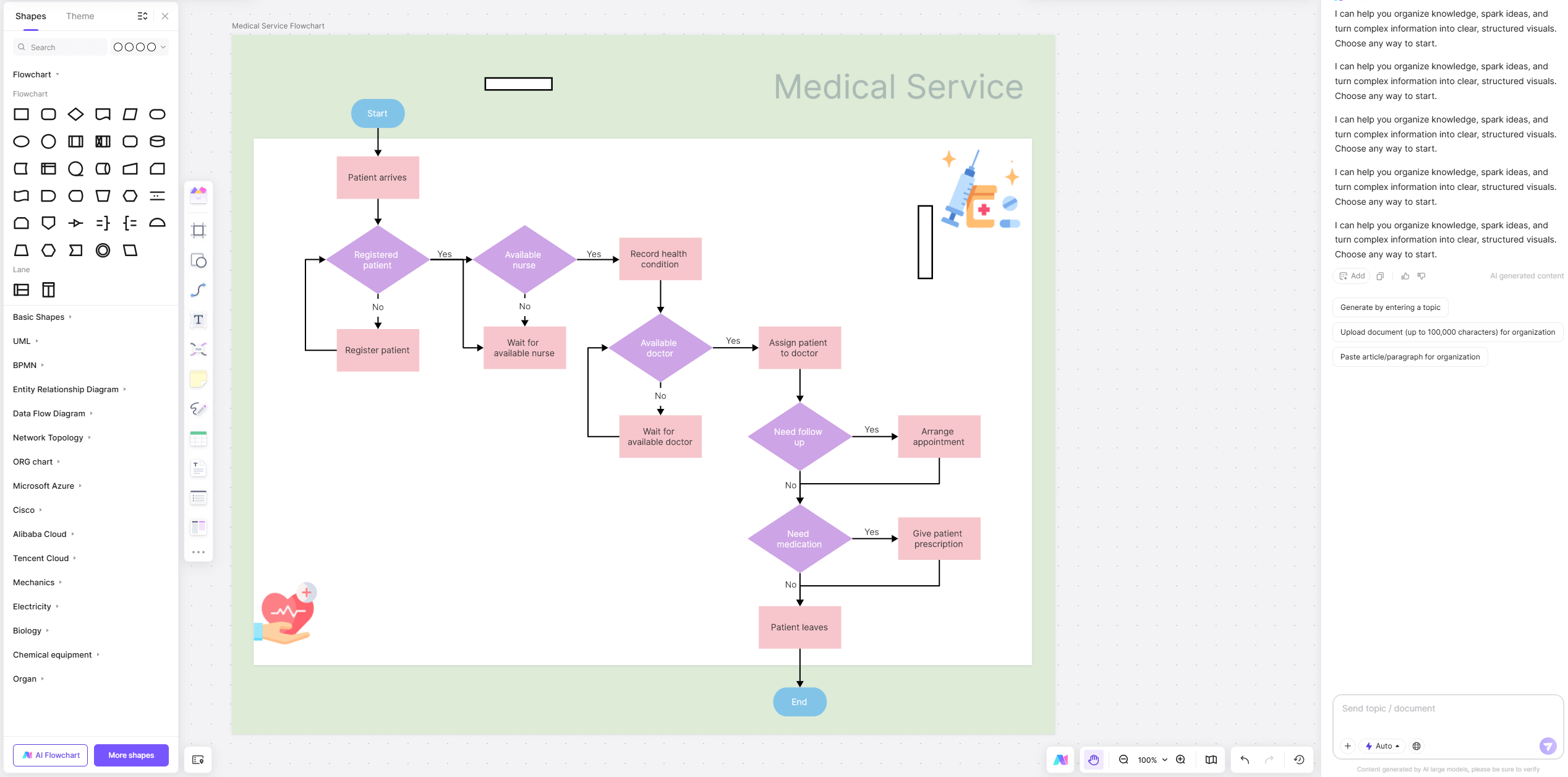
Pro Collaboration Tip: The reverse process—generating code from a flowchart—is equally powerful. First, draw a clear business flowchart using correct symbols. The tool (like Boardmix) will then identify control structures (branches/loops) and output a code skeleton in your chosen language. Teams can collaborate in real-time to refine both the diagram and the code framework, speeding up development.
Key Application Scenarios
Code-to-flowchart generation delivers value across multiple scenarios, lowering barriers to technical understanding and collaboration.
Understanding & Documenting Legacy Code: Quickly generate diagrams to clarify complex logic, turning obscure code into visual documentation.
Technical Teaching & Knowledge Sharing: Instructors can visualize code to explain algorithms. Learners can generate diagrams to test their understanding.
Aiding Code Review: Generate flowcharts for key modules before or during review to facilitate clearer discussion on logic and potential issues.
Design Validation & Communication: Visually validate logic before coding to expose flaws early. Enable seamless discussion with product managers or QA using a shared diagram.
Interviewing & Algorithm Explanations: Candidates can clearly demonstrate problem-solving method. Interviewers can quickly grasp the logic behind submitted code.
Reverse Engineering: Accelerate Development with Flowchart-to-Code: Draw detailed flowcharts in the design phase and use flowchart-to-code functionality to produce a foundational code structure, boosting initial development speed.
Summary
Code-to-flowchart technology is a pivotal tool for developer efficiency. Choosing the right tool—like Boardmix, which supports bidirectional conversion—allows you to visualize code logic instantly with AI. Furthermore, its flowchart-to-code capability helps quickly build executable frameworks. Mastering this closed-loop workflow elevates both technical understanding and implementation efficiency.
Ready to visualize your code?
Try Boardmix Free and experience AI-powered flowchart generation and seamless real-time collaboration on an infinite canvas. Generate your first flowchart in minutes, no code required!





