A code flowchart shows the decisions, loops, and sequence of steps in a program. It can help you explain unfamiliar code and discuss changes with teammates.
This guide explains how code-to-flowchart tools work, what to look for when choosing one, and where diagrams help with code review and documentation.
1. Can Code be Converted to Flowchart?
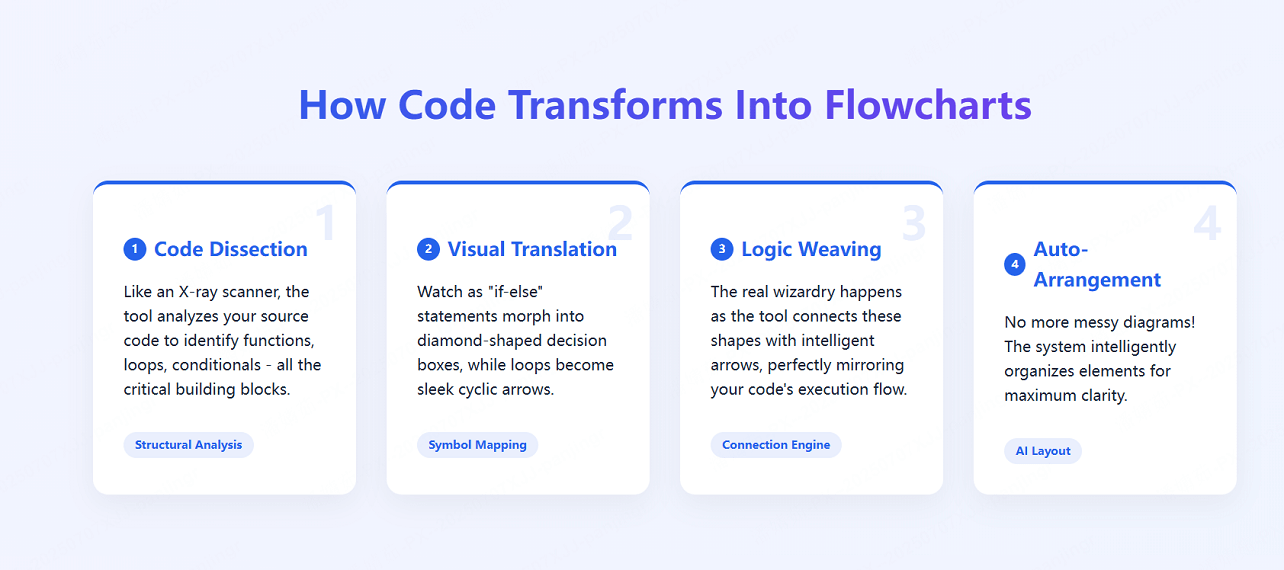
Code-to-flowchart tools typically break the task into four parts:
- Code Dissection: Like an X-ray scanner, the tool analyzes your source code to identify functions, loops, conditionals - all the critical building blocks.
- Visual Translation: Watch as "if-else" statements morph into diamond-shaped decision boxes, while loops become sleek cyclic arrows.
- Logic Weaving: The real wizardry happens as the tool connects these shapes with intelligent arrows, perfectly mirroring your code's execution flow.
- Auto-Arrangement: No more messy diagrams! The system intelligently organizes elements for maximum clarity.
2. How to Choose Code Flowchart Generator?
Compare supported input languages, diagram clarity, editing options, collaboration, and price. Check whether a tool reads source code or requires its own diagram syntax before choosing it.
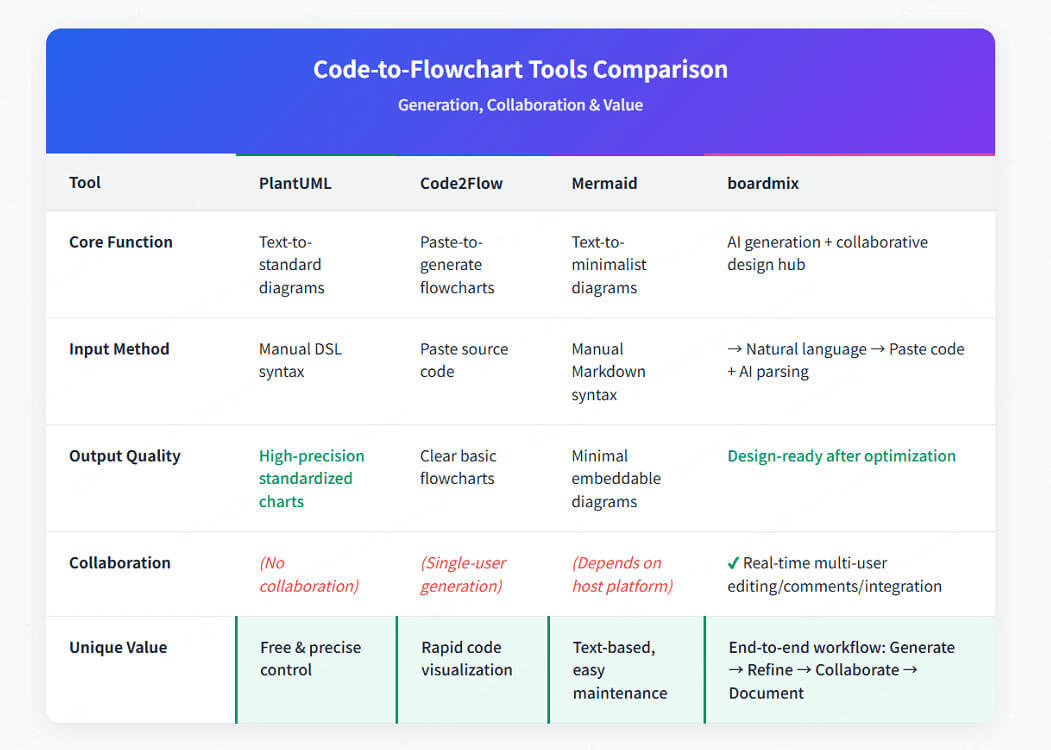
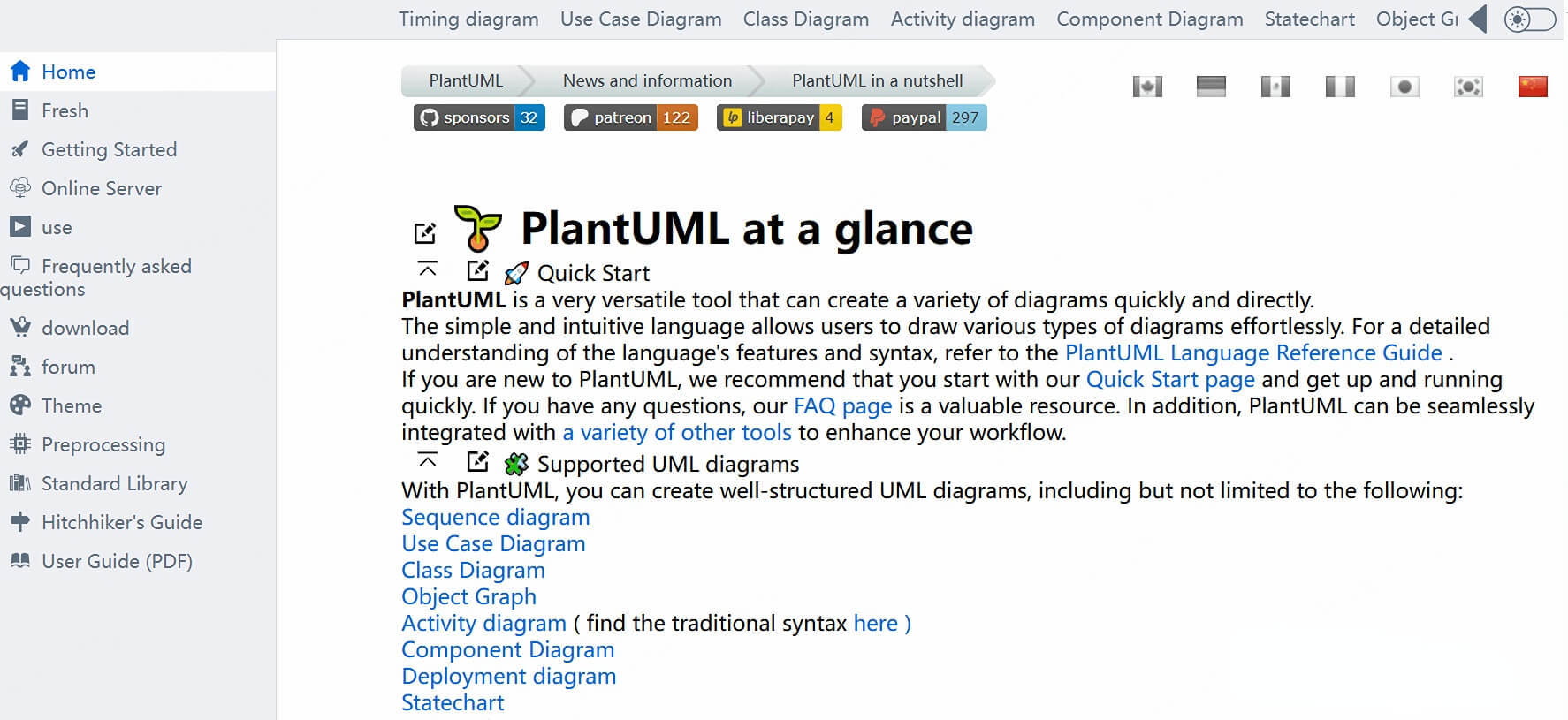
(1)PlantUML: A time-tested, text-based DSL-driven code flowchart generator
This open-source veteran turns code into UML/flowcharts using its powerful DSL syntax.
✓ Pros: Free! Deep language support. Plays nice with Markdown/Wiki.
✗ Cons: Steep learning curve. No visual editing/collaboration.
💡 Perfect for: Suitable for developers who pursue automation and code embedding in documents.
(2)Code2Flow: The Speedy Code Visualizer
This is a tool that instantly generates clear flowcharts from pasted code in languages like Python, JS, PHP, and more.
✓ Pros: Simple. Free tier. Lightning-fast for code reviews.
✗ Cons: One-trick pony. No teamwork features.
💡 Ideal for: Suitable for developers who need a quick code overview or teaching demonstrations.

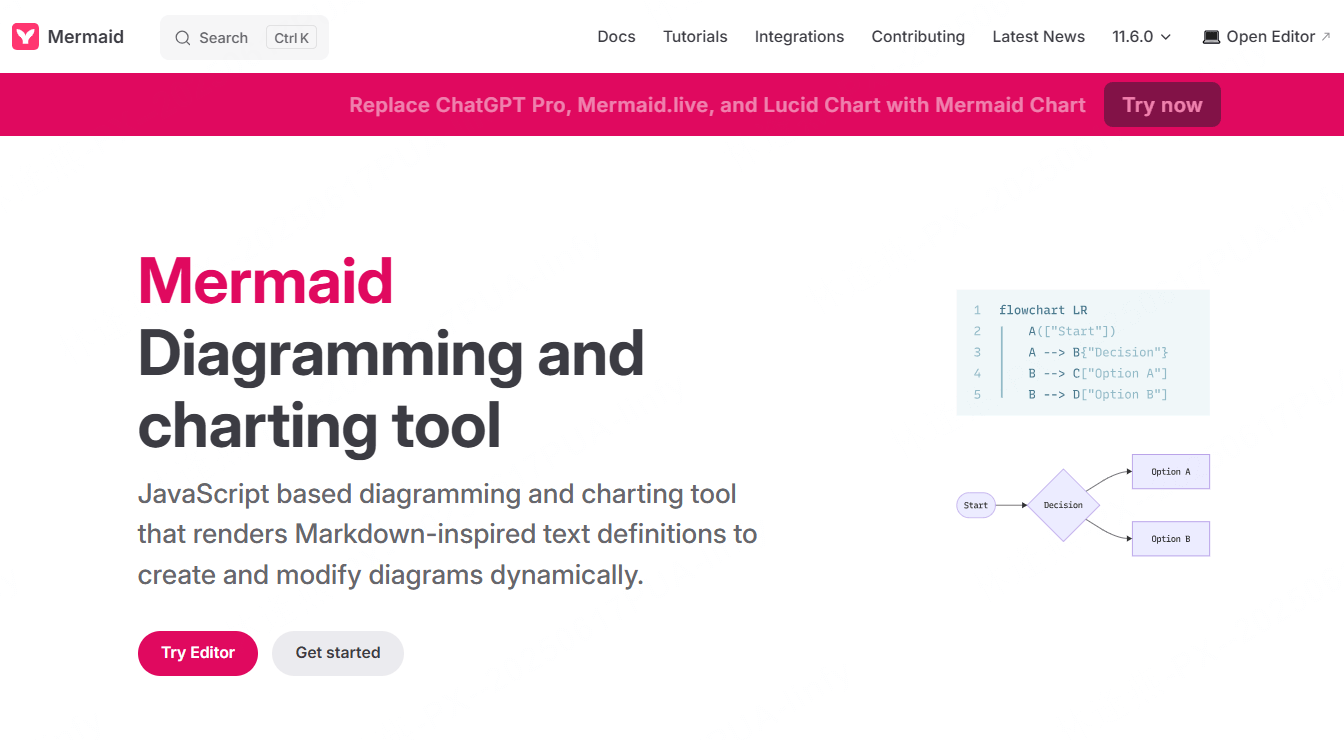
(3)Mermaid: The Lightweight Markdown Flowchart Solution
Mermaid is a minimalist charting library for Markdown that allows you to create flowcharts and diagrams with simple text.
✓ Pros: Free! Deep language support. Plays nice with Markdown/Wiki.
✗ Cons: Steep learning curve. No visual editing/collaboration.
💡 Perfect for: Suitable for developers who pursue automation and code embedding in documents.
(4)Boardmix: The Collaboration Powerhouse
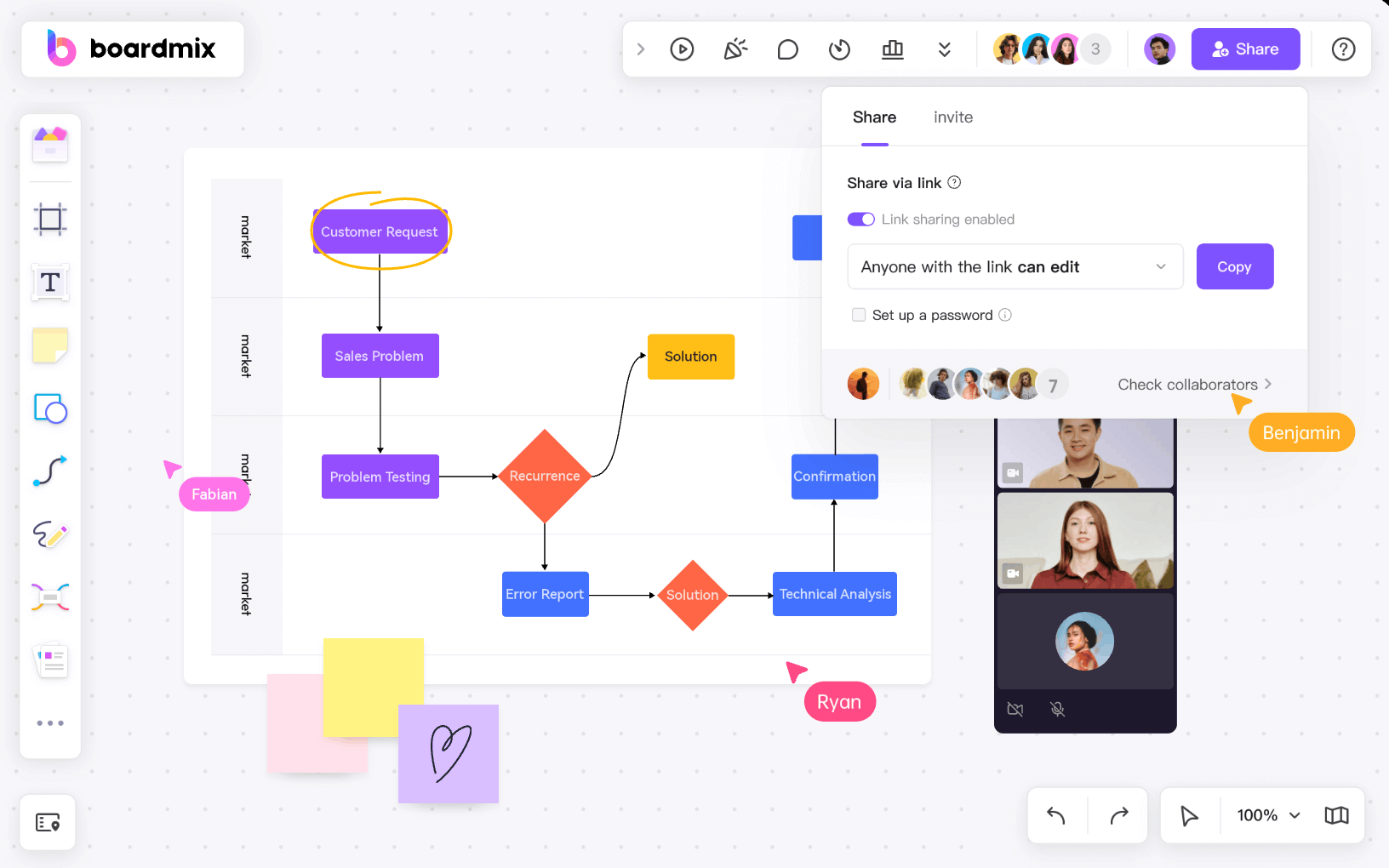
More than a converter – it's your all-in-one visual command center with AI superpowers.
✓ Pros:
• AI turns code/text → editable flowcharts
• Real-time multiplayer editing (comments, sticky notes, you name it)
• 1000+ pro templates + infinite canvas for docs/mind maps
✗ Cons: Complex logic may need human polish. Some premium features.
💡 The ultimate choice for: Teams that want to design, discuss, deliver without switching apps.
3. How to Convert Code to Flowchart?
Converting code to professional flowcharts has never been easier! No matter which tool you choose, the magic happens in three simple steps:
🚩Step 1: Paste Your Code
Just drop your code into the generator—whether it's Python, JavaScript, or Java. The tool instantly scans loops, conditionals, and key structures, prepping them for visualization.
🚩Step 2: Wait the Diagram Auto-Generate
Like digital alchemy, your code transforms into standard flowchart symbols:
• Rectangles = Process steps
• Diamonds = Decision points
• Arrows = Execution flow
The AI handles layout, giving you a clean, structured draft in seconds.
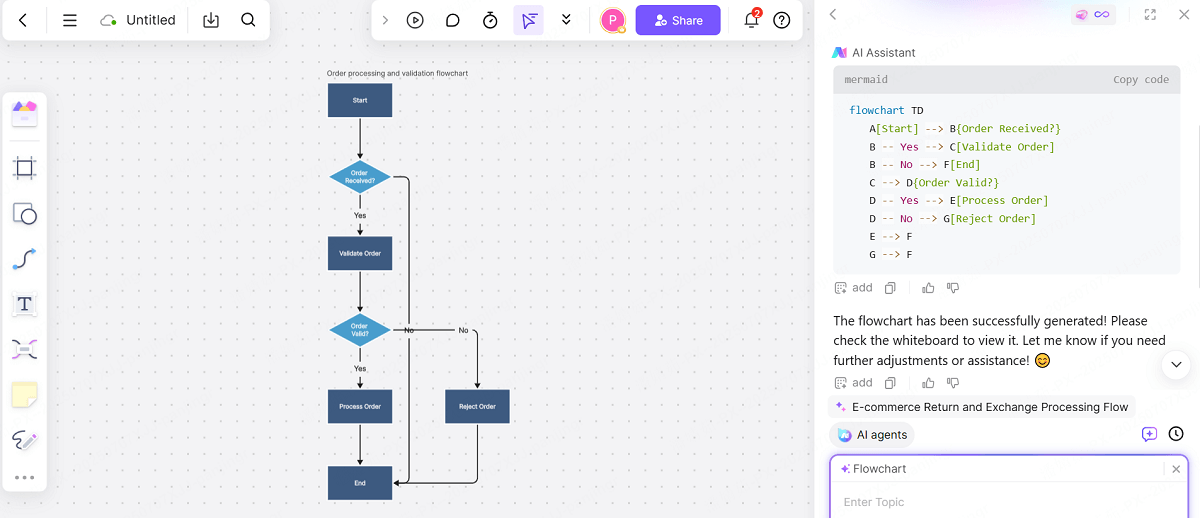
⚡Examples: AI Make java Code to Flowchart
• AI Reads Your Code: Instantly spots key logic like if/else and method calls
• Creates Visual Logic: Converts code structures to standard flowchart symbols
🚩Step 3: Refine & Perfect
Tweak the flowchart for maximum clarity & impact:
• Fix any parsing quirks (rare, but possible)
• Adjust styling for better readability
• Add annotations for team collaboration
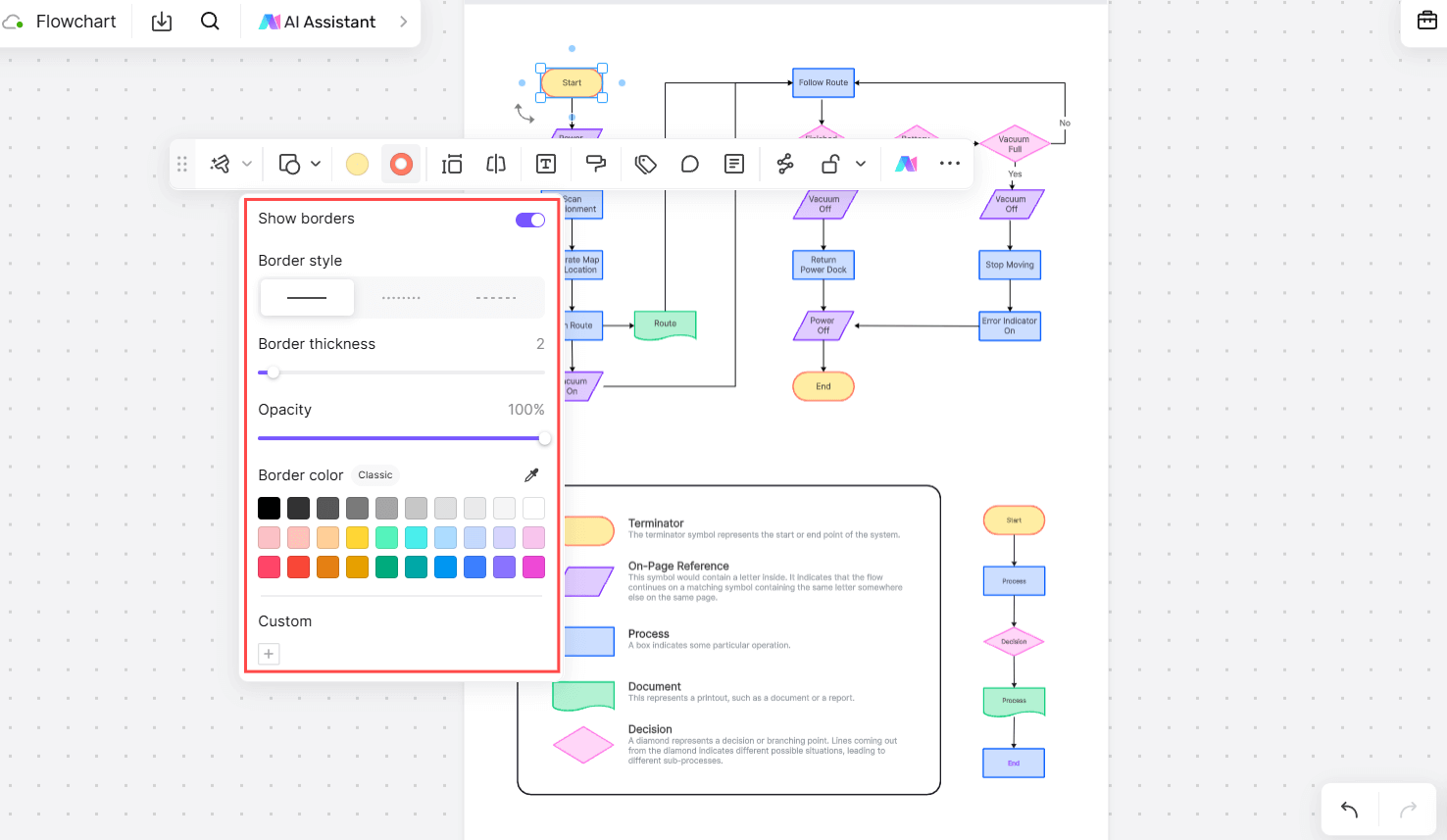
💡How to Create a Flowchart for Code?
• Draw a clean, logical flowchart (using standard symbols)
• Let AI convert it into code (Python, Java, etc.)
• Collaborate in real-time (Perfect for agile teams!)
⚡Boardmix supports this functionality and adds real-time collaboration capabilities, allowing teams to simultaneously optimize flowcharts and code frameworks, accelerating the implementation of logic. You can experience smarter technical visualization that's as easy as it is powerful!
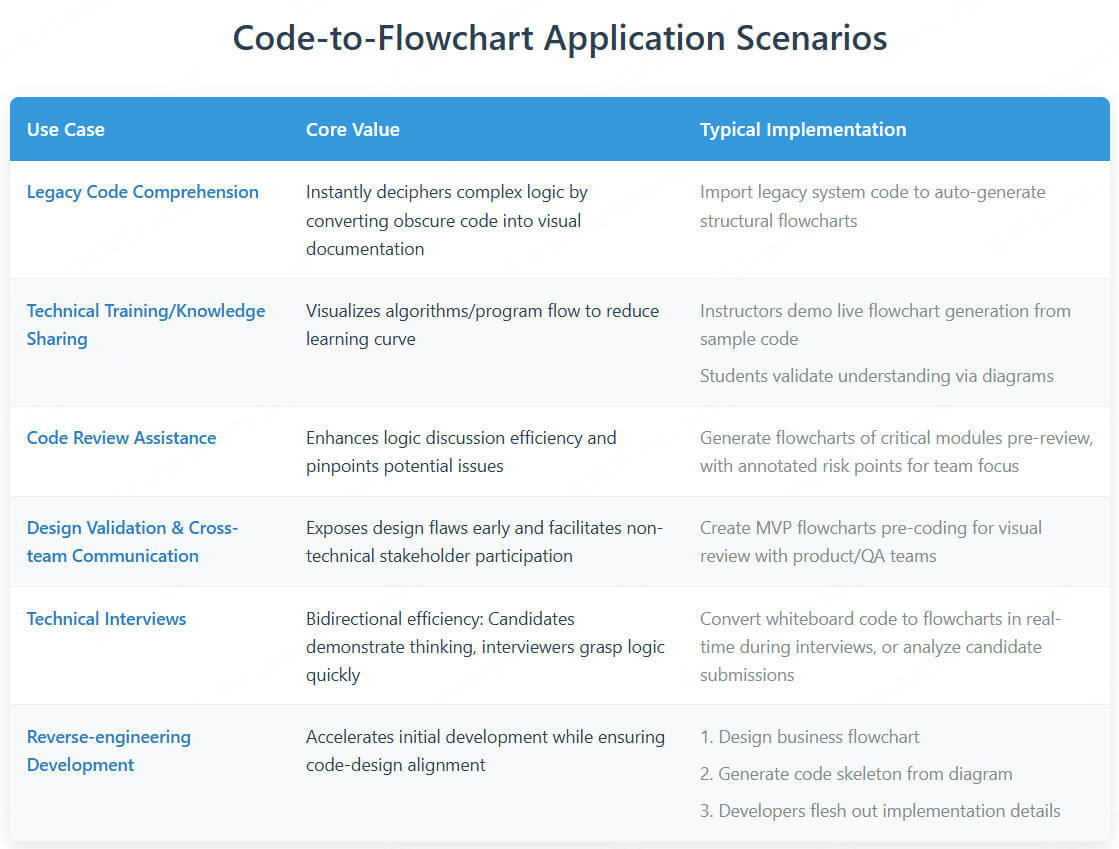
4. Application Scenarios of Code to Flowchart Generation
The value of generating flowcharts from code shines in a variety of scenarios, dramatically lowering the barriers to technical understanding and collaboration. From deconstructing legacy systems to educational demos, from code reviews to cross-team communication, automated flowcharts are quickly becoming an essential tool for developers to boost efficiency and streamline workflows.
Key points
A flowchart makes branches, loops, and dependencies easier to discuss during code review. Use it to explain a function or process, with the source code alongside it when details matter.