To present an online whiteboard, choose the question your audience needs to answer, arrange a short route through the relevant evidence, and finish at a clearly labeled decision area. Show one part of the board at a readable scale. Keep the raw notes available for questions, rather than reading every note aloud.
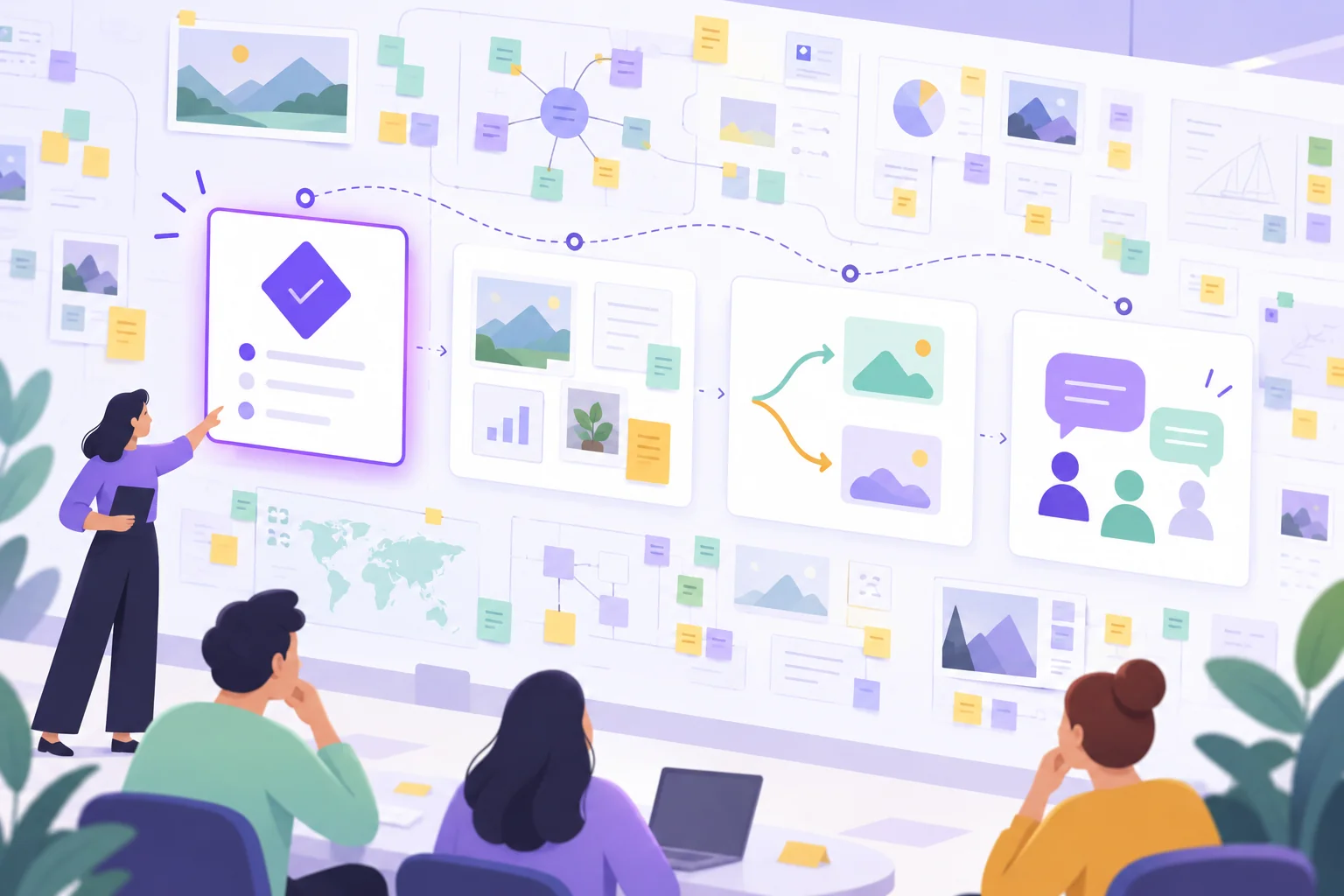
A working board records how a team explored a problem. A presentation needs to explain what that work means for the people watching. On a Boardmix online whiteboard, you can arrange a small presentation area alongside the working material, keeping the argument and its supporting evidence in the same place.
Start with the audience's question
Imagine that an operations team has mapped a difficult handoff between customer support and fulfillment. Its board contains a process map, several observations, possible changes, and unresolved questions. The team has seven minutes in a planning meeting to ask for approval to try one change.
“Here is everything we discovered” is too broad for that conversation. “Should we pilot a named handoff owner for cases waiting on fulfillment?” tells the audience what to listen for.
Put that question in a large text heading. Below it, write the proposed outcome: agree on whether to run the pilot, who would own it, and what must be clarified before it starts. If the meeting is only for feedback, say that instead. Do not imply that attending or staying silent amounts to approval.
Build a route with four stops
The following route is a suggested seven-minute walkthrough for that handoff example. It leaves out much of the workshop because the audience is deciding on a pilot, not reconstructing every discussion.
| Stop | Time | What to show | What to say or ask |
|---|---|---|---|
| 1. Decision | 1 minute | The question and a one-sentence proposal | “We need to decide whether to test a named handoff owner for one queue.” |
| 2. Evidence | 2 minutes | The handoff segment and two clearly labeled observations | “These observations suggest an ownership gap. They do not yet tell us how often it happens.” |
| 3. Options | 2 minutes | A comparison of the pilot and a documentation-only change | “The pilot changes responsibility; the document change only makes the current procedure easier to find.” |
| 4. Response | 2 minutes | Decision, conditions, and unresolved questions | “Can we proceed under these conditions, or which question prevents a decision?” |
Use numbered headings on the canvas so the route remains visible. Keep the four areas close enough that moving between them is simple. This is a layout and speaking plan; it does not require an automatic tour or slide-navigation feature.
Seven minutes may be enough to introduce a narrow choice, but it is not a guarantee that the group can decide. If the final discussion reveals a missing dependency, record it and arrange the decision rather than rushing approval to finish on time.
Edit the view without rewriting the evidence
Move or copy only the material that supports the audience's question into the presentation area. Keep the original working material separately labeled. If you summarize several notes, make the summary visibly different from a direct observation or quotation.
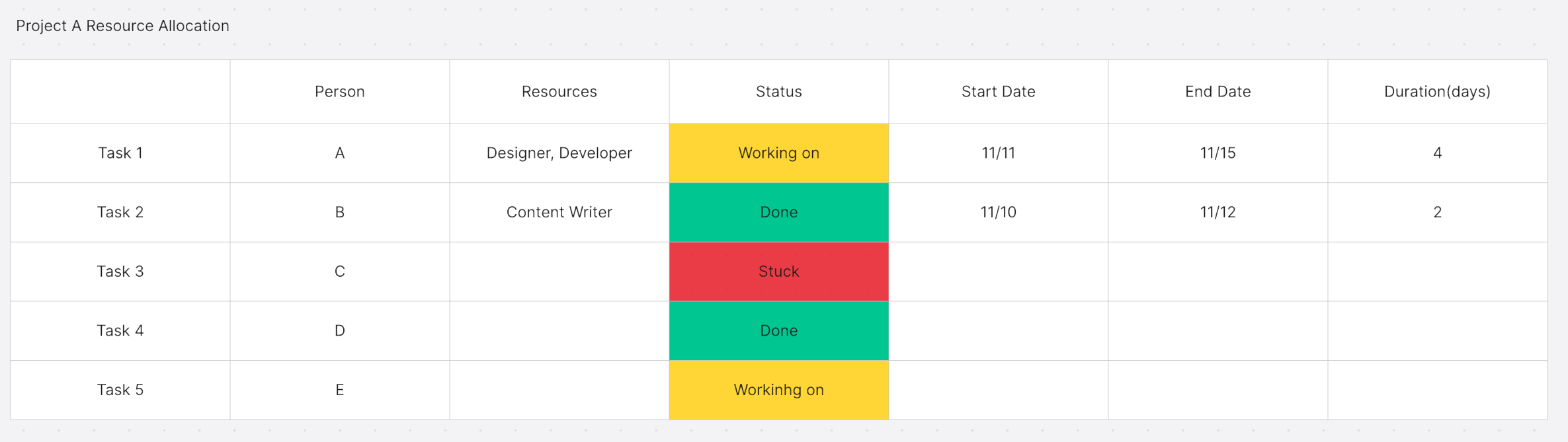
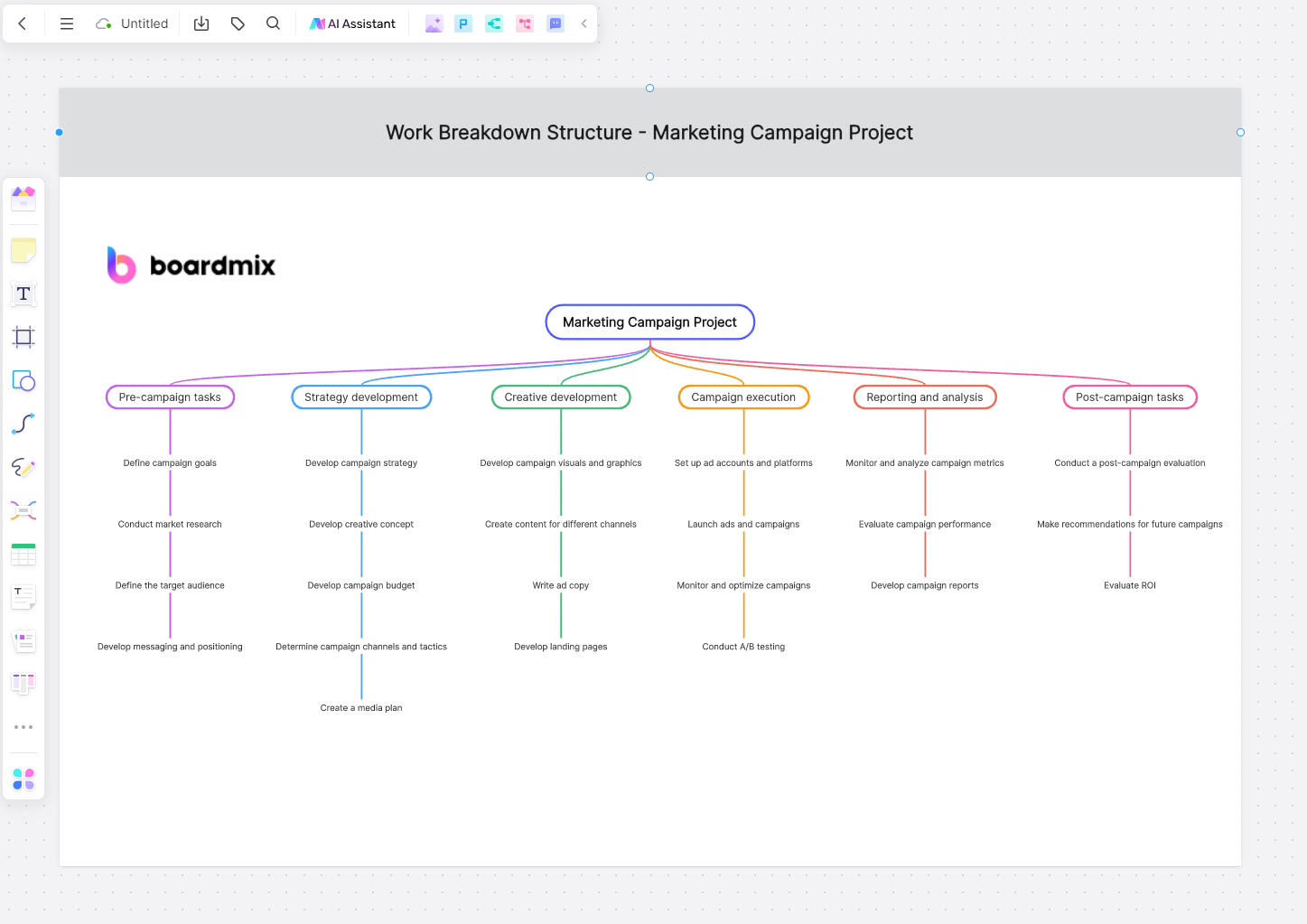
For the handoff example, the team can show a short section of the process map and the following compact comparison:
| Option | What changes | What it would not establish | Question before proceeding |
|---|---|---|---|
| Name a handoff owner for one queue | Someone explicitly checks that waiting cases reach the next responsible team. | It would not by itself show that the wider process is reliable. | Who can take this responsibility within their available capacity? |
| Publish clearer handoff instructions | Agents have a shared description of the existing steps. | Better instructions would not settle ownership where it is currently ambiguous. | Does the existing procedure assign an owner, or is that the missing decision? |
Leave a reference beside each observation, such as the relevant note label or process step. A listener who challenges your interpretation should be able to find the underlying material. Do not turn a few workshop comments into a claim about all customers, all cases, or a measured improvement.
Make each stop readable before you rehearse
A canvas that looks clear on the author's large monitor may be unreadable when shared in a meeting. Check the exact view you intend to show, at the scale your audience is likely to see.
- Show a section rather than the whole board. Zooming out to include every area often makes the text too small to read.
- Use short headings. “Where ownership changes” gives the audience a reason to inspect a process segment.
- Separate the main point from detail. Put the conclusion or question above the supporting notes, with enough space to see the grouping.
- Label meaning in words. “Observation,” “Assumption,” and “Open question” remain understandable when colors are difficult to distinguish.
- Explain diagrams aloud. Describe the relevant relationship instead of saying only “as you can see here.”
Provide a short text outline containing the question, options, and decision needed. It gives people another way to follow the discussion if they cannot read or navigate the canvas comfortably. For a large board that is difficult to organize in the first place, the infinite canvas organization guide covers the underlying workspace.
Rehearse the transitions in Boardmix
Place the four numbered headings on your Boardmix board and add the selected text, shapes, and connectors beneath them. Keep a separate area labeled “Working evidence” so it is clear which material belongs to the presentation.
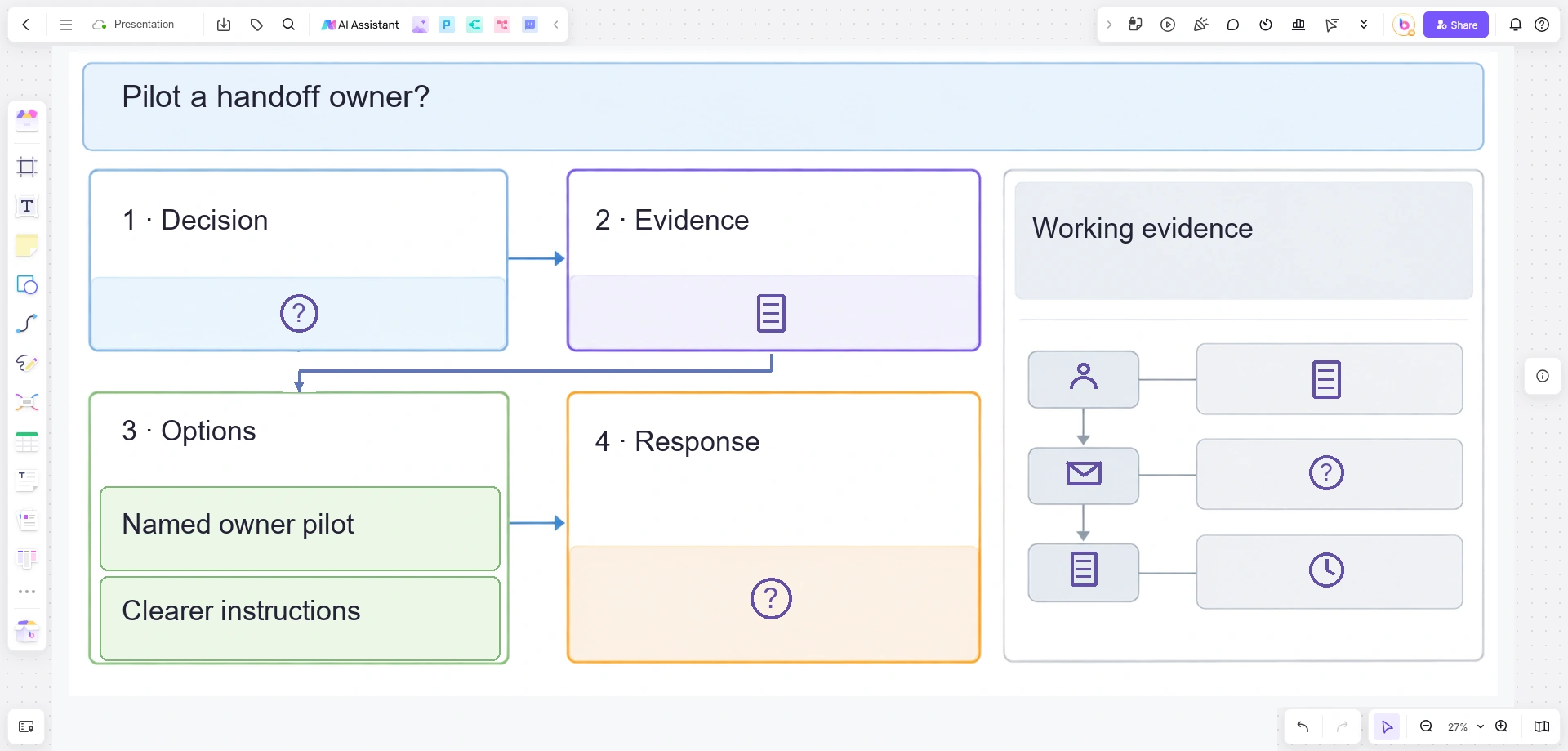
Start at the opening question and move through the route manually. At each stop, check whether the section is readable and whether your next sentence still makes sense without seeing the previous area. If moving across the canvas feels like a search, bring the presentation areas closer together.
Ask a colleague to follow the rehearsal from their own screen. Have them tell you which question they think the meeting must answer. If they remember the diagram but cannot name the decision, revise the opening and the final stop.
In the live meeting, use your normal screen-sharing channel if you want everyone to see the same view. Opening the same board does not, by itself, mean every participant is looking at the same place. Board labels also let someone who explores independently return to the current stop.
Handle questions without losing the route
Answer a clarification when it affects understanding of the current stop. Capture a broader issue in a visible question area and say when it will be considered. If a question undermines the proposal's assumptions, pause the route; it may be more important than finishing the prepared presentation.
At the final stop, record the actual response. In the handoff example, that could be “Pilot agreed, subject to the team lead confirming capacity,” rather than simply “Approved.” Add the person responsible for the outstanding answer and the point when it will return to the group.
After the meeting, leave a short decision note beside the presentation area. Keep the original evidence and any unresolved questions available. Someone who opens the board later should be able to tell what was proposed, what was decided, and what still needs attention.
To prepare your next walkthrough, open the work in Boardmix and write the audience's decision question before rearranging any notes. That question is your rule for deciding what earns a place in the presentation.