AI tools for creative teams are not interchangeable. A practical stack gives each one a role: Boardmix AI and Gemini shape ideas; ChatSonic develops copy; Midjourney and ChatGPT Images explore visuals; SlidesAI and Synthesia create presentations or video; HubSpot adapts campaigns; and ClickUp and Designs.ai support delivery. Choose by workflow stage, source material, and required human review.
Official features checked September 9, 2026. Product capabilities and availability can change, so confirm the current settings and terms before adopting a tool for sensitive or commercial work.

AI Tools for Creative Teams: A Selection Matrix
Choose by workflow job rather than by a broad "best AI" label. Every handoff needs a named owner and approval checkpoint.
| Tool | Primary workflow role | Useful output | Human checkpoint |
|---|---|---|---|
| Boardmix AI | Visual ideation and collaborative planning | Mind maps, diagrams, workshop notes, and presentation drafts | Scope, priorities, and factual basis |
| Gemini | Drafting within Google Workspace | Briefs, summaries, copy, and slide starting points | Context, sources, and final wording |
| ChatSonic | Marketing copy exploration | Angles, outlines, rewrites, and channel variants | Claims, citations, and brand voice |
| Midjourney | Visual concept exploration | Mood, composition, and style directions | Originality, rights, and visual accuracy |
| ChatGPT Images | Prompt-led image generation and editing | Image concepts, revisions, text treatments, and transparent assets | Details, legibility, provenance, and permitted use |
| SlidesAI | First-pass presentation production | Editable outlines and slide drafts | Narrative, evidence, hierarchy, and accessibility |
| HubSpot | Campaign content adaptation | Channel-specific versions of an approved source asset | Audience fit, consent, claims, and brand consistency |
| Synthesia | Script-to-video production | Presenter-led videos and localized versions | Script accuracy, pronunciation, and representation |
| ClickUp | Project context and delivery coordination | Task summaries, briefs, updates, and next actions | Ownership, access, and completion criteria |
| Designs.ai | Multi-format branded asset production | Design, image, video, audio, copy, logo, and slide drafts | Brand rules, licensing, and final quality |
Stage 1: Ideation and Creative Planning
1. Boardmix AI: Turn a Workshop into a Shared Creative Brief
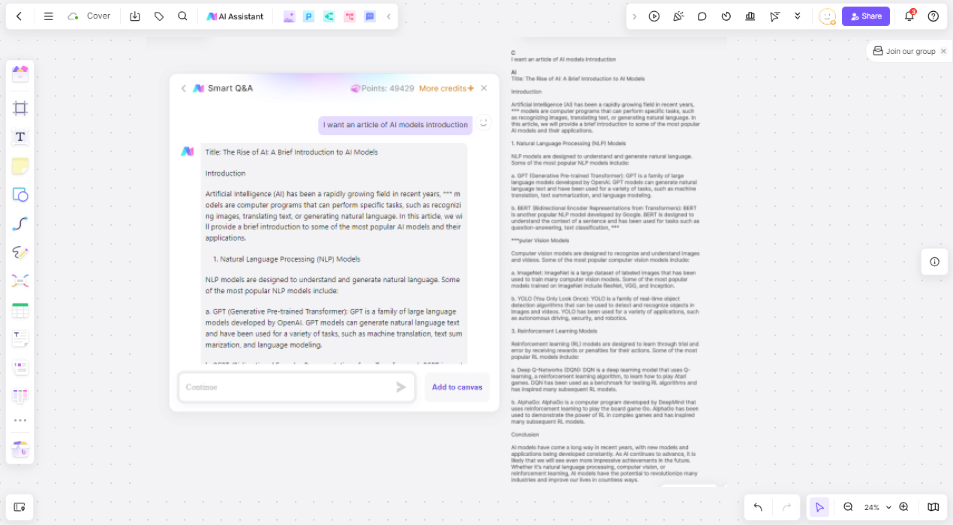
Boardmix AI is most useful when a team has fragments rather than a finished concept. On a shared whiteboard, participants can group notes, create mind maps or flowcharts, and turn discussion into a visual plan. AI can help brainstorm, analyze, draft, and visualize material while real-time collaboration keeps the reasoning visible to reviewers.
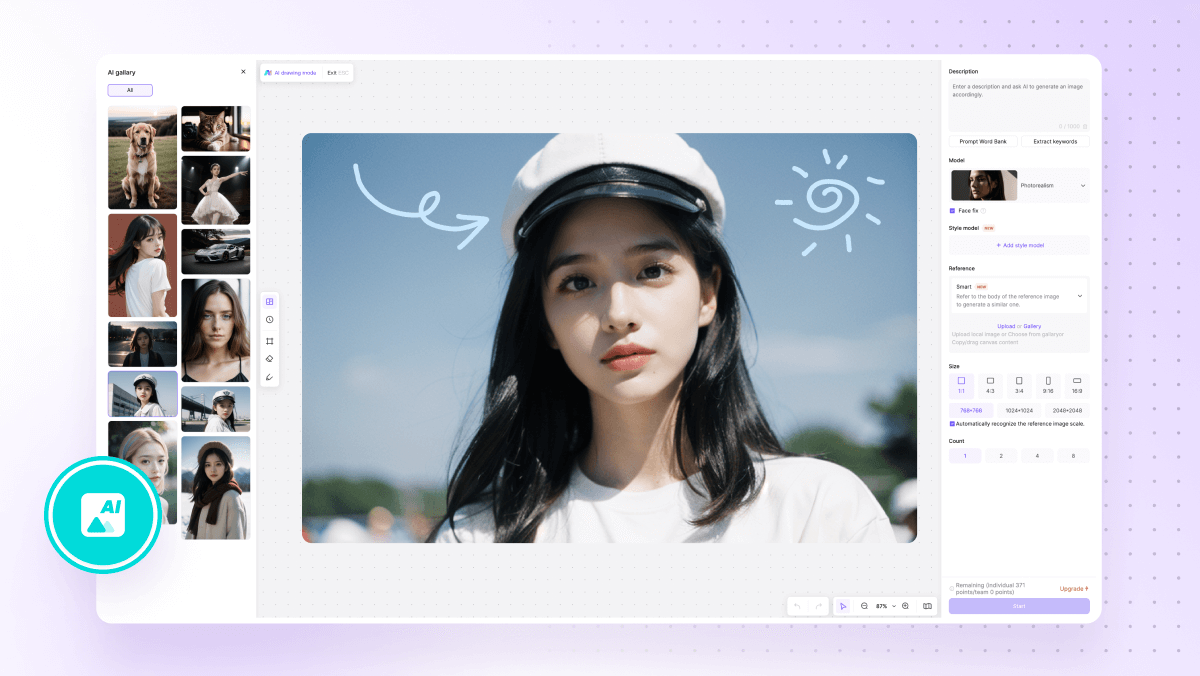
A good use case is brainstorming with an AI whiteboard: state the audience problem, add evidence and constraints, generate alternatives, then select the strongest direction. The deliverable should be an approved brief with a message, audience, required assets, exclusions, and decision owner.

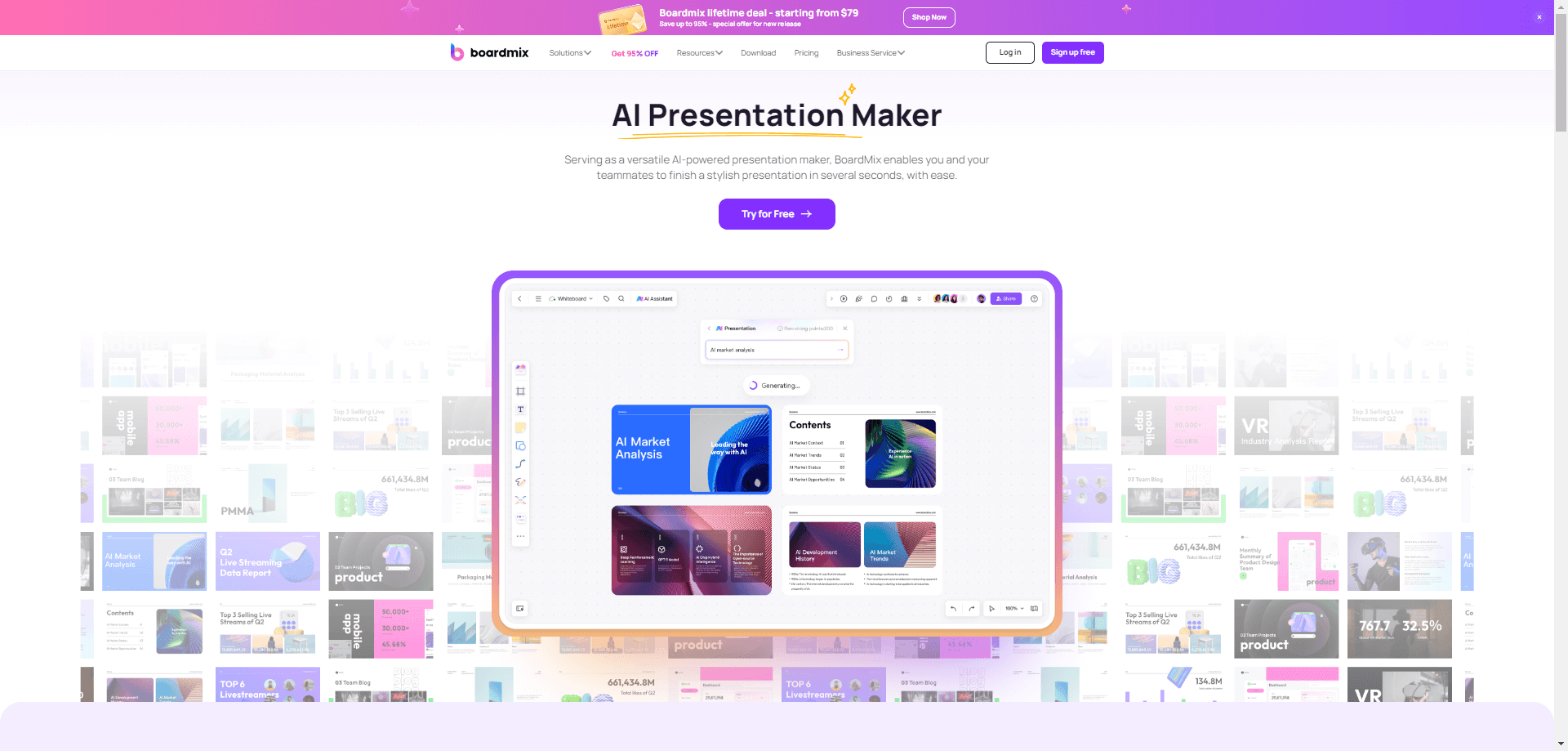
Keeping early presentation thinking beside the source workshop reduces lost assumptions. Before handoff, remove duplicate notes, label open questions, and separate verified facts from hypotheses.
2. Gemini: Develop Ideas in the Workspace Where Teams Already Write
Gemini is the current Google AI assistant across Workspace products such as Gmail, Docs, Sheets, Meet, Chat, Slides, and Vids. For a creative team, its practical value is continuity: a strategist can turn meeting context into a draft brief, refine copy in Docs, work with information in Sheets, and develop presentation material without repeatedly moving text between unrelated tools.
Use Gemini after defining the question. Supply approved context, audience, tone, constraints, and examples. Treat its summaries and language as working material, then confirm that qualifications, sources, and stakeholder decisions survived the rewrite.
Stage 2: Drafting and Campaign Content
3. ChatSonic: Explore Copy Angles and Controlled Variations
ChatSonic, from Writesonic, supports conversational brainstorming, writing, and editing. Its Canvas can hold longer drafts, while uploaded material, URLs, writing-style references, and web search can inform the work. Use it to compare headlines, restructure copy, or create candidate versions of one approved message.
Web access does not remove the need for verification. Open original sources and distinguish their claims from your team's conclusions. Provide a short style guide and prohibited-claims list, then select one direction instead of publishing repetitive variants.
Stage 3: Visual Production
4. Midjourney: Explore Art Direction Before Production
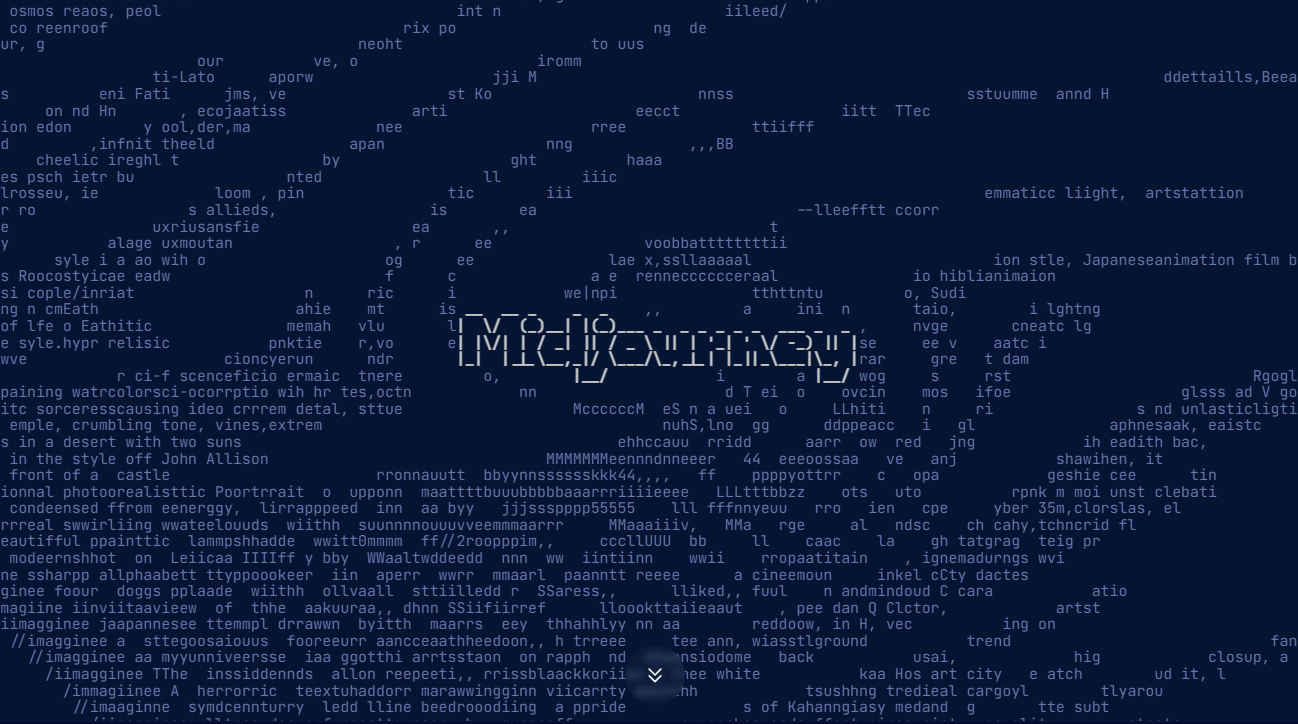
Midjourney supports visual exploration through text prompts, image prompts, style references, and image references. Its web workflow offers variations and editing, letting a creative lead compare composition, lighting, palette, or mood. For a controlled concept set, keep the subject and format stable, change one variable at a time, and record the selection.
A convincing image is not factual evidence. Review anatomy, text, logos, cultural details, and resemblance to protected work. Retain prompts, inputs, edits, and approvals for client delivery.
5. ChatGPT Images: Generate and Revise Production Candidates
ChatGPT Images can generate images from instructions and edit an existing image through follow-up requests. It can address requested details such as text in an image and transparent backgrounds, supporting mockups, campaign components, and revisions.
After defining art direction, specify ratio, subject, composition, required text, exclusions, and placement. Inspect the output at final size; correct text and compare factual details with approved references. Teams building AI-assisted design workflows should define when exploration becomes a production asset and who approves it.
Stage 4: Presentation, Campaign Packaging, and Video
6. SlidesAI: Convert Approved Material into an Editable Deck Draft
SlidesAI turns a prompt, topic, notes, text, or uploaded document into a structured presentation. It works through its own platform and integrations for Google Slides and PowerPoint, with editable results. Use it after approving the argument and before detailed slide design.
Review the outline before the visuals. Each slide should advance one point, and every chart, quotation, or statistic should trace to a source. Check reading order, contrast, font size, alt text, and speaker notes.
7. HubSpot: Adapt an Approved Asset for Campaign Channels
HubSpot's AI features are embedded in its customer platform. Content Remix can use an existing blog, page, video, or file to draft social posts, emails, landing pages, podcasts, or ads. Breeze Assistant helps refine copy, while brand settings provide tone and positioning context.
Start with an approved source. Because each channel has different reader expectations, review claims, targeting, calls to action, consent requirements, and destination links in every version.
8. Synthesia: Move from a Reviewed Script to Presenter-Led Video
Synthesia creates business videos from scripts, prompts, presentations, documents, or links. Its workflow combines avatars, voices, generated or uploaded media, motion elements, and localization tools. It suits explainers, training, and internal communication built from an approved message.
Approve the script first, then review pronunciation, on-screen text, timing, captions, and localized meaning. Disclose synthetic presentation where policy or context requires it, and obtain permission for brands, people, voices, and source material.
Stage 5: Project Delivery and Brand Consistency
9. ClickUp: Keep AI Assistance Grounded in Project Context
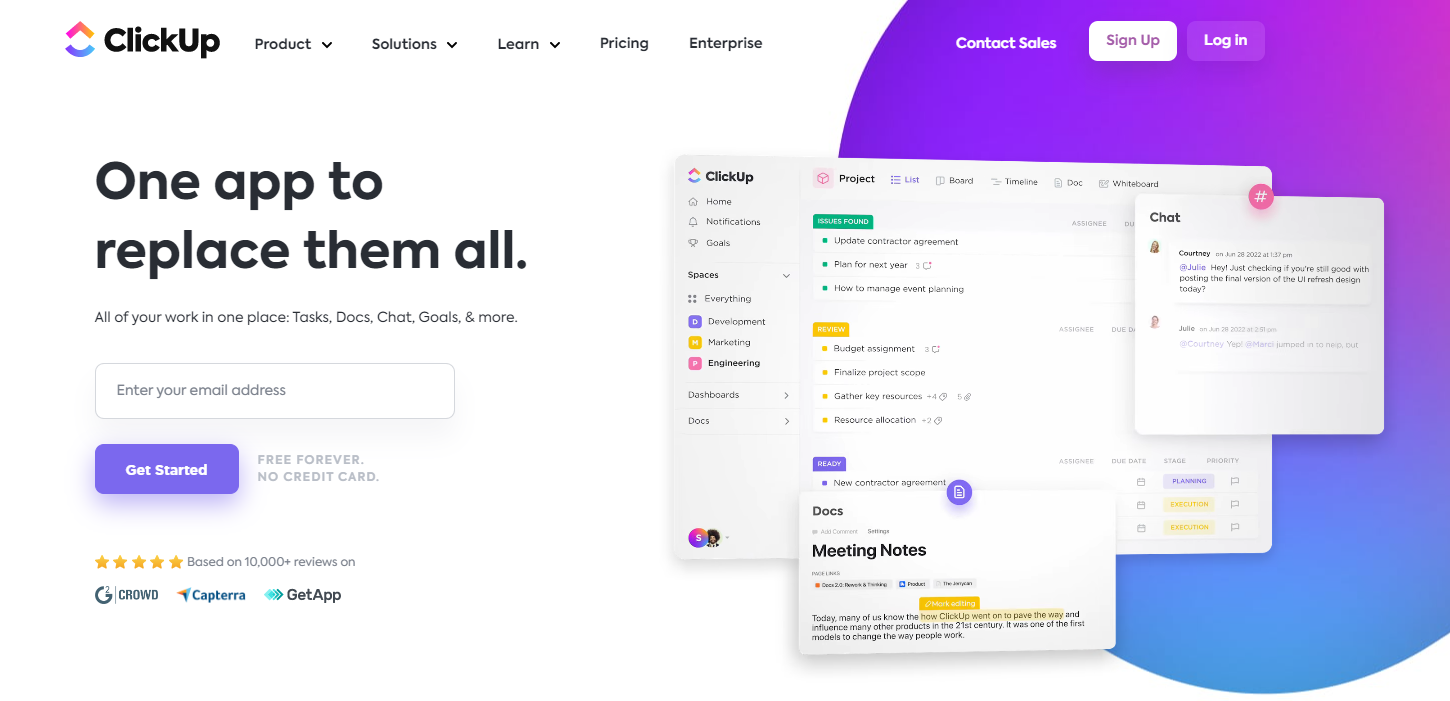
ClickUp Brain adds AI assistance to work management. It can use workspace context to summarize activity, draft updates, locate information, and turn discussion into next actions. This helps when delivery depends on ownership, dependencies, review status, and a definition of done.
Link tasks to the approved brief, assign a human owner, and record feedback with the work. When evaluating creative project management software, test permissions, versioning, review history, and handoffs as carefully as generation features.
10. Designs.ai: Produce a Coordinated Set of Branded Asset Drafts
Designs.ai combines design, image, video, audio, copy, logo, slide, and research workflows. Its brand features can apply shared colors, fonts, logos, and visual direction. It suits teams deriving several first-pass asset types from one campaign brief.
A brand kit is not an art director. Check message hierarchy, imagery, layout, and channel fit. Confirm usage rights for generated and supplied elements, and retain an editable master.
A Practical Five-Stage Creative Workflow
- Define the decision. In Boardmix, map the audience problem, evidence, constraints, questions, and owner. Use Gemini to organize the approved brief.
- Develop the message. Use ChatSonic to compare angles. Tie claims to primary sources and select one message architecture.
- Explore visual directions. Use Midjourney for controlled concepts and ChatGPT Images for generation or edits. Record inputs and decisions.
- Package the story. Use SlidesAI for a deck, HubSpot for channel adaptations, or Synthesia for video. Review outputs in context.
- Deliver and learn. Track ownership in ClickUp, apply Designs.ai where brand consistency helps, and compare results with the objective.
Human Review Checklist for AI-Created Work
- Accuracy: Verify names, dates, quotations, statistics, product details, and links against primary sources. Label assumptions.
- Copyright and provenance: Record prompts, source assets, licenses, material edits, and approvals. Check trademarks, recognizable people, and close stylistic imitation.
- Privacy: Do not upload confidential client, employee, customer, or unreleased product information until the tool's data controls and your organization's policy have been reviewed.
- Brand and accessibility: Check tone, terminology, color contrast, captions, alt text, reading order, and whether the asset works without color or audio alone.
- Accountability: Name the person who can approve, reject, or correct the output. AI can propose material; it cannot own the creative or business decision.
Frequently Asked Questions
What is the best AI tool for a creative team?
There is no single best tool for every stage. Choose by bottleneck: Boardmix AI for collaborative ideation, ChatSonic or Gemini for drafting, Midjourney or ChatGPT Images for visual exploration, SlidesAI or Synthesia for packaging, and ClickUp for delivery context. Test one defined task with the same brief and review criteria before expanding the stack.
Should a team use one AI platform or several specialized tools?
Use the smallest stack that covers the workflow. One platform can reduce handoff friction, while specialized tools may offer stronger controls for a particular medium. The deciding factors are output quality, permissions, editability, source traceability, integration, and whether review history remains understandable.
Can AI-generated creative work be published without editing?
It should be reviewed before publication. Generated copy can contain unsupported claims or flatten a brand voice. Generated visuals can include incorrect text, anatomy, logos, or factual details. The closer an asset is to a public, regulated, or paid use, the more explicit the approval process should be.
How should teams handle copyright when using AI tools?
Start with material the team owns or is permitted to use, review each provider's current terms, and keep a record of inputs and edits. Screen outputs for recognizable protected elements, trademarks, people, and close imitation. For high-risk commercial uses, involve the organization's legal or rights-clearance owner.
Can confidential information be entered into creative AI tools?
Not by default. First confirm organizational approval, account controls, retention and training settings, access permissions, and any contractual requirements. When confidential data is unnecessary, replace it with a redacted example or synthetic brief that preserves the creative problem without exposing the underlying information.
Choose Tools by Handoff Quality, Not by Output Volume
A creative AI stack works when each tool improves a specific handoff: question to brief, brief to draft, draft to visual direction, story to channel asset, and asset to delivery. Define the input, output, reviewer, and evidence at every stage. This discipline reduces disconnected variants and preserves time for judgment, originality, and audience understanding.