As a designer, ever feel stuck staring at a blank canvas, unsure where to start? Or maybe you have an idea but struggle to bring it to life? That's why using AI for design is trendy now. If you're working on a logo, packaging, or brand visuals, AI tools for design can be powerful and useful to support your creative process. Let’s dive into real-world cases and see how Boardmix AI can make design work smoother and more efficient.
How Is AI Changing the Way We Design?
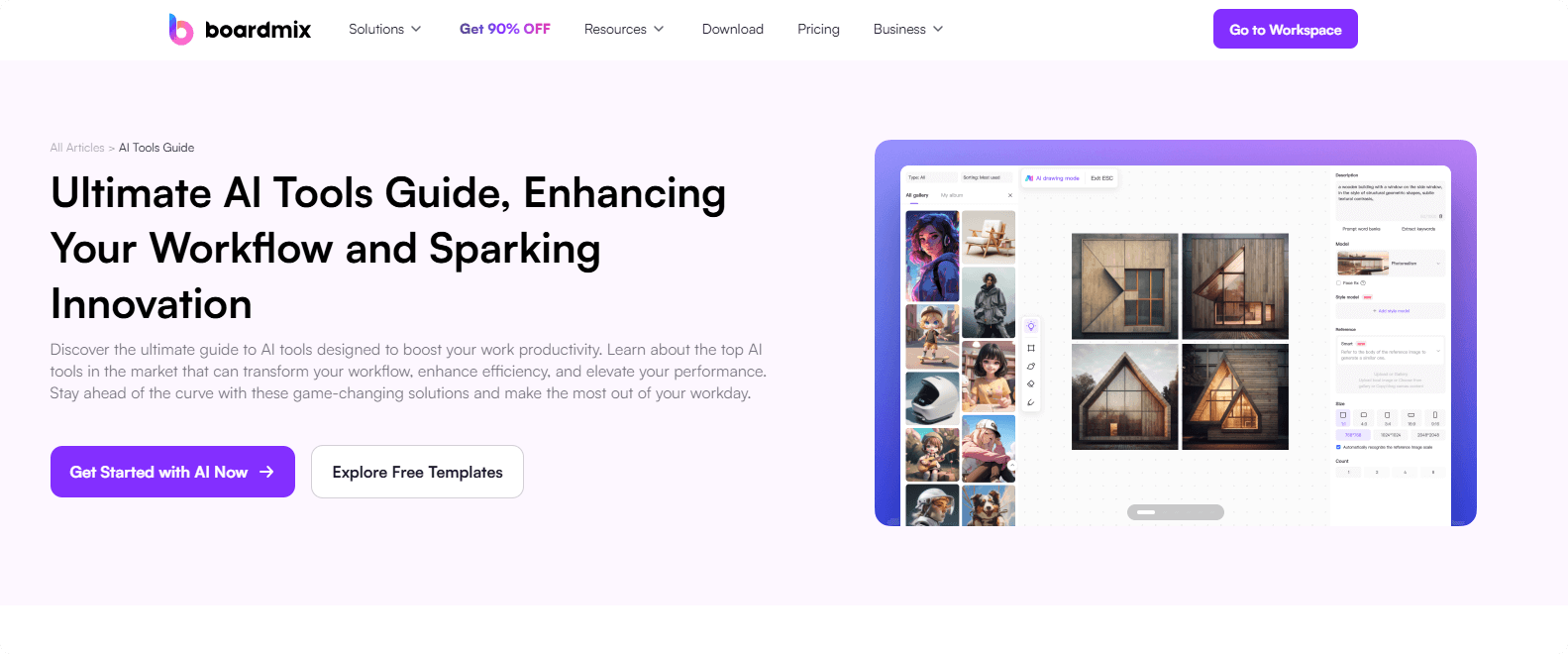

AI technology is transforming the way designers work, making creative processes faster, more efficient, and highly innovative. Key advancements include:
- AI Text Generation: Streamlining copywriting for branding, UI/UX, and marketing materials.
- AI-Generated Presentations: Quickly converting ideas into professional slides.
- AI Art Creation: Assisting in concept sketches, illustrations, and digital art.
- AI Code Generation: Supporting web and UI/UX designers with automation.
From AI-powered text generation to automated slide creation and AI-driven illustrations, designers now have powerful tools at their disposal. These innovations are reshaping how designers approach creativity, problem-solving, and efficiency.
How AI Tool for Design Benefits Designers?
Traditionally, designers relied on extensive research, manual sketching, and iterative brainstorming to develop creative concepts. Now, AI tools like Boardmix AI simplify and enhance this process in several ways.
✅ AI Idea Generation & Concept Development: AI-powered brainstorming tools generate unique design ideas and suggest creative directions.
✅ Structuring Ideas with AI-Powered Mind Maps: Organizing thoughts visually for better workflow.
✅ Design Execution & Refinement: AI assists in transforming rough sketches into polished visuals, optimizing layouts, and fine-tuning aesthetics.
✅ Converting AI-Generated References into Designs: Refining AI-created elements into unique works.
✅ Boosting Efficiency with AI Assistance: Speeding up repetitive tasks like color matching and layout adjustments.
✅ Reducing Project Turnaround Time: AI reduces manual effort by automating tedious tasks like color correction, image enhancement, and composition adjustments. Automating tedious steps so designers can focus on creativity.
Use AI for Design Case Studies: Real-World Applications
From branding to packaging and marketing materials, AI tools provide designers with innovative ways to generate ideas, refine concepts, and execute projects more efficiently. Let’s explore how AI is making a difference in real-world design applications.
Case 1. AI for Logo Design Design
AI-driven tools analyze brand attributes and generate multiple logo variations based on typography, shapes, and color psychology.
Example: Fashion Brand Logo Design

AI-generated logo options provide designers with diverse visual styles, speeding up the selection and refinement process.
How It Works: Designers input brand keywords, and AI suggests logo concepts that can be customized further.
Case 2. AI for Visual Communication & Advertising
AI enhances the creation of marketing visuals by assisting with layout design, typography selection, and image composition.
Example: AI-Assisted Ad Poster Design
AI tool helps generate multiple ad variations based on campaign themes, saving time on manual design iterations.
How It Works: Designers provide campaign details, and AI suggests composition styles, balancing text and imagery.
Case 3. AI in Character & Mascot Design
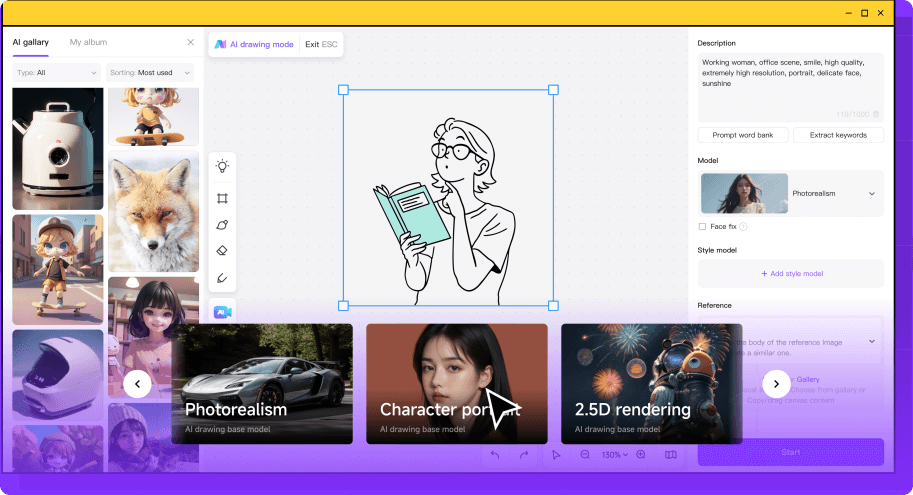
AI can assist in creating brand mascots and character illustrations by providing stylistic inspiration and generating detailed sketches.
Example: AI-Generated Brand Mascot
Use AI tool to refine initial hand-drawn sketches into detailed 2D or 3D characters.
How It Works: Designers upload rough sketches, and AI enhances them with shading, textures, and 3D modeling suggestions.
Case 4. AI for Packaging & Product Design
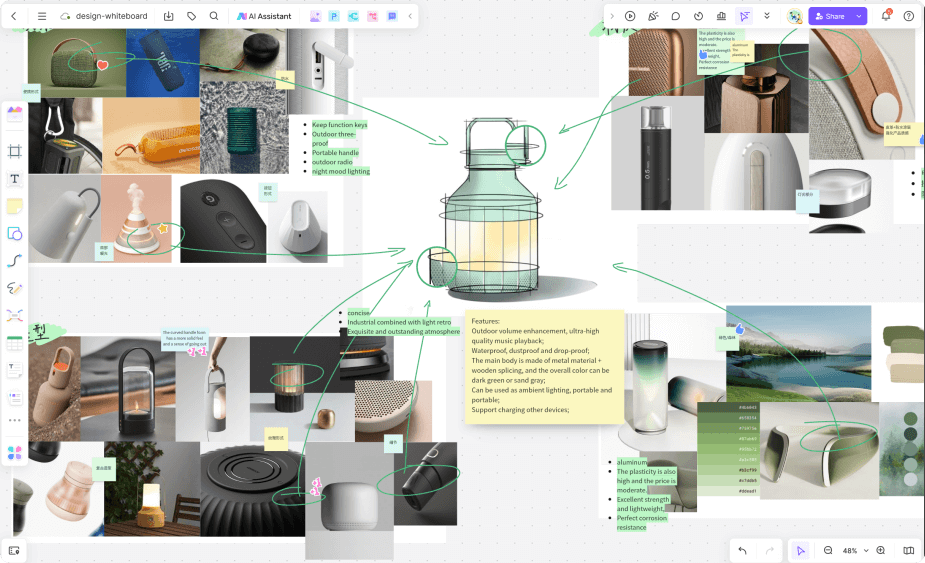
AI tool simplifies packaging design by generating layout ideas, material suggestions, and visual mockups.
Example: Chocolate Packaging Concept
Use AI for design to propose packaging themes based on the product’s brand identity, audience, and market trends.
How It Works: Designers input product details, and AI suggests color schemes, typography, and material choices for sustainable packaging.
Case 5. AI in Storefront & Interior Design
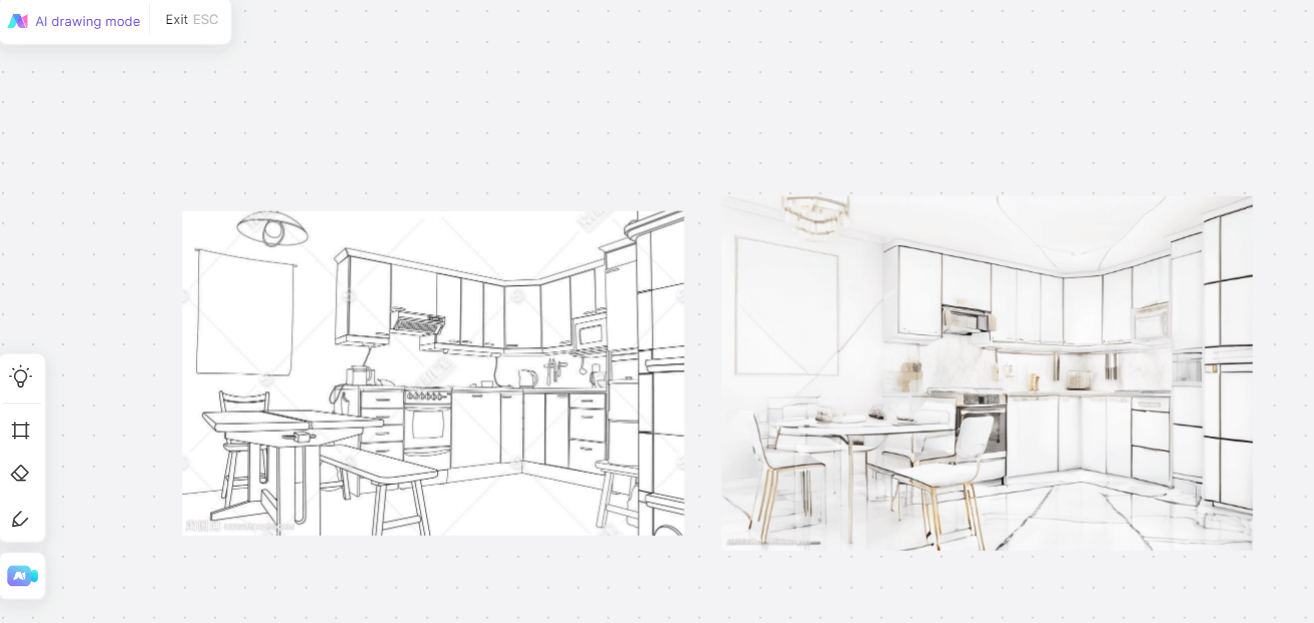
AI-powered visualization tools assist in designing store layouts, optimizing customer flow, and creating aesthetic brand experiences.
Example: AI-Generated Retail Store Concept
AI helps visualize store design, from furniture placement to lighting and signage.
How It Works: Designers input spatial dimensions and brand themes, and AI generates 3D models for review and refinement.
AI for design tool can be a creative partner that helps designers push boundaries, experiment with new styles, and optimize workflows. By integrating AI into their processes, designers can focus on strategy, storytelling, and high-level creative decisions while letting AI handle repetitive or technical tasks.
Step-by-step Guide: How to Use Boardmix AI for Design
Boardmix AI provides designers with an intuitive and powerful platform to streamline their creative workflows. You can use Boardmix AI for brainstorming ideas, generating layouts, or refining visual concepts.
Here’s a step-by-step guide on how to use Boardmix AI for design projects.
Step 1: Create a Boardmix Account and Set Up Your Workspace
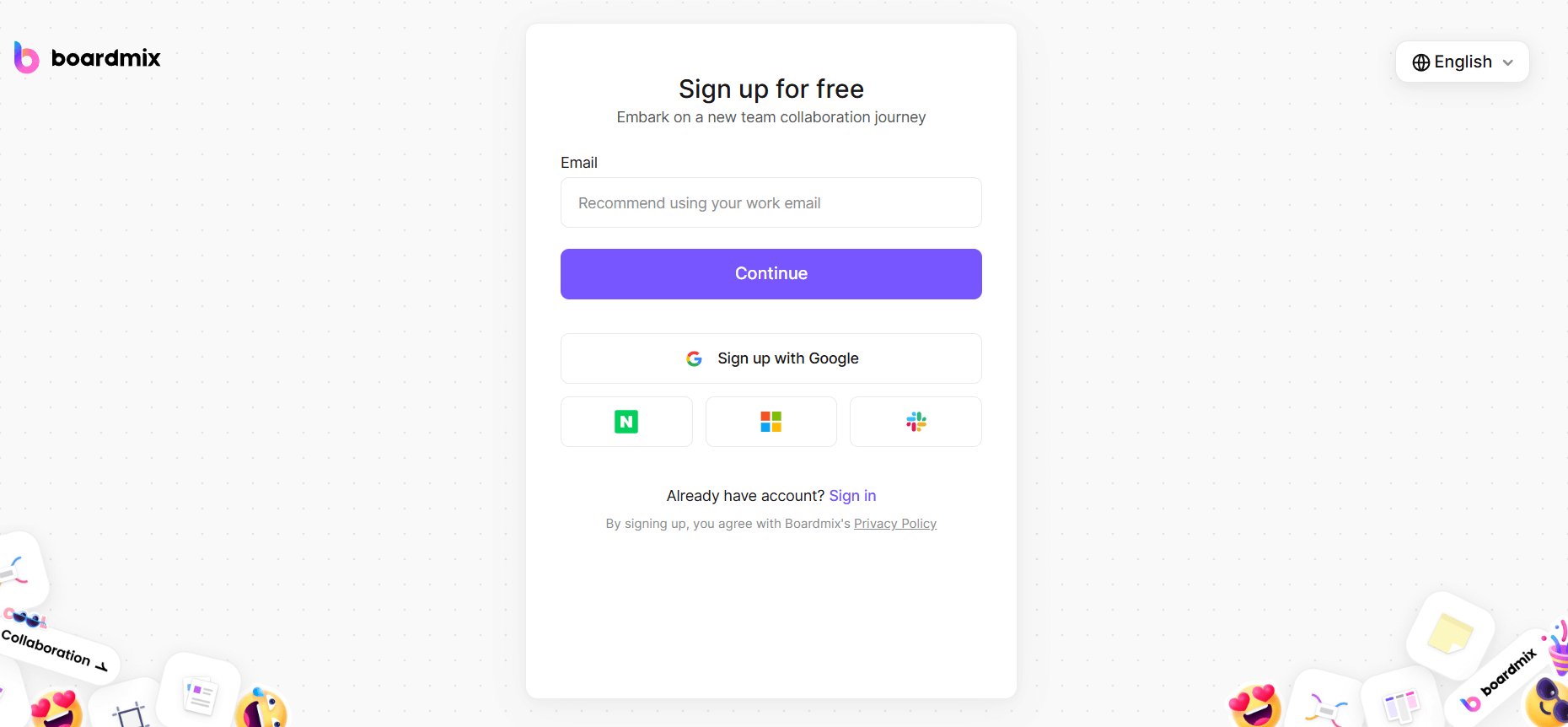
- Visit the Boardmix website and sign up for a free account.
- Create a new whiteboard and name it based on your project (e.g., “Brand Identity Concepts” or “Product Packaging Ideas”).
- Familiarize yourself with the AI Assistant feature, which will help generate design ideas and visuals.
Step 2: Use AI for Design Brainstorming
- Click on the AI Assistant icon to open the chat function.
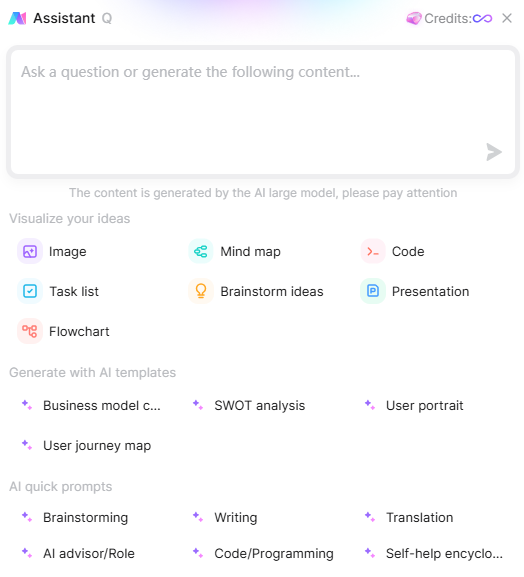
- Input your design requirements, such as“Suggest 5 unique logo concepts for a sportswear brand” or “Generate a mood board for a minimalist packaging design.”
- The AI will provide idea prompts, inspirations, and even initial sketches to help guide your creative process.
Step 3: Organize Your Ideas with Mind Maps and Flowcharts
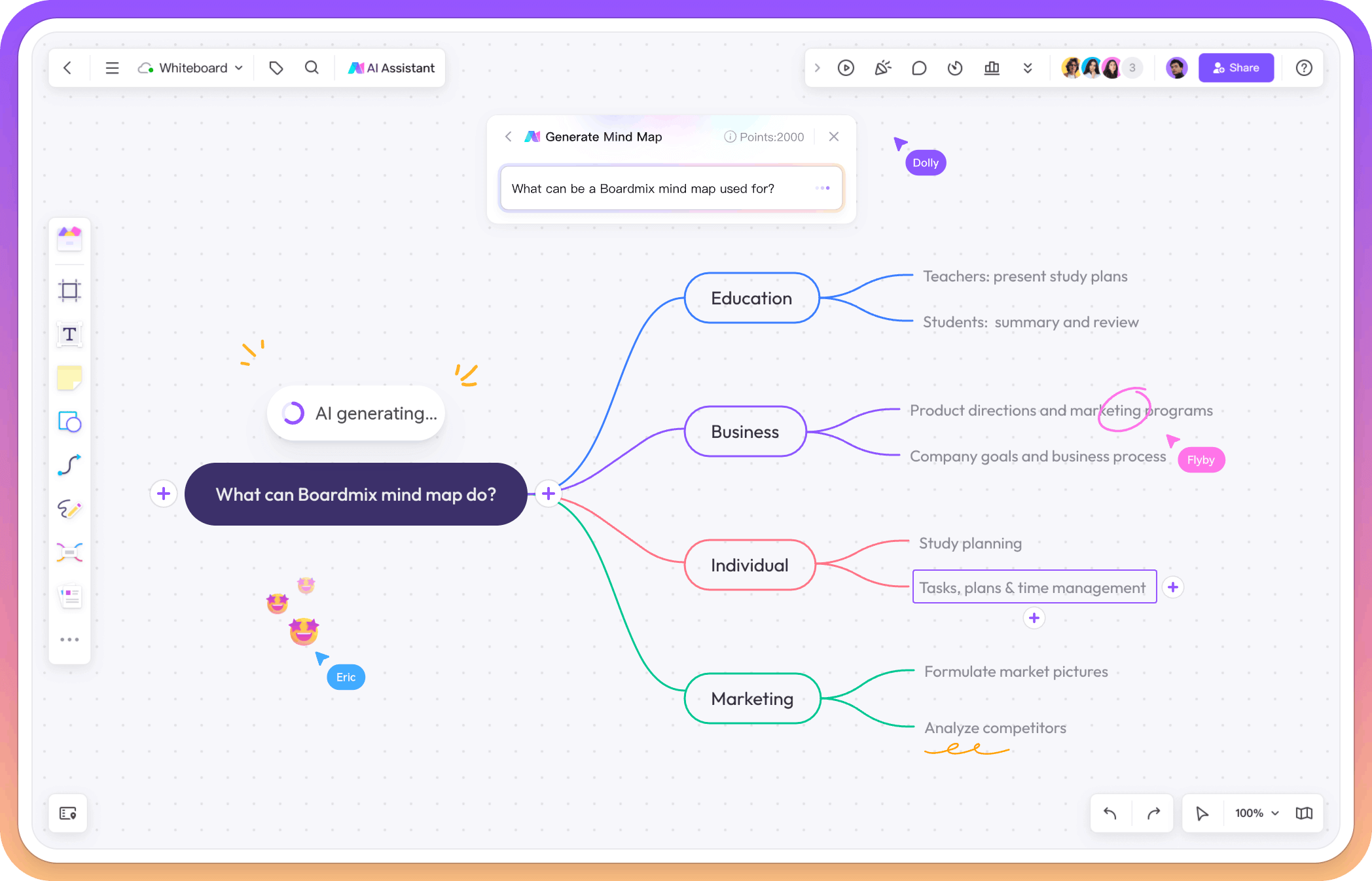
- Use the Mind Map tool to structure design themes, color schemes, and typography choices.
- If working on a multi-step project, create a Flowchart to visualize the design process from concept to final execution.
- This step helps keep ideas structured and ensures clarity before moving into the execution phase.
Step 4: Generate Design Concepts with AI
- Request AI-generated sketches or design elements by specifying your needs, such as “Create a modern, bold font-based logo” or “Suggest a packaging layout for a luxury skincare brand.”
- Use the drag-and-drop feature to experiment with different compositions.
Step 5: Develop and Fine-Tune Your Design
- Once AI provides design suggestions, you can modify and personalize them to fit your vision.
- Adjust colors, fonts, and proportions manually for a polished final result.
Step 6: Collaborate and Get Feedback in Real-Time
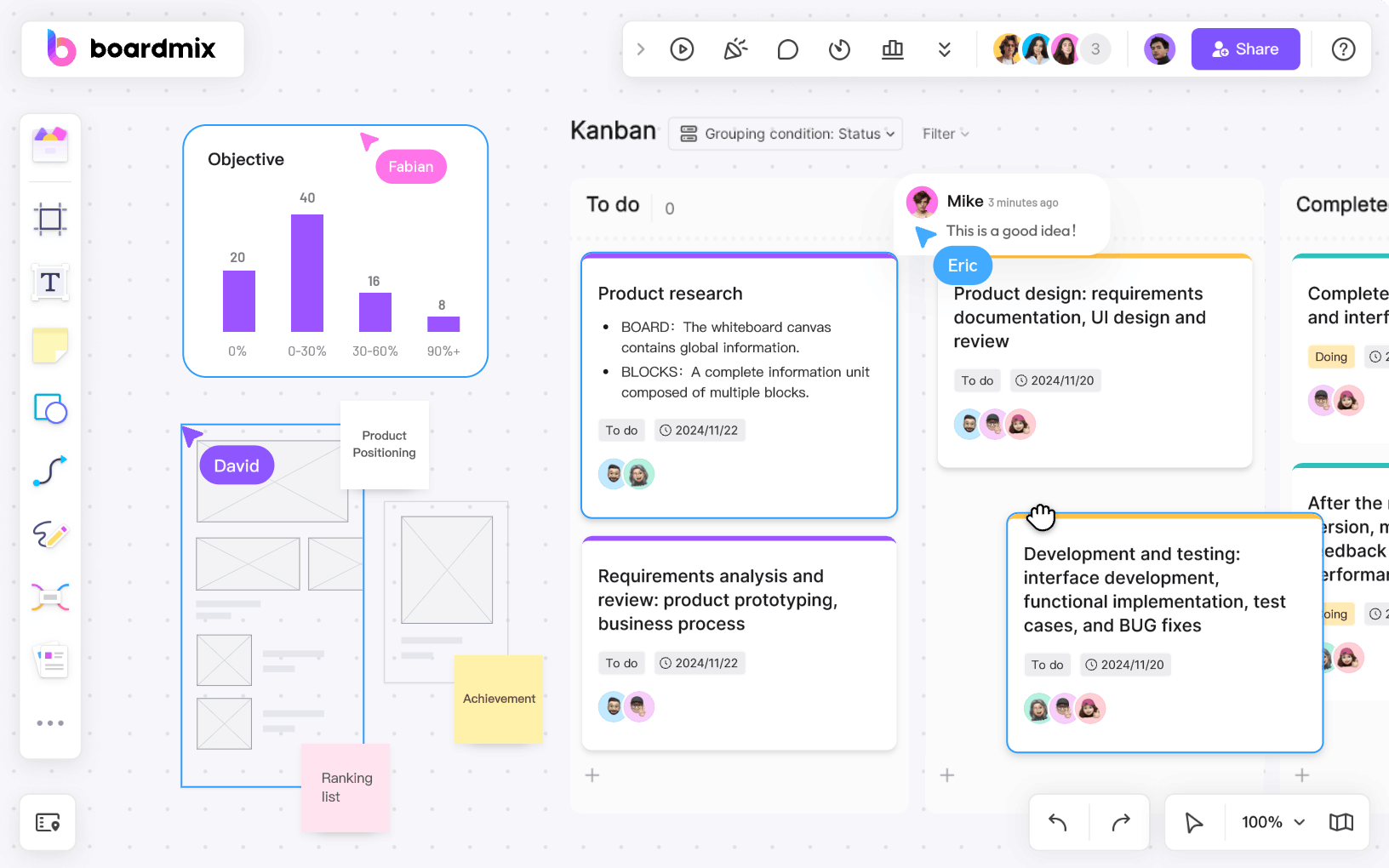
- Share your whiteboard with team members or clients to gather feedback.
- Use Boardmix’s real-time collaboration feature to allow others to add comments or suggest modifications.
Step 7: Export and Finalize Your Design
- Once your design is complete, export it in multiple formats for further editing or presentation.
- Use AI to generate a professional presentation summarizing your design process.
- Save your project in Boardmix’s cloud storage for easy access and future modifications.
Why Use Boardmix AI for Design?
✅ AI-Powered Creativity: Get instant design inspiration and unique visual ideas.
✅ Visual Organization: Use mind maps and flowcharts to structure your design process.
✅ integrated Collaboration: Work with teams in real time, share feedback, and iterate more easily.
✅ Cloud-Based Access: Store and retrieve designs anytime, anywhere.
How Designers Can Stay Competitive in the AI Era?
To stay ahead, designers need to develop well-rounded skills that complement AI tools. Here are some key areas to focus on.
What Core Skills Should Designers Develop?
- Mastering Design Software: Staying proficient with tools like Adobe Suite, Figma, and Pixso.
- Understanding Design Theory: Learning about color theory, typography, and branding strategies.
- Applying AI in Real-World Projects: Experimenting with AI to enhance workflows.
How Can Designers Keep Their Creativity Strong?
- Thinking Outside the Box: Using AI as idea generator while maintaining originality.
- Emphasizing Emotional Connection: Ensuring AI-generated designs feel human and relatable.
- Refining AI Outputs: Knowing how to improve and personalize AI-assisted designs.
Why Is Aesthetic Judgment Important?
- Developing a Strong Visual Sense: Recognizing good composition and layout.
- Understanding Commercial Design Needs: Knowing how to create marketable designs.
- Keeping Up with Trends: Staying updated on design innovations and AI advancements.
How Can Designers Improve Communication?
- Explaining Design Choices Clearly: Being able to justify design decisions.
- Enhancing Visual Storytelling: Strengthening brand messaging through design.
- Continuing to Learn: Keeping up with AI trends and industry changes.
How to Adapt to AI in Design?
- Being Open to Experimentation: Trying new AI-driven design methods.
- Managing AI-Generated Content Efficiently: Structuring AI-created elements effectively.
- Using AI with Confidence: Seeing AI as a tool, not a replacement.
Staying competitive in the AI era means combining creativity, adaptability, and a growth mindset.
Key points
Use AI to explore visual directions, organize a brief, or draft an early concept. Choose the output that fits the audience and refine it with your own design judgment. Start with one task in Boardmix AI before adding it to a larger project.
👉 Are you ready to explore AI for design? Try Boardmix AI today!