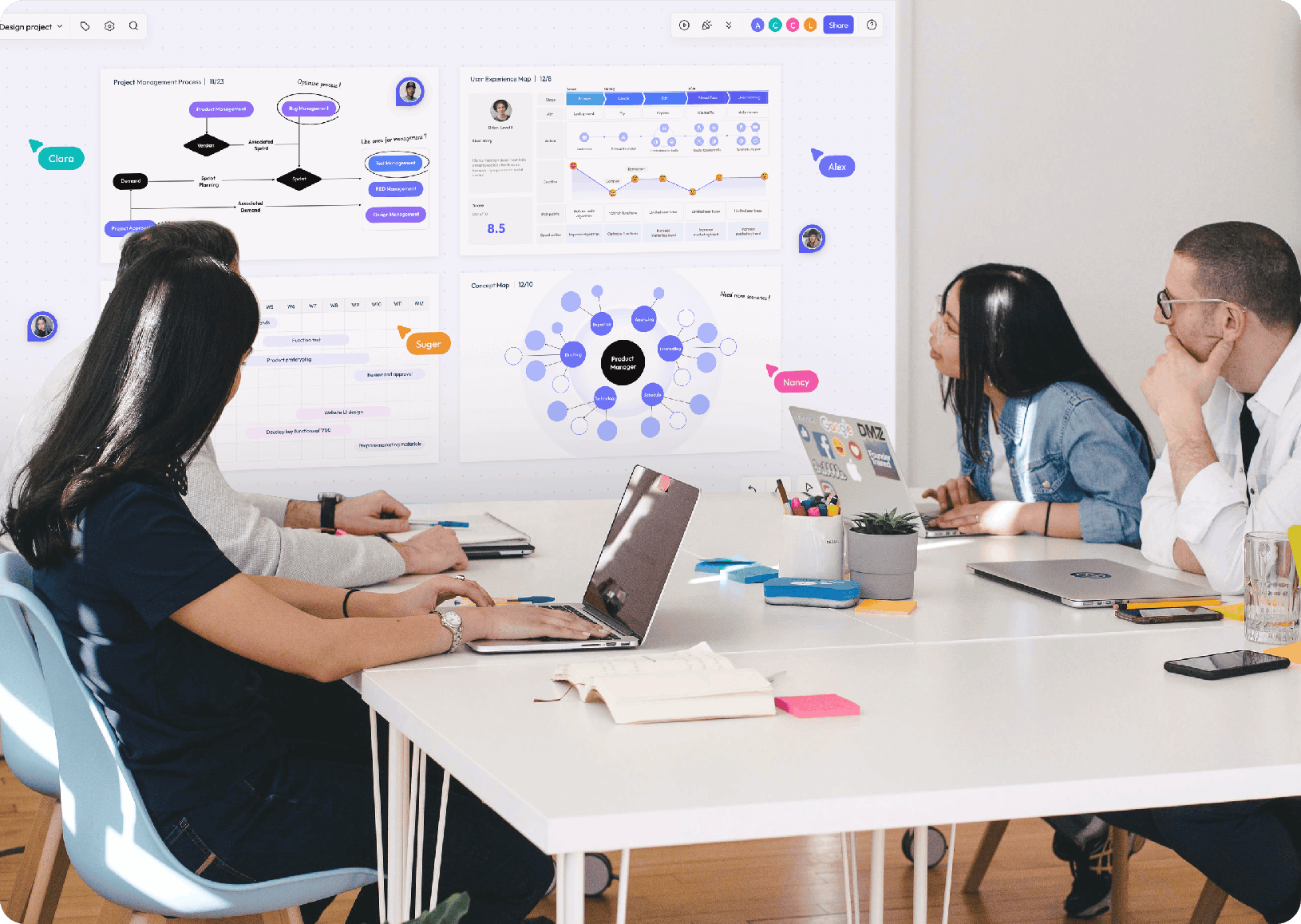
A useful Miro competitor is the product that completes your team's whole workflow with fewer compromises. Start with the outcome: a facilitated workshop, a maintained diagram, a project plan, an asynchronous decision record, or a controlled enterprise workspace. Then test Boardmix and other finalists against that specific job.
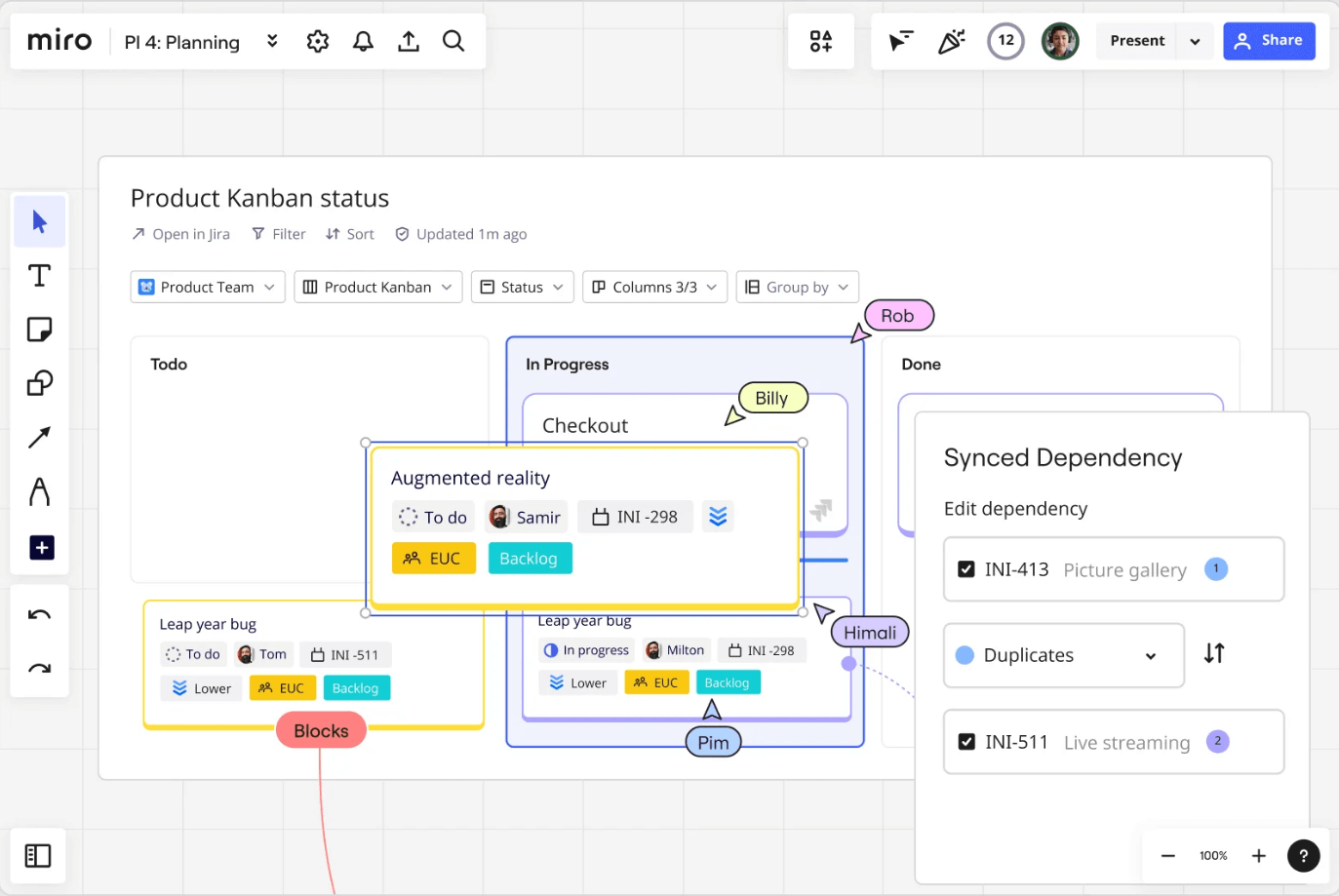
Use Workflow Fit Instead of a Feature Count
Long comparison tables often give every capability the same weight. In practice, one missing identity control or integration can matter more than dozens of templates. Write a short test script for the work the team repeats every week and define mandatory evidence before opening product demos.
| Workflow | Test | Failure signal |
|---|---|---|
| Live workshop | Prepare, invite, facilitate, vote or group, and share the outcome | Guests struggle to join or the result is hard to revisit |
| Diagram maintenance | Create, connect, update, review, and export a real diagram | Connectors, labels, versions, or exports break the maintenance process |
| Project planning | Turn visual decisions into owned work with status | Manual re-entry creates duplicate or stale records |
| Async collaboration | Give context, collect input across time zones, and close a decision | Participants cannot find changes, ownership, or the final decision |
| Enterprise control | Test identity, sharing, logs, data flow, backup, and exit | Requirements are promised but not demonstrated or documented |
For Workshops and Brainstorming
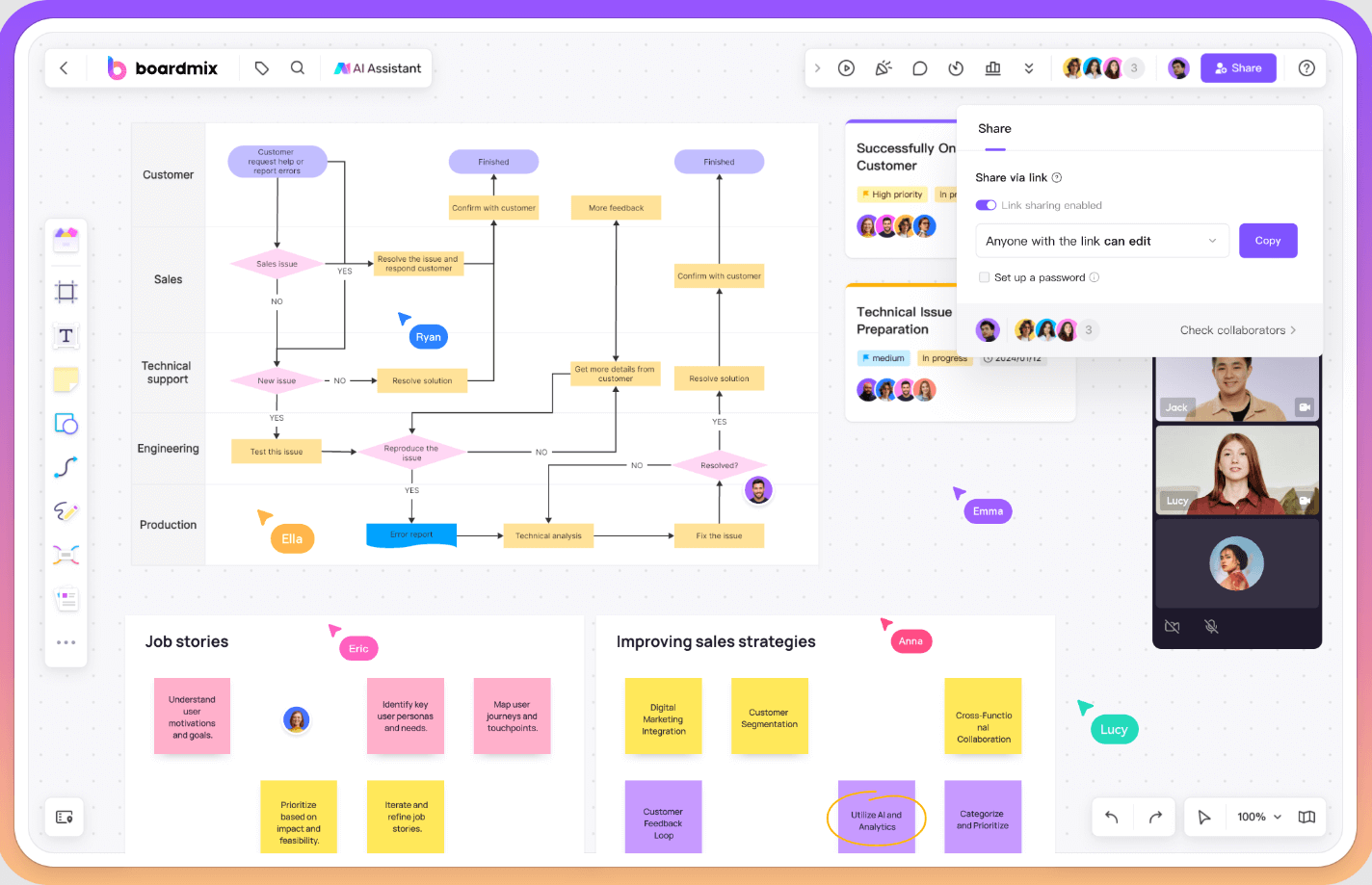
Prioritize fast guest access, understandable tools, facilitation controls, templates that can be simplified, and a clear way to synthesize the result. Test with occasional participants, not only administrators. Boardmix is relevant here because it combines the shared canvas with diagrams, mind maps, templates, and AI creation options.

Boardmix for Mixed Visual Workshops
Boardmix is a practical candidate when a workshop moves between sticky-note ideation, mind mapping, diagrams, and a structured summary on the same canvas. Its documented Miro importer gives an existing Miro team a direct pilot path for cards, connectors, frames, images, shapes, sticky notes, and text. Test a real session with a facilitator, frequent contributors, and an occasional guest; then ask participants to revisit the result without a meeting.
Use the free plan for a bounded trial and monitor board and object limits. If AI creation is part of the workflow, test the eligible AI plan separately and review generated content for accuracy and editability. For production use, verify history, integrations, ownership transfer, administration, and the exact sharing rules required by the team.
For Diagrams and Visual Documentation
Use a diagram that will change over time. Check connector routing, labels, alignment, grouping, reusable components, review, export, and the readability of a large canvas. Decide whether the team needs a flexible whiteboard diagram or a specialist diagramming system with stricter data and notation.
Lucidchart for Maintained Diagrams
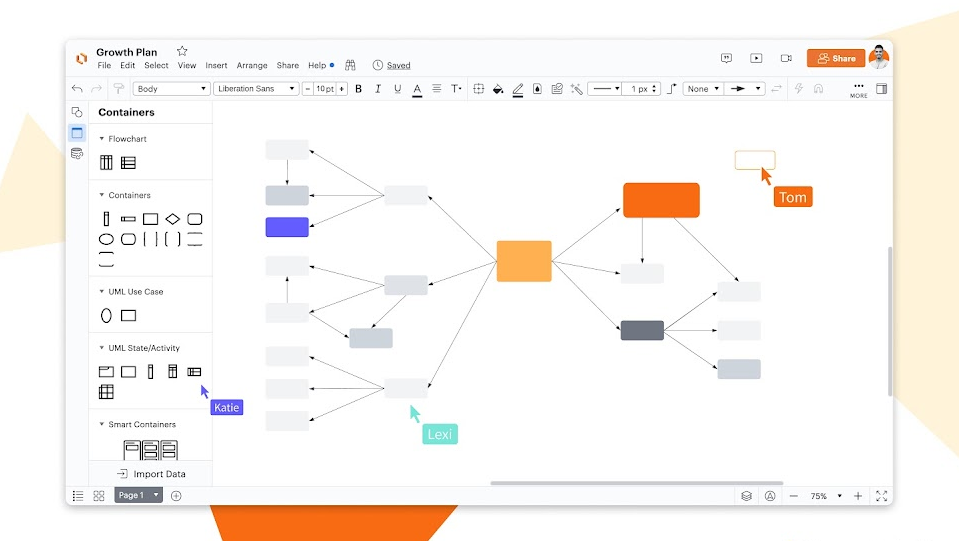
Lucidchart is worth evaluating when the primary artifact is a formal diagram that must be updated, reviewed, and reused over time. Build one representative process, system, or organizational diagram and test its shape library, notation, data connection, review process, version needs, and export. Then compare the effort with creating the same artifact in a broader whiteboard such as Miro or Boardmix.
The decision is not simply specialist versus general-purpose software. A specialist diagramming workflow may improve consistency but add a handoff from workshop ideas; a flexible canvas may keep more work together but provide less structure for a specific notation. Measure the complete path from first sketch to maintained documentation.
For Project Planning and Connected Work
Map the handoff from ideas to owned tasks. A competitor may be attractive because it sits near a work-management platform, but the team should verify whether board objects become connected records, copied records, or only visual references. Test permissions and updates in both directions.
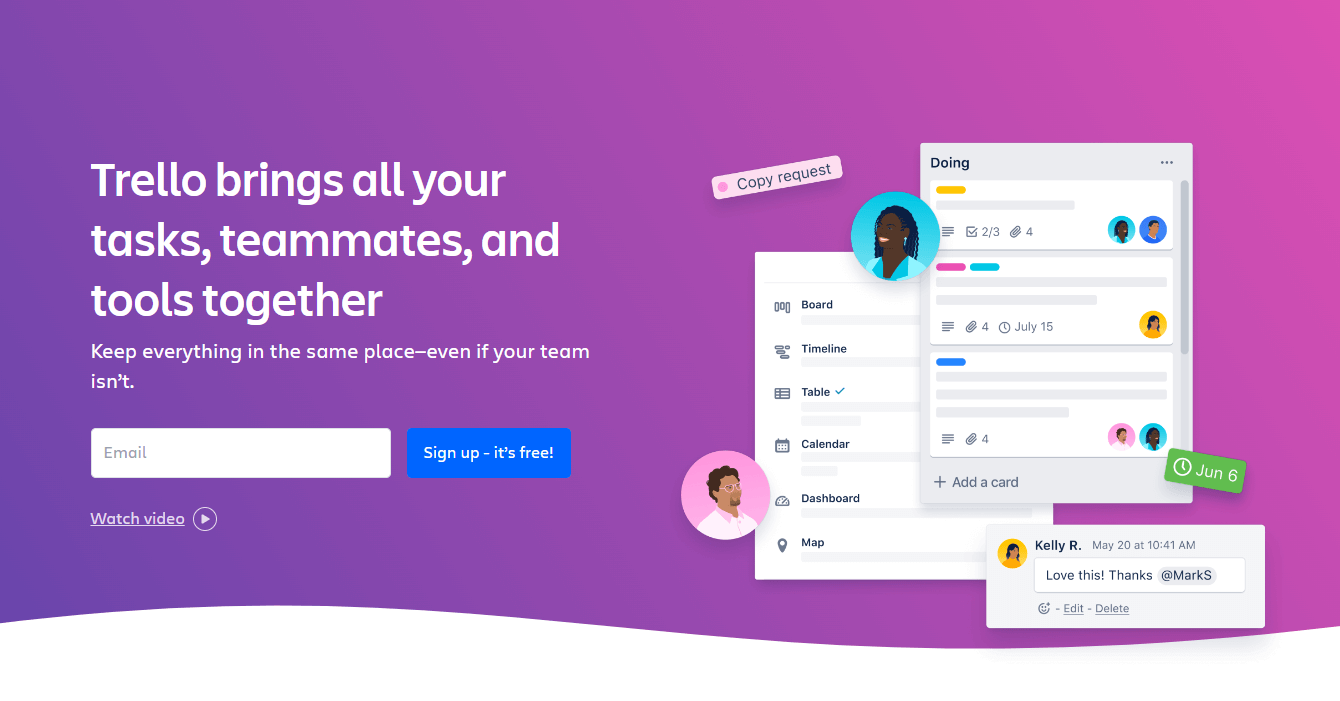
Trello for a Simple Visual Work Queue
Trello is a candidate when the team primarily needs cards moving through a small number of stages. It can be easier to maintain than an open canvas once ideas have become owned work. During a pilot, test card ownership, due dates, automation, attachments, reporting needs, and the link back to workshop context. It is less direct as a substitute when free-form drawing, spatial clustering, or diagramming is central.
Asana for Cross-Team Execution
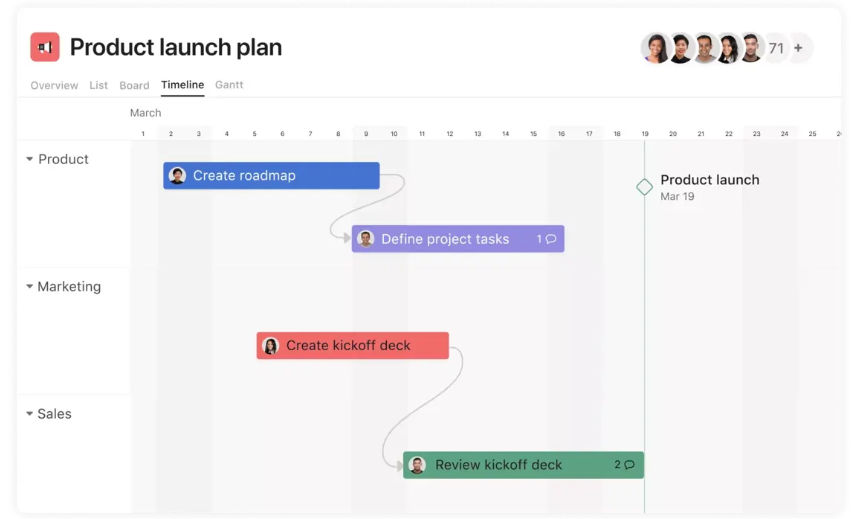
Asana is worth evaluating when project structure, dependencies, ownership, portfolio visibility, and repeatable execution are more important than an infinite canvas. Start with a Boardmix or Miro planning session, move accepted actions into the work system, and check whether context survives the handoff. The winning setup may be a connected whiteboard and work manager rather than a single product forced to do both jobs.
For Asynchronous Collaboration
Ask a teammate in another time zone to understand the context, add input, and locate the final decision without a meeting. Good async boards use frames, headings, prompts, ownership, dates, comments, and a concise decision area. Product capability matters, but board design and team conventions matter too. When this workflow decides the purchase, the Miro alternatives for asynchronous collaboration guide applies the same test in more depth.
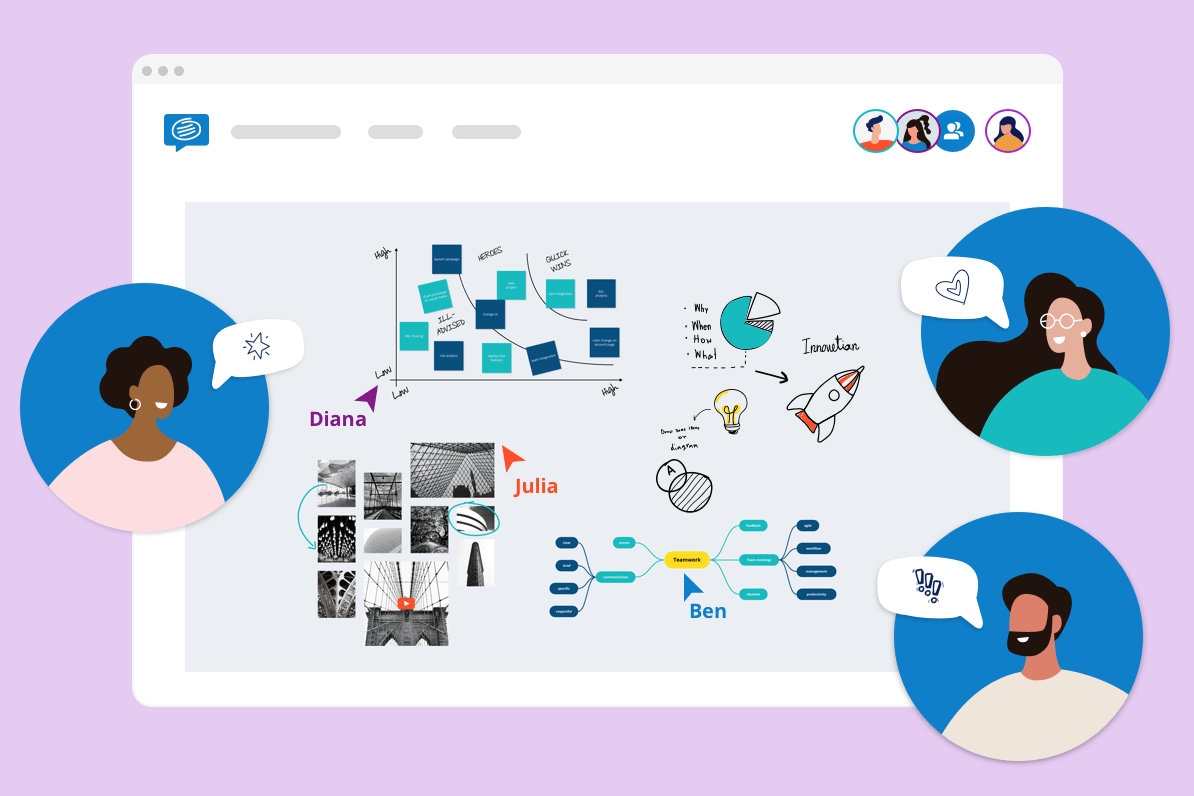
Conceptboard for Structured Visual Review
Conceptboard is another product to include when visual review, feedback, and distributed collaboration are the main requirements. Test it with a document or design review that spans several days: provide context, collect comments, resolve discussion, and ask a new participant to identify the approved outcome. Compare guest access, notifications, board navigation, export, administration, and the effort required to keep old review boards understandable.
Whatever product is selected, establish an asynchronous board convention. Put the purpose, owner, status, reading order, contribution deadline, and final decision near the start. Link actions to their destination system and give the board a review or archive date. These habits prevent a visual workspace from becoming a collection of unresolved notes.
For Enterprise Deployment and Governance
Miro's public Enterprise materials describe a hosted service with enterprise controls and regional data-residency options. Boardmix advertises private-deployment methods in addition to its public service. If infrastructure ownership is mandatory, use the self-hosted alternative evaluation guide and require architecture, data-flow, feature-scope, upgrade, backup, and support evidence.
Enterprise selection should include identity lifecycle, external sharing, administrator roles, audit evidence, retention, exports, integrations, data location, support access, backups, and exit terms. Private deployment adds infrastructure ownership, monitoring, patching, recovery, upgrade, and capacity responsibilities. Ask each vendor to answer the same requirements and demonstrate them in a proof of concept.
Run a Two-Week Competitor Pilot
- Select one complex Miro board and one repeated team ceremony.
- Import or rebuild them in each finalist.
- Invite real internal and external participants.
- Test the required integrations, exports, permissions, and governance controls.
- Record time, errors, training questions, and contract dependencies.
- Choose only after the workflow owner and security owner accept the result.
Last verified: September 16, 2026.