This comparison considers Boardmix, Miro, Lucidspark, and Microsoft Whiteboard for classroom collaboration. It is a selection guide rather than a measured ranking. Compare the same lesson, account type, and student devices before choosing a platform.
Start With Your Classroom Requirements
List the activity you need to run, how students will join, and the output you want to review. A brainstorming session, a diagram exercise, and an assessed assignment have different requirements.
- Can students access the board under school policy?
- What are the editing, storage, guest, and AI limits?
- Can the actual devices handle the lesson?
- How will you protect individual feedback and retain the class summary?
No product should be selected on an assumed ability to automate teaching or guarantee learning outcomes.
Boardmix
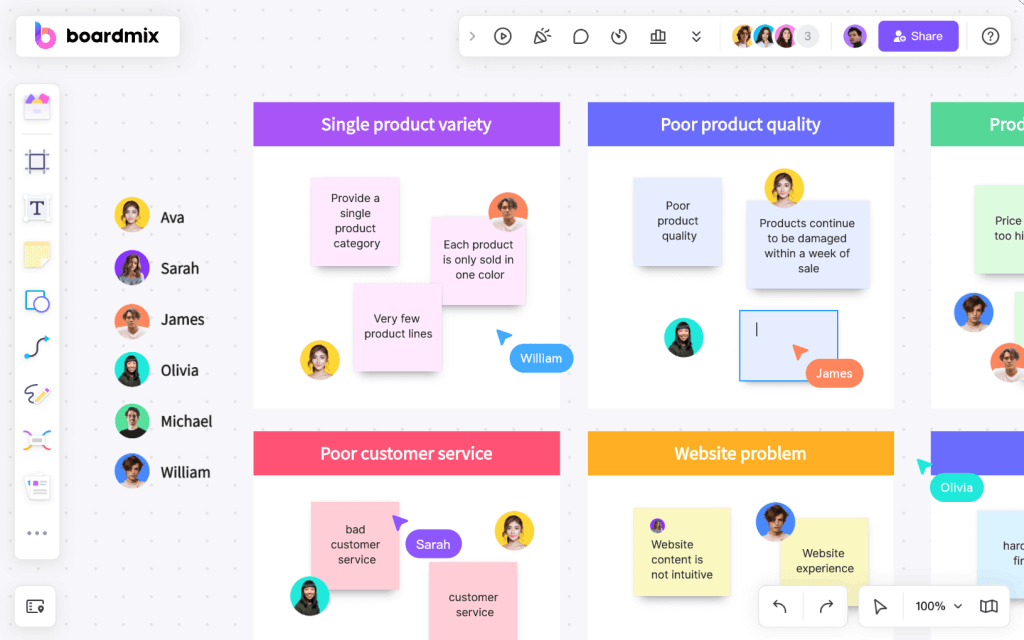
Boardmix offers a shared visual workspace for notes, diagrams, and group discussion. A teacher can prepare labeled areas, invite participants, and review contributions. Where AI tools are available, use them to draft material and check the output before teaching.
Boardmix Free includes three editable boards, up to 100 objects per board, and 1 GB of storage. AI access and usage allowances vary by plan; see Boardmix pricing.
Trial task: Create a short explanation and a response area, then ask a small group to add evidence and comments. Check access, readability, and whether the free editing allowance fits the activity.
Boundary: The teacher evaluates student responses and assigns follow-up tasks. Do not assume automatic grading, private learning paths, or offline synchronization.
Miro
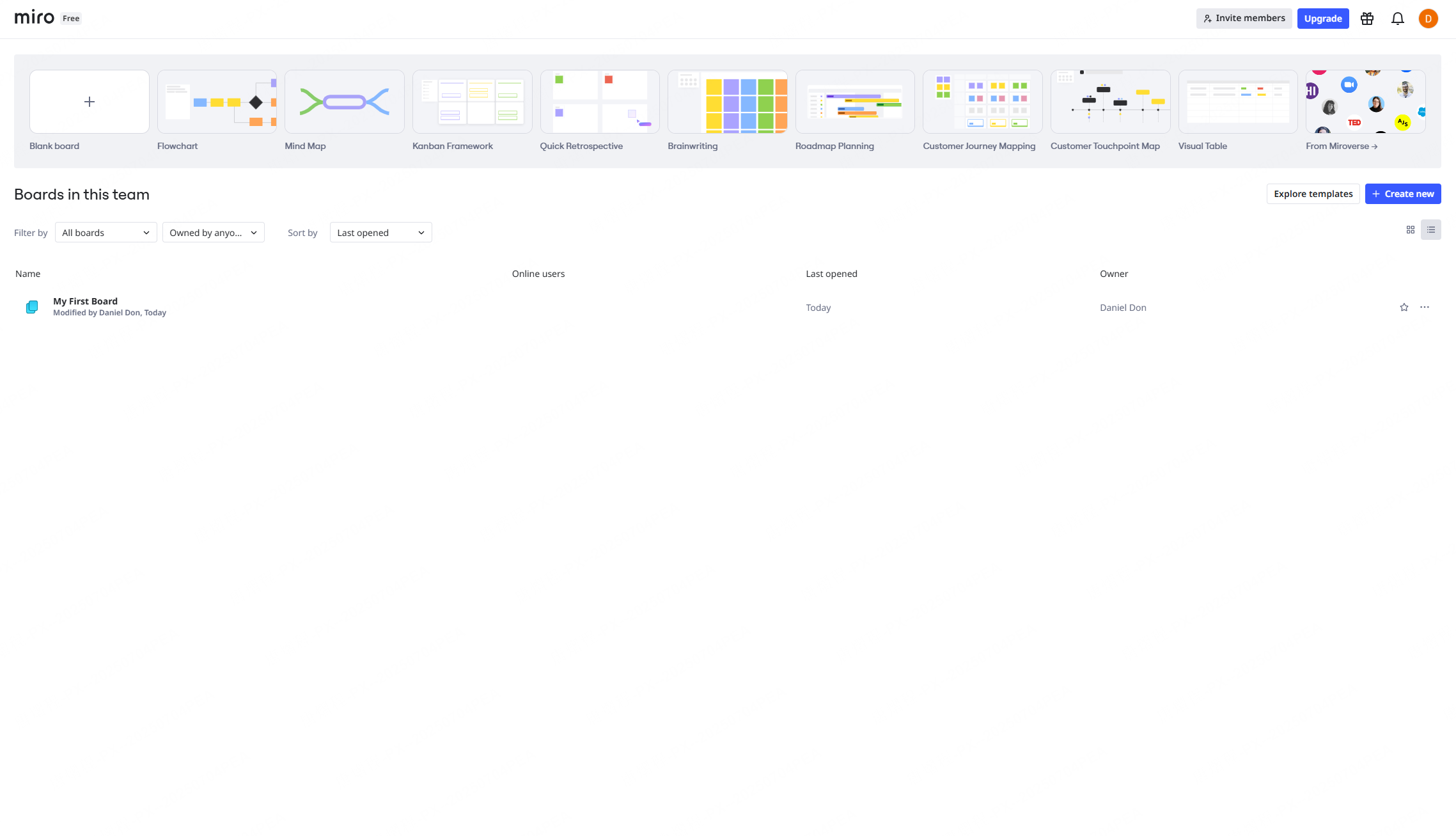
Miro supports visual collaboration and includes AI features; it is inaccurate to describe it as having no AI. Its official AI credit documentation lists allowances by plan, including Free and Education. Credits are shared at team level and usage limits apply.
Trial task: Recreate the same group activity and check how students join, edit, and find instructions. Review the current education eligibility and plan before assuming that every school or classroom qualifies.
Boundary: A broad toolset can require orientation. Assess the actual setup effort with your students instead of assuming that the interface is too complex for all teachers.
Lucidspark
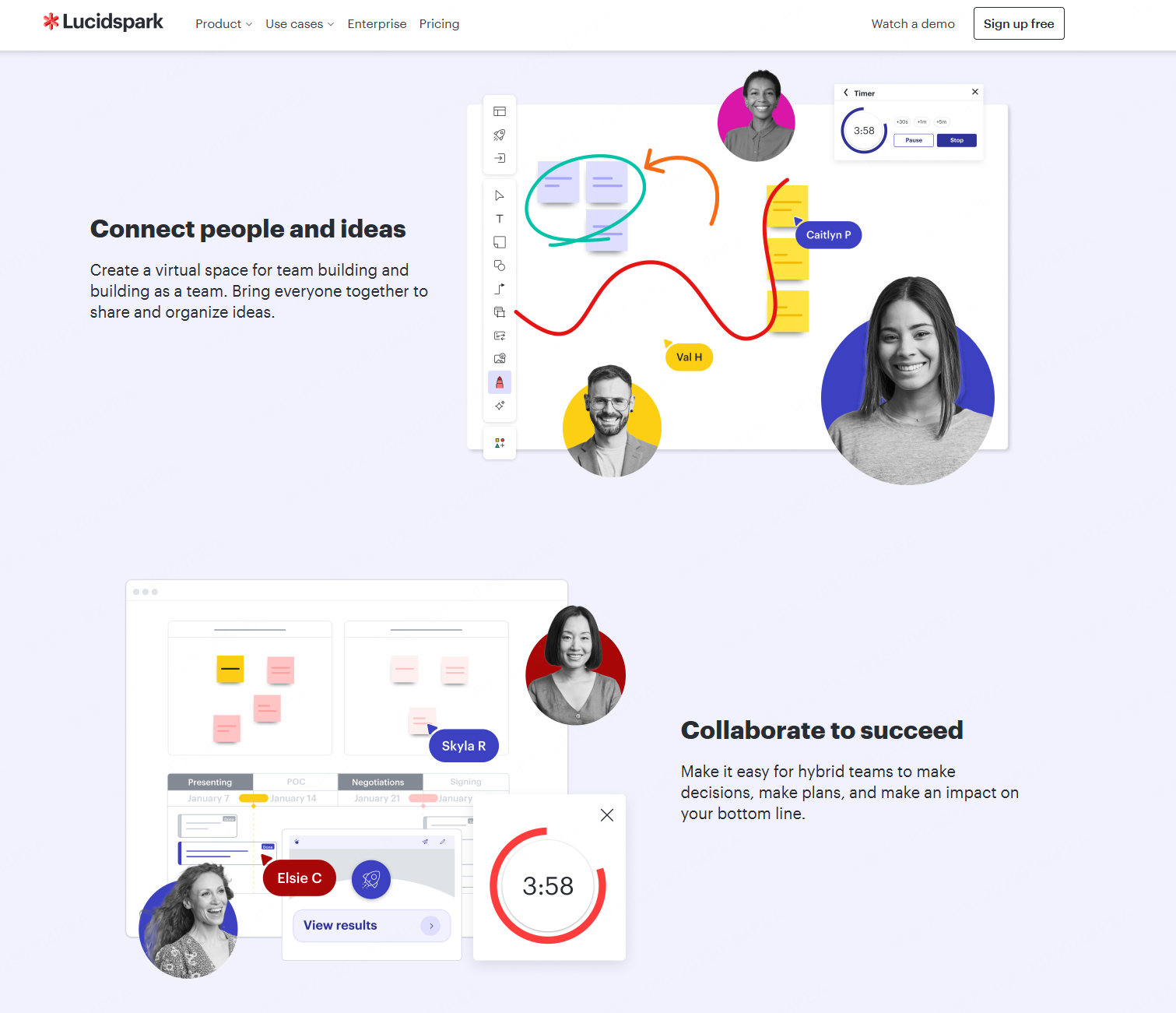
Lucidspark is a candidate for visual brainstorming and group ideation. Compare its current facilitation tools, access rules, and AI options against the lesson you intend to run. Check Lucidspark’s official plans for the features and limits that apply to your account.
Trial task: Ask groups to sort evidence, name themes, and present their reasoning. Check the controls available to the teacher and how participants move between working areas.
Boundary: Do not equate a brainstorming assistant with a validated adaptive assessment system. Use the school’s approved method for grades and student records.
Microsoft Whiteboard
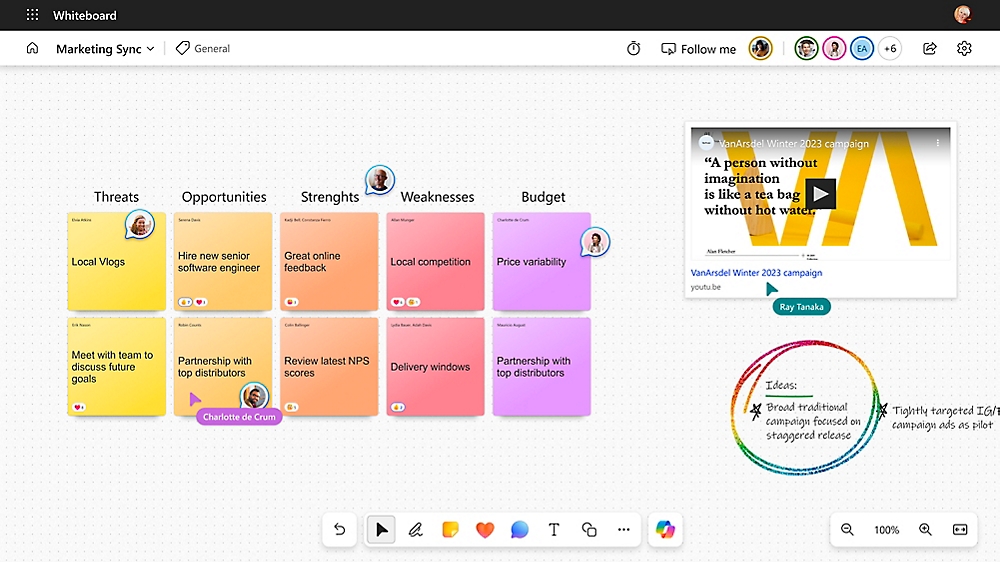
Microsoft Whiteboard is a candidate for schools already using Microsoft services. Microsoft documents Copilot in Whiteboard, including idea generation, grouping, and summaries. Availability depends on the account, license, and administrator settings; a blanket “no AI” comparison is incorrect.
Trial task: Open a lesson through the school’s usual Microsoft workflow, confirm student access, and test drawing, notes, and feedback on actual devices.
Boundary: Confirm which content Copilot can use and review generated responses. Existing Microsoft accounts do not by themselves prove that every Copilot feature is included.
Compare the Same Lesson in Each Tool
| Check | What to record |
|---|---|
| Access | Account required, guest rules, and school approval |
| Activity | Time to find instructions, add a response, and give feedback |
| AI | Available actions, allowance, and review required |
| Devices | Readability, controls, and connection problems |
| Cost | Plan, seat count, billing term, and any add-ons |
Keep a sample result from each trial. Choose the tool that meets your requirements with acceptable effort and cost. These criteria do not establish a universal winner.
Choose for the Lesson You Actually Teach
Shortlist two tools, test the same small activity, and compare the results with a colleague. Boardmix may suit a shared visual planning workflow; an existing school platform may reduce account setup. The right choice depends on the classroom, permissions, and work students need to produce.
Product documentation was checked on September 11, 2026. Confirm current plans and school settings before rollout.
Explore Boardmix with a small classroom pilot and record the access and teaching requirements that matter to your school.