An AI mind map generator turns a topic or notes into an editable draft. In Boardmix, start with a focused prompt, organize the branches, and check the facts before sharing the map.
Follow the five steps below and adapt the three example prompts for projects, study notes, or team discussions. See the AI mind map features and plan and AI credit limits for available options.
What an AI Mind Map Generator Can Help You Do
Use AI to create a starting structure for project planning, study notes, or brainstorming. Group related ideas, add missing topics, and check names, figures, and dates against your source material.
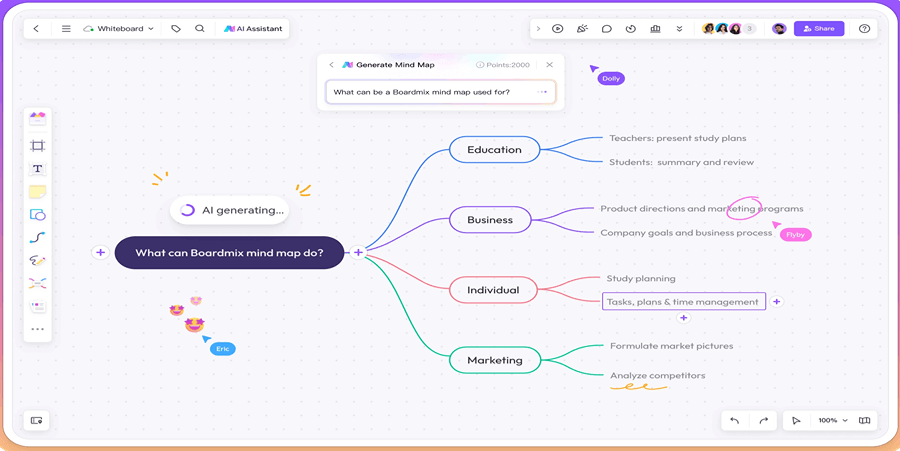
How to Create and Review an AI Mind Map
1. Define the topic, audience, and scope
Write one central question. Specify the audience, the number of main branches you want, and the boundaries of the task. If you provide source notes, tell the AI to use only those notes and to mark information that needs checking. Avoid pasting confidential information unless your organization's data policy permits it.
2. Open the mind map tool and submit the prompt
Open Boardmix's AI mind map entry and sign in if prompted. Check your available credits and any input limits before generating. Start with a focused topic rather than asking for a complete project in one request.
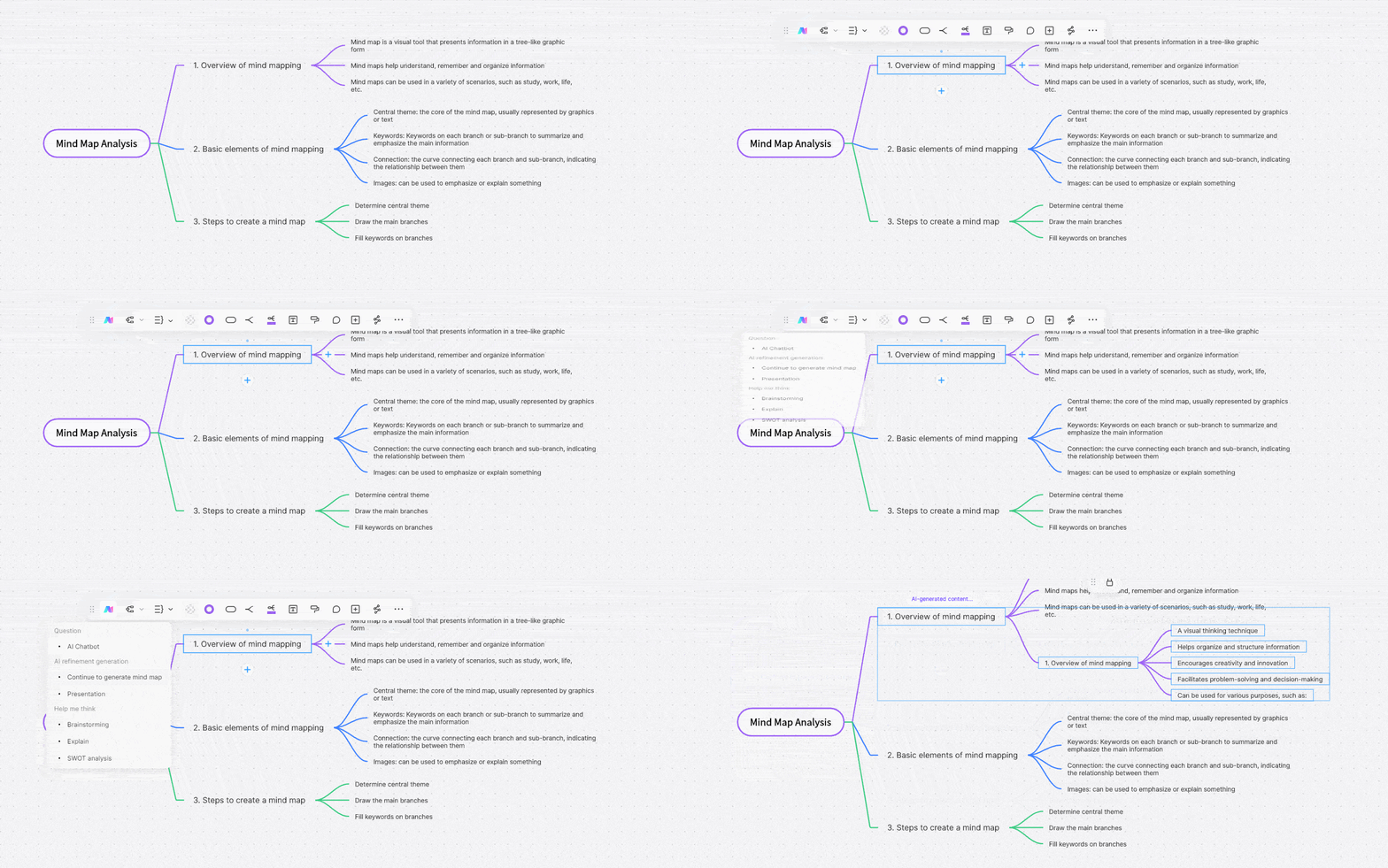
3. Check the draft before expanding it
- Does the central topic match your request?
- Do the main branches cover distinct themes without duplication?
- Which claims need a source, a calculation, or a subject-matter review?
- Are responsibilities, dates, and dependencies missing or invented?
Correct the main structure first. Then add detail to one branch at a time. If the draft is too broad, narrow the prompt instead of accepting extra branches merely because they look complete.
Try the project prompt below with concrete source notes: “Launch a pilot for existing customers; prepare a demo and a help page; support must review the help page before invitations; budget and invitation date are undecided.” Ask the AI to use these notes. A useful draft places Existing customers under Audience, Demo and Help page under Deliverables, and Support review before invitations under Dependencies. The missing budget and date belong in Questions to check, rather than becoming invented values.
If the draft creates both Documentation and Help page, merge them unless the notes describe different outputs. Keep the review as a prerequisite instead of duplicating it as a deliverable. At each level, use one classification rule: Goals, Audience and Risks are categories, while Send invitations is an action that belongs below a category. Give a shared task one home and explain its dependency in a note so later edits do not leave conflicting copies.
4. Edit the layout and labels
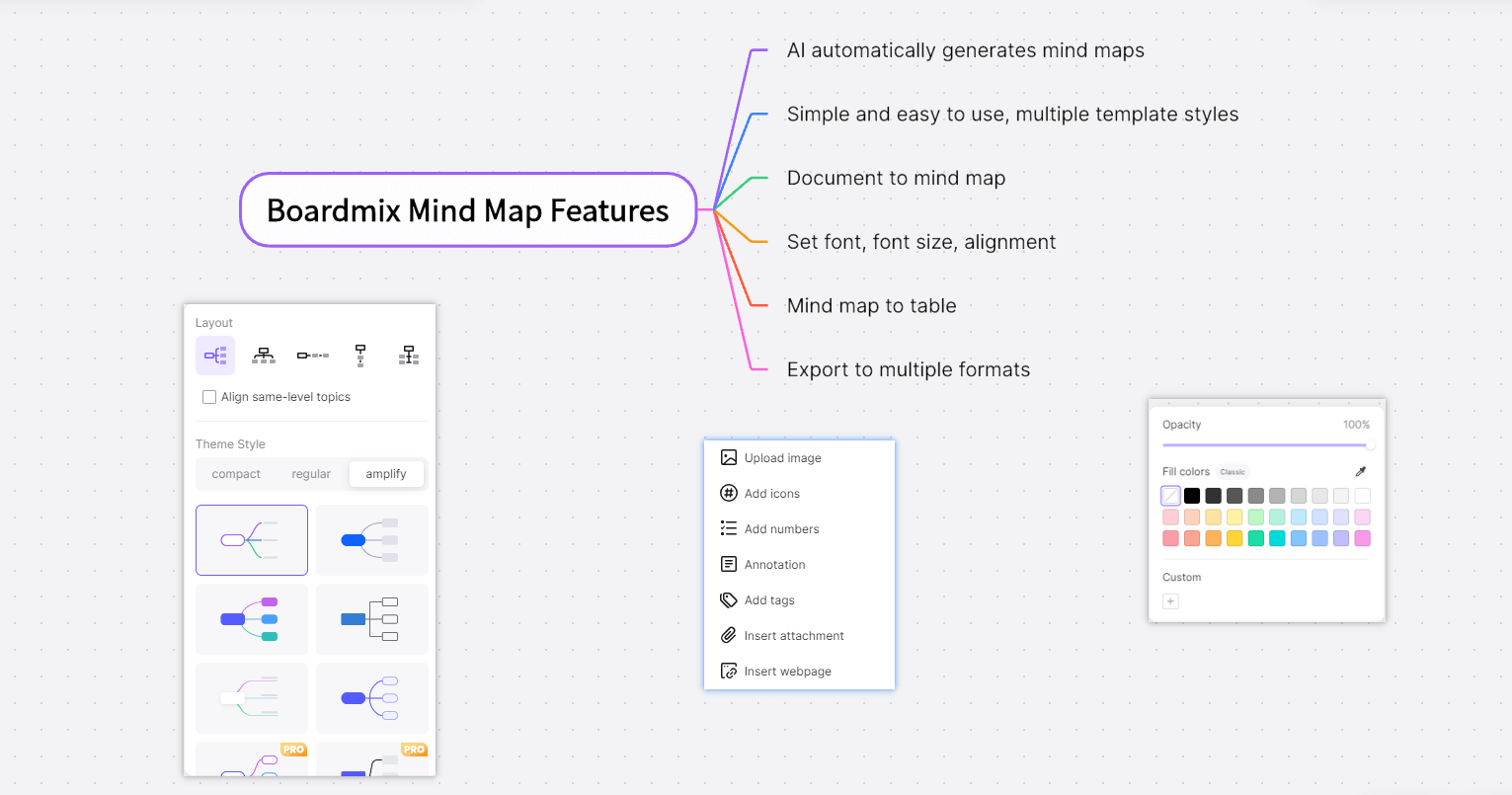
Rename unclear nodes, move related topics together, remove repetition, and use concise labels. Apply a consistent layout and color scheme so readers can distinguish themes.
5. Review sharing and export settings
Reopen the saved board and confirm that your changes are present. Before inviting teammates, check viewing and editing permissions. Choose an export option available in your workspace and plan, then inspect a sample output. An image or PDF is not the same as an editable mind map file.
If you prefer a prepared structure instead of AI generation, use the mind map template and examples. For the underlying method, see how to make a mind map.
Three Prompts You Can Adapt
Project planning
Create a mind map for a small team's product-launch plan. Use five main branches: goals, audience, deliverables, dependencies, and risks. Add questions where an owner, date, or budget is unknown. Do not invent those details.
Review: Ask the team to fill in owners and dates, verify dependencies, and remove work outside the agreed scope.
Study summary
Turn the notes below into a study mind map with a central topic, key concepts, definitions, and examples. Use only the supplied notes. Put unclear or missing information in a branch called Questions to check: [paste your notes].
Review: Compare every definition and example with the original material. Add source references and check whether important exceptions were omitted.
Team brainstorming
Organize these meeting notes into a mind map. Separate problems, ideas, decisions, and open questions. Keep proposals separate from confirmed decisions and do not assign owners unless the notes name them: [paste your notes].
Review: Confirm decisions with participants, merge duplicate ideas, and turn agreed actions into a separate task list.
Common Problems and What to Try
- The result is generic: Add your audience, constraints, and a concrete example of the desired branch.
- The structure is too large: Request fewer main branches and expand only the most useful ones.
- Facts look uncertain: Check the original source and correct or flag unsupported claims.
- Generation is slow or fails: Check connectivity and your credit balance, reduce the input scope, and follow the error shown in the workspace. Avoid repeatedly submitting the same request without checking its status.
- An import or export option is missing: Check the current workspace controls, plan, and help documentation.