




An onboarding checklist tells a company what to provide. An employee onboarding journey map asks what the new person experiences while trying to start useful work. Both matter, but they reveal different gaps. A laptop can be marked “delivered” while the employee still cannot access the customer cases needed for training.
Give every stage an owner and a check. For each touchpoint, note what the new employee is trying to do, where they can get stuck, who can respond and what evidence would show that the step worked. A journey map is a conversation aid, not a claim that every employee follows one identical path.
Build the journey on a shared online whiteboard with the new hire's tasks, touchpoints, obstacles, and the people who can resolve them. This article uses an illustrative support-specialist role, not a claimed Boardmix customer result. CIPD places induction and onboarding within the wider employee lifecycle.
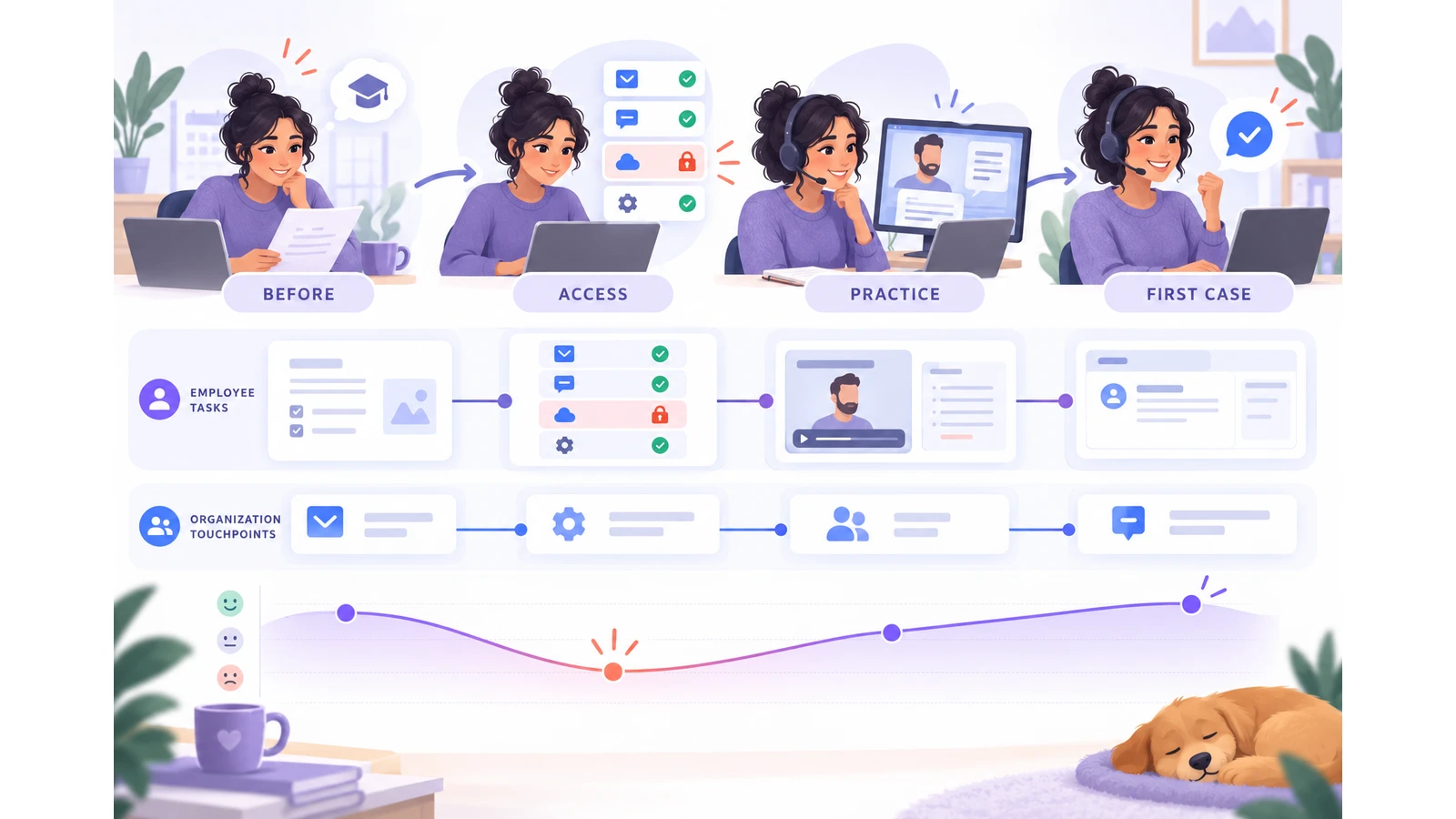
Define the role and first useful outcome
Our example hire joins a remote customer-support team. Their first useful outcome is not “complete onboarding.” It is to handle a straightforward case with the correct information and know when to ask for help. This gives the map an end point the team can discuss without promising a universal number of days to proficiency.
Talk with recent hires, mentors, IT, and the team lead before treating any step as typical. Record the difference between a real observation and the example used to design the map. Avoid adding individual names or private performance notes to a widely shared canvas.
Map moments instead of departments
| Moment | New hire's task | Touchpoint | Possible friction | Owner to consult |
|---|---|---|---|---|
| Before day one | Know where and when to start | Welcome message and schedule | Time zone or meeting link unclear | Hiring manager |
| First day | Reach the required tools | Account setup and device | Access granted but wrong role assigned | IT and tool owner |
| First week | Observe a customer case | Mentor and knowledge base | Example case uses an outdated policy | Support lead |
| First independent case | Respond or escalate safely | Case workflow and escalation route | Unclear who approves an exception | Team lead and policy owner |
The rows are prompts for inquiry, not findings about every company. The experience track can include what the employee says or does at each moment; avoid inventing an emotion score for someone you have not interviewed.
Find gaps between “done” and usable
Connect each friction point to evidence. If the welcome message was sent but the meeting link was missing, the issue is not “communications need improvement” in general. It is a specific handoff between the scheduling owner and the new hire. If a tool account exists but lacks permissions, show both states rather than treating account creation as the outcome.
Prioritize gaps that block the first useful outcome or force repeated requests for help. Then decide what the organization should change, who owns it, and how a future hire could confirm the change works. Keep legal, security, and employment-policy steps with the appropriate owners; a journey map does not replace their required records.
Make the journey in Boardmix
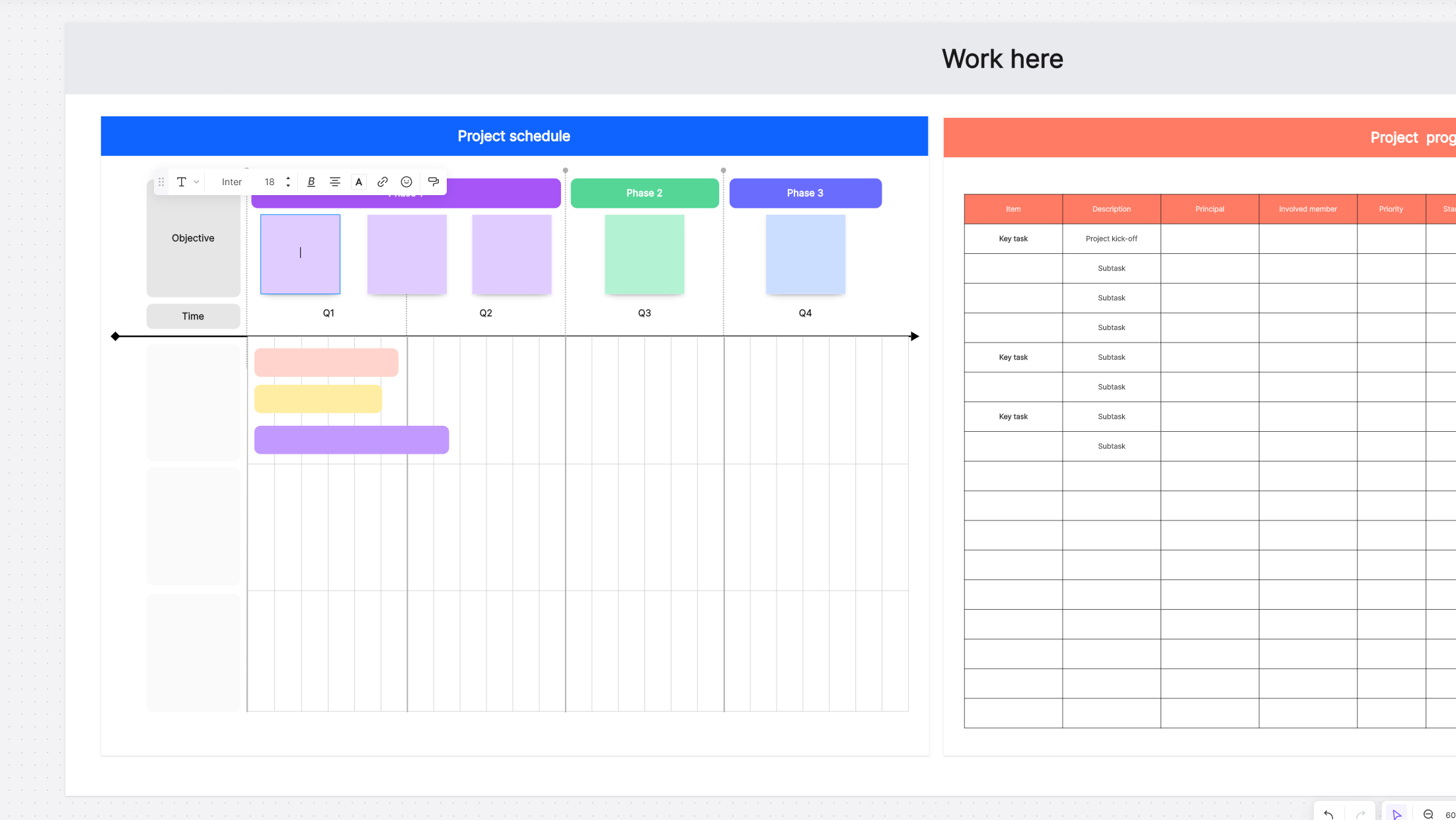
Place the four moments across a Boardmix canvas. Add horizontal lanes for the employee's task, touchpoint, observed friction, and responsible role. Put evidence links or interview references near each observation. Use a different visual treatment for a proposed change, such as “verify access with a sample case before day one,” so it is not mistaken for current practice.
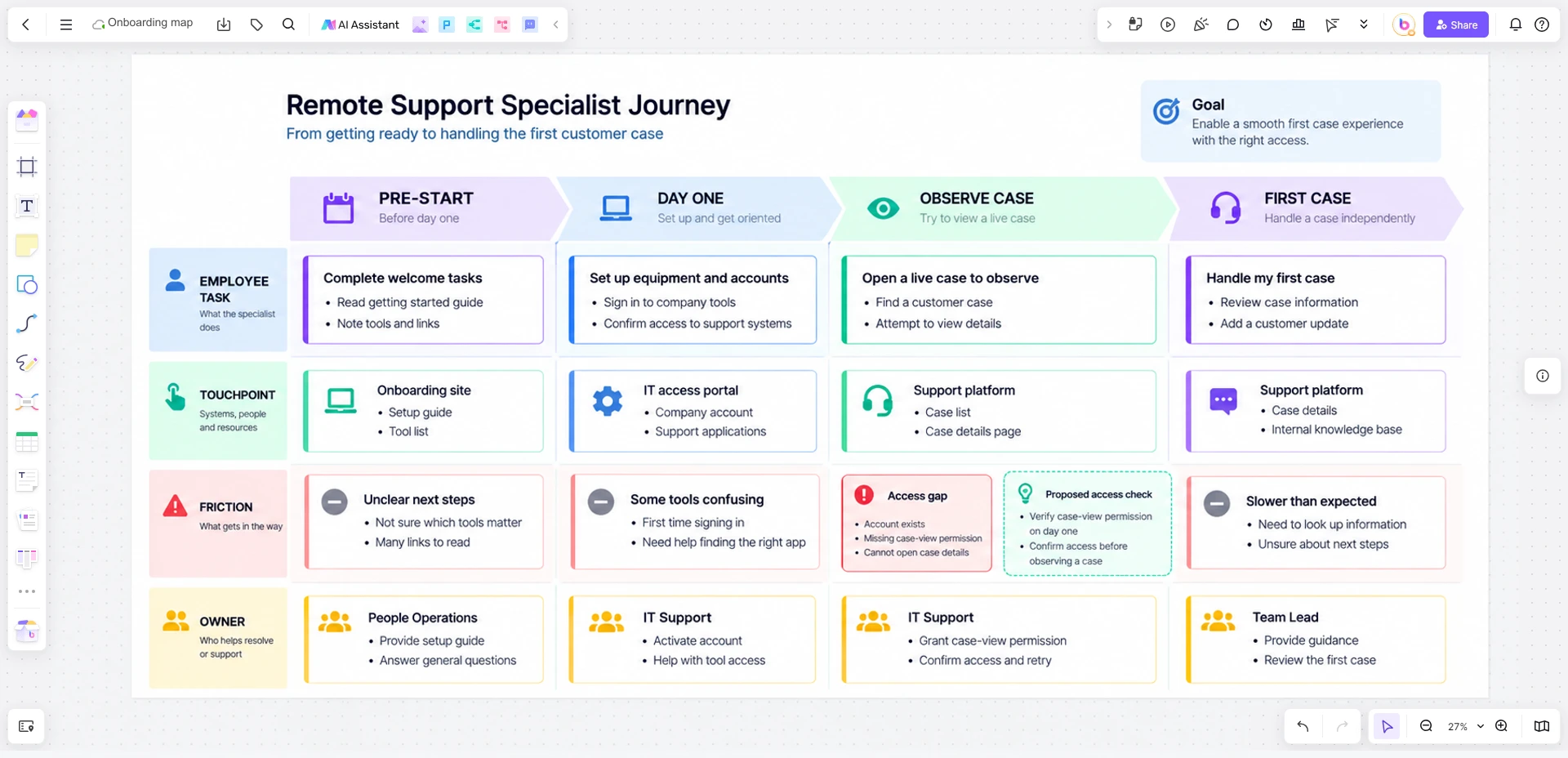
If the team also needs a task list, use an onboarding checklist template for completion tracking. The journey map explains why each task matters to the new hire and where the handoff fails. Revisit the map after observing another onboarding cycle rather than assuming the example is representative.
![How to Make a Process Map in Excel [Alternative Included]](https://cms.boardmix.com/images/articles/create-process-map-in-excel-cover.png)


