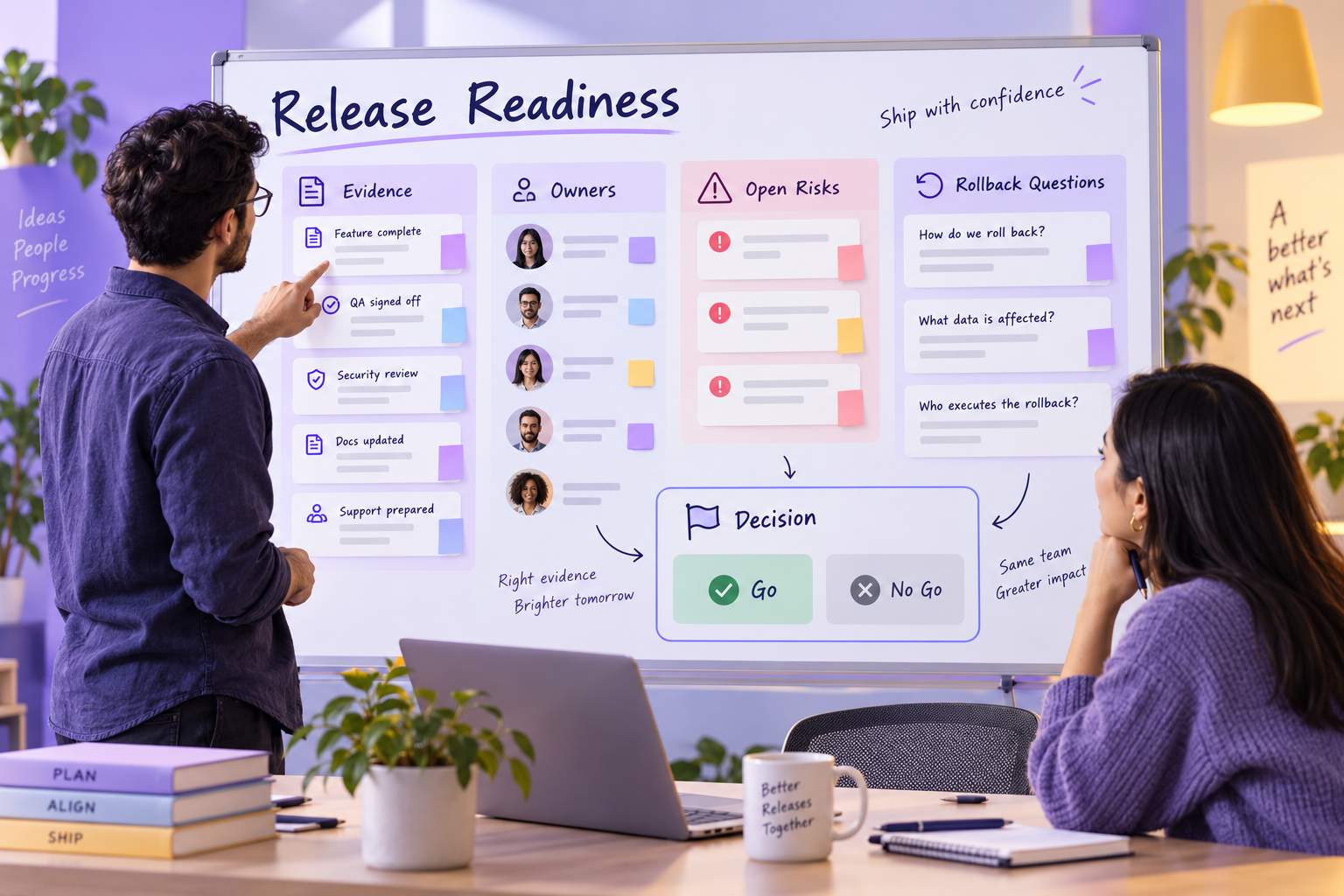
A release-readiness board turns a launch conversation into visible evidence. Instead of asking whether a release “feels ready,” the team can review what has been checked, which risks remain, who owns each response and what would happen if the release is paused or rolled back.
Use a shared Boardmix project-planning workspace to keep the candidate, checks and decision together. The risk-matrix guide can help assess likelihood and impact; record the resulting response on this board. Keep required security, accessibility and operational approvals in the review.
Set the release boundary
Write the candidate name, intended audience and review date at the top. List what is included and explicitly list important exclusions. A boundary prevents a new request from silently changing the decision while the review is in progress.
Add the decision question: “Can this candidate move to the next environment under the stated constraints?” The question is narrower and more useful than a general request for confidence.
In the appointment-service example below, RC3 is intended for 20 invited customers who will create and cancel appointments. Payments and public signup are excluded. The decision is whether to invite those customers to this candidate, not whether the service is ready for an unrestricted public launch.
Build evidence lanes
Create lanes for product behavior, content or design, quality checks, operations and communication. Each lane should contain a check, its evidence, a status and the person coordinating the next response. A green label without evidence is only an opinion.
| Field | Example |
|---|---|
| Check | New users can complete the first setup path. |
| Evidence | Reviewed test notes and open defect link. |
| Status | Ready to review / needs response / not checked |
| Owner | Person coordinating the next check. |
| Decision impact | Blocks candidate / changes scope / monitor after release |
For RC3, turn the scope into the checks below. Replace the role labels with named people and attach the actual test or recovery notes. “Not checked” stays separate from “failed”: both may block a decision, but they require different next actions.
| Check | Evidence needed | Current state and owner | Decision impact |
|---|---|---|---|
| Create and cancel an appointment | Results for the in-scope scenarios, including the slot after cancellation. | Needs response: B-17 leaves the slot unavailable. QA lead coordinates the recheck. | Blocks invitations while a core pilot task is broken. |
| Recover from a failed rollout | A rehearsed recovery procedure and a record of the restored state. | Not verified: operations lead arranges the rehearsal. | Keep rollout on hold until the recovery question is resolved. |
| Keep payments and public signup out of scope | Checks that the pilot does not expose these excluded paths. | Not checked: product owner assigns the check. | A mismatch changes the candidate’s scope and needs review. |
| Invite only the agreed pilot audience | Confirmed invitation list and release decision. | On hold: pilot coordinator waits for approval. | Do not send invitations on the strength of a test-count total. |
Record open risks and rollback thinking
Place open risks beside the lane they affect. Write the possible effect and the response chosen, not only a severity color. Add a rollback or pause note when it is relevant: what signal would stop the rollout, who can make that call and where the previous state is documented.
If the team has not verified a recovery path, mark it “not verified,” name the person arranging the rehearsal and record what the rehearsal must demonstrate.
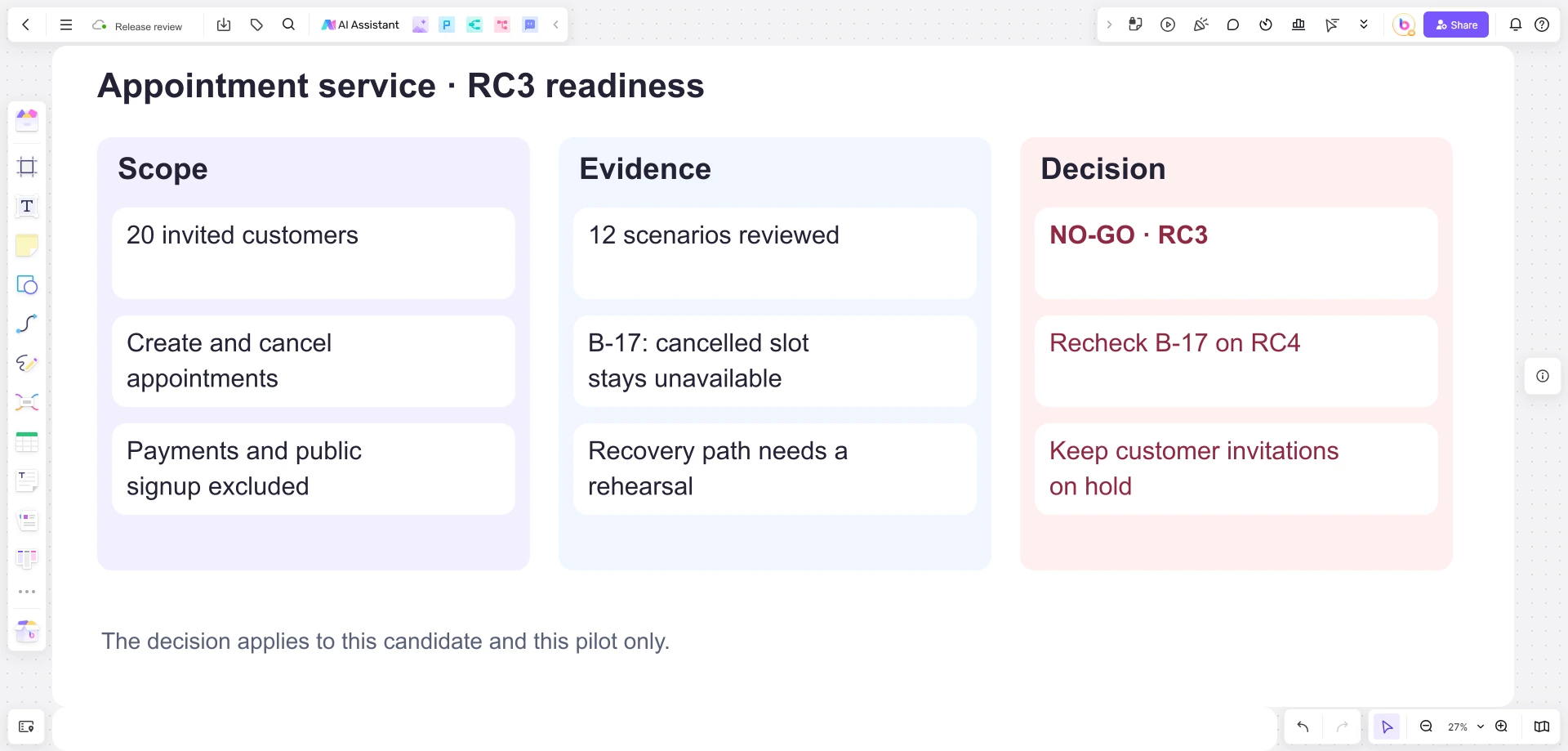
The 12 reviewed scenarios do not mean 12 passed scenarios. B-17 matters because a cancelled appointment leaves its slot unavailable, preventing another customer from booking it. The no-go decision follows from that failed task and the unverified recovery path. A later RC4 review should recheck B-17, examine any affected flows and attach the recovery rehearsal result before deciding whether invitations can proceed.
Run the go or no-go conversation
- Read the release boundary and decision question.
- Review evidence lanes with missing or disputed checks first.
- Discuss open risks only where the response or decision can change.
- Confirm whether the candidate is ready, paused or needs a narrower scope.
- Record the decision, decision owner, date and follow-up evidence.
Use comments for a question tied to one card and text for the final decision record. Boardmix’s shared canvas, notes, shapes, connectors, comments and sharing support the review layout; approval authority remains with the release team.
Leave a reviewable release record
Keep the candidate boundary, evidence notes and decision together after the meeting. Move resolved checks to an archive area rather than deleting them. If the candidate changes, duplicate only the small section that changed and explain the relationship so later readers do not confuse two decisions.
Open a Boardmix board and copy the checks into scope, evidence and decision areas. The RC3 decision card should read: “No-go for the invited pilot; recheck B-17 on RC4 and complete the recovery rehearsal; invitations remain on hold.” Add the decision owner and date. Preserve that card when recording the RC4 outcome so the reason for the earlier pause remains visible.