About the Mind Map Template
Definition and Explanation
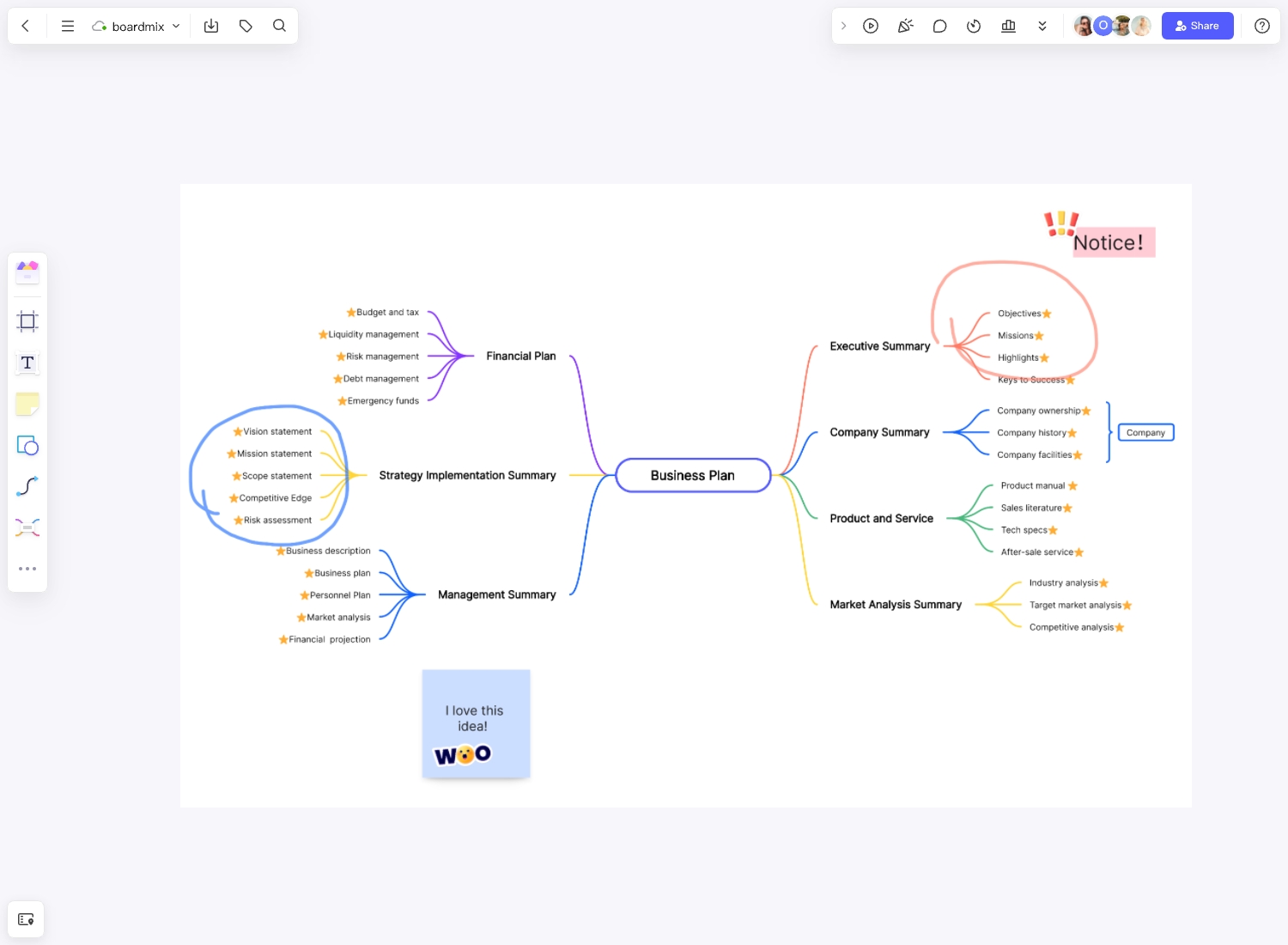
A mind map template provides a starting structure for organizing ideas around one central topic. Add branches for the main themes, then add supporting details, examples, and references. Use the structure as a starting point rather than treating every branch as a required field.
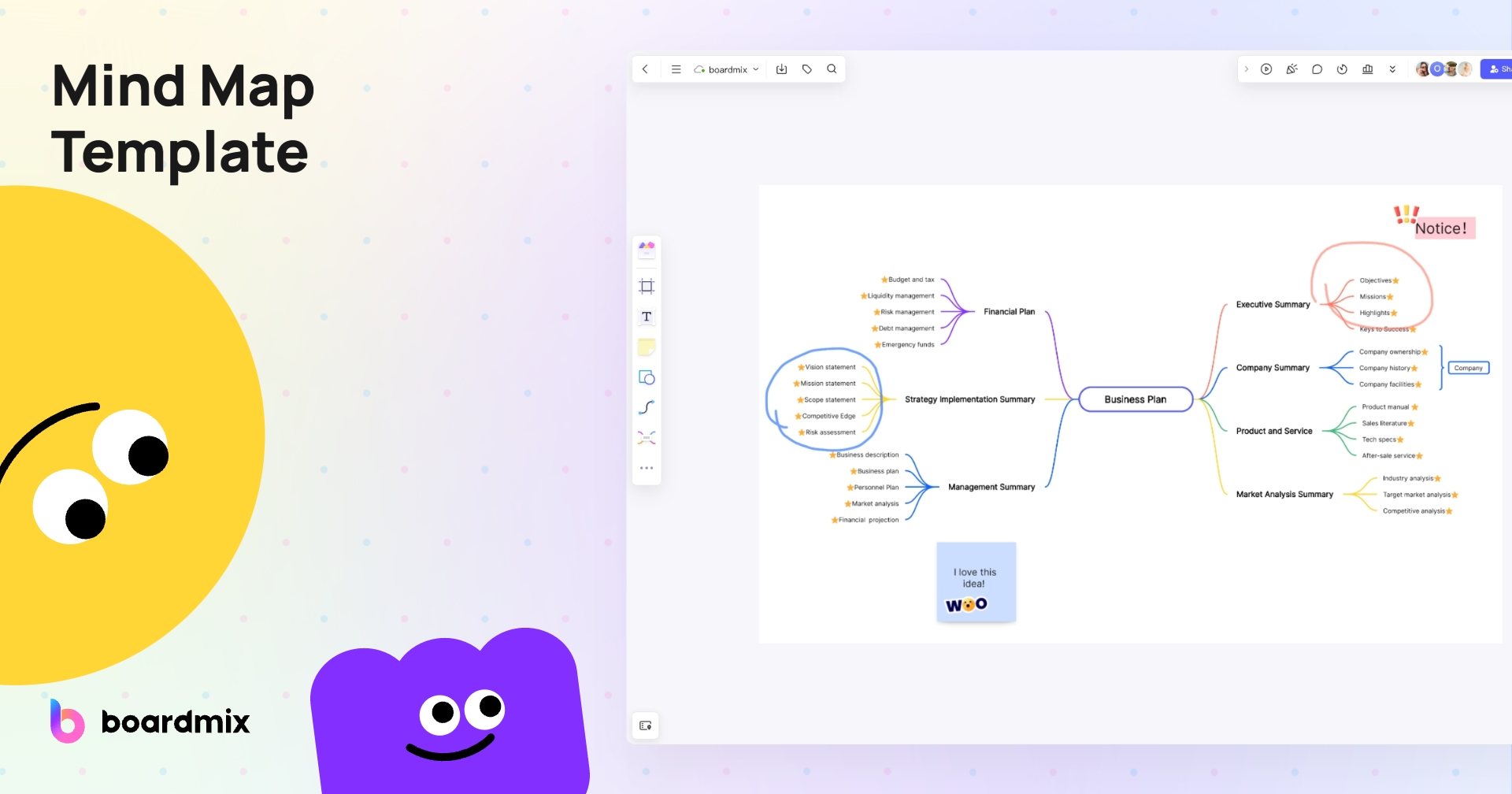
Start with the Mind Map template: Select the button below to open the starting template. The images on this page show ways to adapt it.
If the template does not open, go to the Boardmix template library and search for Mind Map. Board, object, collaboration, and export limits depend on your plan; check the current pricing page before starting a large project.
Start with a Clear Central Topic
Write one topic in the center and add branches for its main themes. Use short labels, then add supporting details where needed. This keeps the map easy to scan and helps you spot gaps or repeated ideas.
Purpose of Mind Maps
You can use a mind map to organize material for tasks such as:
- Brainstorming
- Problem-solving
- Decision making
- Note-taking
- Presentations
- Project planning
- Study and revision
Benefits of Mind Maps
- Show relationships between a central topic and its supporting ideas.
- Group related information so readers can review one branch at a time.
- Make gaps, repeated ideas, and topics that need further research easier to spot.
- Give collaborators a shared structure for discussing and revising ideas.
Types of Mind Map and Their Uses
The following are practical uses of a mind map rather than a fixed classification. Choose the structure that fits your task.
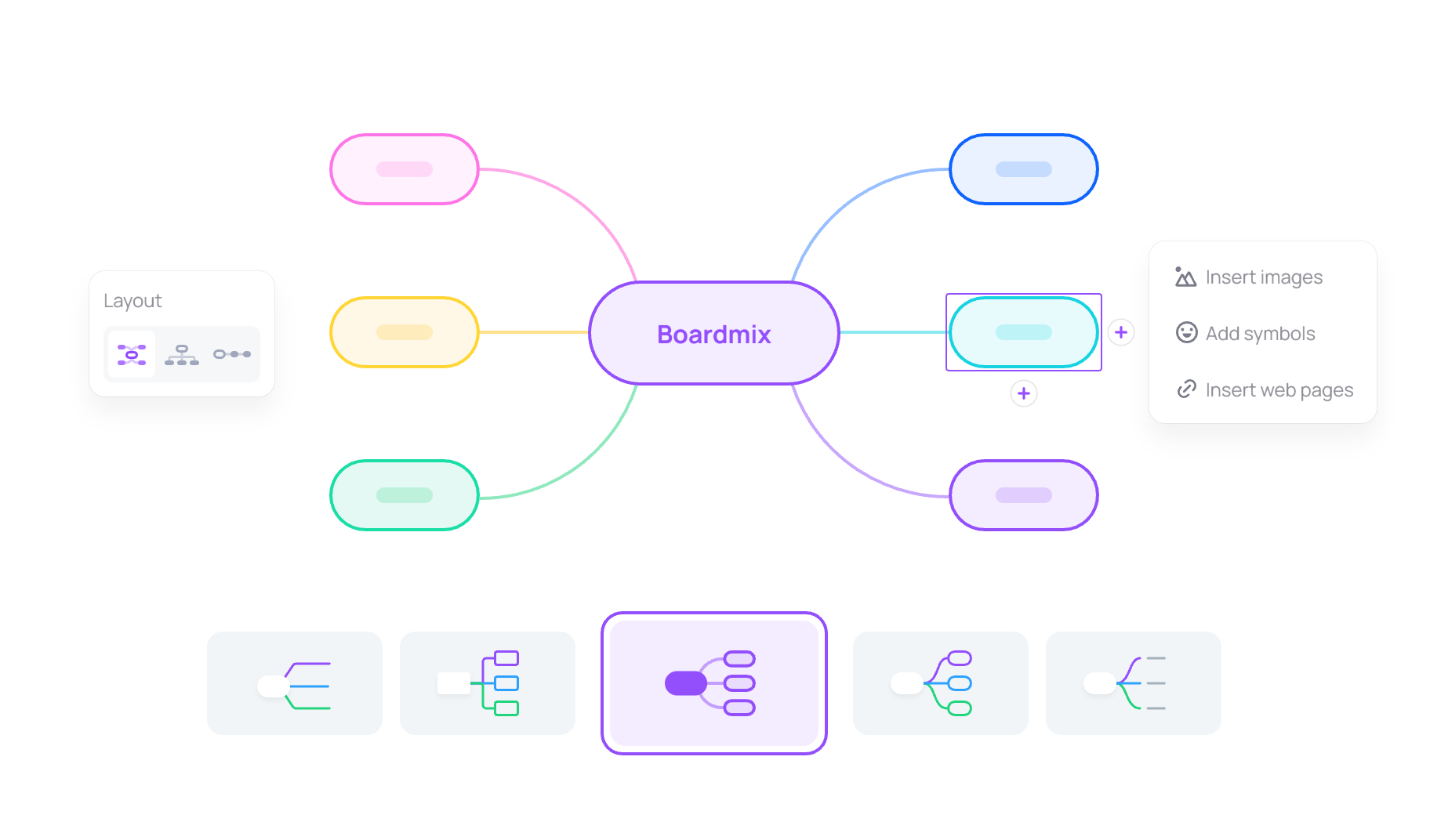
1. Concept-focused mind map: Place the subject in the center and group definitions, examples, and questions on separate branches. This can help you organize notes when studying a topic.
2. Planning mind map: Break a project or event into workstreams and tasks. Add owners and deadlines to the relevant branches, then review dependencies separately before turning the map into a project schedule.
3. Problem-solving mind map: Start with a clearly defined problem and branch into evidence, possible causes, options, and open questions. Check the evidence before selecting a solution.
4. Presentation mind map: Organize the main message, supporting points, and examples. Use it to plan the story before creating slides or presenting the board.
Mind Map Examples to Adapt
Adapt the starting template to your task by replacing its labels and branches. These examples show how a mind map can organize business, communication, and research topics.
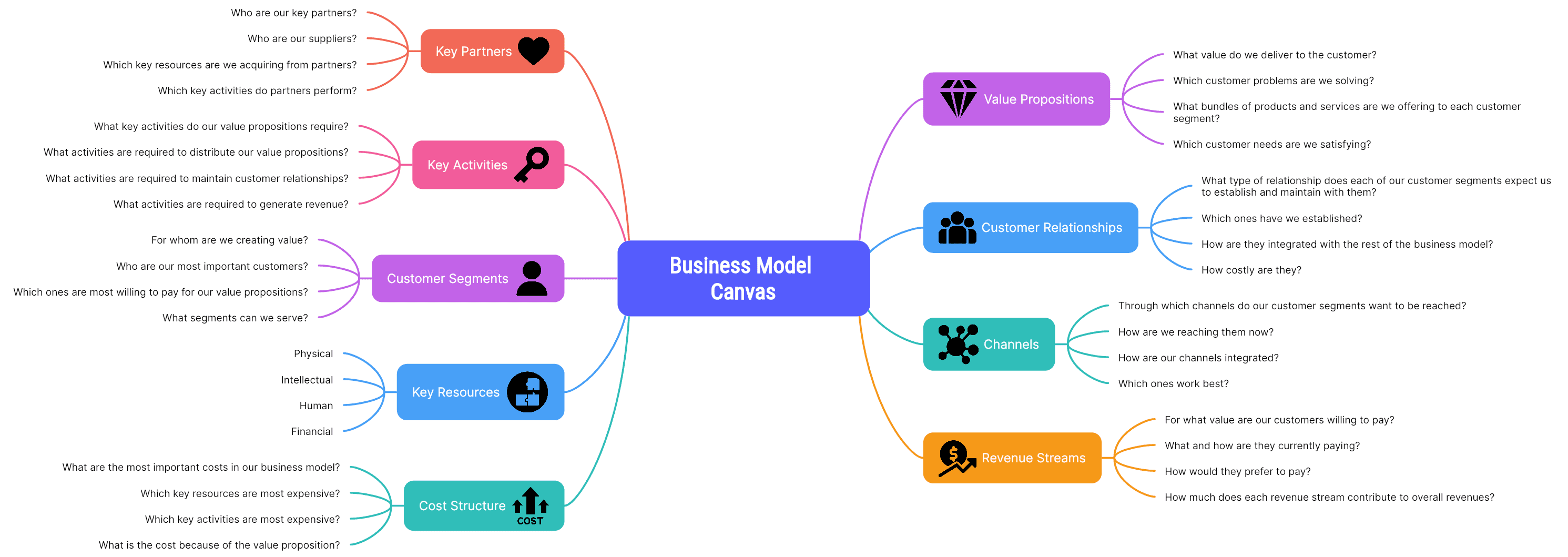
Business Model Canvas Mind Map
A business model canvas describes how a business creates, delivers, and captures value through nine building blocks: key partners, key activities, key resources, value propositions, customer relationships, channels, customer segments, cost structure, and revenue streams. You can organize notes about these blocks as branches when exploring a business model, then transfer them to a canvas layout if you need to compare the blocks side by side.
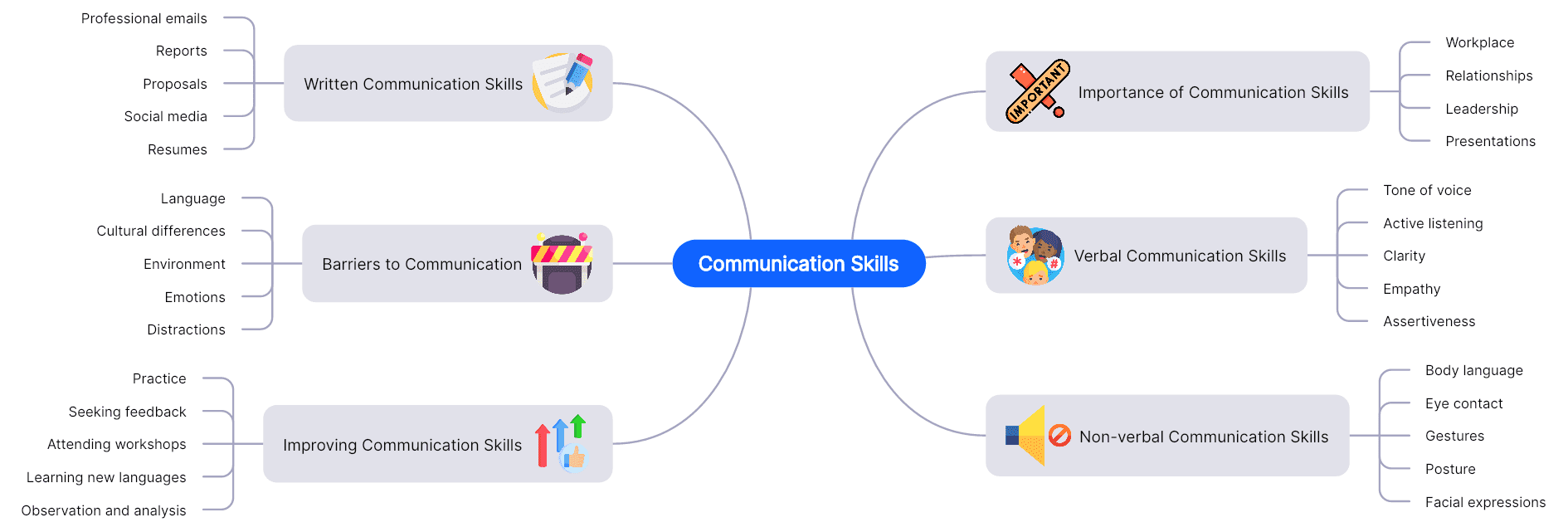
Communication Skills Mind Map
Group communication skills into branches such as written, verbal, and non-verbal communication. Add examples, practice activities, and situations where each skill matters. Review the labels to avoid placing the same skill in several branches without explaining the connection.
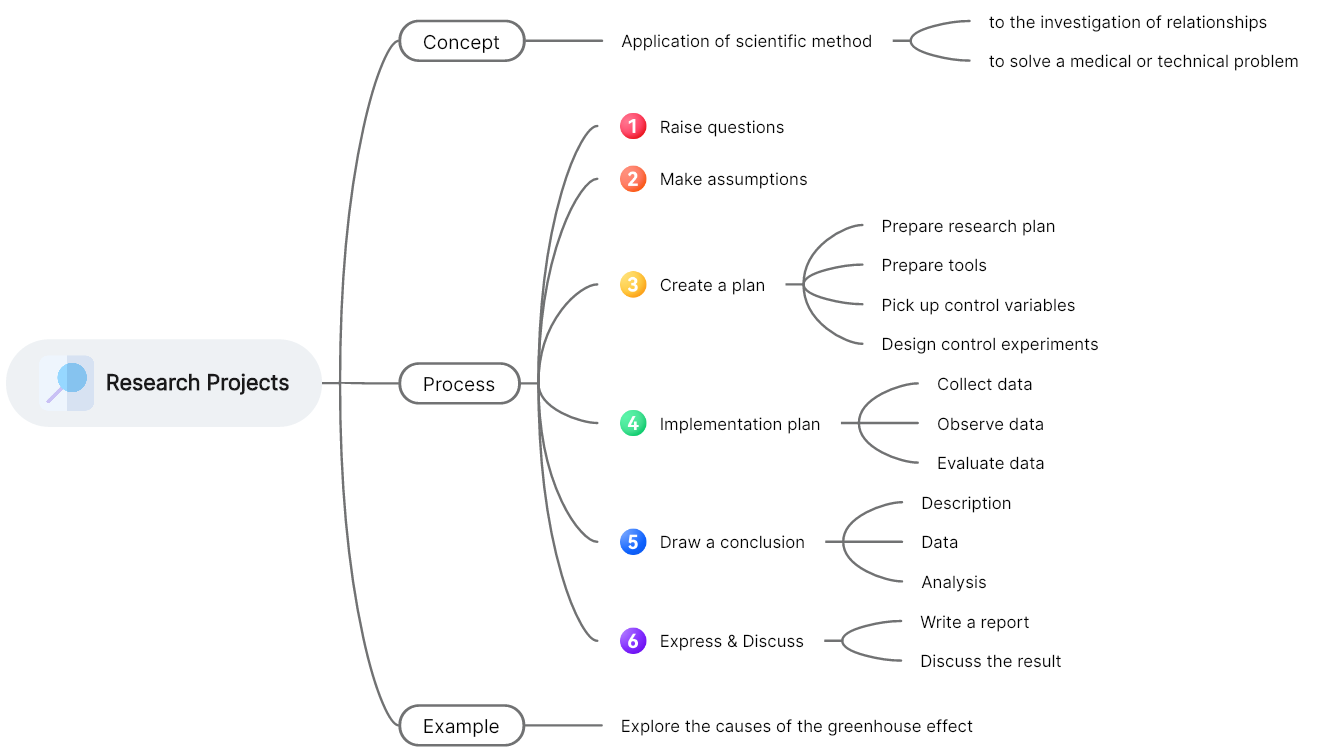
Brainstorming for Research Projects
Start with your research question and add branches for background, methods, sources, expected outputs, and unresolved questions. Adapt the structure to your research topic, methodology, and requirements. Keep assumptions separate from findings that have supporting evidence.
Why Use an Online Whiteboard for Mind Mapping
An online whiteboard lets you arrange topics on a shared canvas and revise their relationships as a discussion develops.
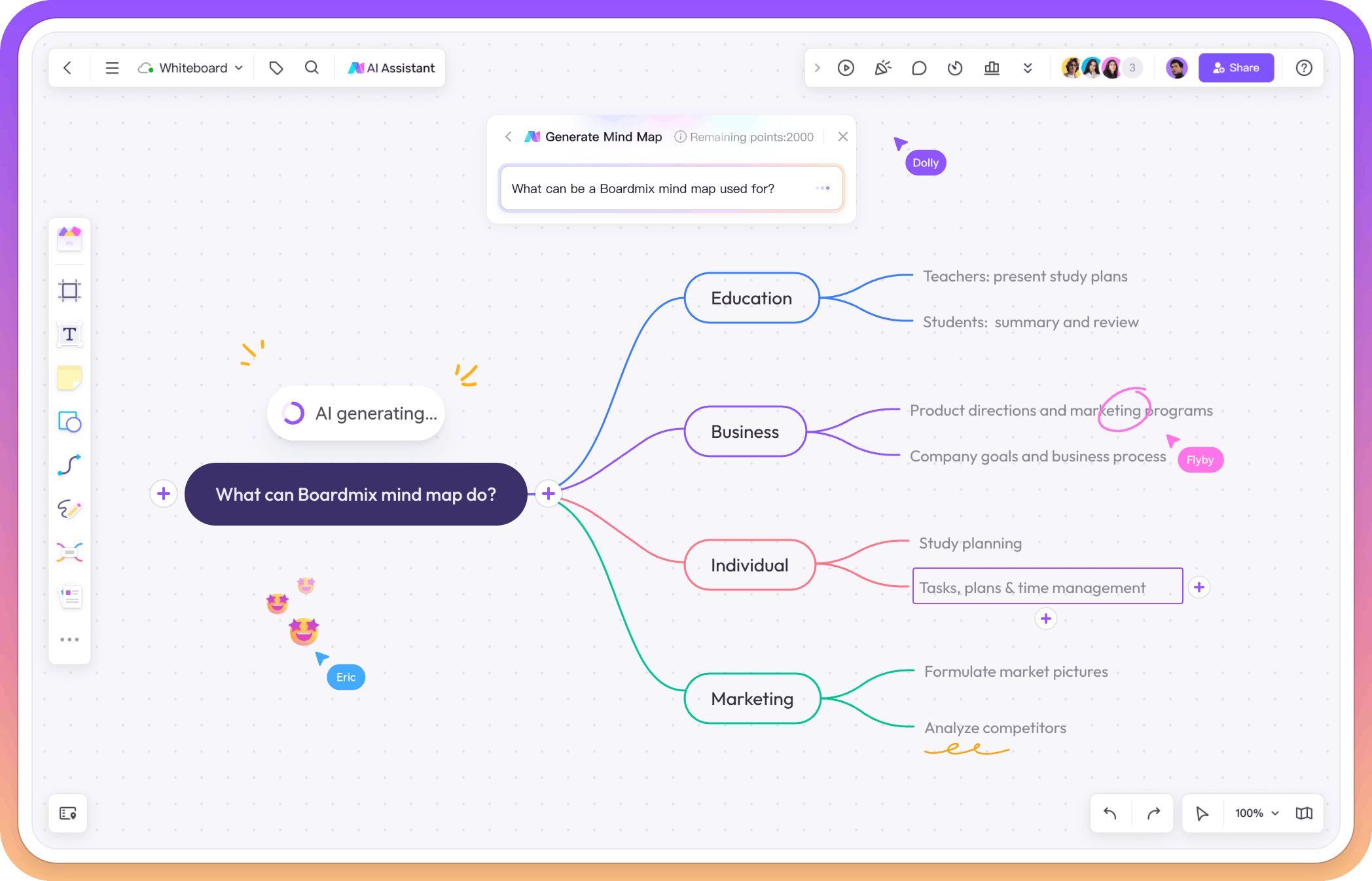
An online canvas gives you room to arrange related topics and move branches as your thinking develops. Zoom out to review the structure, then zoom in to work on details.
Teammates can contribute from different locations. Agree on a central question, add ideas, group related branches, and review the map together.
Keep a copy of useful maps for future projects instead of erasing the original. Before sharing outside your team, check access permissions and the export options included in your plan.
How to Use Boardmix's Mind Map Template
Tools Needed for Creating a Mind Map
You need a Boardmix account and access to a workspace. See the pricing page for plan details.
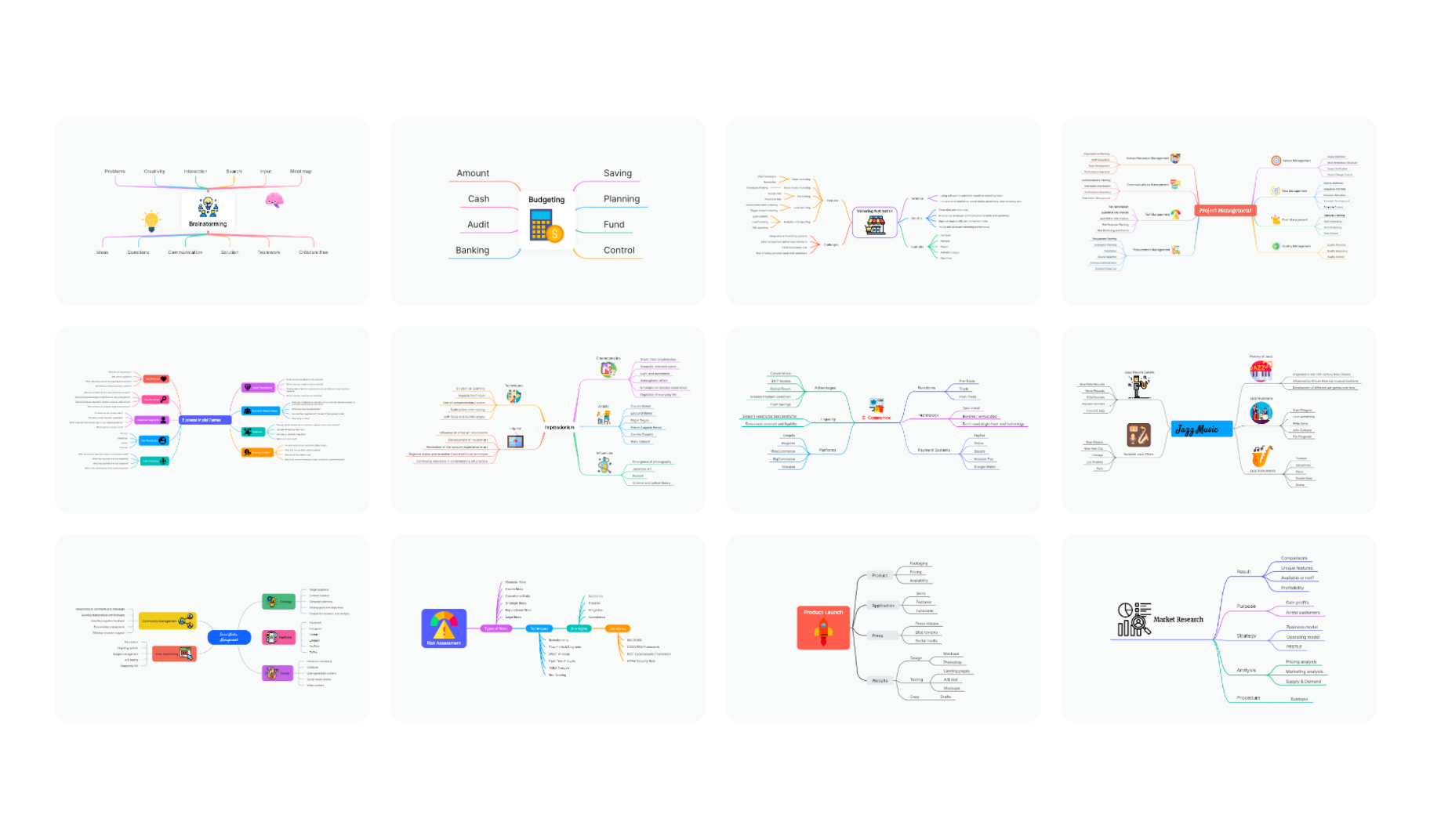
- Open the starting template. Select a Use the Mind Map template button on this page. If sign-in is required, return to this page and select the button again. If it does not open, use the template library and search for Mind Map.
- Set the central topic. Rename the center and remove sample branches that do not fit your task.
- Customize the map. Add your main themes and supporting details. Keep labels short and use consistent colors or shapes when they help explain a meaningful distinction.
- Review with your team. Invite collaborators using the appropriate viewing or editing permissions. Ask them to check missing topics, repeated ideas, and assumptions before you finalize the map.
- Add supporting material. Place relevant notes, images, and links beside the branches they explain.
- Save and share. Confirm that your latest changes are saved. Check link permissions and remove sensitive information before sharing outside your team.
Arrange Multiple Mind Maps on One Canvas
You can arrange related maps in different areas of a Boardmix canvas. Keep each map focused on a clear topic and leave space between maps.
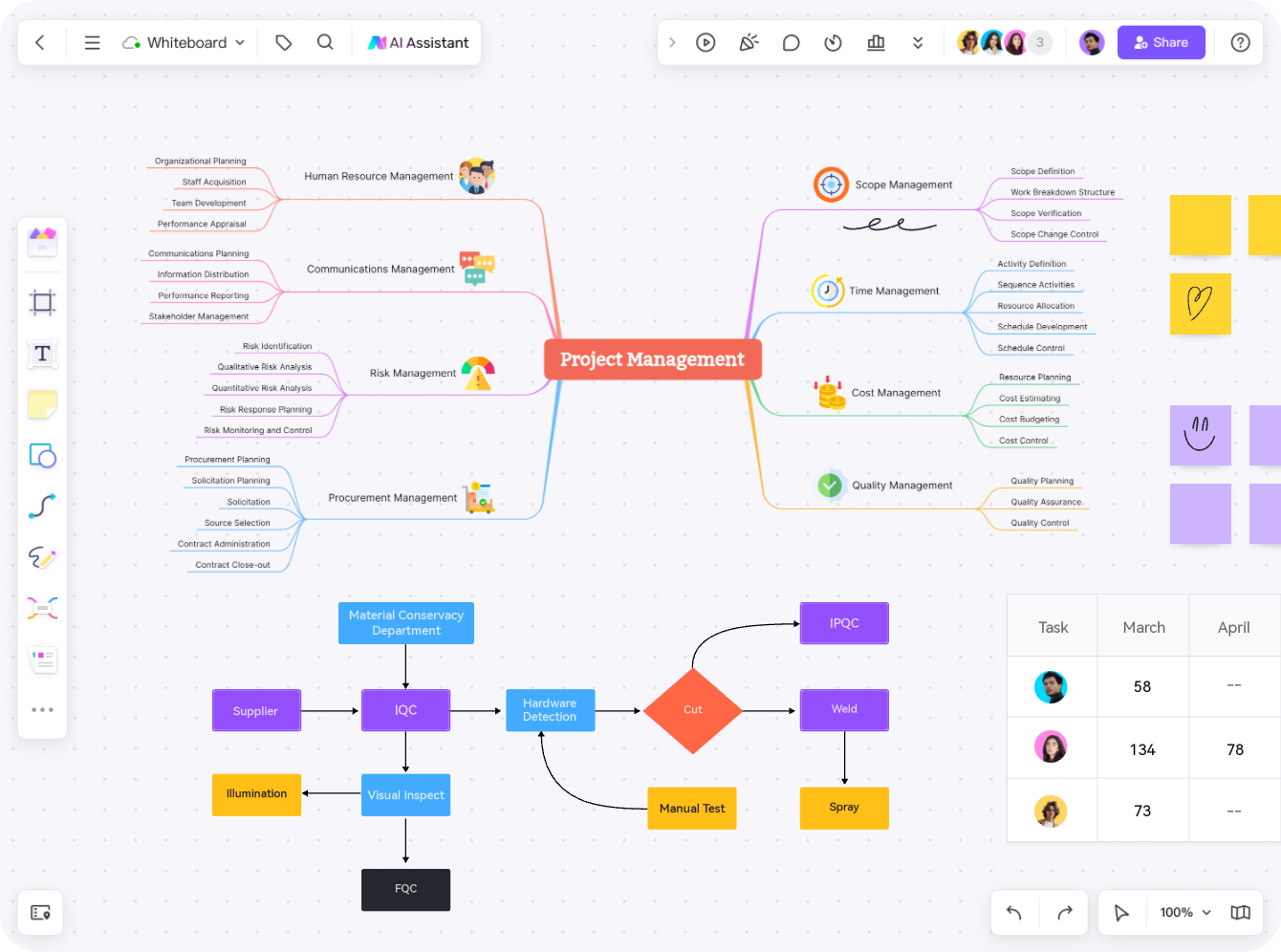
Develop the first map: Place a central topic and its main branches in one area of the canvas.
Add another map: Use a separate area for a different question or workstream. Zoom out periodically to check the overall layout and avoid overlapping branches.
Connect related maps: Add labeled connections where they explain a useful relationship. If the canvas becomes difficult to navigate, split the work into smaller boards.
Who is this Mind Map Template for?
The starting structure can be adapted to several tasks:
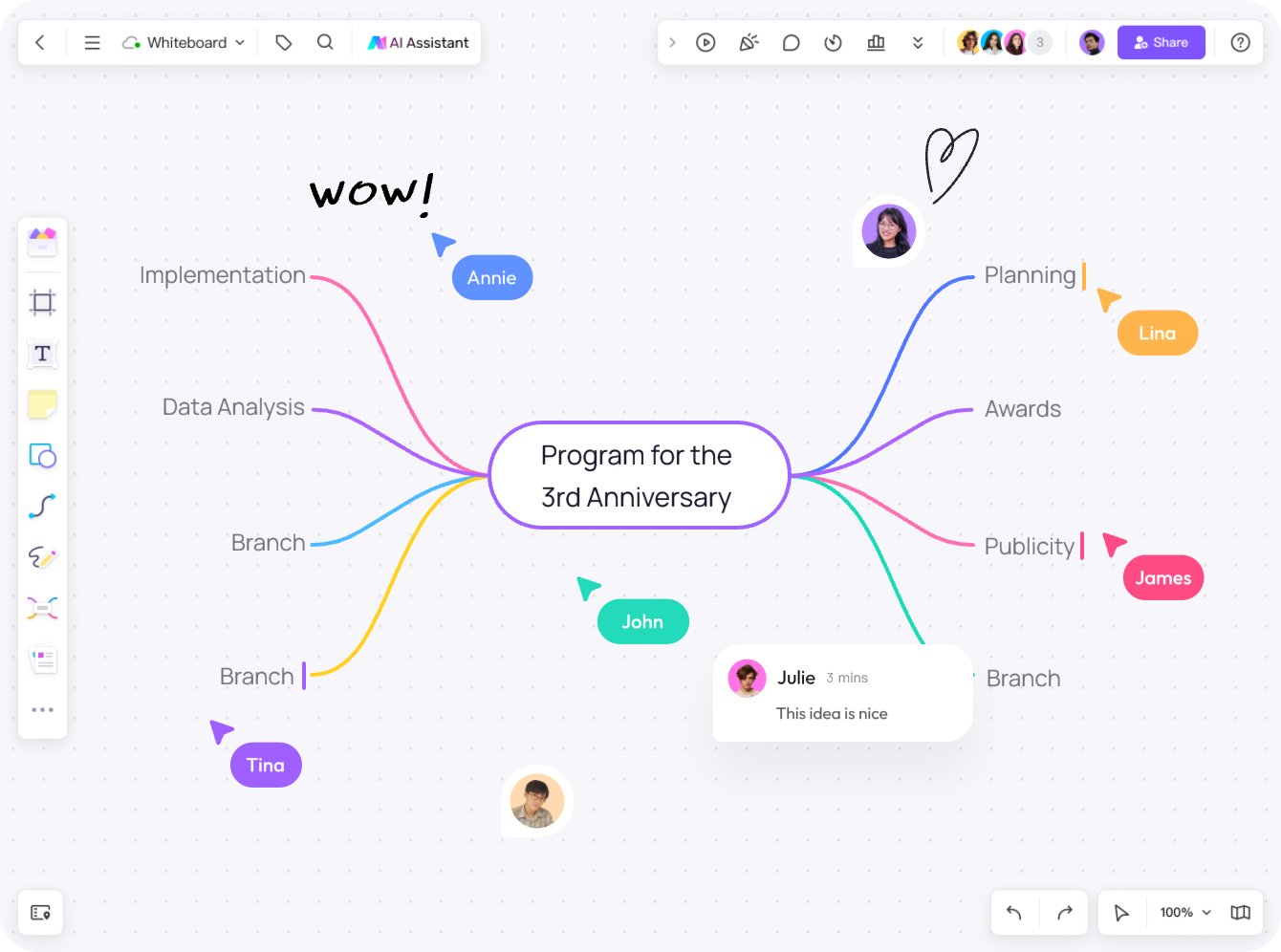
- Students: Organize notes, examples, and questions for a topic. Check that the relationships in the map match the course material.
- Professionals: Break a project or decision into themes, options, and outstanding questions.
- Educators: Prepare a lesson structure or ask learners to explain connections between ideas.
- Creative practitioners: Explore storylines, design directions, or variations around a central idea.
- Teams: Gather ideas in a shared structure and agree on the next questions or actions.
FAQs about Mind Maps
Does each example image open as its own template?
No. The template buttons on this page use the same Mind Map starting template. The business, communication, and research images are examples you can recreate or adapt. Use the template library to browse other available starting points.
Why do I need to select the template button again after signing in?
The current template action returns you to this page after sign-in. Select Use the Mind Map template again to continue. If you cannot open it, check that you have access to a workspace and that your plan has room for another editable board.
What is the difference between a mind map and a concept map?
A mind map usually branches from one central topic. A concept map connects multiple concepts and often labels the relationships between them. Use a mind map to organize ideas around a topic and a concept map to explain how different concepts relate.
Can mind maps help improve memory?
A mind map can help you organize material for review. Use concise labels, meaningful connections, and examples, then check what you can recall without looking at the map. Its usefulness depends on the task and how you study.
Is it necessary to use images in a mind map?
No. Text labels and branches can be enough. Add images only when they help explain or distinguish an idea.
Can I make a mind map without software?
Yes. You can use paper for individual work. An online canvas can be useful when people in different locations need to review or edit the same map.
How can I use mind maps in team collaboration?
Share the board with your team and choose the appropriate viewing or editing permissions. Confirm who can access the link before sharing sensitive material.
Conclusion
A useful mind map starts with a clear question and a structure you can revise. Use the starting template, replace its example labels with your own ideas, and review the map for missing information and unsupported assumptions. Keep the map focused on the task rather than adding branches simply to fill the canvas.