Online whiteboard vendor lock-in exists when leaving a platform would make your team lose usable content, permissions, history, integrations, or contractual control. An exit-readiness review turns that risk into a checklist: inventory the assets, test export and restoration, document dependencies, and rehearse the path before a crisis or renewal deadline.
The goal is not to switch vendors every year. It is to keep the option to switch when the product, contract, ownership, security model, or operating cost no longer fits the work.
What Vendor Lock-In Looks Like in Visual Collaboration
A board can look portable because it is visible in a browser, while the surrounding system remains difficult to move. Lock-in often appears in the gaps around the canvas:
- Exports preserve a picture but lose editable objects, comments, links, or metadata.
- Board ownership, guests, and permissions cannot be reconstructed in the destination.
- History or approvals are needed for an audit but are unavailable outside the service.
- Embeds, notifications, automations, and APIs depend on a vendor-specific identifier.
- Contracts define data return narrowly or make the notice period shorter than the migration window.
- Teams have no owner, test environment, or documented rollback path.
Build an Exit-Readiness Scorecard
| Area | Question | Evidence | Risk if unanswered |
|---|---|---|---|
| Content | Can the team export and restore representative boards? | File samples, object checks, restore test | Rebuild effort is unknown |
| Access | Can owners, members, guests, and links be recreated? | Permission matrix and owner list | Work is exposed or blocked |
| History | Can comments, decisions, and versions be retained? | History export or retention statement | Audit context disappears |
| Dependencies | Which embeds, integrations, APIs, and automations use the platform? | Dependency register and test results | Workflows fail after cutover |
| Contract | What happens at renewal or termination? | Data-return, notice, deletion, and support terms | The team runs out of time |
| Ownership | Who approves and runs an exit drill? | Named owner, schedule, and decision record | No one can coordinate the move |
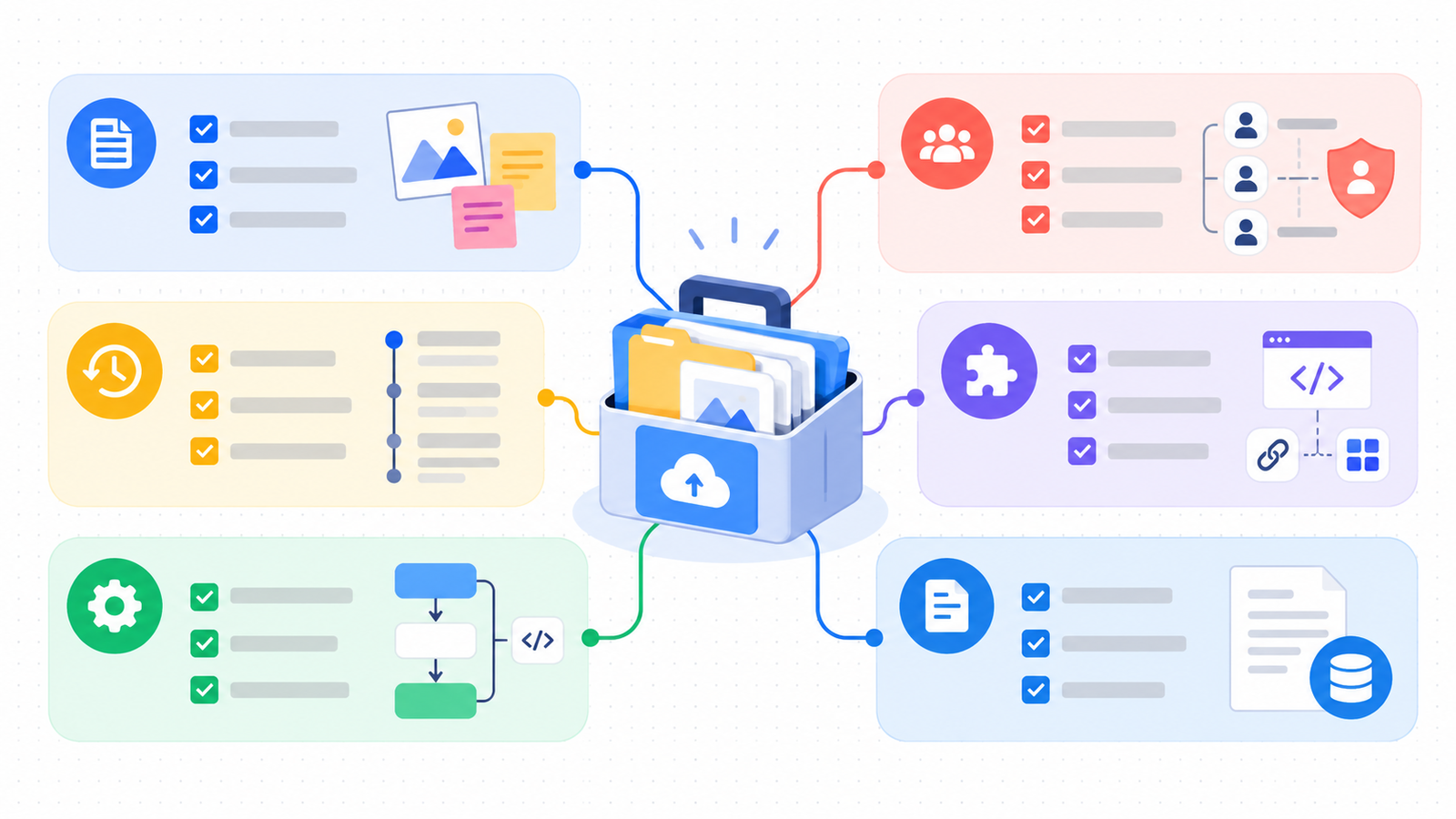
Score each area as ready, partially ready, or unknown. Unknown is not the same as safe: it means the team has not tested the condition.
Check Content and Export Portability
Start with a board inventory instead of a product brochure. Classify active work, reusable templates, records that need retention, and content that can be retired. For each class, record the owner, object types, links, comments, attachments, and required destination format.
Export a small representative set and inspect it outside the vendor's editor. Check whether text remains selectable, objects remain editable, images retain their resolution, links still point to useful destinations, and the file includes the context needed to interpret the board. Test both a simple board and a dense board; a single successful export proves very little.
- Choose a board with common objects and a board with the team's hardest objects.
- Export each using the formats allowed by the current plan.
- Open the files in a clean environment and record what is editable, visual-only, missing, or corrupted.
- Estimate the repair time and name an owner for every rebuild item.
- Store the source, export, validation notes, and checksum in the exit evidence pack.
For teams evaluating Boardmix as a destination, the Miro-to-Boardmix import guide describes editable imports, visual-reference fallbacks, and post-import validation. Treat the import as a testable path, not as a promise that every vendor object will transfer unchanged.
Review Permissions, Guests, Links, and Embeds
Access rules are part of the content. Exported files rarely carry the same ownership and sharing model as the source workspace, so create a permission matrix before the move.
- List internal members, external guests, public links, and service accounts.
- Record which boards require restricted access, review-only access, or guest editing.
- Identify embeds in documents, wikis, intranets, presentations, and customer portals.
- Test link behavior after a board is copied or imported, including links that point to another board.
- Define how a former member's ownership and access are transferred.
Run the checks with test identities. A screen that looks correct for an administrator may be wrong for a guest, a viewer, or a user outside the primary workspace.
Preserve History, Comments, and Audit Evidence
Ask which records need to remain discoverable after the move. A team may need the final board only, or it may need comments, decision context, version history, approvals, and timestamps.
| Record | Keep when | Test |
|---|---|---|
| Comments and mentions | They explain decisions or unresolved work | Export, copy, or capture a searchable record |
| Version history | Change history supports audit, quality, or legal review | Confirm the retention period and the destination evidence |
| Board metadata | Owner, dates, labels, and status drive reporting | Map fields to the destination inventory |
| Approvals and links | Decisions depend on who approved what | Preserve the approval record and target URL |
If the platform cannot export a record in a useful format, document that limitation and decide whether the record belongs in a separate archive. Do not quietly treat a screenshot as a complete audit trail.
Map Integrations, APIs, and Automations
Make a dependency register that answers three questions for every connection: what starts the workflow, what data moves, and what breaks if the board ID changes?
- List identity, storage, meeting, messaging, project-management, analytics, and document integrations.
- Record API keys, webhooks, app owners, service accounts, and refresh schedules without placing secrets in the article or evidence pack.
- Run one read and one write test where the workflow is business-critical.
- Classify each dependency as transferable, replaceable, manual, or retirement candidate.
- Include integration rebuild hours in the switching-cost estimate.
An integration that is not used every day can still be essential during an incident, renewal, or customer review. Test the exception path as well as the happy path.
Check Contracts, Data Ownership, and Termination
Exit readiness is partly a contract question. Ask procurement or legal to confirm the terms that engineering cannot infer from the interface:
- Which customer data and derived data are returned at termination?
- Which export formats, assistance, and support windows are included?
- How much notice is required, and when does the vendor stop accepting changes?
- How long are backups and deleted boards retained?
- Who owns templates, uploaded files, generated content, and integration data?
- Which subprocessors, regions, retention rules, or legal holds affect deletion?
- What happens to support records and audit evidence after the contract ends?
Record the contract answer beside the technical test. A capability that is technically available but outside the agreement is not a reliable exit control.
Run an Annual Exit Drill
Schedule a small exit drill before renewal rather than waiting for an acquisition, price change, outage, or security event. The drill does not have to migrate the entire company. It should prove that the team can identify critical boards, export the required records, rebuild access, and explain the effort.
- Choose a critical but non-production board.
- Export it and its required metadata using the current plan.
- Restore or rebuild it in a clean test workspace.
- Invite representative internal and external identities.
- Re-run the most important integration and link checks.
- Measure elapsed time, repair work, missing context, and owner effort.
- Update the exit scorecard and contract questions.
The result should be a dated evidence pack, a revised effort estimate, and a list of decisions that still require a vendor answer.
Compare a Replacement Without Creating New Lock-In
Use the same exit criteria when evaluating the next platform. Ask each vendor to demonstrate export, restore, permissions, history, integration replacement, and contract termination in the workflow your team actually uses.
A Boardmix evaluation can start with a representative import, a controlled pilot, and a written acceptance record. The Miro migration checklist covers inventory, backup, permissions, templates, integrations, pilot validation, and rollback. The Miro self-hosted alternative guide and online whiteboard data-security guide cover deployment and security questions that belong in an enterprise review.
The replacement is ready only when the team can describe how it would leave that replacement too.
Exit-Readiness FAQs
Is vendor lock-in only a problem for large enterprises?
No. A small team can lose more time relative to its size because one person often owns the boards, integrations, and support process. A lightweight inventory and export test is useful at any scale.
Is a PDF backup enough?
A PDF is useful for visual reference, but it may not preserve editable objects, comments, links, permissions, or history. Decide which records need editability and context before choosing a backup format.
How often should we test exit readiness?
Review the checklist at least annually and after a material change to the product, contract, deployment model, identity provider, or critical integration.
What is the first exit-readiness check?
Choose one representative board and prove that your team can export it, understand what is missing, and rebuild access in a clean environment. Unknown results should become tracked work.