Use this Miro migration checklist in six phases, in order: inventory boards and owners, back up the source, map permissions and guests, review templates and integrations, pilot on one representative board, then validate and get owner sign-off before you cut over. The order matters more than the speed, because each phase produces the record the next one depends on.
This checklist is written for the person who has to execute the move rather than the person who approved it. It assumes a team workspace with real history: shared boards, external guests, connected tools, and at least one board that would be genuinely inconvenient to lose.
How to Use This Checklist
Each phase ends with an exit condition. Do not start the next phase until you can point at the artifact that satisfies it. If you are evaluating whether to migrate at all, score the decision first; the Miro alternatives comparison and the direct Boardmix and Miro comparison cover that question.
Before you begin
- Agree who owns the migration. One named owner, not a committee.
- Confirm you can export or copy the boards you are about to touch; some of that depends on plan and owner settings.
- Do not begin with a bulk export of every board. Start with the inventory.
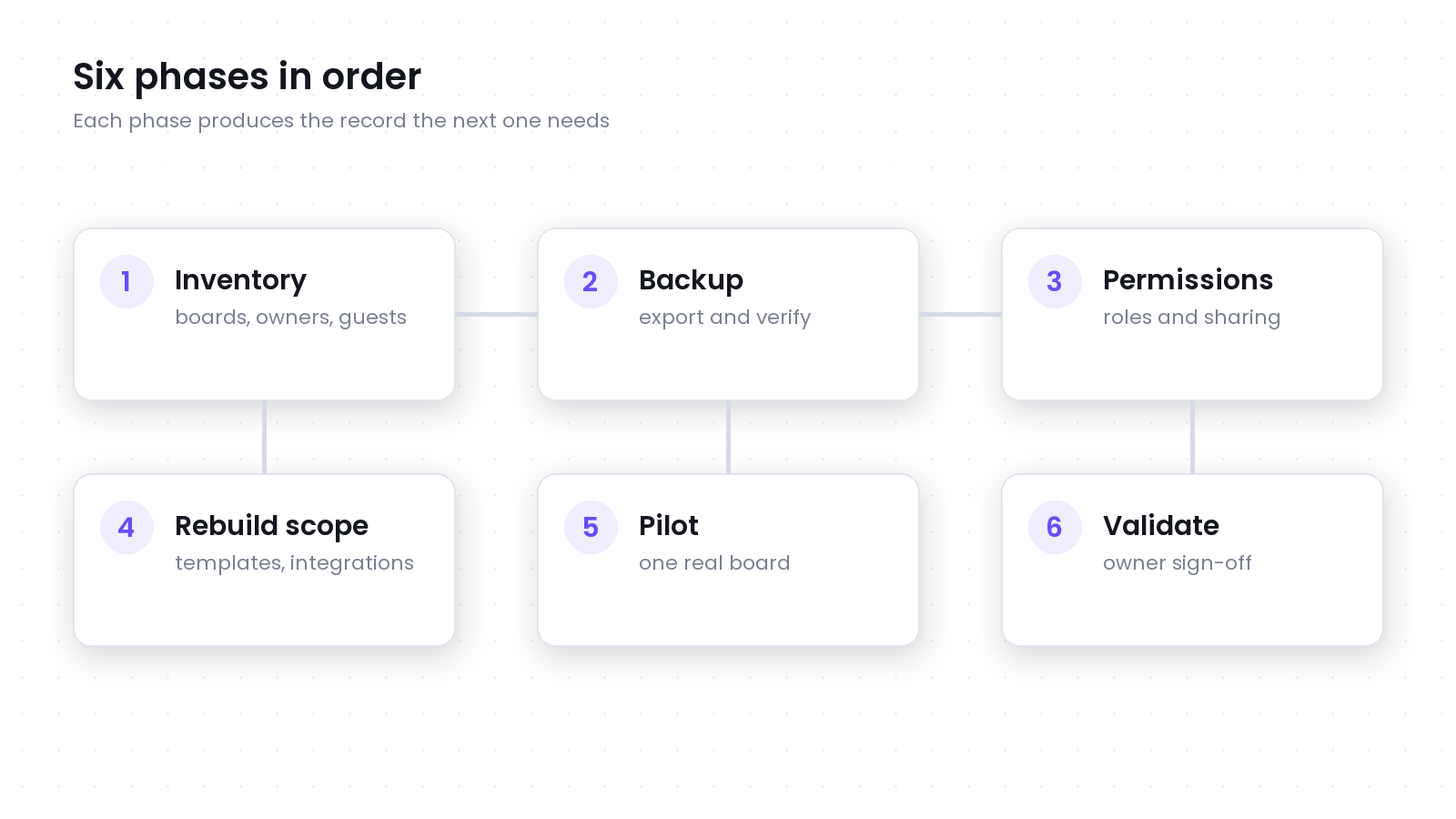
Phase 1: Inventory Boards, Owners, and Guests
Produce a single list of every board with four columns: board name, owner, whether it is active or archival, and who outside the team can reach it. This list becomes the scope of the migration and the record of what was deliberately left behind.
- Separate active boards from boards kept only for reference. Reference boards usually need a visual copy, not a maintained workspace.
- Record each board's owner. Orphaned boards are the most common cause of a migration stalling halfway.
- Note every external guest and shared link, including links that were created for a project that has since ended.
- Flag boards that contain regulated, contractual, or customer data so they can be handled under the right policy.
Exit condition: a board-level list with owners, status, and external access, reviewed by the workspace administrator.
Phase 2: Back Up Before You Change Anything
Take a copy before you modify, move, or delete anything. Miro's export documentation lists the supported output formats, and availability depends on your plan, the content selected, and your owner settings.
Treat the backup as two artifacts rather than one. A visual export preserves how the board looked, which matters for review and audit. A structured or editable export preserves content you can still work with. Neither is a complete substitute for the other, and neither recreates permissions, comments, or history.
- Export the active boards in the format that matches their purpose, and verify the file opens before you move on.
- Store exports where your retention policy allows, not in a personal downloads folder.
- Name files predictably with the board name, the export date, and the format so reviewers can tell versions apart.
- Record the export date against each board in the inventory.
Exit condition: every in-scope board has a verified backup stored in an approved location.
Phase 3: Map Permissions, Sharing, and External Access
Permissions rarely transfer automatically, so treat them as a rebuild task with a checklist. The goal is that the destination grants the same access to the same people, and no more.
- List the roles in use today: owner, editor, commenter, viewer, and any custom sharing rule.
- Identify guests who should keep access and guests whose access should end with the migration.
- Check for public or link-based sharing that was meant to be temporary.
- Confirm who will own each board in the destination, and what happens when that person leaves.
- Review whether any board is subject to an external retention or disclosure obligation.
Exit condition: a per-board access list for the destination, approved by the board owner.
Phase 4: Review Templates, Integrations, and Embedded Content
This phase catches the work that a file import cannot do. Templates, connected tools, and embedded objects usually need to be rebuilt or reconnected individually, and each one adds time to the estimate.
- Identify the templates your team actually reuses and rebuild only those.
- List every integration and embedded file, with the owner and what breaks if it is unavailable.
- Note comments and discussion threads that carry decision context rather than conversation.
- Record app-created objects that behave differently outside their original platform.
- Decide in advance what will be rebuilt, what will be replaced with a static reference, and what will be dropped.
Exit condition: a rebuild list with owners and an estimate for each item.
Phase 5: Pilot on One Representative Board
Choose a board that is complex enough to be honest but not critical enough to put at risk: it should contain the same object types, sharing patterns, and integrations as the rest of your workspace.
- Import or rebuild the pilot board in the destination workspace.
- Compare it with the source reference: text, layout, connectors, frames, images, and links.
- Recreate the permissions the destination still needs and invite one internal and one external participant.
- Run the workflow the board exists for, rather than clicking through the interface.
- Record every repair, every missing item, and the time each one took.
Use the measured repair rate from this board to estimate the full migration instead of guessing. The Miro to Boardmix import guide documents which object types transfer directly, and the export and download guide covers what to do when a direct transfer is not available.
Exit condition: a completed pilot with a repair log and a revised effort estimate.
Phase 6: Validate and Get Owner Sign-Off
Validation is a decision, not an impression. Walk the board owner through the destination board and have them confirm it independently, then record the decision.
- Content parity: the objects the workflow needs are present and editable.
- Access parity: the right people can reach the board and nobody else can.
- Workflow parity: the team can complete the task the board exists for.
- Findability: someone who was not in the migration can locate the board and understand its current status.
- Retention: the board meets the storage and retention rules that apply to its content.
Exit condition: written owner approval for each migrated board before it becomes the working copy.
Rollback and Cutover
Keep the source available until the destination has completed a normal business cycle. Agree a rollback window in advance, and name the person who can trigger it. A rollback that nobody owns is not a rollback plan.
- Set the rollback window and the trigger conditions in writing.
- Keep the original workspace read-only or archived rather than deleted.
- Redirect internal links and update bookmarks only after owner approval.
- Schedule a post-migration review after the first full cycle to catch gaps the pilot missed.
Checklist Summary
| Phase | Core task | Exit condition |
|---|---|---|
| 1. Inventory | List boards, owners, status, and external access | Board-level list reviewed by the administrator |
| 2. Backup | Export and verify a copy of every in-scope board | Verified backups stored in an approved location |
| 3. Permissions | Map roles, guests, and sharing for the destination | Per-board access list approved by the owner |
| 4. Rebuild scope | Review templates, integrations, and embedded content | Rebuild list with owners and estimates |
| 5. Pilot | Move one representative board and run the real workflow | Repair log and a revised effort estimate |
| 6. Validate | Confirm parity and obtain owner sign-off | Written approval before cutover |
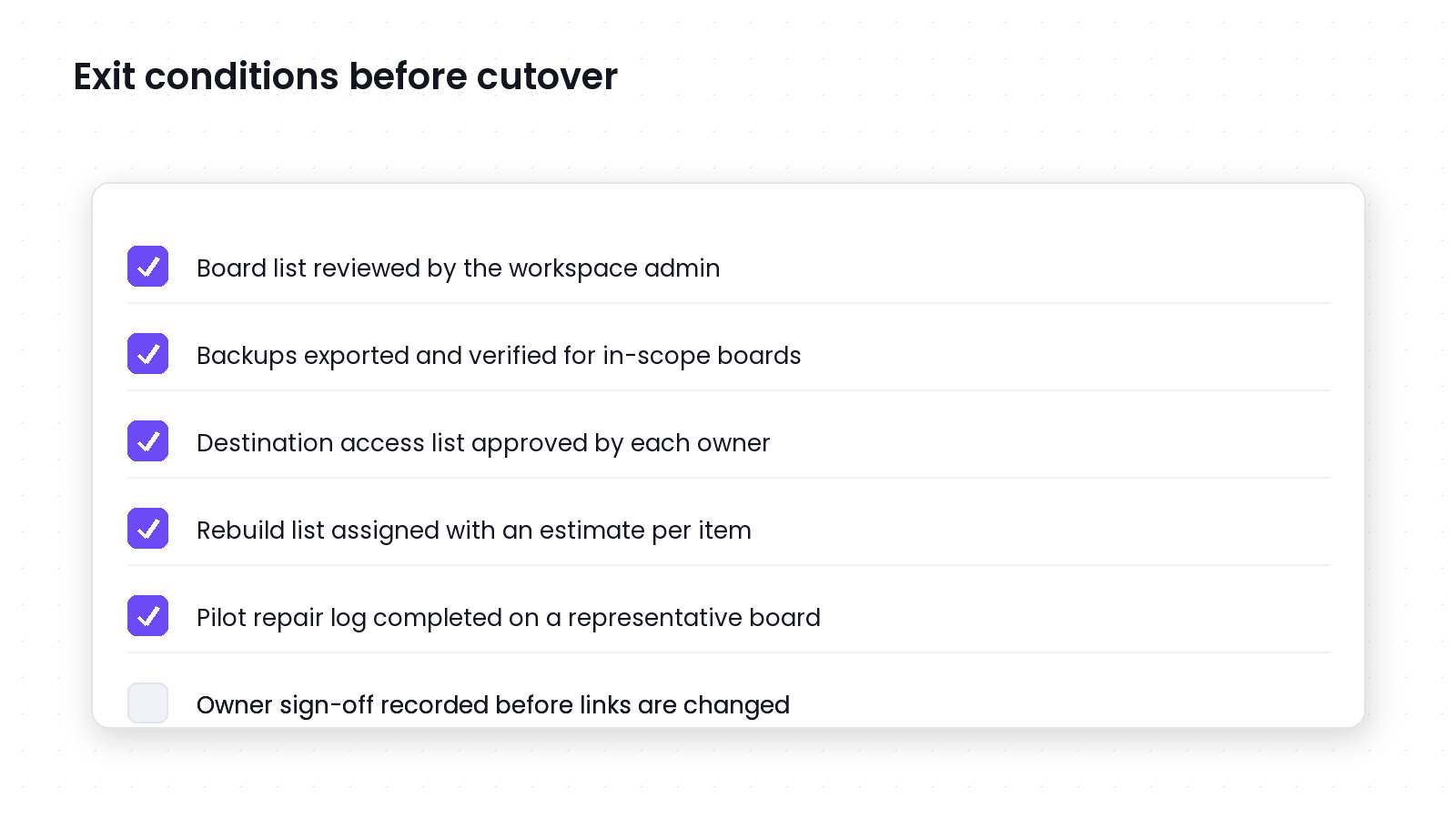
Teams that run this checklist rarely describe the migration as fast, but they rarely describe it as a surprise either. The phases exist to convert an open-ended project into a sequence of decisions with evidence behind each one.
Last verified: September 17, 2026. Export availability and plan rules can change, so confirm the current behavior in your own workspace. Miro is a trademark of Miro; Boardmix is not affiliated with or endorsed by Miro.