Why Use Workflow Diagrams for Client Onboarding?
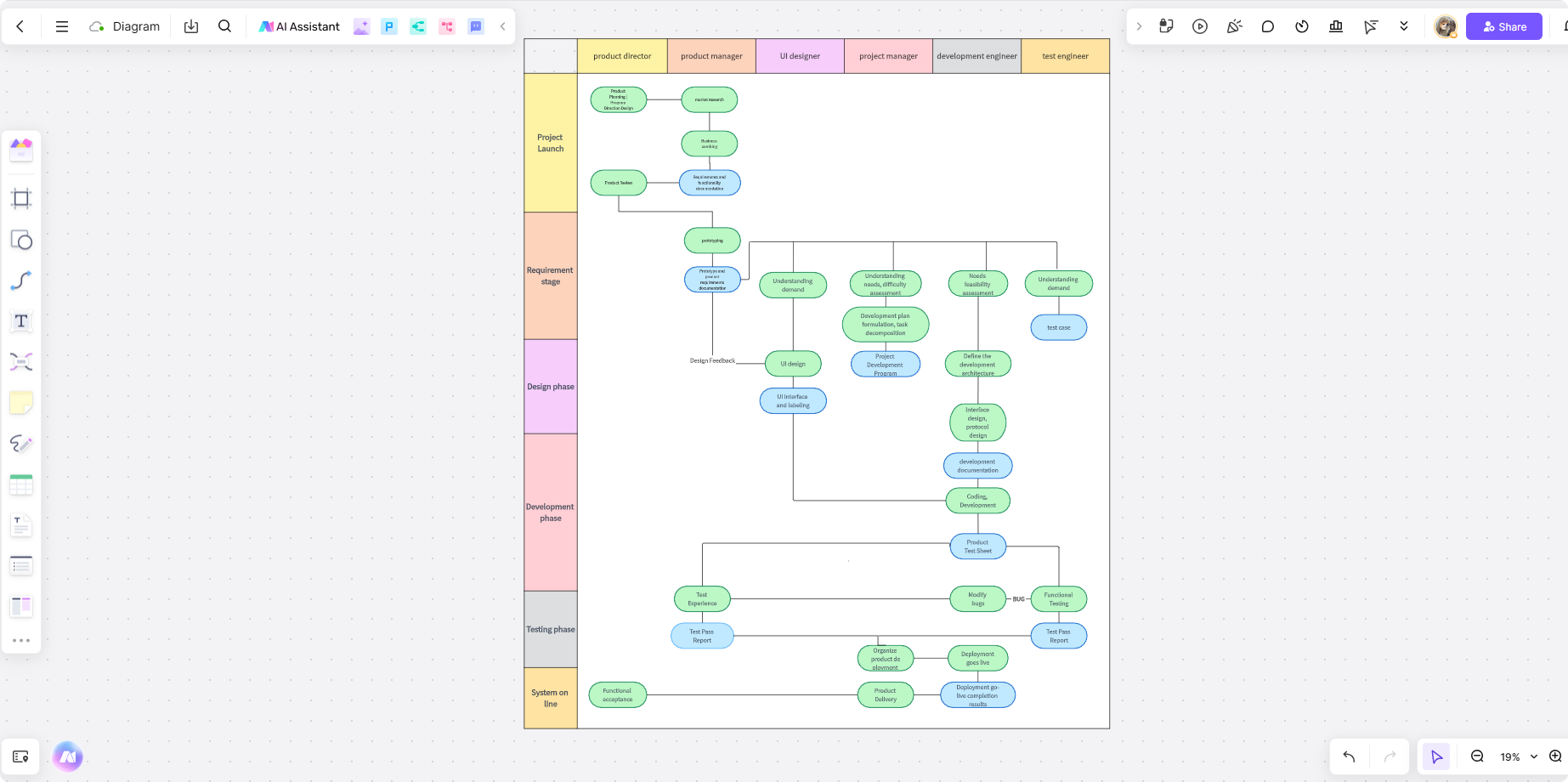

Effective client onboarding ensures a smooth start to long-term partnerships, but managing the process can be complex. Workflow diagrams help visualize the onboarding process, transforming abstract steps into clear, actionable stages. These diagrams enhance communication, streamline operations, and minimize errors, ensuring every team member and client is aligned.
Key Elements of a Client Onboarding Workflow Diagram
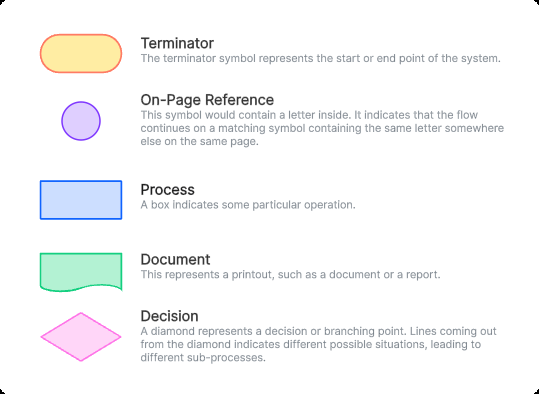
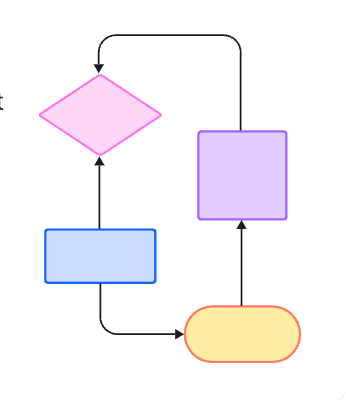
A well-structured onboarding diagram captures the steps and decision points in the process. Use the shapes consistently: the ASQ flowchart guide describes actions, decisions, and endpoints, while a small circle is an on-page reference connecting two parts of the same chart.
- Stages
Break the onboarding process into phases such as:- Discovery: Understand the client’s goals and expectations.
- Planning: Develop strategies and timelines tailored to their needs.
- Execution: Deliver services and ensure milestones are achieved.
- Follow-Up: Gather feedback and refine ongoing support.
- Decision Points
Include milestones where client input or approval is required, such as finalizing project plans or reviewing deliverables. - Visual Components
- Shapes: Use rectangles for actions, diamonds for decisions with labeled outcomes, rounded shapes for start and end points, and small circles for on-page references.
- Arrows: Indicate the sequence of steps.
- Labels: Clearly describe each stage and its purpose.
Workflow Diagram Process Template for Client Onboarding
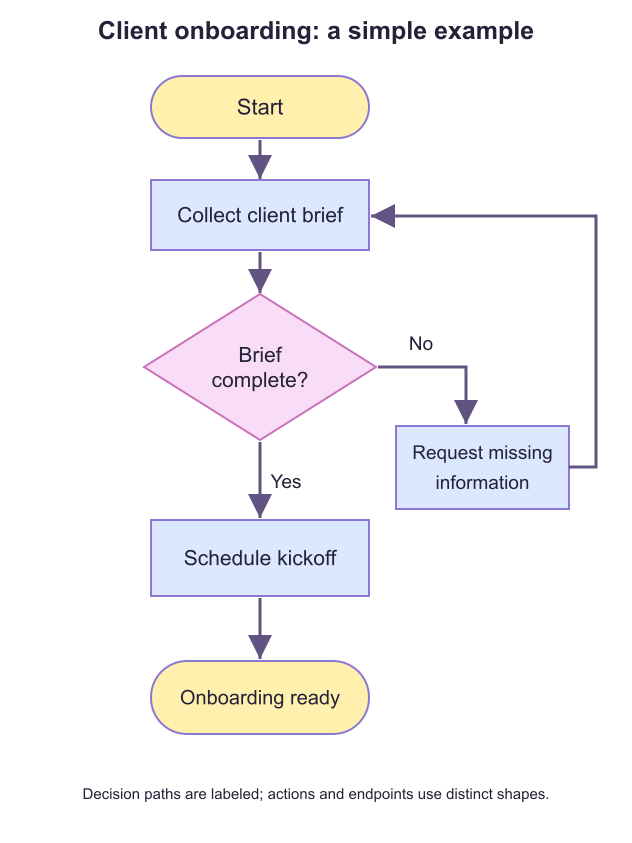
In the example below, collect the client brief and check whether it is complete. A “No” answer leads to a request for missing information and a return to the brief. A “Yes” answer leads to scheduling the kickoff. Adapt these steps to your onboarding process.
Boardmix: Online Collaborative Diagram Whiteboard with Free Templates
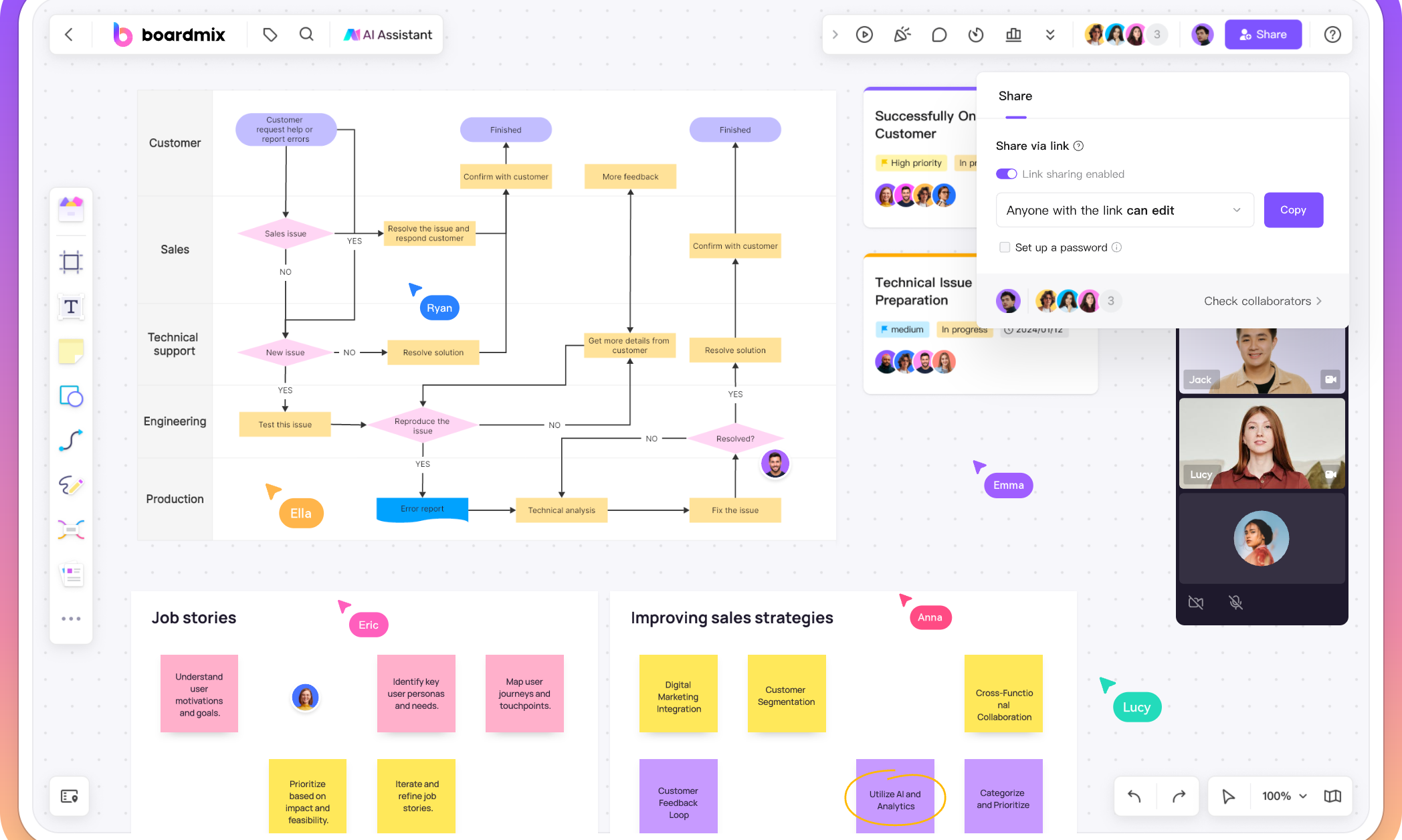
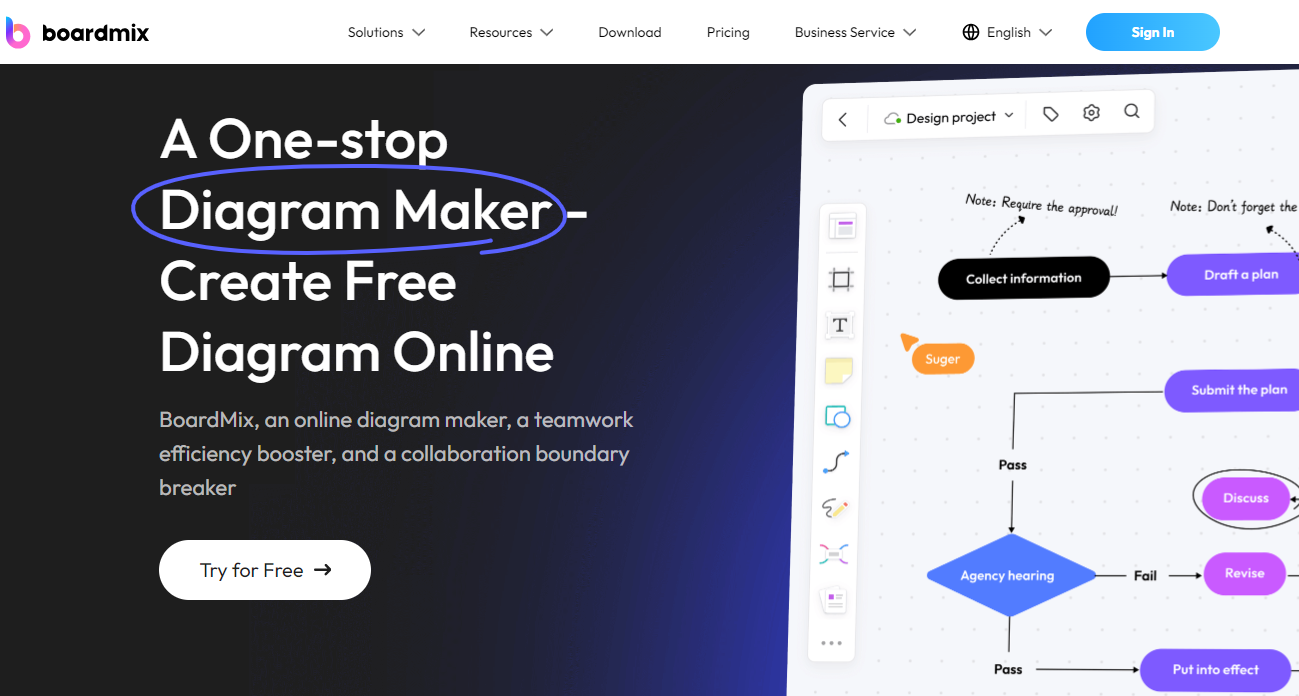
Boardmix is a powerful tool for creating client onboarding workflow diagrams. Its user-friendly interface and robust features make it ideal for teams:
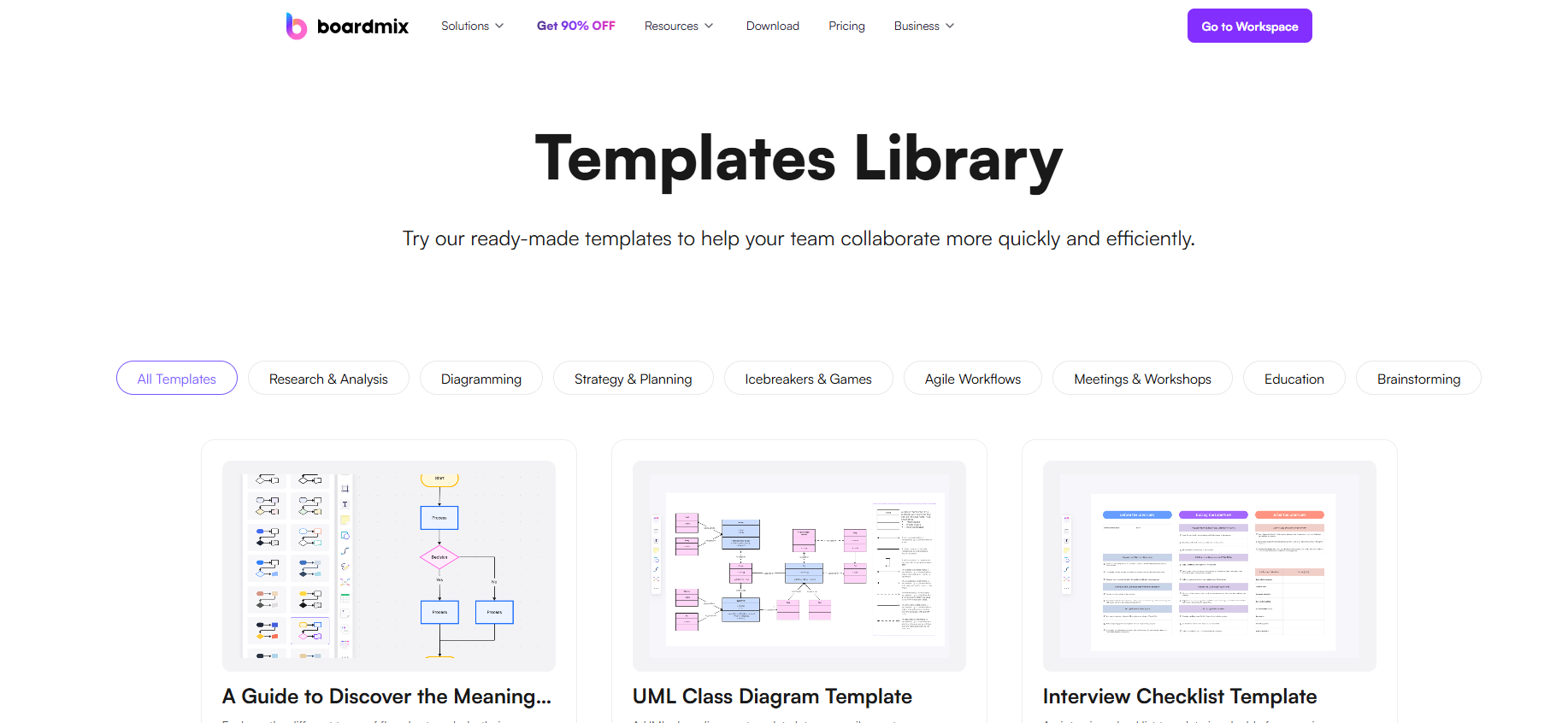
- Free Templates: Access a library of customizable workflow templates.
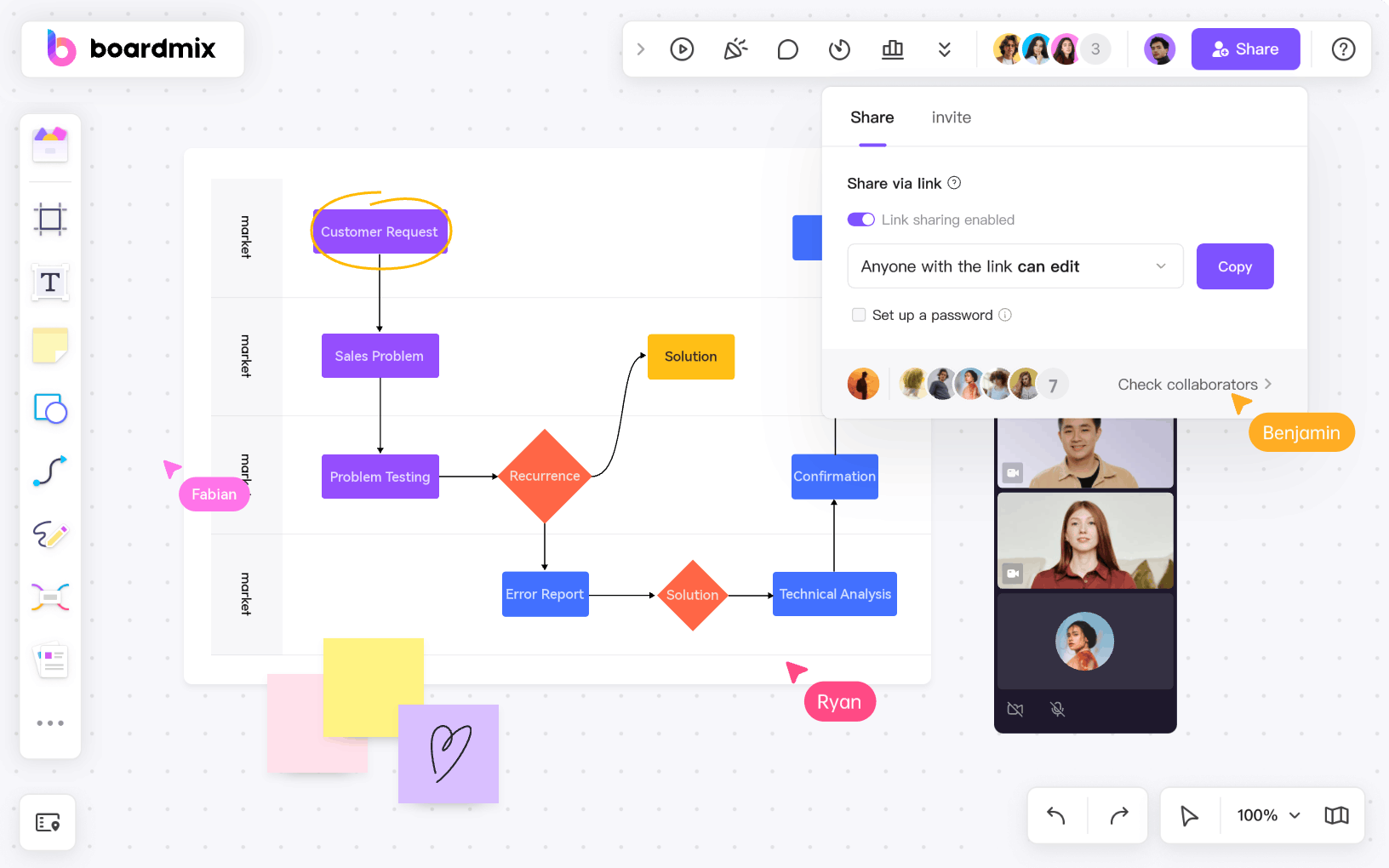
- Real-Time Collaboration: Work with colleagues online, even across time zones.
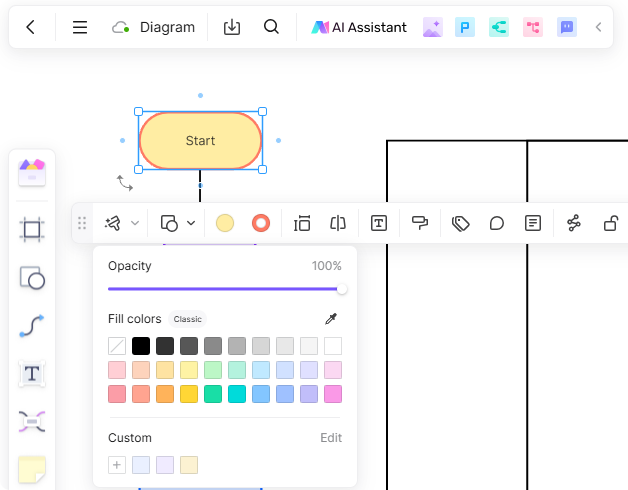
- Interactive Elements: Add colors, annotations, and icons to enhance clarity.
- Cross-Platform Usability: Seamlessly edit diagrams on desktops, tablets, or smartphones.
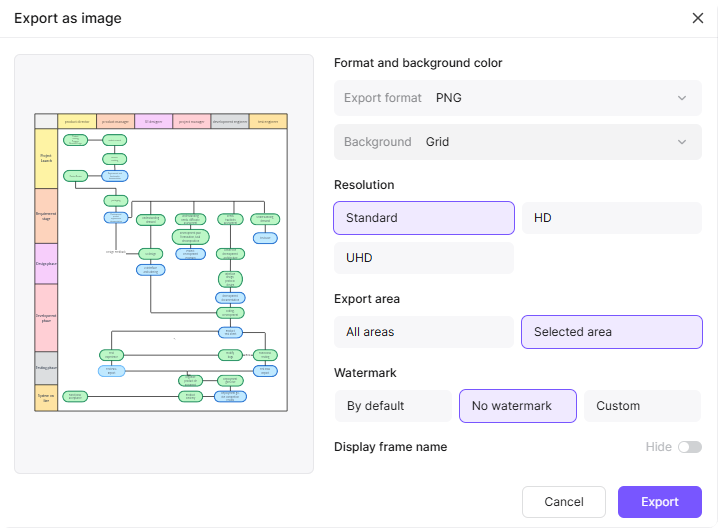
- Export Options: Share diagrams in formats like PDF or PNG for presentations or client discussions.
Client Onboarding Diagram Process Templates and Examples
Popular templates include:
- Step-by-Step Workflow: Highlights stages like onboarding calls, documentation, and milestone reviews.
- Collaborative Team Workflow: Focuses on task delegation and cross-departmental coordination.
- Timeline-Based Diagram: Visualizes deadlines and key deliverables.
Steps to Create a Client Onboarding Workflow Diagram on Boardmix
- Log In
Access Boardmix and sign in to your account.
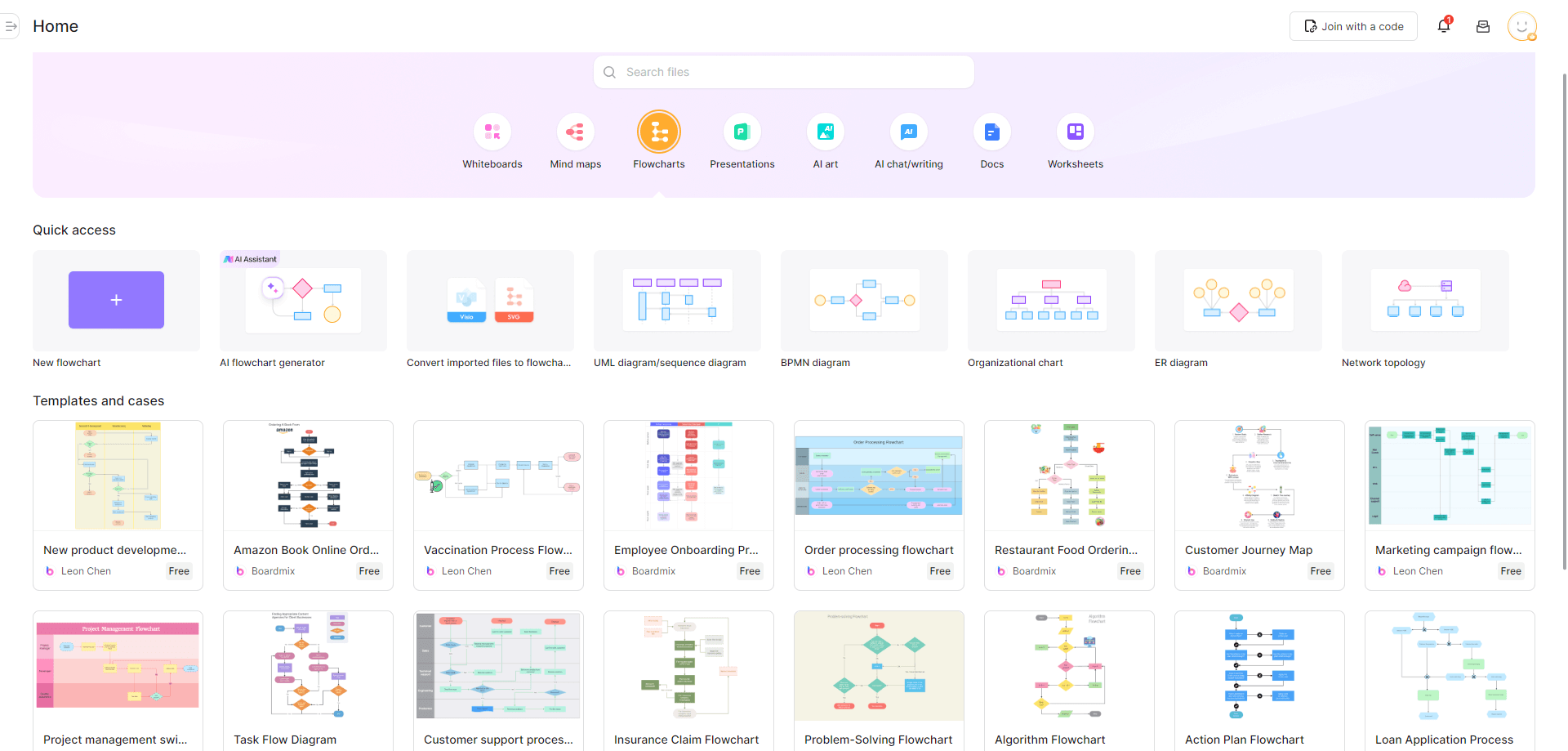
- Choose a Template
Start with a pre-made onboarding template or create a custom diagram.
- Add Key Stages
Include nodes for discovery, planning, execution, and follow-up. - Define Decision Points
Mark steps requiring client approval with distinct shapes or colors. - Enhance Clarity
Use arrows to connect stages, add labels, and color-code steps for better understanding.
- Collaborate
Share your diagram with your team to gather feedback and refine it further.
- Export and Share
Download the finished workflow in a sharable format or integrate it into project management tools.
Tips and Tricks for Making Client Onboarding Process Diagrams
- Be Specific: Clearly outline each stage and its tasks to avoid confusion.
- Use Visual Hierarchies: Differentiate critical steps with bold colors or larger shapes.
- Keep It Simple: Avoid overloading the diagram with unnecessary details.
- Regular Updates: Revise the workflow as your onboarding processes evolve.
- Encourage Feedback: Involve team members to identify gaps and ensure completeness.
Conclusion
Workflow diagrams bring clarity and transparency to client onboarding, ensuring smooth and efficient processes. With tools like Boardmix, creating professional and collaborative diagrams is effortless. Start visualizing your onboarding workflow today and elevate your client experience!