Understand a subject
Create a mind map about the water cycle for a secondary-school revision session. Group the key processes, what drives them, and how they connect. Add questions I can use to test my understanding.


Online Collaborative Whiteboard

Boardmix Developer Platform

AI tools for diagrams, writing, and ideas

UI/UX Tool, Figma Alternative

AI PPT Maker, Gamma Alternative
Run workshops, plan projects, and work with colleagues on a shared whiteboard.
Explore collaborative workBOARDMIX · AI MIND MAPPING
Turn a topic or text brief into an editable mind map. Develop ideas with Boardmix AI, then refine the branches with your team on one online whiteboard.
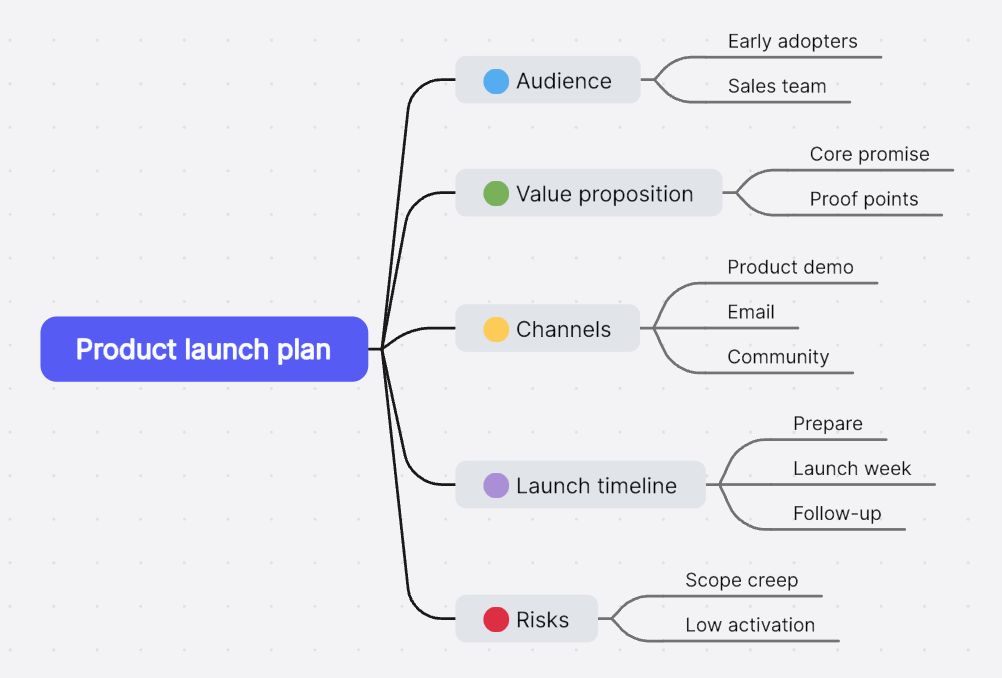
From text to a mind map
Give AI a useful starting point, then shape the result around your own question.
Open the AI mind map workspace and enter a topic or a short brief. Include the purpose, audience, and main areas you want to cover. A specific question gives the map a clearer direction.
Let Boardmix AI organize the topic into a central idea and related branches. Read through the structure, remove irrelevant ideas, and add the details that only you or your team know.
Rename topics, rearrange branches, and adjust the layout. Share the board to develop the map with others, or place it beside notes and diagrams to turn your thinking into a plan.
The demo shows a user-questionnaire mind map in the Boardmix editor. Open the video directly.
See what you can build
A broad topic becomes a structure you can discuss, question, and make specific.
“Key points of writing a business plan”
Boardmix organizes the topic into branches such as company description, market analysis, products or services, and marketing and sales strategy.
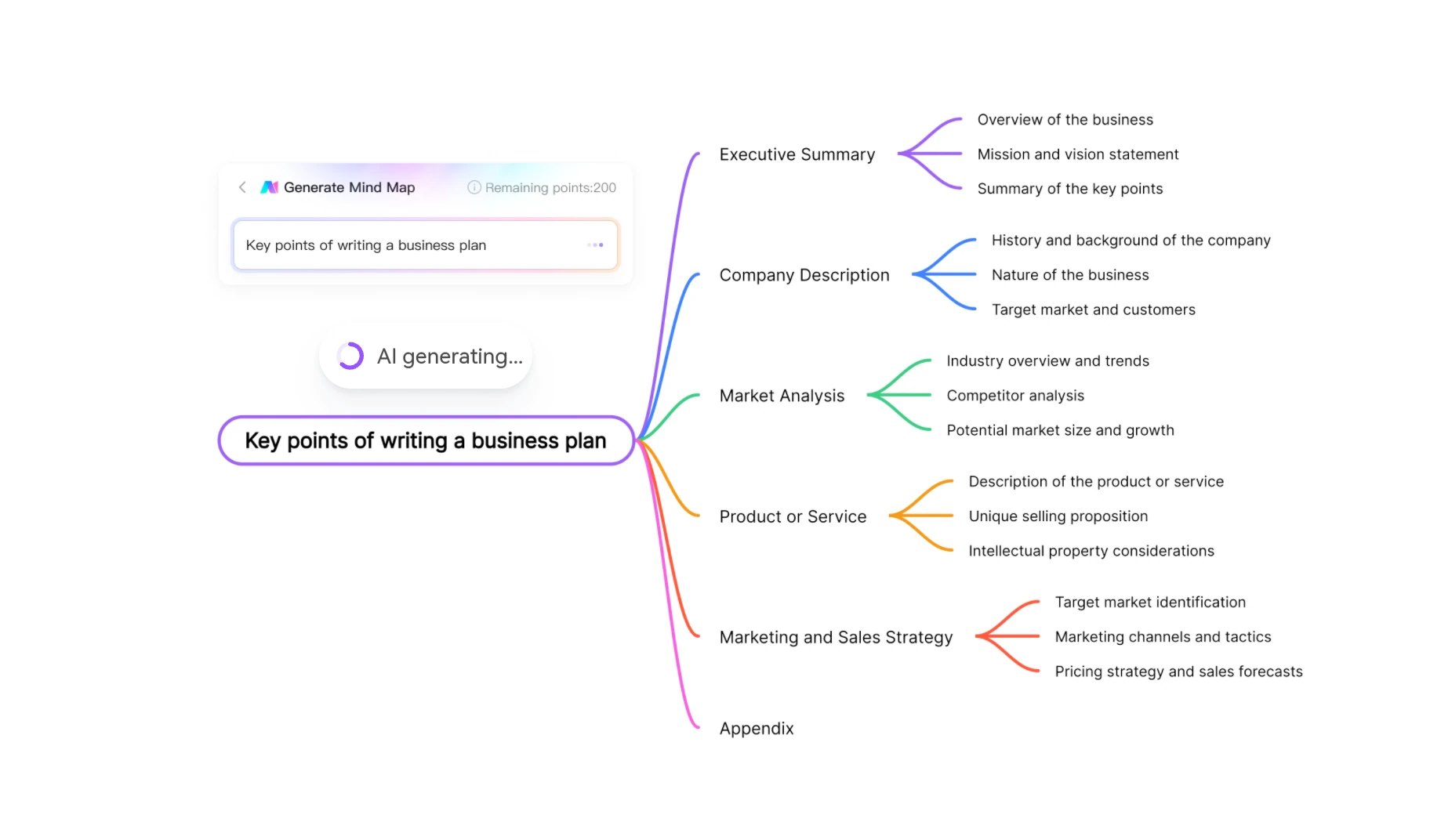
Replace broad market-analysis topics with your customer segments, alternatives, and evidence.
Add notes for assumptions, missing research, and decisions that need input before the plan is ready.
Ask teammates to refine the branches they know best, then agree on the next research or planning task.
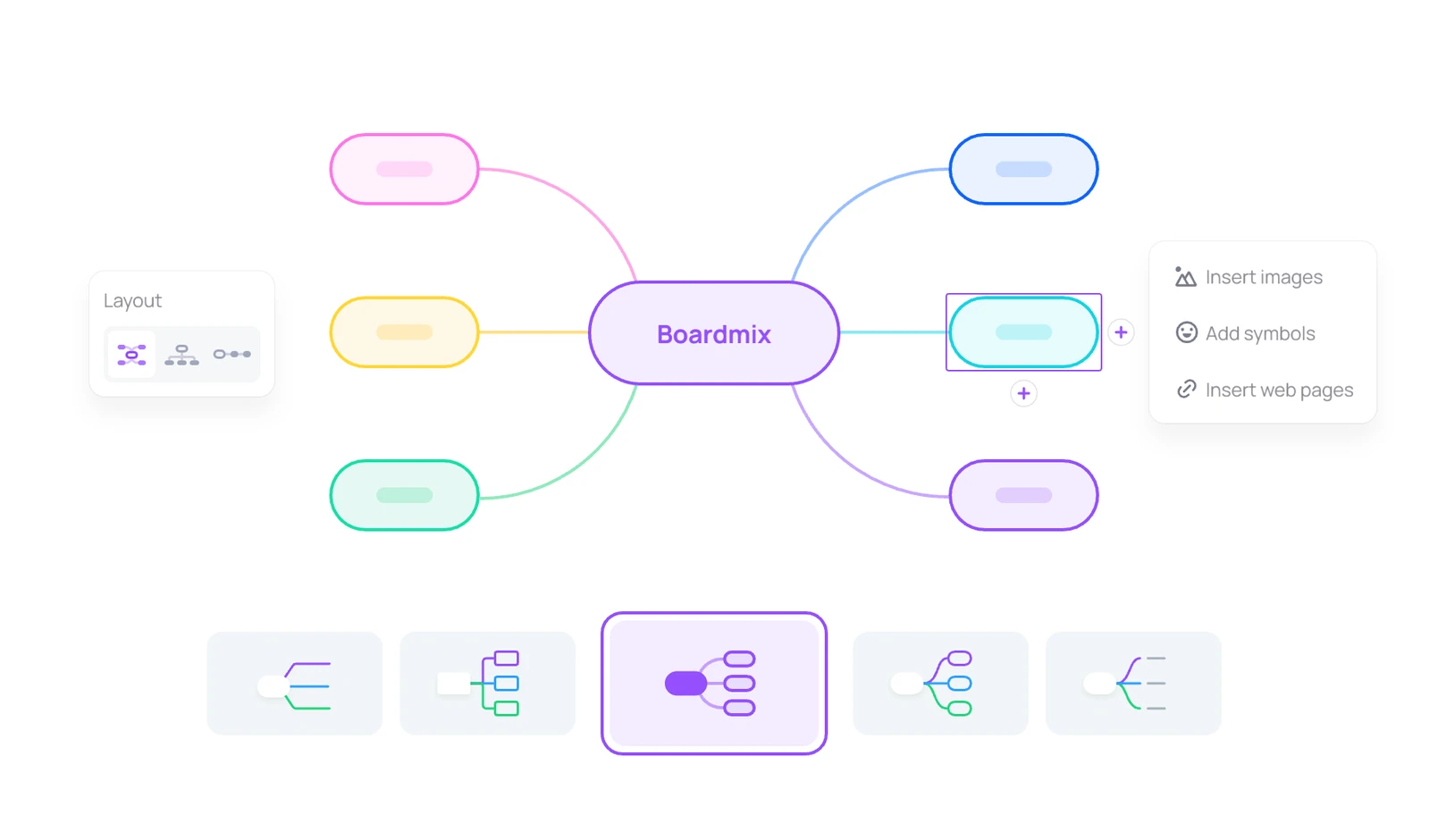
Editable from the start
An AI mind map is a starting structure, not a finished answer. Keep the useful ideas, rewrite vague branches, and make room for what the first draft missed.
Think together
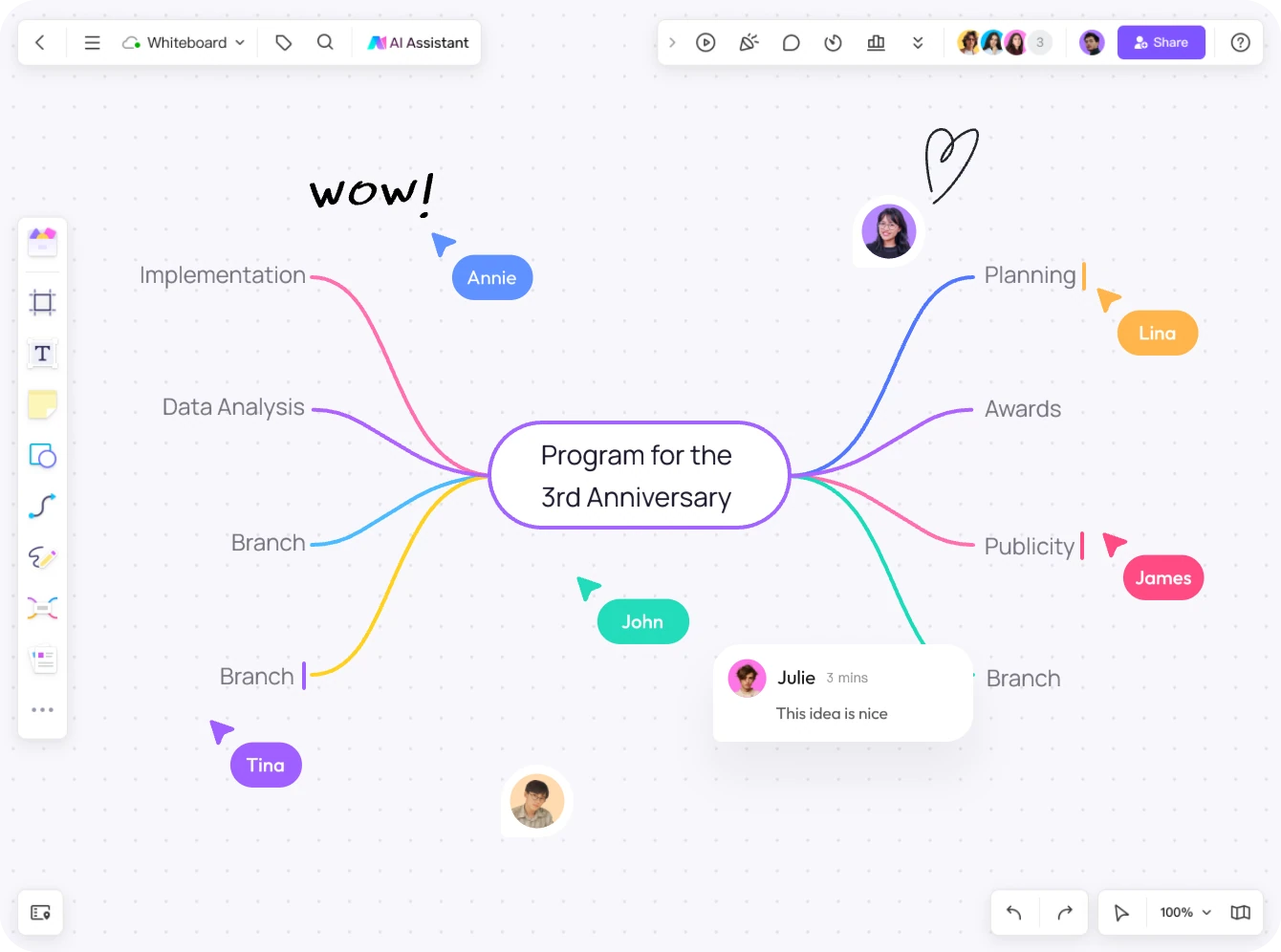
AI can give one person a first draft. A shared whiteboard gives the whole team a place to improve it. Invite collaborators, work on the same map, and leave feedback beside the idea it refers to.
More than a mind map
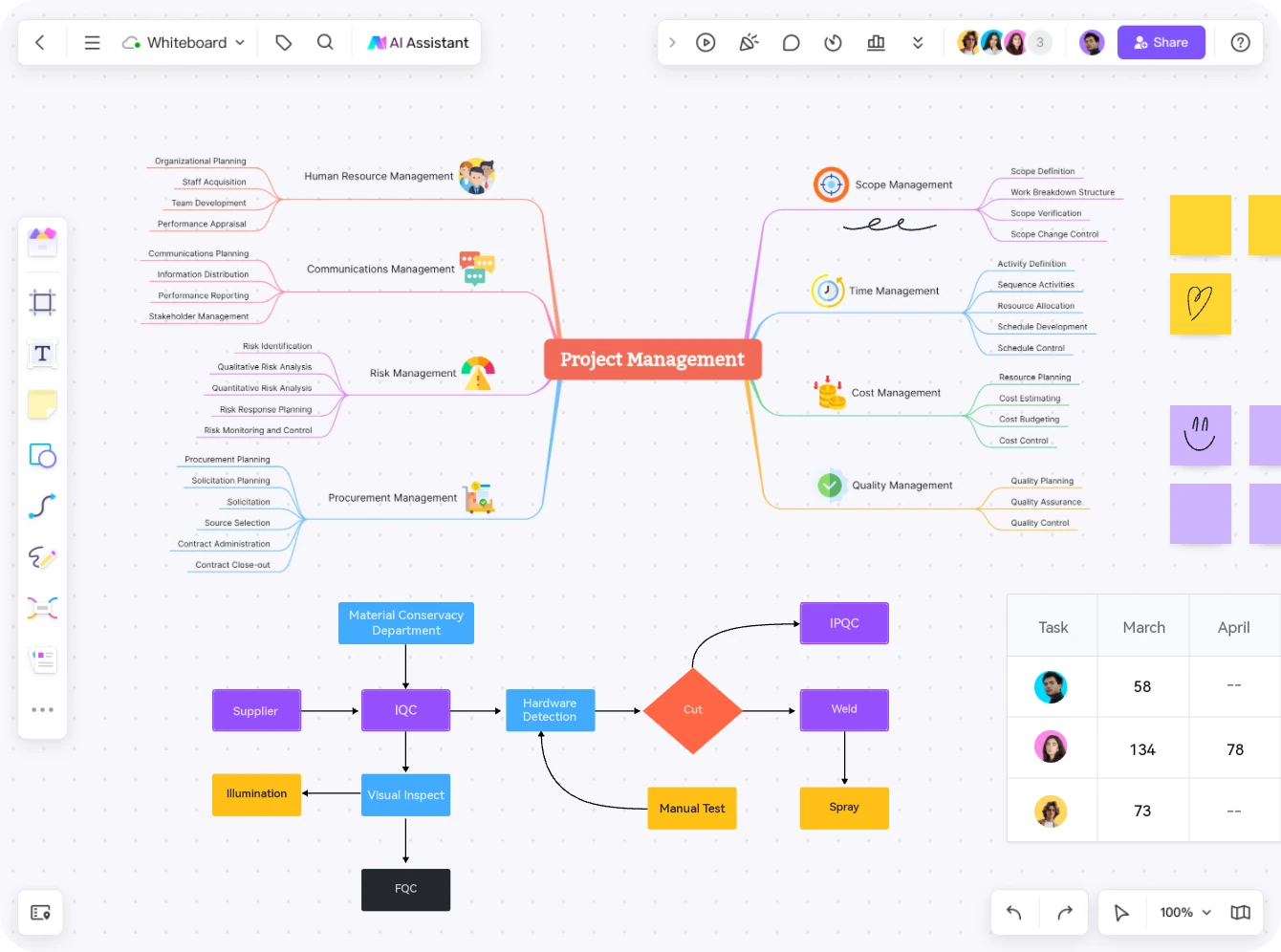
Boardmix is an online whiteboard, so your AI mind map can live alongside the material it explains. Put reference notes, a process diagram, or a project schedule beside it instead of splitting the context across separate documents.
Use presentation mode to walk people through the board, or export the map when you need a shareable file.
Start with a better question
Copy a prompt, replace the details with your own, and use it in Boardmix AI.
Create a mind map about the water cycle for a secondary-school revision session. Group the key processes, what drives them, and how they connect. Add questions I can use to test my understanding.
Create a mind map for launching a team scheduling app. Organize it around audience, customer problem, positioning, launch channels, and open questions. Keep proposed ideas separate from things we need to research.
Create a mind map to prepare a discussion about improving our customer onboarding. Include stages, possible friction points, questions for the team, and evidence we should collect before choosing a solution.
Generate a structure with AI, start from a template, or learn the workflow in more detail.
Browse mind map templates when you already know the format you need.
Explore mind map templates Practical guideFollow the steps for creating a draft and checking that its structure serves your goal.
Read the AI mind map tutorial The wider workspaceSee how Boardmix AI supports other visual thinking and collaboration tasks.
Explore the AI whiteboardA few useful answers
An AI mind map generator organizes a topic or text brief into a central idea and related branches. Boardmix creates the map on an editable online whiteboard, where you can develop the structure and work on it with other people.
Open Boardmix AI mind mapping, enter a topic or a short text brief, and generate a draft. Describe what you want to explore and who the map is for. Then review the branches, edit the wording, and add your own examples or supporting information.
Yes. The result is an editable mind map, not a flat image. You can rename topics, add or remove branches, reorganize the hierarchy, and change the layout or colors. You can also use AI to explore further ideas and decide which ones belong in the map.
Yes. Share the Boardmix board and give teammates the appropriate access. Collaborators can edit the map together and add comments. Notes, diagrams, and other content can stay beside the map, so people can understand the context when they return to the board.
It is both. AI mind mapping is one way to start thinking in Boardmix. The wider whiteboard lets you combine a mind map with sticky notes, documents, diagrams, and project plans, rather than keeping the map in a separate workspace.
You can create a free Boardmix account to try AI features with the included AI credits. AI usage and workspace limits depend on your plan. See Boardmix pricing for current allowances and options.
You can share a link to the Boardmix board for collaboration or viewing, present your work from the board, or export the map. Choose the sharing permissions and available export option that suit your audience.
Your next idea starts here
Turn a first thought into a shared visual starting point for your team.
Generate a mind map