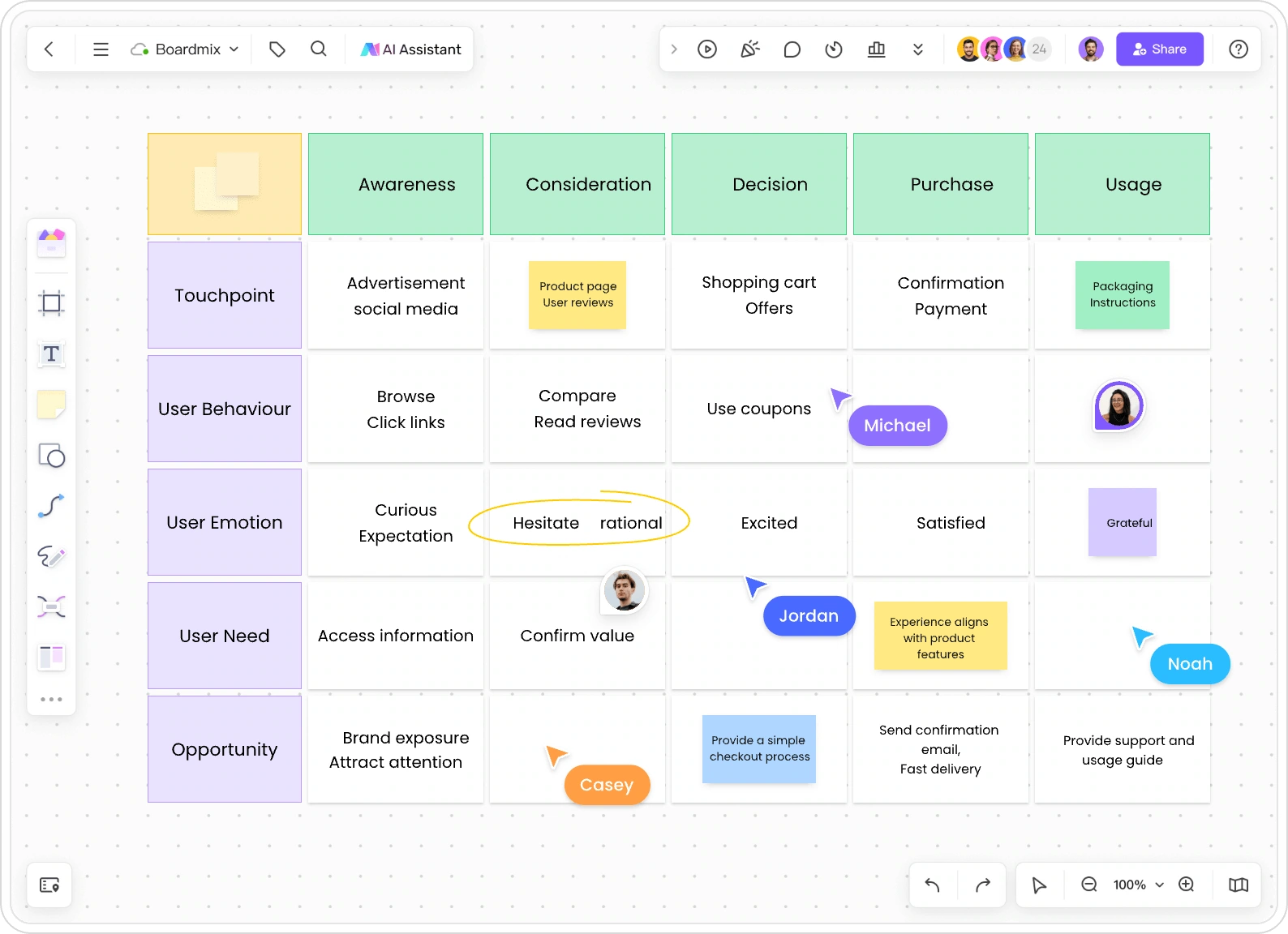
Turn a customer scenario into an editable journey map. Explore touchpoints, questions, and opportunities, then refine the experience together on Boardmix’s online whiteboard.
A visual starting point, with room to develop the customer story together.
FROM BRIEF TO JOURNEY
Give the map a customer, a goal, and a clear boundary
A useful prompt explains whose experience you want to understand and where it begins and ends. This illustrative mobile-shopping journey follows one goal: finding running shoes that fit.
A focused prompt to start with
Create a customer journey map for a first-time customer buying running shoes on a mobile website. Cover choosing a size, checkout, receiving the order, and exchanging a pair that does not fit. For each stage, include the touchpoint, customer’s action, question, possible friction, and an improvement opportunity. Keep suggested pain points separate from confirmed research.
01 · CHOOSE A SIZE
Find the right fit
Touchpoint
Product page and size guide
Customer action
Compare the size guide with a familiar pair.
Customer question
“Will this brand fit the same way?”
Possible friction
Different sizing conventions make the choice uncertain.
Opportunity to explore
Put fit guidance beside the size selector.
02 · CHECK OUT
Understand the total
Touchpoint
Cart and checkout
Customer action
Add an address and review the order.
Customer question
“What will delivery cost?”
Possible friction
Delivery charges appear only at the final step.
Opportunity to explore
Explain delivery charges before the final payment step.
03 · RECEIVE
Try the shoes
Touchpoint
Delivery and order details
Customer action
Check the fit when the order arrives.
Customer question
“What if I need another size?”
Possible friction
Exchange instructions are hard to find when the shoes do not fit.
Opportunity to explore
Make exchange instructions easy to find in the order details.
04 · EXCHANGE
Get a replacement
Touchpoint
Exchange form and status updates
Customer action
Request another size and return the first pair.
Customer question
“When will the replacement arrive?”
Possible friction
The replacement timeline is unclear after the request.
Opportunity to explore
Show the exchange steps and expected next update.
These are example questions and opportunities, not customer research findings. Use the draft to identify what your team needs to learn.
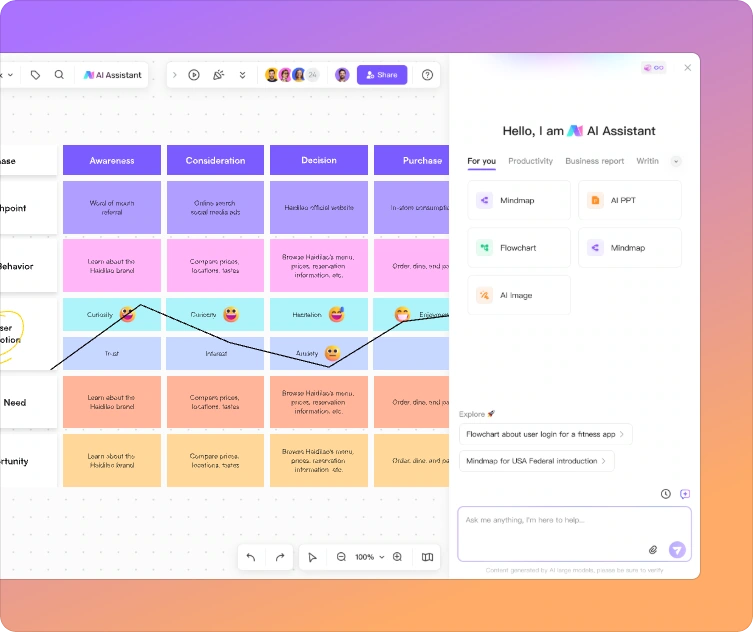
Start with the experience you are investigating. Use AI for the initial structure, then make the map specific to your product and customers.
Describe one customer scenario
Name the customer, their goal, the product or service, and the start and end of the journey. Add known channels or constraints, such as mobile checkout or a first-time visit.
Generate and inspect the draft
Submit your prompt in Boardmix. Read the proposed stages and touchpoints in order. Remove steps outside your scope and correct assumptions that do not fit the actual experience.
Edit the map with your team
Adjust the wording and layout, add your research, and invite teammates to discuss unclear moments. Turn a broad pain point into a specific question your team can investigate.
Move from an AI-assisted starting point to a map your team can refine.
MORE THAN A GENERATED DIAGRAM
Keep the journey where the team can work on it
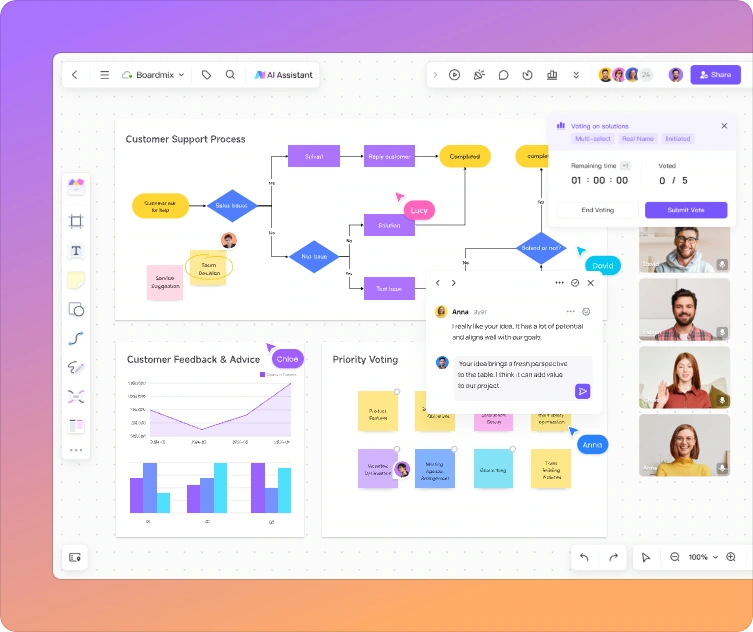
A product manager, researcher, and support specialist see different parts of the same experience. Boardmix gives them a shared canvas to bring those perspectives together.
Discuss the relevant touchpoint without separating feedback from the map.
Make a review concrete
The researcher can add a relevant interview excerpt beside a stage. Support can explain a recurring question. Product can revise the proposed next step as the team discusses it.
Use comments to ask about an unclear label, and edit the map together rather than passing around competing versions. Keep observed behavior distinct from suggestions that still need investigation.
Connect the map to the next piece of work
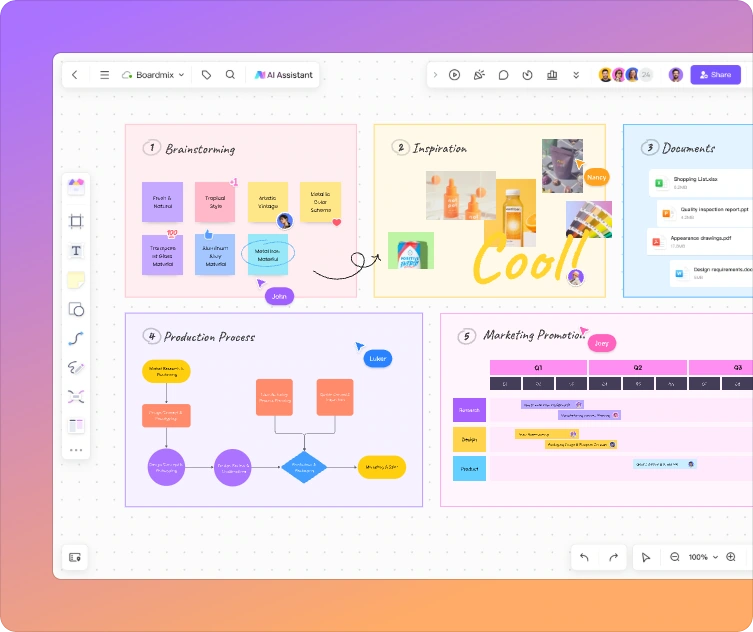
Place a revised checkout flow, workshop notes, or a list of opportunities beside the journey. The team can see which customer problem a proposed change is intended to address.
Leave room for the whole experience
A journey rarely ends at the edge of a diagram. Use the flexible whiteboard to compare the current experience with a proposed one, keep a persona nearby, or expand a difficult stage without squeezing every detail into a single cell.
When you are ready to evaluate a change, choose a measure that matches the touchpoint. The customer journey map metrics guide explains how to connect journey stages to useful measurements.
Keep the map and supporting work together instead of compressing everything into one diagram.
START WITH YOUR SCENARIO
Three prompts for three different journeys
Choose a starting prompt, then replace the context with your own. A narrow journey gives the team a more useful starting point than a company name alone.
SaaS onboarding
Map a new team administrator’s journey from creating a project-management workspace to inviting colleagues and completing the first shared task. Include setup actions, questions about permissions, possible friction, and opportunities to help the team get started.
Online learning
Map an adult learner’s first week in an online course, from choosing a course to finishing the first lesson and returning for the second. Include goals, touchpoints, possible distractions, and opportunities to help the learner continue.
Gym membership renewal
Map an existing gym member’s renewal journey, from receiving a reminder to comparing plans and deciding whether to renew. Include questions about value, timetable, and cancellation, plus opportunities to make the decision clearer.
SEE OTHER STARTING POINTS
Explore customer and user journey map examples
Prefer an existing structure? Browse customer journey map templates, or open one of these Boardmix community examples to inspect a particular scenario.
Online shopping
Explore a purchase experience with multiple decisions and customer touchpoints.
What does an AI customer journey map generator do?
It uses a written scenario to create a visual starting point for a customer’s experience. The draft can help you organize stages, interactions, questions, and possible opportunities before you refine it with your team.
Is a user journey map different from a customer journey map?
The terms overlap. A user journey often focuses on a task within a product, while a customer journey can include discovery, purchase, service, and renewal. Choose the scope that matches the question you want to answer.
What should I include in my prompt?
Describe the person, their goal, the product or service, and the start and end of the journey. Add known touchpoints and questions. For example, “a new gym member booking their first class” is more useful than “a gym journey.”
Can I edit and collaborate on the map?
Yes. Use Boardmix to customize the journey map, share the board, and discuss it with teammates through collaborative editing and comments. Keep supporting notes close to the relevant stage so feedback retains its context.
Does the AI-generated map replace customer research?
No. AI can suggest a structure and possible friction, but it does not establish what your customers actually do or feel. Refine the map using interviews, observations, support conversations, and relevant product data.
Can I generate journey maps for free?
Boardmix offers a free account, while access to AI tools and the available credits depend on the account and plan. Review the current Boardmix plans and AI allowances before starting.
MAKE THE NEXT CUSTOMER EXPERIENCE CLEARER
Start with a scenario. Build the understanding together.
Generate a journey-map draft, add what your team knows, and give the next conversation a shared starting point.