AI tools are now becoming essential for boosting productivity in office environments. These tools help automate repetitive tasks, streamline workflows, and make collaboration easier, allowing teams to focus on what matters most. From creating presentations to managing projects, AI can make everyday office tasks faster and more efficient.
Let’s explore five AI tools, both paid and free, that can transform your office productivity and help you get more done with less effort.
Why Should You Use AI Tools for Office Productivity?
AI tools are designed to make office work simpler by taking over routine tasks and helping teams stay organized. Many offices deal with tasks like data entry, project management, or writing reports that take up a lot of time. AI can automate these tasks, reducing the amount of manual effort required and minimizing human error.
The biggest benefit of using AI tools is how they improve efficiency. Tasks that would normally take hours can be done in minutes. Teams can work together more effectively, focusing on key decisions instead of spending time on repetitive work. With AI tools handling the busy work, productivity levels rise, and deadlines are easier to meet.
For any modern workplace, integrating AI tools is a smart move that helps teams work faster, stay organized, and focus on high-impact tasks. Next, we will explore 5 AI tools for different work scenarios to boost office efficiency and productivity.
Boardmix: AI-Powered Whiteboard for Real-Time Collaboration

Pricing: Free and Paid Versions Available
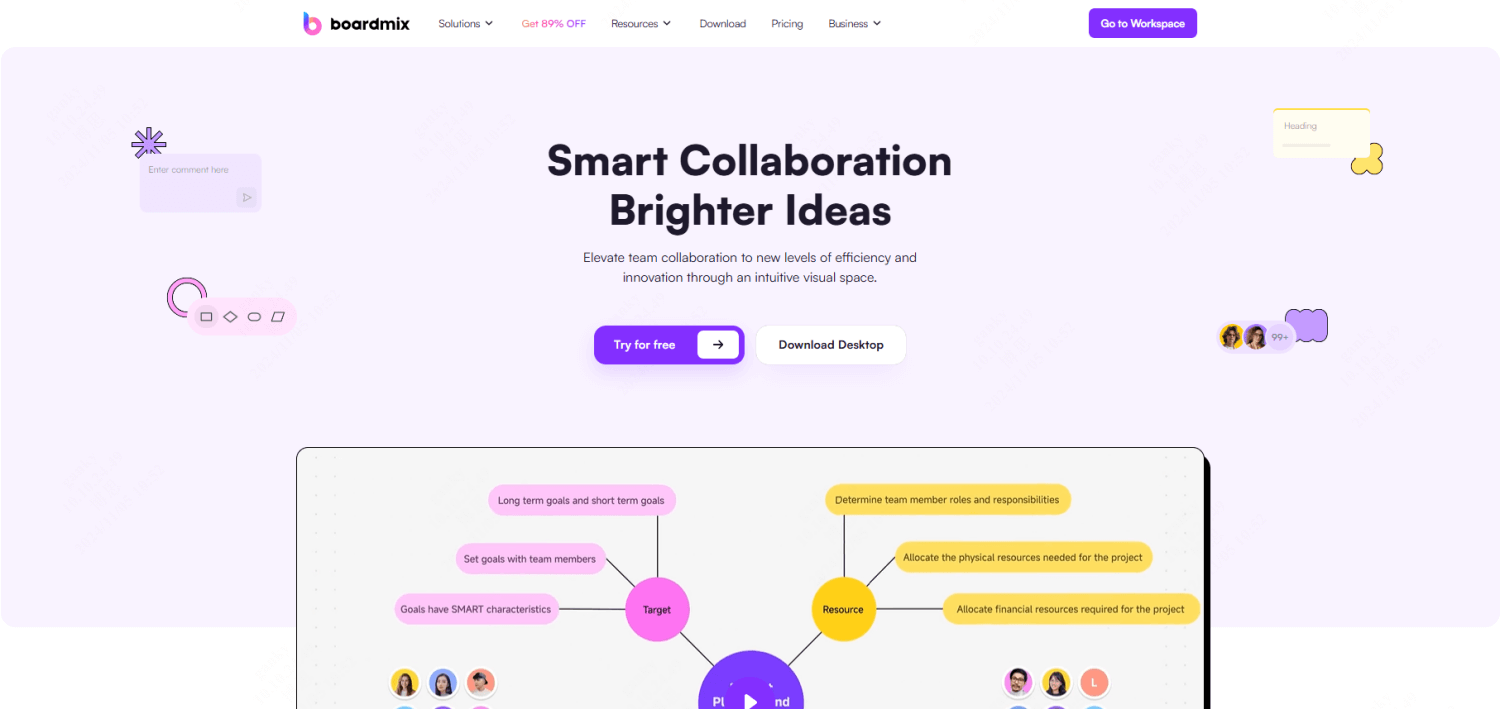
Boardmix is an AI-powered whiteboard designed to make team collaboration smoother. It allows users to create diagrams, mind maps, and task lists quickly by inputting ideas and letting the AI handle the organization. This tool is ideal for teams that want to brainstorm or plan projects together, especially when working remotely.
Boardmix uses AI to generate visuals based on your input. For example, if you're mapping out a project, the AI instantly turns your ideas into a clear, structured diagram. This saves time compared to manually creating these visuals. Teams can also edit and update diagrams in real-time, which helps everyone stay on track.
One of the standout features of Boardmix is its AI assistant, which helps organize meetings and track project progress. The assistant can generate a summary of discussions or create a task list from a meeting, making it easier to manage follow-ups. For hybrid and remote teams, this tool ensures everyone stays productive without missing any details.
Presenti AI: Simplifying Presentation Creation
Pricing: Free Option and Paid Plans Starting at $8/month
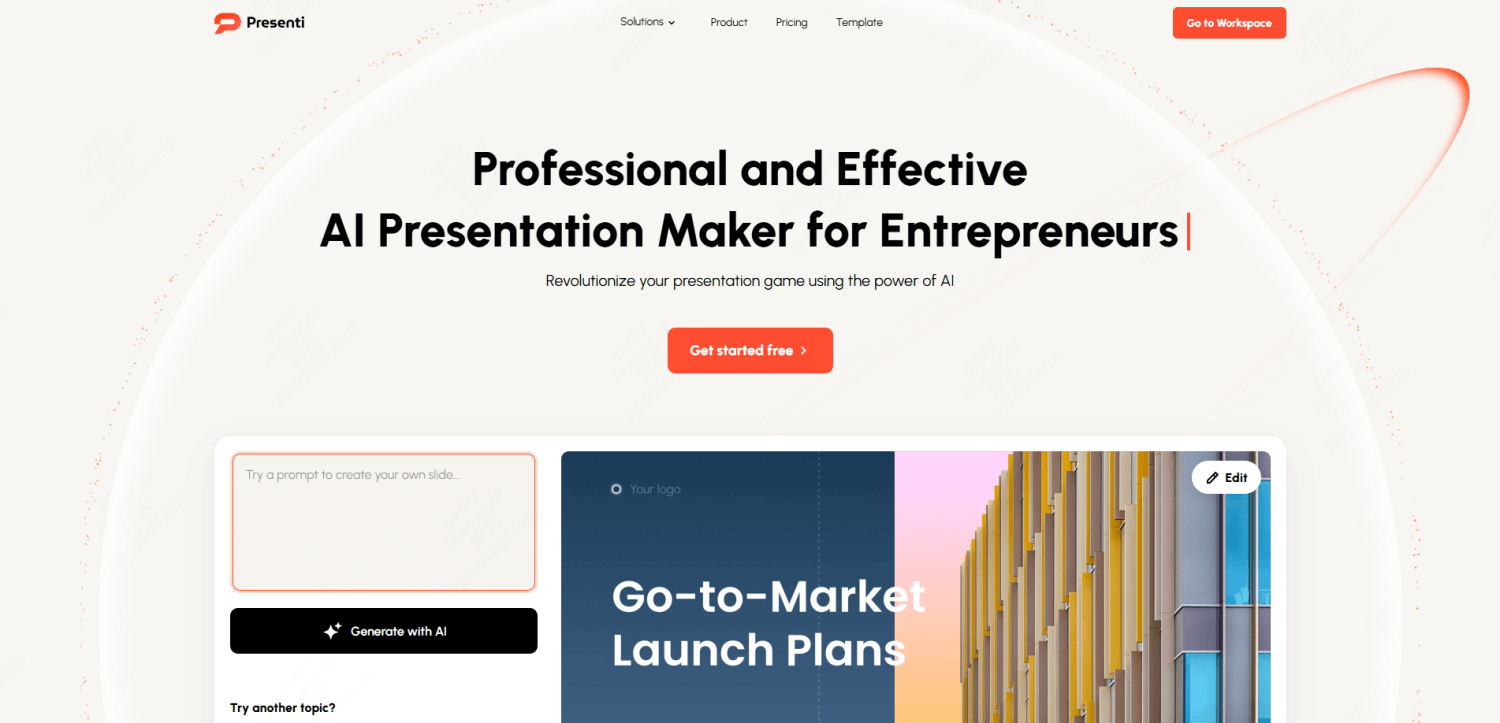
Creating presentations can be time-consuming, but Presenti AI simplifies the process by generating slides from simple text inputs. Instead of manually designing every slide, you can input your content, and Presenti AI will automatically structure it into a polished presentation.
Presenti AI saves time by optimizing the content for clarity and visual appeal. The AI arranges text, images, and graphs in a professional format, reducing the need for tedious formatting. This feature is particularly useful for teams preparing client pitches or internal presentations, as it speeds up the process and ensures everything looks sharp.
By automating slide creation, Presenti AI allows you to focus on refining your message instead of worrying about the design. This leads to quicker preparation and more effective presentations.
Pixso: AI-Driven Design Tool for Faster Prototyping
Pricing: Free and Paid Plan Starting at 6$/month
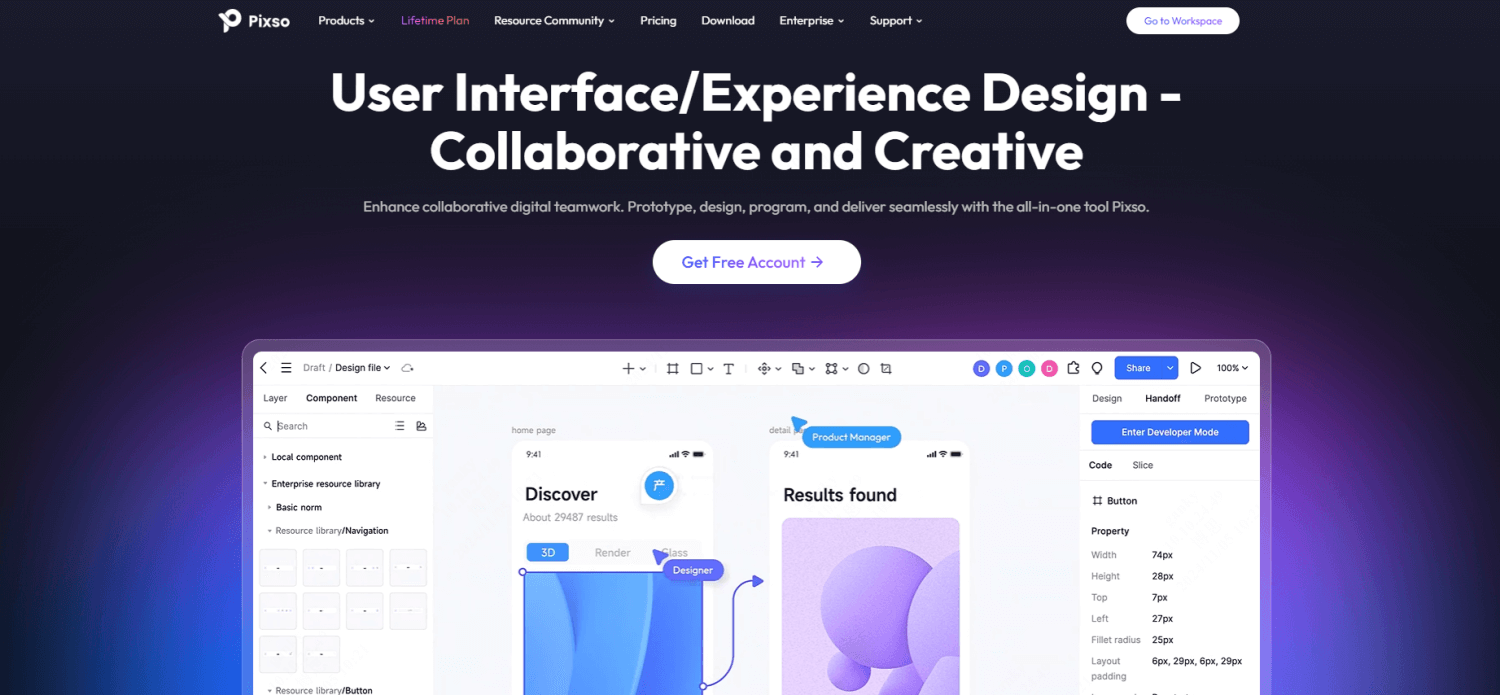
For design teams, Pixso is an AI-driven tool that helps speed up the creation of UI/UX designs. It comes with built-in AI features like templates and auto-layouts that streamline the design process, making it quicker and easier to create polished prototypes.
Pixso’s AI adjusts layouts based on the elements you input, so you don’t have to spend time manually aligning everything. This feature helps design teams move faster, especially when working on tight deadlines. Designers can also collaborate in real time, which allows for quicker feedback and faster design iterations.
Pixso is perfect for teams looking to save time on design tasks while maintaining high-quality results. It ensures that your designs are both functional and visually appealing without needing hours of manual tweaking.
Grammarly: AI-Powered Writing Assistant
Pricing: Free and Premium Plans ($12/month)
Grammarly is a writing assistant that improves productivity by offering real-time grammar, spelling, and tone suggestions. It’s a great tool for professionals who need to send emails, write reports, or draft documents quickly and accurately.
Grammarly’s AI analyzes your writing and provides feedback to help you improve clarity and style. For instance, if your email sounds too informal or unclear, the AI suggests changes to make it more professional. This reduces the time you spend editing and proofreading, allowing you to focus on getting the content right.
For teams that rely on clear communication, Grammarly can make a big difference. Its premium version includes advanced features like style consistency and tone detection, making it useful for larger teams that want to ensure all communications are polished.
Trello with Butler AI: Automating Task Management
Pricing: Free and Paid Versions ($10/user/month)
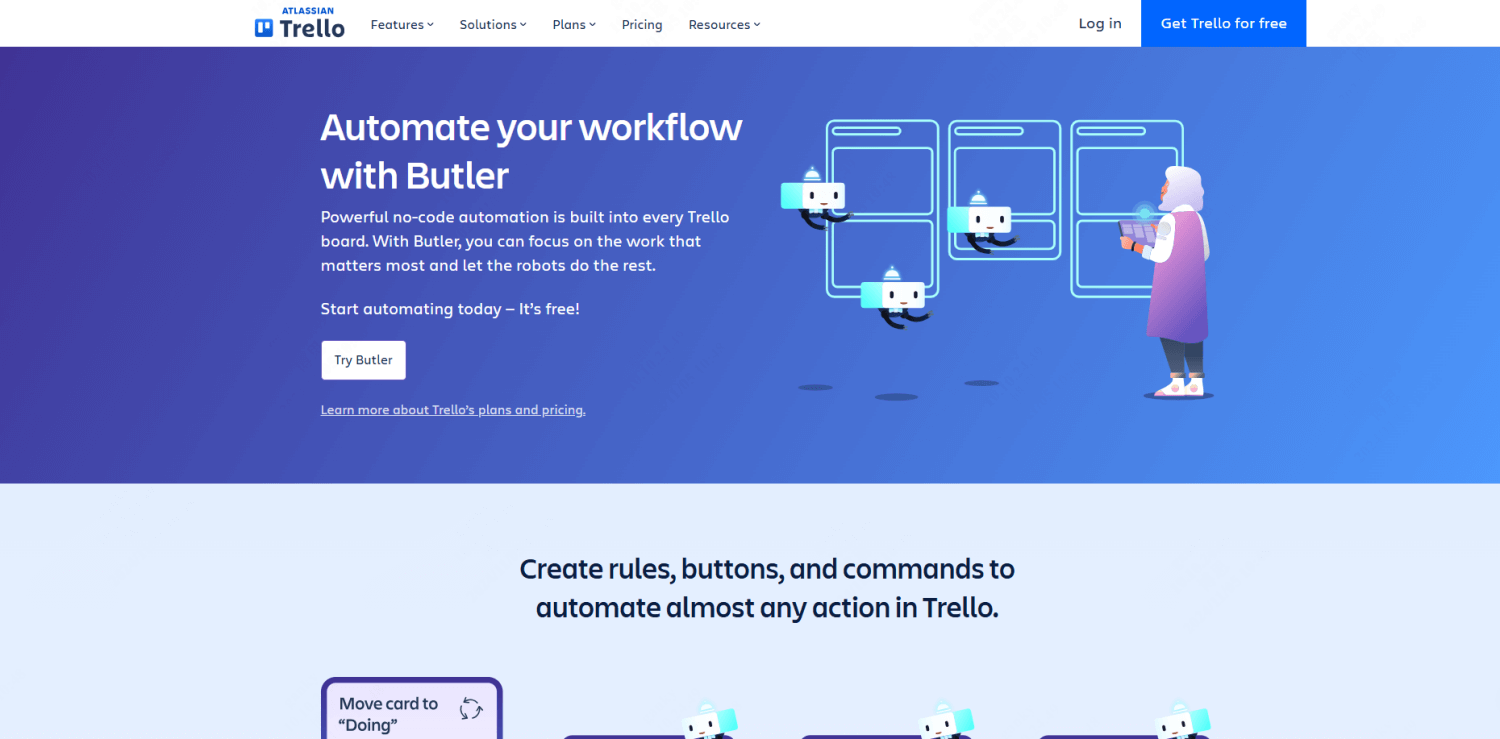
Task management can quickly become overwhelming, but Trello, combined with Butler AI, automates many of the repetitive steps involved. Instead of manually updating cards, setting deadlines, or assigning tasks, Butler AI can handle these tasks automatically based on predefined rules.
For example, Butler AI can automatically move cards between lists when a task is completed or assign tasks to team members based on their workload. This feature is incredibly useful for project managers looking to streamline workflows without having to micromanage every detail.
Trello’s AI-powered automation helps teams stay organized and ensures that no task slips through the cracks. For offices managing multiple projects, it’s a game-changer that saves time and improves productivity.
How to Choose the Right AI Tool for Your Office Needs?
When it comes to choosing the right AI tools for office productivity, it’s essential to consider your team’s specific needs. Are you looking to automate task management, speed up design, or improve writing quality? Start by identifying the areas where your team spends the most time, and look for AI tools that can reduce that workload.
If you’re on a budget, free versions of tools like Boardmix, Presenti AI , Grammarly or Trello can be a great start. But if you need more advanced features, investing in paid versions of these AI tools for work efficiency may be worth it in the long run. For larger teams, the added features in premium tools often lead to greater efficiency and better collaboration.
Incorporating several AI tools into your workflow can also be beneficial. For example, you might use Pixso for design, Grammarly for writing, and Boardmix for project management. By combining these tools, your team can improve productivity across different areas of the office.
Choosing the right AI tools depends on understanding your team’s workflow and selecting tools that best support your goals. The right mix of AI tools can make a noticeable difference in how smoothly your office operates.