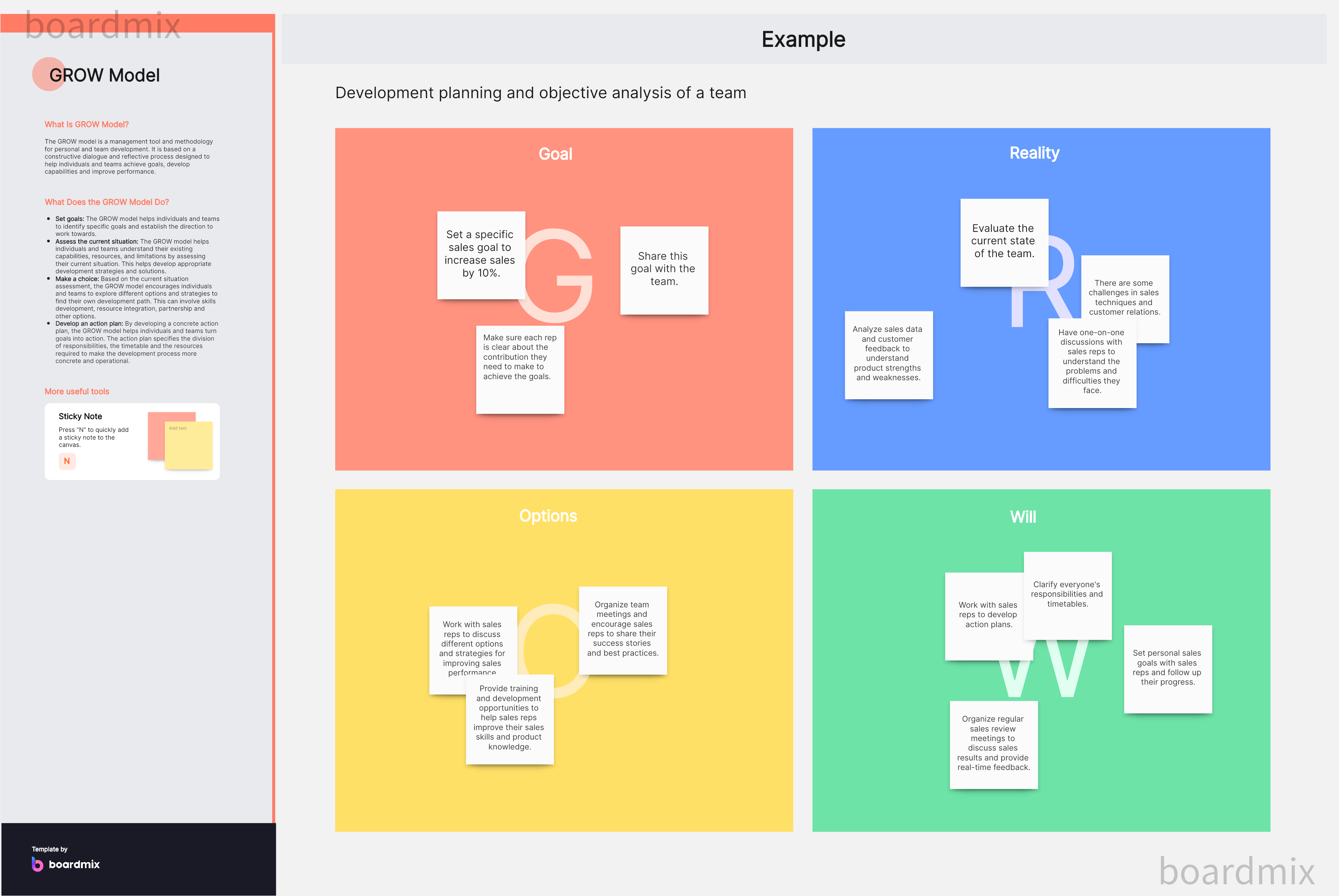
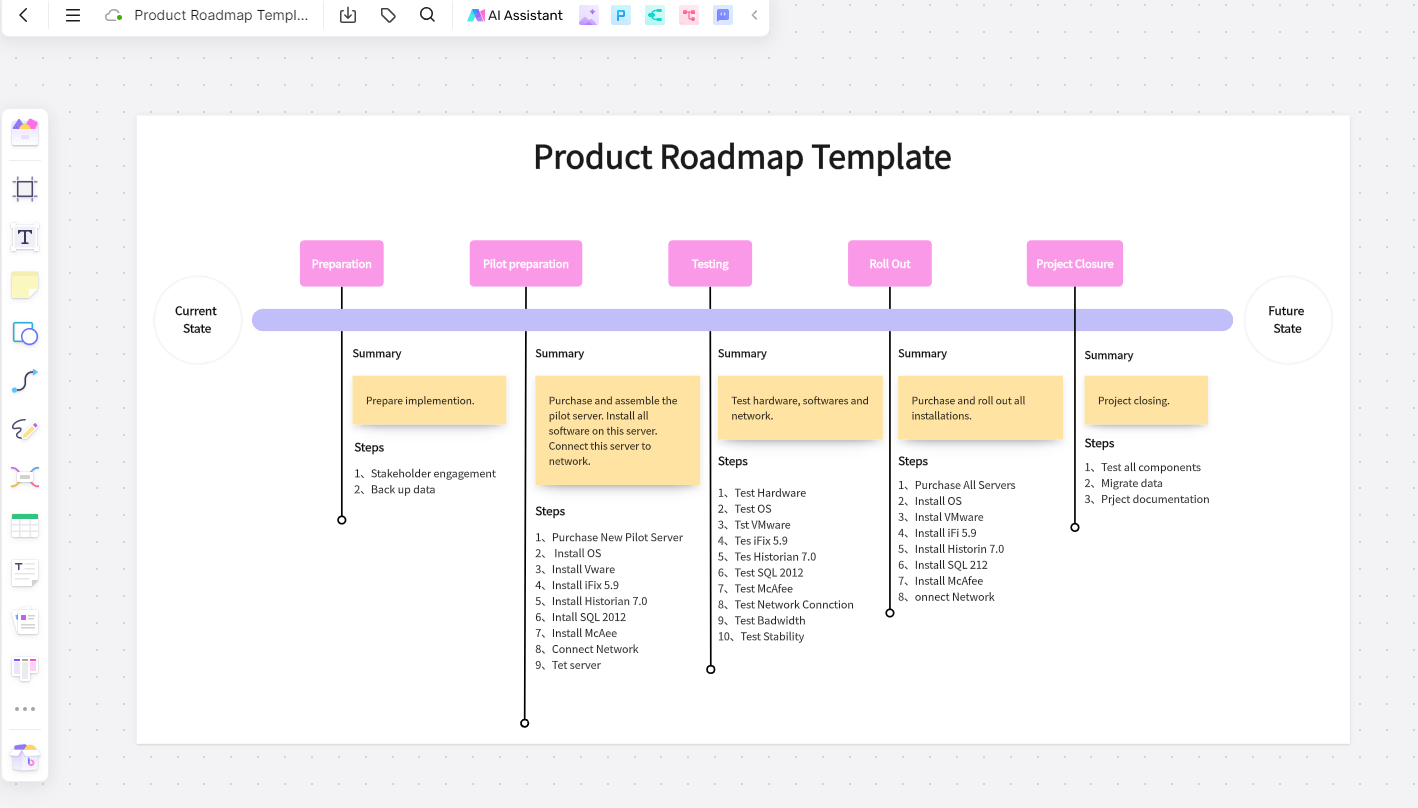
Remote and hybrid teams need a way to keep ideas visible when colleagues are not in the same room—or online at the same time. Online sticky notes give each idea a small, movable space on a shared board. Use one idea per note, group related notes and separate decisions from suggestions so everyone can understand what happens next.
A shared online whiteboard for team collaboration keeps those notes beside the question, diagram or meeting agenda they refer to. The useful part is not simply collecting more notes: it is helping people understand, compare and respond to them.
Why Collaborate with Online Sticky Notes?
What Sticky Notes Help a Team Do
Sticky notes work well for short observations, questions and ideas that people need to rearrange together. They are less suitable for long explanations, which belong in a document linked from the relevant note.

1. Keep Remote Colleagues in the Conversation
You can leave an important message for colleagues who work in another time zone. Include enough context for someone who missed the meeting: what happened, what you need from them and when a response would help. “Please review the invitation wording before Thursday” is easier to act on than “Check this.”
2. Capture Important Points During Meetings
During an online meeting, write down the points you need to remember and share them on the board. Keep observations, questions and agreed actions separate. Otherwise, a suggestion such as “Offer a guest role” can be mistaken for a decision to build one.
3. Organize Related Ideas
Move notes into groups as patterns emerge. Give each group a descriptive heading, such as “Unclear invitation status,” rather than “Other.” Moving a note does not make it current, so mark resolved questions and remove outdated instructions when the team agrees they are no longer useful.
4. Keep Key Information Close to the Task
A note can summarize a useful fact from a report so teammates do not have to find it again. Keep the source link or reference beside it. A short quote and its context are more useful than a number with no explanation of where it came from.
When to Use Collaborative Sticky Notes
They are useful when remote or hybrid teammates need to contribute at different times. Put the question and response deadline at the top of the board, then leave a clearly labeled area for contributions. A colleague arriving later should be able to tell where to add a note without asking the facilitator.
They also suit live meetings and brainstorming sessions. Give everyone a short period to write independently before discussing the notes. This lets the group see more than the first idea spoken aloud. During discussion, ask the author to clarify an ambiguous note before moving it into a theme.
How to Use Online Sticky Notes for Better Collaboration
Start with a question narrow enough for people to answer. Instead of “How can we improve our product?”, try “Where do teammates get stuck when accepting an invitation?” Place the question above three areas: observations, themes and next steps.
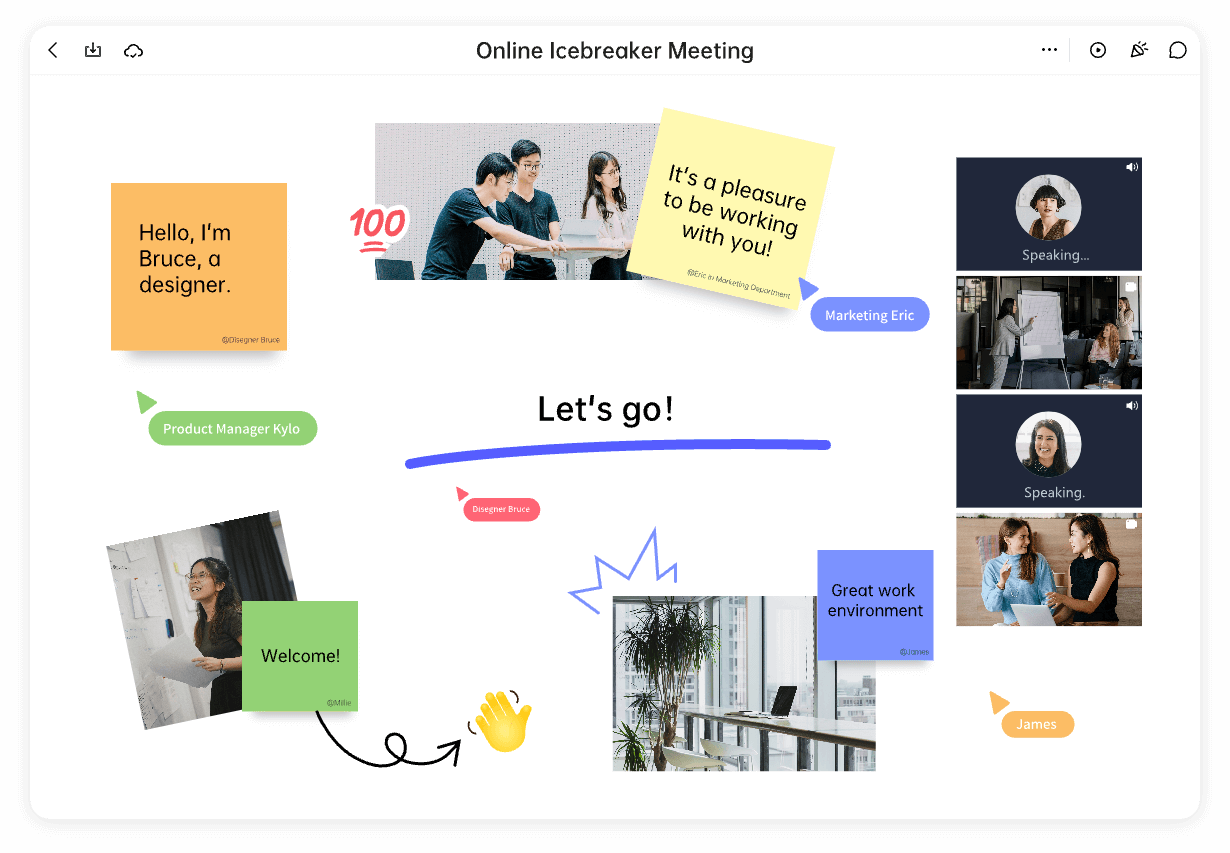
Write one observation or idea on each note. If a note contains two unrelated problems, split it before grouping. Keep the wording specific enough that someone else can understand it without an explanation: “The invitation expired before I opened it” says more than “Invites are bad.”
For brainstorming, let each person add their own ideas first. Other teammates can then ask questions or suggest a variation. Do not overwrite the original idea when adding feedback; keep the response alongside it so the difference remains visible.
A Worked Example: Improving Team Invitations
Imagine a support and product team discussing difficulties with workspace invitations. Their example board starts with these notes:
- “The invitation email went to spam.”
- “The invitation expired before I opened it.”
- “I could not tell whether my teammate had accepted.”
- “I did not know which role to choose for a contractor.”
- “The role descriptions did not explain who could edit.”
The first two notes belong under Receiving an invitation; the last two fit Choosing access. The acceptance-status note stays separate under Following up. Do not force it into a larger group just to make the board look tidy—it describes a different problem.
The team then adds a possible next step beside each theme. For “Receiving an invitation,” support will collect the error messages reported by affected users. For “Choosing access,” the product designer will draft clearer role descriptions. For “Following up,” the team records an open question: what invitation status does the person sending it need to see? These are proposed actions for the example, not proof that one theme matters most.
Before finishing, read the proposed actions aloud and agree who will take each one forward. Keep the original observations nearby so the next person can understand why the action was chosen.
Make Asynchronous Feedback Easy to Follow
For colleagues contributing later, distinguish new notes from responses and label questions that still need an answer. Write labels as text rather than relying only on colors. If “Ready to discuss” is a column heading, everyone can interpret it even when the notes use different colors.
A facilitator can group similar notes between contributions, but should not silently change what someone meant. When two notes seem similar, ask whether they describe the same situation before combining them. Keep disagreements visible until the team has discussed them.
Collaborating with Sticky Notes in Boardmix
Boardmix provides a shared canvas where teammates can add sticky notes, arrange related content and work on a board together. You can put the meeting question beside the notes, group observations under headings and keep the resulting actions in the same space.
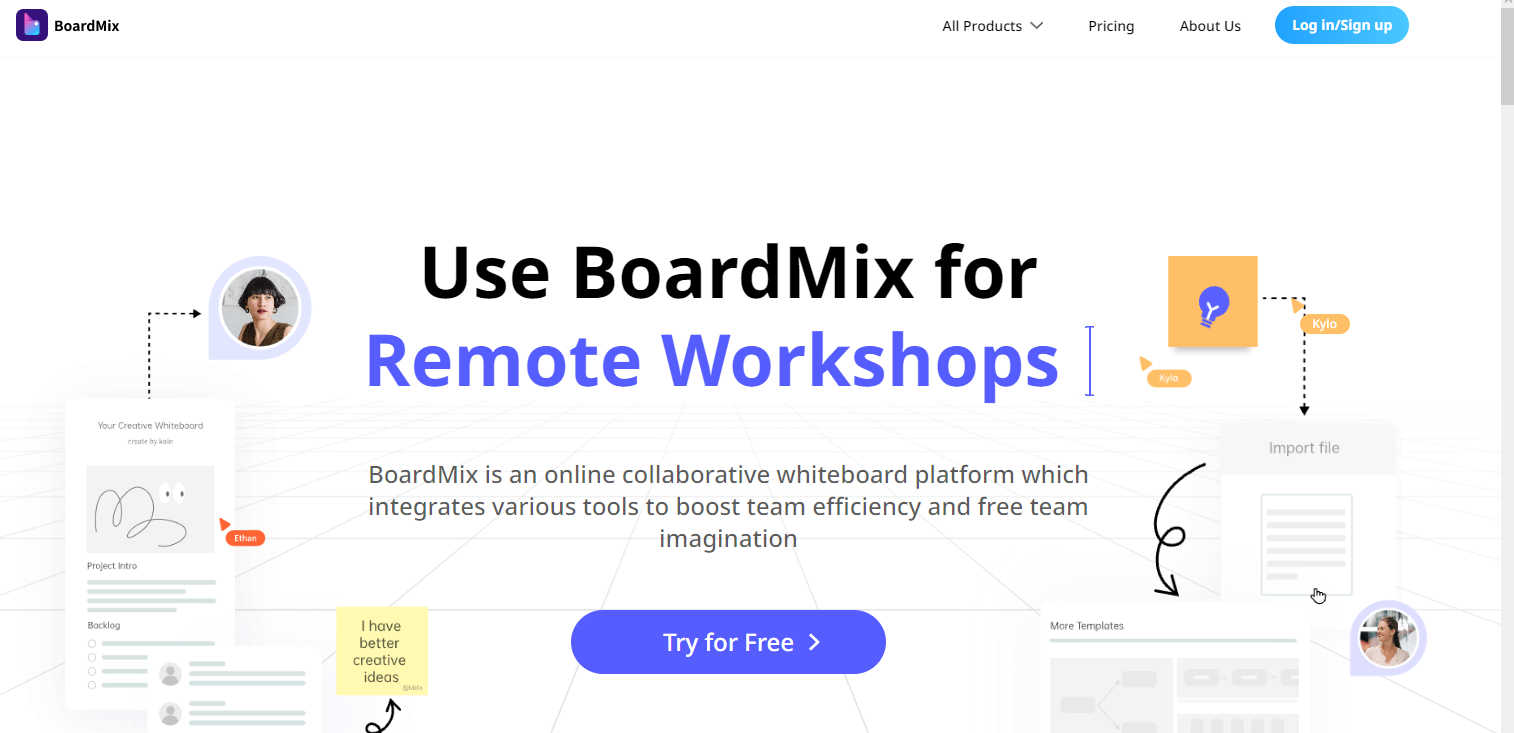
Open a board, add the question and section headings, and invite teammates with the access they need. Start with a blank canvas or a suitable meeting or brainstorming template, then replace its example content with your own. Boardmix also provides team chat for discussing changes while people work on the same board.
If you need supporting files, use the available import options to place them near the relevant discussion. Export options depend on the operation and your plan. For this sticky-note exercise, the main goal is a readable shared board: participants need to find the question, add their contribution and understand the resulting groups.
After the discussion, organize the whiteboard for the next person who opens it. Leave the agreed actions easy to find, keep unresolved questions visible and move unrelated material away from the main discussion. You can open Boardmix to set up a board for your next team conversation.