AI output is a draft. A fair evaluation checks the input controls, source handling, editability, review steps and plan limits. Do not treat a generated diagram or summary as verified without human review.
In 2026, where AI and deep collaboration have become the backbone of productivity, online whiteboard tools have evolved from simple drawing surfaces into central hubs for innovation. With so many platforms available, the question remains: Which online whiteboard is best for your team?
A true benchmark tool must not only enable online collaboration but also excel in AI-assisted ideation, multi-device synchronization, and a rich ecosystem of professional templates. This article provides a deep dive into six phenomenal tools—Boardmix, Miro, FigJam, and more. Through a detailed comparison of features and use cases, we'll help you find the perfect "ultimate canvas" for your workflow.
1. Boardmix
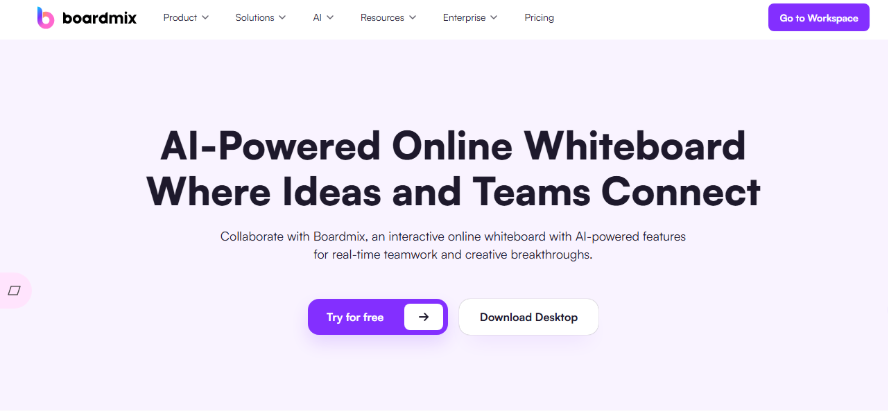
Boardmix is an advanced online canvas that integrates AI assistance, team collaboration, and all-in-one drawing capabilities. It offers a fully localized Chinese-language environment and private deployment services, making it an ideal long-term primary tool for teams with these specific needs.
Key Features:
- Comprehensive Drawing and Diagramming: Boardmix offers one of the most complete feature sets on the market, including freehand drawing, pen tools, shapes, flowcharts, mind maps, arrows, and an icon library. It allows you to express ideas from rough sketches to structured diagrams on a single canvas.
- Built-in AI Assistant: The integrated Boardmix AI features a variety of intelligent agents that can generate mind maps, flowcharts, event outlines, user journey maps, and more with a single click, dramatically speeding up the ideation phase.
- Smooth Real-Time Collaboration: Features like live cursors, comments, @mentions, voting, and sticky note walls are perfect for remote meetings, group discussions, and creative brainstorming.
- Deep Localization: With a full Chinese interface, a wealth of Chinese-language templates, and stable network access within China, it is exceptionally friendly for domestic teams.
Best For: Chinese-based or multinational companies seeking maximum efficiency. Teams can leverage its AI automation to quickly transform messy brainstorming sessions into structured product prototypes, business workflows, or project plans.
Pricing: Boardmix offers a free plan and paid plans for larger workspaces and AI use. Compare editable boards, objects, storage, AI credits and billing options on the Boardmix pricing page.
2. Miro
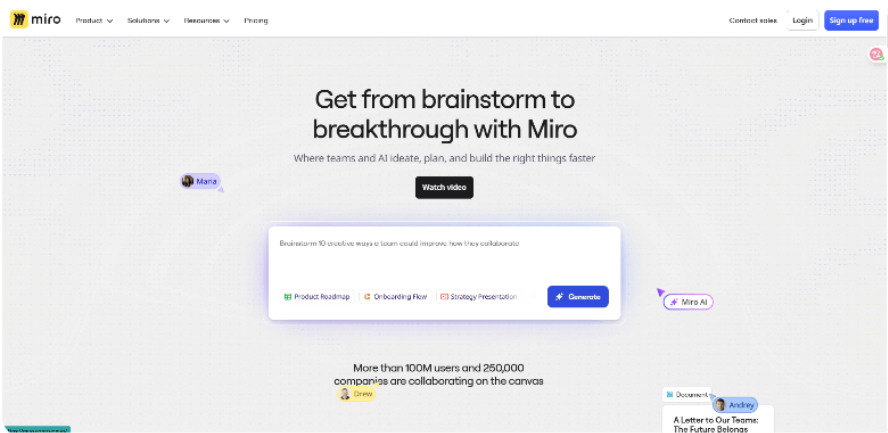
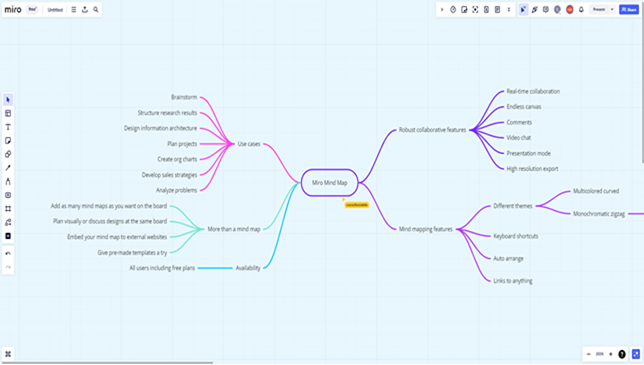
Miro is a visual collaboration solution for international teams. For organizations that heavily rely on agile practices, strategic canvases, and structured methodologies, Miro stands out as one of the most mature and enterprise-ready online whiteboards available.
Key Features:
- Massive Template Library: Its collection covers agile development, OKRs, sprint retrospectives, user journey maps, service blueprints, and business model canvases, catering to structured work.
- Enterprise-Grade Collaboration: Live cursors, comments, voting, timers, and presentation mode effectively support large-scale remote workshops with dozens or even hundreds of participants.
- Powerful Integrations: Deeply connects with tools like Jira, Asana, Notion, Slack, and Microsoft Teams, creating a workflow between your whiteboard and project management systems.
- Versatile Diagramming: Supports flowcharts, wireframes, and mind maps to meet the visualization needs of product, design, and business teams. It is less suited for illustrative drawing.
Best For: Transnational or large-scale agile teams that need a centralized hub for visualizing OKRs, strategic alignment, and complex workshops based on established methodologies.
Pricing: Miro offers a free plan and paid team plans. Compare editable board limits, visitor and guest access, and per-member billing on the Miro pricing page.
3. FigJam
If your team is focused on design and creativity and you want an online tool that balances drawing freedom, easy collaboration, and visual interaction, FigJam is an excellent choice.
Key Features:
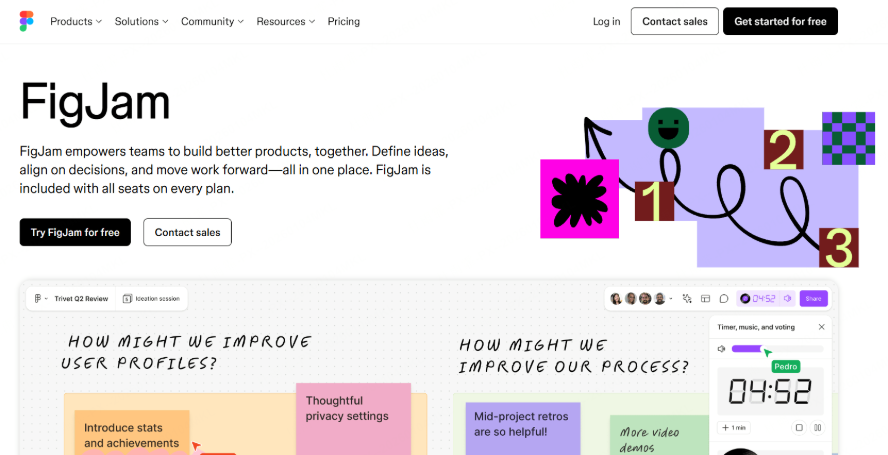
- Interactive and Fun: Created by the Figma team, FigJam excels at creative collaboration with a rich library of stickers, emojis, hand-drawn style components, and interactive sticky notes to boost engagement.
- Figma Integration: Design teams can move from user flows and information architecture in FigJam directly to high-fidelity UI design in Figma, all within one ecosystem.
- Structured and Freeform Drawing: Includes tools for flowcharts, user journey maps, and mind maps, alongside free-drawing and sticky note features.
- Built for Collaboration: Supports simultaneous editing, @mentions, comments, voting, and breakout sections, making it perfect for creative workshops, design critiques, and team brainstorming.
Best For: UI/UX design teams and creative departments. It’s ideal for facilitating brainstorming and low-fidelity wireframe reviews with highly interactive elements throughout the design process.
Pricing: FigJam access and cost depend on the Figma plan and seat type. Use the Figma pricing page to compare seat options, file limits and administration features.
4. Excalidraw
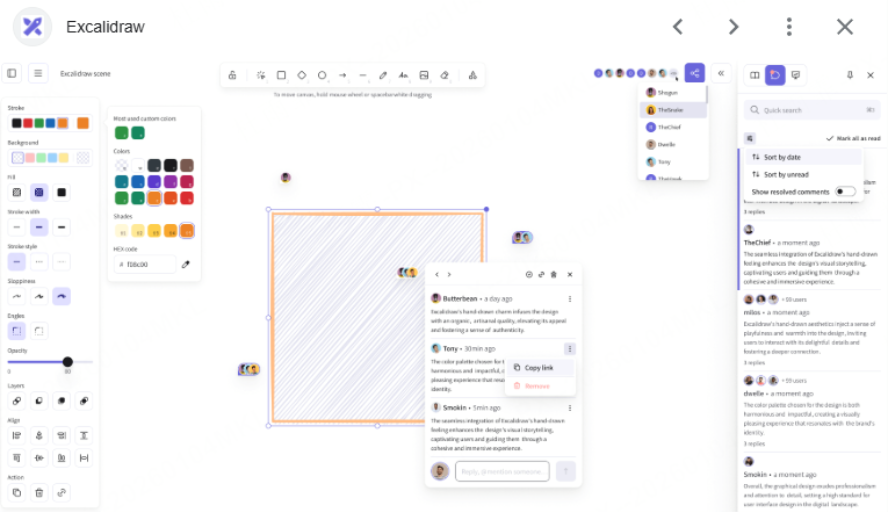
Excalidraw excels at providing a free-form, sketch-like drawing experience. It emphasizes the feeling of "thinking through drawing" more than structured diagramming tools.
Key Features:
- Distinct Hand-Drawn Style: Excalidraw’s signature look makes it perfect for creating intuitive flowcharts, wireframes, and concept sketches that feel like rough, creative drafts.
- Infinite Canvas and Simple Tools: Provides basic building blocks like arrows, rectangles, circles, a free-draw pen, an eraser, and an icon library.
- Simple Collaboration: Invite multiple users to a real-time collaborative canvas via a shared link.
- Multiple Export Formats: Export your creations as PNG, SVG, JSON, and other formats for easy implementation.
- Excalidraw+: An enhanced version offering cloud storage, team management, comments, presentation mode, and AI-assisted features.
Best For: Developers and architects who need to quickly sketch system logic, code flows, or technical architecture diagrams with a minimalist, hand-drawn aesthetic while ensuring data privacy.
Pricing: The Excalidraw browser editor is free. Excalidraw+ adds cloud storage, access management and team features. Compare the two on the Excalidraw pricing page.
5. Kleki
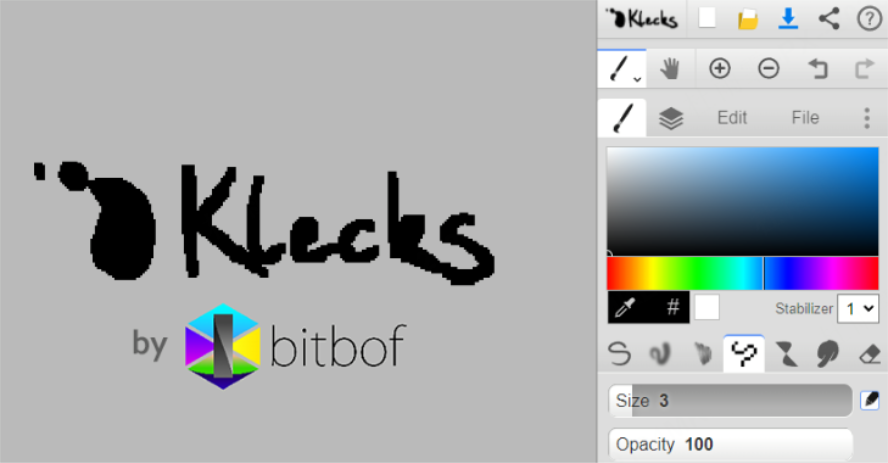
If your main interest in an online whiteboard is creative drawing—such as doodling, illustration, or sketching practice—rather than flowcharts and team collaboration, Kleki is a fantastic choice.
Key Features:
- Focus on Painting and Drawing: Kleki is a browser-based painting tool that requires no downloads.
- Brushes and Layers: Offers a variety of tools like pencils, airbrushes, and texture brushes, and supports layers for more complex compositions.
- Minimalist Interface: No registration is required to start. The intuitive interface is perfect for beginners and hobbyist painters.
- Import/Export Capabilities: Supports importing reference images and exporting work as PNGs, making it easy to save and share your art.
- Instant Access: Runs entirely in the browser, allowing you to start creating immediately.
Best For: Illustrators, art teachers, and hobbyists who want a no-fuss, browser-based environment for spontaneous drawing, practicing techniques, or creating simple visual demonstrations.
Pricing: Kleki is an open-source, community-funded drawing tool that runs in the browser. See Kleki’s official project page for details about the service and its funding.
6. Magma Studio
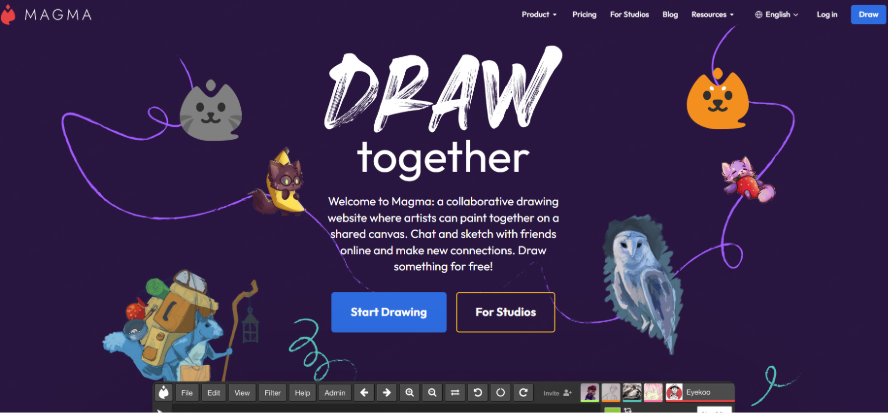
Magma Studio is an online whiteboard specializing in real-time, multi-user artistic collaboration. Compared to tools focused on project management or methodologies, it is the perfect online canvas for team members, creators, and students to draw together instantly.
Key Features:
- Real-Time Collaborative Drawing: Team members can join and draw on the same canvas in real-time simply by sharing a link.
- Rich Painting Tools: Supports brushes, layers, image imports, and other essential drawing functions.
- Browser-Based: No software installation is needed. Just open a webpage to start, making it ideal for quick sessions or remote art projects.
- Designed for Creative Teams: Perfectly suited for illustrators, animation teams, art classes, and collaborative doodling groups.
Best For: Professional art workshops and animation teams. It supports multiple professional artists collaborating on a single high-resolution canvas with layer-based workflows for original art creation.
Pricing: Magma offers the free Spark plan and paid Blaze and Fusion plans. Compare canvas size, layers, storage and collaboration limits on the Magma pricing page.
To help you make a more informed choice, here are answers to some of the most common questions people have when selecting an online whiteboard.
Frequently Asked Questions (FAQ)
Q1: How can I quickly figure out for me? Is there a simple way to decide?
A: Absolutely. Follow this simple three-step process:
- Define Your Primary Need: What will you use it for most?
- Creative & Design Work: If you're a designer who needs Figma integration and values fun, interactive features, FigJam is your top pick.
- Agile & Corporate Strategy: If your team uses standardized methodologies (like OKRs or Agile) and requires deep integration with tools like Jira, Miro is the enterprise standard.
- All-in-One Team Collaboration: Consider Boardmix when you want AI-assisted ideation, diagrams and shared whiteboards in one workspace. Choose a plan based on your board, storage and AI-credit needs.
- Quick Sketches & Dev Diagrams: If you're a developer who loves sketching technical architecture with a hand-drawn feel, Excalidraw is perfect.
- Digital Painting & Art: If you're here to draw, not build charts, choose Kleki for a free and simple experience or Magma Studio for professional-level collaboration.
- Consider Your Team's Environment: Where are your collaborators, and what tools do they use?
- For global or remote teams, Miro and FigJam are industry standards.
- For teams based in China, boardmix offers the best local network performance and support.
- Think About Budget & Scale:
- Always start with a free plan to see if the core features meet your needs.
- Upgrade when you need more boards, advanced features (like AI or specific integrations), or robust team management tools.
Q2: How useful is AI in these tools, really? What can it actually do?
A: AI is quickly moving from a "nice-to-have" feature to a core engine of productivity. It does more than just generate charts. Using a tool like boardmix as an example, AI can:
- Kickstart Your Brainstorming: When you only have a vague idea, AI can generate a starter mind map, a business model canvas, or a SWOT analysis to give you a framework to build on.
- Organize Ideas Automatically: After a brainstorming session, AI can take a chaotic wall of sticky notes and automatically group them, summarize key themes, and create a structured action plan.
- Generate Content Instantly: AI can help you draft marketing copy, write user persona descriptions, or even suggest code snippets directly on the board.
- Automate Your Workflow: Soon, AI will be able to take your rough sketch of a flowchart and automatically clean it up or convert a wireframe into a basic interactive prototype.
In short, AI acts as your smart assistant, handling the repetitive work so you can focus on creative and strategic thinking.
Q3: What's the real difference between free and paid plans? When should I upgrade?
A: Free plans are great for individual use or small, informal projects. The key differences between free and paid plans come down to scale and advanced features.
- Scale: Free plans typically limit the number of boards you can create, the amount of storage you have, and how many people can collaborate at once.
- Features: Premium features like voting, timers, presentation modes, advanced AI capabilities, and key integrations (with Jira, Asana, etc.) are usually reserved for paid plans.
- Security & Admin: Paid team and enterprise plans offer crucial business features like advanced user permissions, single sign-on (SSO), and enhanced security protocols.
When should you upgrade? It's time to upgrade when you consistently hit the limits of the free plan, need a specific premium feature to improve your workflow, or when you need to formally manage a team with proper security and oversight.
Q4: For a business, what matters most beyond the features?
A: When choosing a tool for your entire company, strategic factors are just as important as features:
- Security & Compliance: Is your data encrypted? Does the provider offer private deployment options? Does it comply with regulations like GDPR? This is the top priority for any business. Tools like Miro and boardmix (with its private deployment option) are strong here.
- Integration Ecosystem: Can the tool connect seamlessly with your existing workflow (Slack, Microsoft Teams, Notion, etc.)? A standalone tool can create information silos.
- Scalability & Administration: Can you easily manage hundreds of user accounts and permissions? Can you create centralized brand assets and templates?
- Support & Onboarding: Does the company offer reliable customer support and training to help your team get started? For companies in China, the localized support from boardmix is a significant advantage.
Q5: What's next for online whiteboards? What are the future trends?
A: Online whiteboards are evolving to become more intelligent, immersive, and integrated. Here's what to expect:
- Proactive AI: AI won't just be a button you press; it will become a proactive partner that observes your workflow and offers predictive suggestions and automation.
- Spatial Computing & VR: Your whiteboard will break free from the 2D screen. Imagine standing with your team in a virtual reality (VR) space, collaborating around a 3D mind map.
- Data-Driven Insights: These tools will start to analyze your team's creative process, providing insights into how ideas are formed and decisions are made, helping you optimize collaboration.
- Hyper-Connectivity: Whiteboards will connect with more apps, IoT devices, and even physical spaces, becoming the true bridge between our digital and physical worlds.
Conclusion: Which Online Whiteboard Should You Choose?
The best online whiteboard for you ultimately depends on your specific needs regarding drawing capabilities, collaboration, template resources, AI assistance, and localization.
If your goal is to find a single tool that lets you draw, collaborate, and leverage AI for ideation, making boardmix your primary online whiteboard will make your workflow significantly more efficient. From sketches to flowcharts, from idea to execution, you can manage the entire creative cycle on one canvas. Try Boardmix for free!