AI agents are becoming essential assistants for businesses, content creators, and developers to boost productivity. From breaking down complex tasks and automated execution to content generation and data analysis, AI agents are reshaping how we work. This guide reviews the most popular AI agent software currently available, detailing each tool's core capabilities, typical use cases, and ideal users to help you quickly find the perfect AI agent platform for your needs.
OpenAI: ChatGPT Agents
OpenAI’s GPTs are customized versions of ChatGPT. They should not be used as a synonym for every autonomous agent or developer framework. Available task execution, browsing, file handling, and connected services depend on the current product and plan. Review OpenAI’s current documentation and confirm the required workflow before choosing an implementation.
Capabilities to verify for the selected product
Autonomous task planning: Automatically breaks down steps based on objectives without manual intervention.
Multi-step execution: Completes complex tasks sequentially, with progress and outputs to review.
Tool invocation: Supports browser, code interpreter, file processor, and other tools.
External API integration: Connects to internal enterprise systems or third-party services for business system integration.
Long/short-term memory: Retains context and historical information to improve task continuity and accuracy.
Multimodal understanding: Processes text, images, audio, and document content.
Private knowledge base integration: Supports internal enterprise knowledge bases for better business context understanding.
Example Tasks to Evaluate
Smart writing: Quickly generates articles, reports, and marketing copy.
Enterprise process automation: Organizes data, creates daily reports, or generates approval documents.
Operations analysis: Researches market data and analyzes competitor trends.
Technical assistance: Automates code debugging, script generation, and technical documentation processing.
Team intelligence assistant: Summarizes meeting notes, organizes knowledge, and facilitates cross-departmental collaboration.
Data summarization & visualization: Automatically generates charts and analysis reports to support decision-making
Pricing & Ideal Users
Offers free and subscription models, with enterprise options for advanced or dedicated plans. Ideal for content creators, operations teams, developers, business managers, and any teams or individuals needing automated workflows and intelligent task execution.
Claude: Claude Agents
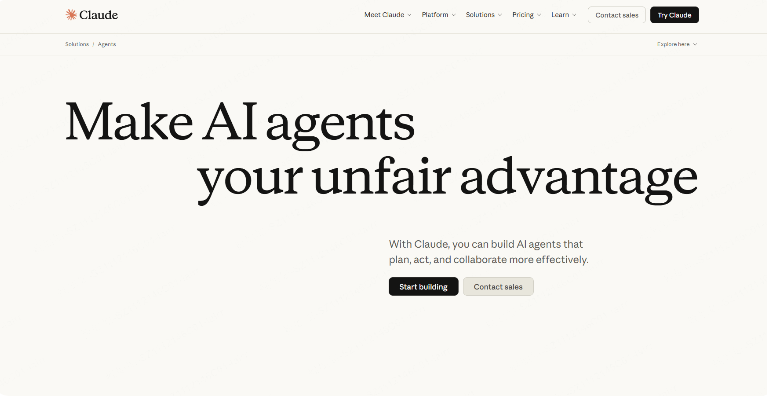
Claude can be used for drafting, analysis, and tool-assisted workflows, depending on the product and configuration. Review generated content against your organization’s requirements. Safety features do not guarantee factual accuracy, legal compliance, or suitability for every enterprise task.
Capabilities to verify for the selected product
Autonomous task planning and execution.
Text, spreadsheet, and code processing.
Multi-turn conversation management.
Built-in safety and content moderation.
API and external data source integration.
Long/short-term memory.
Custom instructions and templates.
Example Tasks to Evaluate
Content Creation: Automatically generates articles, ad copy, and reports to save editing time.
Enterprise Knowledge Management: Organizes documents and generates summaries to quickly build a company knowledge base.
Office Automation: Creates approval documents to reduce manual errors.
Technical Support: Performs code review and generates scripts to boost development efficiency.
Analytics & Decision Support: Summarizes data and auto-generates charts/visual reports to aid management decisions.
Pricing & Ideal Users
Subscription plans and enterprise custom versions available. Suitable for content creators, business teams, and users with high content security requirements.
Google: Gemini Agents
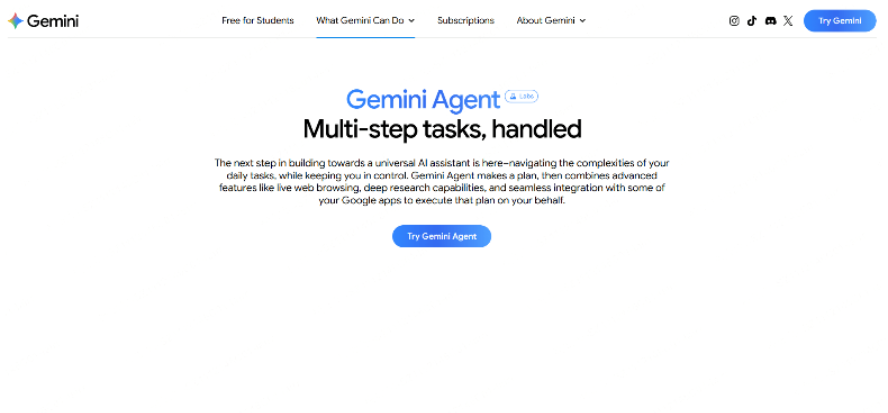
Google offers Gemini products for end users and developers. Model names, application subscriptions, and enterprise services are different layers and should not be combined into one tier list. Consult the current Gemini model catalog for model availability and the relevant product documentation for account and deployment options.
- For end users: Evaluate the current Gemini application and subscription for the writing, analysis, or connected workflow you need.
- For developers: Choose an available model through the documented API, then implement and test the required tools, permissions, and error handling. A model name does not by itself provide a complete autonomous agent.
- For organizations: Review the relevant Google enterprise service, administration controls, data terms, and supported integrations. Do not assume a private deployment from the product name alone.
Capabilities to verify for the selected product
Multimodal understanding: processing text, images, tables and other types of information.
Autonomous task disassembly and execution: automatically decompose and execute tasks according to the goal.
Tool and API integration: enterprise systems, third-party services and custom plug-ins can be called.
Long/short-term memory: retain context and historical information to improve task continuity.
Customisable workflow: support enterprise customised process and task management.
Example Tasks to Evaluate
Content Production: Automatically generate articles, marketing materials, and reports to significantly improve creative efficiency.
Data Analysis: Process large-scale data and auto-generate visual reports to support decision-making.
Office Automation: Handle document processing and workflow approvals to enhance corporate operational efficiency.
Development Assistance: Generate and debug code to reduce repetitive manual tasks.
Team Collaboration Assistant: Organize cross-departmental information and manage knowledge to boost collaborative efficiency.
Pricing & Ideal Users
Match the end-user subscription, developer API, or enterprise service to the task and budget. Confirm usage limits and the cost of connected services before rollout.
Microsoft: Copilot Agents
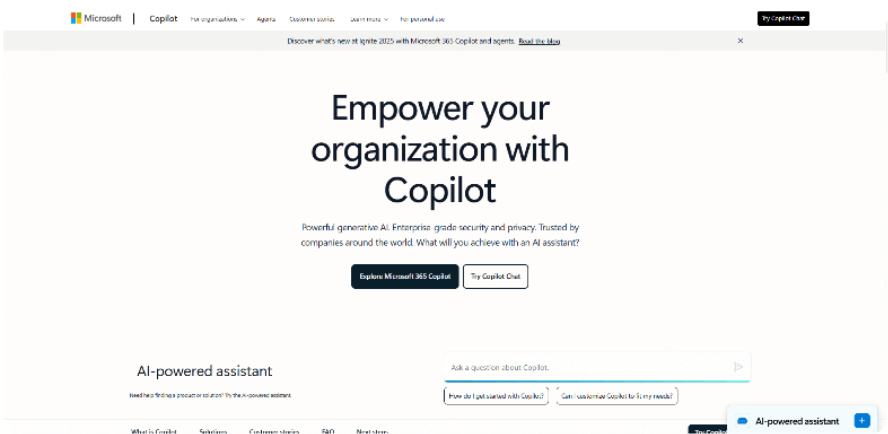
Microsoft Copilot Agents is Microsoft's enterprise-grade agent platform deeply integrated with Office 365, Teams, and other Microsoft products. It excels at automating daily office tasks, document processing, and collaborative work, helping teams efficiently complete workflows from information collection to document output.
Capabilities to verify for the selected product
Automated Office Workflows: Integrates with Word, Excel, and PowerPoint to automatically generate documents and spreadsheets.
Autonomous Task Decomposition: Breaks down instructions into actionable steps and executes them autonomously.
Multi-Tool Calling & Integration: Accesses and orchestrates services across the Microsoft ecosystem, including Microsoft Graph, Outlook, and Teams.
Contextual Memory & Multi-Turn Tasks: Maintains conversation and task context across interactions to improve execution efficiency.
Enterprise controls: Review the selected Microsoft service’s security documentation, configuration, and contract against your organization’s requirements. Product branding alone does not establish compliance.
Example Tasks to Evaluate
Meeting Minutes Automation: Teams meeting recording → Auto-generates structured summary → Distributes to attendees, saving manual note-taking.
Report & Proposal Creation: Excel data analysis → Auto-generates PowerPoint presentation → Reviews and refines output, enhancing team productivity.
Project Collaboration: Task decomposition → Automatic assignment → Progress consolidation → Project report generation, increasing management transparency.
Daily Office Automation: Schedule management & email triage → Auto-generates reminders and task lists.
Pricing & Ideal Users
Primarily enterprise subscriptions (Office 365/Microsoft 365 suite). Suitable for business teams, project managers, and professional users seeking improved office efficiency.
Boardmix AI
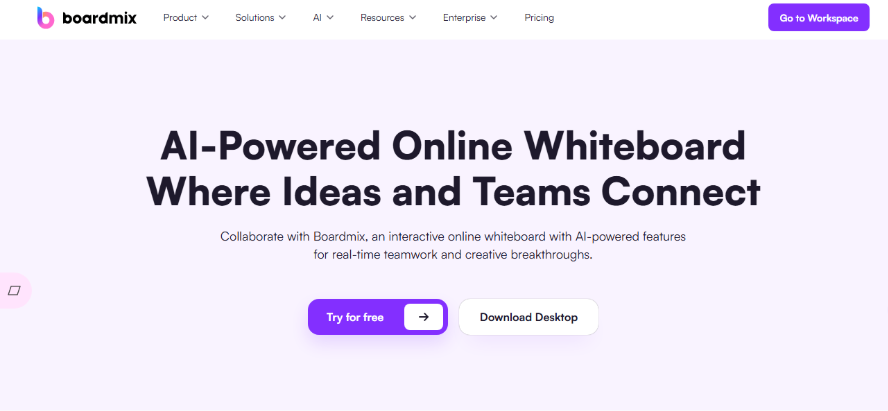
Boardmix AI is a leading online collaborative whiteboard + AI agent tool that integrates text generation, flowchart creation, mind mapping, user journey mapping, and business canvas functionality. Designed specifically for team collaboration and visual creativity, it not only generates content but also enables teams to collaborate efficiently in a visual workspace, implementing integrated workflows from inspiration to execution.
Capabilities to verify for the selected product
Text and multimedia content generation.
Flowchart, mind map, and business canvas generation.
Structured report generation (e.g., user journey maps, BCG Matrix).
Cross-team collaboration and task automation.
API integration with internal enterprise systems.
Long & short-term memory with knowledge base access.
AI-assisted design element checking and optimization.
Example Tasks to Evaluate
Design Collaboration: Quickly generates flowcharts, mind maps, and prototypes.
Content Generation: Writes copy, reports, and presentations.
Business Analysis: Creates user journey maps, BCG Matrices, and data visualizations.
Team Collaboration: Enables real-time multi-user editing, task assignment, and project management.
Idea to Execution: Unifies the process from inspiration generation to actionable plans.
Pricing & Ideal Users
Free trial and enterprise subscription plans available. Ideal for product managers, design teams, operations teams, and business users seeking improved content and design efficiency.
Reka: Reka Core

Reka offers AI products that may be evaluated for enterprise workflows. Confirm the current model or service, supported inputs, tools, deployment options, and data terms. A language model and a configured business agent are different components.
Capabilities to verify for the selected product
Autonomous task planning and execution.
Enterprise system and API integration.
Multi-step process automation.
Data analysis and visualization.
Long & short-term memory with knowledge base access.
Multimodal support.
Example Tasks to Evaluate
Enterprise Process Automation: Handles approvals, reporting, and data organization to reduce repetitive work.
Content & Report Generation: Auto-generates business reports to increase productivity.
Data Analysis: Performs trend analysis and visualization to support decision-making.
R&D & Technical Support: Manages task scheduling and script generation to save manual time.
Pricing & Ideal Users
Enterprise subscription model. Suitable for medium-to-large enterprises seeking to automate business processes while ensuring data security.
Perplexity Agents
Perplexity Agents is an AI agent platform centered on intelligent Q&A and information retrieval, supporting automatic web data scraping, information analysis, and report generation.
Capabilities to verify for the selected product
Automatic information scraping and analysis.
Q&A and content generation.
Multi-step task planning.
API integration.
Multimodal understanding.
Example Tasks to Evaluate
Information Research: Quickly gathers market and industry data to save research time.
Content Generation: Automatically generates reports and summaries to boost content production.
Data Organization: Scrapes web data → automatically organizes, analyzes, and creates tables.
Knowledge Management: Automatically summarizes internal information to enhance team knowledge sharing.
Pricing & Ideal Users
Free and paid plans available. Suitable for market researchers, content teams, and users needing rapid information access.
Gumloop
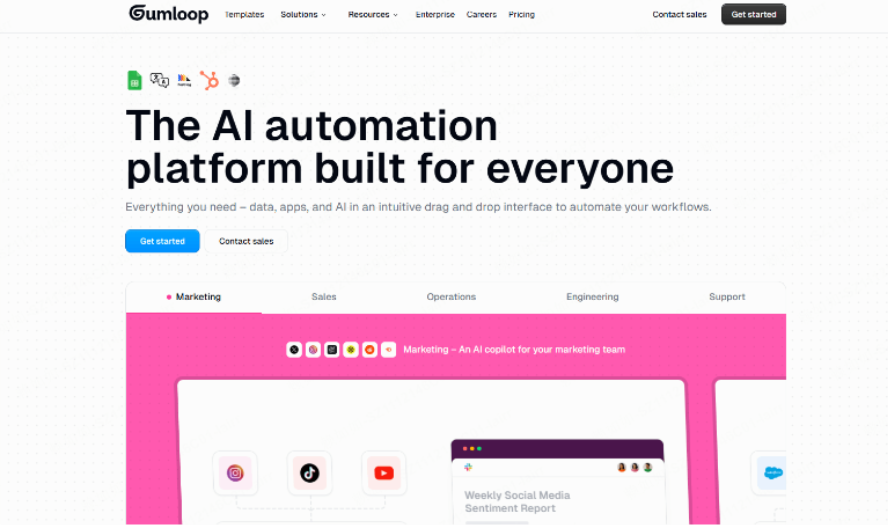
Gumloop is an AI agent focused on task automation and intelligent assistant functionality, ideal for daily workflow automation and information processing.
Capabilities to verify for the selected product
Automatic task execution.
Text analysis and generation.
API and tool calling.
Multi-step process management.
Enterprise knowledge base integration.
Example Tasks to Evaluate
Office Automation: Manages schedules and email processing to improve individual and team efficiency.
Content Generation: Auto-writes documents, reports, and emails to save time.
Data Analysis: Quickly generates visual reports for decision support.
Enterprise Knowledge Management: Organizes internal information to optimize team knowledge flow.
Pricing & Ideal Users
Subscription plans available. Suitable for business teams, content creators, and users seeking improved office efficiency.
LangChain
LangChain Agents is an LLM toolchain agent platform for developers and enterprises, excelling at integrating large language models with various tools and APIs for automated task processing. It's ideal for building highly customized agents that can be configured with different tools and workflows based on specific needs.
Capabilities to verify for the selected product
Workflow Management & Task Breakdown: Splits complex tasks and plans execution order.
Multi-tool Calling & Integration: Connects to external resources like databases, APIs, and documents.
Memory Management & Context Retention: Supports continuous processing of multi-turn tasks and historical context.
Custom Plugin & API Integration: Highly flexible for enterprise and technical users.
Example Tasks to Evaluate
Content Generation: Integrates internal documents → auto-generates multiple report versions → reviews and optimizes.
Data Processing: Automatically fetches data → cleans and analyzes → outputs visual reports, reducing manual work.
Enterprise Process Automation: Breaks down tasks → calls different system interfaces → auto-executes workflows to improve team efficiency.
Pricing & Ideal Users
Open source + enterprise edition. Suitable for developers, technical teams, and enterprise users, particularly businesses wanting to customize agent workflows.
Harvey
Harvey is an enterprise vertical agent specializing in professional business scenarios like legal, financial, and compliance. Compared to general agents, it offers advantages in professional knowledge bases and industry-specific process handling, providing high-accuracy, implementable solutions in specific domains.
Capabilities to verify for the selected product
Industry Knowledge Base Integration & Intelligent Q&A: Supports professional document analysis and retrieval.
Professional Document Generation & Processing: Automates contracts, reports, and compliance documents.
Task Automation & Process Optimization: Assists professional workflows to reduce repetitive labor.
Decision support: Review suggested issues and questions with the responsible professional; the tool does not replace legal, financial, or compliance judgment.
Example Tasks to Evaluate
Legal contract review: Use a specialist assistant to help locate clauses and draft a review summary. A qualified professional must check the source contract, jurisdiction, and conclusions. No percentage saving is assumed without a documented case.
Financial Report Processing: Auto-generates financial analysis reports → summarizes key metrics → provides decision support.
Corporate Compliance: Automatically checks processes → generates exception alerts → improves compliance and internal efficiency.
Pricing & Ideal Users
Primarily enterprise subscriptions. Suitable for legal, financial, and other professional domain enterprise teams.
How to Choose the Right AI Agent?
- For High-Efficiency Creation & Multimedia Visualization → Boardmix AI is your ideal choice.
- For Enterprise Automation, Security & Control → Consider Claude Agents or Copilot Agents.
- For Developer Extensibility & Multi-Agent Collaboration → Opt for LangChain Agents or AutoGen.
- For Deep Vertical Domain Expertise → Harvey is specifically designed for this.
As AI agent technology matures, these platforms are becoming increasingly powerful. Whether you're a content creator, a business team, or a technical developer, you can leverage the right agent to automate workflows, supercharge content creation, and upgrade team collaboration.
We highly recommend trying out Boardmix AI to experience the future of collaborative creation. It excels not only in text generation but also in instantly creating flowcharts, user journey maps, and other multimedia content, offering a true end-to-end solution from initial inspiration to final execution.
Evaluate the Workflow, Not Just the Agent Label
Capabilities listed above describe tasks to evaluate, not a promise that every plan includes every tool. Start with a non-confidential sample, identify what the assistant may read or change, and test failure handling and human review. Record the product, model or service version, plan, and date. Check external integrations separately; memory, tool access, private deployment, and automatic execution require specific implementation and permissions.
For Boardmix, focus on visual planning and AI-assisted content or diagrams. Boardmix Free includes three editable boards, up to 100 objects per board, and 1 GB of storage. AI access and usage allowances vary by plan; see Boardmix pricing. Do not assume that a general whiteboard account includes enterprise API integration, persistent agent memory, or automated approval workflows.