

An AI resume draft can help organize relevant experience, but the content must match your actual work and the role you are applying for. Start with the job requirements, then choose concrete examples that show the relevant skills.
This guide explores the core advantages of AI resume generators and walks you through creating a high-pass-rate resume in 3 steps. Learn to avoid over-optimization risks while doubling your job search efficiency!
Core Advantages of AI Resume Generation
AI resume builders address job seekers' key pain points, making resume creation more efficient than ever. Traditional resume building often involves three major challenges: time-consuming manual formatting, repeated revisions, and poor job-description matching due to inadequate analysis. AI technology solves all these issues by leveraging natural language processing (NLP) and machine learning algorithms to align resumes with employer expectations at scale. Here are the key benefits in detail:
Smart Job Description Analysis
AI can help identify terms in a job description and compare them with your experience. Use relevant wording where it accurately describes your work, but do not add qualifications you lack. Matching keywords does not guarantee that an applicant tracking system or recruiter will select a resume.
One-Click Personalized Content
Gone are the days of rewriting resumes for every application. AI tools generate tailored content based on your professional experience, skills, and the specific job requirements you input. The technology highlights quantifiable project achievements (e.g., "Increased quarterly sales by 25%") and transferable skills (e.g., "Cross-functional team leadership" for career changers), rather than generic bullet points. This personalization ensures your resume stands out by focusing on what matters most to hiring managers.
Extensive Template Library & Formatting Flexibility
AI resume builders offer industry-specific templates for finance, technology, design, healthcare, and more—each optimized for the norms of that sector. For example, a tech resume template prioritizes technical skills and project portfolios, while a finance template emphasizes certifications (e.g., CPA, CFA) and quantitative achievements. Beyond pre-built templates, AI tools automate formatting, ensuring consistent fonts, spacing, and structure—eliminating the risk of messy layouts that distract recruiters.
Recommended AI Resume Generation Tools
AI resume builders are transforming traditional resume creation with intelligent optimization capabilities. Below, we evaluate three notable tools based on functionality, user experience, and real-world effectiveness, complete with practical recommendations for different job seekers:
(1) Boardmix
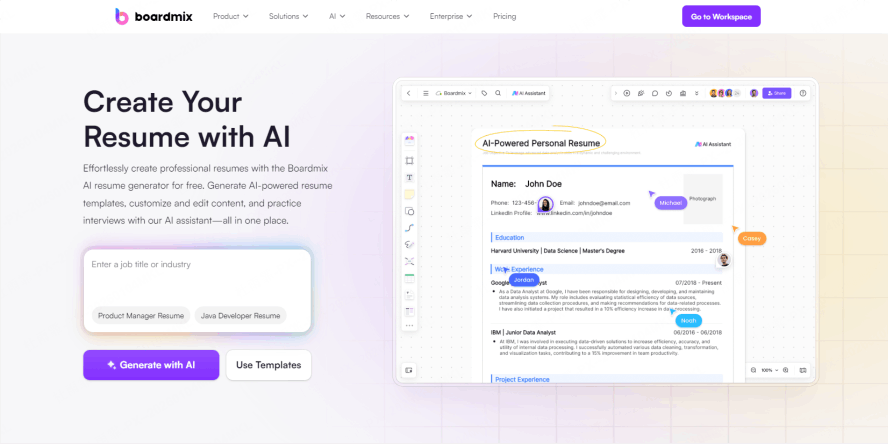
Boardmix's built-in AI resume generator stands out for its blend of conversational AI interaction and visual collaboration features, making it suitable for everyone from recent graduates to C-suite executives. Unlike static resume builders, Boardmix integrates AI generation with an infinite canvas whiteboard, allowing users to personalize content through drag-and-drop components, layout adjustments, and visual storytelling elements.
Why Boardmix Stands Out:
- AI Resume Generation & Optimization: Boardmix AI generates comprehensive resume frameworks with one click, matching keywords to job descriptions to ensure ATS compatibility. It goes beyond basic keyword insertion, offering deep optimization including grammar correction, tone refinement, and competency highlighting. For example, it can rephrase "managed a team" to "led a cross-departmental team of 8 to deliver a $500k project on time," adding quantifiable impact.
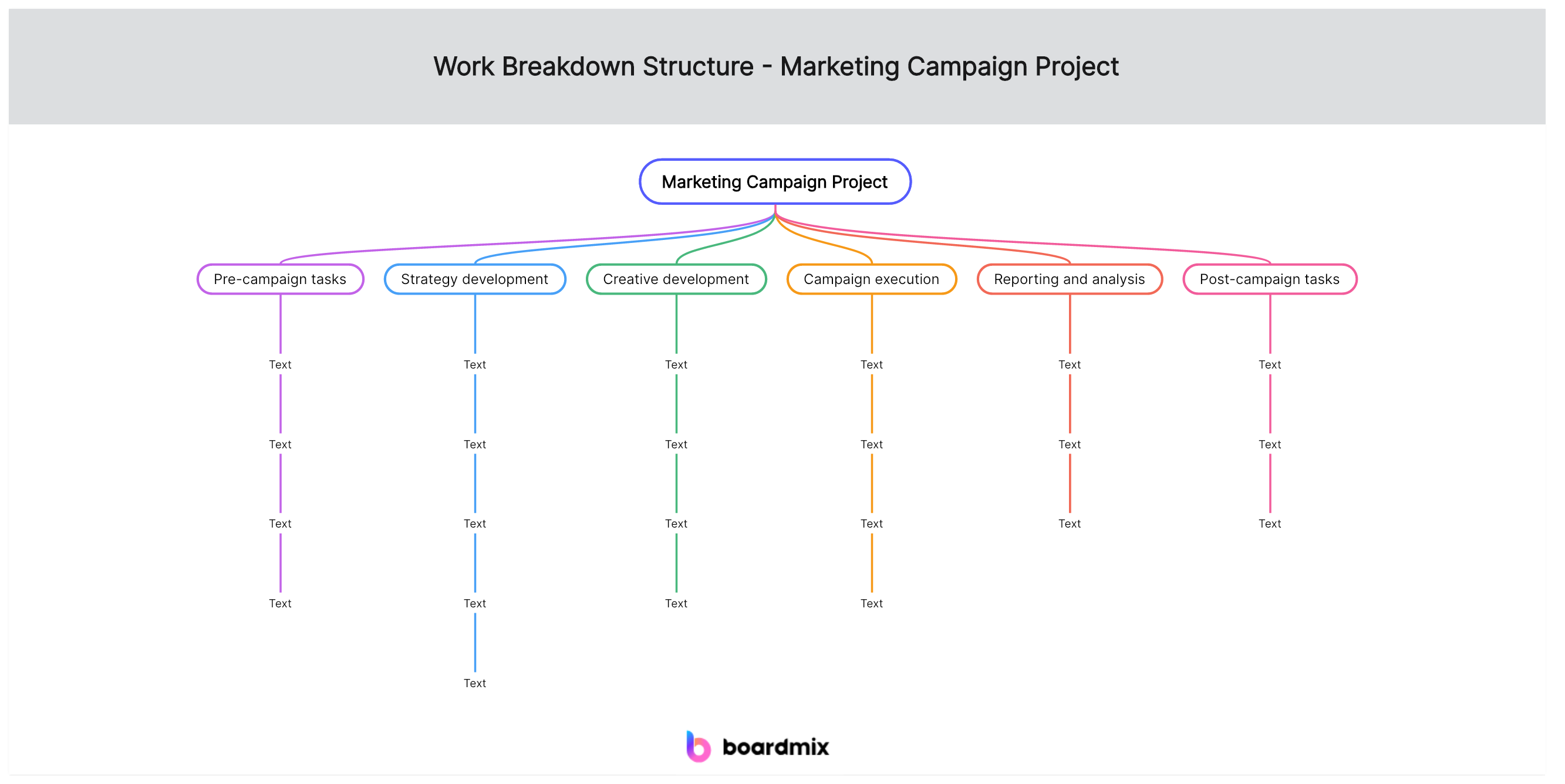
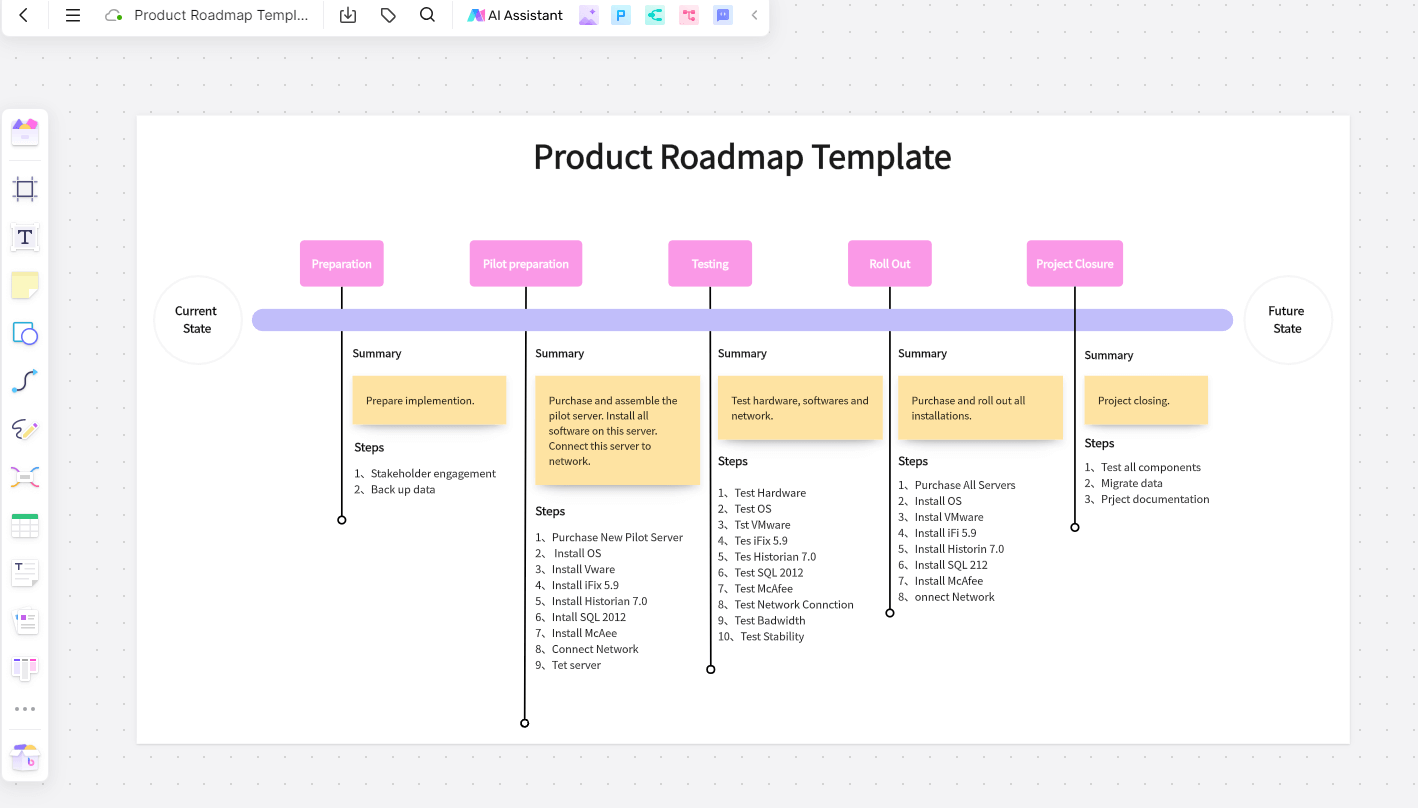
- Visual Design & Personalization: Users can embed mind maps to showcase career progression, timelines to highlight key milestones, or charts to visualize achievements (e.g., sales growth). The platform provides industry-specific templates with customizable colors, logos, and personalized elements—ideal for creative roles or professionals looking to differentiate their applications.
- Efficient Collaboration & Iteration: Boardmix enables real-time online collaboration with mentors, career coaches, or peers, who can leave comments and suggestions directly on the resume. Its AI assistant also simulates interview scenarios, helping you anticipate common questions and refine how you talk about your experience—bridging the gap between resume creation and interview preparation.
- Multi-Platform Sync & Export: Resumes sync seamlessly across web, mobile, and desktop apps, so you can edit on the go. You can export directly to PDF/Word formats (optimized for ATS scanning) or sync one-click to job platforms like LinkedIn, Indeed, or Glassdoor—streamlining the application process for mainstream job-seeking scenarios.
(2) Jasper AI Resume Builder
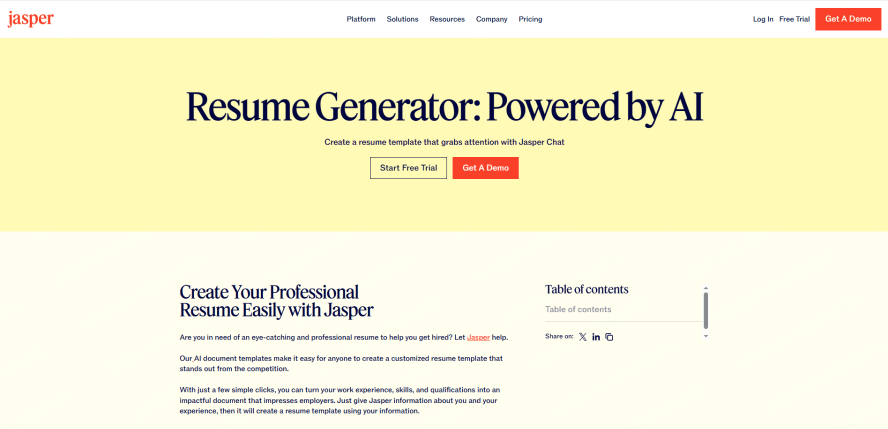
As an established player in AI content generation, Jasper focuses on "language optimization + industry terminology" for resumes. Its strength lies in generating professional, sector-aligned content from basic user input (e.g., job title, years of experience, key skills). For technical or research positions (e.g., software engineering, academic roles), Jasper excels at translating complex technical work into clear, concise language that non-technical recruiters can understand. However, its collaboration features are limited to basic link sharing, which reduces efficiency for users seeking feedback from multiple stakeholders. It also lacks visual design tools, making it less suitable for creative industries.
(3) Canva Resume Builder
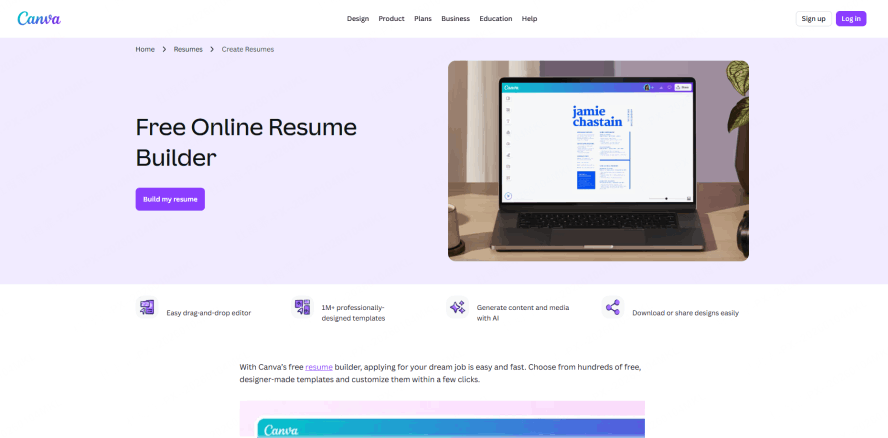
Leveraging Canva's core strength in visual design, this tool specializes in creating eye-catching, aesthetic resumes. Its template library includes thousands of customizable options, allowing users to tweak fonts, colors, layouts, and graphics to match personal branding—ideal for design, marketing, or artistic fields where visual appeal matters. Canva's AI capabilities focus on smart formatting (e.g., mobile-friendly layouts) and basic spell-check, but content generation is weak: users must input most of their experience manually, and premium templates (the most visually polished ones) cost between $12–$30 per month.
Usage Recommendation
All three tools offer AI resume generation, but the best choice depends on your goals. For career changers or professionals seeking comprehensive support (resume + interview prep), Boardmix is the top pick. For technical roles where language precision is key, Jasper is a strong option. For creative roles prioritizing design, Canva works well—though we recommend pairing it with Boardmix for content optimization. Notably, Boardmix is the only tool that combines resume generation with mock interview simulations, offering end-to-end AI-powered support for professional development.
How to Generate Your AI Resume in 3 Steps?
No design experience or resume writing expertise is needed! Even career beginners can master resume creation logic quickly with these three simple steps using Boardmix:
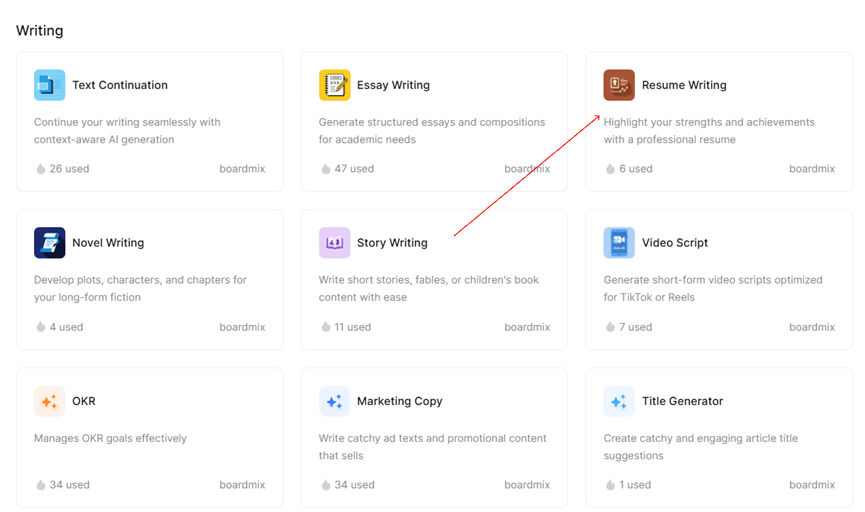
Before starting: Visit the Boardmix website, click "Login/Register" in the top-right corner, and create a free account (no credit card required). Once logged in, create a new whiteboard file from your dashboard, then navigate to the "AI Assistant" menu, select "Analysis Report," and click "Personal Resume" to launch the generator.
Step 1: Input Basic Information & Career Direction
In the AI dialog box, enter your core details: educational background (degrees, institutions, graduation dates), internship/professional experience (job titles, companies, dates), key skills (technical, soft, and industry-specific), and career goals (e.g., "Senior Marketing Manager in SaaS" or "Entry-Level Data Analyst"). Be specific—for example, instead of "good at Excel," write "Proficient in Excel pivot tables and VLOOKUP for sales data analysis." This detail helps the AI match your profile to the job requirements accurately.
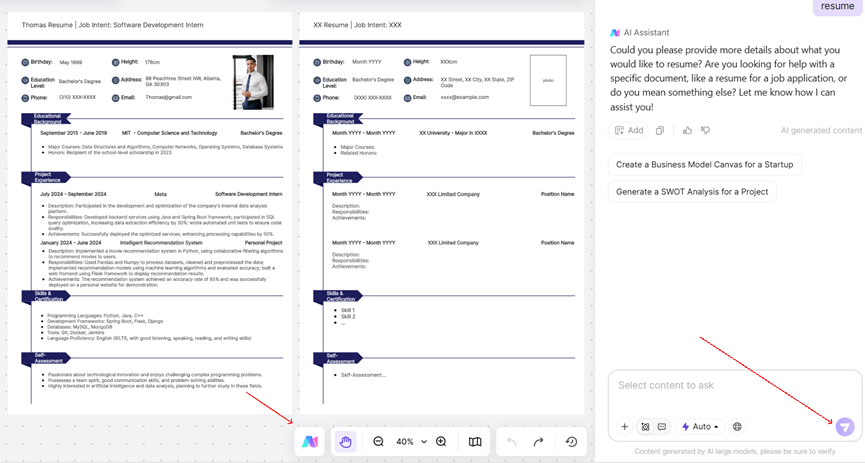
Step 2: Generate Your Resume with One Click & Refine with SWOT Analysis
After generating a draft, compare it with the job description and your experience. Remove invented qualifications, check dates, and replace broad claims with specific achievements. Do not relabel entry-level work as leadership experience unless it accurately describes what you did.
Step 3: Personalize & Export Your Resume
Once the draft is refined, personalize the resume to reflect your unique brand: rearrange sections to prioritize key experiences (e.g., move "Relevant Projects" above "Education" for mid-career roles); incorporate industry-specific terminology to strengthen alignment with the job (e.g., "SEO/SEM" for marketing roles, "Agile Scrum" for tech roles); ensure logical flow: start with a strong professional summary, followed by experience, skills, education, and certifications; use Boardmix's visual tools to add a timeline of your career or a mind map of your core skills (optional but impactful for creative roles). When satisfied, export the resume via the top-left menu to PDF (for ATS compatibility) or Word (for easy editing). You can also generate a shareable link to collect feedback from mentors before final submission.
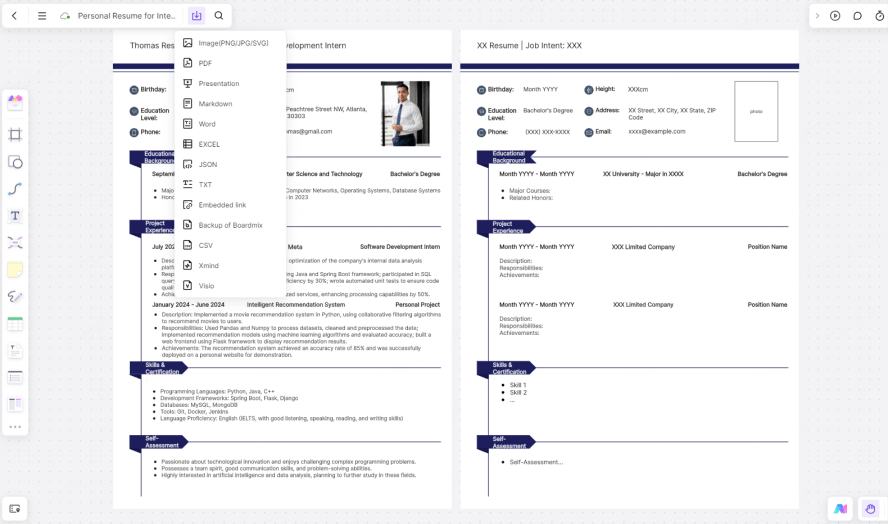
With Boardmix's AI resume generator, you quickly obtain a structured, ATS-compliant resume. Adding personal details and refining the content ensures it feels authentic, significantly boosting your job search efficiency. Always double-check contact information, dates, and achievements before exporting to ensure perfect alignment with target positions.
How to Avoid "Over-Optimized" AI Resumes?
While AI resume tools are incredibly efficient, they carry a risk of "over-optimization"—content that is overly keyword-stuffed, exaggerated, or disconnected from your real experience. This can damage your credibility and even lead to disqualification if discovered. Follow these guidelines to maintain professionalism and authenticity:
Strictly Review AI-Generated Content
Carefully read every line of the AI-generated resume to eliminate exaggerated claims or untrue statements. For example, if the AI writes "Led a $1M project" but you only contributed to it, revise it to "Contributed to a $1M cross-functional project, responsible for data analysis and reporting." Ensure every experience listed is verifiable—recruiters often ask follow-up questions about achievements, and inconsistencies will harm your chances. Avoid embellishments like "Expert in Python" if you only have basic proficiency; frame it as "Familiar with Python for basic data cleaning and visualization" instead.
Adopt the Right Tool Mindset
Treat AI as an assistant, not a replacement for human judgment. The best resumes balance AI optimization with genuine personal insight—AI handles formatting and keyword matching, while you ensure the content reflects your unique career story. Focus on building core competencies through real experience, rather than relying on AI to inflate your qualifications. A resume should showcase real depth, not artificially highlighted skills that don’t align with your background.
Align with Industry Standards
Different industries have different resume norms: a tech resume should be concise (1–2 pages), while an academic CV can be longer. AI tools may generate generic content that doesn’t fit sector-specific rules, so adjust the resume to match industry expectations. Boardmix’s industry templates help with this, but a final human review is critical to avoid over-optimization that feels out of place.
Conclusion
Use the AI draft to organize your experience, then revise it for the role. Keep achievements, qualifications, and dates accurate, and replace generic claims with examples from your own work before exporting the resume.
Open Boardmix to organize and review your resume draft. Use the current plan information to check available features and AI credits before starting.