Image Source: Boardmix.com
A lot of teams now use Mural to brainstorm, plan projects, and conduct remote workshops. It has now become a standard toolkit of hybrid collaboration. The use of visual communication tools is gaining popularity.
A report in 2024 estimates that online whiteboards were generating revenue of approximately $2.5 billion in 2024 and might continue to grow to $6.7 billion by 2033. This indicates the significance of these tools in work.
The free version of Mural, however, is limited. Teams soon hit the limits of boards, discover locked functionality, and are being pushed to upgrade before they are ready. Due to this fact, many individuals are seeking an alternative to Mural app that is more open and not as expensive.
In this guide, you can find the most appropriate free mural alternatives that can provide you with more space, tools, and freedom to collaborate.
Each alternative has a different mix of collaboration tools and plan limits. Boardmix is one option for a visual workspace; compare it with the same workshop requirements rather than assuming a universal free-plan winner.
Why People Need a Free Alternative to the Mural App?
Mural is strong, but the free version allows creating a limited number of boards. This means that when that limit is reached, teams must remove work or hold projects since they require different whiteboards to plan, design, and workshop.
Some features are advanced, such as voting, private mode, and templates that you have to pay for. This complicates the ability of teams to organise smooth sessions. Due to these restrictions, many users seek free mural alternatives that would allow them to take advantage of infinite canvases and complete collaboration options. It is one of the main factors that has caused the market of mural alternatives free to increase so rapidly in 2026.
Best Free Mural Alternatives in 2026
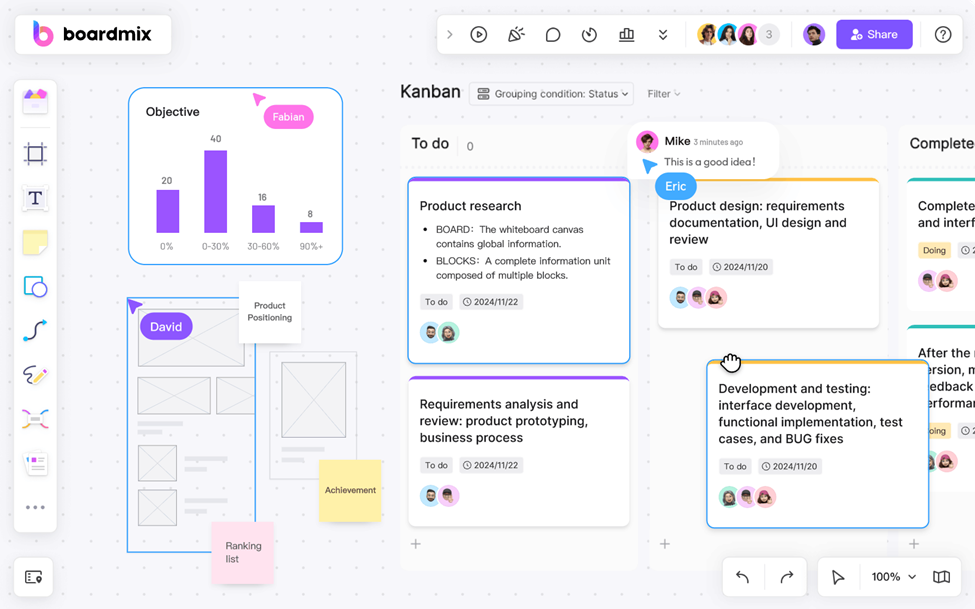
Image Source: Boardmix.com
The following tools offer different approaches to visual collaboration. Check their current free-plan limits and test the features needed for your own workshop.
1. Boardmix (Visual Planning and Diagramming)
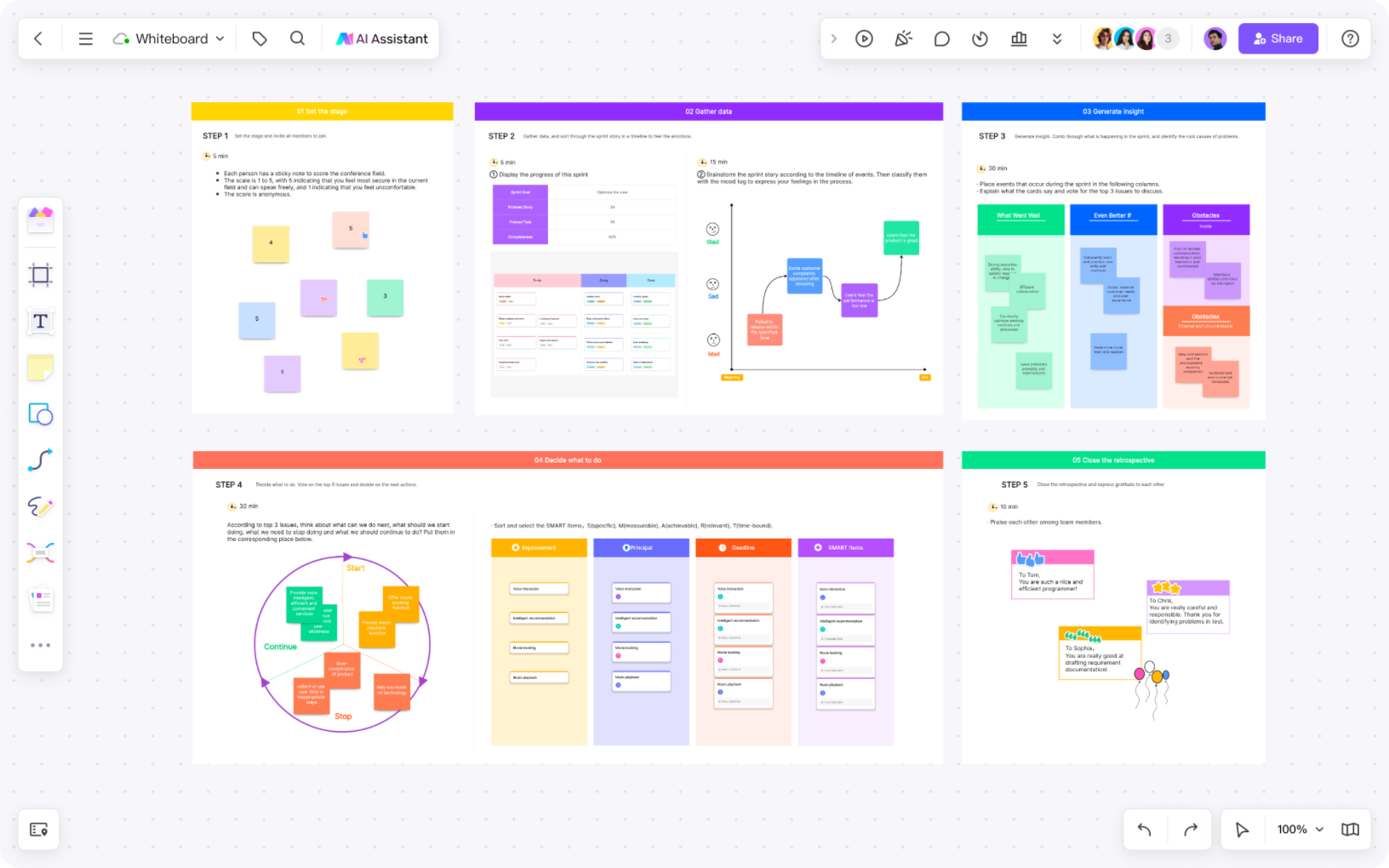
Boardmix is a candidate for planning, diagrams, and shared visual work. Boardmix Free includes three editable boards, up to 100 objects per board, and 1 GB of storage. AI access and usage allowances vary by plan; see Boardmix pricing.
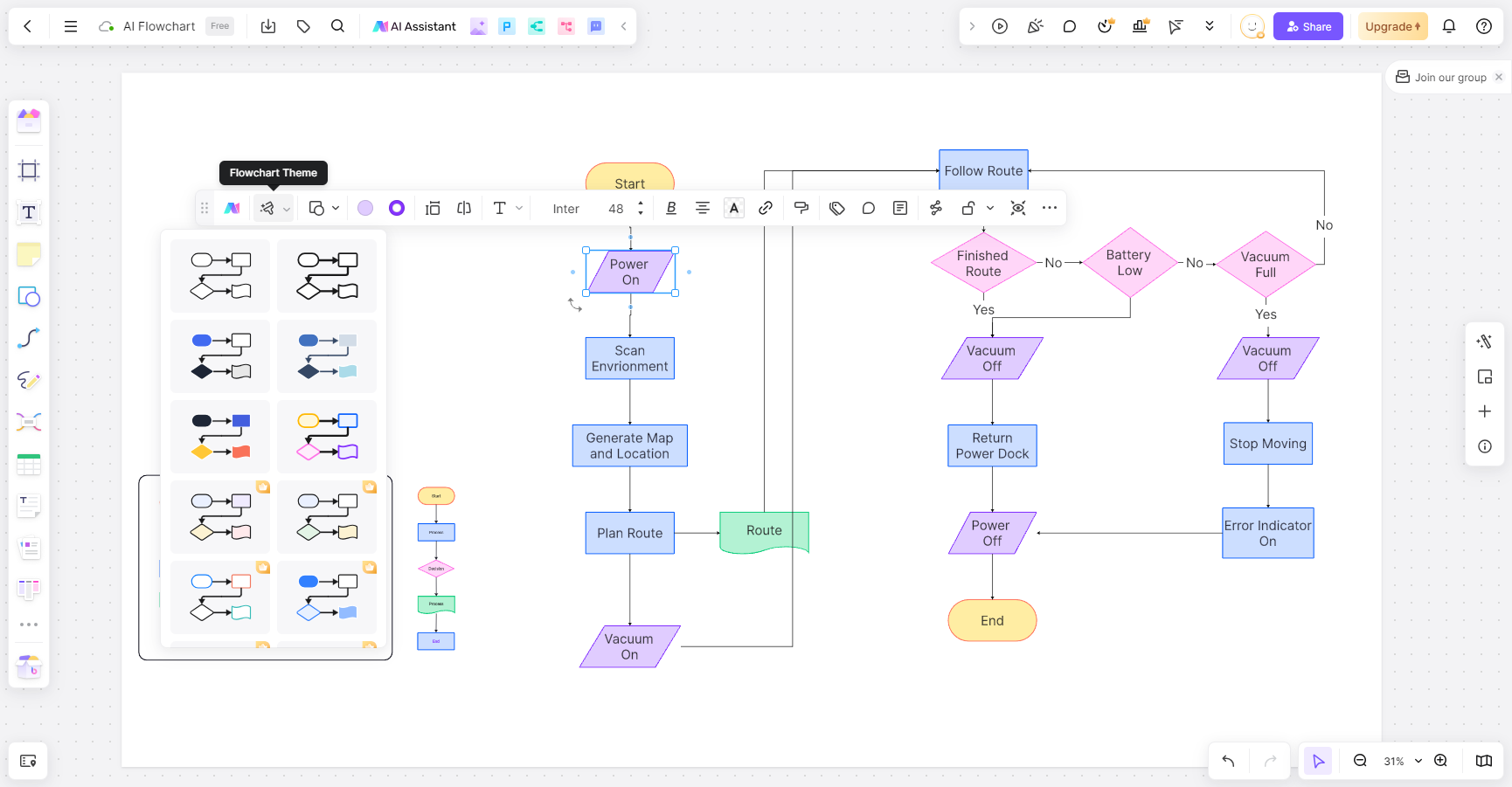
Boardmix includes AI-assisted workflows for ideas and diagrams. Review the current AI allowance, check generated content, and test performance on a representative board. This article does not provide a measured speed comparison with Mural.
Key features of Boardmix
- Boardmix Free includes three editable boards, up to 100 objects per board, and 1 GB of storage. AI access and usage allowances vary by plan; see Boardmix pricing.
- It has a lot of templates for planning, workshops, flows, and mind maps.
- Built-in AI assistant for making summaries, ideas, and diagrams
- Increased graphics libraries for flowcharts, mind maps, and architectural diagrams.
- A responsive canvas that loads quickly for remote teams
- Works well in a lot of situations, from making product design to classroom use
2. Miro (Great for Integrations)
A lot of people mention Miro as an alternative to Mural app because it is one of the best known online whiteboards. You can easily connect it to many other tools, such as Slack, Jira, Asana, Google Drive, and Figma. It also has a huge library of templates made by the company and the community, which makes it easy for teams to get started right away.
The main drawback with the free plan is that it only lets you edit three boards. When those boards are full, a team has to delete one to make room for another or pay for a better plan. That might work for some businesses, but this limit might be too strict for small groups or students who want mural alternatives free.
Key features of Miro
- Works well with design, chat, and project management tools
- A community library with a lot of templates
- Performance that stays stable on large, complex boards
- Suitable for enterprise teams looking to upgrade.
- The free version only lets you have three boards and not unlimited space.
3. FigJam (Ideal for Design Teams)
Another great choice for free mural alternatives is FigJam, which is made by the makers of Figma. This is made with product and design teams in mind, and it looks and feels fun and playful. To make workshops more fun, users can add stamps, reactions, sticky notes, and simple drawings. Between FigJam and Figma, it's simple to move ideas between them. This helps design teams keep everything linked.
FigJam, on the other hand, is mostly about creative design work. It's great for sketching flows, getting feedback, and having short design sessions. It's not as good as some of the other tools on this list at making complex project plans or technical diagrams.
Key features of FigJam
- It works well with the Figma design environment.
- Fun tools that you can use together, like stamps, cursors, and reactions
- Easy-to-use interface that keeps work sessions fast and light
- Unlimited viewers for the free plan, but you can only upload a limited number of files.
- Great for UX and product teams that already use Figma
4. Lucidspark (Strong for Flowcharts and Diagrams)
Lucidspark is a great tool that is used when a team prefers to think visually and create structured diagrams. It provides good flowchart, mapping, sticky note, grouping, and organizing tools that are complex. It combines well with the Lucidchart which is its diagramming partner tool.
Compare Lucidspark’s current board, object, facilitation, and sharing limits with those of the other candidates. A general claim that it is more limited than Boardmix does not explain whether either plan fits your task.
Key features of Lucidspark
- Great tools for making flowcharts, diagrams, and organized brainstorming
- Smart organization features that automatically group and clean up ideas
- It's easy to use with Lucidchart for more complex diagrams
- A simple interface that lets people work together remotely
- A free version that can be used occasionally or for simple tasks
When Boardmix May Fit Your Workflow
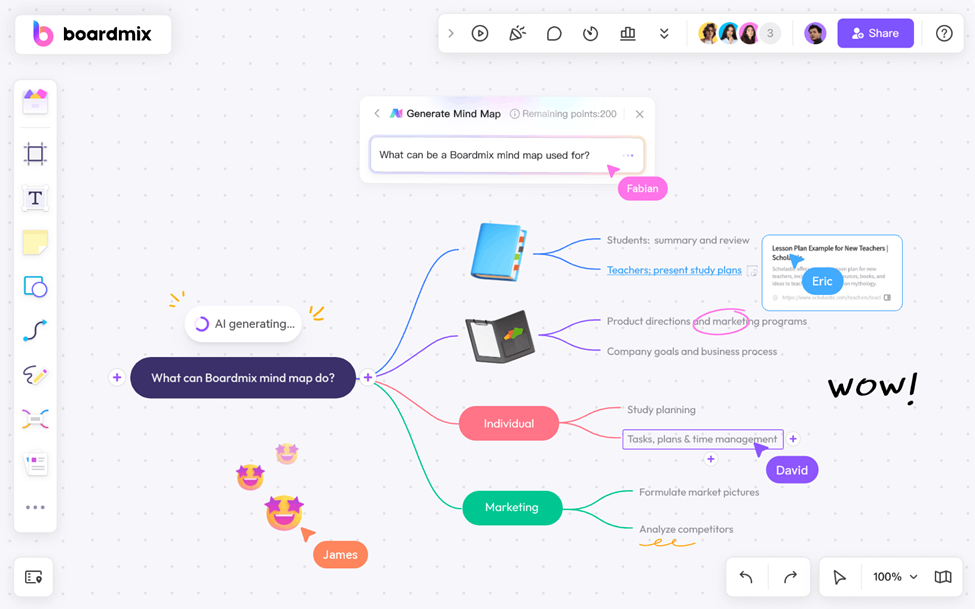
Image Source: Boardmix.com
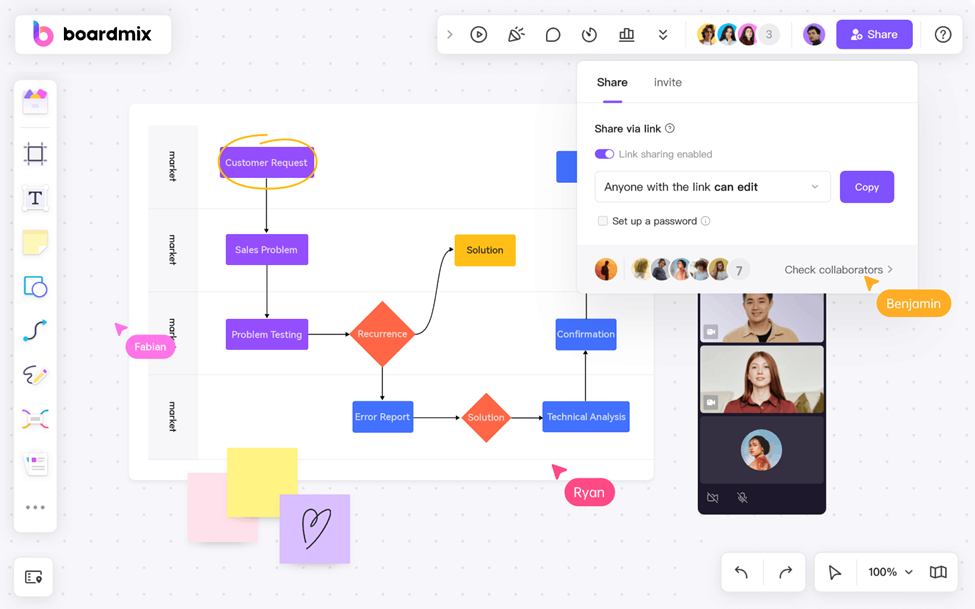
Boardmix may suit teams that want to keep planning notes and diagrams together. Test the same workshop material on your usual devices and connection; loading speed and responsiveness depend on the board and environment.
Compare the exact shapes and templates required for your flowcharts, journey maps, or architecture diagrams. A larger library is useful only when it contains the elements you need.
AI can suggest a draft diagram or text, but the team needs to review the result. Try one representative task and record the changes needed before using the output.
FAQ
1. Is Mural still a good tool in 2026?
Yes, Mural is still an excellent platform to work together, especially for organized workshops. But the free plan has a lot of limitations that make many users look for other options.
2. What is the best completely free alternative to the Mural app?
Boardmix Free includes three editable boards, up to 100 objects per board, and 1 GB of storage. AI access and usage allowances vary by plan; see Boardmix pricing.
3. Are free Mural alternatives safe to use for work?
Review the provider’s access controls, data terms, and your organization’s requirements before using a work board. Popularity alone does not establish that a service is suitable for confidential material.
4. Which alternative works best for design teams?
For design teams, FigJam is the best choice because it works directly with Figma and lets people work together quickly and visually.
5. Which free whiteboard is best for flowcharts and technical diagrams?
Compare the diagram types, editable-object limits, and export formats needed for your project. Try the same example in Boardmix and Lucidspark before choosing.
Conclusion
Mural is a useful tool, but many users find it challenging to collaborate with its free version. Expanding teams require unlimited boards, easy access to templates, easy loading, and other capabilities that allow all workflows. That is why the search for Mural alternatives free versions, continues increasing worldwide.
Boardmix is worth testing when visual planning and diagrams are central to your workflow. Miro, FigJam, Lucidspark, and Mural may fit other requirements or an existing team setup.
Choose based on the actual workshop, permissions, and total cost. Boardmix Free includes three editable boards, up to 100 objects per board, and 1 GB of storage. AI access and usage allowances vary by plan; see Boardmix pricing.
Try a small workshop in Boardmix and compare the result with your existing Mural workflow before making a team-wide change.