There's a specific kind of frustrating meeting that only happens in hybrid setups: half the team is gathered around a physical whiteboard, sketching and talking over each other, while the other half watches through a laptop camera pointed vaguely at the wall, squinting at handwriting they can't quite read and unable to add anything themselves. Everyone technically attended the same meeting. Only half of them actually participated in it.
This is the problem an online whiteboard for hybrid teams is built to solve — not remote collaboration in general, but the specific challenge of making sure people in the room and people joining from elsewhere have genuinely equal footing in the same session. This guide looks at that problem specifically: why hybrid meetings tend to create a two-tier experience, and how to set up and run sessions where that gap actually closes.
The Hybrid Meeting Problem Is Different From the Remote Meeting Problem
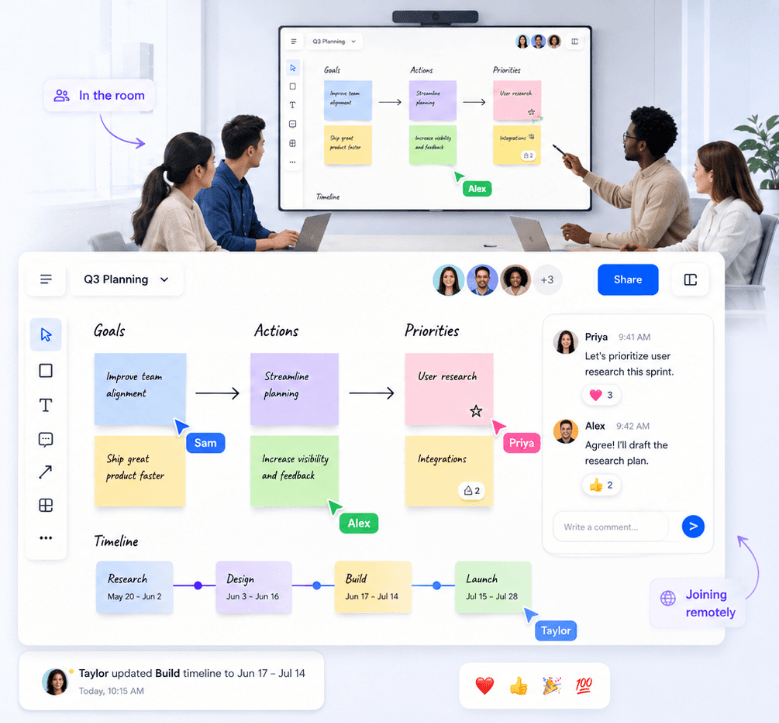
It's tempting to treat "hybrid" as just a mix of remote and in-person, solvable with whatever tools work for fully remote teams. But hybrid meetings have a distinct failure mode that fully remote meetings don't: an implicit hierarchy forms between the people physically present and the people joining a screen.
A few patterns show up consistently in poorly-run hybrid sessions:
- Proximity bias. People in the room naturally address each other more than the camera, and remote participants become passive observers rather than active contributors.
- The whiteboard becomes one-directional. A physical whiteboard sketched on by people in the room is visible to remote participants only through a camera — they can watch, but they can't touch it.
- Side conversations exclude remote participants entirely. Quick asides and half-formed comments that happen naturally in a room simply don't reach someone joining by video.
- Audio and visibility degrade collaboration quality. Handwriting on a physical board is often illegible on camera, and multiple people talking in a room creates audio that's hard for remote participants to follow.
The fix isn't just "use a whiteboard app instead of a real one" — it's making sure the digital canvas is the actual shared surface everyone works on, room and remote alike, rather than a supplementary tool bolted onto an inherently room-centric meeting.
The Core Principle: One Shared Canvas, Not Two Separate Experiences
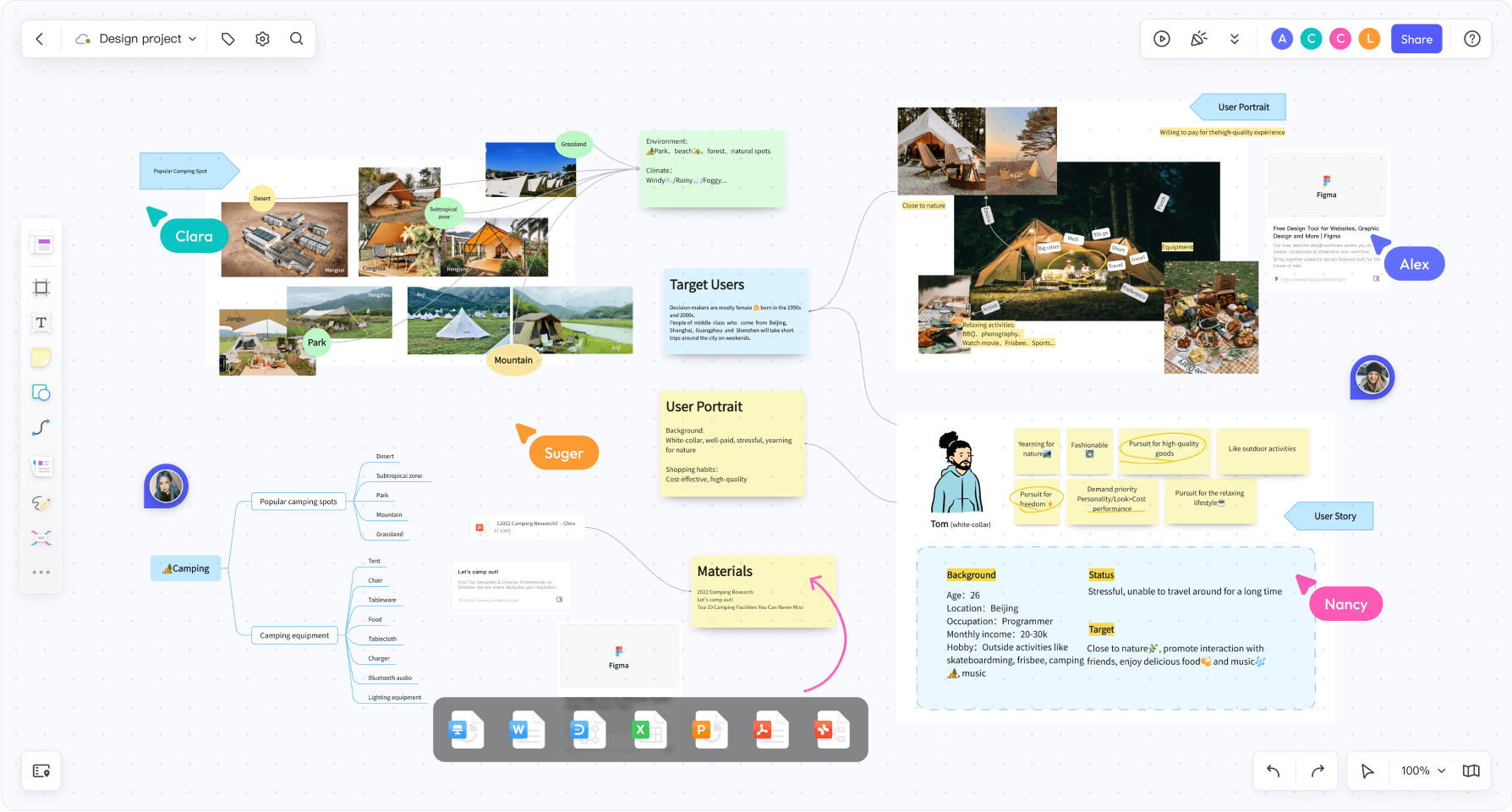
The single most important shift for hybrid collaboration is treating the digital whiteboard as the primary surface — not a digital copy of what's happening on a physical board, and not a secondary tool remote participants use while everyone else uses the real thing.
In practice, this means:
- Everyone — in the room and remote — edits the same digital canvas, displayed on a screen or projector in the room rather than (or in addition to) a physical whiteboard.
- In-room participants use laptops or tablets to contribute, the same way remote participants do, rather than defaulting to markers and a physical surface that remote teammates can't touch.
- Facilitators actively route contributions through the shared canvas rather than letting the room's verbal discussion become the "real" meeting with the whiteboard as an afterthought.
This single change — making the digital canvas the actual meeting surface rather than a remote-only accommodation — resolves most of the equity problems that make hybrid sessions feel lopsided.
Setting Up a Meeting Room for Hybrid Whiteboarding
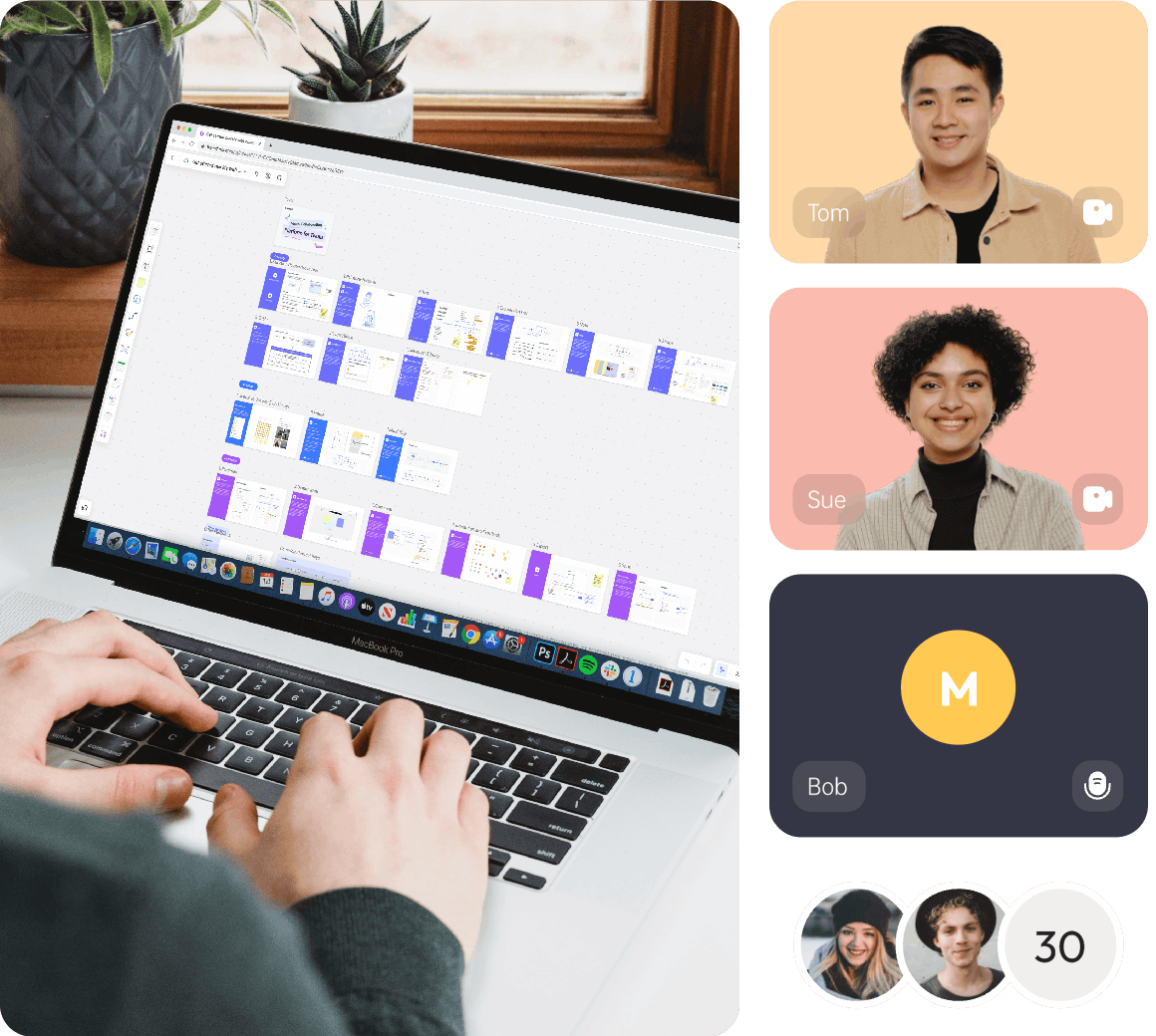
Physical setup matters more for hybrid sessions than people often expect. A few practical considerations:
- A large shared display, not a huddle around a laptop. The digital canvas should be visible to everyone in the room on a screen or projector, the same way a physical whiteboard would be — not confined to one person's laptop screen that others have to lean over to see.
- Individual devices for in-room contributors. Rather than one person acting as scribe for the whole room, giving in-room participants their own device to add directly to the canvas keeps their contribution style consistent with remote participants' — everyone is typing, dragging, and clicking on the same board.
- Camera and audio that actually work for the room, not just for a screen share. If any part of the session still involves in-room verbal discussion, remote participants need clear audio and a camera angle that includes the room, not just the shared screen.
- A designated remote-inclusion role. For larger hybrid sessions, having one person explicitly responsible for checking in with remote participants — "does anyone joining remotely want to add something here?" — prevents them from being silently skipped over.
Facilitation Techniques That Actually Level the Playing Field
Good hardware setup only goes so far — facilitation habits are what actually determine whether a hybrid session feels balanced. A few techniques that consistently help:
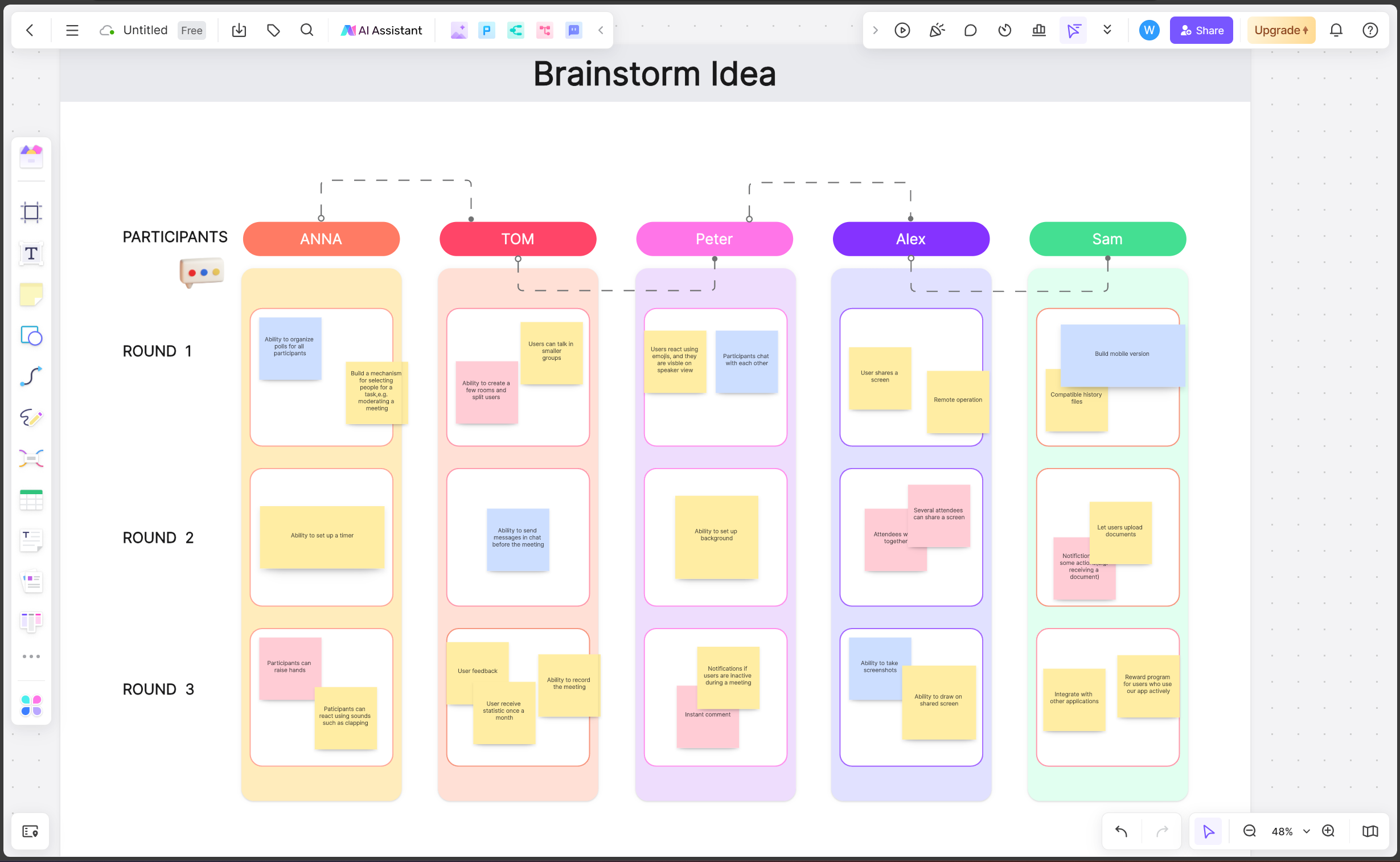
- Start with independent, silent contribution. Techniques like affinity mapping — where everyone adds sticky notes individually before any discussion — naturally equalize participation, since remote and in-room contributors are doing the exact same action on the exact same canvas at the same time.
- Alternate who speaks first. Deliberately calling on remote participants before opening the floor to the room prevents the in-room conversation from setting the agenda before remote teammates get a chance to weigh in.
- Use the canvas for decisions, not just notes. Voting features let every participant — room or remote — register a preference with equal visibility, rather than decisions being made by whoever spoke most confidently in the room.
- Narrate what's happening in the room. If in-room participants are having a quick side discussion, a facilitator should briefly summarize it on the shared canvas or out loud for remote participants, rather than letting it happen invisibly.
- End with a canvas review, not just a verbal recap. Reviewing the final board together ensures everyone — regardless of how they joined — leaves with the same shared understanding of what was decided.
What to Look for in a Whiteboard Tool for Hybrid Sessions
Beyond the general features that matter for any collaborative whiteboard, a few things matter specifically for hybrid use:
- Smooth performance on a shared room display. The canvas needs to render clearly and responsively on a large screen or projector, not just on individual laptops.
- Equal ease of contribution from touch, mouse, and stylus. In-room participants might use touchscreens or tablets, while remote participants use a mouse or trackpad — the tool should feel equally natural across input methods.
- Clear visual presence for every participant. Live cursors and named contributions help a facilitator (and the group) see at a glance whether remote voices are actually represented on the board, not just watching silently.
- Reliable real-time sync with no lag. Any noticeable delay between an in-room action and what remote participants see undermines the sense of a truly shared canvas.
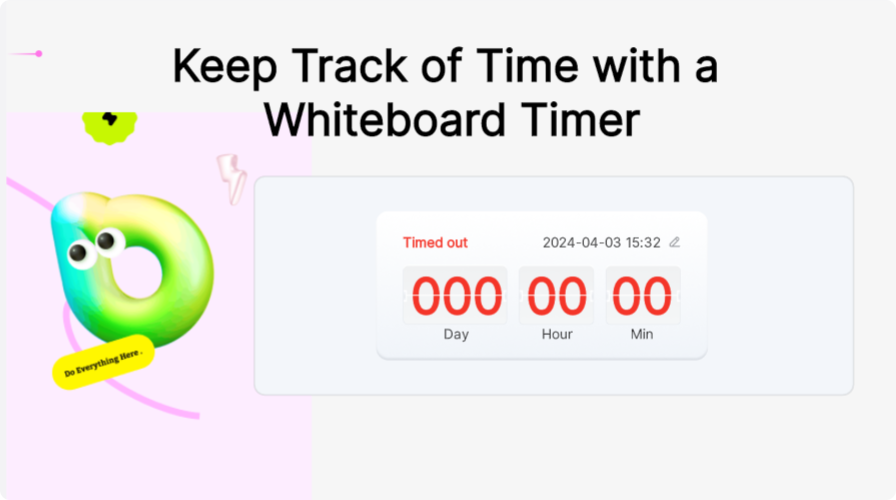
- Facilitation tools that work for mixed audiences. Timers and voting are useful for any team, but especially valuable in hybrid settings where they give remote participants a structured, unambiguous way to weigh in alongside the room.
Common Hybrid Use Cases
All-Hands Workshops and Strategy Sessions
When leadership gathers in a headquarters office while other teams join remotely, a shared digital canvas keeps the discussion from becoming a "room decides, remote watches" dynamic — particularly important for sessions where buy-in from the whole organization matters.
Design Reviews with Mixed Attendance
Design and product teams often have some members in a studio or office and others distributed — running critique and feedback sessions on a shared canvas ensures annotations and comments are equally visible and attributable regardless of who's in the room.
Cross-Office Planning Sessions
Organizations with multiple physical offices, each with some in-person and some remote attendees, benefit from a single canvas that isn't tied to any one office's physical whiteboard — nobody's location determines how central their contribution is.
Client or Stakeholder Meetings
When some team members are in a client's office and others join remotely, a shared whiteboard keeps the presentation and any live editing consistent for everyone, rather than remote participants watching a camera pointed at a physical board.
How Boardmix Supports Hybrid Collaboration
Boardmix's real-time collaborative canvas is built to function as the actual shared surface for a session, not a remote-only add-on to an in-room whiteboard — which is exactly the shift that makes hybrid meetings work:
- Consistent experience across devices: Boardmix works the same way on a large room display, a laptop, a tablet, or a phone, so in-room and remote participants are contributing to an identical canvas rather than different versions of the experience.
- Live cursors and visible presence: Every participant's activity is visible on the shared board, making it easy for a facilitator to notice if remote voices have gone quiet and aren't contributing.
- Built-in voting and timers: These give remote participants a clear, structured way to weigh in on decisions alongside the room, rather than relying on someone unmuting to speak up over in-room conversation.
- Real-time sync with minimal lag: Contributions from the room and from remote participants appear on the canvas simultaneously, preserving the feeling of a genuinely shared surface.
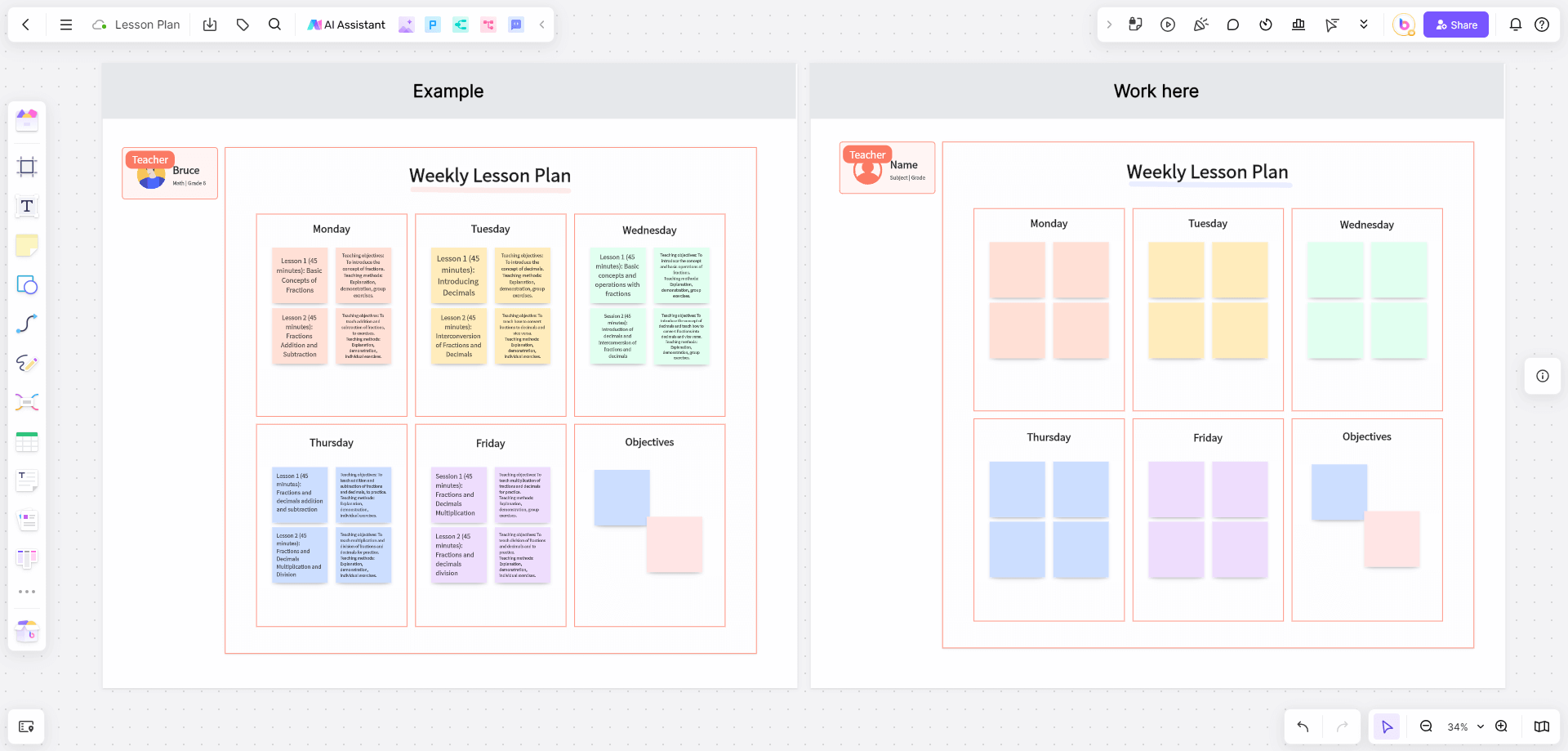
- Templates for structured facilitation: Pre-built layouts for workshops, retrospectives, and planning sessions give hybrid facilitators a ready-made structure that naturally distributes contribution across the whole group rather than defaulting to whoever's most vocal in the room.
- Comments for asynchronous follow-up: After a hybrid session, participants — remote or in-room — can continue adding feedback on specific elements without needing to reconvene.
The technology is only half the solution — the facilitation habits described earlier matter just as much. But a tool that performs equally well as a room display and an individual device removes a major structural barrier that otherwise pushes hybrid meetings toward a room-centric default.
A Quick Checklist for Running a Balanced Hybrid Session
- Display the shared digital canvas on a large screen in the room — make it the primary surface, not a backup.
- Give in-room participants individual devices to contribute directly, rather than one person acting as scribe.
- Open with a silent, individual contribution phase to equalize participation from the start.
- Deliberately call on remote participants before letting room discussion set the direction.
- Use voting or structured input methods for key decisions, rather than relying on who speaks up first.
- Close by reviewing the finished canvas together, so the shared record — not just the room's memory of the conversation — becomes the meeting's outcome.
Frequently Asked Questions
Do we still need a physical whiteboard in the room if we're using a digital one?
Not necessarily. Many hybrid teams replace the physical whiteboard entirely with a large display running the digital canvas, since a physical board inherently excludes remote participants from direct contribution. Teams that keep a physical board for informal use should be careful not to let it become the "real" meeting surface while the digital canvas becomes an afterthought.
How do you stop in-room conversation from drowning out remote participants?
Structured facilitation techniques help most — silent individual work phases, deliberately calling on remote participants first, and using the canvas itself (voting, sticky notes) as the primary means of contribution rather than open verbal discussion, which naturally favors whoever is physically present and vocal.
What's the biggest mistake teams make when running hybrid whiteboard sessions?
Treating the digital whiteboard as a remote-only accommodation rather than the actual shared surface for the whole meeting. Once the digital canvas is a secondary, half-attended tool, remote participants are structurally excluded from the "real" collaboration happening on a physical board or in the room's side conversations.
Is a hybrid whiteboard tool different from a regular collaborative whiteboard?
The underlying technology is often the same. What matters more is how it's used — a whiteboard tool that performs equally well on a large room display and individual devices, combined with facilitation habits that intentionally include remote voices, is what actually makes a hybrid session balanced.
Final Thoughts
Hybrid meetings don't fail because remote collaboration tools aren't good enough — they fail when the digital canvas becomes a secondary, remote-only accommodation instead of the actual shared surface everyone works on. Making that shift, combined with a few deliberate facilitation habits, is what closes the gap between people in the room and people joining a screen.
Try Boardmix as the shared canvas for your next hybrid meeting, and give in-room and remote teammates genuinely equal footing on the same board.