

A whiteboard SDK can put an editable canvas inside your product, but a canvas component, an embedded editor, and an extension for a hosted service solve different problems. Decide where users will work and where board data will live before comparing feature lists.
Define the whiteboard workflow
Start with one concrete task: annotating a lesson, mapping a process, or reviewing a design. Specify the objects people need, how they enter the board, and what they take away. A simple diagram editor may be enough for a form-based application; a live workshop needs participant permissions, synchronized edits, and reliable reconnection.
Separate the canvas from the collaboration service
The editor draws and manipulates objects. Collaboration adds identity, presence, conflict handling, and synchronization. Storage adds another responsibility: saving documents, retrieving earlier versions, and deleting data. Determine which layers a supplier provides and which your application must operate.
Evaluate Boardmix for an integrated whiteboard
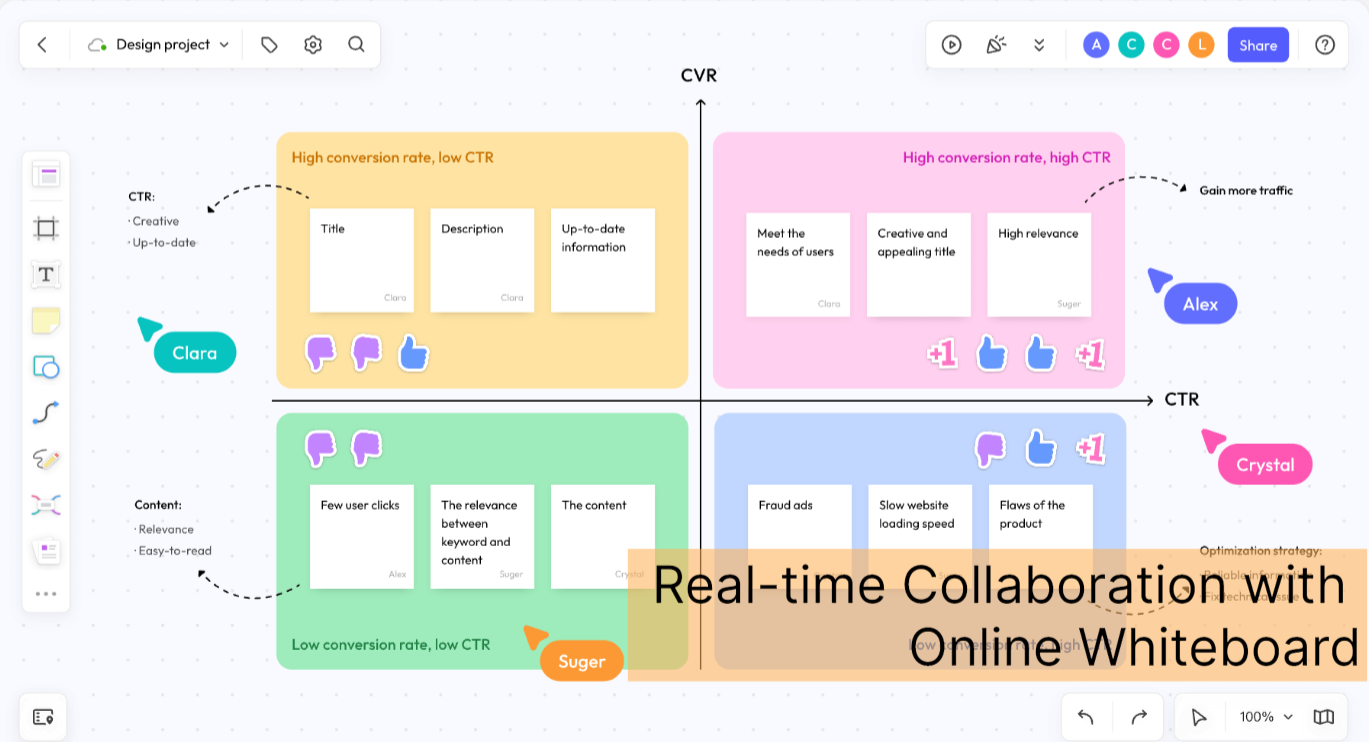
Boardmix’s SDK integration offering is intended for embedding whiteboard capabilities in another product. Ask for the integration documentation and test it within your own authentication and document workflow. Confirm the supported deployment, customization, and commercial terms for the proposed configuration; an integration page does not establish a particular concurrency limit or response time.
Use a canvas library when you need interface control
Excalidraw offers an embeddable editor with a hand-drawn style. tldraw provides a canvas SDK for applications built with React. Review each project’s licensing, supported extension points, and persistence approach. Features of a provider’s hosted app are not automatically included in its editor package.
Use draw.io embed mode for diagram editing
draw.io embed mode lets an application exchange diagram data with an editor in an iframe. This is useful when a user opens a diagram, edits it, and returns the result to the host application. Design the load, save, and close behavior around that message exchange.
Understand the boundary of a hosted-platform SDK
The Miro Web SDK builds apps that run within Miro boards. Hosting the code for a Miro app does not mean hosting the Miro service on your own servers. For any vendor, distinguish extending its platform from embedding an independent editor in yours.
Make data storage and access explicit
Map where documents, attachments, backups, and logs are stored. Check how your application grants and revokes access, and whether other services receive content. A private deployment still needs configuration, monitoring, and maintenance; the deployment label alone does not establish compliance.
Test with representative boards and participants
Use documents that resemble your real workload, including large images and complex diagrams. Observe initial loading, editing, reconnecting after a network interruption, and simultaneous changes. Record the environment and measurements instead of relying on an unspecified speed or participant claim.
Plan export and ongoing maintenance
Check whether users can export a readable image or document and recover an editable board. Review how SDK upgrades affect saved files and custom shapes. Assign responsibility for dependency updates, backups, and responding when a board fails to load.
Choose the architecture before the product
For an editor tightly integrated with your application, compare embedded components and their operating requirements. For work that already happens in a hosted workspace, evaluate its app platform. The whiteboard SDK comparison explains these options by architecture so that features are assessed within the correct deployment model.