AI can help prepare a first draft of a business memo, project report, meeting summary, or internal announcement. A useful workflow starts with verified facts and ends with review by the person responsible for the document. This guide focuses on English-language workplace writing; it does not promise automatic legal or institutional compliance.
Choose the Document for the Decision
- Decision memo: State the decision needed, options, supporting evidence, costs, and owner.
- Project update: Record progress, risks, next steps, and dates.
- Meeting summary: Separate decisions from discussion and list action owners and deadlines.
- Internal announcement: Explain what changes, who is affected, when it takes effect, and where to get help.
Use your organization’s approved template when one exists. Government, legal, academic, and regulated documents may have specific rules that a general writing assistant cannot infer reliably.
Use AI for Drafting, Then Check the Result
- Provide the purpose, audience, source facts, and required structure.
- Ask for an outline before requesting a full draft.
- Check names, dates, numbers, quotations, and references against the source material.
- Edit tone and formatting to match the organization’s requirements.
- Obtain the required review or approval before sending the document.
Example prompt: “Draft a 300-word project update using only the facts below. Use headings for progress, risks, and next steps. Mark missing information as a question; do not invent dates, owners, or results.”
Generated wording can contain errors or unsupported details. A polished draft is not automatically ready for publication.
Tools to Consider for Workplace Writing
Boardmix
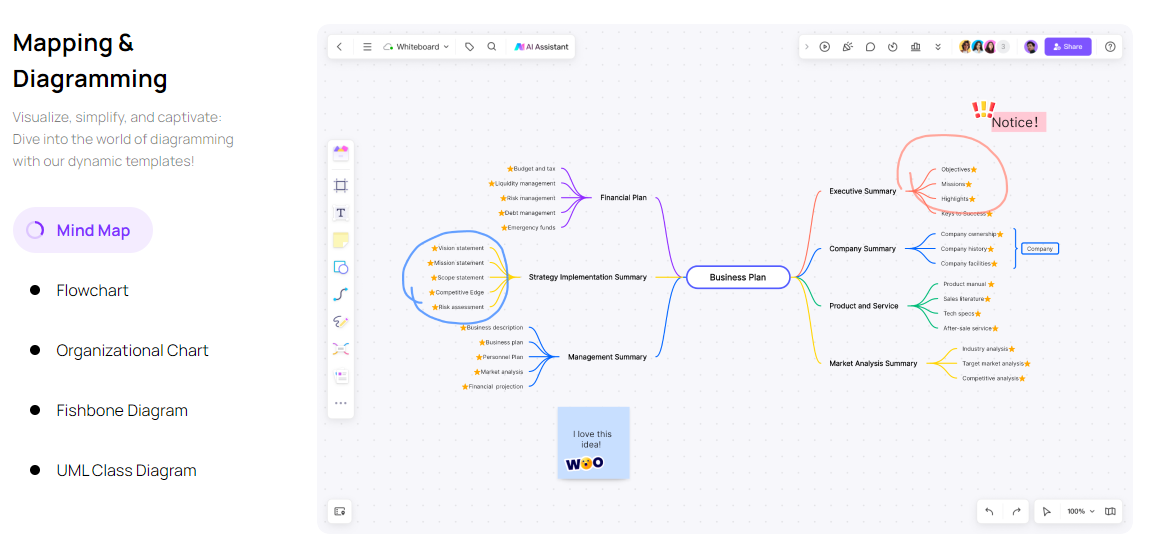
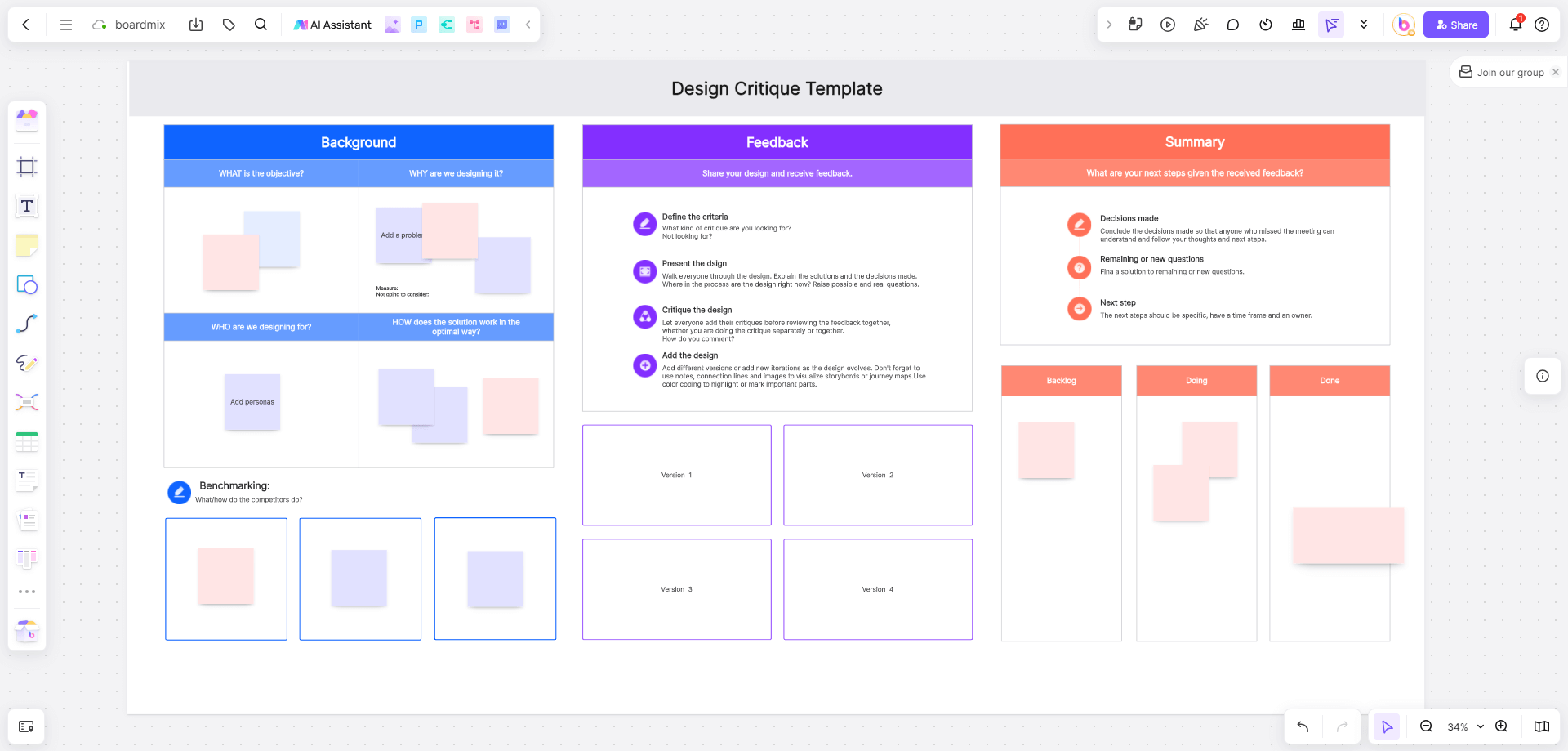
Use Boardmix to arrange source notes, outline a report, and collect feedback in a shared visual workspace. Where AI drafting is available, review the output and move the approved content into the document format your organization requires. Confirm supported exports rather than assuming that every format preserves the full layout. Boardmix Free includes three editable boards, up to 100 objects per board, and 1 GB of storage. AI access and usage allowances vary by plan; see Boardmix pricing.
ChatGPT
A general writing assistant can help discuss an outline, shorten a paragraph, or suggest clearer structure. Supply the source facts and explicitly ask it to flag missing information. Review the result; do not assume the tool knows your internal policy or approval process.
Gemini
Consider Gemini when it fits the organization’s existing workflow and account arrangements. Test the same source brief, check factual fidelity, and confirm access to any connected files. Product features and limits depend on the selected service and plan.
META SOTA / Writing Cat
This Chinese-language writing option may be relevant to teams that prepare Chinese content. It is not a default recommendation for English business documents. Check language support, available clients, data handling, and current product terms before adding it to a workflow.
A fair comparison task
Give each candidate the same short project brief and ask for the same memo structure. Check whether it preserves the facts, flags unknowns, follows the requested tone, and produces an editable result. Record your findings instead of assuming one tool is universally more accurate.

Publish a Checked Document
Choose a tool that helps you organize and revise the work you actually produce. Keep the source facts, assign a reviewer, and verify the final exported document. AI can support drafting; people remain responsible for accuracy, confidentiality, and approval.
Use Boardmix to organize the source brief and feedback. If a process diagram will help readers, review the AI flowchart workflow; for drafting assistance, explore the AI workspace and verify the output before use.
![[Full Guide] Strategic Analysis - What You Need to Know](https://cms.boardmix.com/images/articles/strategic-analysis.png)