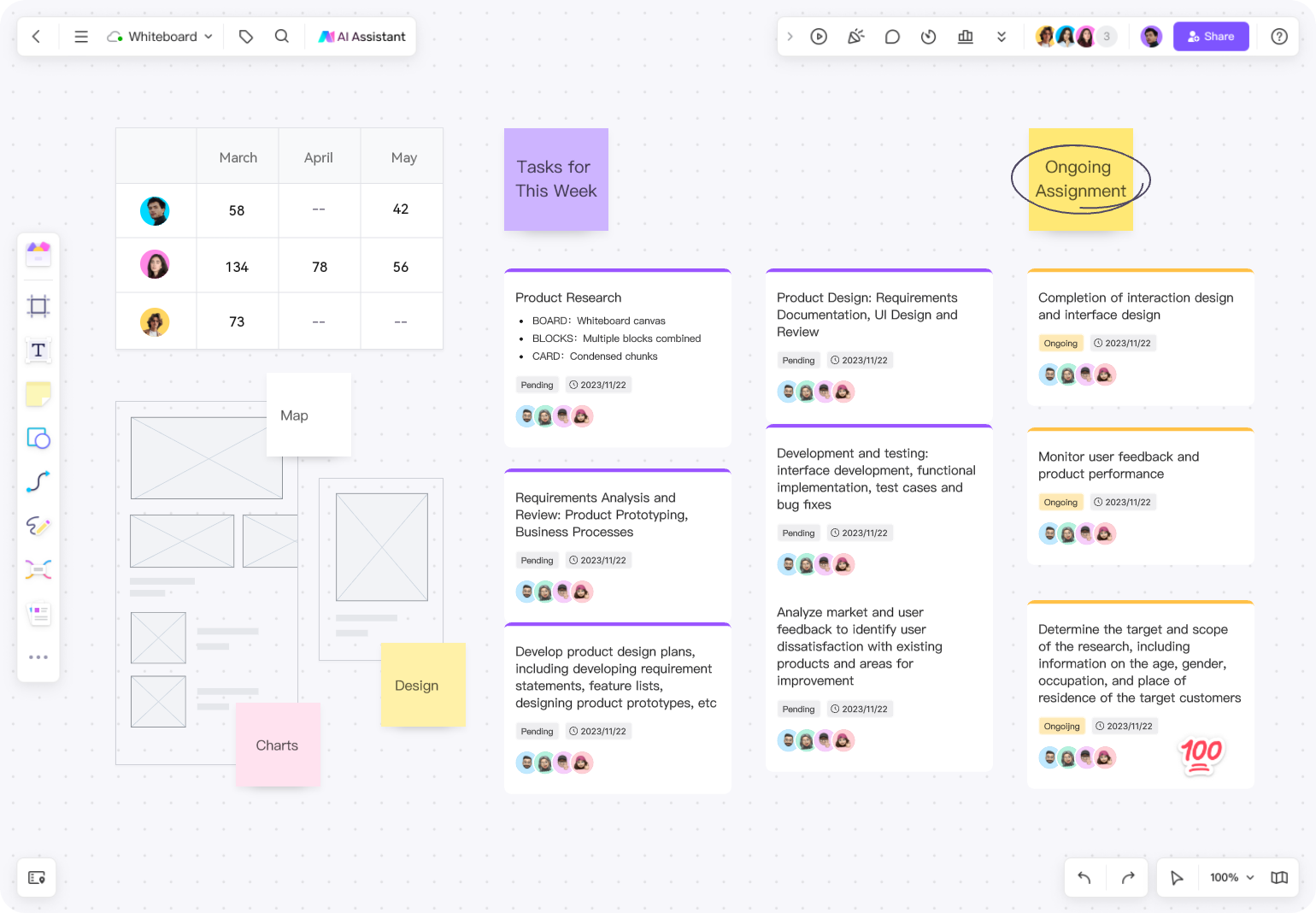
Yes. Boardmix is a free alternative to Miro. The free plan provides a shared online whiteboard with three editable boards and up to 100 objects per board. That capacity can cover a lightweight brainstorming session, a small diagram, a mind map, or an evaluation project. It is not an unlimited replacement for every Miro workspace, so compare the limits with the size and governance needs of your real boards.
Why Teams Look for a Free Alternative
A free plan can support a proof of concept before a team requests budget, a temporary workshop with outside participants, or a small group whose boards stay deliberately simple. It can also reveal whether contributors understand the interface and whether an imported board remains usable. It should not be treated as proof that a larger rollout will have the capacity, administration, history, integrations, or support the organization needs.
What Boardmix Free Includes
Boardmix Free provides the shared visual canvas needed to try core collaboration workflows. Current plan information should always be checked on the official Boardmix pricing page; the limits used in this article were verified on September 16, 2026.
- Three editable boards
- Up to 100 objects on each board
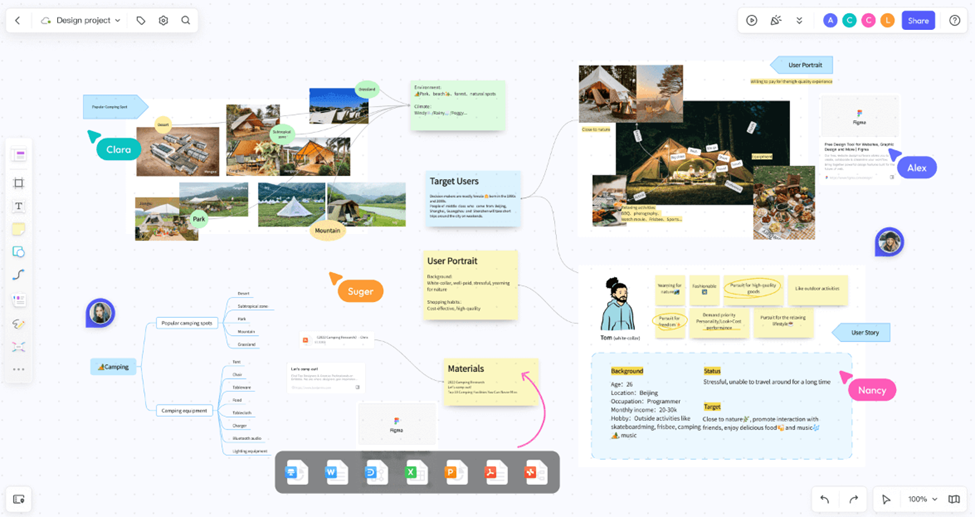
- Core visual collaboration for notes, shapes, connectors, diagrams, and mind maps
- Access to templates and sharing workflows, subject to current plan rules
- A direct Miro import path for supported object types
Criteria for a Useful Free Plan
- Usable capacity: enough editable boards and objects for the workflow being tested.
- Participant access: clear roles for members and guests without avoidable setup friction.
- Creation tools: the notes, shapes, connectors, diagrams, mind maps, media, and exports the team uses.
- Continuity: a practical way to revisit decisions, transfer ownership, and move to a paid plan.
- Portability: documented import and export paths that can be tested before committing important work.
What the Free Plan Does Not Mean
Free does not mean unlimited boards, unlimited objects, every AI capability, or every enterprise control. It also does not eliminate migration work. Comments, permissions, history, integrations, app data, and complex objects should be reviewed separately when moving from Miro.
Miro also has a free plan. Its current pricing page says that the three most recently created boards remain editable. Compare the behavior of the limits, not only the shared number three: one product limits editable board count and object count, while the other applies its current editable-board rules and feature packaging.
Three Good Free-Plan Use Cases
- Product evaluation: recreate one weekly workflow and collect feedback from real participants.
- Small recurring board: keep a focused agenda, retrospective, mind map, or project overview below the object limit.
- Migration pilot: import one representative Miro board and document what transfers, what needs repair, and what must be rebuilt.
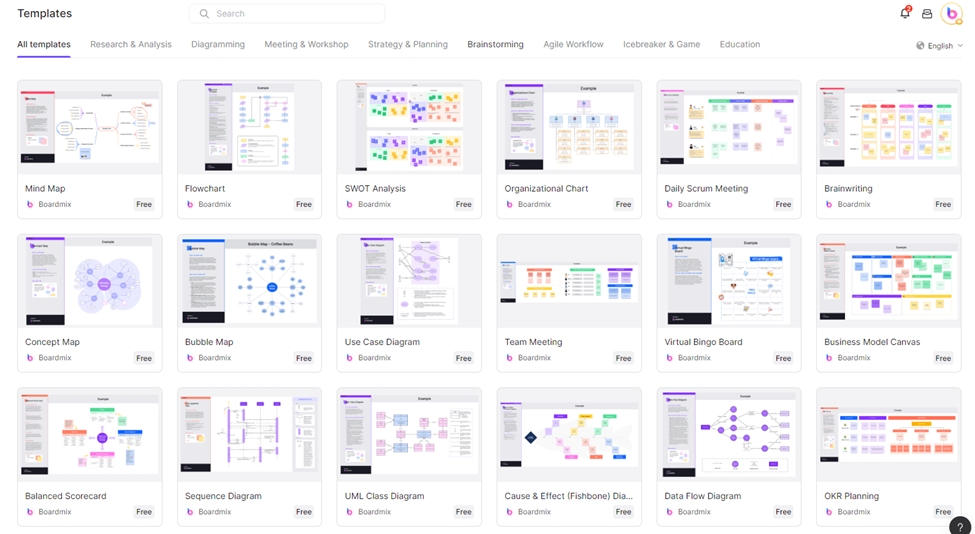
When starting from a template, remove decorative or instructional objects that do not help the session; they still add visual complexity and may count toward capacity. Keep one frame for the prompt, one for contributions, and one for the outcome. This creates a realistic test of the free plan without using the object allowance on content the team does not need.
How to Test Boardmix Before Switching
- List the board types, participants, integrations, and controls the team actually uses.
- Create one Boardmix board from a template and one from a Miro import.
- Invite both frequent and occasional collaborators.
- Run a real session, then revisit the result asynchronously.
- Check object count, sharing, exports, ownership, and the paid features that would be required at scale.
A Step-by-Step Switching Trial
Step 1: preserve the source. Export a visual reference and note the board owner, sharing rules, integrations, and unusual objects. Step 2: import or rebuild. Use the direct importer for supported Miro content and record manual repairs. Step 3: collaborate. Ask real users to edit, comment, navigate, and find the outcome. Step 4: decide. Compare capacity, missing features, repair time, and the paid plan required for normal use before moving additional boards.
When to Upgrade or Keep Looking
Consider a paid Boardmix plan when normal boards exceed 100 objects, the team needs more editable boards, or paid AI and administrative capabilities matter. Keep Miro or evaluate another specialist when a required integration, structured workflow, or enterprise control cannot be reproduced acceptably. The right decision is the least expensive option that passes the complete workflow and governance test. If the free tier rules out a specialist need, compare the five Miro alternatives by workflow before committing the team to a single platform.
Frequently Asked Questions
Can I import a Miro board into Boardmix?
Boardmix documents a direct import for cards, connectors, frames, images, shapes, sticky notes, and text. Run a pilot because other content may need separate treatment.
Will a PDF export stay editable?
No. A PDF or image is a visual reference. Use the direct importer when native editable objects are required.
Is the free plan enough for a company rollout?
Usually it is better suited to evaluation and bounded workflows. Price and test the plan that includes the board capacity, administration, support, and governance required for production.
Last verified: September 16, 2026.