Mermaid describes diagrams in text that a renderer turns into visuals. An editor is useful when it supports your required syntax and preserves the source in a way your team can maintain. This guide compares workflow options rather than assuming every host uses the same Mermaid version.
Start with the official Mermaid guide. Test a small sample of each required diagram type before moving an existing diagram library.
Boardmix
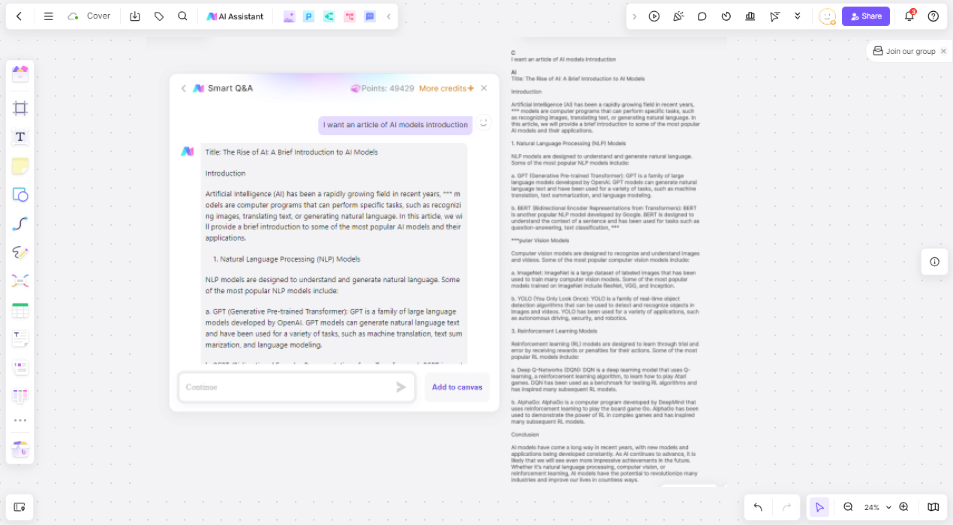
Boardmix can provide a visual collaboration space around diagrams, notes, and feedback. If you use an AI-assisted or Mermaid-related workflow, test the exact input and output in the current account before assuming complete syntax support or two-way code editing.
What to test
- Keep a copy of the original Mermaid source outside the board.
- Try a small flowchart and each additional syntax type your project needs, such as a sequence or class diagram.
- Check whether the result is an image, editable board objects, or an object retaining Mermaid source.
- Change a label, reopen the result, and inspect what remains editable. Do not assume moving a shape rewrites the source.
- Export a sample and compare text, connectors, and layout with the original.
Review any AI-generated syntax and logic before use. Confirm that important work has saved and retain a suitable source backup. Boardmix Free includes three editable boards, up to 100 objects per board, and 1 GB of storage. AI access and usage allowances vary by plan; see Boardmix pricing.
For a code-first workflow, see the guide to generating flowcharts from code, which distinguishes parsed code, diagram languages, and AI-assisted drafts.

Mermaid Live Editor
The official Mermaid guide describes using Live Editor to enter code and preview a diagram. It is a useful place to check a small sample before troubleshooting how another service renders it.
What to test
Confirm the renderer version, export format, and sharing behavior. Keep important source in a file or repository. Browser storage and recovery depend on the environment; do not assume that closing a tab always deletes work or that a browser session is a durable backup.
For collaborative review, agree how feedback will be recorded and how the source will be updated. A shared diagram link is not equivalent to a full multi-user review workflow.
Mermaid Chart
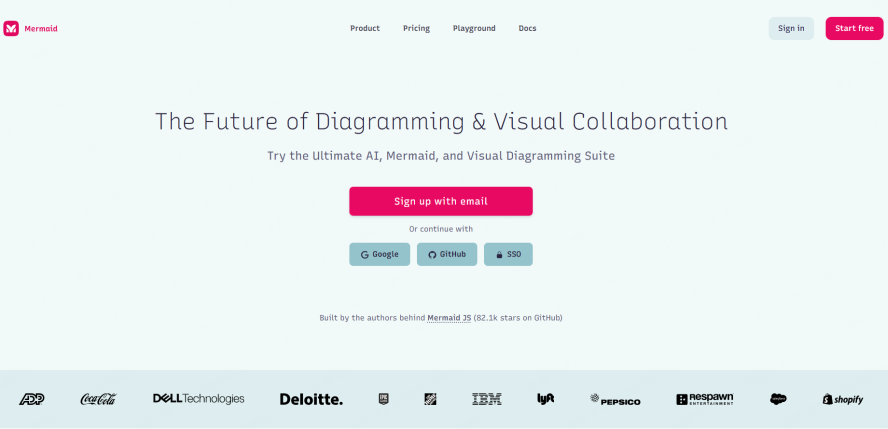
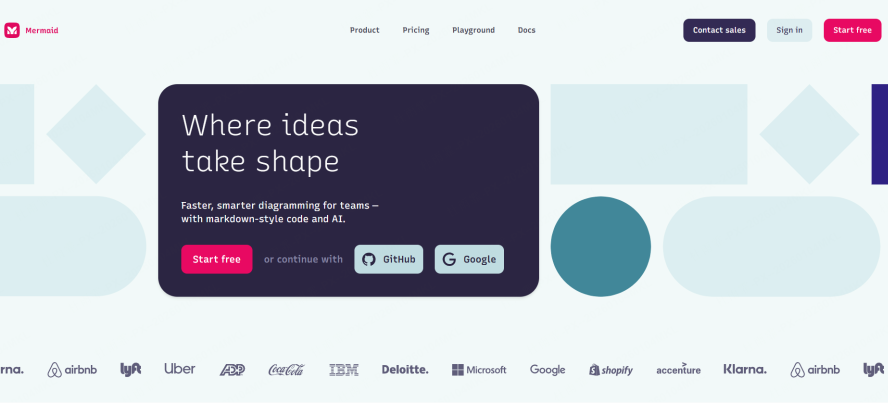
Consider a dedicated Mermaid service when your team wants diagrams organized in a shared workspace. Review Mermaid Chart’s current product information and the selected plan rather than relying on fixed claims about five collaborators, three saved versions, or a universal watermark rule.
What to test
Invite a colleague, revise the same source, inspect the history, and export a sample. Check the syntax version, collaboration permissions, retention period, and any required paid features before moving important diagrams.
GitLab
GitLab’s Markdown documentation describes rendering diagrams in Mermaid code blocks. This can suit teams that keep documentation and code together and review changes through their repository workflow.
What to test
Render your sample in the actual GitLab deployment. Syntax support and configuration can differ from a separate editor. Commit the source and use the project’s review process for changes; do not assume a fixed one- or two-version lag or identical rendering across installations.

Notion Mermaid Blocks
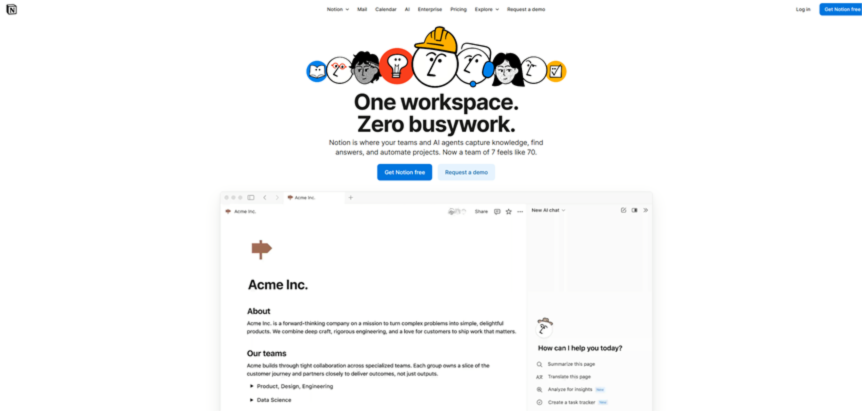
Notion can be a convenient place to keep a diagram beside explanatory notes. Check the current code-block documentation and test the diagram types you need in your workspace.
What to test
Confirm code editing, preview, sharing, and page-history behavior. Do not assume support is limited to two chart types or that every plan retains thirty days of history. Keep source separately when you need version control independent of the page.
Diagrams.net (draw.io)
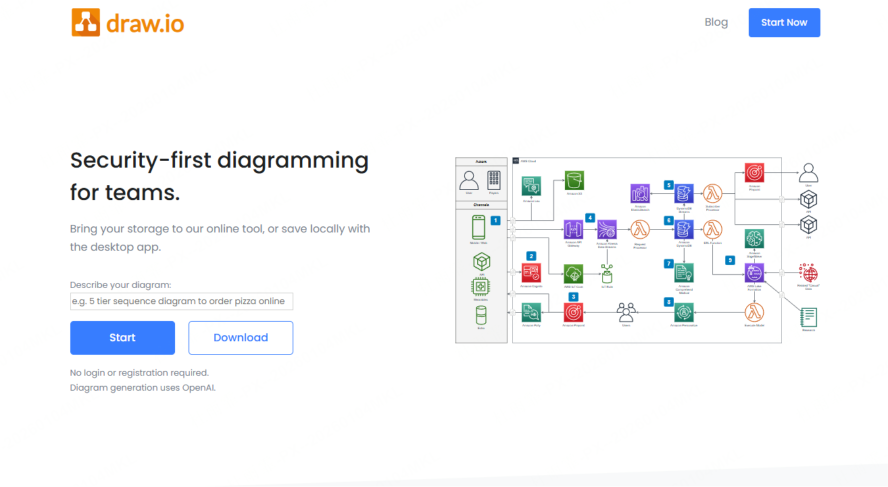
draw.io documents editable Mermaid diagrams. The behavior of generated shapes and retained code depends on the insertion workflow and application version, so test the actual route you plan to use.
What to test
Insert a sample, edit a label, reopen the Mermaid source, and regenerate it. Compare the exported file and source with the original. Choose local or cloud storage deliberately and review the selected service’s sharing and recovery rules; local storage is not by itself a guarantee about every external service used by the application.
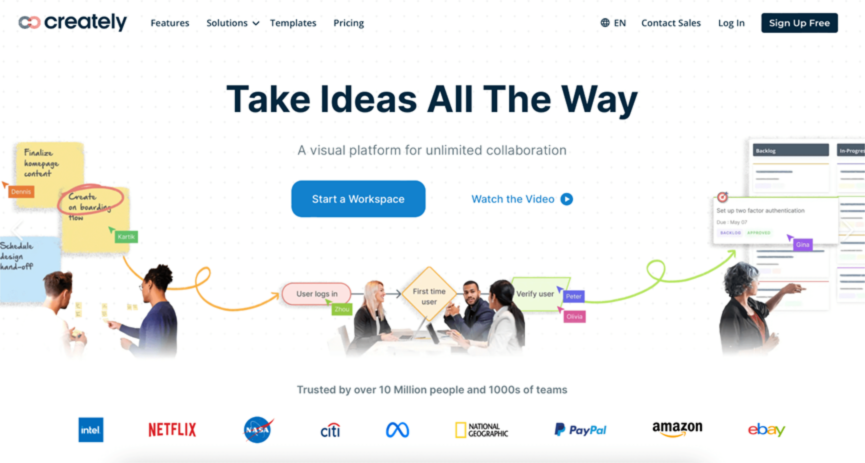
Creately
Creately is a visual diagramming candidate to evaluate alongside code-first tools. Check the current product documentation for a supported Mermaid import or code workflow before treating it as a native Mermaid editor.
What to test
Use the same source sample and record whether importing, editing, reopening, and exporting preserve the required information. If the workflow only creates visual shapes, describe it as visual diagramming rather than automatic code synchronization. Confirm document, collaboration, history, and export limits on the selected plan.
Choose the Workflow You Can Maintain
Use a small comparison checklist: required syntax, editable output, source preservation, review process, export quality, and plan cost. Keep the sample and the test date so the team can repeat the check after an update.
A code repository may suit source review, while a visual board may suit discussion with non-technical colleagues. These workflows can complement each other. Choose based on the actual diagram and maintenance needs rather than an unverified all-features ranking.
For context around diagram types, see the UML diagram tool guide and Gantt chart explanation. Explore Boardmix or start a sample board to evaluate a visual review workflow.