Short answer: A code-to-flowchart generator does not always parse source code directly. Some tools parse a supported language, some render a diagram language such as Mermaid or PlantUML, and AI tools create a draft from a description or code sample. Choose by input type first, then verify every branch against the source.
This guide compares those three approaches, shows where each one fits, and gives you a small loop example that can be checked with expected outputs. It is written for developers, technical writers, reviewers, and teams that need a diagram they can explain and maintain.
What a Code-to-Flowchart Generator Actually Does
The phrase code-to-flowchart generator covers several different workflows. A source parser may build a control-flow representation from a supported language. A diagram-language renderer turns text such as Mermaid or PlantUML into a visual. An AI assistant can infer a likely flow from a prompt or snippet, but its output is an interpretation that requires testing.
| Input type | What the tool produces | Best fit | Main limitation |
|---|---|---|---|
| Supported source code | Control-flow draft from parsed syntax | Code documentation and review | Language and syntax coverage varies |
| Mermaid or PlantUML text | Deterministic diagram from declared nodes and edges | Version-controlled technical docs | You must describe the logic in the diagram language |
| Natural-language prompt or code sample | AI-generated visual draft | Early exploration and collaborative refinement | Branches, assumptions, and edge cases may be wrong |
That distinction prevents a common mistake: pasting arbitrary Python or JavaScript into a Mermaid editor and expecting a source parser. Mermaid renders Mermaid definitions, while PlantUML renders its own diagram syntax. A tool's homepage or screenshot is not evidence that it supports every programming language.
Code-to-Flowchart Tools Compared by Input
1. PlantUML: a text-based diagram language
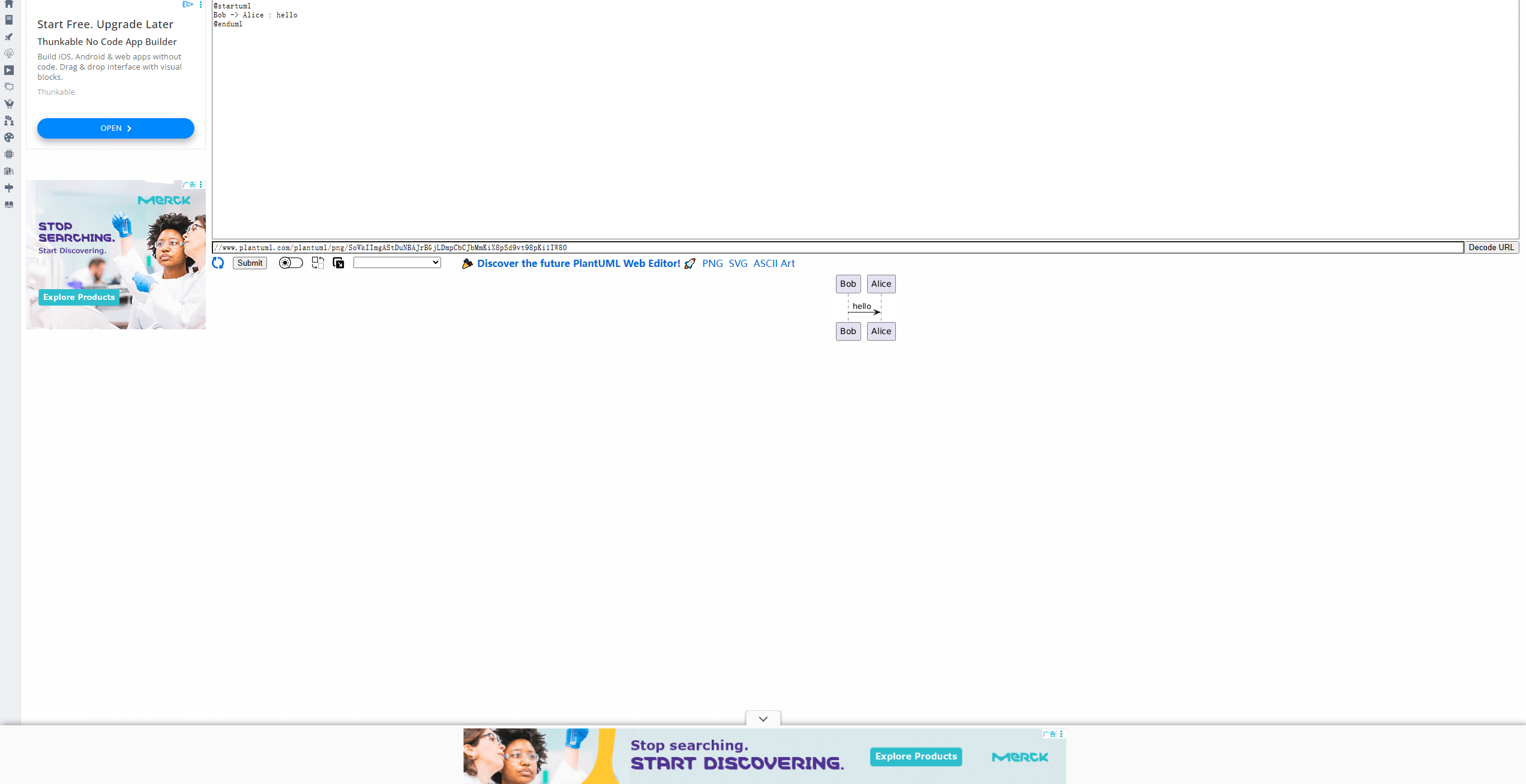
PlantUML renders activity diagrams from PlantUML text. It is useful when the team wants a text source that can live beside documentation or code. It is not a general-purpose parser for an arbitrary source file, so translate the logic into PlantUML syntax first.
Best fit: repeatable documentation workflows where the diagram source should be reviewed in version control. Check: the syntax required for activities, decisions, loops, and the export path used by your documentation stack.
2. Code2Flow: a code-like flow description
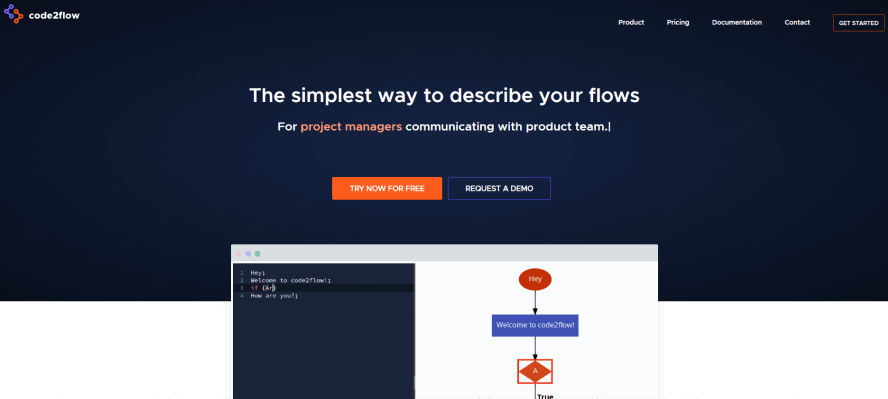
Code2Flow uses its own code-like flow syntax to generate a diagram. Treat it as a text-first flow description rather than assuming it parses any Python, JavaScript, or PHP file. Start with a small documented example and confirm how the current service handles branches and exports.
Best fit: people who want an editable text description of a process. Check: input syntax, sharing, export, and the current plan limits before adopting it for a team workflow.
3. Mermaid: diagrams from explicit definitions
Mermaid flowchart syntax defines nodes and edges in text. The official syntax supports directions, node shapes, and links, but the author still has to express the intended logic. Keep the definition small enough to review, and test special labels before publishing it in documentation.
Best fit: Markdown, README, and documentation pipelines where a text definition is valuable. Check: the renderer used by your host and whether its Mermaid version supports the syntax you write.
4. Boardmix AI Flowchart: an editable visual draft

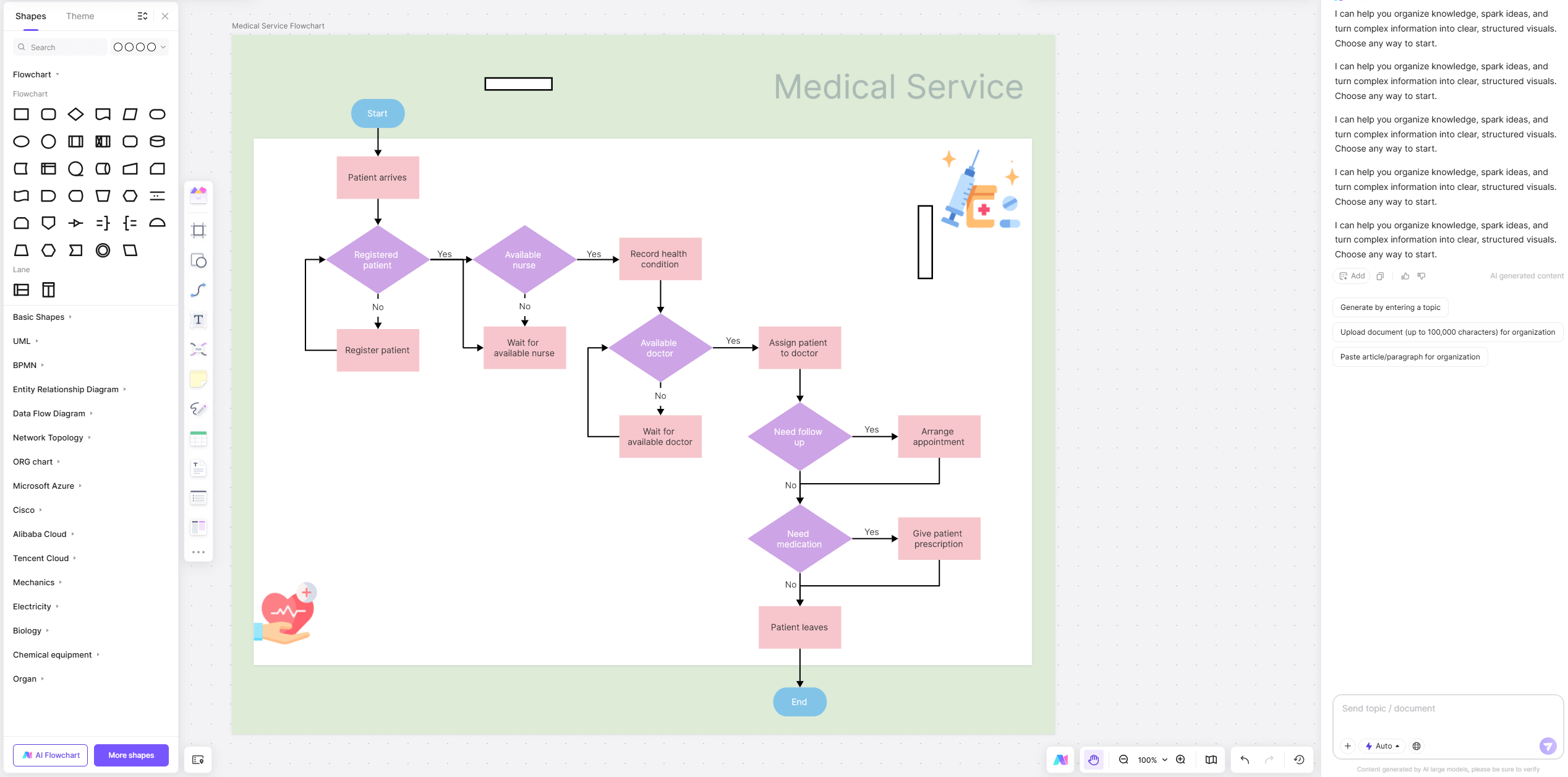
Boardmix AI flowchart maker is useful when the next task is collaborative review and visual editing rather than preserving only a text definition. Use a narrow prompt or a bounded code excerpt, then inspect every decision, loop exit, and external call before treating the diagram as documentation.
Best fit: workshops, design reviews, and teams that need to annotate a draft with context. Check: the output against tests and source code; an AI draft is not a compiler or proof of behavior.
A Safer Workflow for Turning Code into a Flowchart
- Define the boundary. Choose one function, endpoint, job, or user journey. State what is intentionally outside the diagram.
- Match the input to the tool. Use a supported parser for source code, a Mermaid or PlantUML definition for a renderer, or a focused prompt for an AI draft.
- Generate the first version. Keep names close to the code or process so a reviewer can trace them back.
- Trace every branch. Check initialization, conditions, loop returns, exceptions, external calls, and termination.
- Record evidence. Test representative inputs and keep the source, diagram, and expected outcomes together.
- Polish last. Adjust layout and labels only after the logic is correct.
Worked Example: A Loop with a Decision
The following function adds positive values and counts all other values. The example is deliberately small so that the diagram can be checked by hand.
def summarize(values):
    total = 0
    skipped = 0
    for value in values:
        if value > 0:
            total += value
        else:
            skipped += 1
    return total, skipped
One Mermaid representation is:
flowchart TD
  A([Start]) --> B[Set total and skipped to 0]
  B --> C{More values?}
  C -- Yes --> D[Read next value]
  D --> E{Value greater than 0?}
  E -- Yes --> F[Add value to total]
  E -- No --> G[Increment skipped]
  F --> C
  G --> C
  C -- No --> H[Return total and skipped]
  H --> I([End])
Check the diagram with concrete cases: [3, -2, 5] should return (8, 1); an empty list should return (0, 0); and [-1, 0] should return (0, 2). The zero value belongs to the non-positive branch in this function. If a generated diagram cannot explain those results, revise it before sharing.
How to Choose the Right Generator
Choose a source parser when language coverage and traceability matter. Choose Mermaid or PlantUML when a text definition should travel with documentation. Choose an AI visual draft when exploration and collaboration are the bottleneck. In all three cases, the acceptance test is the same: a reviewer can follow every branch and reproduce the expected outcome.
For the next step, compare the available free Mermaid flowchart generators when a text-first workflow is the right fit, or use process mapping examples when the diagram needs to communicate a broader business process.
Code-to-Flowchart FAQ
Can a flowchart generator parse any programming language?
No. Parsing depends on the product, language, syntax, and version. Verify supported input in the current documentation and test a representative file.
Is Mermaid a source-code parser?
No. Mermaid renders Mermaid definitions. A person or another tool must translate source logic into nodes and edges first.
Should an AI-generated flowchart be used as technical documentation?
Only after a human checks it against the source, tests representative paths, and records assumptions. Treat the first output as a reviewable draft.
Conclusion
Code-to-flowchart work is most reliable when the input type, tool capability, and verification step are explicit. Start with a bounded unit, choose a matching generator, test the branches, and then improve the visual design.