





In 2026, time is the ultimate currency. The days of struggling with manual drag-and-drop interfaces are long gone. Today, professionals demand online tools to draw flowchart sequences that are as smart as they are fast, moving from manual box-drawing to AI-assisted logic mapping. The global shift toward automation has transformed how we visualize processes. As users search for the best online flowchart tools, they no longer look for simple drawing apps. Instead, they seek online flowchart creation tools that understand the underlying logic of a business process and can generate visual representations in seconds.
This guide explores the top 7 tools that define the 2026 landscape. We will focus on how you can maximize your productivity, specifically highlighting how Boardmix has revolutionized the way we approach visual communication.
What Makes a Top Flowchart Maker in 2026?
Choosing the right tool is no longer just about the user interface. In 2026, the selection criteria for the best online flowchart tools have become much more rigorous. Efficiency is now driven by "Logic Intelligence" rather than just "UI Aesthetics."
- First, AI-driven speed is essential. A modern tool must offer prompt-to-chart capabilities. You should be able to describe a process in plain English and watch the tool build the structure for you. This saves hours of tedious manual labor.
- Second, intelligent refinement is a non-negotiable feature. We look for automatic alignment and "magnetic" connectors. These features prevent the layout from breaking when you move a single node. If the tool doesn't handle the spacing for you, it isn't ready for 2026.
- Cross-platform accessibility is another pillar. With the rise of hybrid work, your online tools to draw flowchart diagrams must sync perfectly across tablets, desktops, and browsers. Collaboration should be instant, regardless of where your team is located.
- Finally, the "Free" factor has evolved. We now evaluate the "No-Trap Freemium" model. This means providing real value, like high-resolution exports and unlimited canvases, without hiding basic functions behind a paywall.
Boardmix
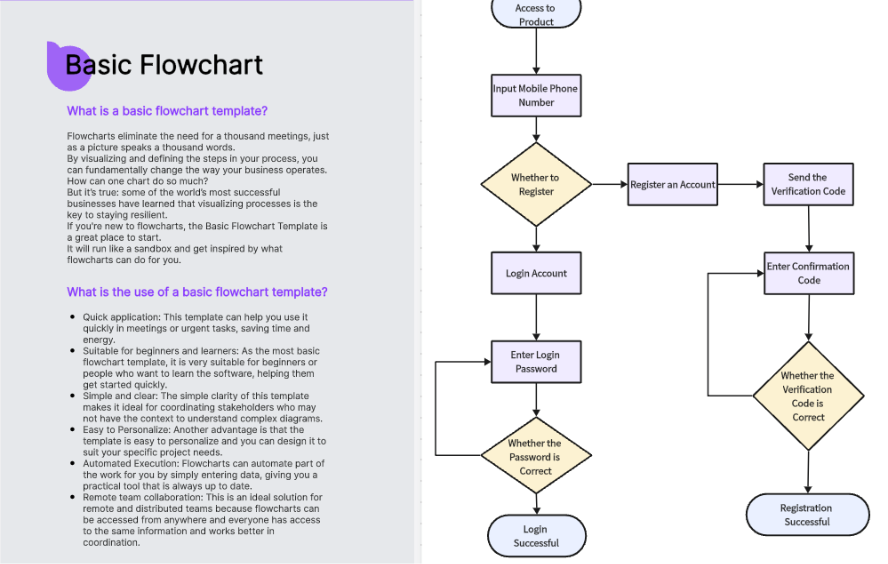
Boardmix is a versatile online whiteboard platform that combines mind mapping, flowchart creation, visual collaboration, and AI capabilities. It offers intuitive flowchart tools, full style customization, and AI-powered automatic diagram generation, making it one of the most efficient online flowchart makers available.
Key Features
- AI-Generated Flowcharts: Simply describe your process in text to automatically generate standardized flowcharts, including org charts, sequence diagrams, ER diagrams, and Gantt charts.
- Vast Template Library: Access a huge collection of templates for business process flows, project management charts, UML diagrams, swimlane diagrams, and more.
- Real-Time Collaboration: Multiple users can edit, comment, and communicate via voice chat on the same online flowchart simultaneously.
- Flexible Export: Export your diagrams with one click to PDF, PPT, PNG, and other formats.
Ideal Use Cases
Product managers mapping workflows, project presentations, teaching demonstrations, and enterprise team collaboration.
Pricing
Offers a generous free plan for everyday flowchart needs. Paid plans start at approximately $6/month (billed annually), offering more space and advanced features. AI credits can also be purchased separately.
Lucidchart
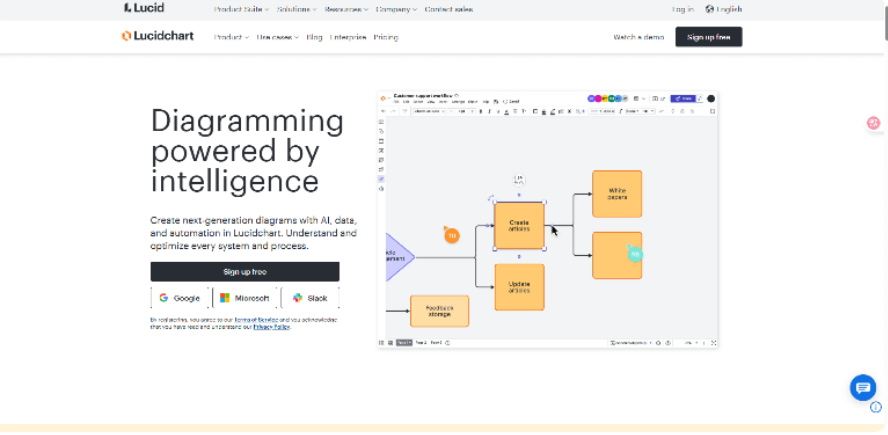
Lucidchart remains a strong contender for large corporations. It has recently updated its automation features to keep pace with AI trends. While it is highly powerful, its steeper learning curve makes it more suited for dedicated systems architects.
Key Features
- Extensive Template Library: Thousands of pre-built templates spanning system architecture, organizational charts, process flows, and IT network diagrams.
- Smart Automation Features: Automatic alignment and intelligent connectors make relationships clear and boost productivity.
- Deep Third-Party Integration: Seamlessly connects with Slack, Confluence, Google Workspace and other workplace platforms.
Ideal Use Cases
Enterprise project management, technical architecture design, and cross-departmental collaboration.
Pricing
Offers a free basic plan. Paid individual plans start at around $7.95/user/month, unlocking advanced permission management and collaboration features.
Draw.io(Diagrams.net)
Now known as diagrams.net, this tool is the go-to for open-source enthusiasts. It offers privacy-first, offline-first capabilities. While it lacks the advanced AI of Boardmix, it remains a favorite for developers who want total control over their data.
Key Features
Broad Diagram Support: Create various chart types including ER diagrams, network topology maps, organizational charts, and UML diagrams.
- Flexible Storage Options: Save directly to Google Drive, OneDrive, or local device for easy access and editing.
- Intuitive Interface: Minimalist design enables immediate use with virtually no learning curve.
- Efficient Editing Tools: Features like drag-and-drop, automatic node alignment, and quick-connect lines streamline the diagramming process.
Ideal Use Cases
Student assignments, quick office diagrams, and project presentations.
Pricing
100% free with no restrictions on features or usage, ideal for individuals and small teams.
Whimsical
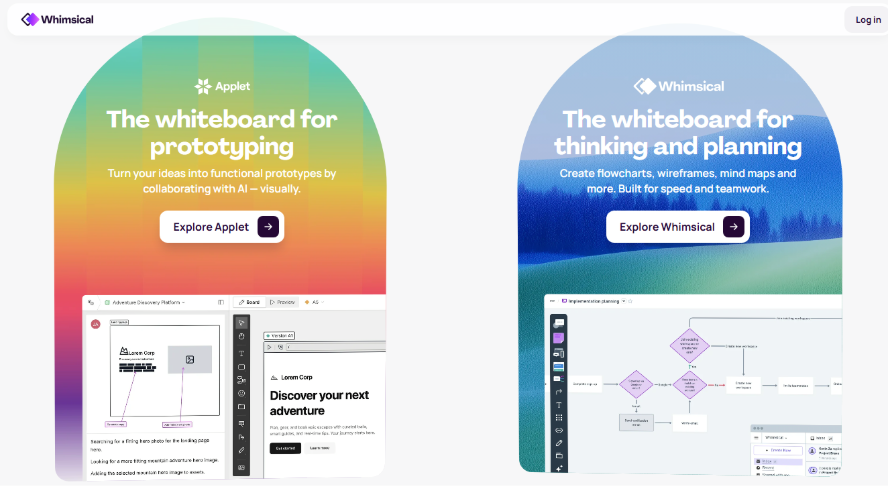
Whimsical is built for those who prefer minimalist, high-speed wireframe flows. It strips away unnecessary decorations to focus on pure speed. It is ideal for product managers who need to map out user journeys in minutes
Key Features
- One-Click Diagram Generation: Quickly create flowcharts, wireframes, or mind maps to visualize ideas in seconds.
- Smart Auto-Layout: Nodes and connections adjust automatically for clean, professional-looking diagrams.
- Real-Time Team Collaboration: Multiple users can edit and comment simultaneously.
- Polished and Lightweight Interface: Beautiful design with minimal learning curve.
Ideal Use Cases
Product planning, interaction design, and customer journey mapping.
Pricing
Free plan includes 100 projects. The Pro plan starts at about $10/user/month for more collaborators and advanced features.
Creately
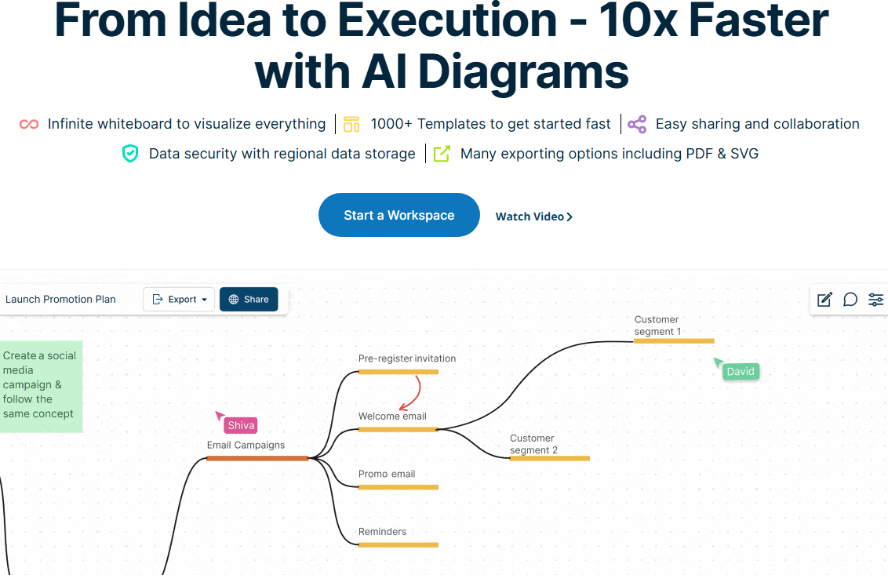
Creately is an integrated visual workspace that combines flowchart design, project tracking, and team collaboration in one platform.
Key Features
- Drag-and-Drop Editing: Easily create flowcharts, relationship diagrams, and KPI dashboards
- Real-Time Collaboration & Version Tracking: Enable multiple users to edit and manage flowchart content simultaneously.
- AI-Assisted Diagramming: Automatically generate business structure diagrams to improve efficiency.
- Extensive Template Library: Templates for enterprise management, business processes, strategy analysis, and more.
Ideal Use Cases
Business project reporting, strategic analysis, and business process management.
Pricing
A core free plan is available. Team plans start at around $5/user/month for more members, templates, and features.
Cacoo
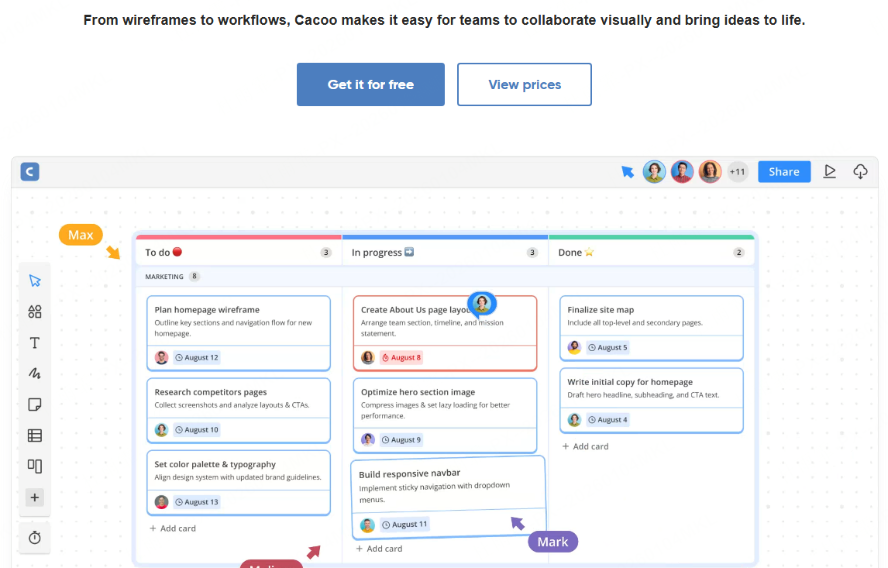
Cacoo is an online flowchart tool renowned for efficient real-time collaboration, optimized for remote teams. It supports simultaneous editing and offers rich templates, making it ideal for businesses, product teams, and IT departments.
Key Features
- Extensive Template Library: Hundreds of professional templates including UML diagrams, network topology maps, and ready-to-use flowchart templates for instant application.
- Real-Time Collaborative Editing: Enables multiple users to edit and comment simultaneously, significantly enhancing team productivity.
Ideal Use Cases
Remote meetings, product prototype reviews, and IT architecture visualization.
Pricing
Offers a free trial. Team plans start at approximately $6/user/month.
GoConqr

GoConqr is an online diagram tool focused on education. It combines flowchart creation with mind mapping, course planning, and revision notes to make learning content visual and easier to understand and remember.
Key Features
- Education-Focused Templates: Access a library of templates for course flows, study plans, mind maps, and other learning-related diagrams.
- Drag-and-Drop Simplicity: Intuitive editor with clear node relationships and logical flow structure.
- Cloud-Based Portability: Save and access diagrams from any device, ideal for organizing and reviewing study materials.
- Integrated Learning Tools: Combine flowcharts with quizzes, flashcards, and notes to form a complete study workflow.
Ideal Use Cases
Teachers, students, and educational institutions.
Pricing
A free plan covers basic flowchart needs. Paid plans offer more templates, collaboration space, and advanced learning tools.
MockFlow
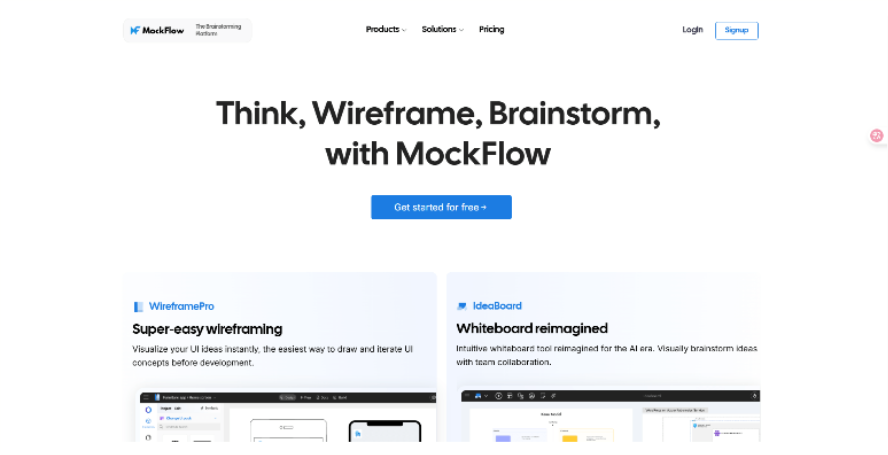
MockFlow is a versatile platform that integrates flowchart creation, structure diagramming, and cloud architecture design in a unified workspace.
Key Features
- Multi-Type Diagram Support: Create flowcharts, structure diagrams, cloud architecture maps, and more for diverse visualization needs
- Drag-and-Drop Editing with Smart Alignment: Easily build professional diagrams with automated layout assistance
- Built-in Template Library: Access ready-to-use templates for business processes, organizational structures, IT systems, and cloud infrastructure
- Real-Time Collaboration: Enable team members to co-edit and comment simultaneously
Ideal Use Cases
Product managers, technical teams, and architects for process mapping and system design.
Pricing
Offers a basic free plan for everyday flowchart and simple structure diagram needs.
Zen Flowchart
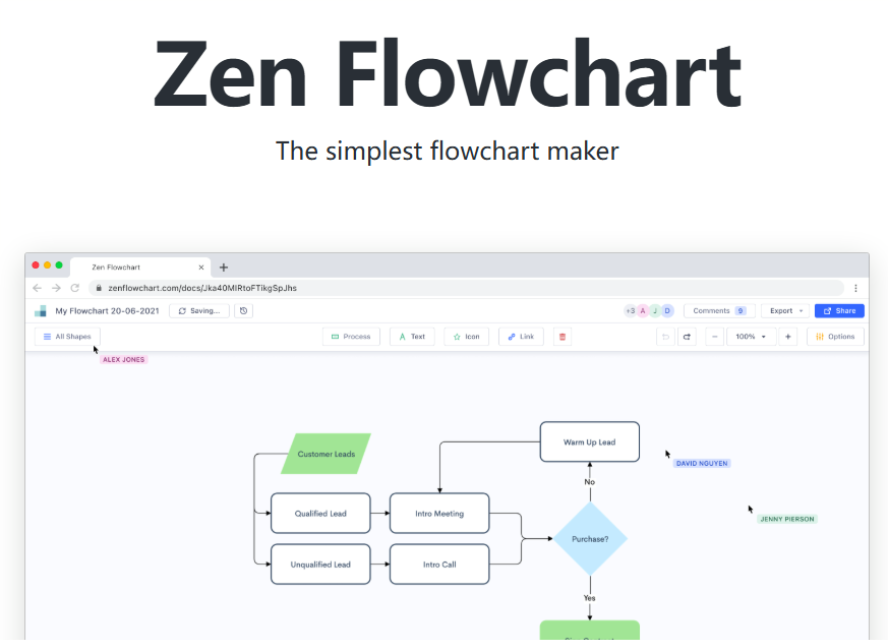
Zen Flowchart is an online diagramming tool known for its clean, intuitive interface and straightforward operation. Designed for ease of use, it enables users to create clear and effective flowcharts quickly, with no prior experience required.
Key Features
- Simple Drag-and-Drop Editing: Build flowcharts intuitively and efficiently.
- Automatic Alignment & Smart Connectors: Ensure logical layout and visual clarity with minimal effort.
- Essential Templates: Includes commonly used templates for business, project, and educational scenarios.
Ideal Use Cases
Beginners or anyone who needs to create a flowchart online rapidly.
Pricing
Offers a basic free plan for daily flowchart creation.
Visme

Visme is an all-in-one visual platform that seamlessly integrates flowchart creation with data visualization, allowing you to combine diagrams, charts, reports, and presentations in a unified workspace.
Key Features
- Rich Template Library: Access professionally designed templates for flowcharts and infographics to create polished visuals in minutes.
- Drag-and-Drop Simplicity: Intuitively customize every element, from nodes to design components.
- Dynamic Visual Effects: Bring flowcharts to life with animations, icons, and gradient color schemes.
- Multi-Format Export: Download or share your work as PDF, PNG, JPEG, or interactive HTML5.
Ideal Use Cases
Users who want to add visual impact and interactivity to their flowcharts.
Pricing
A basic free plan is available. Paid plans start at around $15/month for more templates, collaboration features, and export options.
Conclusion
The benchmarks for excellence are speed, efficiency, and a "free-to-grow" model. As the digital landscape becomes more complex, your tools should make your life simpler, not harder. While there are many online tools to draw flowchart diagrams, Boardmix stands out as the most comprehensive solution for the modern professional. It bridges the gap between simple visualization and high-level architectural design.
Don't let manual drawing hold you back. Try Boardmix today to experience a truly AI-native workflow and see how the best online flowchart tools can transform your business productivity instantly.





