

A SMART goal is specific, measurable, achievable, relevant, and time-bound. AI can help draft the wording and identify missing details. The team still needs to choose a meaningful target and decide whether it is realistic.
What AI Can Help With
A vague request such as “improve customer support” leaves several questions unanswered: which part of support, measured how, over what period, and with whose resources? Give the AI that context and ask it to suggest a clearer goal.
Use its suggestions as options. A plausible number is not a baseline, and an AI-generated deadline is not evidence that the work can be completed. The people responsible for the goal should supply the actual data and constraints.
A Three-Step Workflow
1. Describe the Goal and Its Context
Open a board in Boardmix and record the outcome you want, the current situation, and the people involved. Ask the AI assistant to draft a SMART version using only the supplied facts.
Example prompt: “Help draft a SMART goal for our support team. We want to reduce the time customers wait for a first reply. Ask for any missing baseline, target, staffing constraint, or review date instead of inventing those values.”
2. Check Each SMART Dimension
Identify the specific change, the measure and data source, the resources required, the connection to a wider priority, and the deadline. Discuss the target with the person accountable for it. If the baseline is unknown, collecting it may be the first action.
Illustrative example: A team with a measured median first-response time of 12 hours might discuss a target of 8 hours by the end of the next quarter.
3. Share the Actions and Review Progress
Place the agreed goal on the board and add actions, owners, and review dates. Share the board with colleagues using suitable view or edit permissions. Use comments to resolve questions and keep the reasoning behind changes visible.
Update the board from the actual reporting source. If you ask AI to summarize progress, give it the current data and check the summary against that data before circulating it.
Using a Visual Board for Goal Management
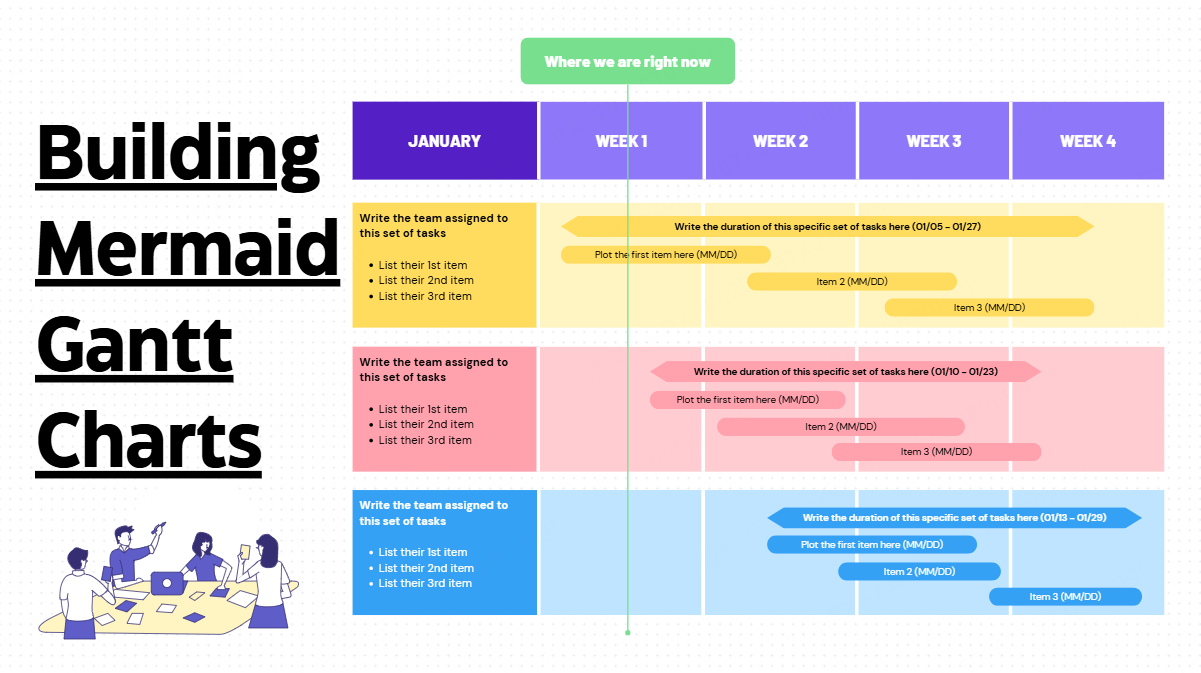
Keep the goal, assumptions, and Kanban-style action plan together. Separate proposed actions from agreed work so a brainstorming note is not mistaken for a commitment.
For example, a sales team might group actions into planned, in progress, and complete, with an owner and a link to the relevant evidence. The board communicates the plan; the sales system remains the source of truth for the result.
Boardmix’s Free plan includes 3 editable boards and 100 objects per board. Review the current plan and AI-credit arrangements for the work you intend to do.
Start with One Goal
Choose a goal whose outcome the team can observe. Record the baseline, agree on the target, and make the first action clear. A short, well-supported goal is more useful than a detailed AI draft built on missing information.