Scott
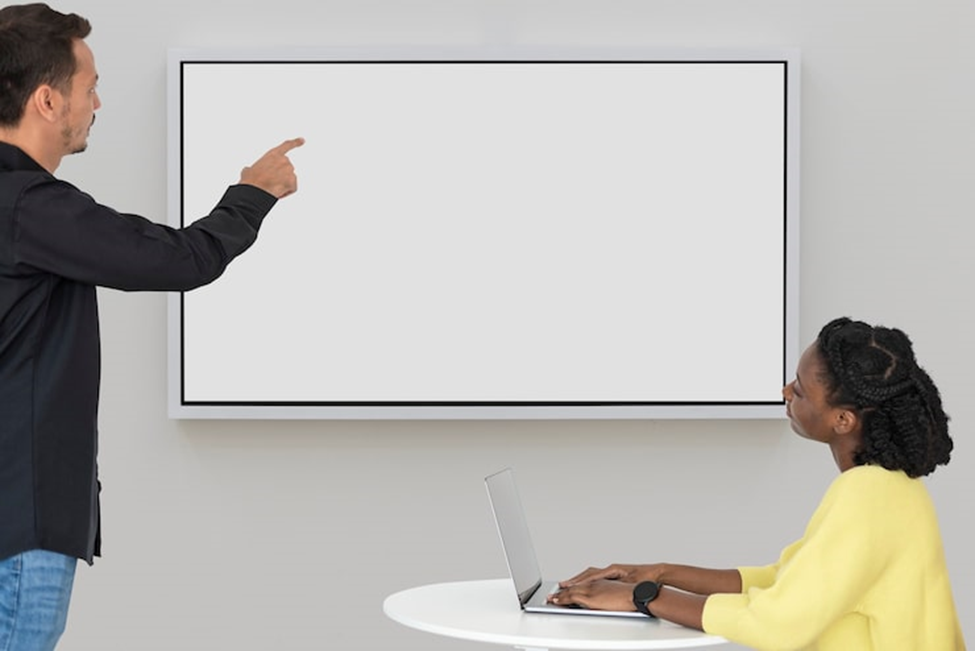
Image Source: Freepik.com
As a project manager who works from home, you probably know that video conferencing might not be the best way to get people to work together on things like coming up with ideas. Why not get a tool that fills in this gap, makes it easier for everyone on the team to contribute, and turns ideas into actionable projects? Here comes whiteboard software!
Whiteboard software gives you a digital whiteboard that you can use to work together in real time. It lets people write, draw, make notes on, present, and get feedback on their ideas.
Users are able to share their screens and communicate through live chat, voice calls, and video calls. You can try out a free online whiteboard if you're interested in it but not sure if you want to buy it yet. In 2026, these 5 online whiteboards are the best ones for your team.
Quick Comparison of the Best Free Online Whiteboards
| Tool | Best For | Standout Features | Free Plan? | Pricing (2026) |
| Boardmix | AI-powered collaboration | AI assistant, templates, multi-format export | Yes | Free, Starter $4/user/month (annual), Business $6/user/month (annual), Enterprise: custom |
| Miro | Enterprise ecosystems | Integrations, huge template library, workshops | Yes | Free, Starter $10/user/month, Business $20/user/month, Enterprise: custom |
| Mural | Workshops & facilitation | Voting, private mode, facilitation toolkit | Yes | Free, Team+ $9.99/user/month (annual), Business $17.99/user/month (annual), Enterprise: custom |
| Monday.com | Teams that want whiteboard + project management in one place | Whiteboard synced with Monday boards, full/split screen, drawing tools | Yes | Free trial; Paid plans from US $9/seat/month (annual) |
| Microsoft Whiteboard | Microsoft 365 Teams | Deep Teams integration, infinite canvas | Yes | Free basic; full features included in Microsoft 365 (starting at $6/user/month for Business Basic) |
1. Boardmix
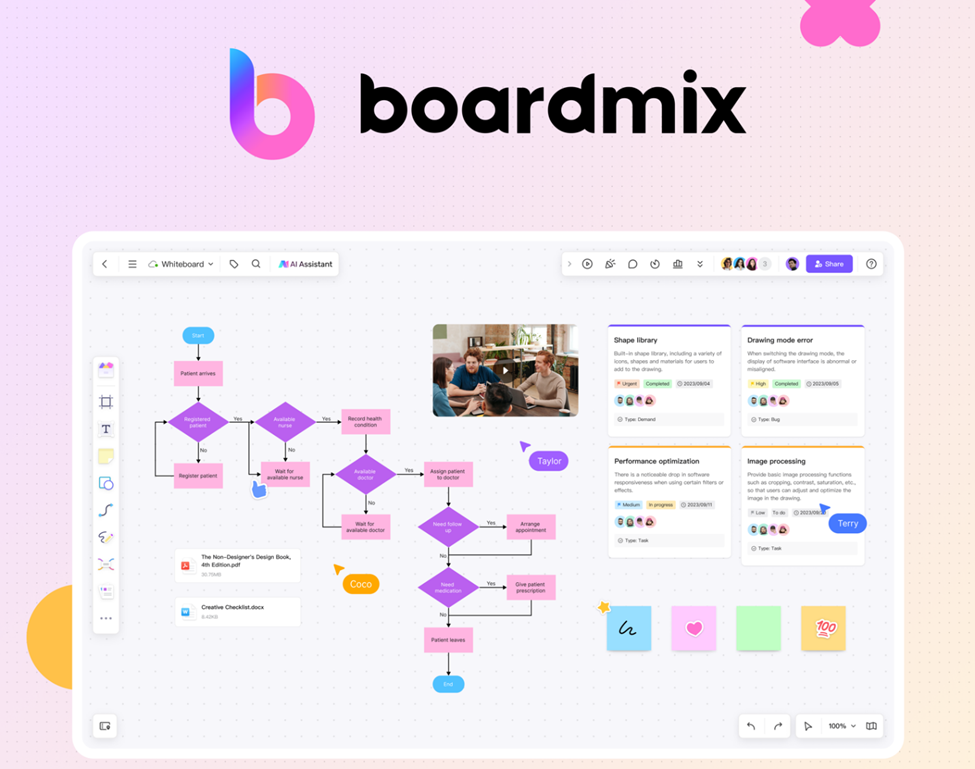
Image Source: Boardmix.com
Boardmix is a modern workspace that combines traditional whiteboarding with advanced workflows that are assisted by AI. It's designed to help teams come up with ideas, organize them, and execute ideas with fewer clicks and more automation.
The interface is clean, responsive, and supports a wide range of file types and export options. It's also an excellent option for small and medium-sized teams, since the paid plans start at about $4 per user per month (after the free plan).
You can highlight several sticky notes and ask Boardmix to summarize them, or you can add text and make a mind map. This is possible because AI is deeply woven into Boardmix. A lot of other free online drawing tools don't have this kind of assistant feature.
Key features:
- Built-in AI assistant for summarizing, brainstorming, and making mind maps
- A large library of templates and multi-format exports
- Free tier with affordable upgrade options.
- Support for embedding various file formats and real-time collaboration.
2. Miro
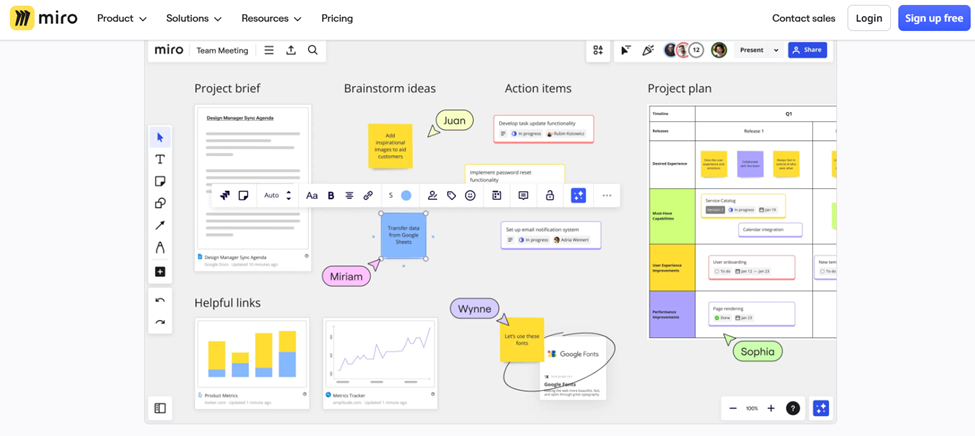
Image Source: Miro.com
Miro's value can be seen in its size and long-term growth. It's easy for teams to plug in tools like Jira, Slack, Asana, or Google Drive to Miro, and the integration usually works well. Many teams can work on large, detailed projects together on the canvas, which feels almost endless. Its AI tools keep getting better, offering support for diagrams and text.
Miro is still a strong and valuable platform for large, distributed businesses that want a central location for visual collaboration.
Key features:
- Ecosystem support and extensive third-party integrations
- Multi-user collaboration on unlimited or large canvases
- Advanced features like version history, talktracks, and a large library of templates
- Enterprise-grade features that large organizations trust
3. Mural
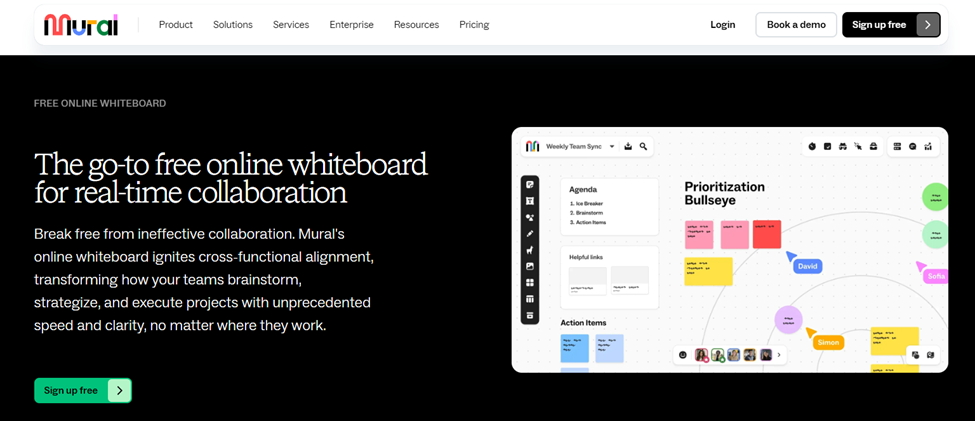
Image Source: Mural.co
The free online whiteboard tools from MURAL let agile professionals work together in important meetings, planning sessions, and research projects. The tool comes with more than 300 templates for working together, so you can create online whiteboards where people can draw, add notes, and attach images or files.
You can use the tool's large library of icons to make visual stories. With the sticky notes that come with MURAL, you can add your own thoughts, ideas, and comments. You can change the colors, writing size, or note size on these sticky notes to make them your own. Mapping and diagramming let you visualize staff workflows, hierarchies, processes, maps, and customer journeys.
You can get support from MURAL through email, phone, or chat. It's web-based, and there's an app for Android and iOS phones.
Key features:
- Facilitator toolkit: voting, timers, private mode
- Template-based workshops (retrospectives, design sprints, etc.)
- User-friendly interface for large group participation
- Paid visitors can edit unlimitedly.
4. Monday.com
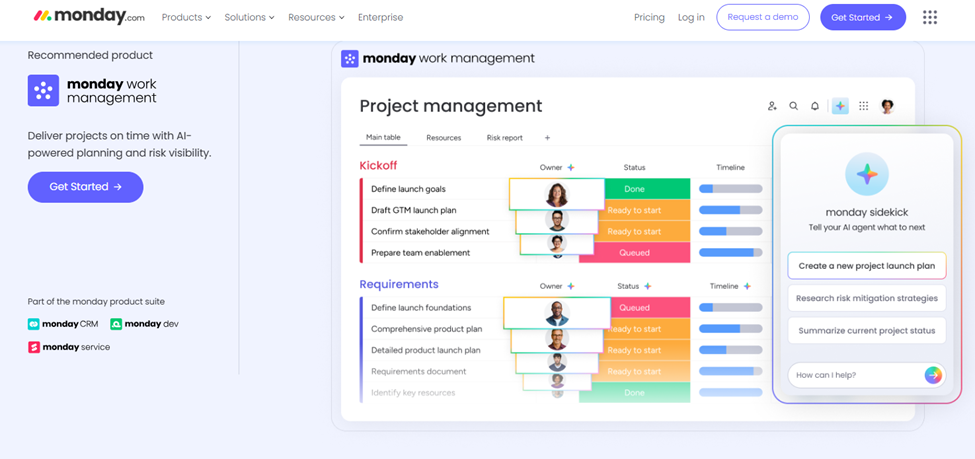
Image Source: Monday.com
Monday.com's digital whiteboard enables teams to collaborate, brainstorm, and execute ideas. With its toolbar, you may add or remove objects, pick colors, draw or write, attach photos, and add text to the whiteboard.
Any changes you make to the whiteboard are saved as a new view or app and synced every time. If you click on the export button, you can also download it and save it to your device. You can set the tool to either dark or light mode, depending on your needs.
You can also choose between full-view and split-view for your whiteboard in the board view. You can chat or email Monday.com for support. The tool can be used on the web, and it also has an app for iOS and Android phones.
Key features
- Full-screen or split-screen whiteboard views
- Real-time synced collaboration inside Monday boards
- Drawing tools to write, sketch, annotate, and attach images
- Auto-saving of all whiteboard updates
- Export whiteboard views as images
5. Microsoft Whiteboard
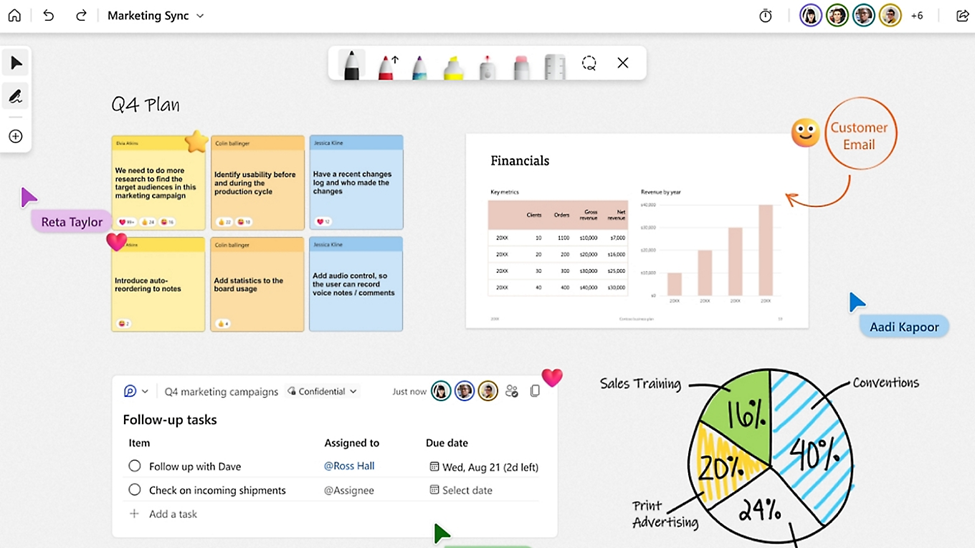
Image Source: Microsoft.com
If your organization uses Microsoft 365, this is the easiest way to get where you want to go. The Microsoft Whiteboard app works with your Microsoft account and is built directly into Teams meetings. Participants don't have to think about another login when they want to start a whiteboard during a call.
Sticky notes, templates, drawings, and all the other things are nicely covered, and it keeps getting better. Even though it doesn't have as many features as Miro or Boardmix, it works well with Microsoft Teams and doesn't cost anything.
Key features:
- Deep integration with Microsoft Teams and the Microsoft 365 ecosystem
- Free to use, providing access without cost.
- Easy to use for people who are already skilled with Microsoft products
- Sticky notes, sketching, templates, and real-time collaboration are all supported.
Use Case Recommendations
Choosing the right free online whiteboard depends on what your team does most often. Each tool has unique strengths that fit different types of work.
- If your team wants the most helpful AI support, choose Boardmix.
- If you need integrations across many apps in a free online whiteboard tool, choose Miro.
- If you run guided workshops or training sessions, choose Mural.
- If you want a whiteboard that works together with task management and project planning, choose Monday.com.
- If you rely on Microsoft Teams for daily meetings, choose Microsoft Whiteboard.
These recommendations help you save time and choose the tool that matches your working style.
FAQs
What is the best whiteboard to use online?
What makes Boardmix the best free online whiteboard depends on your needs, but it stands out because it has strong AI support, useful templates, easy collaboration, and a large free plan. For teams that need more complicated processes and connections, Miro and Mural are also great options.
What is the best quality whiteboard?
The best whiteboard stays fast, works well with big boards, lets teams work together in real time, and has useful tools. Boardmix, Miro, and Mural all offer solid security, strong performance, and well-thought-out features for working together professionally.
What is the best alternative to Microsoft Whiteboard?
Boardmix is a great option to Microsoft Whiteboard because it has AI tools, themes that can be changed, and strong features for working together. Miro is also a good choice for teams that need more ecosystems and connections.
What is the online whiteboard that you can use to draw?
Boardmix, Miro, Mural, Monday.com Whiteboard, and Microsoft Whiteboard are just a few of the online tools that let you draw straight on the board. You can draw ideas, add forms and text, and make visual plans in real time with these tools.
How do I pick the best online whiteboard?
Pick based on how your team works. Go with Boardmix if you want AI to help you. Go with Miro if you need a lot of connections. Pick Mural if you want to run classes. Pick Monday.com Whiteboard if you use Monday.com for work. Microsoft Whiteboard is the best choice if you use Teams.
Try Boardmix Free
Boardmix is a great free online whiteboard tool for creating a whiteboard that saves time, automatically arranges ideas, and makes teamwork more efficient. It's one of the best tools for teams in 2026 because it has AI, templates, and a free plan. With the Boardmix Free plan, you can explore the workspace, call your team, and start working on your next project right away.