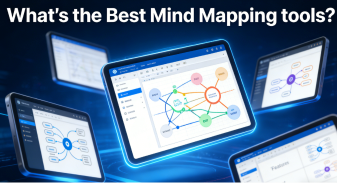
Mind map generators are essential tools for boosting thinking efficiency and organizing information, gaining immense popularity in both professional and educational settings. However, with so many mind map generator options available, choosing the right one can be challenging. This in-depth 2026 review analyzes five leading AI mind map and visualization tools. We break down their features, user experience, strengths, and weaknesses to help you find the perfect brainstorming and collaboration tool for your needs.
Boardmix

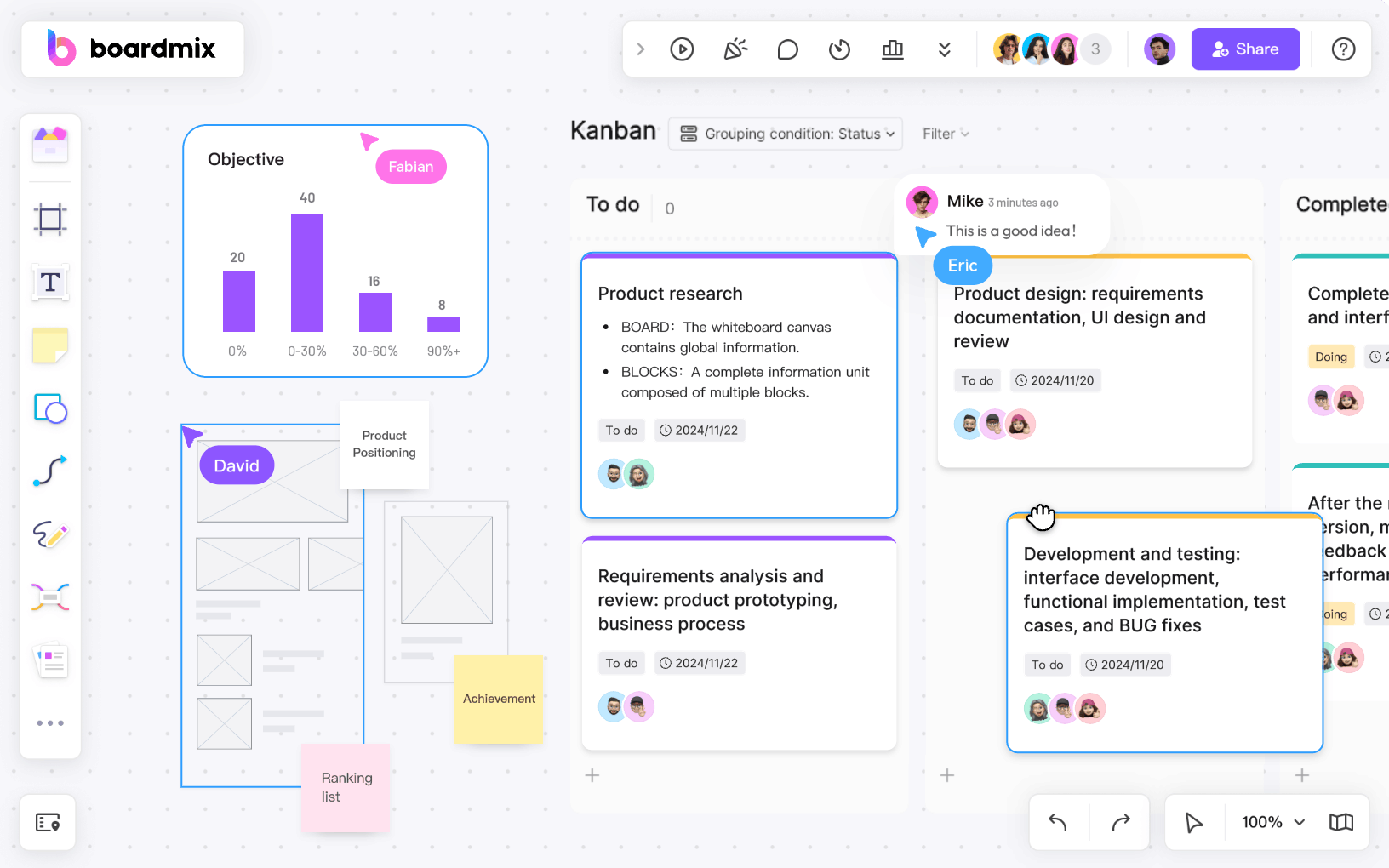
Boardmix has emerged as a frontrunner in the mind mapping space, redefining what users can expect from an all-in-one collaboration platform. Unlike single-purpose mind map tools, Boardmix integrates an AI-driven mind map generator with a full-featured online whiteboard, intelligent editing capabilities, and seamless team collaboration features—all within a single, intuitive interface. What sets Boardmix apart is its ability to turn simple text prompts into fully structured, visually coherent mind maps in seconds, eliminating the tedious manual work that plagues traditional tools.
Whether you’re brainstorming a new project, structuring a curriculum, or organizing meeting notes, Boardmix adapts to your workflow without requiring extensive training. Its cloud-based architecture ensures that all work is saved in real time, and cross-device sync means you can switch from desktop to mobile without missing a beat.
AI Generation Support?
Yes, and it is one of Boardmix’s core strengths. Users only need to input a central keyword or short description (e.g., "Q3 marketing campaign" or "high school biology curriculum") and Boardmix’s AI algorithm immediately expands on the idea, generating relevant subtopics, logical branches, and even suggested content for each node. The AI is trained on millions of real-world mind map structures, ensuring that the generated content is contextually relevant and logically organized—not just random keyword lists.
Key Highlights
- Powerful AI auto-generation capabilities that adapt to different industries and use cases, from business planning to educational lesson design.
- Real-time multi-user collaboration allows team members to edit the mind map simultaneously, with live cursors and comment threads to streamline communication.
- Extensive library of pre-built templates covering 50+ industries, including tree diagrams, logic maps, fishbone analyses, SWOT frameworks, and more—all fully customizable.
- Integrated infinite online whiteboard with free drag-and-drop functionality, shape linking, and multimedia support (images, videos, and embedded links) to enrich mind maps.
- Advanced export options, including PDF, PNG, SVG, and even editable file formats, making it easy to share finished mind maps across different platforms.
Hands-On Experience
Our testing of Boardmix revealed a remarkably smooth user experience, even for first-time users. To create a mind map, start by entering a central topic (e.g., "product launch strategy") in the AI prompt box. Within 2-3 seconds, Boardmix generates 8-10 core nodes, each with 3-5 sub-branches tailored to the topic. For example, inputting "product launch strategy" yielded branches for "market research," "budget allocation," "timeline planning," "stakeholder communication," and "risk assessment"—each with actionable subpoints.
The AI’s recognition of context is impressive: when testing with a niche topic like "sustainable supply chain management," Boardmix generated industry-specific branches such as "carbon footprint tracking" and "supplier ESG audits" instead of generic business terms. The interface is clean, with minimal clutter, and editing tools (font customization, color coding, icon addition) are easily accessible without overwhelming the user. Boardmix is particularly ideal for rapid ideation sessions or initial project planning, where speed and collaboration are critical.
Shortcomings
Boardmix’s biggest drawback is its learning curve, which stems from its extensive feature set rather than poor design. Casual users who only need basic mind mapping may not explore advanced features like AI content summarization, whiteboard templates, or integrations with tools like Slack and Google Workspace. While the core mind map functionality is intuitive, mastering the full suite of collaboration and automation tools takes time—though Boardmix offers free video tutorials and a detailed knowledge base to help users get up to speed.
Additionally, the free tier has limits on the number of AI-generated mind maps per month (5 per user), which may be restrictive for heavy users who need to generate multiple maps daily.
Ideal For
- Professionals: Corporate teams needing to streamline meeting notes, align on work planning, or brainstorm strategic initiatives in real time.
- Project Managers: Those responsible for requirement gathering, task breakdown, and cross-team alignment—Boardmix’s AI helps turn vague ideas into actionable task lists.
- Educators & Trainers: Teachers and corporate trainers designing lesson plans, curriculum structures, or training modules—Boardmix’s templates for educational mind maps save hours of manual work.
- Small to medium-sized businesses: Teams that need an all-in-one tool (no need to switch between mind map software, whiteboards, and collaboration tools) to keep costs low and efficiency high.
GitMind
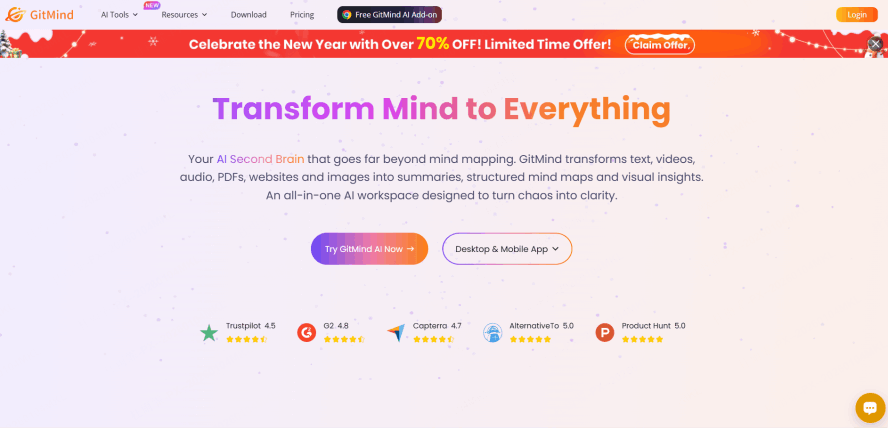
GitMind positions itself as a "no-frills" mind map tool, focusing on simplicity and accessibility above all else. Targeted at individual users and small teams, GitMind has built a loyal following thanks to its clean interface, free core features, and vast template library. GitMind prioritizes ease of use over advanced AI or collaboration, making it a go-to choice for users who want to create basic mind maps without a steep learning curve.
GitMind’s strength lies in its democratization of mind mapping: it requires no account for basic use (though an account is needed for cloud sync), and all core features are available for free—no paywalls or trial periods. This makes it particularly popular among students and casual users who may not have the budget for premium tools.
AI Generation Support?
Partially. GitMind’s AI capabilities are limited, focusing on title completion and structure suggestions rather than full content generation. When creating a mind map, the AI can help refine central titles (e.g., turning "essay outline" into "AP English Literature Essay Outline: Theme Analysis") and suggest common subtopics for popular categories like study notes or personal goal setting. However, it cannot generate full mind maps from scratch, and the AI does not adapt to niche topics effectively.
Key Highlights
- Free core features with no time limits, including unlimited basic mind map creation and access to 1000+ pre-built templates for study, work, and personal use.
- Flexible export options to PDF, JPG/PNG, Text, and even Microsoft Word, making it easy to share mind maps in formats compatible with school or workplace systems.
- Seamless multi-platform sync across Web, iOS, and Android devices, so users can start a mind map on their laptop and finish it on their phone while on the go.
- Lightweight design with fast load times, even on low-end devices or slow internet connections—critical for students using school-provided hardware.
- Basic collaboration features, including link sharing and view-only access for team members (editing access requires a paid plan).
Hands-On Experience
Using GitMind feels intuitive from the first click: the interface is divided into a simple toolbar (with template selection, export options, and basic editing tools) and a blank canvas. Selecting a template (e.g., "exam study plan") populates the canvas with a pre-structured mind map, which users can customize by changing text, colors, or adding/removing branches. The AI title completion works well for common topics—testing with "college application checklist" yielded a polished title and suggested branches like "transcripts," "letters of recommendation," and "essay drafts."
For basic mind mapping tasks (e.g., organizing lecture notes or personal to-do lists), GitMind is fast and reliable. The lack of advanced AI is noticeable but not a drawback for its target audience—students and individual users rarely need full AI-generated content, just a framework to organize their own ideas. The only minor frustration is the occasional lag when adding multiple branches at once, but this is rare and does not impact core functionality.
Shortcomings
Limited AI depth is the most significant downside: GitMind’s AI is more of a convenience feature than a productivity booster. Collaboration features are also basic—paid plans unlock real-time editing, but even then, the tool lacks the live comment threads and cursor tracking.
Additionally, the free tier includes watermarks on exported files, and advanced features like custom templates or high-resolution exports require a paid subscription (starting at $4.99/month).
Ideal For
- Students & individual learners: High school, college, and university students organizing study notes, essay outlines, or exam preparation checklists.
- Users for light note-taking and information organization: Casual users who want to organize personal goals, travel plans, or grocery lists without complex tools.
- Those who don't require advanced AI features: Users who prefer to build mind maps manually and only need basic structure suggestions to save time.
- Budget-conscious users: Individuals who want access to core mind mapping features without paying for premium subscriptions or enterprise tools.
Notion AI
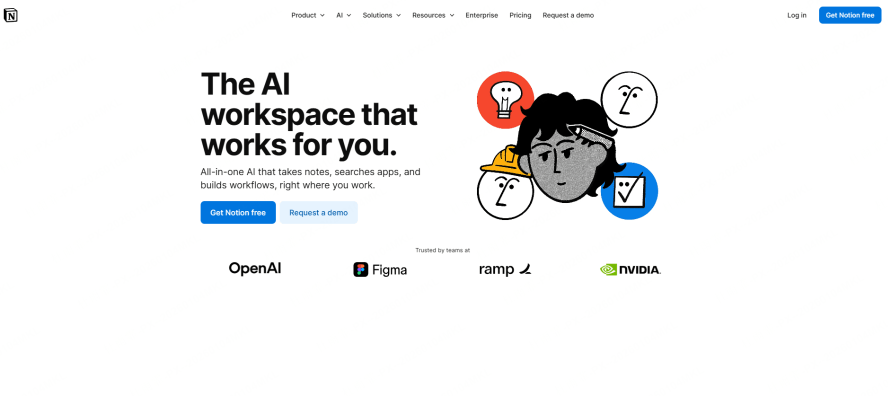
Notion has long been celebrated as a Swiss Army knife for knowledge management, and its AI integration (Notion AI) extends this versatility to mind mapping—though not in the traditional sense. Notion is not a dedicated mind map tool; instead, it lets users build structured databases and outlines that can be converted into mind maps via third-party plugins. This approach appeals to power users who value deep customization and want to unify their note-taking, project management, and mind mapping workflows.
Notion AI’s strength lies in its ability to generate and organize content at scale: it can summarize long documents, rewrite text for clarity, or even generate entire outlines from a single prompt—all of which can then be visualized as mind maps. For users already embedded in the Notion ecosystem, this eliminates the need to switch between tools and ensures all work lives in one centralized knowledge base.
AI Generation Support?
Yes, but indirectly. Notion AI does not natively generate mind maps, but it excels at creating the structured content that powers them. Users can use Notion AI to draft outlines (e.g., "generate a research paper outline on renewable energy policy"), organize those outlines into hierarchical databases, then use plugins like Notion2MindMap, Whimsical, or MindMeister to convert the database into a visual mind map. The AI handles content creation and organization, while the plugin handles visualization—creating a powerful, if indirect, mind mapping workflow.
Key Highlights
- Superior AI writing and summarization capabilities that turn vague ideas into fully structured notes, outlines, or even complete drafts—ideal for building the foundation of a mind map.
- Seamless conversion of page hierarchies and databases to mind maps via third-party plugins, ensuring consistency between written content and visual diagrams.
- Unbeatable integration of knowledge management, project tracking, and document creation—users can link mind map outlines to task lists, meeting notes, or research papers within Notion.
- Highly customizable databases with filters, sorting, and tagging, allowing users to organize mind map content in ways that traditional tools cannot match.
- AI-powered editing tools (rewrite, summarize, translate) that refine content before it is converted into a mind map, ensuring accuracy and clarity.
Hands-On Experience
Using Notion AI for mind mapping requires a two-step workflow, but it is incredibly powerful for advanced users. First, we used Notion AI to generate a detailed outline for a "content marketing strategy"—the AI produced a 10-section outline with subpoints for each stage, from audience research to performance tracking. We then organized this outline into a Notion database with parent-child relationships (e.g., "content creation" as a parent node, "blog posts" and "social media" as child nodes).
Next, we installed the Notion2MindMap plugin, which instantly converted the database into a interactive mind map with clickable nodes that linked back to the original Notion pages. This workflow is not as fast as Boardmix’s one-click generation, but it offers unmatched depth: every node in the mind map is connected to live content in Notion, so updating a Notion page automatically updates the mind map (and vice versa). The learning curve is steep—users need to understand Notion’s database structure and plugin integration—but the payoff is a fully integrated knowledge system.
Shortcomings
The biggest barrier to entry is the lack of native mind mapping: users must set up and configure third-party plugins, which adds complexity and potential compatibility issues. For beginners, this workflow is far too cumbersome.
Notion AI is also a paid feature (included in Notion’s $10/month Plus plan), and plugin costs can add up—making this solution significantly more expensive for casual users. Additionally, the mind maps generated via plugins are less visually customizable, with limited options for color coding, icons, or layout.
Ideal For
- Advanced Notion users: Power users who already use Notion for knowledge management and want to extend its functionality to mind mapping.
- The "DIY toolstack" digital note-takers: Users who enjoy combining multiple tools to create a customized workflow, rather than relying on an all-in-one solution.
- Content creators, researchers, and academics: Professionals who need to link mind maps to long-form content, research data, or citation databases—Notion’s integration capabilities shine here.
- Teams with existing Notion subscriptions: Organizations that can absorb the cost of Notion AI and plugins, and prioritize workflow unification over ease of use.
XMind
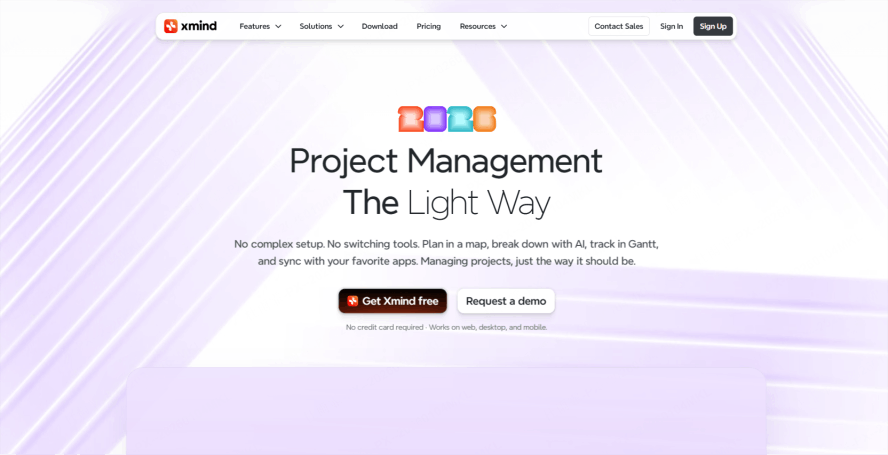
XMind has been a staple in the mind mapping industry for over a decade, known for its polished design, professional-grade visualization options, and robust offline functionality. XMind focuses on manual mind map creation—prioritizing aesthetic control and structural precision over automation. It is a favorite among designers, academics, and presenters who value the visual impact of their mind maps as much as the content itself.
XMind’s desktop-first design (with cloud sync as an add-on) ensures fast performance even with large, complex mind maps, and its library of visual themes and structures makes it easy to create mind maps that are both functional and visually striking—critical for presentations or formal documents.
AI Generation Support?
No. XMind intentionally omits AI generation features, positioning itself as a tool for users who want full control over their mind map structure and content. Every branch, node, and design element must be added manually, which is a drawback for users who need speed but a benefit for those who want to ensure every detail aligns with their vision.
Key Highlights
- High-quality, aesthetically pleasing interfaces and customizable themes, with options for minimalistic, professional, or creative designs to suit different use cases.
- Extensive export options including PDF, PNG, SVG, Markdown, Excel, and even PowerPoint—making it easy to integrate mind maps into presentations or reports.
- Rich variety of map structures: Logic Charts, Tree Diagrams, Fishbone Diagrams, Matrix Charts, Timeline Maps, and more—each optimized for specific use cases (e.g., root cause analysis for fishbone diagrams).
- Offline functionality with local file storage, ensuring users can work without an internet connection.
- Presentation mode with slide transitions and animation, allowing users to turn mind maps into dynamic presentations without exporting to another tool.
Hands-On Experience
XMind’s strength is immediately apparent in its design: the interface is sleek and uncluttered, with a focus on the canvas rather than overwhelming toolbars. Creating a mind map starts with selecting a structure (we tested a fishbone diagram for root cause analysis), then adding nodes and branches manually. The drag-and-drop functionality is smooth, and design tools (color palettes, icon libraries, font styles) are extensive—allowing us to create a mind map that matched brand guidelines perfectly.
For users who value precision, XMind is unmatched: we could adjust the spacing between nodes, add custom shapes, and even insert images or charts into individual nodes to enhance visual communication. The presentation mode was a standout feature—we converted a product roadmap mind map into a slide show with automatic transitions between branches, which would have required hours of work in PowerPoint. However, the lack of AI means creating a detailed mind map takes significantly longer than with other tools: a map that took 20 minutes to build manually in XMind.
Shortcomings
The absence of AI automation is the most significant downside, especially for users who need to generate mind maps quickly. Manual creation is time-intensive, and there is no way to leverage AI to suggest branches or content—making XMind inefficient for rapid brainstorming sessions.
XMind is also a paid tool (starting at $59/year for the Pro version), with no free tier for advanced features like presentation mode or custom templates. While the one-time purchase option is a plus, it is still more expensive than subscription-based tools for users who only need mind mapping occasionally. Additionally, collaboration features are limited—users can share files but not edit them in real time, making XMind better for individual work than team projects.
Ideal For
- Students for thesis outlining and academic writing: Graduate students and researchers who need precise, visually consistent mind maps for dissertations or journal articles.
- Content creators and presenters: Marketers, designers, and educators who need mind maps that are visually striking and ready for formal presentations or client deliverables.
- Design-oriented users who prioritize aesthetics: Professionals who view mind maps as both functional tools and visual assets, and are willing to invest time in manual design.
- Users who need offline functionality: Field researchers, remote workers, or anyone who frequently works without internet access and cannot rely on cloud-based tools.
Whimsical
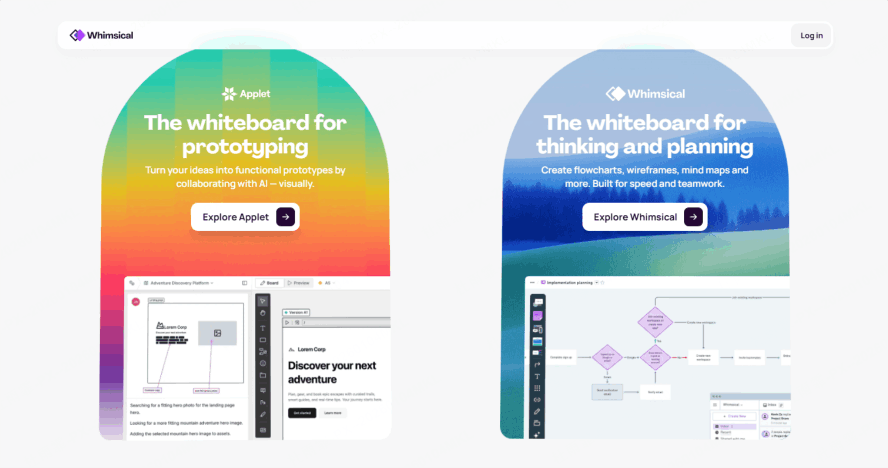
Whimsical carves out a unique niche in the mind mapping space, blending mind map functionality with flowchart, wireframe, and document tools—all within a minimalist, browser-based interface. Designed for speed and simplicity, Whimsical is built for product teams, UX/UI designers, and SaaS companies that need to translate ideas into visual diagrams quickly, without sacrificing clarity or collaboration.
Whimsical focuses on "doing one thing well": turning abstract ideas into structured, shareable diagrams in minutes. Its drag-and-drop functionality is among the smoothest on the market, and real-time collaboration makes it a favorite for agile team workflows.
AI Generation Support?
No. Like XMind, Whimsical does not offer AI generation features—all mind maps, flowcharts, or wireframes are built manually. The tool’s design prioritizes structural clarity over automation, so users have full control over how ideas are organized and visualized. While this means no one-click generation, it also ensures that the final product aligns perfectly with the team’s vision.
Key Highlights
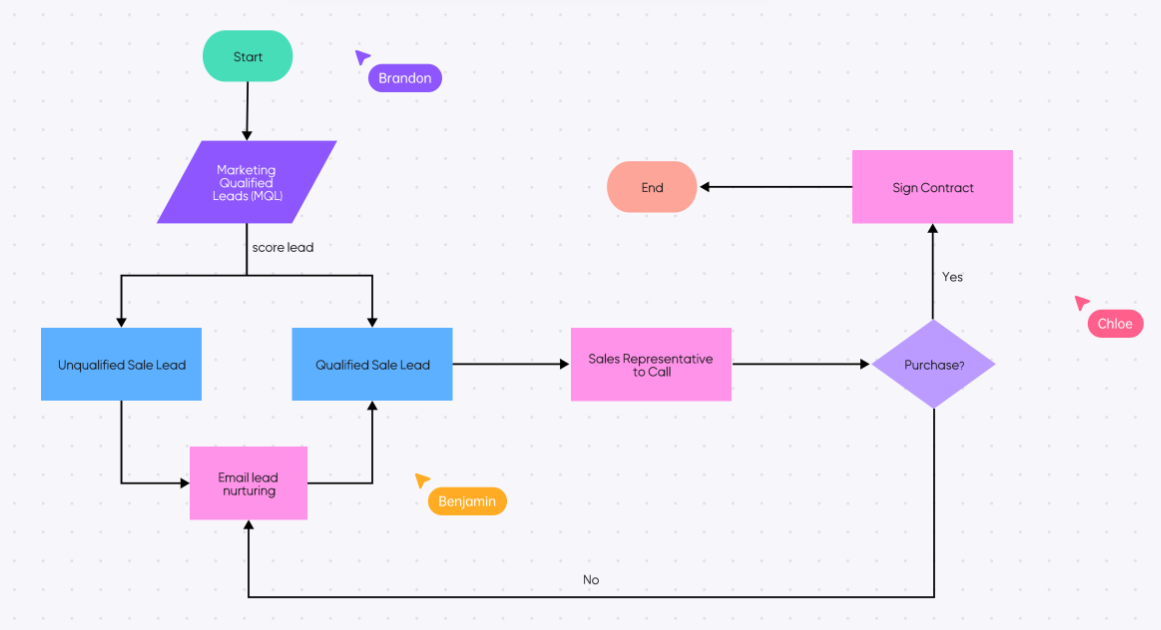
- Integrated suite of tools: Mind Maps, Flowcharts, Wireframes, and Docs all in one platform—eliminating the need to switch between tools for different diagramming tasks.
- Minimalist, beautiful design with exceptionally smooth drag-and-drop functionality; even complex diagrams feel effortless to build and edit.
- Real-time collaboration with live cursors, comment threads, and version history—critical for agile product teams that need to iterate quickly.
- Lightweight browser-based design with no downloads or installations required; works on any device with a modern web browser.
- Pre-built wireframe libraries for web and mobile design, making it easy to combine mind maps with low-fidelity prototypes for product planning.
Hands-On Experience
Testing Whimsical for product team brainstorming revealed its greatest strength: speed. We created a mind map for a new mobile app feature, then seamlessly converted key branches into a flowchart for the user journey—all within the same workspace. The drag-and-drop functionality was flawless, with nodes snapping into place perfectly and no lag even with 20+ branches. Real-time collaboration worked as advertised: a team member in a different location added comments to specific nodes, and we could edit the map simultaneously without conflicts.
Whimsical’s minimalist design is both a strength and a limitation: it keeps the interface clean, but advanced customization options (like custom color palettes or icon libraries) are limited. For product managers and designers, however, this is a plus—it reduces decision fatigue and keeps the focus on structure rather than aesthetics. The biggest frustration was the lack of AI, which meant we had to manually add every branch, but the tool’s speed made this less tedious.
Shortcomings
The free plan is heavily restricted, with a limit of 500 total items (nodes, shapes, text boxes) per workspace—easily hit for larger projects. Paid plans start at $12/month per user, making Whimsical one of the most expensive tools on this list for team use.
There is no AI content generation, which is a drawback for users who want to accelerate brainstorming. Additionally, the interface is English-only, which can be a barrier for non-English speaking teams. Finally, export options are limited , with no support for Excel or Markdown exports (only PDF, PNG, and SVG).
Ideal For
- Product Managers, UX/UI Designers, and SaaS teams: Agile teams that need to quickly translate ideas into mind maps, flowcharts, and wireframes in a single tool.
- Anyone who needs to create wireframes, user stories, or process flows: Professionals who want to combine mind mapping with product design workflows.
- Fans of minimalist, efficiency-focused tool design: Users who prioritize speed and collaboration over advanced customization or AI features.
- Remote and distributed teams: Teams that rely on real-time collaboration and browser-based tools to work across locations and devices.
Conclusion
For users who prioritize AI-driven speed, collaboration, and all-in-one functionality, Boardmix stands head and shoulders above the competition—its ability to generate structured mind maps from simple prompts, combined with real-time team collaboration and a vast template library, addresses the pain points of both individual users and large teams.
GitMind excels for budget-conscious students and casual users who need basic mind mapping with no learning curve, while Notion AI is ideal for power users already embedded in the Notion ecosystem (though its indirect mind mapping workflow is too complex for beginners). XMind remains the top choice for design-focused users who value visual precision over automation, and Whimsical shines for product teams that need to combine mind maps with flowcharts and wireframes.
Ultimately, the best tool depends on your priorities: if speed, collaboration, and AI automation are non-negotiable, Boardmix is the clear winner. It balances power with accessibility, making it suitable for both beginners and advanced users, and its free tier offers enough functionality to test the tool without commitment.
Stop brainstorming alone. Try Boardmix Free to create AI-powered mind maps on a collaborative whiteboard with your team today—turn vague ideas into structured, actionable plans in seconds, and streamline your workflow with the only all-in-one mind mapping and collaboration tool you’ll ever need.