A distributed Sprint Review can easily become a screen-share of completed tickets. That misses the event's purpose: the Scrum Team and stakeholders inspect the Sprint outcome, discuss what has changed, and decide what to adapt next. The Scrum Guide calls it a working session, not a presentation.
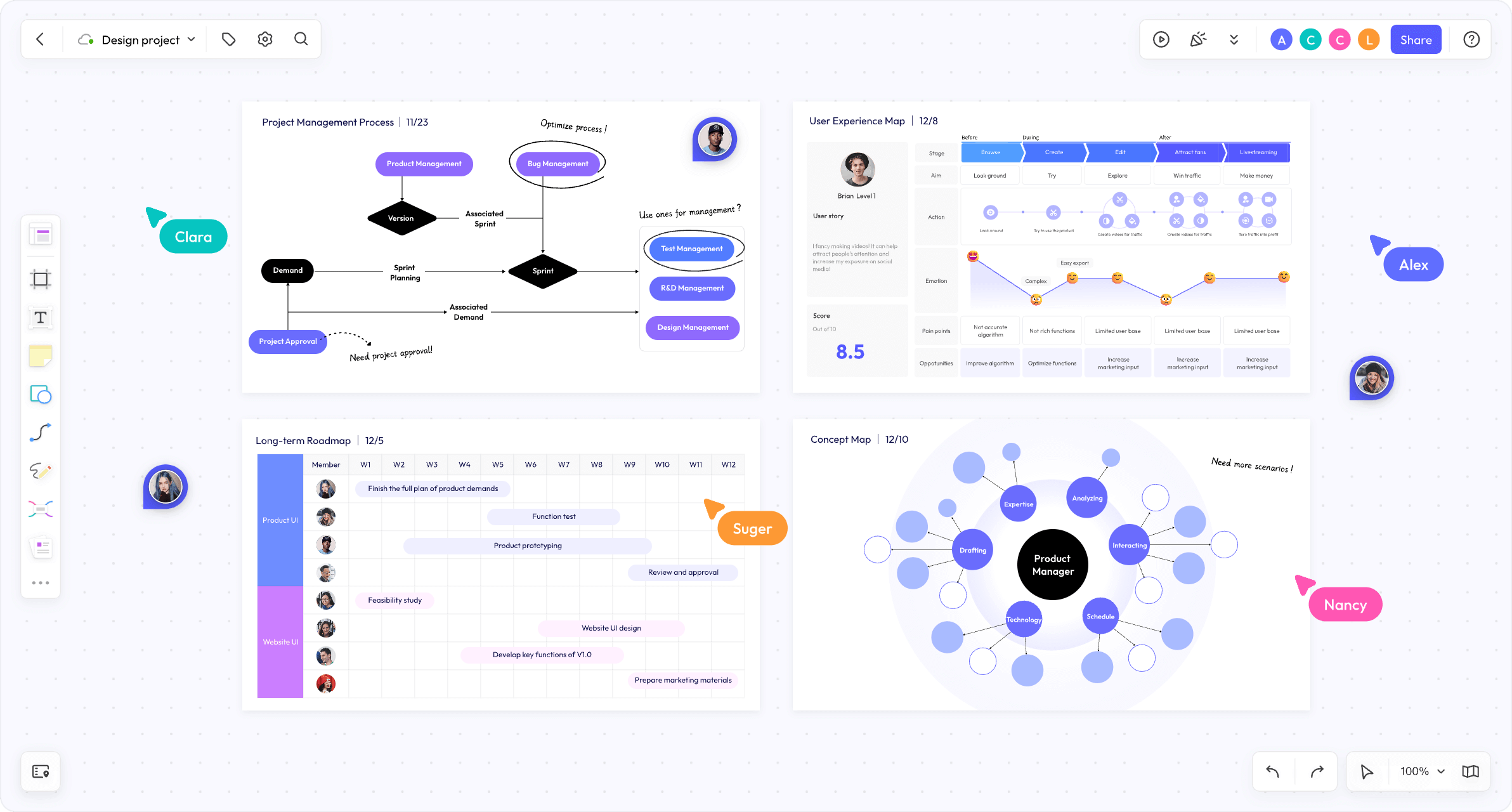
Use a shared online whiteboard for team collaboration to keep the outcome, stakeholder observations, and possible Product Backlog changes in one view. The board organizes the discussion; the working software or other product increment remains the thing being inspected.
Prepare evidence, not a slide deck
Before the meeting, identify the Sprint Goal, the usable increment, and the specific questions you want stakeholders to help answer. Invite people who can speak to the value or use of the work. Share the product or test environment in advance if access is needed; a screenshot alone may hide the behavior the team wants to inspect.
Make four areas on the board: Goal and outcome, What we can inspect, What changed outside the team, and Questions or adaptations. Keep the columns light enough for discussion. Do not pre-fill the last area with decisions that stakeholders have not made.
A Sprint Review example: a booking change
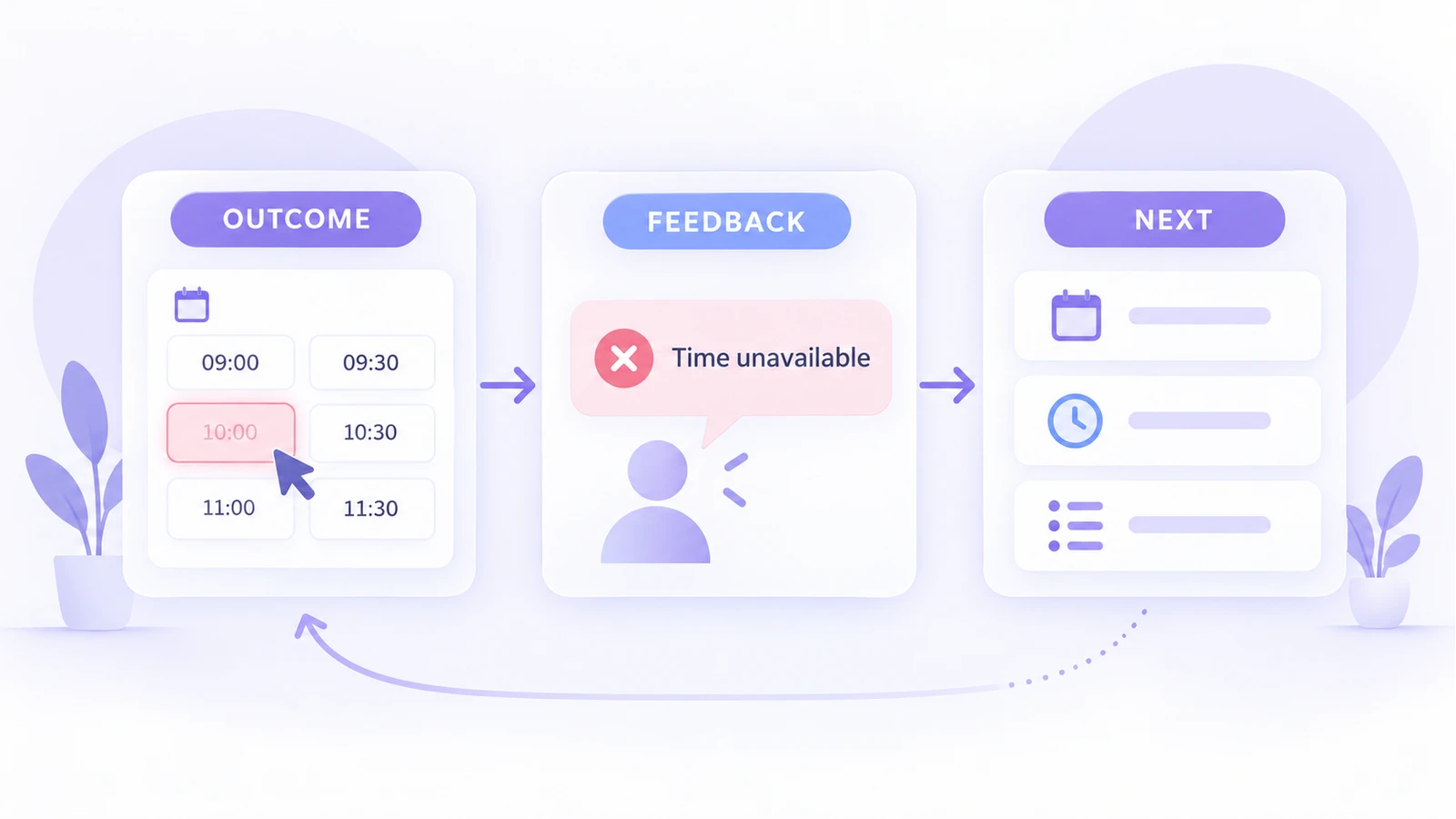
Suppose a team has made it possible to reschedule a booking from a confirmation page. Its Sprint Goal was to let customers change a time without contacting support. The live increment shows the rescheduling path, including what happens when the requested slot is unavailable.
In the first area, write the goal and what was actually completed. In the second, link to the increment and note the two situations to inspect: a free slot and a full slot. A stakeholder from support may explain that customers often try to change a booking after a reminder email. A business stakeholder may say that some services require approval before a new slot is confirmed. These are observations and questions, not proof that the current design is wrong.
Capture each point next to the relevant product behavior. The team may decide to investigate the approval rule, change wording for unavailable slots, or reorder a Product Backlog item. The Product Owner can adjust the backlog after the conversation; the Review does not require the group to promise every proposed change.
Facilitate the remote discussion
- Open with the goal. Say what the team expected to improve and show the increment. Avoid reading through every completed ticket.
- Ask people to try a path. Let a stakeholder describe what they expected at a decision point. Record the observation in their words before debating a solution.
- Separate fact from proposal. Use distinct notes for “the full-slot message is unclear” and “add a waitlist.” The first can be checked now; the second is an option.
- Discuss changes in context. If the environment or priorities have changed, make that visible alongside the increment. Ask what is most valuable to learn or deliver next.
- Close with ownership. Note which questions the Product Owner will take into backlog refinement and which need evidence from support, users, or policy owners.
If a participant cannot join live, invite a short written observation against the same board before or after the session. Do not equate a vote on sticky notes with a Product Backlog decision; the Product Owner remains accountable for ordering it.
Build the review board in Boardmix
In Boardmix, create a board with the four areas above. Add a link to the real increment rather than recreating the product interface as a drawing. Use sticky notes for feedback and simple shapes or connectors to show which part of the experience each note concerns. Share editing access with reviewers who will contribute; keep sensitive customer data out of the example board.
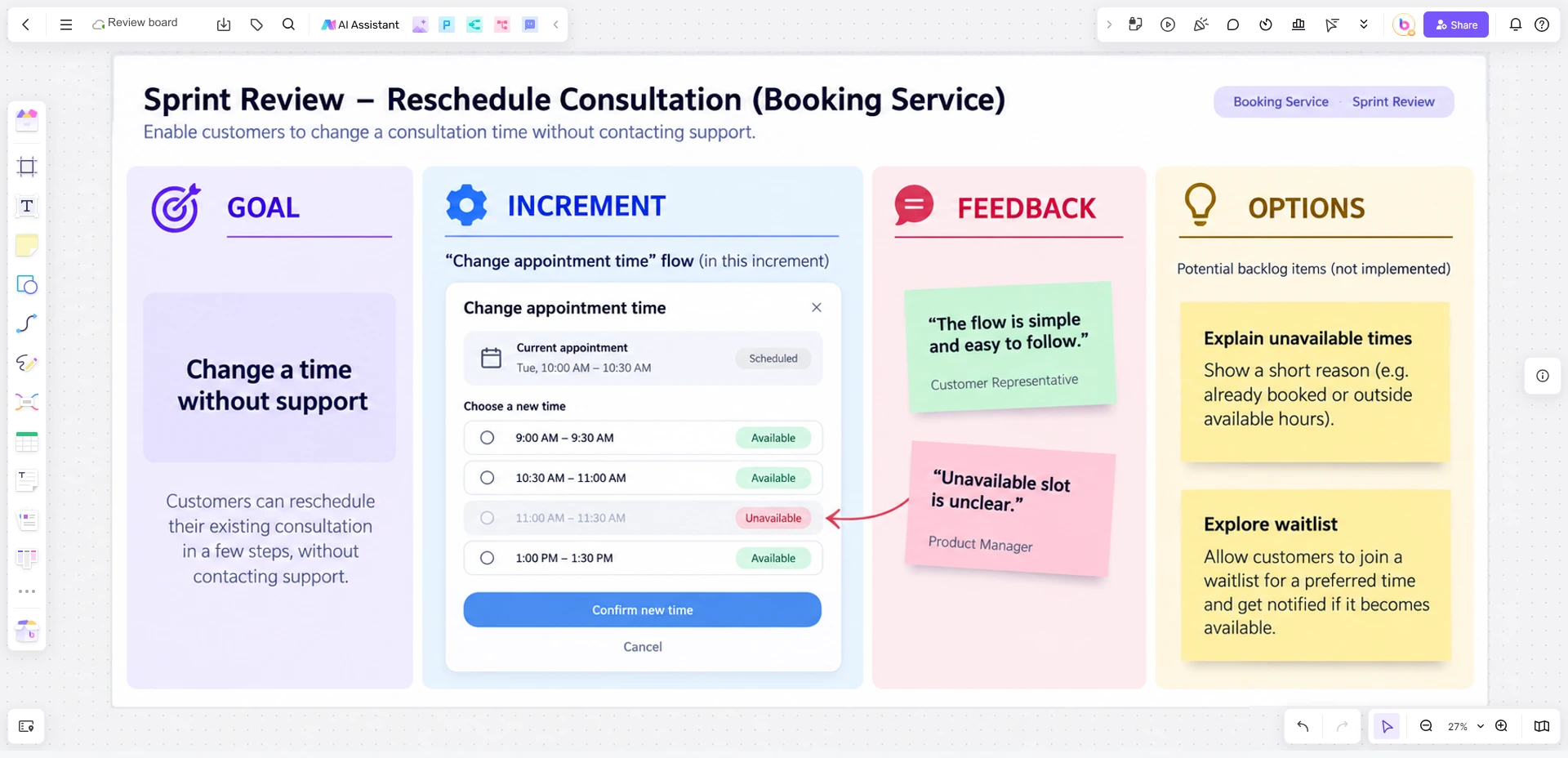
For teams that use a Scrum board template, the Review board should not become a duplicate task tracker. Bring over only the work needed to explain the Sprint outcome, then link back to the team's authoritative Product Backlog.
Keep the Review distinct from the Retrospective
The Sprint Review examines the product outcome with stakeholders and informs future product decisions. The Sprint Retrospective examines how the Scrum Team worked and what it can improve. A stakeholder comment about the rescheduling flow belongs in the Review; a team discussion about slow test environments belongs in the Retrospective. Both can lead to change, but they answer different questions.
Leave the meeting with an inspectable increment, an accurate record of feedback, and a small set of next questions. That is more useful than a polished board that hides disagreement.