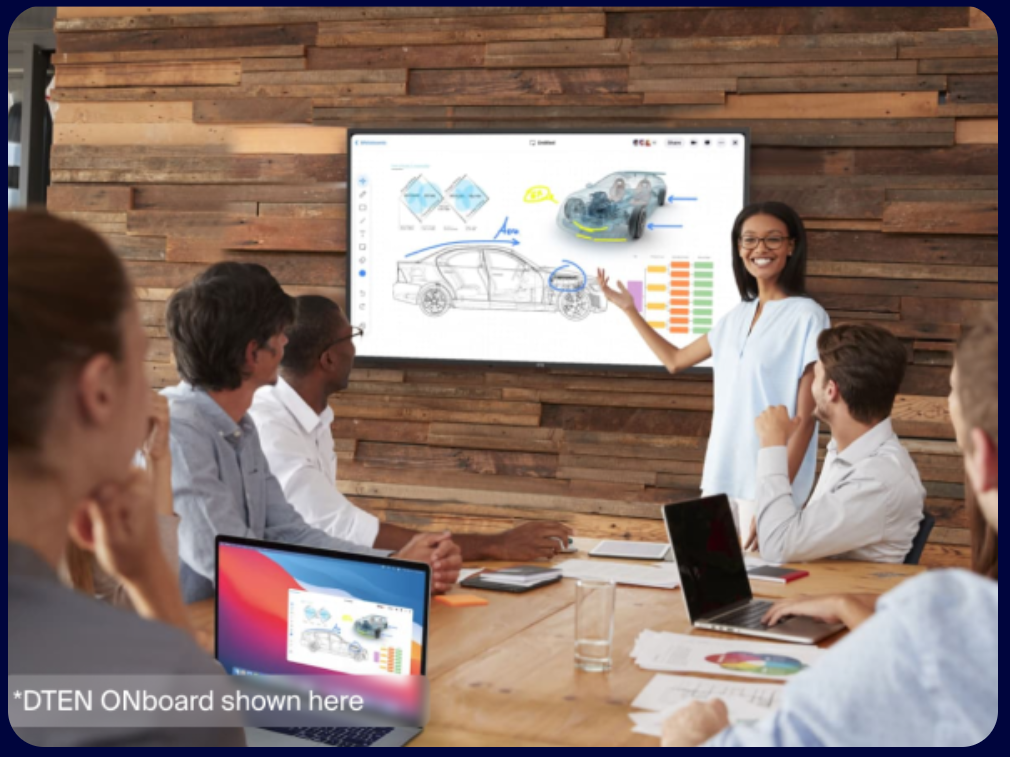
Somewhere along the way, "let's hop on a call" became the default answer to almost any collaborative problem — even ones that didn't need real-time discussion at all. A status update. A quick round of feedback. A brainstorm that really just needed people to think, not talk. Meetings became the tool, when often what the situation actually called for was a shared space where people could contribute on their own time and still end up aligned.
That's the gap an async collaboration tool is meant to close, and a well-designed whiteboard turns out to be one of the most effective formats for it — not despite being visual, but because of it. This guide looks at why whiteboards work so well for asynchronous collaboration specifically, what kinds of work actually translate well to async, and how to set up a whiteboard so it functions as a genuine async collaboration tool rather than just a live-meeting accessory.
Why "Async" Doesn't Mean "Slower"
There's a common assumption that asynchronous work is inherently slower than meeting live — that real progress requires everyone in a room (or a call) at the same time. In practice, the opposite is often true for a lot of collaborative work. A live meeting forces everyone's schedules to align before anything can happen at all, while an async collaboration tool lets contributions start immediately and accumulate continuously, without waiting for a shared calendar slot that might be days away.
The trade-off isn't speed versus quality — it's synchronous discussion versus asynchronous accumulation. Some work genuinely benefits from real-time back-and-forth (negotiation, sensitive conversations, fast iterative debate). A surprising amount of collaborative work doesn't need that at all, and moves faster when people can contribute the moment they have the thought, rather than saving it for a meeting that might be scheduled for next Tuesday.
Why a Whiteboard Works Especially Well for Async Collaboration
Not every collaboration format translates well to async use. A group chat thread becomes unreadable after 40 replies. A shared document turns into a mess of comments and tracked changes nobody can parse. A whiteboard avoids both problems, for a few specific reasons:
- Spatial organization survives asynchronous contribution. Unlike a linear thread, a canvas lets people add ideas in the right place relative to existing content, so the structure stays coherent even as contributions arrive over hours or days from different people.
- Visual scanning beats reading a long thread. Catching up on a whiteboard means glancing at what's changed; catching up on a long comment thread means reading every message in order to understand the current state.
- Contribution doesn't require a response. Adding a sticky note or a comment doesn't demand the same back-and-forth cadence a chat message implicitly does, which lowers the pressure to reply immediately.
- The board persists as the artifact. Unlike a meeting, whose output depends entirely on someone taking good notes, an async whiteboard session's output is simply what's on the board — nothing gets lost in translation after the fact.
What Kinds of Work Actually Belong in Async Collaboration
Not everything should move to async, and forcing genuinely time-sensitive or emotionally charged discussions into an asynchronous format usually backfires. A useful way to sort this: does the work need real-time back-and-forth, or does it mainly need people's individual thinking gathered in one place?
Good candidates for an async whiteboard:
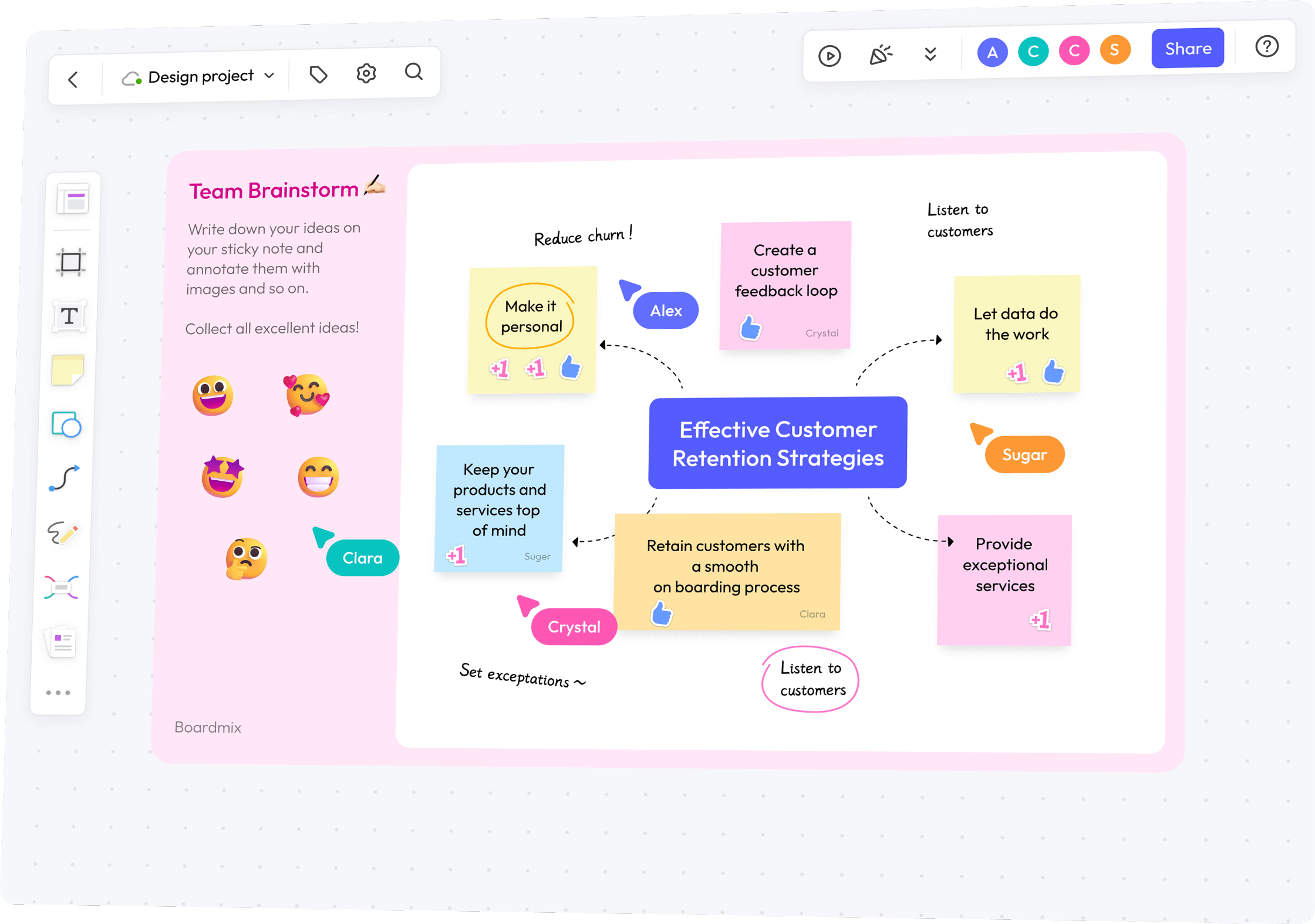
- Initial brainstorming and idea generation — individual contribution before group discussion tends to produce better results anyway, even when synchronous.
- Status updates and project check-ins that don't require discussion, just visibility.
- Feedback and critique on a design, document, or plan, where written comments work as well as (or better than) verbal ones.
- Retrospective input-gathering — collecting "what went well / what didn't" before a synchronous discussion of the highlights.
- Research synthesis, where individuals review material and add observations on their own schedule.
Better left synchronous:
- Negotiating a disagreement or resolving conflict, where tone and immediate back-and-forth matter.
- Fast, iterative decision-making under time pressure.
- Sensitive conversations — performance feedback, layoffs, anything requiring human nuance in the moment.
Many teams land on a hybrid pattern: async for the divergent, individual-contribution phase, followed by a shorter synchronous session to discuss and decide — getting the best of both rather than treating it as an all-or-nothing choice.
Common Async Whiteboard Workflows
Async Brainstorming
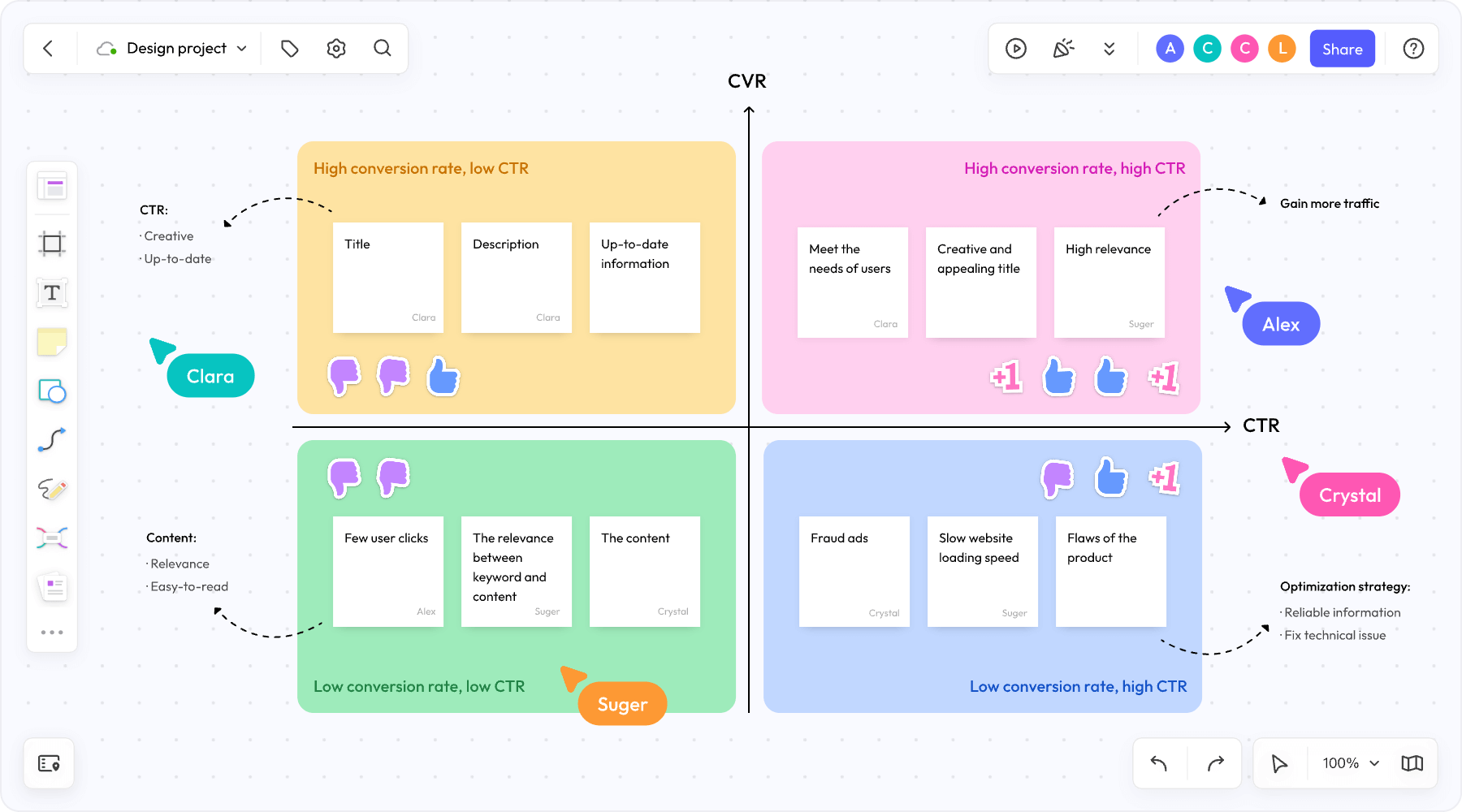
Instead of scheduling a live session, a facilitator sets up a prompt and template, then leaves the board open for 24–48 hours for the team to add ideas independently. This works particularly well for distributed teams with minimal timezone overlap, and often produces a wider range of ideas than a live session, since people aren't competing for airtime or influenced by whoever spoke first.
Async Design and Document Review
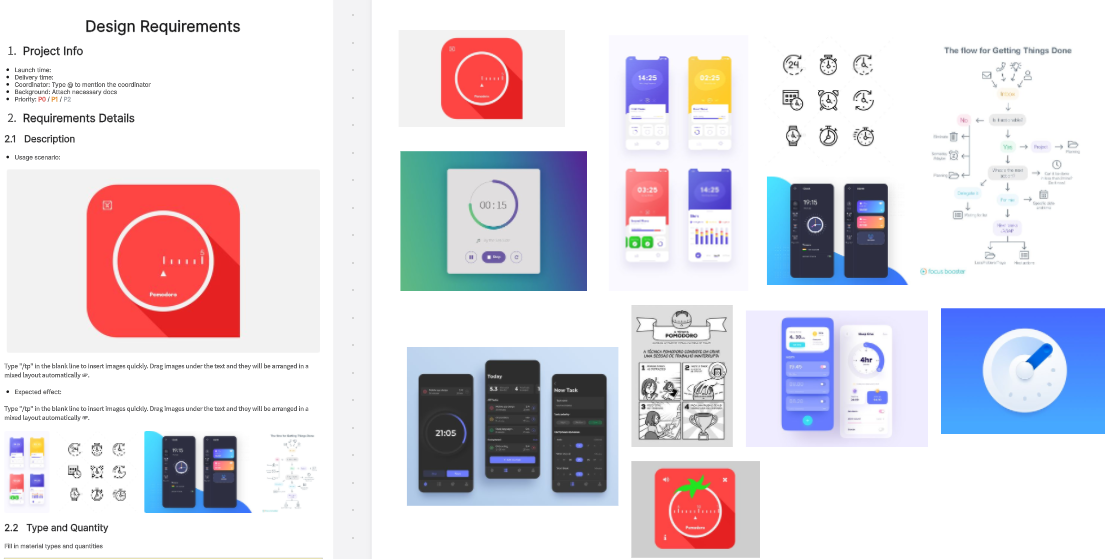
Rather than a live walkthrough meeting, a designer or writer posts work to a shared canvas with clear sections, and reviewers add comments directly on specific elements over the following day or two. This tends to produce more thoughtful feedback than a live review, since reviewers have time to actually think before responding rather than reacting in the moment.
Async Standups
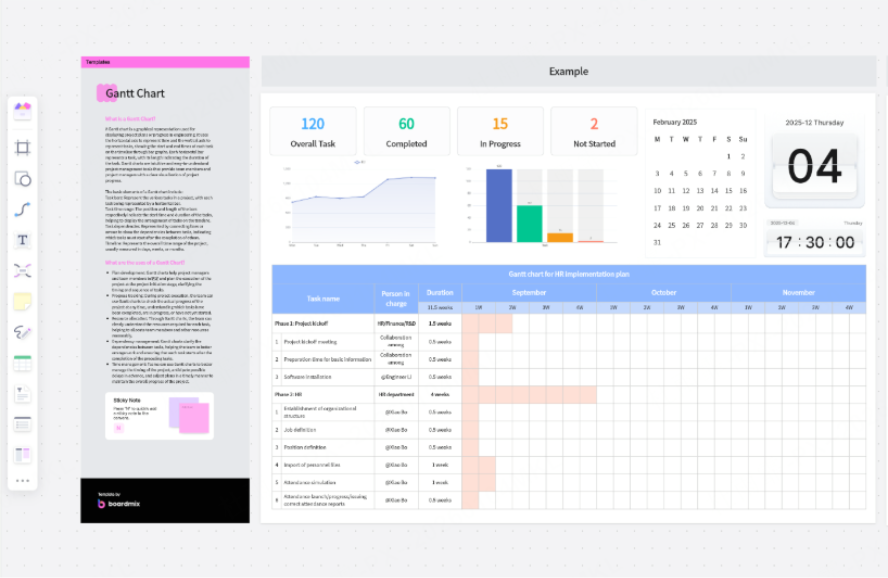
Some distributed teams replace daily verbal standups with a lightweight async board — each person updates their status, blockers, and plan for the day on a shared canvas rather than a live call, freeing up the meeting for genuinely necessary real-time discussion (or eliminating it altogether on most days).
Async Retrospectives
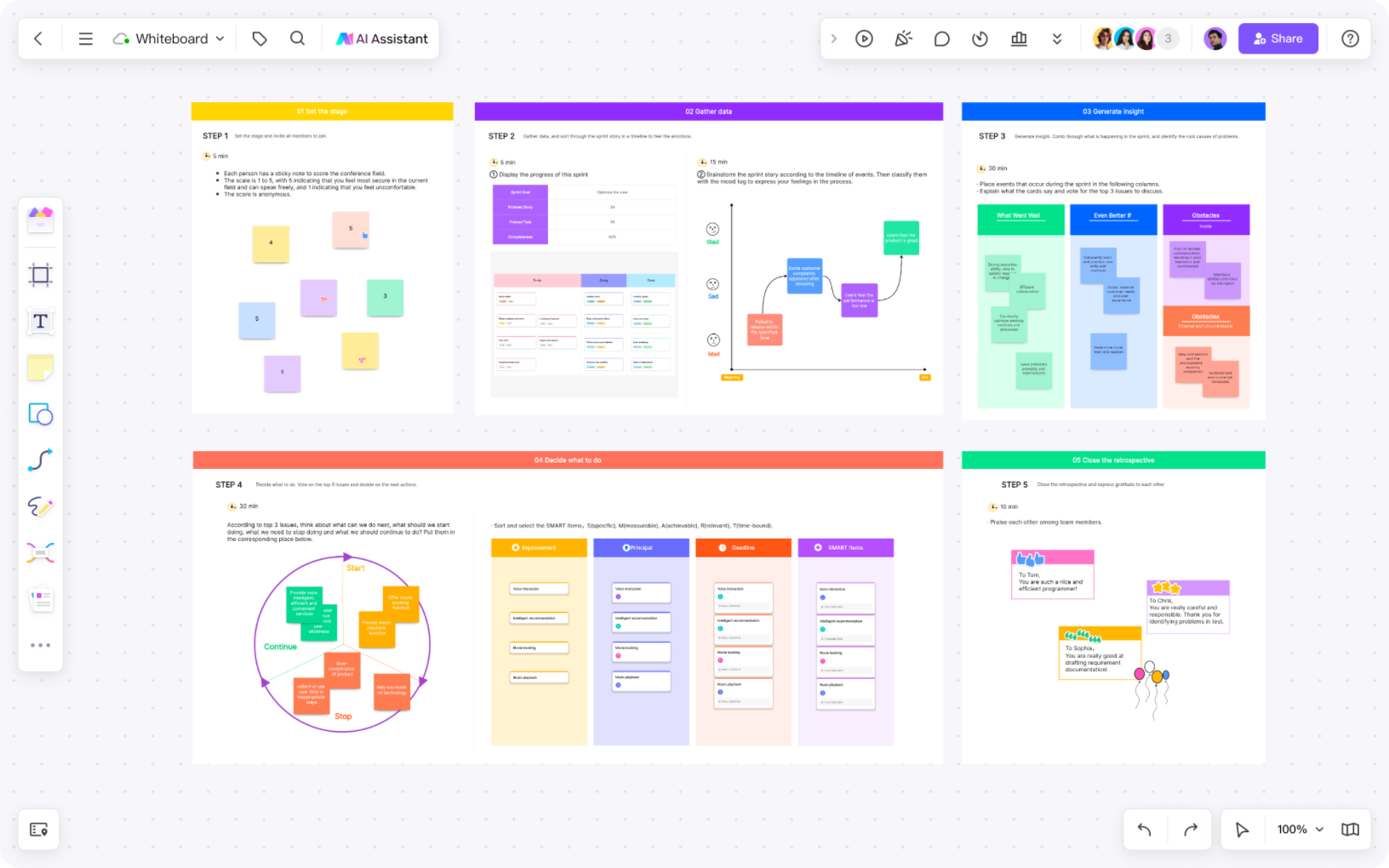
Team members add "what went well / what didn't" input over a day or two before the team reconvenes (synchronously or not) to review patterns and decide on action items — often surfacing more honest feedback than a live retro, since people have time to reflect rather than responding on the spot.
Rolling Roadmap and Planning Boards
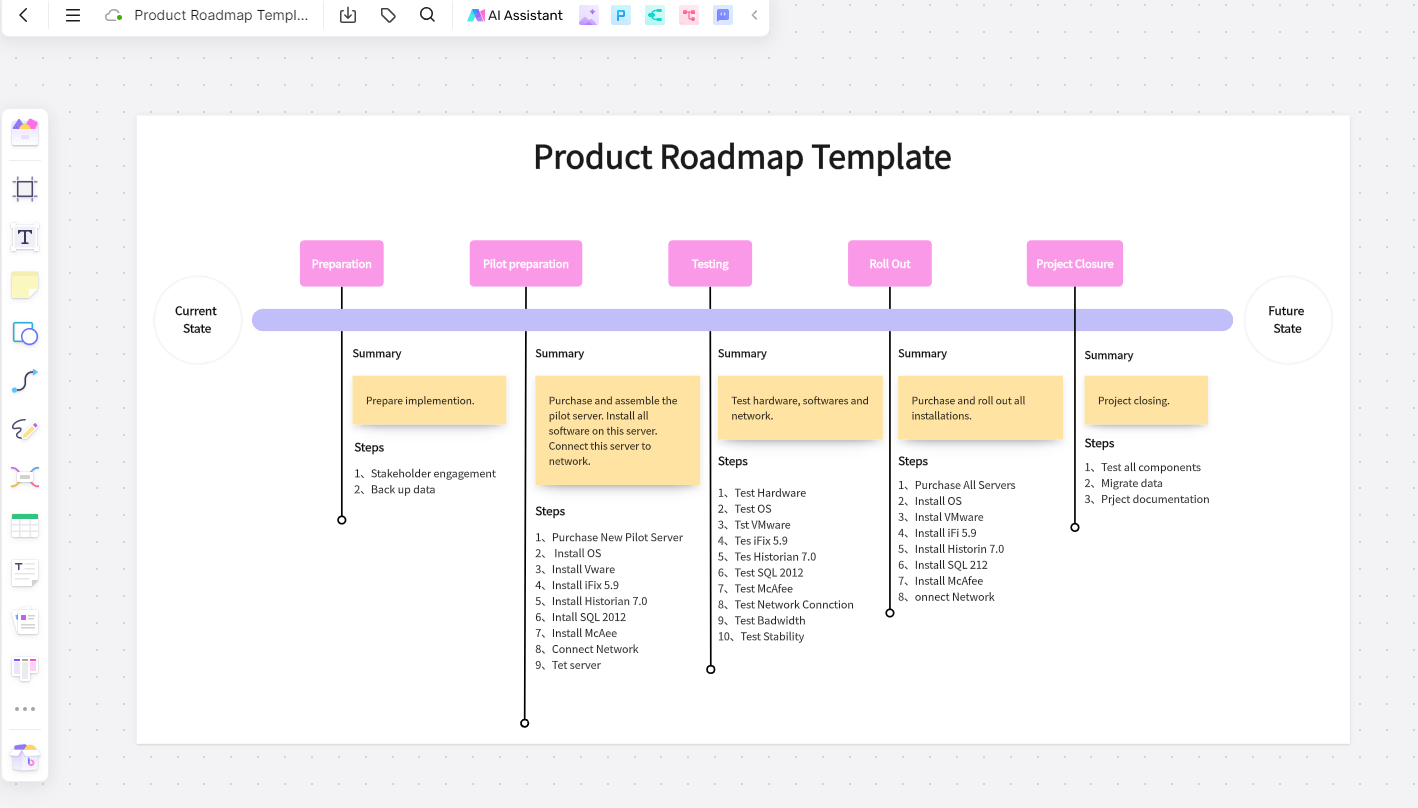
Rather than a single planning meeting, some teams keep a persistent roadmap board that stakeholders contribute to and comment on continuously, turning planning into an ongoing async process rather than a single synchronous event that has to capture everything at once.
What to Look for in an Async Collaboration Tool
A whiteboard built for live sessions doesn't automatically work well asynchronously. A few specific features matter for teams that want to actually shift work away from meetings:
- Persistent, always-available boards. The canvas needs to remain fully accessible and editable outside of any live session — not something that only "activates" when people join simultaneously.
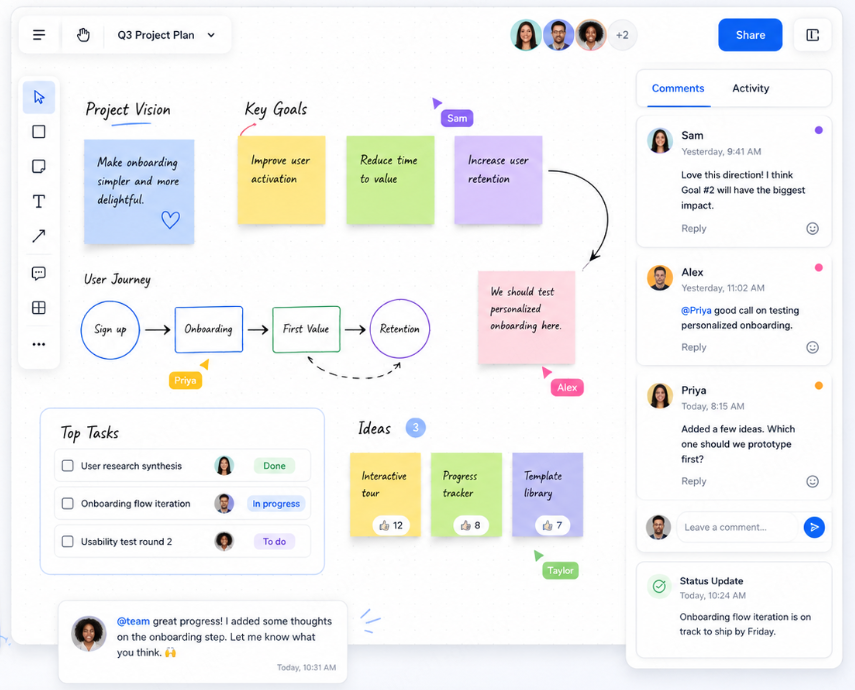
- Comments and @mentions. Threaded feedback attached to specific board elements is essential for async review — general chat about a board, disconnected from the actual content, gets confusing fast.
- Notifications that respect async work. Useful notifications for new comments or mentions, without pressuring immediate response the way a chat app's real-time indicators can.
- Clear activity history. Being able to see what's changed since a person's last visit helps async contributors catch up quickly without re-reading the entire board.
- AI summarization. For boards that accumulate a lot of async input over time, the ability to summarize accumulated sticky notes or comments into themes saves significant catch-up time for anyone reviewing later.
- No dependency on live presence. Templates, voting, and structure should all work whether one person or twelve are viewing the board at a given moment — nothing should require simultaneous participation to function.
How Boardmix Supports Async Collaboration
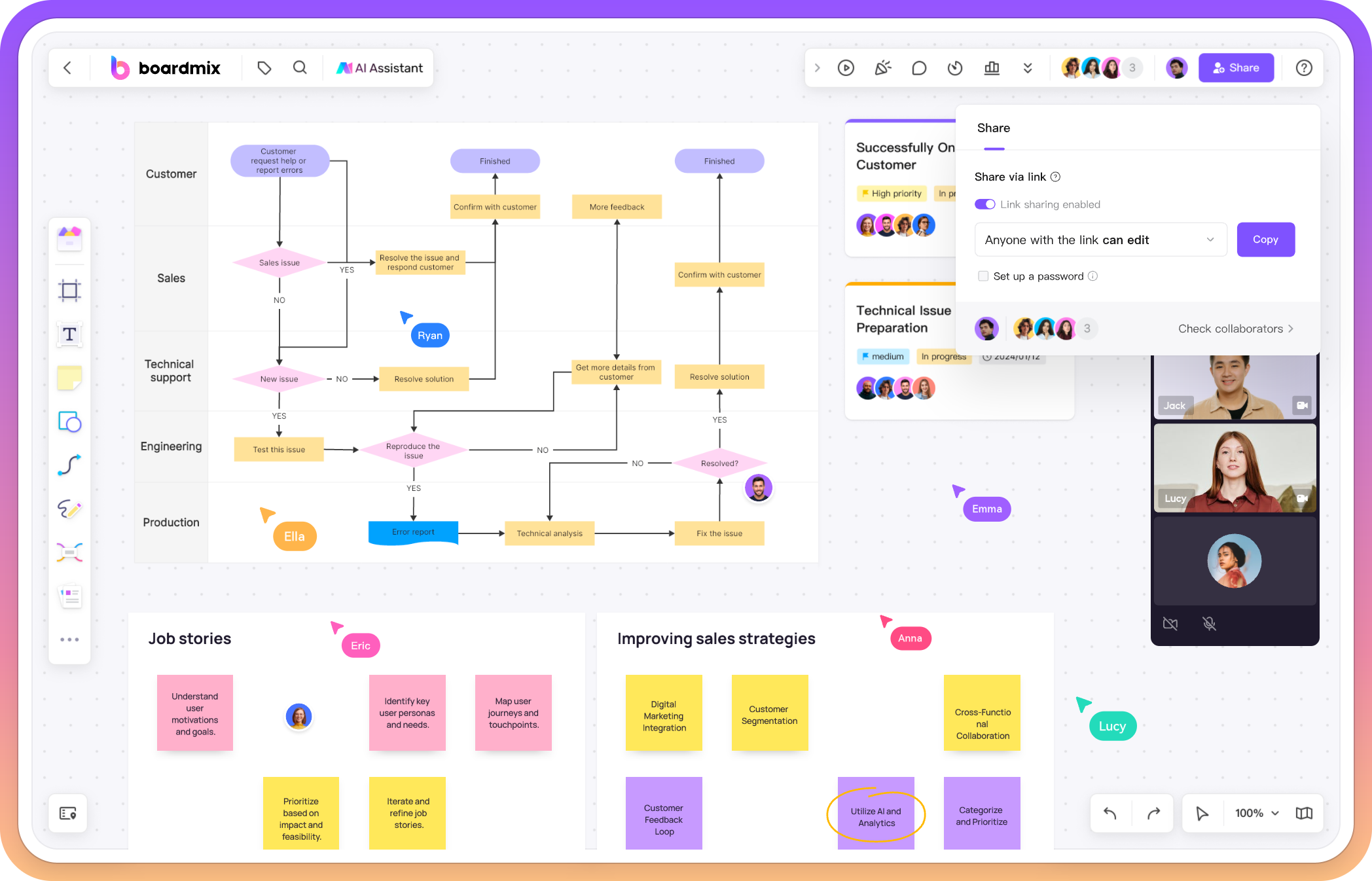
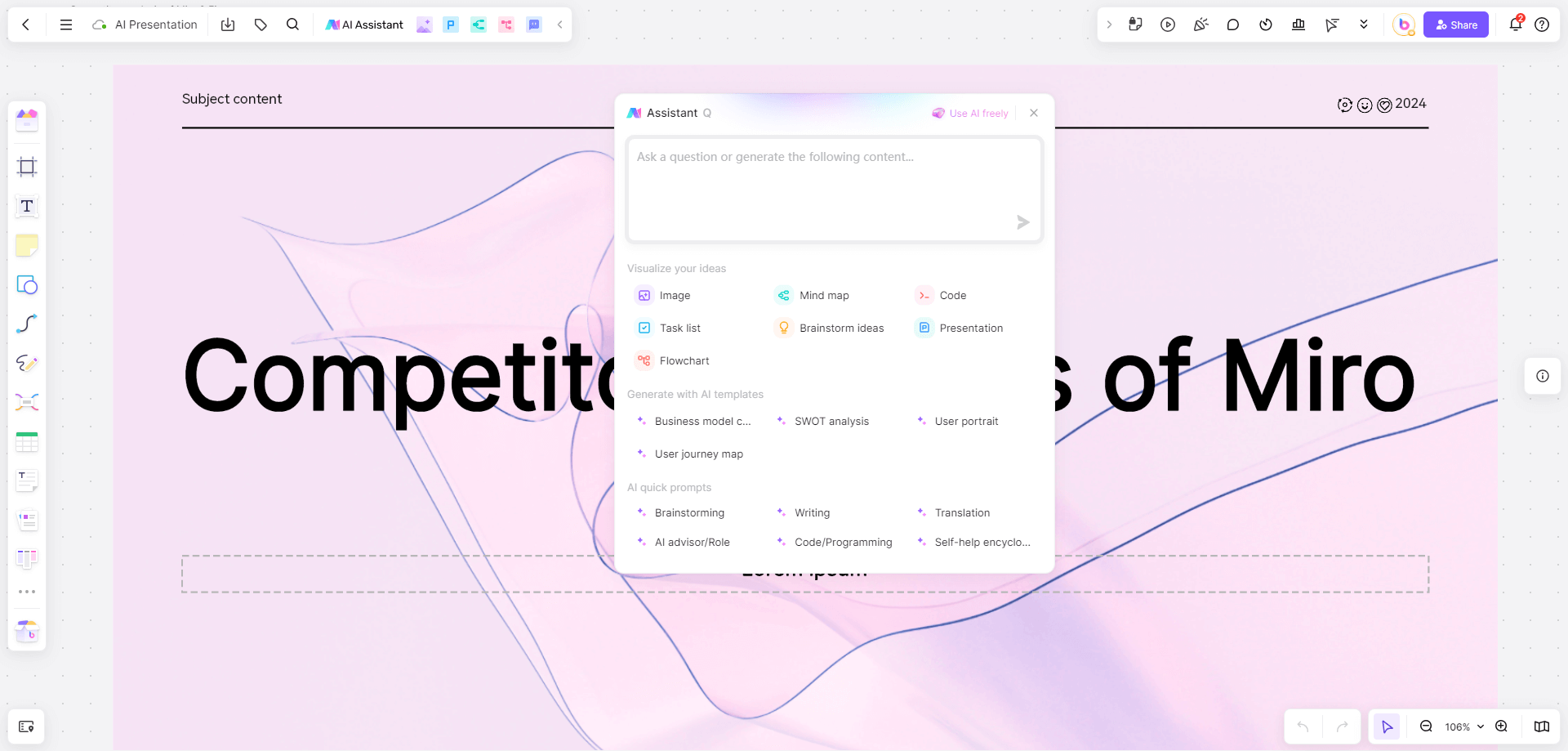
Boardmix's canvas is designed to hold up just as well for asynchronous contribution as it does for live sessions — which matters, since most whiteboard tools are built primarily with real-time collaboration in mind and treat async use as an afterthought:
- Always-accessible boards: Boards remain fully editable at any time, so contributors can add ideas, comments, or updates whenever it fits their schedule, not just during a scheduled live session.
- Comments tied to specific elements: Feedback stays organized and attributable, avoiding the confusion of a general chat thread disconnected from the actual content being discussed.
- AI-assisted summarization: For boards that accumulate significant async input — a multi-day brainstorm, a rolling retrospective — Boardmix's AI can cluster and summarize sticky notes into themes, giving a facilitator or teammate a fast way to catch up without reading every individual contribution.
- Templates built for structured async work: Pre-built layouts for retrospectives, brainstorming, and status boards give async contributors a clear structure to add to, rather than facing a blank canvas without context.
- Real-time collaboration when it's needed: Boardmix doesn't force an all-or-nothing choice — teams can use the same board for an async input-gathering phase and then jump into live co-editing for the synchronous discussion that follows.
- Cross-platform access: Since async contribution happens whenever it's convenient, having the board available on desktop and mobile means people can add a quick thought between other tasks rather than needing to sit down at a specific device.
A Simple Framework for Shifting a Meeting to Async
Before defaulting to a live meeting, it's worth running through a quick check:
- Does this need real-time back-and-forth, or is it mainly gathering individual input? If it's the latter, it's a strong async candidate.
- Set up the board with a clear prompt and structure before opening it up, so contributors know exactly what's being asked of them without needing a live explanation.
- Give it a defined window, — 24, 48, or however many hours makes sense — so async doesn't quietly become "whenever," which tends to stall momentum.
- Decide in advance whether a short synchronous follow-up is needed to discuss the results, or whether the async output itself is the final deliverable.
- Close the loop clearly, summarizing what was decided or what happens next, the same way a good meeting should end with next steps rather than trailing off.
Frequently Asked Questions
Can async collaboration fully replace meetings?
Not entirely — some work genuinely benefits from real-time discussion, particularly anything involving negotiation, sensitive topics, or fast iterative decisions. But a meaningful share of meetings currently held live (status updates, initial brainstorming, feedback gathering) can move to async collaboration without losing quality, often improving it.
How do you stop an async board from just sitting there unused?
Clear prompts and defined time windows help significantly — an open-ended board with no deadline or specific ask tends to get ignored. Treating async contribution with the same intentionality as scheduling a meeting (a clear purpose, a clear timeframe) keeps it from stalling.
Does async collaboration work for fast-moving, time-sensitive projects?
It can, as long as the async window is kept short and well-defined. Many fast-moving teams use a hybrid approach — a few hours of async input-gathering followed by a short synchronous session to make the actual decision, which is often faster overall than a single meeting that starts from a blank page.
Is an async whiteboard different from a shared document for this kind of work?
A whiteboard's spatial, visual format tends to hold up better than a document as contributions accumulate — ideas can be grouped, moved, and related to each other visually, whereas a document's linear structure gets harder to navigate the more people add to it asynchronously.
Final Thoughts
Not every meeting needs to be a meeting. A lot of what gets scheduled as a live call is really just individual thinking that needs to end up in the same place — and a well-designed async collaboration tool built around a visual canvas handles that job better than a thread, a document, or a calendar invite ever could. The result isn't just fewer meetings; it's collaboration that fits into people's actual working hours instead of forcing everyone's schedule to bend around a single synchronous slot.
Try Boardmix as your team's async collaboration tool for brainstorming, feedback, and planning that doesn't need to wait for everyone's calendar to align.