Use this formula: tell ChatGPT the process boundary, audience, steps, decisions, exceptions, and desired output format. The best flowchart prompts request a reviewable structure, not a vague “make a diagram” response.
This prompt library is for people who want reusable templates for Mermaid code, structured flowchart text, decision trees, customer journeys, and process maps. It complements the ChatGPT-to-Mermaid workflow guide, which explains rendering and validation in more depth.
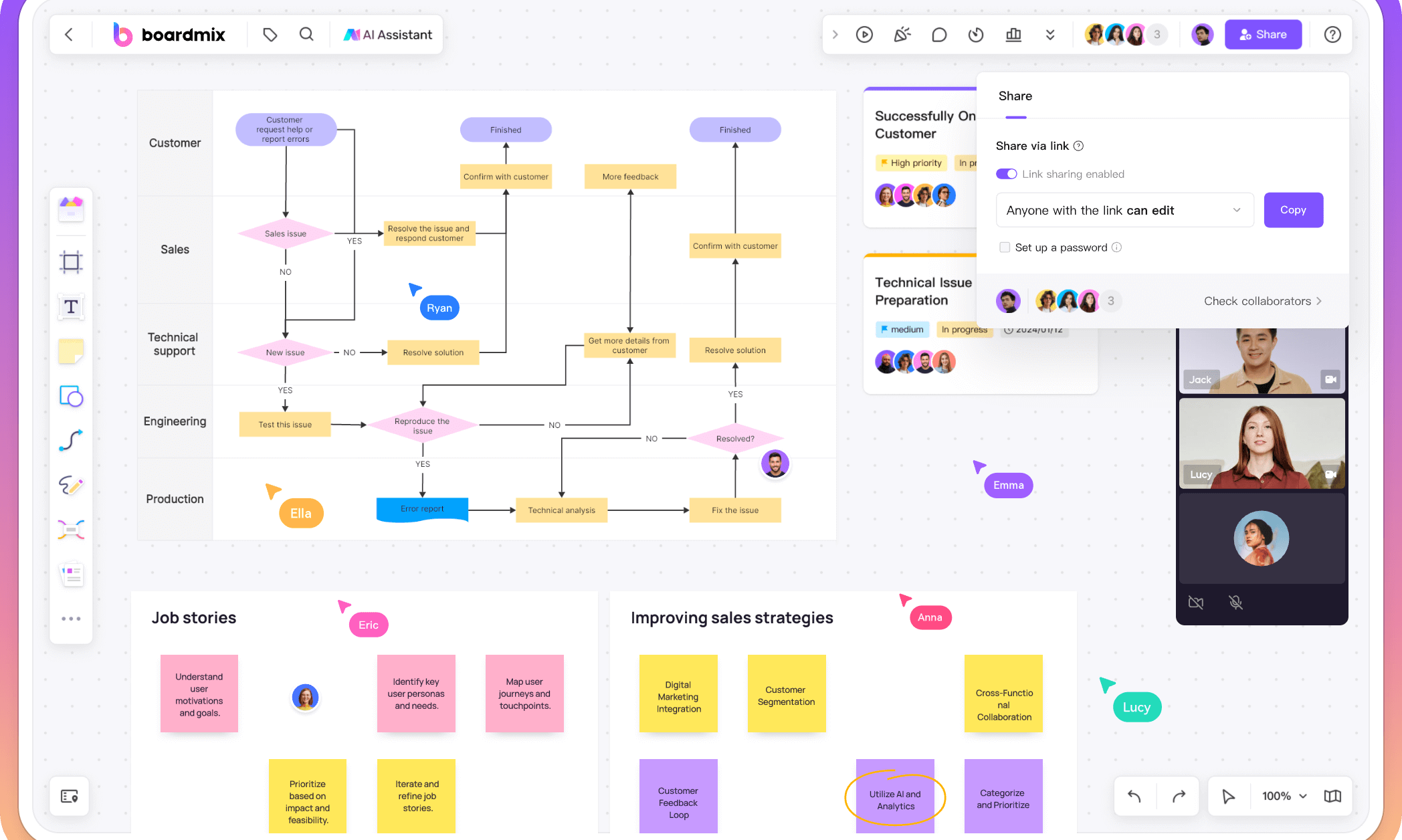
Can ChatGPT Create a Flowchart?
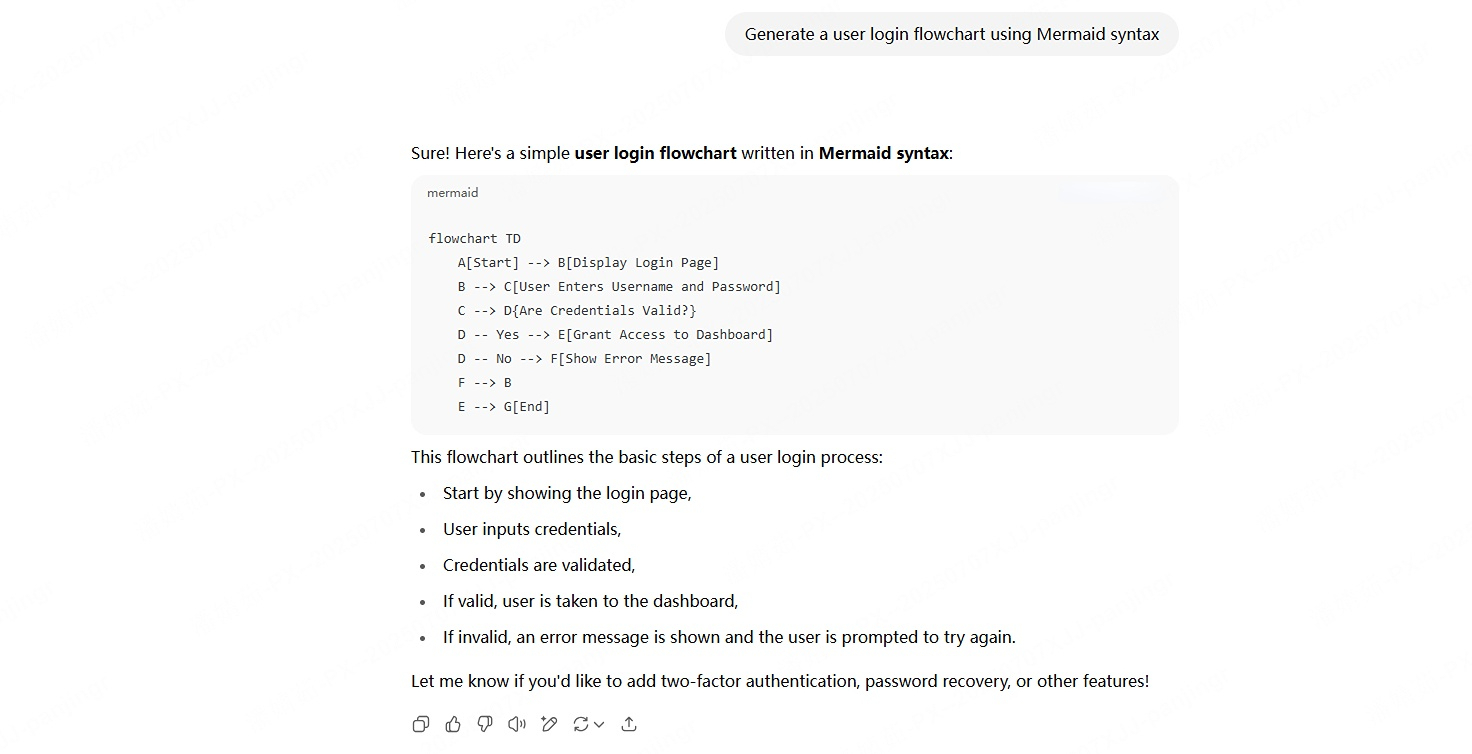
ChatGPT can draft the nodes, edges, labels, and diagram code, but it may omit a branch or invent a step when the source is incomplete. Ask for assumptions to be marked, then render and review the output in a compatible tool.
The Flowchart Prompt Formula
Use this structure and replace the bracketed variables:
“Create a [diagram type] for [process boundary]. The audience is [audience]. Include [required steps], [decision criteria], and [exceptions]. Use [output format]. Do not invent missing rules; mark them as [VERIFY]. Keep labels short and explain the assumptions after the diagram.”
- Scope: define the start and end event.
- Evidence: paste the procedure, code excerpt, or notes the answer must follow.
- Logic: name decisions and the labels for each outcome.
- Format: request Mermaid, a node-edge table, or numbered steps.
- Review: ask for likely omissions and test cases.
12 ChatGPT Flowchart Prompt Templates
- “Write Mermaid code for a user-login flow from credentials submitted to session created or account locked. Label every Yes/No edge.”
- “Turn this software bug-fix procedure into a node-edge table. Mark any missing owner or approval as [VERIFY].”
- “Map an employee onboarding process from offer accepted to first-week review. Include HR, manager, IT, and employee handoffs.”
- “Create a decision tree for triaging a support ticket by severity, customer impact, and escalation threshold.”
- “Convert this customer journey into a flowchart with stages, user actions, friction points, and recovery paths.”
- “Generate a procurement approval flow. Include budget threshold, legal review, rejected request, and resubmission.”
- “Create a deployment flow for a small web service with test, approval, release, rollback, and incident paths.”
- “Describe a research workflow from question to source review, evidence table, synthesis, and citation check.”
- “Write a Mermaid flowchart for an order return process with eligibility, inspection, refund, replacement, and exception branches.”
- “Turn this lesson outline into a study flowchart. Distinguish definitions, examples, practice, and assessment.”
- “Create a product discovery flow from problem interview to prototype, test result, pivot, or decision to build.”
- “Review this flowchart specification for unreachable nodes, missing exits, contradictory conditions, and ambiguous labels.”
For Mermaid output, ask for a code block and specify the renderer. The official Mermaid flowchart syntax documentation is the reference for supported nodes, edges, and directions.
Render, Edit, and Refine the Output
After ChatGPT responds, separate logic review from visual polish:
- Render the code or convert the node table into a diagram.
- Compare each node with the source process.
- Split overloaded actions and label decision outcomes.
- Add exception, retry, and termination paths.
- Ask a process owner to walk a normal and an edge case.
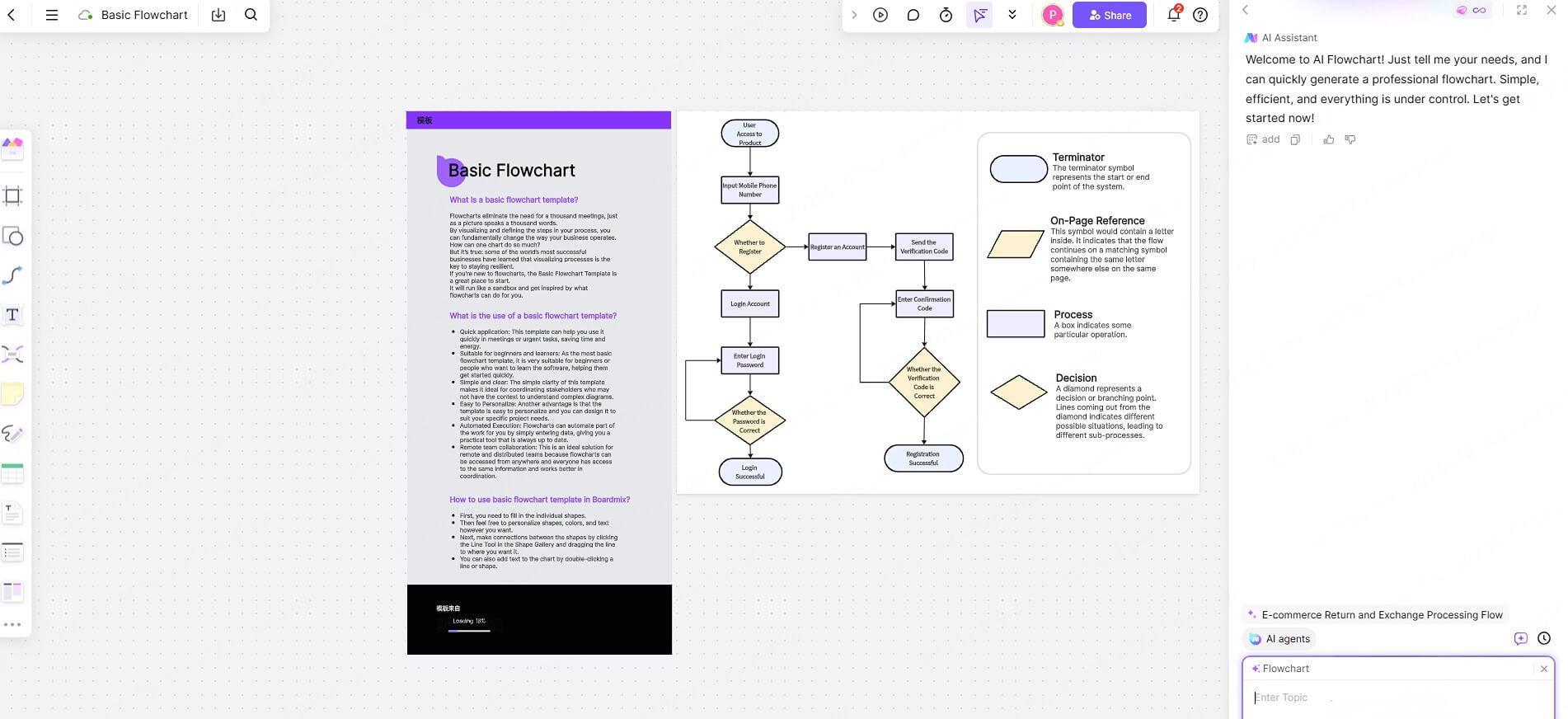
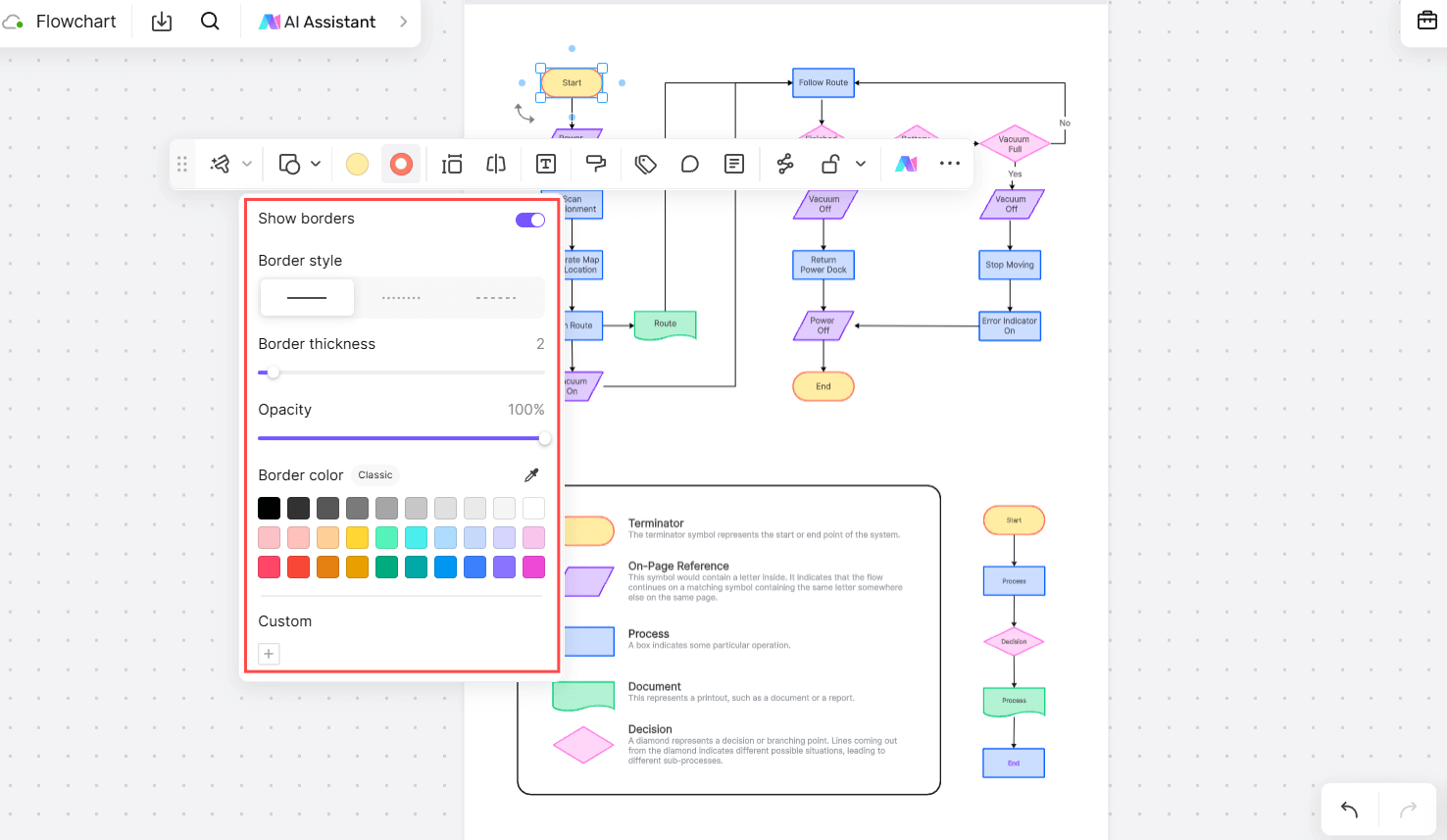
A collaborative online whiteboard can be useful for the editing and review stage. Keep the prompt, source evidence, and unresolved questions with the diagram so later changes remain traceable.
Prompt Quality Checks Before Sharing
- Does the output state what is in and out of scope?
- Are decisions expressed as questions with labeled outcomes?
- Can every branch reach an end state or a documented loop?
- Are unknown policies marked instead of invented?
- Can a reader reproduce the result with a concrete input?
- Are code, citations, and external facts independently verified?
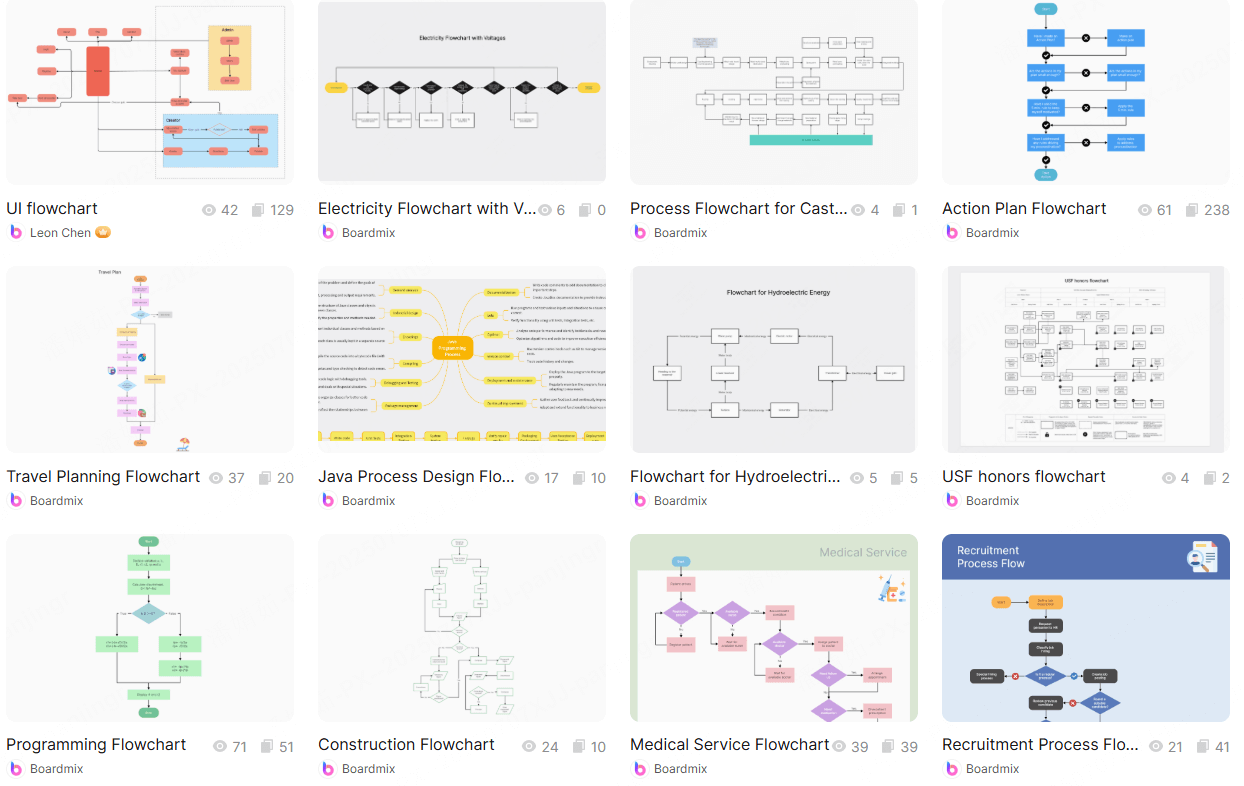
Use free flowchart templates when a known process shape will save setup time, but replace sample content and validate the resulting paths.
ChatGPT Flowchart Prompt FAQ
What should I include in a flowchart prompt?
Include the boundary, audience, evidence, steps, decisions, exceptions, output format, and a request to mark unknowns.
Which prompt is best for Mermaid?
Ask for Mermaid flowchart code, stable node IDs, labeled edges, and only the code block. Then validate the syntax in the renderer you use.
Can a prompt guarantee a correct flowchart?
No. A precise prompt improves the draft, but correctness still requires source review and representative test cases.
Conclusion
Good ChatGPT flowchart prompts make the process, evidence, decisions, and output format explicit. Start with a bounded template, mark uncertainty, render the result, and ask an owner to test the paths before the diagram becomes documentation.