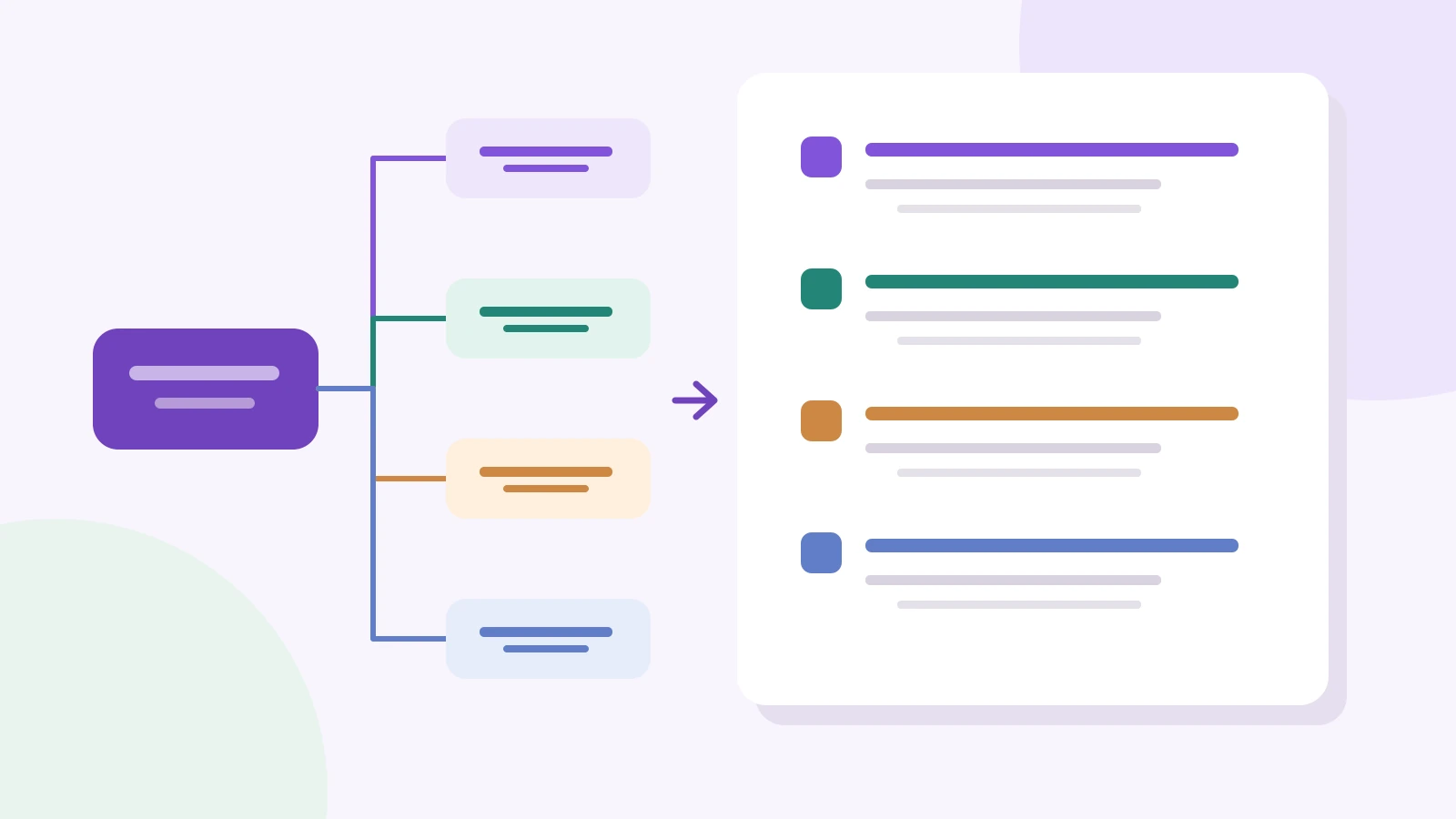
To turn a mind map into an outline, choose the order in which someone should read the main branches, turn those branches into headings, and place their child topics underneath as supporting points. Keep cross-links as short references and move unanswered questions into their own section. The result should read like a document, even if the original map grew in several directions.
You can arrange the branches in a collaborative mind map before writing. This guide works through a product brief for a shared grocery-list app, from an exploratory map to a numbered outline you can adapt for a report or presentation.
Choose a reading order, not a position on the canvas
A branch on the left is not automatically the first section. Place the reader's question first. For a product proposal, that usually means explaining the problem before the solution; for a progress report, the current result may deserve the opening instead.
Our example map has a central topic, Shared grocery-list app, and four branches: Problem, First release, Risks, and Open questions. It is a fictional planning example, not a report about a launched product.
- Problem: household members buy duplicate items; changes made in a store are easy to miss.
- First release: one shared list, an invitation link, and a way to mark an item as bought.
- Risks: an old offline copy could overwrite a newer change; an invitation could reach the wrong person.
- Open questions: how long an invitation remains valid, and what happens when two people edit the same item.
For a brief that asks a team to agree on the first release, the order is Problem → First release → Risks → Open questions. A support handover for the same app might start with risks instead. The topic is unchanged; the reader's job determines the sequence.
Match each branch to a heading and each child to a point
Use the central topic as a working title. Turn the four main branches into numbered headings. Under each one, place its direct child topics as second-level points. Deeper nodes become examples or explanations; they do not all need another heading.
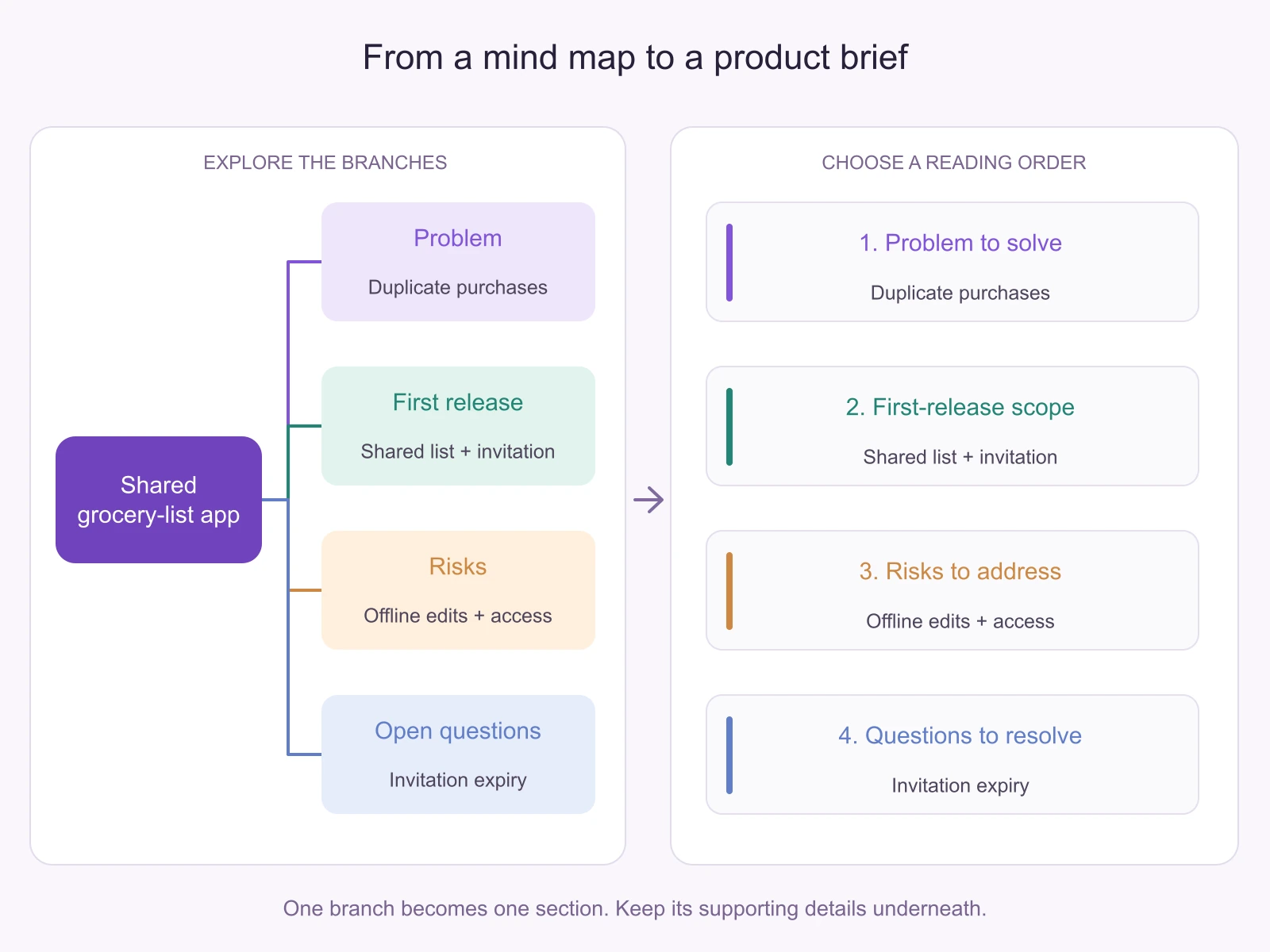
The diagram is deliberately compact. The fuller outline below carries the details that would make the brief useful:
- Problem to solve
- People in one household need to know what is still needed while shopping separately.
- Open evidence question: when do duplicate purchases or missed updates happen, and who is affected?
- What the first release includes
- A shared list: members can add an item and see whether it has been bought.
- An invitation: a member can invite another person to the list.
- A purchased state: mark the existing item as bought instead of creating a second record.
- Outside this first release: recipe suggestions and price comparisons.
- Risks that affect the design
- Offline edits: the design needs a rule for an old copy meeting a newer change.
- Invitation access: the design needs a rule for the wrong recipient or a forwarded link.
- Affected scope: offline edits concern the shared list in section 2.1; forwarded links concern invitations in section 2.2.
- Questions to answer before implementation
- Should an invitation expire, and under what conditions?
- When two people change the same item, which result should they see?
- What evidence or team decision is needed to settle each question?
The “outside this release” point was not a separate main branch in the sketch. Adding it under scope clarifies the existing intent without making the document much longer. If a new point changes the plan, add it to the map too so the two versions continue to agree.
Handle repeated ideas and cross-links without losing meaning
A map can connect one idea to several branches. A document is easier to follow when the full explanation has one home. Choose the section where the reader needs that explanation first, then use a short reference elsewhere.
In the grocery-list map, “invitation” belongs in First release and connects to the access risk. Keep the feature description in section 2. In section 3, write “For the invitation in section 2.2, decide how to handle a forwarded link.” This preserves the relationship without making the reader compare two slightly different feature descriptions.
Do not merge two items just because their labels match. “Update” might mean changing an item or refreshing an old copy of the list. Rename those nodes to make the distinction explicit before converting them. Conversely, if “avoid buying twice” and “prevent duplicate purchases” mean the same problem in this map, combine them and retain any distinct supporting detail.
Useful information with no clear parent needs a deliberate destination. A price-comparison idea belongs under deferred scope here; a source quotation belongs beside the claim it supports. A node you cannot explain yet belongs in Open questions, rather than disappearing during conversion.
Expand labels only where the reader needs context
Short map labels are prompts, not finished arguments. “Offline” makes sense to the person who created the map, but a teammate needs to know the condition and consequence. Expand it to “An offline edit may conflict with a newer change; decide what the returning user sees.” That sentence identifies a design question without pretending it is already solved.
Use three kinds of supporting detail:
- Explanation: what the point means in this example.
- Evidence: the source, observation, or quotation supporting a claim. Keep its link or reference beside the point.
- Open question: what is unknown and what would resolve it.
Do not let the conversion upgrade a possibility into a fact. A branch labelled “users may miss changes” should not become “users always miss changes.” If you have no research yet, state the problem you want to investigate and the observation that would help you decide.
Review the map and outline side by side
Keep the source map visible while you write the numbered version in a document. In Boardmix, use a shared board to discuss the branch groups and leave comments near ideas that need clarification. The outline can remain in the document where the team will write the final brief; link it from the board so people know which version to edit.
Review one branch at a time. For each child topic, find its destination in the outline. Then read the outline without looking at the map. If a section makes sense only after someone explains a distant branch, move that explanation earlier or add a short reference.
This is a manual structure-first workflow. An image or PDF of the map preserves its appearance, but it is not the same as an editable numbered outline. If you use another tool's outline export, inspect the resulting hierarchy and order instead of assuming the canvas position has become the right reading sequence.
Once the sequence works, invite a teammate to read the brief for its actual purpose: can they explain what is in the first release, what is excluded, and what still needs a decision? A missing answer is a content gap to repair in the relevant section, not a reason to add more decorative branches.
A reusable outline for your next map
Copy this starting structure into your writing document and replace the labels with the main branches of your own map:
- Purpose or problem
- Who needs what, and in which situation?
- Which observation or source supports this?
- Proposed approach or main findings
- First main point and its supporting details.
- Second main point and its supporting details.
- Scope: what is included and excluded?
- Constraints, alternatives, or risks
- What changes the interpretation or limits the approach?
- Which earlier section does each constraint affect?
- Unresolved questions or next decisions
- What remains unknown?
- What would help answer it?
For an academic paper, the branches will need a thesis, claims, evidence, and counterarguments instead. The essay mind-map examples show that different starting structure. For meeting records, turning meeting notes into a map covers the earlier step of separating decisions from questions.
Open Boardmix to organize your map