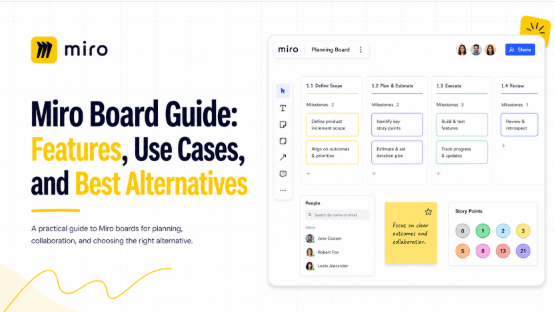
A Miro board is a shared visual workspace used for brainstorming, planning, diagrams, and workshops. This guide explains those uses and compares the requirements teams often consider when evaluating Boardmix alongside Miro.
What Is a Miro Board?
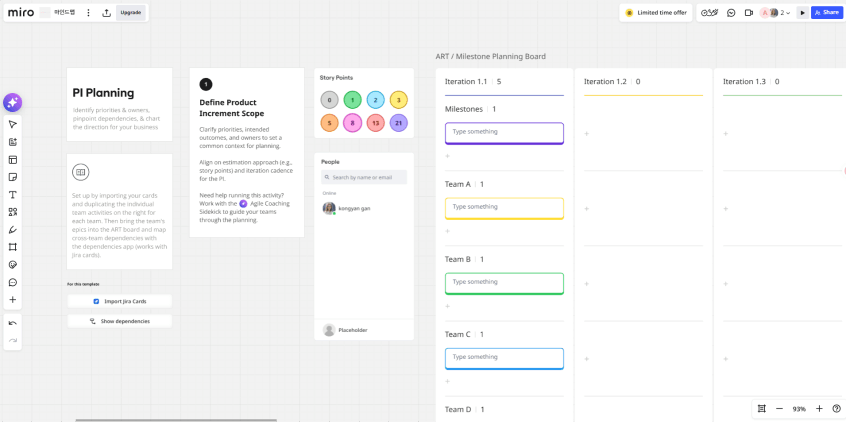
A Miro board is an infinite digital canvas where teams can add sticky notes, diagrams, images, documents, and other visual elements, then collaborate on them in real time. Think of it as a virtual whiteboard that never runs out of space — you can zoom in to focus on a single flowchart or zoom out to see an entire project mapped across dozens of frames.
Miro boards are commonly used for:
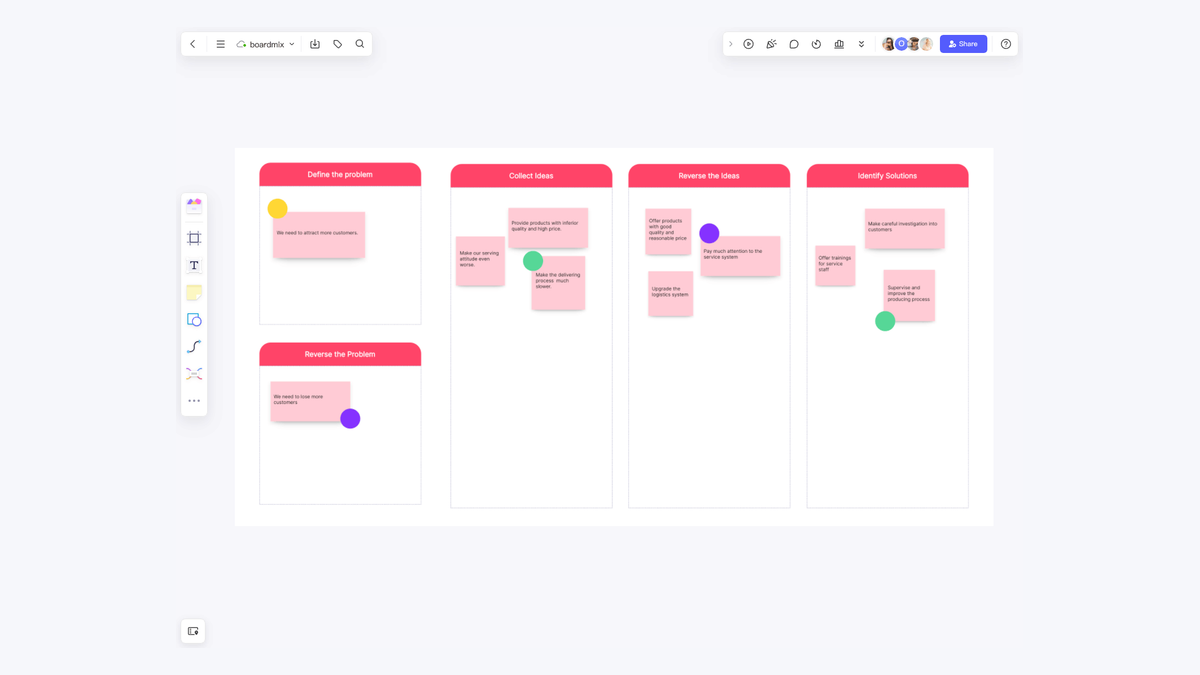
- Brainstorming and ideation sessions, where teams add sticky notes and group ideas visually.
- Agile ceremonies like sprint planning, retrospectives, and Kanban-style task tracking.
- Diagramming and flowcharts, from simple process maps to complex system architecture.
- Workshops and facilitation, using templates, timers, and voting tools to guide group sessions.
- Strategic planning, such as roadmaps, SWOT analyses, and OKR tracking.
- Design and product reviews, where teams can drop in mockups, wireframes, and feedback comments.
Miro's core appeal is its combination of an unlimited canvas with a massive template library and deep integrations — it plugs into tools like Slack, Jira, Asana, Google Workspace, and Microsoft Teams, which makes it easy to slot into existing workflows.
Key Features of Miro Boards
1. Infinite Canvas
Miro's canvas has no fixed boundaries, so teams can keep adding content without needing to create new files or worry about running out of room. This is especially useful for ongoing projects that evolve over time, like a product roadmap or a growing knowledge base of process diagrams.
2. Extensive Template Library
Miro offers thousands of templates covering everything from business model canvases to user persona templates to retrospective formats. For teams that don't want to design a layout from scratch, this is a significant time-saver.
3. Real-Time Collaboration
Multiple users can edit the same board with visible cursors, comments, and mentions. Comments support asynchronous review, while facilitation tools support live sessions; the available features depend on the plan.
4. Integrations
Miro offers integrations for tools such as Jira, Asana, and Google Drive. For example, its Asana integration supports task synchronization, subject to the documented license, permissions, and feature limits.
5. Enterprise-Grade Admin Controls
For larger organizations, Miro offers granular permission settings, single sign-on (SSO), audit logs, and other governance features that IT and security teams often require.
Where Teams Run Into Friction with Miro
A comparison is most useful when it starts with the team’s required tasks and constraints:
- Pricing scales quickly. Miro's free plan is limited in the number of editable boards, and paid tiers can get expensive as team size grows — particularly once you need features like advanced permissions or unlimited boards.
- Learning and setup. Compare how participants complete common tasks and how much guidance they need in the workspace you configure.
- Large-board use. Test a representative board with the devices and connections participants will use, especially when it contains many images or other large objects.
- Hosting requirements. Miro is a cloud service with documented regional data-residency options. Keeping data in a selected cloud region is a different requirement from operating the application on your own infrastructure.
- Plan fit. Identify the features and controls the team needs, then compare the cost of the plans that include them.
These requirements help narrow the choice without assuming that the same product will fit every team.
Boardmix as a Miro Alternative
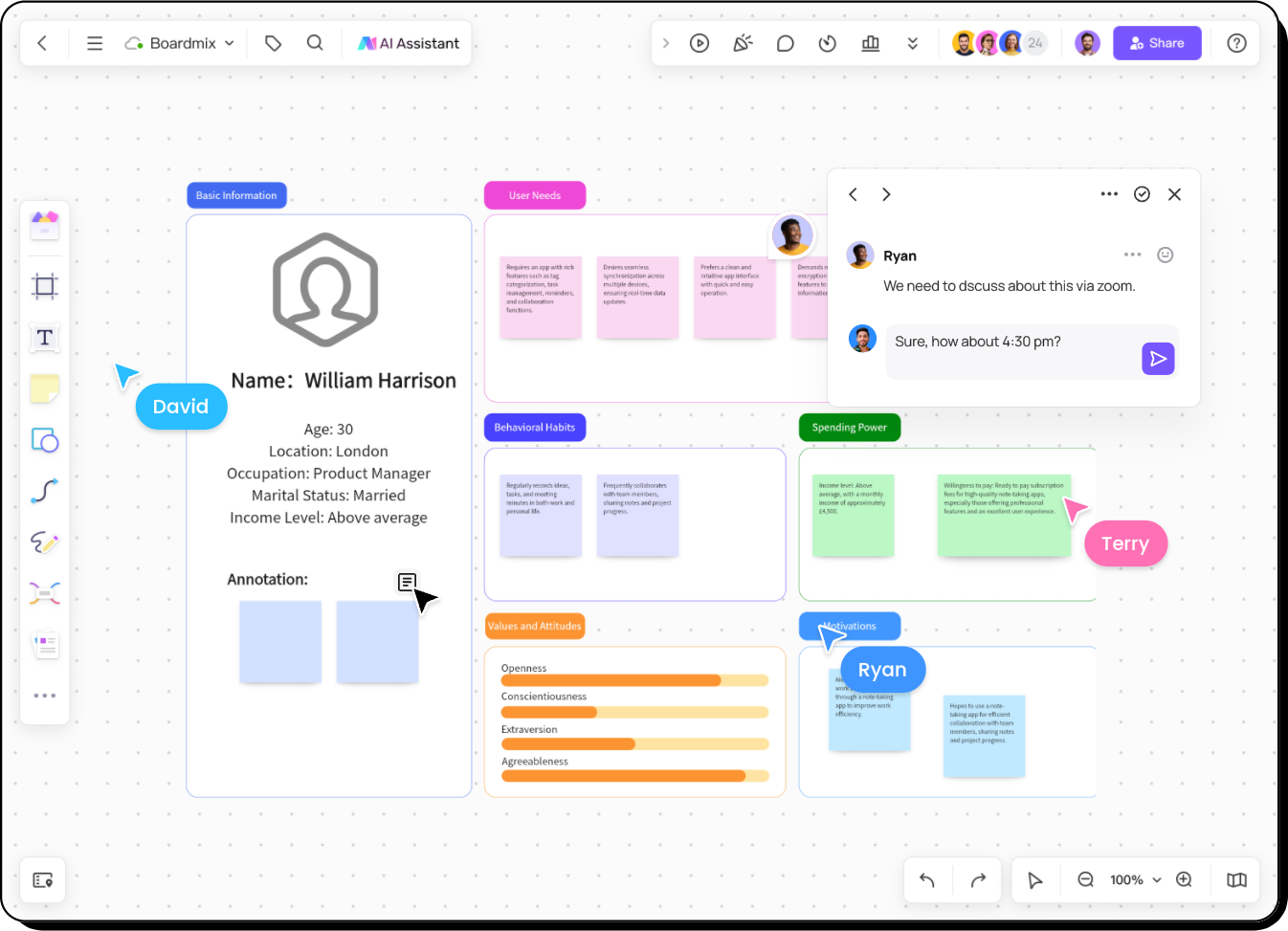
Boardmix is an alternative for teams that want a shared canvas with diagrams, templates, real-time collaboration, and AI assistance. Its enterprise options also give organizations a private-deployment arrangement to evaluate.
Here's what stands out about Boardmix for teams coming from, or evaluating against, Miro:
1. Compare Free and Paid Plan Allowances
Compare the Miro plans with the Boardmix plans by editable boards, objects, storage, guests, and AI allowances. Free access has limits, and the total paid cost depends on seats, billing period, and the features the team needs.
2. Private Deployment and SDK for Enterprise Security
Miro’s data-residency documentation describes regional storage options and the scope of data covered. A requirement to operate an application on your own infrastructure calls for a different deployment arrangement.
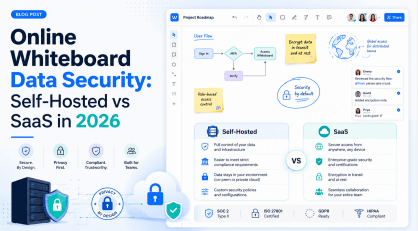
Boardmix offers a private deployment option, allowing organizations to run the platform within their own infrastructure rather than relying solely on the public cloud. It also provides an SDK for teams that want to embed whiteboard functionality directly into their own internal tools or products. For security and compliance teams evaluating collaboration software, this gives Boardmix a meaningfully different value proposition than Miro — less about the number of integrations, and more about control over where data lives and how the tool is embedded into existing systems.
For a Boardmix enterprise proposal, confirm the identity, permission, and audit controls included in the proposed edition. Private deployment changes the operating arrangement; it does not establish feature parity with another product or a different Boardmix plan.
3. Combined Sketching and Structured Diagramming
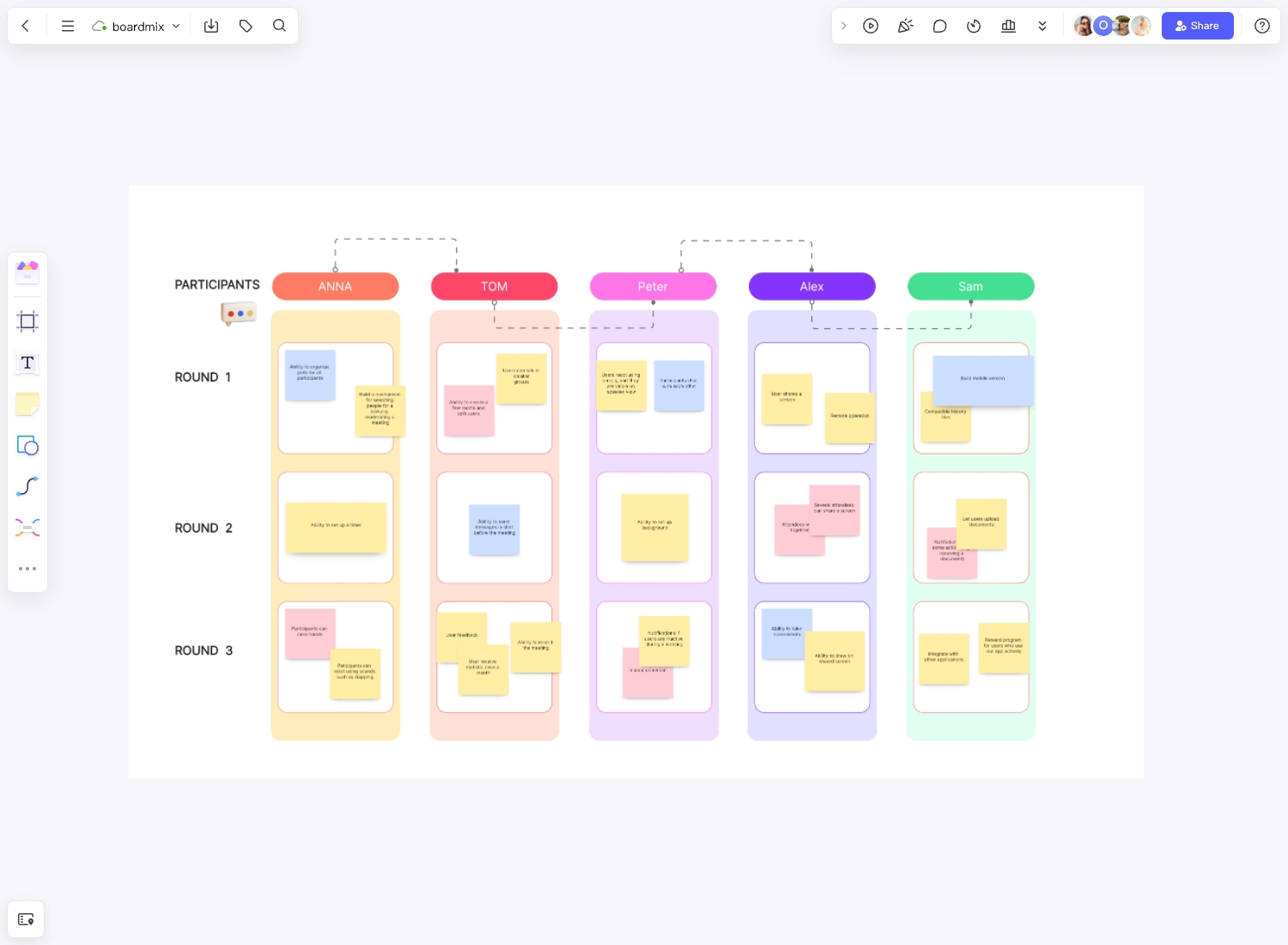
Boardmix lets teams freehand sketch and build precise, connector-based flowcharts, UML diagrams, and org charts on the same canvas. This means teams don't need to switch between a sketching tool and a diagramming tool depending on the task at hand.
4. Built-In AI Assistance
Boardmix includes AI-assisted diagram generation — turning a text prompt into a flowchart or mind map — as well as AI summarization for sticky notes. This is particularly useful for speeding up workshop facilitation, turning a messy brainstorm into an organized output without a lot of manual cleanup.
5. Evaluate the Interface with Your Team
Have new participants complete the same task in each tool, such as adding a note, connecting two shapes, and leaving feedback. Their experience is more useful for choosing an interface than a general claim that one product is always easier to learn.
6. Real-Time Collaboration That Scales with Teams
Multiple users can co-edit a Boardmix board with live cursors, comments, and permission controls — the same collaborative core that makes tools like Miro useful for distributed teams — along with workspace organization for managing multiple boards across projects.
7. A Solid Template Library
Boardmix offers templates across common use cases — brainstorming, agile ceremonies, mind mapping, business planning, and more — so teams aren't starting from a blank canvas for recurring workflows.
8. Cross-Platform Access
Boardmix can be accessed through supported browsers and applications. Compare the editing and presentation controls on the devices your participants will use.
A team looking for a shared canvas can compare the features below against its own work. Deployment, permissions, and plan limits deserve as much attention as the drawing tools.
Miro vs Boardmix: Detailed Comparison
| Feature | Miro | Boardmix |
|---|---|---|
| Infinite Canvas | Yes | Yes |
| Free Plan | Current free-plan limits | Current board, object, and AI limits |
| Template Library | Very extensive (thousands of templates) | Broad coverage across common use cases |
| AI Features | Yes (AI diagramming, summarization) | Yes (AI-generated flowcharts/mind maps, summarization) |
| Interface | Test common tasks with your participants. | Test the same tasks with your participants. |
| Third-Party Integrations | Published integration marketplace | Confirm support for the specific service and workflow required. |
| Identity and Audit Controls | Check the required plan and configuration. | Confirm the controls included in the enterprise proposal. |
| Deployment Options | Cloud-hosted SaaS only | Cloud-hosted, plus private/on-premise deployment — a core strength |
| Developer Tools | Web SDK for Miro apps and REST API | Boardmix SDK; confirm architecture and licence scope. |
| Evaluation Focus | Required integrations, collaboration features, and plan controls. | Canvas workflow, current plan limits, and any enterprise deployment requirements. |
Miro publishes an integration marketplace and a Web SDK for apps that work within Miro boards. Boardmix offers enterprise deployment options and an SDK. Compare the supported architecture and licensing for the application you want to build.
Real-World Use Cases: Which Tool Fits Best
Startups and Small Teams on a Budget
Small teams can start by trying the same planning task in each free plan. Compare the board and object allowances, sharing needs, and paid features you would need as the project grows.
Enterprise Teams with Complex Integration Needs
If your workflow depends on Jira, Slack, or another service, compare the actions supported by the documented integration. An app listing alone does not establish the exact synchronization behavior your team needs.
Enterprises with Strict Data Security or Compliance Requirements
If running the service in your own environment is a requirement, evaluate Boardmix’s enterprise deployment proposal against the infrastructure, controls, and operating responsibilities your organization can support. A deployment location by itself does not establish compliance.
Remote Teams Running Frequent Workshops
Teams running frequent brainstorms, retrospectives, or planning sessions benefit from AI-assisted features that speed up documentation. Both Miro and Boardmix offer AI tools here, making either a solid choice — the deciding factor often comes down to budget and team size.
Teams Needing Both Sketching and Precise Diagrams
For teams that move between rough sketches and structured flowcharts or UML diagrams, Boardmix's combined toolset on a single canvas can reduce the need to switch between multiple apps.
Products Wanting to Embed Whiteboard Functionality
Miro’s Web SDK lets developers build apps that run within Miro boards, while its REST API supports operations outside the Miro client. Teams considering a Boardmix canvas inside another application should compare the Boardmix SDK’s supported hosting, authentication, customization, and licensing with that architecture.
Frequently Asked Questions
Is there a truly free Miro alternative?
Yes. Boardmix offers a free plan that includes core whiteboard functionality, templates, and collaboration features, making it a practical option for individuals and small teams before committing to a paid plan.
Is Boardmix as powerful as Miro?
Both products support visual collaboration. Compare the specific diagrams, templates, permissions, and integrations your team uses. Miro does provide a Web SDK; Boardmix’s SDK and private deployment options should be evaluated as separate architecture and licensing questions rather than as evidence that Miro has no developer tools.
Can I import my existing Miro boards into Boardmix?
Boardmix provides options for migrating content from Miro. Start with one representative board and compare which objects remain editable, whether links and layouts are preserved, and what must be adjusted before migrating more work.
Does Boardmix support private or on-premise deployment?
Boardmix offers a private deployment option for organizations evaluating their own environment. Confirm supported infrastructure, external dependencies, included controls, and operating responsibilities in the enterprise proposal.
Which tool is easier to learn: Miro or Boardmix?
Try the same tasks in both tools: add a note, connect shapes, and share a board. Compare the steps and guidance your participants need rather than assuming one interface will be easier for everyone.
Does Boardmix support agile workflows like sprint planning and retrospectives?
Yes. Boardmix includes templates and tools suited for agile ceremonies, including Kanban boards, retrospective formats, and sprint planning layouts.
Should I choose Miro or Boardmix for my team?
If your workflow depends on a specific integration, check its current documentation and test the required actions. If private deployment is a requirement, evaluate a Boardmix enterprise proposal against your infrastructure and data-handling needs.
Final Thoughts
Miro and Boardmix both support visual collaboration, but the deciding requirements differ by team. Put required integrations, plan limits, permissions, and deployment needs alongside the drawing tools in your comparison.
Compare both tools on a representative project and test any required migration separately. Export formats, editable objects, and layout fidelity can differ, so a move between products may require adjustments.