The best Mural alternative depends on the constraint your enterprise needs to solve. Miro is the closest broad hosted replacement; FigJam fits teams already centered on Figma; Lucidspark fits the Lucid ecosystem; and Klaxoon is a strong workshop-first option. Boardmix, Conceptboard, and Klaxoon publish private, dedicated, or self-hosted paths for buyers that need more infrastructure control, but the scope must be confirmed in the proposed contract.
Do not replace Mural only because another vendor has a longer feature list. Compare workshop controls, external-participant rules, identity and governance, hosting or data-residency options, migration fidelity, and the format your downstream tools require. Mural remains one of the stronger choices for facilitated sessions, so a candidate should pass a representative workshop and security review before the organization commits to a move.
Quick Answer: Which Mural Alternative Fits Your Enterprise?
- Miro: start here when you want a broad hosted visual-workspace replacement with a documented Mural importer and mature enterprise administration.
- Boardmix: evaluate it when private deployment, visual collaboration, diagrams, mind maps, and presentations need to live in one enterprise workspace.
- Conceptboard: shortlist it when European hosting, dedicated single-tenant hosting, or a documented on-premises edition is central to procurement.
- Klaxoon: compare it for large facilitated workshops, participant management, co-facilitation, and enterprise hosting choices.
- FigJam: choose it for product and design teams that already work in Figma and want a documented Mural import path.
- Lucidspark: choose it when brainstorming should continue into Lucidchart diagrams and Lucid's wider visual collaboration suite.
- Stormboard: consider it when meetings need structured outputs, reports, and a clear distinction between paid members and occasional guests.
- Microsoft Whiteboard: use it for basic whiteboarding inside Teams and Microsoft 365 when a separate workshop platform would add unnecessary complexity.
Start with the non-negotiable deployment and governance requirement. Then compare workshop parity, guest economics, migration evidence, and export usability. That order prevents a polished demo or a low headline price from hiding a contract-level blocker.
When Should You Replace Mural, and When Should You Stay?
A switch is justified when Mural cannot meet a required deployment model or region under the proposed contract, when the external-collaborator model does not fit recurring client workshops, when another platform creates a materially better handoff into the team's delivery stack, or when administration and licensing remain inefficient after plan options have been evaluated.
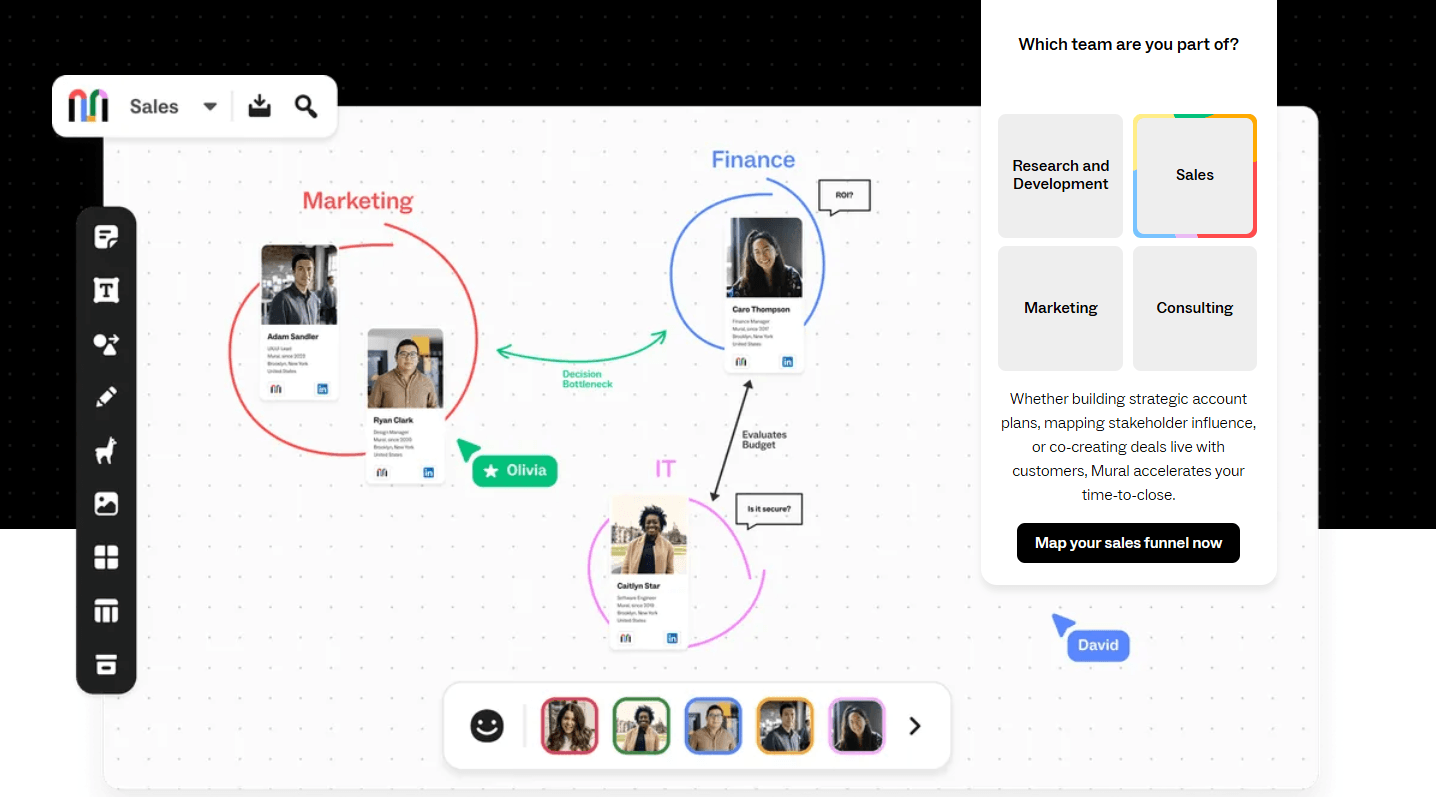
Stay with Mural when facilitation is the core job and the current enterprise controls satisfy procurement. The Mural plan comparison documents timer, voting, private mode, summon or take control, outline, locking, and custom-toolbar capabilities. Its Enterprise plan also lists data residency, customer-managed encryption keys, SCIM, audit logs, reporting APIs, and advanced workspace controls. Moving away can create more facilitator retraining than value if those controls are already central to repeatable sessions.
Mural documents PDF and PNG exports, but a flat export is not the same as an editable migration. Before replacing it, test whether frames, connectors, comments, files, links, object order, and permissions survive in the candidate tool. If they do not, decide which active boards deserve reconstruction and which can remain as a governed archive.
How to Evaluate Enterprise Mural Alternatives
Not every online whiteboard solves the same enterprise problem. Use these dimensions to turn a broad product list into a defensible shortlist.
- Workshop and facilitation parity: test timer, voting, private contribution, participant focus, object locking, presentation flow, breakout work, and co-facilitation in the same session design your team runs today.
- External collaboration: distinguish members, guests, visitors, anonymous participants, and open-session users. Check who can edit, whether an account is required, how long access lasts, and which role creates a billable seat.
- Deployment and data location: hosted regional residency, dedicated hosting, private cloud, and customer-managed on-premises deployment are different operating models. Define the required model before comparing vendors.
- Identity and governance: verify SSO protocol, SCIM lifecycle management, domain control, audit events, retention, encryption options, workspace boundaries, and the exact plan that includes each control.
- Migration and portability: confirm whether the vendor imports native Mural content or only flat images. Then verify the formats that can leave the new platform and open cleanly in the next system.
- Workflow integration: prioritize the tools that connect workshop output to the organization's real delivery system, whether that is Figma, Lucidchart, Microsoft Teams, project tracking, reports, or an embedded canvas.
- Total operating cost: compare the contract basis, paid-seat definition, guest model, implementation, support, private-deployment operations, and add-ons instead of relying on one public per-user number.
- Operational ownership: for dedicated or self-hosted options, assign responsibility for upgrades, backups, monitoring, disaster recovery, support escalation, and security evidence before signing.
A security certification or regional hosting option can support an organization's compliance program, but it does not make the organization compliant by itself. Procurement should map each product control to the team's legal, technical, and operational requirement.
Enterprise Mural Alternatives Comparison
| Product | Best fit | Workshop controls | External collaboration | Hosting or residency | Mural migration evidence | Identity and governance | Pricing basis | Main limitation |
|---|---|---|---|---|---|---|---|---|
| Miro | Broad hosted replacement | Facilitation and workshop tools by plan | Visitor, guest, and member roles vary by plan | Hosted SaaS; region-scoped residency options | Official importer on eligible paid plans; conversion caveats apply | Enterprise admin, SSO, and lifecycle controls | Plan-based; Enterprise quote | No public customer-managed on-premises edition found |
| Boardmix | Private deployment plus broad visual work | Templates, voting, presentation, diagrams, and shared canvases | Permissions and member controls; validate guest workflow | Intranet, private cloud, public cloud; single-node or cluster | No public lossless Mural importer documented; test representative boards | OIDC SSO, member management, and advanced permissions listed | Enterprise/Private quote | Architecture, feature parity, operations, and SLA require proposal review |
| Conceptboard | European or customer-controlled hosting | Whiteboarding and facilitation for remote sessions | Confirm guest and license model for the selected package | Regional/provider choice, dedicated single tenant, or on-premises options | No public native importer established; pilot export and reconstruction | SSO, audit logs, SLA on Corporate/Government plans | Package and hosting dependent | Special hosting has contract thresholds and additional scope |
| Klaxoon | Facilitated workshops at scale | Timer, voting, sync, participant management, and co-facilitation | Plan and activity limits differ; Enterprise Board limit is documented | Region choice plus private, dedicated BYOK, and self-hosted options on demand | Professional services can scope migration; fidelity is not guaranteed publicly | SAML SSO, SCIM, audit logs, governance, legal/security review | Enterprise quote | Self-hosted architecture and feature parity need contract validation |
| FigJam | Figma-centered product and design teams | Design critique and ideation tools; lighter facilitator administration | Paid open sessions allow time-bound no-account contribution | Hosted SaaS; validate enterprise region and contract | Official Mural import is documented; test complex boards | Enterprise controls depend on the Figma plan | Seat and plan based | Less workshop administration than Mural |
| Lucidspark | Lucid ecosystem and diagram handoff | Voting, facilitation, and structured ideation | Guest capabilities differ by plan | Hosted suite; validate regional hosting in contract | Vendor advertises a migration path; scope and fidelity need testing | Enterprise identity, governance, and security controls | Plan based; Enterprise quote | Guest, export, and document rights vary across plans |
| Stormboard | Meeting capture, reports, and action-oriented sessions | Structured sessions, voting, and reporting | Paid members and guests have different rights and billing treatment | Hosted; Enterprise lists single-tenant availability | No public native importer established | SAML SSO, audit logs, reporting, and enterprise controls | Enabled-member billing; Enterprise quote | Data location and customer-managed hosting need confirmation |
| Microsoft Whiteboard | Basic Microsoft 365-native collaboration | Core whiteboarding inside Teams and the web | External sharing depends on tenant and configuration | Microsoft 365 service and tenant controls | No public native Mural importer established | Uses the organization's Microsoft 365 administration | Microsoft 365 entitlement dependent | Narrower facilitation, sharing, and export scope |
The table is a screening tool, not a substitute for a contract review. A vendor may offer several hosting or identity configurations, and the relevant option may be limited to a particular enterprise package.
8 Best Mural Alternatives for Enterprise Teams in 2026
1. Miro: Best Broad Hosted Replacement
Best for: cloud-first organizations that want a mature visual workspace, enterprise administration, and a documented path for importing Mural content.
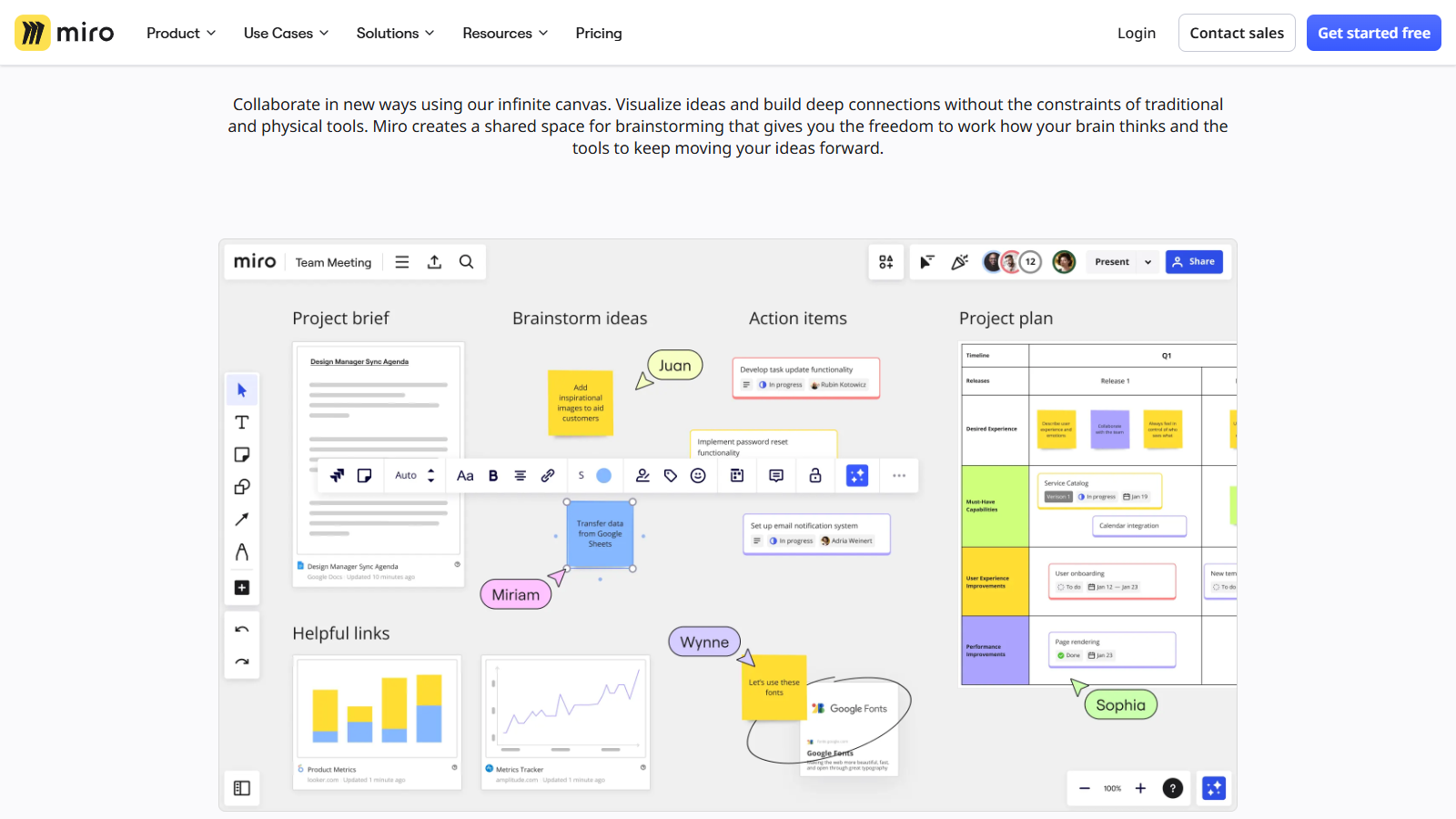
Miro is the closest broad replacement when the goal is to retain workshops, freeform planning, diagrams, and cross-functional collaboration in a hosted platform. Its visitor, guest, and member model gives enterprise buyers several collaboration patterns, although the exact rights and billable roles depend on the plan and board configuration.
The strongest migration advantage is Miro's official Mural importer on eligible paid plans. The documentation also lists conversion caveats, so test a production-like mural rather than treating importer availability as proof of fidelity. Enterprise teams can also evaluate region-scoped data residency, SSO, and the Admin Console. A customer-managed on-premises edition is not documented in the current public materials.
For product workflow context, use the Boardmix Miro board guide. For a direct pairwise view, see Miro vs. Mural.
Skip it if: a customer-managed deployment is mandatory or the organization's security team cannot accept the available hosted regions and contract controls.
2. Boardmix: Best for Private Deployment and Mixed Visual Work
Best for: enterprises that want an online whiteboard, mind maps, diagrams, presentations, and a commercial private-deployment path in one workspace.
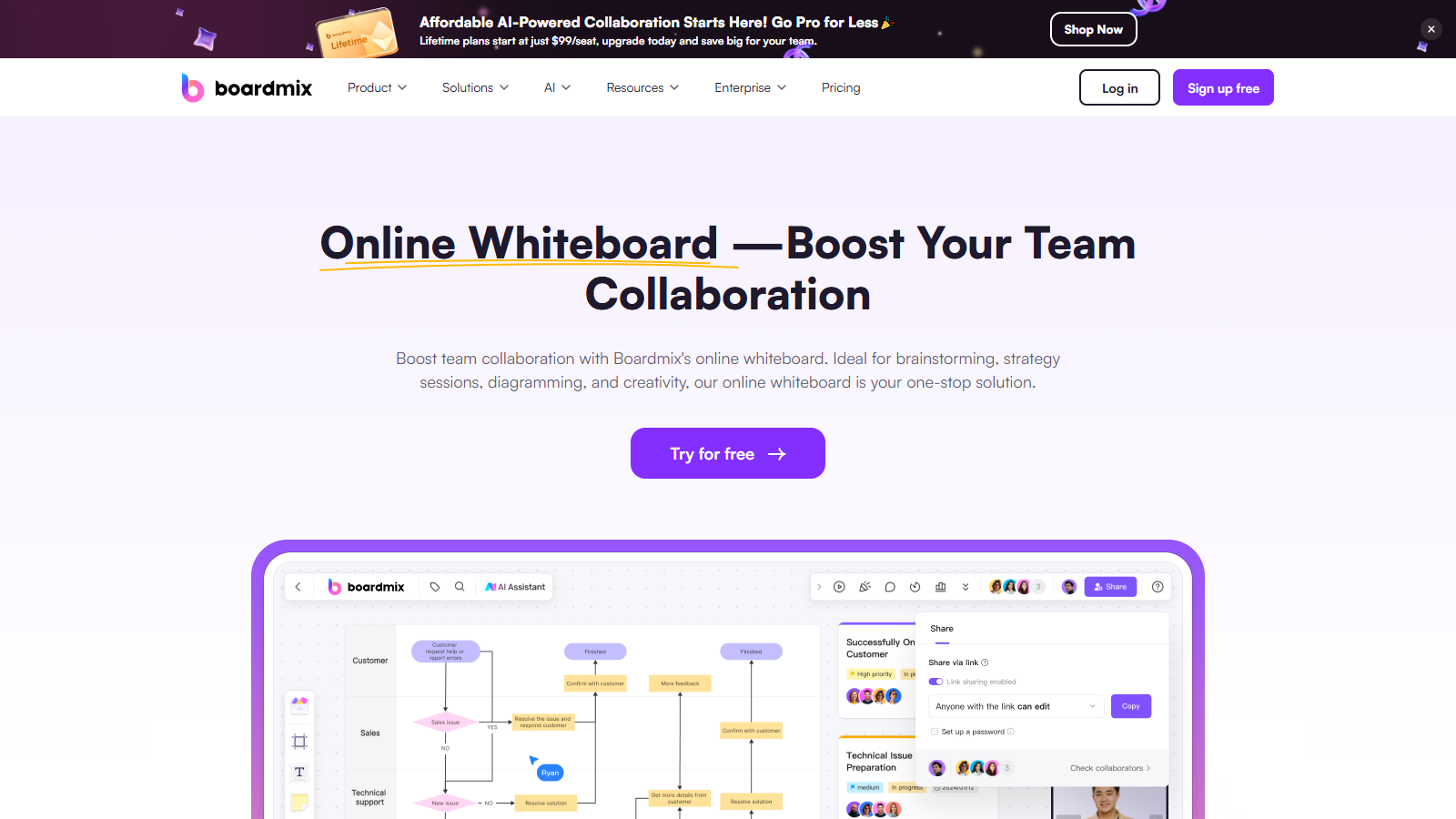
Boardmix is a credible candidate when infrastructure control is a gating requirement rather than a preference. Its private-deployment page lists single-node and clustered architectures plus intranet, private-cloud, and public-cloud deployment methods. The enterprise plan lists OIDC SSO, member management, advanced permissions, digital-asset security management, training, and dedicated success support.
Those public pages do not establish the exact architecture, feature parity, AI data flow, audit coverage, backup model, recovery targets, upgrade responsibility, or service levels for every configuration. Ask for those details in the proposal and test the target deployment. No public lossless Mural importer was established, so a representative board may need to be reconstructed from an export. Use the same workshop script and downstream export requirement you would use for every other finalist.
Skip it if: the buying team needs a proven native Mural importer or cannot complete technical validation of the proposed private-deployment scope.
3. Conceptboard: Best for European Hosting and On-Premises Options
Best for: European enterprises, government teams, and regulated buyers that need region or provider choice, dedicated hosting, or a customer-run edition.
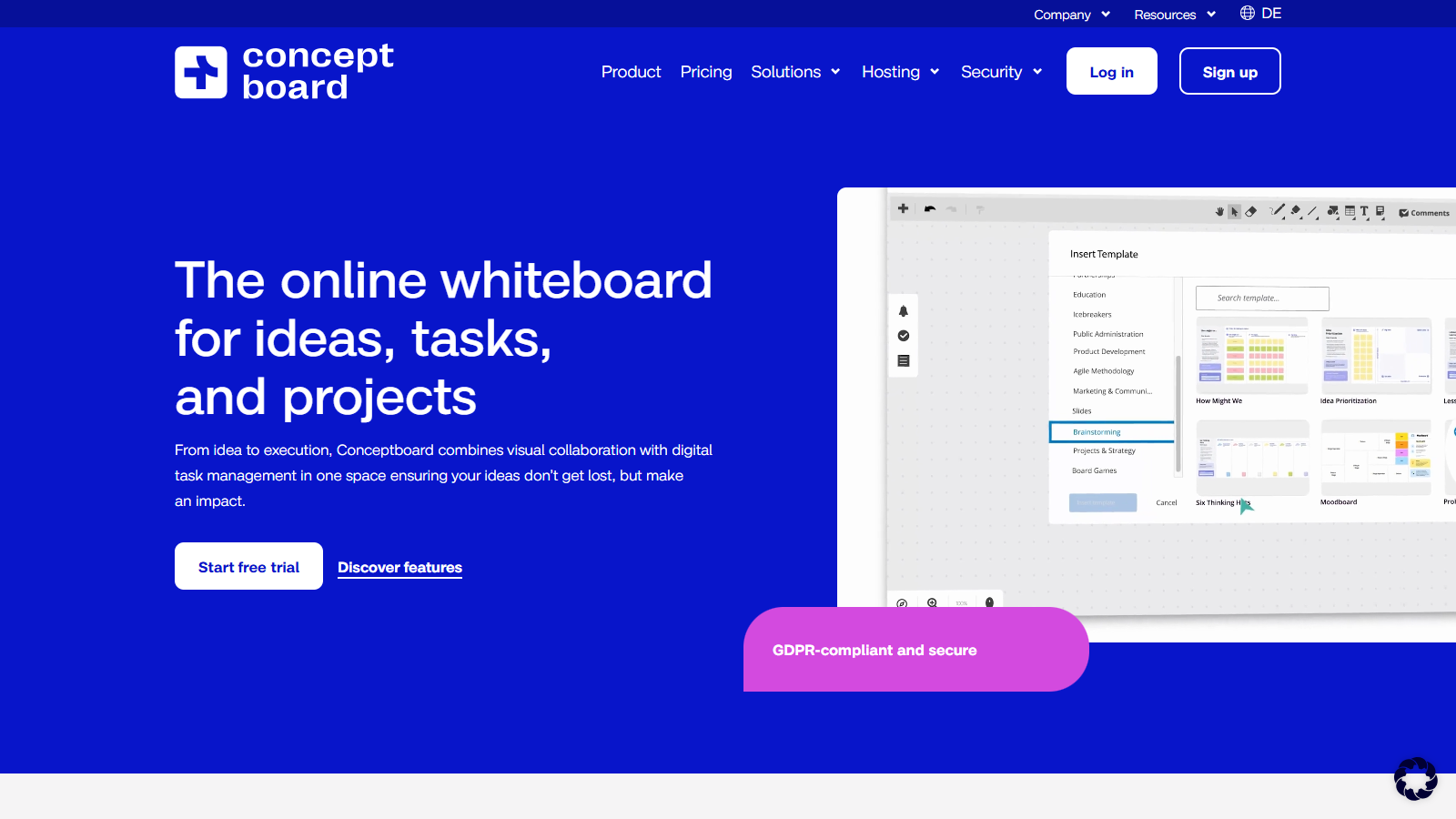
Conceptboard should not be treated as a cloud-only alternative. Its plan comparison lists Corporate and Government controls such as SSO, audit logs, and an SLA, while Special Plans can include a selected region or provider, dedicated single-tenant hosting, and dedicated on-premises hosting. Its enterprise offering also describes a Data Center Edition that runs in the customer's IT environment.
The trade-off is that these choices are package- and contract-dependent. Corporate and Government plans have an enterprise contract boundary, and special hosting may add fees, minimums, and operational responsibilities. Public documentation does not establish a native Mural importer, so test a realistic PDF or image export, the reconstruction effort, and the final export used by downstream teams.
Skip it if: the organization needs a self-serve rollout, a low seat threshold, or a documented automated Mural conversion before procurement.
4. Klaxoon: Best for Facilitated Workshops at Scale
Best for: facilitators and enterprise learning, consulting, or transformation teams that need managed participation and several hosting choices.
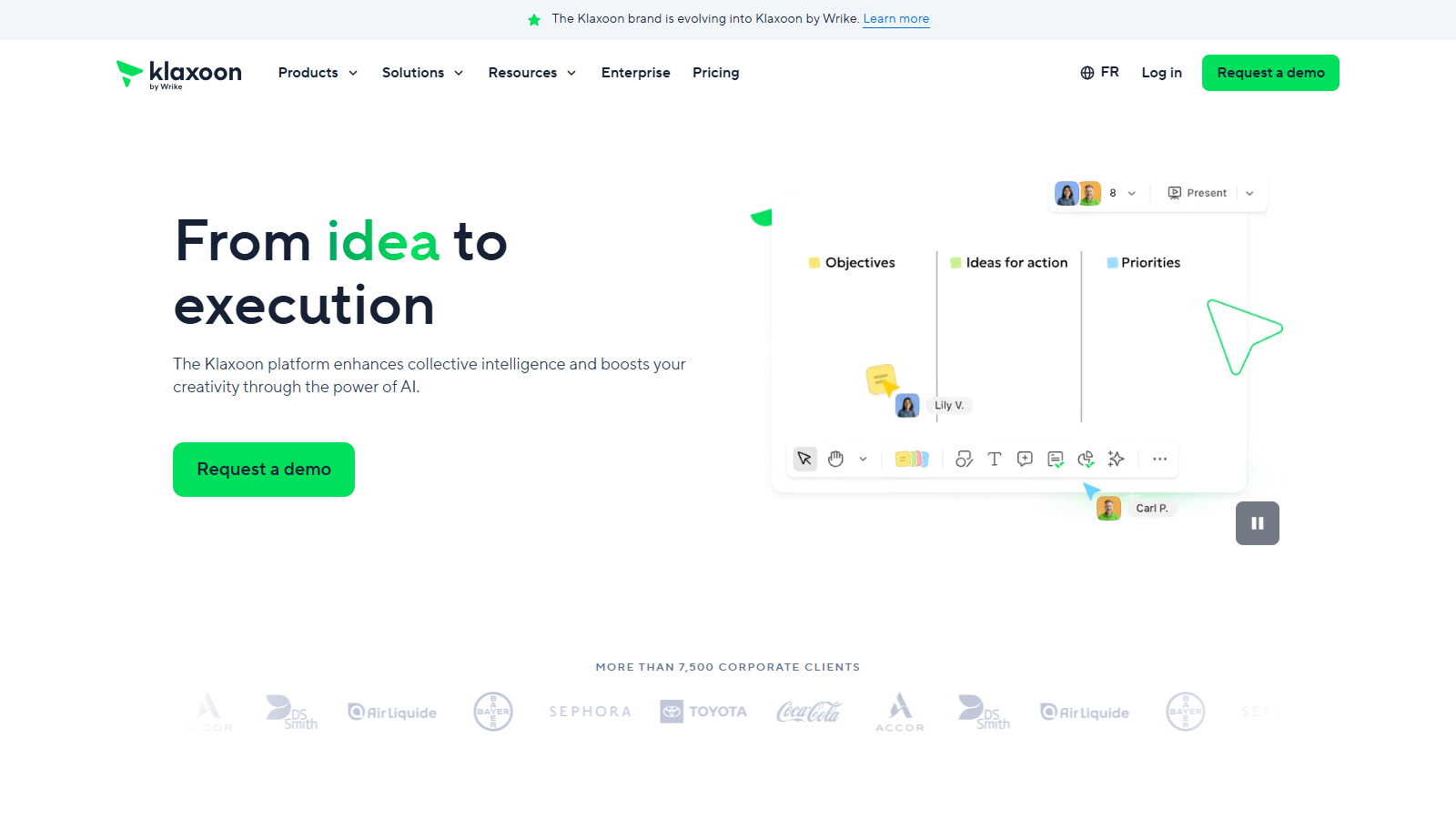
Klaxoon is a workshop-first alternative in this shortlist. Its Enterprise offering lists timer, voting, participant synchronization, co-facilitation, SAML SSO, SCIM, audit logs, advanced governance, legal and security review, and region selection. It also lists private hosting, dedicated BYOK, and self-hosted options on demand.
Participant limits need careful reading. Klaxoon documents up to 1,000 concurrent users on an Enterprise Board, while Enterprise Sessions have a different 300-participant boundary. The Starter plan is host-based and has a lower editing-participant limit. Professional services can scope migration support, but public materials do not promise that every Mural object, comment, file, and permission transfers perfectly.
Skip it if: procurement needs a simple self-serve price or a guaranteed automated Mural migration without a services engagement and pilot.
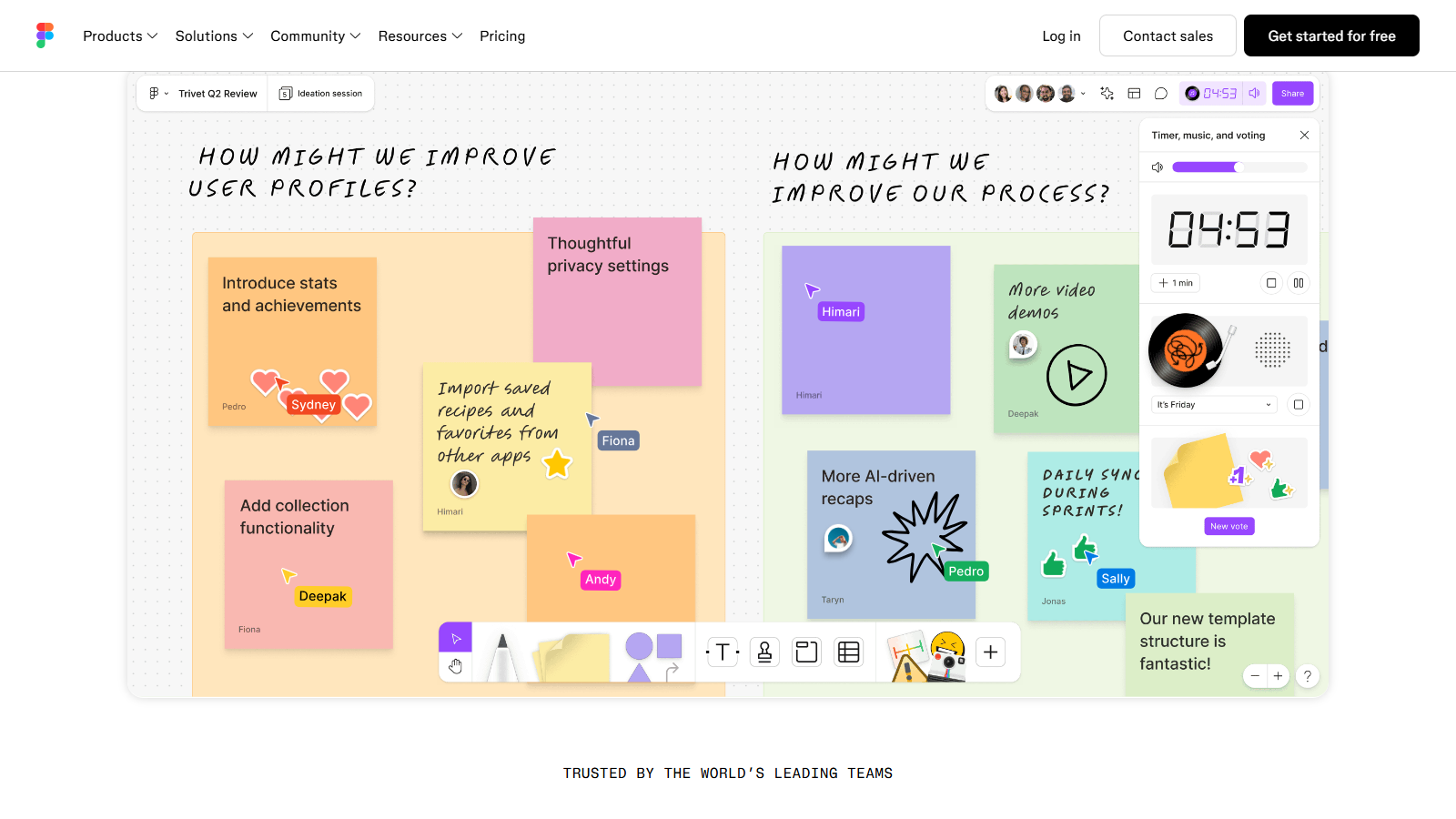
5. FigJam: Best for Figma-Centered Product and Design Teams
Best for: design and product organizations that want ideation, critique, and planning beside Figma design files.
FigJam narrows the distance between an early workshop and the design work that follows. The official import and export guide documents Mural import plus PNG, JPG, PDF, and CSV export. Direct SVG export is not documented for FigJam, so teams that need editable vector handoff should test another route.
For occasional collaborators, open sessions on paid plans can allow time-bound contribution without a Figma account. That is useful for workshops, but it is not identical to Mural's participant model. Enterprise governance, data location, external access, and migration fidelity should be validated against the organization's exact Figma plan and the complexity of its boards.
Skip it if: the organization needs customer-managed hosting, extensive facilitator controls, or an export format FigJam does not provide.
6. Lucidspark: Best for the Lucid Ecosystem and Diagram Handoff
Best for: teams that want collaborative ideation to continue into Lucidchart process, system, and architecture diagrams.
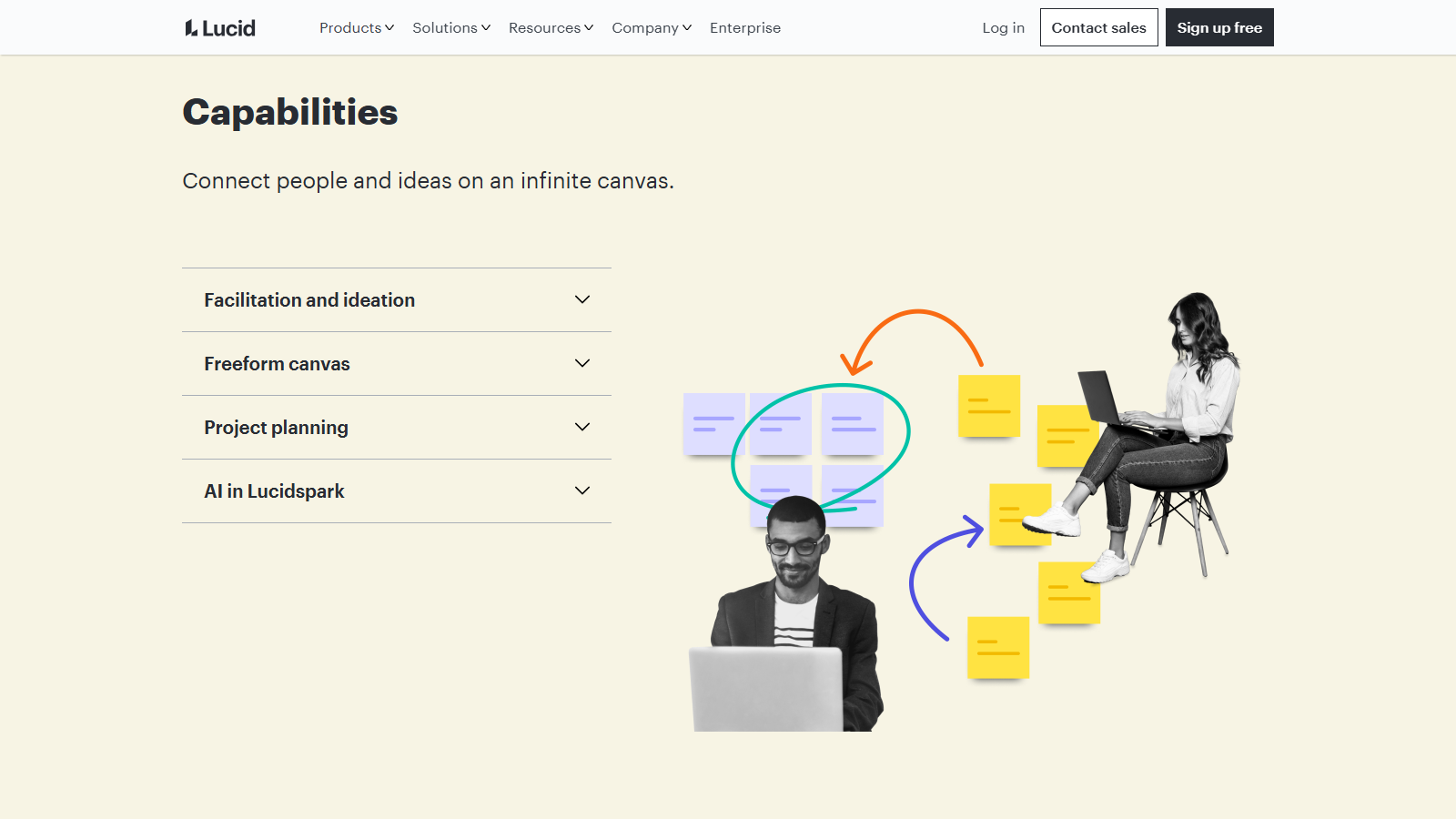
Lucidspark combines an infinite brainstorming canvas with the broader Lucid visual collaboration suite. That makes it a practical Mural alternative when workshop output needs to become a formal diagram rather than remain an isolated board. Lucid's virtual whiteboarding offering presents a Mural migration path, but the public page does not guarantee fidelity for every production workspace.
The plan boundary matters. Guest collaboration, document limits, and export rights vary by plan and role. Lucid publishes enterprise identity, governance, and security controls, but buyers should confirm regional hosting, migration service scope, and the combined Lucidspark/Lucidchart licensing model.
Skip it if: your team does not benefit from Lucidchart or needs a simple, plan-independent guest and export model.
7. Stormboard: Best for Meeting Reports and Structured Outcomes
Best for: operations teams, consultants, and meeting-heavy organizations that want workshops to produce reports and action-oriented artifacts.
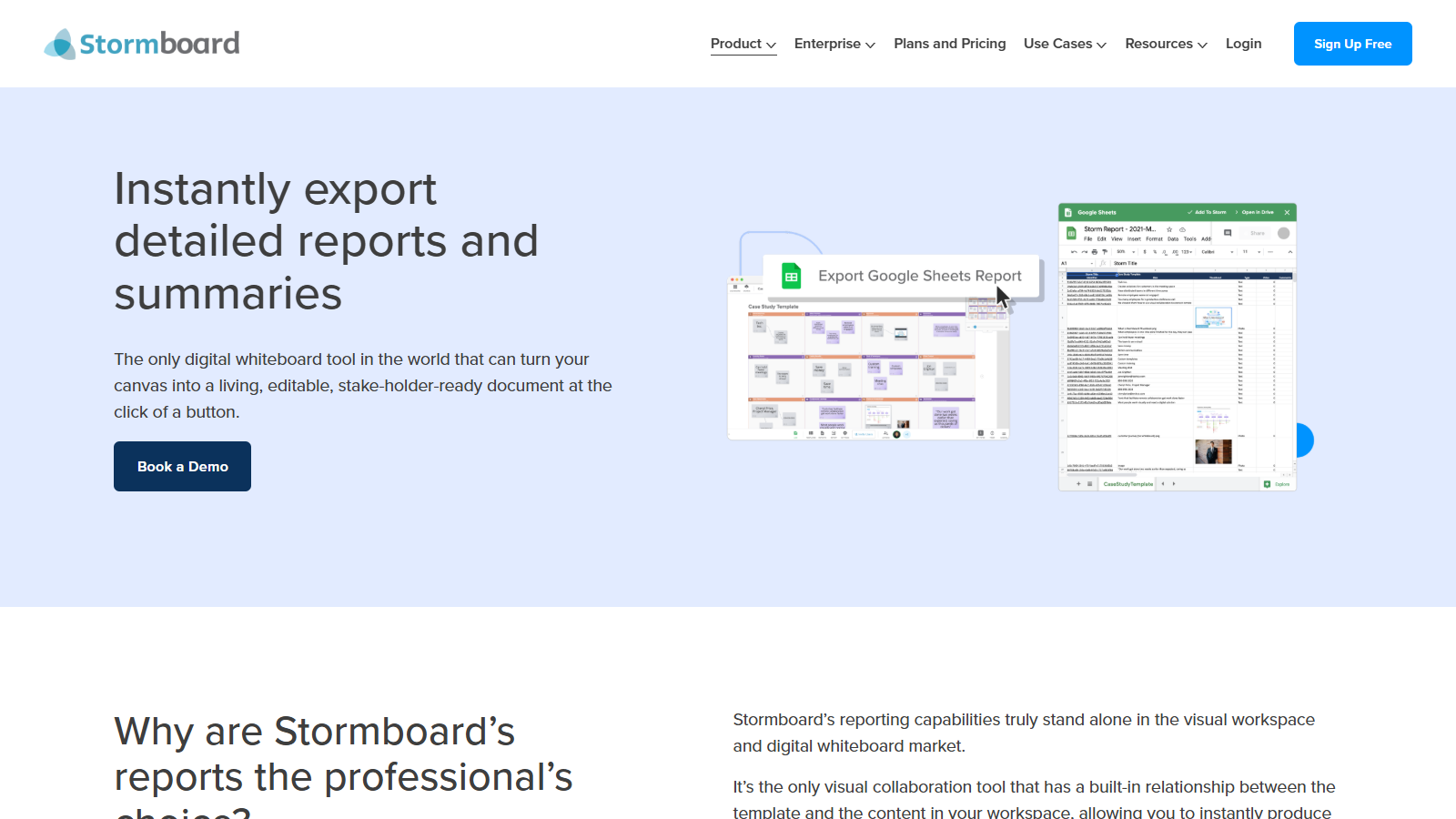
Stormboard organizes collaboration around structured sessions rather than only a blank infinite canvas. Its plan comparison lists Enterprise capabilities such as SAML SSO, audit logs, security and compliance features, reporting and export options, training, and single-tenant availability. That combination is useful when the value of a workshop depends on the record it produces afterward.
Billing and access require a role-level check. Stormboard separates paid members from guests, and guest contributors and viewers have different rights. Business billing is based on enabled members, while Enterprise is custom. Stormboard's public documentation does not establish customer-managed on-premises hosting or specific regional residency, so confirm those requirements with sales.
Skip it if: open-ended visual exploration, customer-managed infrastructure, or a documented native Mural importer is non-negotiable.
8. Microsoft Whiteboard: Best for Basic Microsoft 365 Collaboration
Best for: organizations standardized on Microsoft 365 that need a basic shared whiteboard inside Teams and the web.
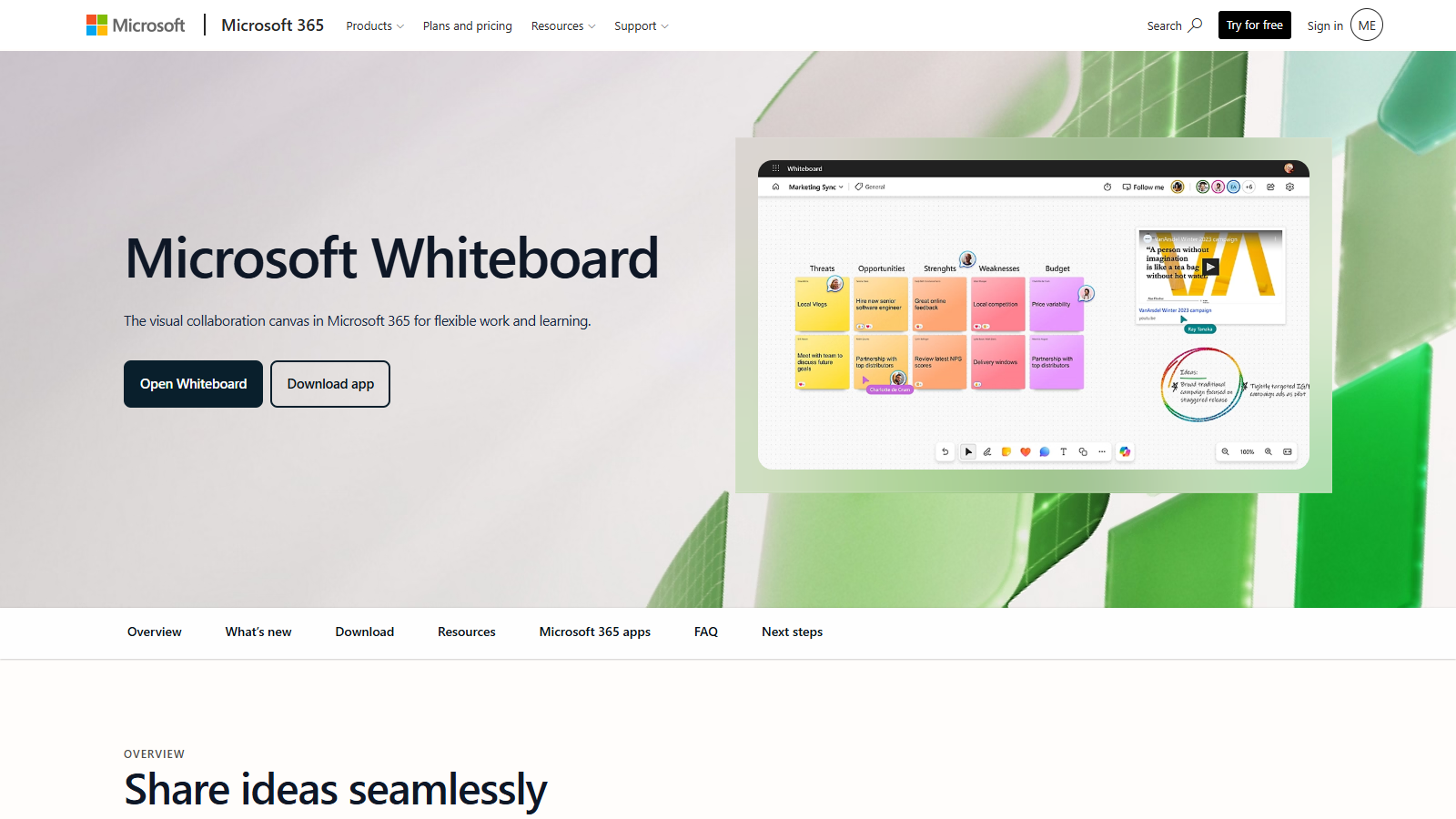
Microsoft Whiteboard can be the lowest-friction choice when the organization already manages identity, access, meetings, and files through Microsoft 365. It remains available in Microsoft Teams and on the web, so a team can whiteboard without procuring a separate facilitator platform. External sharing depends on tenant settings and configuration, which means a successful internal pilot does not prove that client workshops will work the same way.
The product has a near-term operating change: the standalone Whiteboard applications are scheduled to retire on October 16, 2026, while Teams and web access continue. Export and migration are narrower than in several dedicated workshop platforms. Test the exact external-sharing path, board ownership, and exported output before treating it as a Mural replacement.
Skip it if: client workshops need broad no-account participation, advanced facilitation, rich migration, or exports that must remain editable downstream.
Best Mural Alternative by Enterprise Scenario
A security team requires customer-managed infrastructure
Start with Boardmix and Conceptboard, then include Klaxoon if its on-demand self-hosted option fits the required architecture. Request a deployment diagram, data-flow map, dependency list, backup and recovery ownership, upgrade process, support boundary, and feature-parity statement. Do not treat private cloud, dedicated hosting, and on-premises deployment as synonyms.
A consulting team runs workshops with many occasional participants
Keep Mural on the shortlist, then test Klaxoon, Miro, and Stormboard using the same host, co-facilitator, guest, and viewer roles. Compare account requirements, participant limits, session duration, editing rights, and which roles create cost. A low seat price matters less than a guest model that matches the workshop pattern.
A design organization already works in Figma
FigJam is the natural first candidate because the ideation and design workflows share an ecosystem and the product documents Mural import. Test open sessions with real external participants, then verify that complex board structures, comments, links, and the required export survive.
The organization is standardized on Microsoft 365
Microsoft Whiteboard is worth testing before adding another platform. It may be enough for simple internal sessions inside Teams. Retain Mural or compare a specialist if external participation, private contribution, voting, advanced facilitation, reusable workshop programs, or portable output remains essential.
Product and architecture teams need whiteboards plus formal diagrams
Lucidspark is the strongest ecosystem fit when work should continue into Lucidchart. Boardmix is another candidate when whiteboards, mind maps, flowcharts, and presentations should stay on one canvas. Test the handoff, not only the brainstorming experience.
Every workshop must produce a report or governed artifact
Stormboard deserves attention when structured reporting and action capture are the main outcome. Compare the exported report with Mural's PDF/PNG output and the team's downstream system. The better result is the one people can use after the workshop without manual cleanup.
How to Move from Mural Without Losing Workshop Output
- Inventory active work. Record recurring murals, templates, board owners, integrations, embedded files, guest groups, retention requirements, and the sessions scheduled during the migration window.
- Classify by fidelity need. Separate boards that must remain editable from those that can be archived as PDF or PNG. Do not spend reconstruction effort on inactive reference boards.
- Export representative murals. Include frames, connectors, sticky notes, comments, links, files, images, voting results, and a realistic object count. Keep the original export as a rollback artifact.
- Test the candidate's real import path. A named importer is useful, but verify object types, fonts, groups, connectors, comments, permissions, and board order after conversion. When no native importer exists, estimate reconstruction from the same reference board.
- Rebuild governance before broad access. Configure identity groups, owners, guest policies, external sharing, retention, templates, and workspace defaults before migrating active teams.
- Run the same live workshop. Use the expected network conditions, participant count, facilitator roles, private activities, voting, and presentation sequence. Record failures and manual workarounds.
- Open the output in the next tool. Confirm that the final PDF, image, CSV, diagram, report, or task handoff opens cleanly and preserves the information that downstream teams use.
- Migrate active work first. Keep an archive and rollback period, then retire or reconstruct older boards only when a real owner requests them.
Migration duration depends on board volume, object fidelity, permissions, integrations, and the target deployment. A responsible plan estimates work from the representative pilot instead of promising a generic one-week or four-week timeline.
How to Run a Fair Shortlist Pilot
Give every finalist the same source mural, facilitator script, participant roles, network conditions, and required output. This keeps the decision tied to the organization's workflow rather than marketing checklists.
- Import or reconstruct the same board. Record missing objects, visual changes, broken links, lost comments, and the manual effort required.
- Configure the same roles. Test an administrator, facilitator, internal editor, external contributor, and viewer. Note account requirements and billable-role changes.
- Run the same agenda. Use private input, timer, voting, participant focus, presentation, and handoff steps that matter to the real workshop.
- Review administration. Document SSO and provisioning work, sharing defaults, audit visibility, retention controls, and any manual policy enforcement.
- Test the downstream artifact. Open the required export in the next tool and check editability, links, scale, fonts, object structure, and data completeness.
- Close the evidence gaps. Send unresolved architecture, residency, security, licensing, service-level, and migration questions to each vendor in the same format.
Use pass/fail requirements for non-negotiable controls, then compare effort and usability among the products that pass. A weighted score is only useful when the weights reflect a real buyer requirement and the evidence behind each score is retained.
Frequently Asked Questions
What is the closest enterprise alternative to Mural?
Miro is the closest broad hosted replacement because it combines workshop tools, enterprise administration, several collaborator roles, region-scoped data options, and an official Mural importer on eligible paid plans. It is not automatically the best fit when customer-managed infrastructure or a different delivery ecosystem is the deciding requirement.
Which Mural alternatives support private or on-premises deployment?
Boardmix publishes intranet, private-cloud, public-cloud, single-node, and clustered private-deployment paths. Conceptboard publishes dedicated hosting and a Data Center Edition that runs in a customer's IT environment. Klaxoon lists private, dedicated BYOK, and self-hosted options on demand for Enterprise. These offers differ in architecture, dependencies, operations, and feature parity, so buyers must validate the exact proposal rather than compare a single self-hosted label.
Can Mural boards be imported without losing content?
No vendor should be assumed to deliver a lossless migration. Miro and FigJam document Mural import, and Lucid advertises a migration path, but complex objects and permissions still require a representative test. For other candidates, plan for export-based reconstruction unless the vendor demonstrates a supported importer for the organization's board set.
Which alternative is best for external workshop participants?
The answer depends on whether participants need anonymous access, editing without an account, a time-limited session, recurring guest access, or a governed named identity. Test Mural, Klaxoon, Miro, FigJam open sessions, and Stormboard with the exact roles and participant count. Compare onboarding friction and billable roles, not only the maximum participant number.
Should a team keep Mural for facilitated workshops?
Yes, when timer, voting, private mode, participant focus, locking, templates, and repeatable facilitation are already working and the enterprise plan meets security and governance requirements. Replacing a strong workshop platform makes sense only when another candidate resolves a persistent deployment, integration, migration, collaboration, or cost constraint.
Where can small teams compare free Mural alternatives?
Free-plan intent belongs in the separate guide to free Mural alternatives. This enterprise comparison focuses on deployment, governance, external collaboration, migration, and procurement rather than ranking tools by a temporary free allowance.
Is Boardmix the only self-hosted Mural alternative?
No. Boardmix publishes a private-deployment path, Conceptboard documents a customer-run Data Center Edition, and Klaxoon lists self-hosting on demand for Enterprise. Their architectures and commercial terms are not interchangeable. Evaluate the exact configuration, responsibilities, security evidence, and feature parity each vendor proposes.
Final Verdict: Choose by Your Non-Negotiable Requirement
Keep Mural when facilitated workshops are the main job and its enterprise controls meet the contract. Choose Miro for the closest broad hosted replacement, Boardmix or Conceptboard when private deployment leads the decision, Klaxoon for workshop-first enterprise facilitation, FigJam for Figma-centered teams, Lucidspark for Lucidchart handoff, Stormboard for structured meeting output, and Microsoft Whiteboard for basic Microsoft 365-native collaboration.
Make deployment and governance pass/fail requirements first. Among the products that pass, compare facilitator workflow, guest economics, migration fidelity, and downstream exports with the same pilot. That produces a decision the security, procurement, facilitator, and end-user teams can all defend.
If Boardmix meets those requirements, Start your free Boardmix trial today and use one representative workshop to validate the workflow before changing the organization's default platform.