Choosing an online whiteboard means balancing collaboration, AI tools, integrations, and total cost. Boardmix, Miro, and Mural all support visual teamwork, but their plans package these capabilities differently. This comparison helps you shortlist a tool and test it against your team's actual work.
Pricing and plan details checked: September 11, 2026. Subscription prices below are in USD per member per month, billed annually. Monthly billing, taxes, extra usage, and enterprise services can change the total. Sources: Boardmix pricing, Miro pricing, and Mural pricing.
Quick Verdict
Consider Boardmix for an accessible starting price and AI diagramming. Starter is $5 per member/month with annual billing. AI Starter is a separate $10 plan with 5,000 AI credits per seat/month. The one-member Lifetime Plan is currently $99 and has a different, fixed AI allowance.
Consider Miro for integration-heavy workflows. Its Starter plan is $8 per member/month with annual billing and includes AI credits. Review the tools your team already uses before choosing an alternative.
Consider Mural for facilitated workshops. Team+ is $9.99 per member/month with annual billing. Its workshop tools and guest permissions are worth testing with your facilitators.
The Contenders at a Glance
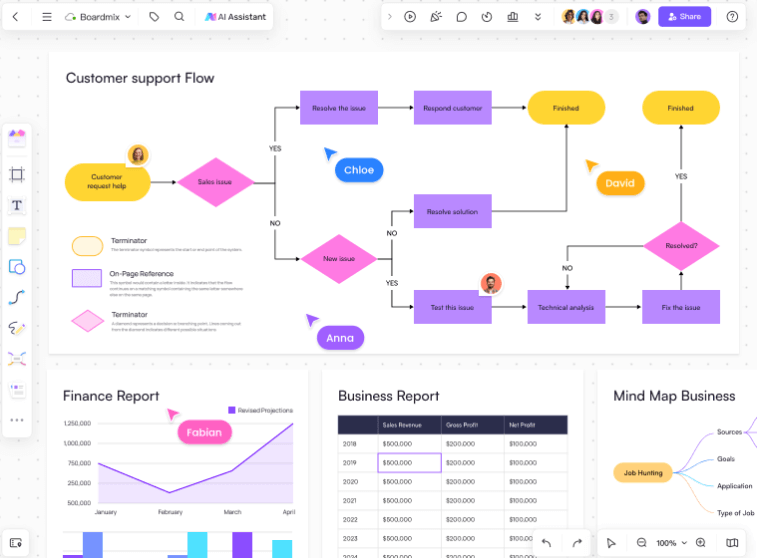
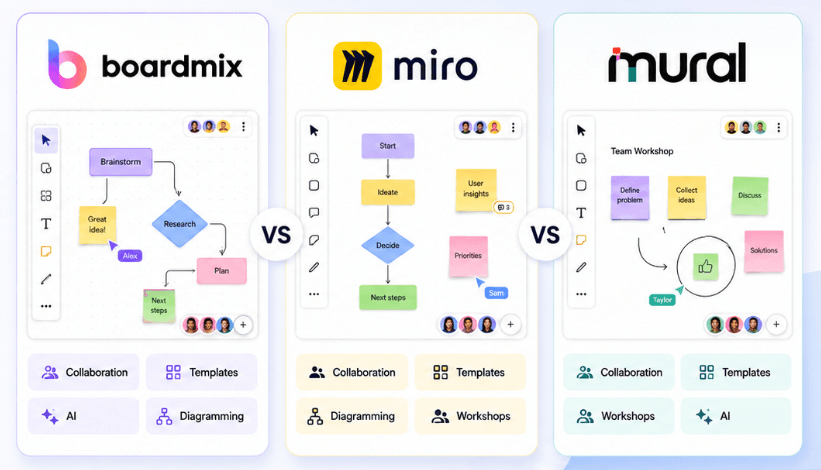
Boardmix combines a shared canvas with mind maps, flowcharts, presentations, and AI tools. The Free plan supports three editable boards with 100 objects per board. Starter adds unlimited boards, objects, and projects. Teams needing AI should compare the AI Starter and AI Business allowances rather than assuming the ordinary Starter plan includes them.
Miro combines visual collaboration with a broad integration and template ecosystem. Its Free plan supports three editable boards, and paid plans expand collaboration and administration.
Mural focuses on visual collaboration and facilitated sessions. Its Free plan supports three editable murals; Team+ adds unlimited editable murals and Mural AI.
Head-to-Head Comparison
| Plan or capability | Boardmix | Miro | Mural |
|---|---|---|---|
| Free plan | 3 editable boards; 100 objects per board | 3 editable boards | 3 editable murals |
| Entry subscription, billed annually | Starter: $5 | Starter: $8 | Team+: $9.99 |
| Higher subscription, billed annually | AI Starter: $10; AI Business: $20 | Business: $20 | Business: $17.99 |
| AI allowance | AI Starter: 5,000; AI Business: 10,000 credits per seat/month | Starter includes 25 credits per member/month; other plans vary | Mural AI included from Team+; check current usage terms |
| One-time purchase | One-member Lifetime Plan: $99; 10,000 total AI credits | No lifetime plan listed | No lifetime plan listed |
| Enterprise evaluation | Enterprise / Private: custom quote | Enterprise: custom quote | Enterprise: custom quote |
These plans are not feature-for-feature equivalents. AI credits use different consumption rules across vendors, so a larger number does not establish better value. Test the same task and compare output quality, editing time, and actual usage.
Pricing and a 10-Person Team Budget
Boardmix Starter costs $5 per member/month billed annually, or $12 with monthly billing. AI Starter costs $10 with annual billing, or $15.90 monthly. AI Business costs $20 with annual billing, or $29.90 monthly. AI Starter and AI Business include different monthly AI allowances.
For 10 paid members with annual billing, the calculation is members × monthly equivalent × 12:
- Boardmix Starter: 10 × $5 × 12 = $600/year.
- Boardmix AI Starter: 10 × $10 × 12 = $1,200/year.
- Boardmix AI Business: 10 × $20 × 12 = $2,400/year.
- Miro Business: 10 × $20 × 12 = $2,400/year.
- Mural Business: 10 × $17.99 × 12 = $2,158.80/year.
The $600 amount belongs to Boardmix Starter, not AI Business. Comparing that entry plan with another vendor's Business tier does not establish a like-for-like saving. Include required permissions, storage, guest access, AI usage, and onboarding in your budget.
Boardmix's Lifetime Plans are separate offers. The one-member plan is currently $99 and includes 10,000 total AI credits, rather than a monthly recurring allowance. Check the current bundle size and terms before comparing it with an annual subscription.
AI Features and Usage Limits
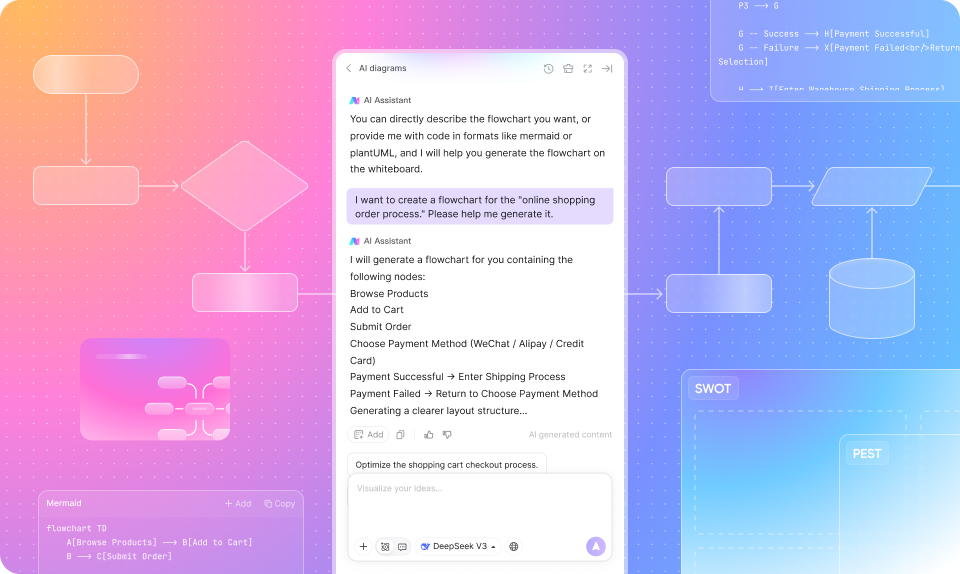
Boardmix offers AI mind maps, AI flowcharts, and AI presentations. These can provide an editable starting point for an outline, process, or presentation. Review the result for missing steps, unsupported claims, and incorrect relationships before sharing it.
Do not treat AI as included in every plan. Boardmix's ordinary Starter plan and AI Starter are different products. Miro also includes AI in its plans; it is inaccurate to describe all Miro AI as an enterprise-only add-on. Mural lists AI in Team+ and above.
Run a small evaluation: give each tool the same process description, ask a teammate to edit the diagram, then record the time needed to reach an acceptable result and the credits consumed. This provides a more useful comparison than counting AI features.
Enterprise Security & Private Deployment
Boardmix Private Deployment is an enterprise option with a custom quote. It should not be presented as part of a $5 subscription or a $99 lifetime purchase. Discuss hosting, identity management, backups, support, AI service connections, and data handling with the implementation team.
Miro and Mural offer enterprise administration and security options. Request current documentation from every shortlisted vendor and compare it with your organization's requirements. A plan name or a deployment model alone does not prove that a service meets those requirements.
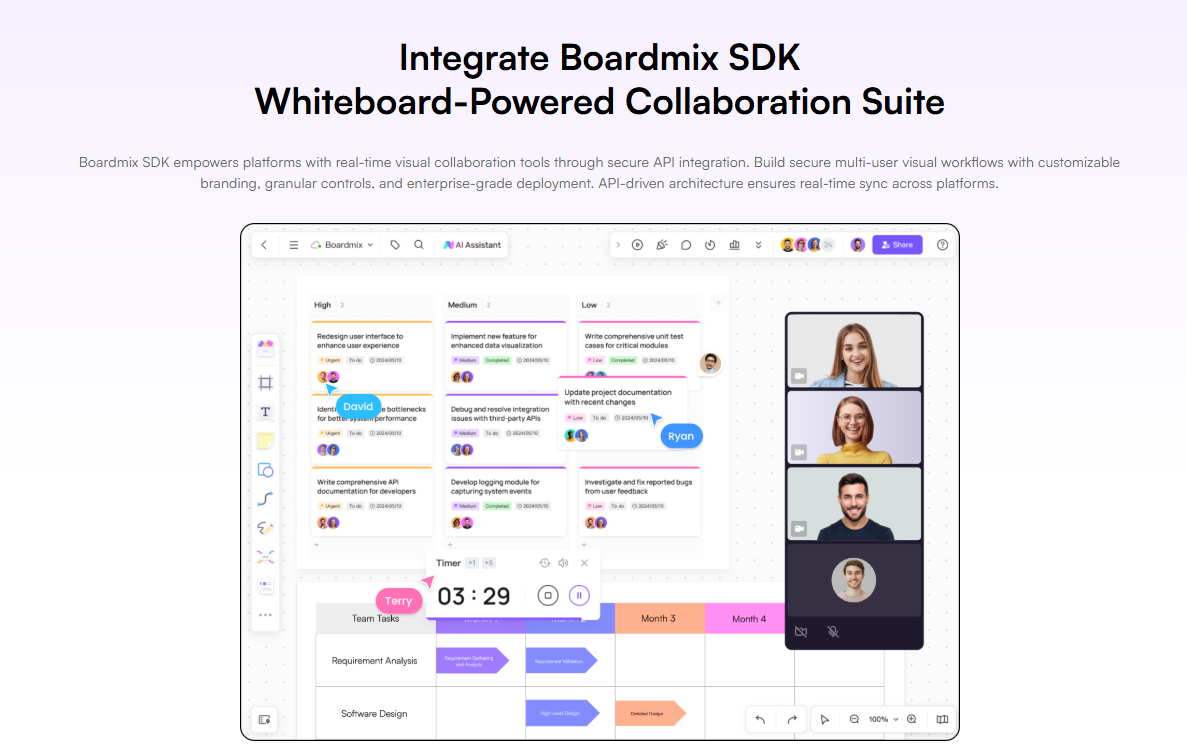
For a large session, test the expected number of participants, object count, devices, and network conditions. Confirm current capacity and support arrangements with each provider rather than assuming one participant limit applies to every plan and board.
Which Tool Should You Choose?
- Everyday diagramming on a limited budget: test Boardmix Free, then compare Starter if you need more boards and objects.
- Frequent AI work: test Boardmix AI Starter against the relevant AI allowances in competing plans.
- Existing integrations: check whether Miro already meets your workflow before paying for migration.
- Facilitated workshops: run the same session in Mural and your other shortlisted tools.
- Specific hosting or governance requirements: request a scoped enterprise proposal and supporting documentation.
Test a Real Workflow Before You Switch
Use a representative board with diagrams, images, comments, and a real team task. Check editing, presentation, export, guest access, and any required import workflow. Keep a copy of the original board and inspect what transfers before committing to a migration.
Try Boardmix for free, then use the current plan comparison to choose the features and allowance your team needs. A short trial with agreed success criteria is a stronger basis for a decision than a blanket claim that one tool is best for everyone.